Differences Between HSL and HSV (HSB) and How to Convert Them
Learn why copying HSB/HSV values into CSS HSL produces wrong colors, how Lightness and Value differ mathematically, conversion formulas, and practical use cases.
Published
How HSL and HSV (HSB) Differ
When developers copy HSB or HSV values directly from design tools like Figma or Photoshop into CSS hsl(), the resulting color is almost always washed out or completely white. This discrepancy happens because HSL Lightness (L) and HSV Value (V), along with their Saturation (S) metrics, are defined and calculated entirely differently. In HSV, V=100% and S=100% represents the most vibrant pure hue, whereas in HSL, L=100% always represents pure white (#ffffff), with pure vibrant hues sitting at L=50%.
In digital design, "HSB" (Hue, Saturation, Brightness) and "HSV" (Hue, Saturation, Value) refer to the exact same color space and mathematical formulas—only the naming differs (B = V).
Visualizing Color Spaces in 3D: Cone vs Double Cone
Understanding the geometric models of HSL and HSV clarifies why their coordinates behave so differently.
The HSV Model: A Single Cone (or Cylinder)
HSV models colors as a single inverted cone or cylinder:
- Apex or bottom center: Pure black (V = 0%)
- Top surface center: Pure white (V = 100%, S = 0%)
- Top outer perimeter: Pure, fully saturated hues (V = 100%, S = 100%)
In HSV, Value measures the maximum intensity of the RGB channels (max(R, G, B)). As a result, pure red (#ff0000) has V=100%, and pure white (#ffffff) also has V=100%. All maximum-chroma colors live along the top edge of the cylinder, moving inward toward white as saturation drops, and downward toward black as value decreases.
The HSL Model: A Double Cone (or Bicone)
HSL models colors as two cones joined at their bases:
- Bottom apex: Pure black (L = 0%)
- Top apex: Pure white (L = 100%)
- Central equator perimeter: Pure, fully saturated hues (L = 50%, S = 100%)
HSL positions pure colors halfway between black and white. Once Lightness rises above 50%, every color moves progressively toward white, and at L=100%, the color is pure white regardless of Hue or Saturation. This explains why entering a Figma Brightness of 100% into CSS hsl(..., ..., 100%) produces pure white instead of the expected vibrant color.
Differences in Saturation (S): Why S Values Do Not Match
In addition to the difference between Lightness and Value, Saturation is also calculated on different scales:
- HSV Saturation (
Sv): The difference between the highest and lowest RGB channels divided by the maximum channel (the purity of the color). - HSL Saturation (
Sl): The ratio of chroma relative to the maximum chroma possible at that specific Lightness level (L).
Because of this difference, Sv and Sl rarely have the same numerical value for any given color. Common colors compared across both models:
- Pure Red (
#ff0000): HSV 0°, 100%, 100%; HSL 0°, 100%, 50%. HSL Lightness is 50% - Pure White (
#ffffff): HSV 0°, 0%, 100%; HSL 0°, 0%, 100%. In HSL, L=100% is always white - Tomato (
#ff6347): HSV 9°, 72%, 100%; HSL 9°, 100%, 64%. HSV Saturation is 72%, HSL is 100% - Bright Blue (
#3b82f6): HSV 217°, 76%, 96%; HSL 217°, 91%, 60%. HSL has higher S and lower L - Dark Navy (
#0f172a): HSV 222°, 64%, 16%; HSL 222°, 47%, 11%. Discrepancies persist in dark shades
For example, tomato (#ff6347) has an HSV Saturation of 72%, but an HSL Saturation of 100%. Hue (H) is identical across both systems (ranging from 0° to 360°), but S and L/V cannot be interchanged directly.
Formulas to Convert Between HSL and HSV
You can convert directly between HSV and HSL without converting through RGB first. Treat all values below as numbers between 0 and 1.
Converting HSV to HSL
Given HSV coordinates (H, Sv, V), calculate HSL (H, Sl, L) as follows:
L = V * (1 - Sv / 2)
Determine Sl based on the calculated L:
- If
L = 0orL = 1:Sl = 0 - Otherwise:
Sl = (V - L) / min(L, 1 - L)
Converting HSL to HSV
Given HSL coordinates (H, Sl, L), calculate HSV (H, Sv, V) as follows:
V = L + Sl * min(L, 1 - L)
Determine Sv based on the calculated V:
- If
V = 0:Sv = 0 - Otherwise:
Sv = 2 * (1 - L / V)
The Hue angle H remains identical in both directions.
When to Use Which: Design Tools vs CSS Implementation
Understanding why each domain adopted a different model helps clarify when to use them.
Why Design Tools (Figma, Photoshop) Use HSB
Visual artists and UI designers frequently manipulate tints and shades. In a 2D HSB color picker (saturation on the horizontal axis, brightness on the vertical axis), the pure color sits at the top right, shading downward into shadows and leftward into tints. This mirrors how painters add black or white pigment to a pure pigment.
Why CSS Uses HSL (and OKLCH)
In front-end development, styling systems often generate functional states programmatically (e.g., hover states or active button colors). With HSL, developers can take a base color like hsl(210, 80%, 50%) and create a darker hover variant simply by adjusting the Lightness parameter to hsl(210, 80%, 40%).
Notably, CSS has no hsv() or hsb() function. Writing hsv(...) in a stylesheet produces an invalid value that browsers discard. To use HSB values in CSS, convert them to HEX, RGB, HSL, or OKLCH, or write them with hwb() (Hue, Whiteness, Blackness) from CSS Color Module Level 4. hwb() is built on the same model as HSV: keep the hue, and convert whiteness as W = (1 - Sv) × V and blackness as B = 1 - V. For example, tomato at HSB 9°, 72%, 100% is hwb(9 28% 0%).
While HSL is convenient for adjustments, it lacks perceptual uniformity—pure yellow appears far brighter to the human eye than pure blue at the same L=50%. Modern web standards solve this with oklch(), introduced in CSS Color Module Level 4, which aligns lightness with human visual perception.
Checking Colors with the Color Code Converter
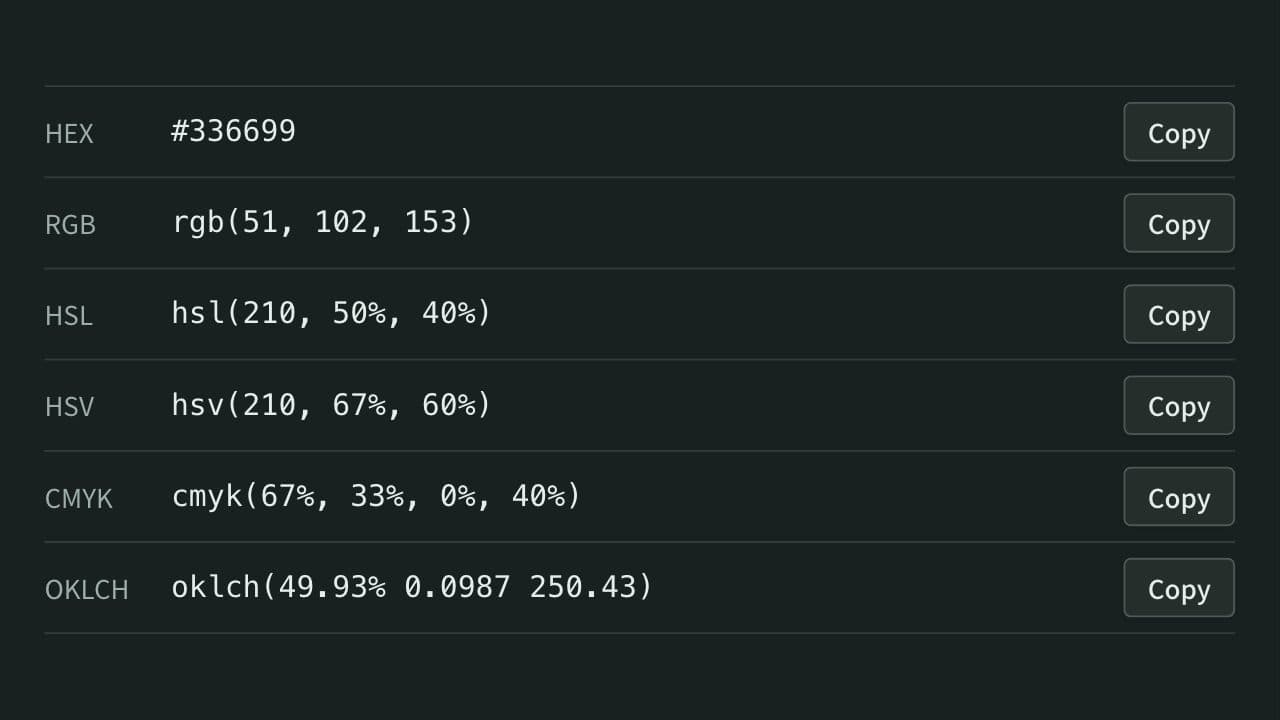
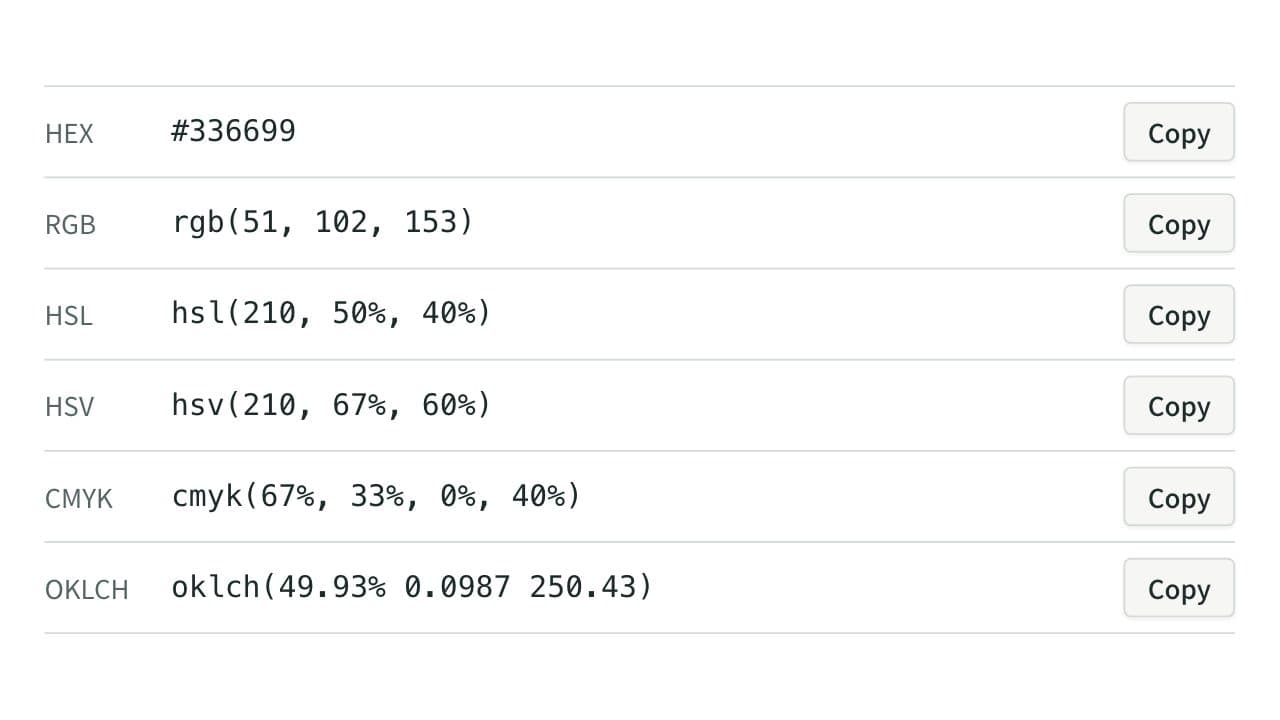
App Museum's Color Code Converter takes HEX, RGB, or HSL and also shows the HSV (HSB), CMYK, and OKLCH notations. It has no HSV input field, so copy the HEX value from your design tool instead. Compare the HSV value shown with the HSB value in the design tool, then copy the hsl() or oklch() string. The same screen shows the WCAG 2 contrast ratio of text placed on the color.
References
Apps for this guide
Color Code Converter
Convert colors between HEX, RGB, HSL, and more, with WCAG contrast ratios.