Color Code Converter
Convert colors between HEX, RGB, and HSL, and see them in HSV, CMYK, and OKLCH too, with a color picker, a live preview, and WCAG contrast ratios against white, black, or any text color you choose.
- HEX
- #3b82f6
- RGB
- rgb(59, 130, 246)
- HSL
- hsl(217, 91%, 60%)
- HSV
- hsv(217, 76%, 96%)
- CMYK
- cmyk(76%, 47%, 0%, 4%)
- OKLCH
- oklch(62.31% 0.188 259.81)
Contrast with text (WCAG 2)
- Your text color
- 4.85:1Passes AA
- White text
- 3.67:1Passes AA for large text only
- Black text
- 5.70:1Passes AA
How to use
- Enter or change a value in the color picker, HEX, RGB (R/G/B), or HSL (H/S/L) fields
- Entering a valid value updates every other field, the swatch at the top, and the results below at the same time. There is no convert button
- Besides HEX, RGB, and HSL, the results also list the color in HSV (HSB), CMYK, and OKLCH. These three are shown in the results only; they have no input fields
- Use the "Copy" button on each result row to copy that representation to the clipboard
- Below that, "Contrast with text (WCAG 2)" shows the contrast ratio and the WCAG level for text placed on this color as a background. Besides white text and black text, it compares text in the color you set with "Text color HEX" or "Text color picker"
- "Swap color and text color" exchanges the color above and the text color. Use it to see the RGB and HSL of the text color, or to fine-tune the text color
When the page opens, the blue #3b82f6 is filled in as an example, with the dark navy #0f172a as the text color. You can start editing from any field.
Example
Entering #ff6347 (tomato) in the HEX field gives these results.
HEX: #ff6347
RGB: rgb(255, 99, 71)
HSL: hsl(9, 100%, 64%)
HSV: hsv(9, 72%, 100%)
CMYK: cmyk(0%, 61%, 72%, 0%)
OKLCH: oklch(69.62% 0.1955 32.32)
To specify a color from HSL instead, set H to 210, S to 50, and L to 40. HEX becomes #336699, RGB becomes rgb(51, 102, 153), HSV becomes hsv(210, 67%, 60%), CMYK becomes cmyk(67%, 33%, 0%, 40%), and OKLCH becomes oklch(49.93% 0.0987 250.43).
The copied string has exactly the format shown in the results. HEX, RGB, HSL, and OKLCH can be pasted directly as CSS color values. hsv() and cmyk() are not CSS functions, so pasting them into CSS gives no color; use them as a record of the numbers to carry over to a design tool.
With the text color left at the initial #0f172a, the contrast ratios for the same #ff6347 are as follows. They show that black text reads better than white text on this color.
Your text color: 6.05:1 Passes AA
White text: 2.94:1 Fails
Black text: 7.12:1 Passes AAA
For #336699, white text gives 5.99:1 (Passes AA) and black text gives 3.50:1 (Passes AA for large text only), so white text is the better fit.
To choose the text color yourself, set the color above to #336699 and enter the yellow #ffcc00 in "Text color HEX". The ratio is 3.96:1, "Passes AA for large text only". Changing the text color to the pale yellow #ffeb99 gives 5.02:1, which is "Passes AA" for text of normal size too.
How to read the notations
-
HEX — six hexadecimal digits after
#, where each pair is the intensity of red, green, and blue (00–ff). In#ff6347, red isff(255), green is63(99), and blue is47(71) -
RGB — the intensity of red, green, and blue, each as an integer from 0 to 255. It carries the same information as HEX in a different notation
-
HSL — hue (H), saturation (S), and lightness (L). H is an angle on the color wheel: 0 is red, 120 is green, and 240 is blue. S is achromatic (gray) at 0% and most vivid at 100%. L is black at 0% and white at 100%
-
HSV (HSB) — hue (H), saturation (S), and value (V; B stands for brightness). H is the same angle as in HSL. V is black at 0% and reaches 100% when the largest RGB channel is 255. S is achromatic at 0% and, except for black, reaches 100% when the smallest RGB channel is 0. This is the notation used by color pickers in tools such as Photoshop and Figma. L in HSL and V in HSV are different quantities, so the numbers differ for the same color (
#ff6347has an L of 64% and a V of 100%) -
CMYK — the proportions of cyan (C), magenta (M), yellow (Y), and black (K), each from 0 to 100%. This app derives them from RGB with the plain formula (K is "1 − the largest RGB channel", and the others are proportions of what remains). CMYK for real printing is converted through a color profile (ICC profile) for the paper, inks, and press, so it does not match the values from design software or a print shop
-
OKLCH — the OKLab color space, built to follow how the eye perceives color, expressed as lightness (L), chroma (C), and hue (H). L is black at 0% and white at 100%. C is achromatic at 0, and within the colors a screen can show (sRGB) it reaches only about 0.32. H is an angle, but measured from a different origin than the HSL hue (pure red
#ff0000is 0 in HSL and about 29.23 in OKLCH). It works as CSSoklch()in the current versions of the major browsers
HSL suits adjustments such as changing only the brightness while keeping the same hue. Lowering only L in hsl(9, 100%, 64%) above gives a darker tomato with the hue unchanged. In OKLCH, L is close to perceived lightness, which helps when you want colors of different hues to look equally light.
How HSV, CMYK, and OKLCH are rounded
- HSV and CMYK are each rounded to integers. Black (
#000000) iscmyk(0%, 0%, 0%, 100%) - OKLCH rounds L to 0.01%, C to 0.0001, and H to 0.01 degrees, and drops trailing zeros. At these digits, a browser that turns the displayed
oklch()back into a color is off by at most 1 in each RGB channel - Gray, black, and white have no defined hue, so HSV shows H and S as 0, and OKLCH shows C and H as 0 (
#808080ishsv(0, 0%, 50%)andoklch(59.99% 0 0)) - A hue that rounds to 360 is shown as 0, the same hue. This holds for H in HSL and HSV (integers) and in OKLCH (0.01 degrees)
How to read the contrast ratio
A contrast ratio expresses the difference in lightness between two colors as a number from 1:1 (the same color) to 21:1 (white and black). The larger the number, the easier the text is to tell apart from its background. This app calculates three ratios with the WCAG 2 formula: your color against the text color you set, against white (#ffffff), and against black (#000000). Swapping the background and the text does not change the ratio, so the "Your text color" row keeps the same ratio after you press "Swap color and text color".
The label on the right says how far the ratio goes in meeting the WCAG 2 contrast criteria for text.
- Passes AAA (7:1 or more) — meets level AAA (success criterion 1.4.6) for text of normal size
- Passes AA (4.5:1 or more, less than 7:1) — meets level AA (success criterion 1.4.3) for text of normal size, and level AAA for large text
- Passes AA for large text only (3:1 or more, less than 4.5:1) — meets level AA for large text only
- Fails (less than 3:1) — meets none of the criteria for text
In WCAG, "large text" means text of at least 18 points (24px), or bold text of at least 14 points (about 18.66px).
- The ratio is cut after two decimals, not rounded.
#777777against white is about 4.478 and is shown as4.47:1. The level is decided from the value before it is cut, so you never see4.50:1beside a label that stops short of "Passes AA" - The gray
#767676gives4.54:1with white text and "Passes AA", while#777777, one step lighter, gives4.47:1and "Passes AA for large text only" - The "Aa" sample is real text drawn in that color combination. The verdict comes from the number; how the sample looks depends on your screen and font
Input rules
- Enter HEX as six digits or as the three-digit shorthand.
#f00is treated as#ff0000, with each digit repeated - The leading
#of a HEX value is optional, and letters can be upper or lower case. Once a value converts, the display is normalized to six lowercase digits with# - Four- or eight-digit HEX values, color names such as
red, and strings in the formrgb(...)oroklch(...)cannot be entered in the HEX field. "Invalid hex code" is shown and the other fields keep the last valid color - "Text color HEX" takes the same notation as the HEX field. While the value does not parse, "Invalid hex code for the text color" is shown and the contrast ratio keeps the last valid text color. The text color can be set only by HEX and the picker; it has no RGB or HSL fields
- "Swap color and text color" exchanges the last valid color on each side. A field that held an unreadable value is replaced by the color it receives
- The ranges are 0–255 for RGB, 0–360 for H, and 0–100 for S and L. A number outside the range is replaced with the nearest end of the range (entering
300for R gives 255) - A fractional number is rounded to the nearest integer
- Emptying an RGB or HSL field, or leaving it in a state that cannot be read as a number while typing, is not treated as 0. The last valid color is kept, and the field returns to its previous number when it loses focus
Why an HSL value can differ from what you typed
The app holds the color as integer RGB (0–255 per channel) and displays HSL calculated from it and rounded to integers. A value typed into an HSL field is converted to RGB and then displayed as HSL again, which has these consequences.
- The displayed value can differ by 1 from what you typed. When HEX is
#6c3737, HSL is shown ashsl(0, 33%, 32%). Typing32for S here still calculates the samergb(108, 55, 55), so S returns to33 - Editing an HSL field can shift HEX and RGB by one step. The initial
#3b82f6is shown ashsl(217, 91%, 60%), but the color calculated back from those three numbers is#3c83f6 - Gray, black, and white (S is 0, or L is 0 or 100) have no defined hue, so H is shown as 0. Changing only H in this state leaves the color unchanged and H returns to 0. Change S or L first, then set H
- Entering
360for H is displayed as0, which is the same hue
When you need to hand over an exact color, use the HEX or RGB value, which is not affected by this rounding.
FAQ
Does it support shorthand 3-digit HEX (e.g. #f00)?
Yes. #f00 converts as #ff0000 and #abc as #aabbcc. The result is always shown with six digits.
Is alpha (transparency) supported?
No. Only opaque colors are supported. An eight-digit HEX value such as #ff634780 is treated as invalid, and the app cannot output rgba() or hsl() with an alpha value.
Can I check the contrast with a text color other than white or black?
Yes. Set the text color with "Text color HEX" or "Text color picker", and the "Your text color" row shows its ratio with the color above and the level. To compare two arbitrary colors, enter one as the color above and the other as the text color.
Can I set the text color in RGB or HSL?
The text color has only a HEX field and a picker. If you know only the RGB or HSL values, enter that color in the fields above first, then move it to the text color with "Swap color and text color".
Which standard is the contrast ratio based on?
The relative luminance and contrast ratio formulas of WCAG 2 (the same in 2.0, 2.1, and 2.2). APCA, which is being considered in the WCAG 3 drafts, is a different calculation, and its numbers are not comparable.
If it says "Passes AA", does my design meet the accessibility standard?
It meets only the contrast criterion for text written in that color combination. Text size and weight, text placed over images, and non-text elements such as icons and input borders need separate checks.
Can it convert to HSV (HSB), CMYK, or OKLCH?
Yes. They appear in the HSV, CMYK, and OKLCH rows of the results, and you can copy them. These three are display only, though: you cannot set a color by entering HSV or CMYK values. Set the color with the color picker, HEX, RGB, or HSL.
Can I send the CMYK values shown here to a printer as they are?
We do not recommend it. The CMYK here is an estimate from a plain formula that uses no color profile. To match colors in print, convert in your design software with the profile your print shop specifies (such as FOGRA or GRACoL), or ask the print shop. Also, a screen (RGB) can show some vivid colors that CMYK inks cannot print.
Why does a number I typed into HSL change to a slightly different value?
Because HSL values are rounded to integers for display. There are about 16.77 million combinations of integer RGB values, but fewer combinations can be expressed as integer HSL, so not every color can be matched one to one. See "Why an HSL value can differ from what you typed" above.
Why does my color picker look different from someone else's?
The color picker uses the browser's built-in color selection control, so its appearance and operation depend on the browser and operating system. The color you choose is reflected in HEX, RGB, HSL, and the other notations the same way in every environment.
Why can't I paste after pressing the copy button?
When copying succeeds, the button label briefly changes to "Copied!". If the label does not change, the browser may not be allowing writes to the clipboard. In that case, select the result text and copy it manually.
Is my data stored anywhere?
No. Conversion runs entirely in your browser's JavaScript and the colors you enter are not sent to a server. Reloading the page restores the initial color and text color.
- Type
- Utility
- Category
- Developer
- Tags
- color
- hex
- rgb
- hsl
- hsv
- cmyk
- oklch
- contrast
- contrast-checker
- wcag
- converter
- developer
Related apps
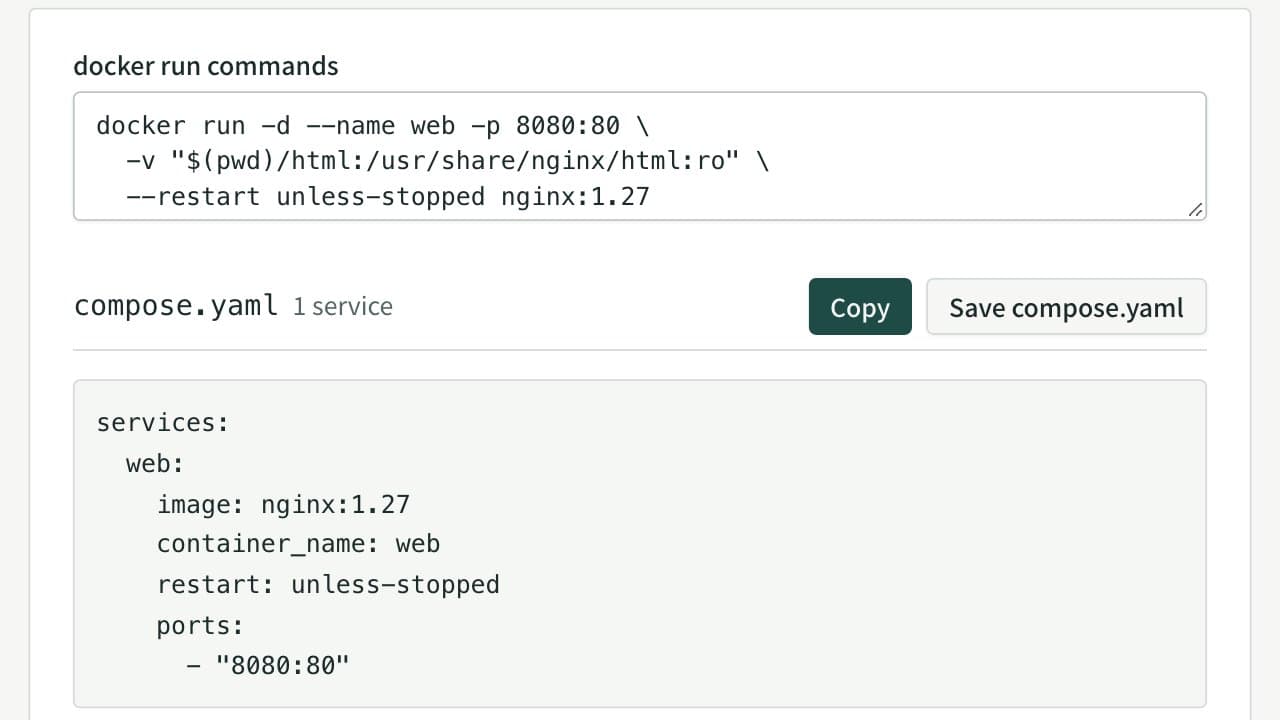
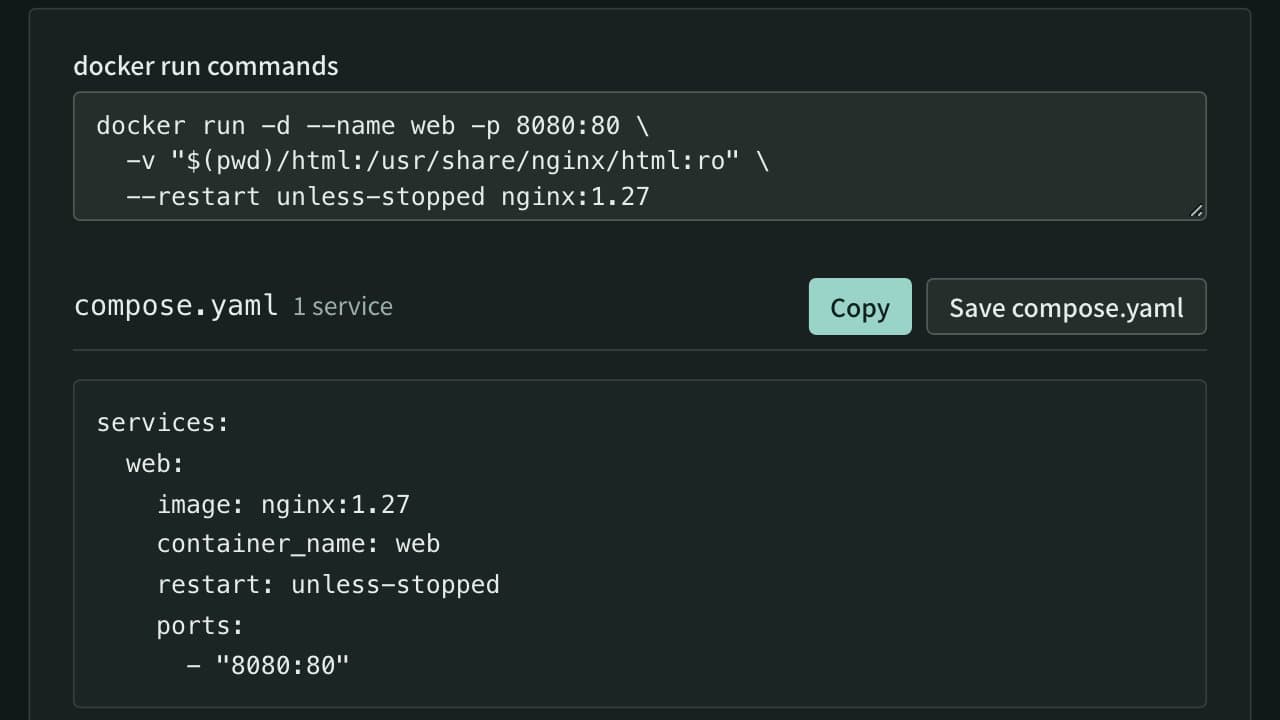
docker run to Docker Compose Converter (compose.yaml)
Paste docker run commands and get a compose.yaml. Reads every docker run option, including ports, environment, volumes, networks, health checks and GPUs, merges several commands into one file, rewrites $(pwd) and $ for Compose, and flags options Compose cannot express.
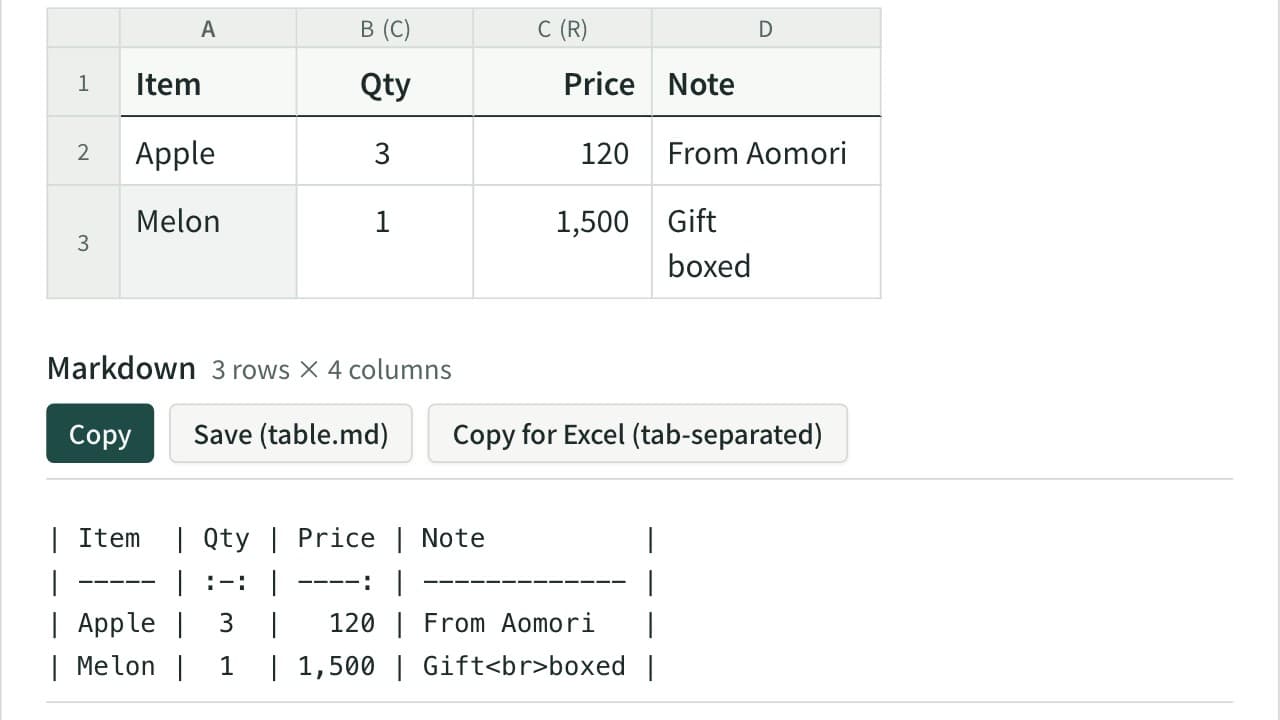
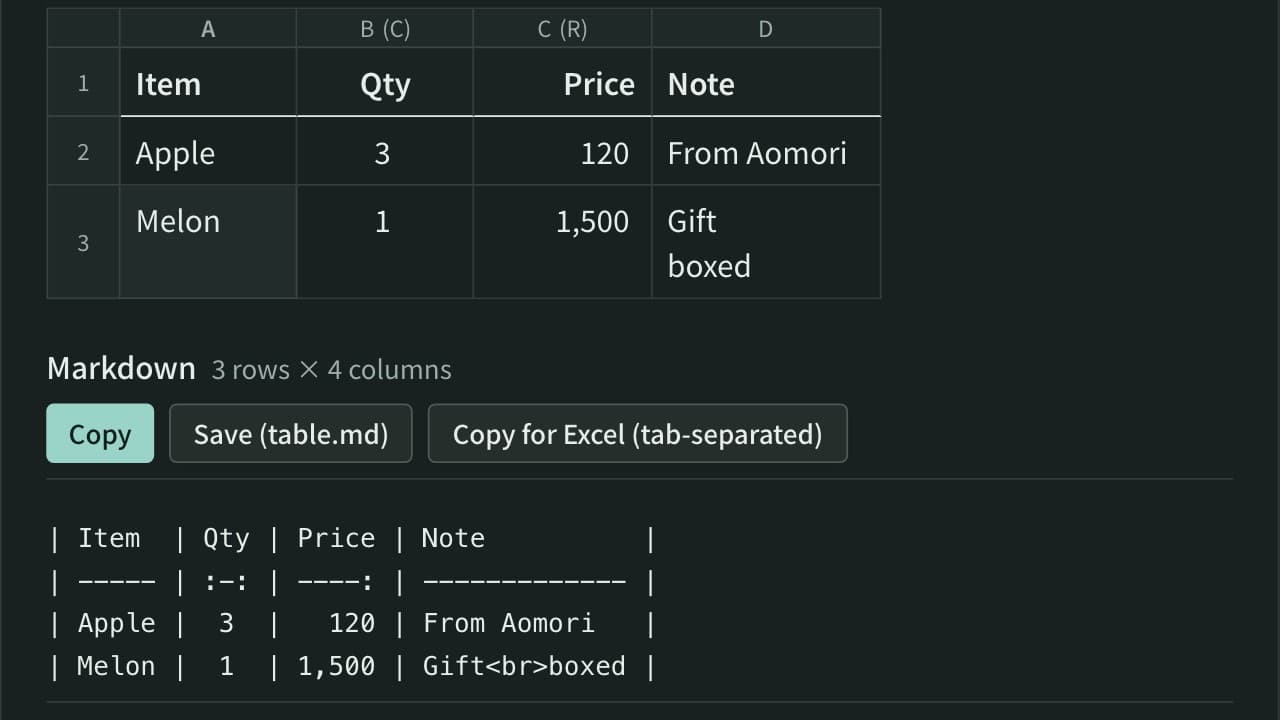
Markdown Table Generator
Turn cells copied from Excel or a spreadsheet into a Markdown table. Edit the cells in a grid, set each column to left, center or right alignment, and add, move, sort or swap rows and columns. The pipes line up even with Japanese and other full-width text, and you can reformat an existing Markdown table or copy it back to Excel.
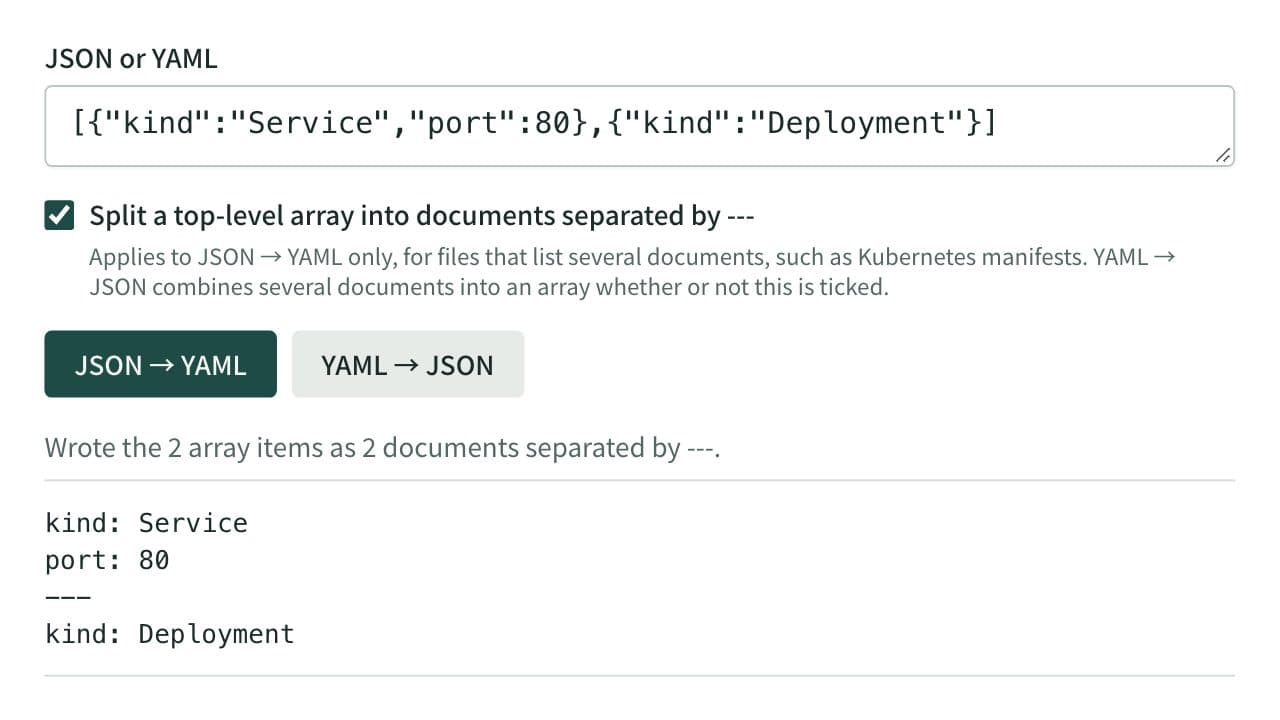
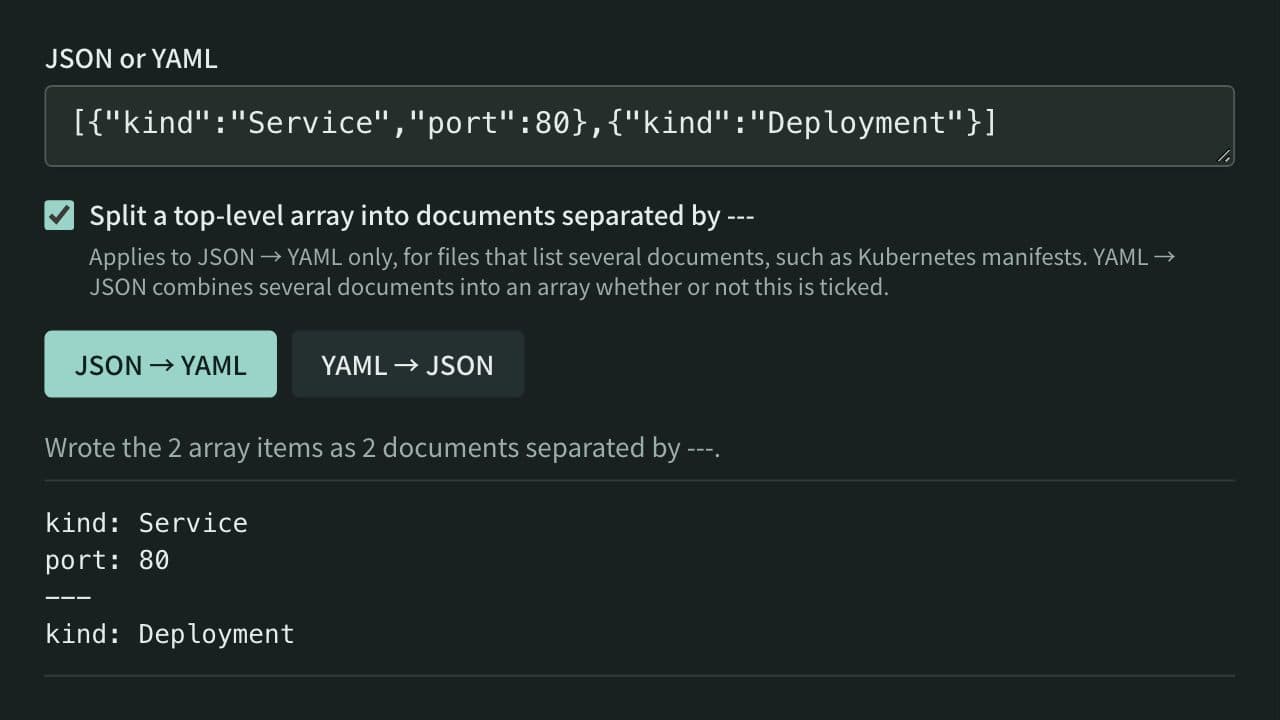
JSON ⇔ YAML Converter
Convert between JSON and YAML, including multi-document YAML (--- separated) to and from JSON arrays — useful for config file format conversion and data inspection.