Markdown Table Generator
Turn cells copied from Excel or a spreadsheet into a Markdown table. Edit the cells in a grid, set each column to left, center or right alignment, and add, move, sort or swap rows and columns. The pipes line up even with Japanese and other full-width text, and you can reformat an existing Markdown table or copy it back to Excel.
Paste and load a table
Edit the table
Selected cell: A1
When cleared, the table is written with an empty header row, as a Markdown table needs one.
Enter moves to the cell below and Tab to the right. Shift+Enter starts a new line in a cell. Cells pasted from Excel fill out from the cell you paste into.
| 1 | |||
|---|---|---|---|
| 2 | |||
| 3 |
Markdown3 rows × 3 columns
Markdown table
|     |     |     |
| --- | --- | --- |
|     |     |     |
|     |     |     |
How to use
- In Excel or Google Sheets, select the cells you want as a table, copy them, and paste them into "Paste and load a table". CSV text and existing Markdown tables can be pasted too
- Press "Load into the table" to put the table into "Edit the table" below. With the format left on "Detect automatically", tab-separated text (copied from Excel), comma-separated text (CSV) and Markdown tables are told apart. Text without tabs is read as CSV, except when its only commas are in numbers with thousands separators such as
1,500: then it is read as a single column copied from Excel, so that the numbers are not split into two cells. If the guess is wrong, choose the format yourself - Click a cell to change its text. With a cell selected, the buttons above set the column's alignment (left, center or right), insert, move and delete rows and columns, and sort
- The table is written out under "Markdown" at the bottom. Press "Copy" and paste it into Markdown on GitHub, GitLab, Obsidian and other sites and editors
You can also start from scratch. The editor starts with an empty table of 3 rows and 3 columns: type into the cells, press Enter to move to the cell below and Tab to move right. Enter on the last row adds a row. Shift+Enter starts a new line inside a cell.
Pasting cells from Excel into a cell of the table fills them out from that cell, adding rows and columns as needed.
Example
Copy these three columns from Excel and load them:
Item	Qty	Price
Apple	3	120
Melon	1	1,500
Set the "Qty" column to center and the "Price" column to right alignment, and the Markdown becomes:
| Item  | Qty | Price |
| ----- | :-: | ----: |
| Apple |  3  |   120 |
| Melon |  1  | 1,500 |
With "Compact", the same table is written without padding. It displays the same way:
| Item | Qty | Price |
| --- | :---: | ---: |
| Apple | 3 | 120 |
| Melon | 1 | 1,500 |
How the table is written
- The second line, the delimiter row, sets each column's alignment:
:---is left,:---:center,---:right, and---leaves it to the default of the place that displays it (usually left) - A
|inside a cell is written as\|so that it does not divide cells. Loading does the reverse and turns\|back into|, so a table that is loaded and written out again stays the same. The same goes for a|inside code (between`marks); GitHub and others display it as| - A cell of a Markdown table cannot hold a line break, so line breaks in a cell are written as
<br>(GitHub and other places that allow HTML show them as line breaks). With "Write as a space", the lines are joined with spaces - Spaces at the start and end of a cell are not shown in Markdown, so they are left out. Tabs in a cell become spaces
- Markdown such as
**bold**or[a link](https://example.com)is written as it is, so it works inside the table. Check "Escape symbols" to put a\before*_`[]<>~&$\so that they do not turn into bold text, links, math and the like. URLs and names starting with@may still become links on some sites - "Line up the columns" counts Chinese characters, Japanese kana, Korean, full-width letters and emoji as two columns, and half-width katakana and characters of ambiguous width such as ○ and Greek letters as one. If your editor's font does not draw full-width characters at two columns, clear "Count East Asian full-width characters as two columns" to count each character as one
- With "Use the first row as the header" cleared, the table is written with an empty header row, since a Markdown table (GFM) always needs one
How tables are read
- Excel and spreadsheets put quotation marks (
") around a cell holding a line break or a tab when copying. That form is read back into a single cell. A"that does not enclose its cell (as in a value such as"A" grade) is kept as text, for that cell only - In a Markdown table, the line above a delimiter row such as
| --- |is read as the header, and the alignment in the delimiter row is read too.<br>becomes a line break in the cell, and\|becomes| - When a document holds a table, only the first table is loaded. A table ends before a blank line or a line that starts a heading (
#), a quote (>), a list (-or1.), code, HTML and the like - When rows have different numbers of cells, blank cells are added so that all rows have as many columns as the longest one. Markdown drops cells beyond the header's count from the display; this tool keeps them
- A table whose header row and delimiter row have different numbers of cells is not shown as a table on GitHub and the like; this tool loads it, lines up the columns, and says so
- A Markdown table with an empty header row is loaded as a table without a header
- The editor holds up to 500 rows and 30 columns
Editing the table
- The row and column buttons act on the row and column of the selected cell (the cell you clicked last), shown above the buttons as "Selected cell: B2"
- Sorting orders the rows below the header by the selected column. If every value in the column is a number (
1,500,$3.50,12%, and full-width digits too), they sort by value; otherwise by text, withitem2beforeitem10. Blank cells go last - "Swap rows and columns" transposes the table. The alignments belonged to the old columns, so they are cleared
- "Delete empty rows and columns" removes rows and columns whose cells are all blank. The header row stays
- "Undo" and "Redo" step back and forth through the button actions and the typing in cells (typing in one cell in a row counts as one step)
- "Copy for Excel (tab-separated)" copies the table in a form you can paste into Excel or a spreadsheet, to turn a Markdown table back into cells
Everything you enter is processed in your browser and is never sent or stored anywhere.
FAQ
Can I merge cells in a Markdown table?
No. Markdown tables (GitHub Flavored Markdown) have no way to merge cells (colspan or rowspan). When you copy merged cells from Excel, the value goes into the top-left cell of the merged range and the rest are blank. For merged cells you need an HTML table tag.
Can I paste a table from Google Sheets or a web page?
Yes, if it becomes tab-separated text when copied. Google Sheets, Numbers and most tables on web pages do. If the table does not load, set the format to "Tab-separated (Excel)".
The pipes do not line up
Markdown displays the same table whether the pipes line up or not, so the display is not affected. In an editor they shift when the font does not draw full-width characters at two columns, or when emoji take a different width in that font. View it in a monospaced font, or choose "Compact" so that the alignment no longer matters.
How do I put a | in a table?
Type | in the cell as it is. It is written as \|, which GitHub, GitLab and other sites that follow GitHub Flavored Markdown display as |.
The <br> shows up as text
<br> becomes a line break only where HTML is allowed inside Markdown. Where it is not, set "Line breaks in cells" to "Write as a space".
- Type
- Utility
- Category
- Developer
- Tags
- markdown
- table
- excel
- tsv
- csv
- converter
- developer
- github
Related apps
Color Code Converter
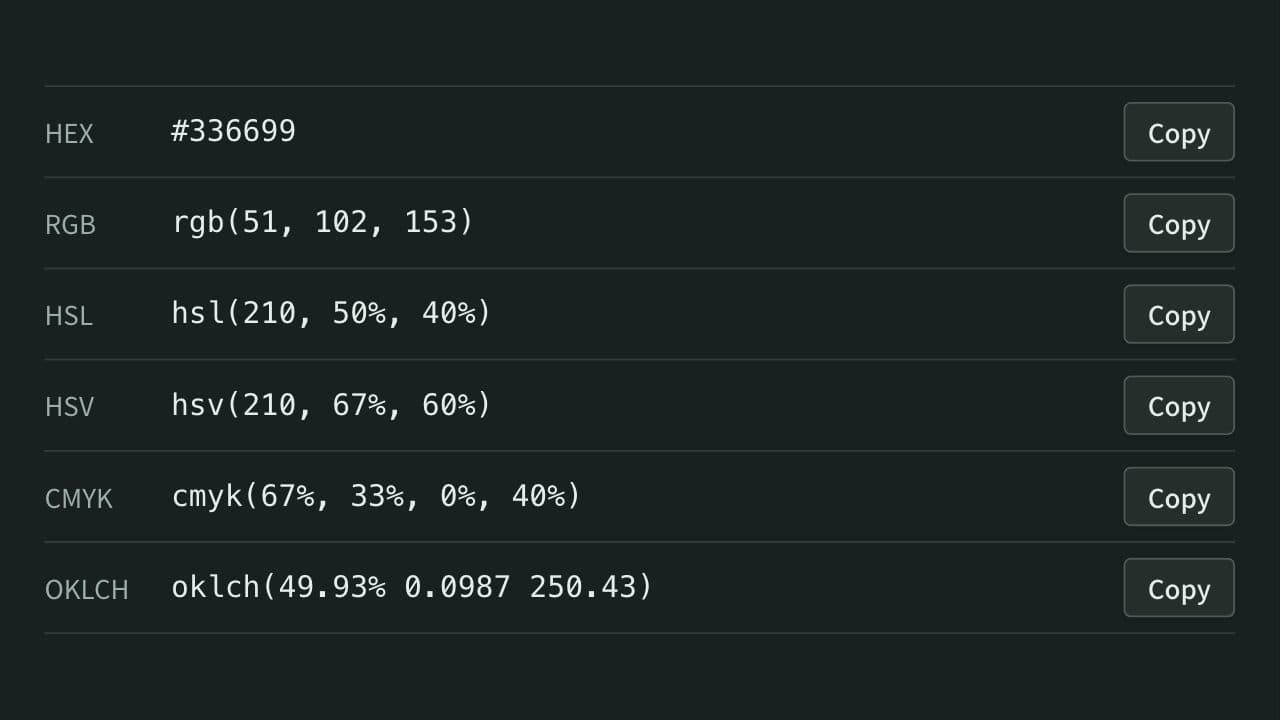
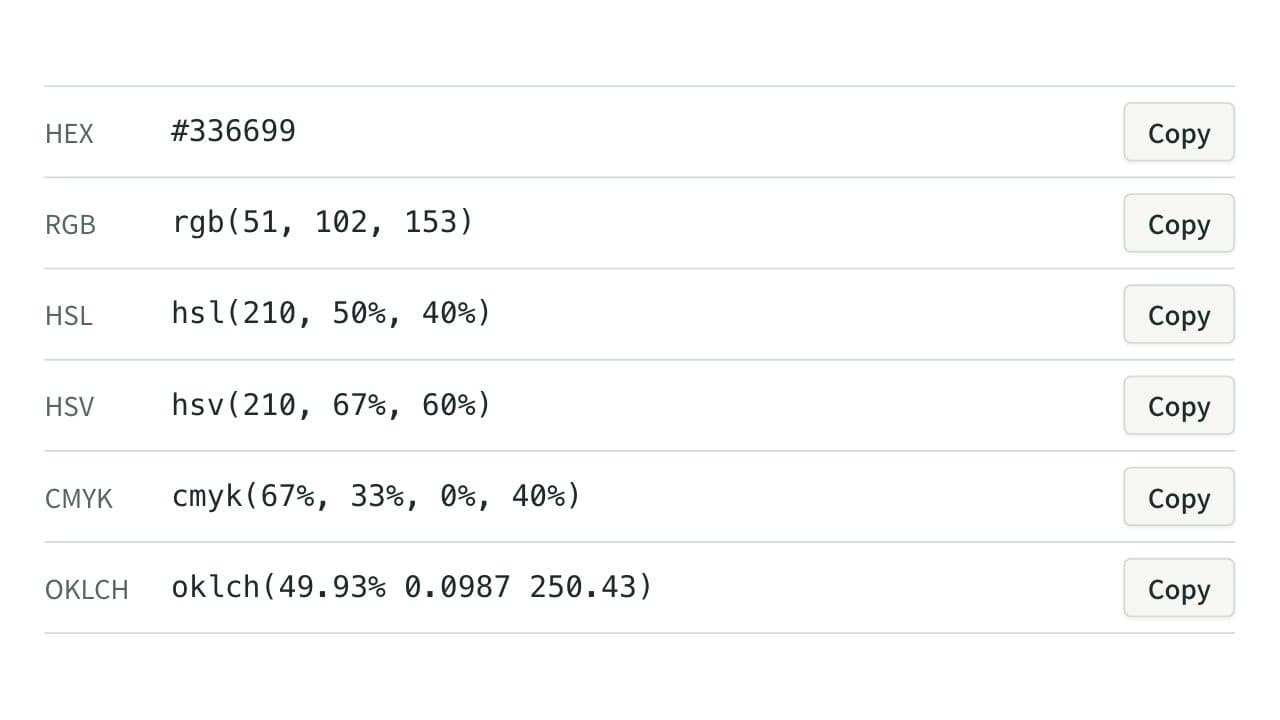
Convert colors between HEX, RGB, and HSL, and see them in HSV, CMYK, and OKLCH too, with a color picker, a live preview, and WCAG contrast ratios against white, black, or any text color you choose.
docker run to Docker Compose Converter (compose.yaml)
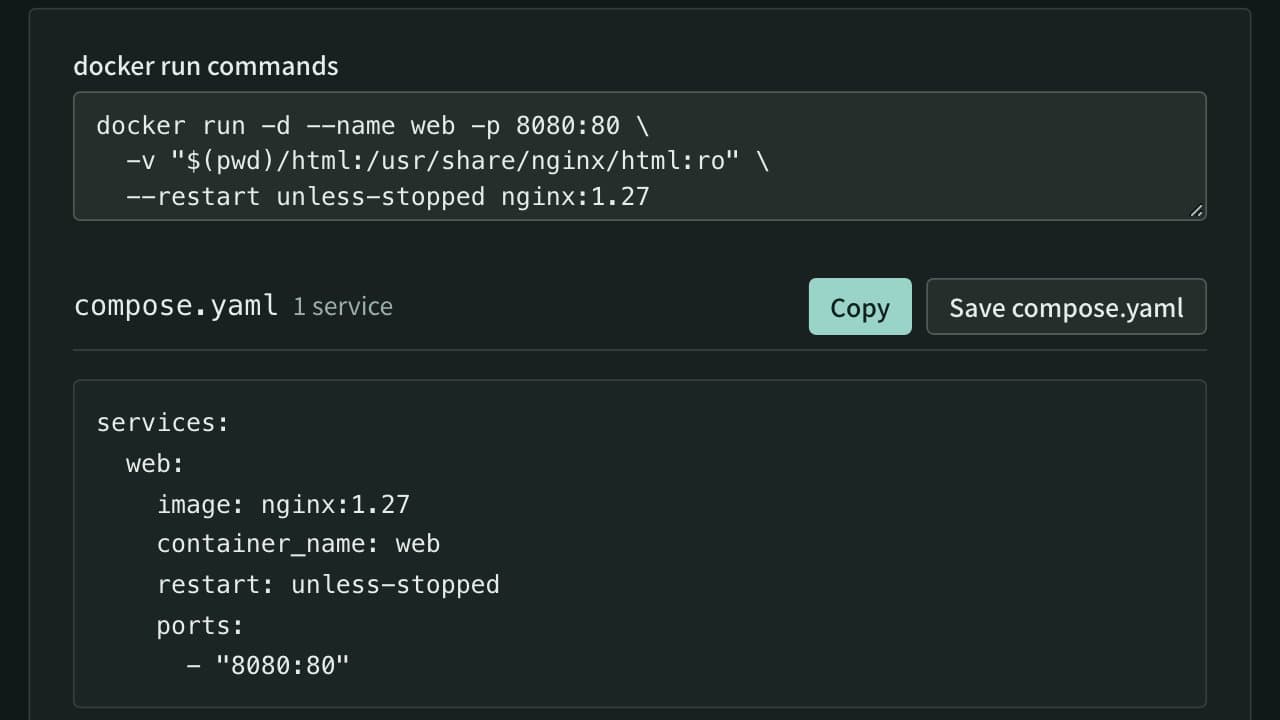
Paste docker run commands and get a compose.yaml. Reads every docker run option, including ports, environment, volumes, networks, health checks and GPUs, merges several commands into one file, rewrites $(pwd) and $ for Compose, and flags options Compose cannot express.
JSON ⇔ YAML Converter
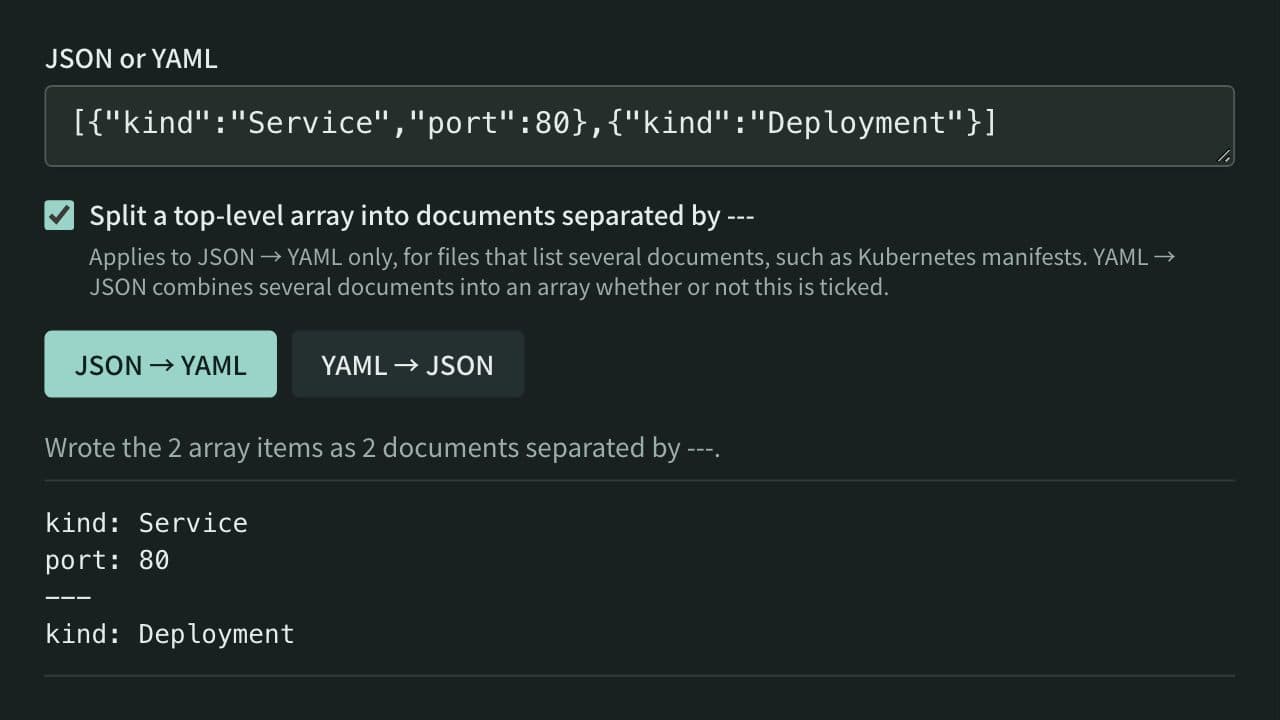
Convert between JSON and YAML, including multi-document YAML (--- separated) to and from JSON arrays — useful for config file format conversion and data inspection.