CSV ⇔ JSON Converter
Convert between CSV or tab-separated text and JSON — turn a spreadsheet table into JSON, or a JSON array back into rows and columns. Nested JSON is expanded into columns such as address.city. Download the result as a CSV file that Excel opens without garbled text.
For JSON → CSV, keys inside objects become columns such as address.city, and array items become columns such as tags.0.
How to use
- Paste CSV or JSON into the text area
- Choose the CSV delimiter: comma or tab. Cells copied from Excel or Google Sheets are tab-separated, so choose "Tab (TSV)" for them
- Press "CSV → JSON" or "JSON → CSV"
- The converted result appears below. Use "Copy" to copy it, or "Download" to save it as a file (
data.json,data.csv, ordata.tsv)
Above the converted text, the data is laid out as a table. As in a spreadsheet, the columns are lettered A, B, C… and the rows numbered 1, 2, 3…, with the header row in bold. For "CSV → JSON" the table shows the CSV as it was read, and for "JSON → CSV" the CSV that was made, so you can check how the columns split and what the expanded nested columns are called without reading through the text. The table shows up to the first 20 rows and 30 columns; the text and the download hold the rest.
While "Treat the first CSV row as headers (JSON keys)" is checked, the first CSV row becomes the JSON keys. Clear it to convert data without a header row into one array per row.
While "Expand nested JSON into columns" is checked (it is by default), "JSON → CSV" splits objects and arrays inside JSON values into columns named after the path of keys that leads to them. Clear it to stop the conversion at a nested value instead.
Example
Pasting this CSV and pressing "CSV → JSON":
name,age
Alice,30
Bob,25
produces this JSON:
[
  {
    "name": "Alice",
    "age": "30"
  },
  {
    "name": "Bob",
    "age": "25"
  }
]
In the other direction, pasting [{"name": "Alice", "age": 30}, {"name": "Bob", "age": 25}] and pressing "JSON → CSV" gives the original table back.
Nested JSON, such as an API response, converts too. Pasting this JSON and pressing "JSON → CSV":
[
  { "name": "Alice", "address": { "city": "Tokyo" }, "tags": ["admin", "dev"] },
  { "name": "Bob", "address": { "city": "Osaka" }, "tags": ["dev"] }
]
produces this CSV. An array whose number of items differs between rows, such as tags, gets columns up to the largest number, and the shorter rows leave the rest empty:
name,address.city,tags.0,tags.1
Alice,Tokyo,admin,dev
Bob,Osaka,dev,
A result converted with "Tab (TSV)" splits into one cell per column when pasted straight into Excel or Google Sheets.
Conversion rules
CSV → JSON:
- Wrap a value that contains a comma, a line break, or a
"in double quotes, as in"Tokyo, Japan". Write a"inside the value twice, as""(the RFC 4180 form) - LF, CRLF, and CR line endings are all read. Blank lines are skipped
- Every value is output as a string.
30becomes"30", and an empty field becomes"" - Spaces around a value are kept as written, not trimmed
JSON → CSV:
- An array of objects gets a header row holding every key in the order it first appears. A row without that key and a
nullvalue both become an empty field - A single object is converted as a one-row table
- An array of arrays (
[["a", "b"], ["1", "2"]]) is converted to rows without adding a header - When nested values are expanded, a column is named by joining the object keys and array positions (counting from 0) with
.:{"a": {"b": [1, 2]}}becomes the two columnsa.b.0anda.b.1. An empty{}or[]becomes an empty field in the column of its own name - Expanded columns are ordered by first appearance, but the columns from one object or array stay next to each other. When a later item has a longer array,
tags.1still goes right aftertags.0 - When a key holds a plain value in one item and an object or array in another, both kinds of column are made, as in
aanda.b. The value columnacomes before the expanded columns, whichever appears first. An array position and the same number used as an object key (the0in["x"]and in{"0": "y"}) share one column - Expanding nested values works only for an array of objects (or a single object). A nested value inside an array of arrays stops the conversion
- Only values containing the delimiter, a line break, or a
"are wrapped in quotes. As an exception, an empty field in a one-column table is written as""so that it is not mistaken for a blank line. Lines end with LF - Numbers are written as JavaScript reads them:
1.0becomes1, and1e3becomes1000. To keep a value exactly as written, make it a string in the JSON - A row that is an empty array (the second item of
[["a"], []]) cannot be written as a CSV row, so the conversion stops
FAQ
Why do numbers and booleans all become strings?
CSV carries no type information, and reading 00123 (a postal code or an employee number), 1e5, or a long ID as a number would drop the leading zeros or round the value. This tool keeps the characters exactly as written. If you need numbers, convert them where the JSON is used.
Can I convert CSV whose rows have different numbers of columns?
Not while the first row is treated as headers. There is no way to tell which value belongs to which key, so the conversion stops and names the line whose column count differs. Clear "Treat the first CSV row as headers" to convert uneven rows into one array per row.
What happens when two columns share the same header?
The conversion stops and shows the repeated header. A JSON object cannot hold the same key twice, so converting as-is would lose one of the columns. Rename the header, or clear the header setting.
Can nested JSON be converted to CSV?
Yes. While "Expand nested JSON into columns" is checked (it is by default), {"address": {"city": "Tokyo"}} becomes a column named address.city. With it cleared, a nested value does not fit in a single CSV cell, so the conversion stops and names the item and the key.
Can "CSV → JSON" turn expanded columns back into nested JSON?
No. "CSV → JSON" uses each header as a key exactly as written, so address.city becomes the single key "address.city". CSV alone cannot tell whether a . in a header separates keys or is part of a name.
What happens when an expanded column name matches a key containing a dot?
When an expanded path and a key containing . produce the same column name, as in {"a": {"b": 1}, "a.b": 2}, the column could not tell which of the two it holds, so the conversion stops. This also applies when the two come from different items, and when the values are null or empty. Rename one of the keys.
Can JSON → CSV change the column order?
Yes, when a key looks like a whole number, such as 2025. When JavaScript reads JSON, it moves whole-number keys to the front in ascending order. All other keys keep the order they were written in. Expanded columns from one object or array are kept next to each other, so a column that a later item adds can appear in the middle. CSV → JSON keeps the column order even for headers that look like whole numbers.
Will the converted CSV show garbled characters in Excel?
Not when you save it with "Download". Excel may read a UTF-8 CSV in the system's older encoding unless the file starts with a byte order mark (BOM), three bytes that mark it as UTF-8, so the downloaded CSV and TSV files start with one. If you save the copied result to a file yourself, it has no BOM, and non-ASCII text such as Japanese can appear garbled. To hand data to Excel without a file, you can also convert with "Tab (TSV)" and paste the result straight into the sheet.
What encoding and line endings does the downloaded file use?
UTF-8 with LF line endings. CSV (data.csv) and TSV (data.tsv) start with a BOM; JSON (data.json) does not, because many programs cannot read JSON that starts with one. When you need CSV without a BOM, for example for a program that would read the BOM as part of the first header, copy the result and save it from an editor.
How are values starting with = or + handled?
They are output unchanged. Spreadsheet software may interpret a cell starting with =, +, -, or @ as a formula. Take care when turning data from an unknown source into CSV and opening it in a spreadsheet.
My JSON with a very long integer does not convert
A number outside the safe integer range (±9007199254740991), such as 12345678901234567890, is already rounded by the time it is read. The conversion stops instead of writing the rounded value. A number too large to read, such as 1e400, stops the conversion for the same reason. To keep every digit, quote it as a string: "12345678901234567890".
What happens if I paste JSON and press "CSV → JSON"?
If the text cannot be read as CSV, the tool tells you to press "JSON → CSV". If it can also be read as CSV, as [1] can, it is converted as CSV and the same pointer appears above the result.
Is my input saved anywhere?
No. Everything is processed in your browser, nothing is sent anywhere, and the data disappears when you reload the page. The file for "Download" is also made in your browser, and is saved to your device only when you press the button.
- Type
- Utility
- Category
- Developer
- Tags
- csv
- json
- tsv
- converter
- developer
Related apps
Markdown Table Generator
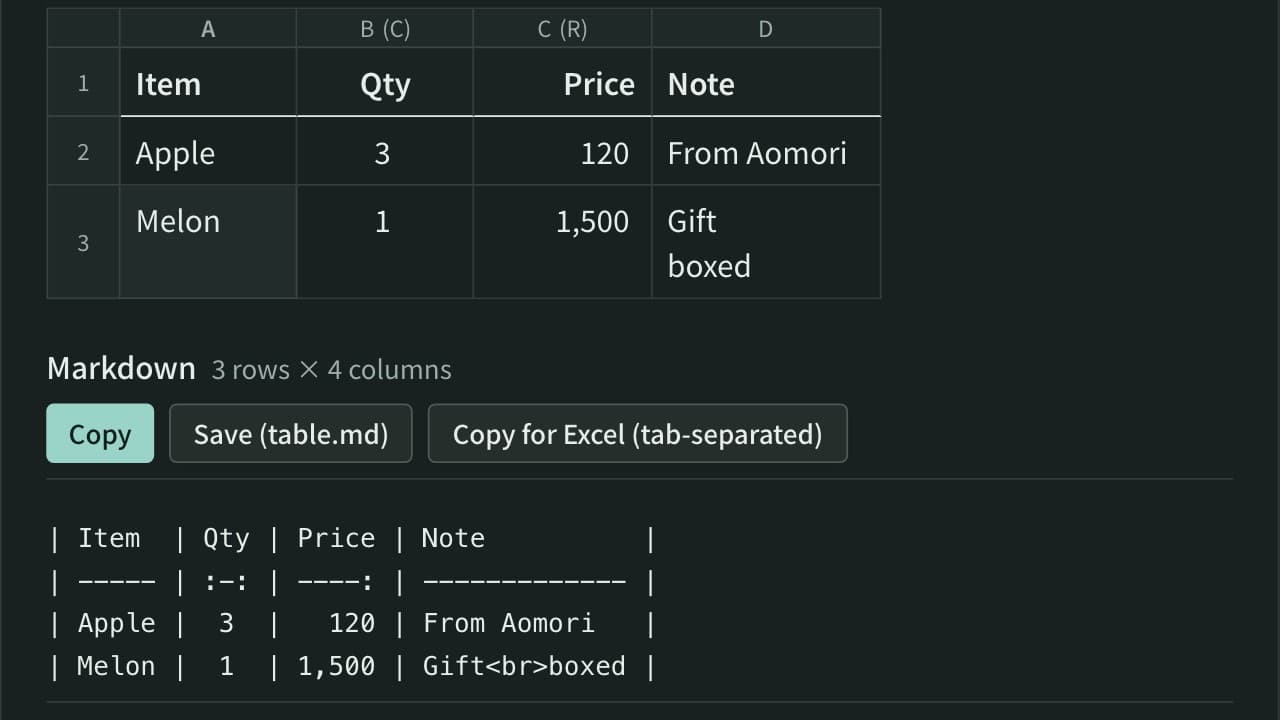
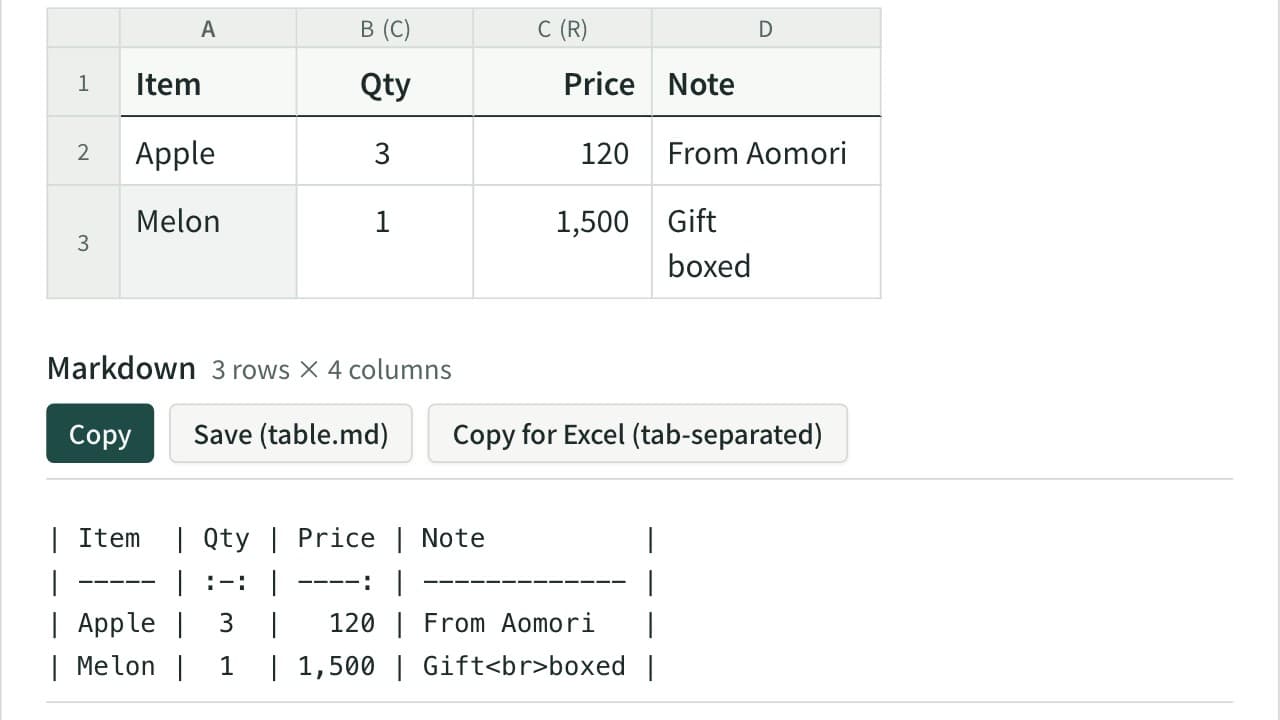
Turn cells copied from Excel or a spreadsheet into a Markdown table. Edit the cells in a grid, set each column to left, center or right alignment, and add, move, sort or swap rows and columns. The pipes line up even with Japanese and other full-width text, and you can reformat an existing Markdown table or copy it back to Excel.
Color Code Converter
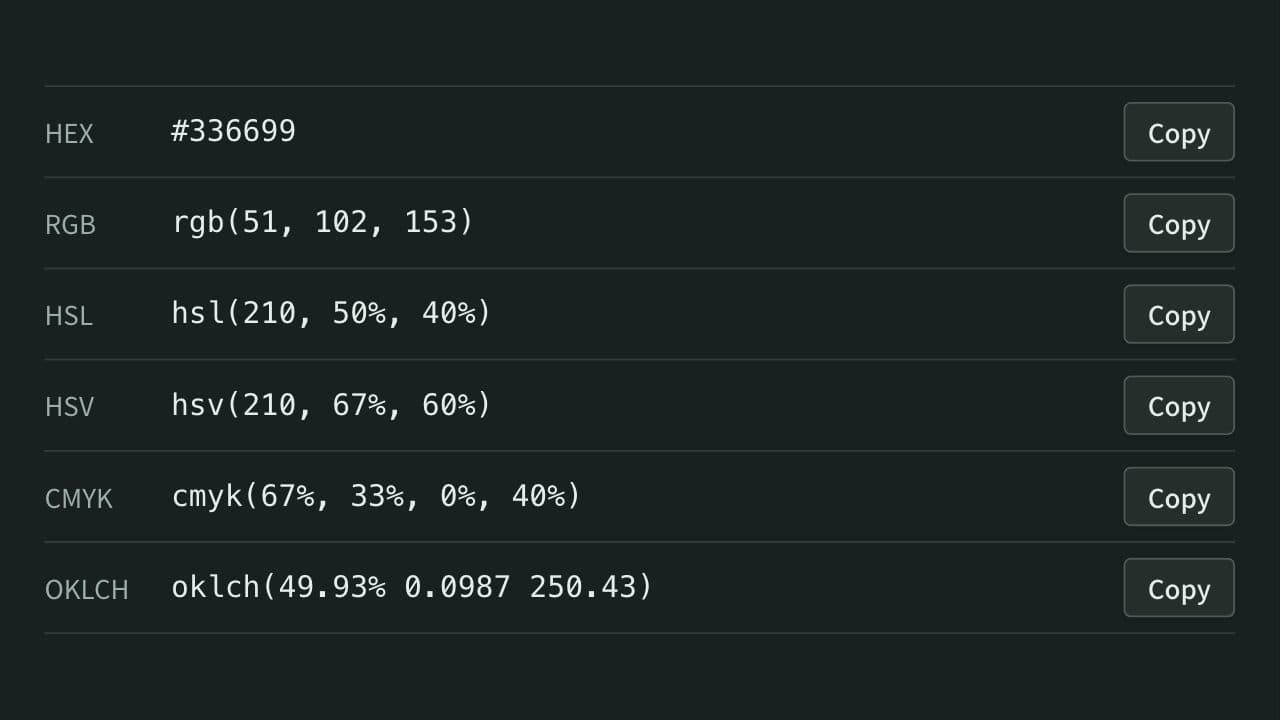
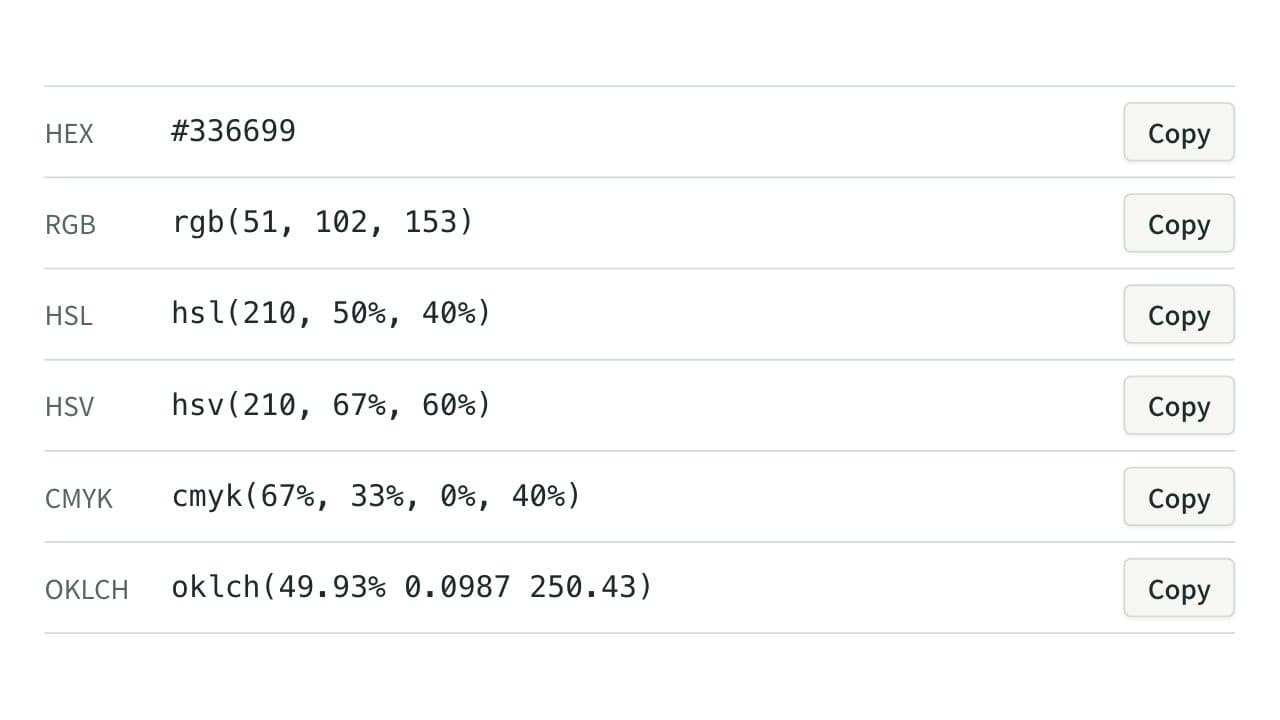
Convert colors between HEX, RGB, and HSL, and see them in HSV, CMYK, and OKLCH too, with a color picker, a live preview, and WCAG contrast ratios against white, black, or any text color you choose.
docker run to Docker Compose Converter (compose.yaml)
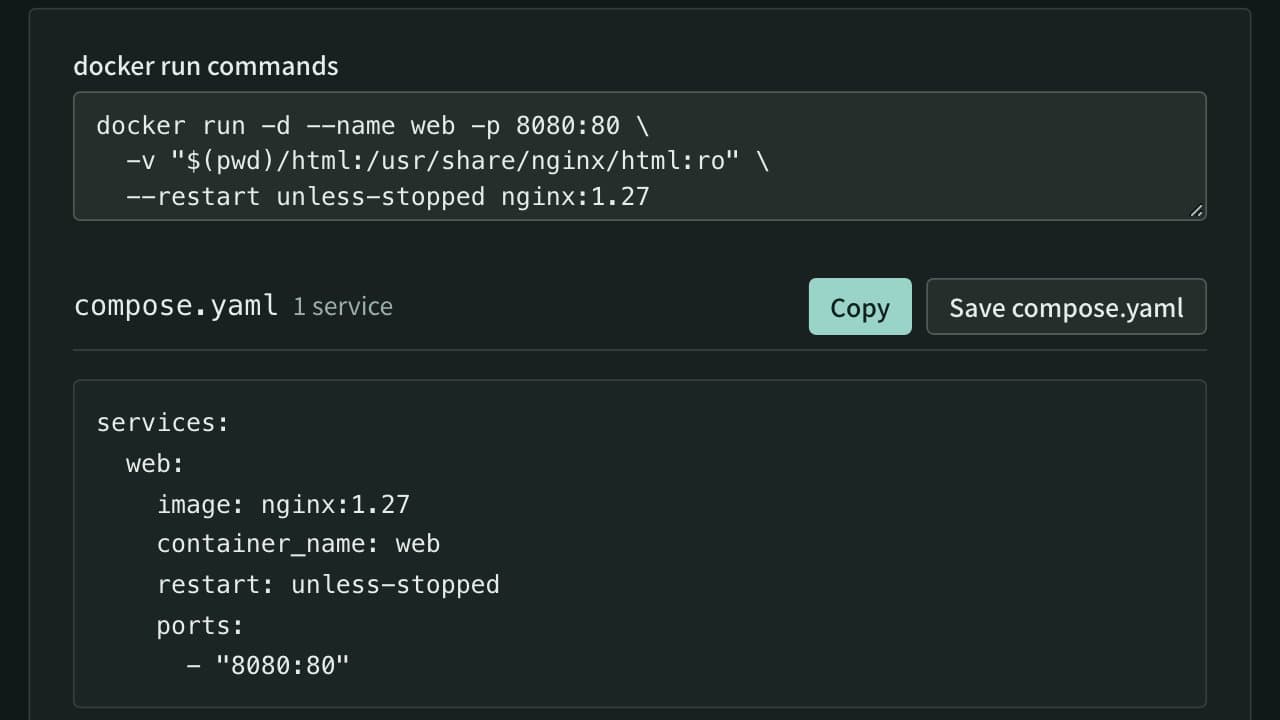
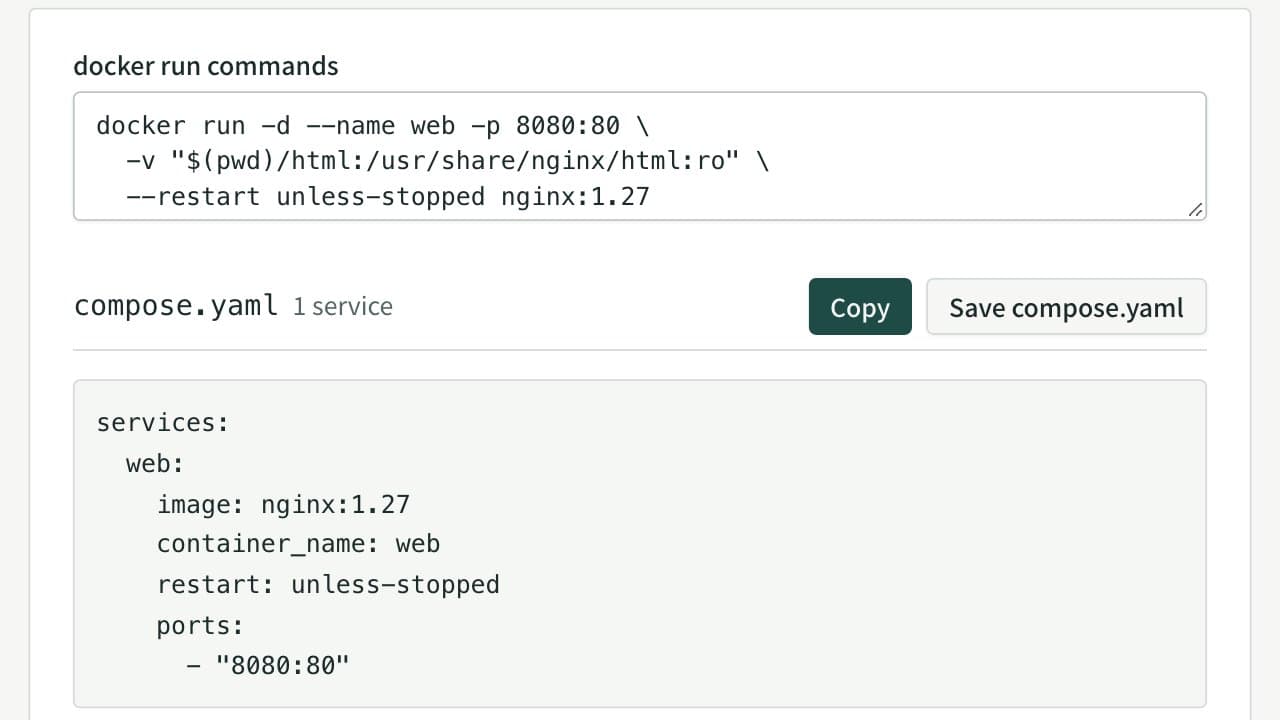
Paste docker run commands and get a compose.yaml. Reads every docker run option, including ports, environment, volumes, networks, health checks and GPUs, merges several commands into one file, rewrites $(pwd) and $ for Compose, and flags options Compose cannot express.