docker run to Docker Compose Converter (compose.yaml)
Paste docker run commands and get a compose.yaml. Reads every docker run option, including ports, environment, volumes, networks, health checks and GPUs, merges several commands into one file, rewrites $(pwd) and $ for Compose, and flags options Compose cannot express.
Put each command on its own line (continuations with a trailing \, ` or ^ work too). docker network create and docker volume create are read as well.
compose.yaml
Enter a docker run command to see the compose.yaml here.
How to use
- Paste the
docker runcommands you want to convert into "docker run commands". Commands from a README or runbook can go in as they are, trailing\and all - The converted file appears right away under "compose.yaml". Use "Copy" or "Save compose.yaml" to take it
- "Things to check" lists options that could not go into compose.yaml and explains anything that was rewritten. Read it before you use the file
- Put compose.yaml in the folder you ran the commands from and start it with
docker compose up -d
Several commands on separate lines become separate services in one compose.yaml. docker network create and docker volume create lines are read too and become network and volume definitions. Other commands such as docker pull or cd are skipped, and you are told which ones.
"Load example" fills in PostgreSQL and nginx running on the same network. Your commands are never sent anywhere and are not saved.
Example
These three commands
docker network create app-net

docker run -d --name db --network app-net \
  -e POSTGRES_PASSWORD=example \
  -v pgdata:/var/lib/postgresql/data \
  --health-cmd "pg_isready -U postgres" --health-interval 10s \
  --restart unless-stopped postgres:17

docker run -d --name web --network app-net -p 8080:80 \
  -v "$(pwd)/html:/usr/share/nginx/html:ro" \
  --restart unless-stopped nginx:1.27
become this compose.yaml:
services:
  db:
    image: postgres:17
    container_name: db
    restart: unless-stopped
    environment:
      POSTGRES_PASSWORD: example
    volumes:
      - pgdata:/var/lib/postgresql/data
    networks:
      - app-net
    healthcheck:
      test: ["CMD-SHELL", "pg_isready -U postgres"]
      interval: "10s"
  web:
    image: nginx:1.27
    container_name: web
    restart: unless-stopped
    ports:
      - "8080:80"
    volumes:
      - "./html:/usr/share/nginx/html:ro"
    networks:
      - app-net
volumes:
  pgdata:
    name: pgdata
networks:
  app-net: {}
$(pwd)/htmlbecomes./html, relative to compose.yamlpgdatagetsname: pgdata. Without it, Compose creates a different volume called project_pgdata, and the database from docker run would look emptyapp-net, which was made withdocker network create, is defined as a network Compose creates-dis not written to compose.yaml; "Things to check" tells you to usedocker compose up -dinstead
Supported options
Every docker run option is read, including the hidden --net, --net-alias and --dns-opt. The main mappings:
- Ports and environment:
-p→ports,--expose→expose,-e→environment,--env-file→env_file,-l→labels,--label-file→label_file,--annotation→annotations - What runs: arguments after the image →
command,--entrypoint→entrypoint,-u→user,-w→working_dir,--platform→platform,--pull→pull_policy - How it runs:
--restart→restart,--init→init,-t→tty,-i→stdin_open,--privileged,--read-only→read_only,--stop-signal→stop_signal,--stop-timeout 30→stop_grace_period: "30s" - Storage:
-v→volumes(short syntax),--mount→volumes(long syntax),--tmpfs→tmpfs,--volumes-from→volumes_from,--shm-size→shm_size,--storage-opt→storage_opt - Networking:
--network→networksornetwork_mode(host, none, bridge, container:NAME),--network-alias,--ip,--ip6,--link-local-ipand--mac-address→ per-network settings,--add-host→extra_hosts,--dns,--dns-search,--dns-option,--link→links,-h→hostname - Health checks:
--health-cmd→test: ["CMD-SHELL", ...],--health-interval,--health-timeout,--health-retries,--health-start-period,--health-start-interval,--no-healthcheck→disable: true - Resource limits:
-m→mem_limit,--memory-reservation,--memory-swap→memswap_limit,--cpus,-c→cpu_shares,--cpuset-cpus→cpuset,--pids-limit,--ulimit nofile=1024:65536→softandhard,--blkio-weight,--device-read-bpsand friends →blkio_config,--gpus→deploy.resources.reservations.devices - Privileges and namespaces:
--cap-add,--cap-drop,--security-opt,--device,--group-add,--sysctl,--ipc,--pid,--uts,--userns→userns_mode,--cgroupns→cgroup,--log-driverand--log-opt→logging
Options with a fixed format (--restart, -p, --ulimit, memory sizes, health check durations and so on) get a warning when the value looks wrong.
Rewriting $ and variables
Compose reads $ in compose.yaml as a variable, so the converter rewrites it.
- A
$inside single quotes, as in'a$b', is a character the container receives, so it becomes$$.sh -c 'echo $HOME'becomes["sh", "-c", "echo $$HOME"], which runs asecho $HOMEinside the container - Variables the shell expanded, such as
"$HOME"or${PORT:-8080}, stay as${HOME}and${PORT:-8080}. They are filled in from the environment when you run docker compose, or from a.envfile in the same folder - A path starting with
$(pwd),$PWDor`pwd`(bash),${PWD}(PowerShell) or%cd%(Command Prompt) gets.instead - Anything only the shell can work out, such as
$(date), is copied as is with a warning to replace it
The command syntax is detected automatically: a trailing ` or $env: means PowerShell, a trailing ^, %cd% or %USERPROFILE% means Command Prompt, a trailing \ means bash, a Windows path such as C:\Users means PowerShell, and anything else is read as bash. If the guess is wrong, choose under "Command syntax". PowerShell and Command Prompt keep the \ in Windows paths.
Options Compose cannot express
These options have no compose.yaml setting, so they are left out with an explanation:
-d: usedocker compose up -d--rm:docker compose downremoves the containers; for a one-off run usedocker compose run --rm SERVICE-P: list each port to publish underports--cidfile,--umask,--cpuset-mems,--volume-driver,--kernel-memory(removed), and the Windows-only--io-maxbandwidthand--io-maxiops- Terminal and output options such as
-a,--sig-proxy,--detach-keysand-q
FAQ
How are service names chosen?
From --name when there is one (lowercased, with unusable characters turned into -), otherwise from the last part of the image name: ghcr.io/acme/api-server:2.1 becomes api-server. Repeated names get a number, such as nginx-2.
Why is there no version: "3.8"?
Current Docker Compose ignores version and prints an "obsolete" warning when it is present, so it is left out.
What happens to options that point at other containers?
When the db in --network container:db, --volumes-from db, --link db, --pid container:db or --ipc container:db is a container named with --name db in the same input, it is rewritten to refer to the service (network_mode: service:db and so on). Containers outside the input stay as container:db.
What about networks without a docker network create line?
docker run --network NAME only works with a network that already exists, so networks not created in the input are marked external: true (use an existing network). Delete the external: true line if you want Compose to create it.
Can I keep using my --env-file file?
Usually, but Compose's env_file strips quotes from values and expands ${...}, and docker run --env-file does neither. If your values contain quotes or $, write env_file as - path: ./app.env with format: raw to read it the way docker run does.
Will the compose.yaml work as is?
It is converted to match the docker run settings, but some things depend on your setup, such as where relative paths start and what named volumes are called. Read "Things to check" and confirm the file loads with docker compose config before starting it.
Are my commands saved?
No. The conversion runs entirely in your browser, and your commands are never sent or stored. Commands containing passwords stay on your machine, but check the values before you share the compose.yaml. Reloading the page clears everything.
- Type
- Utility
- Category
- Developer
- Tags
- docker
- docker-compose
- compose
- yaml
- container
- converter
- developer
Related apps
Color Code Converter
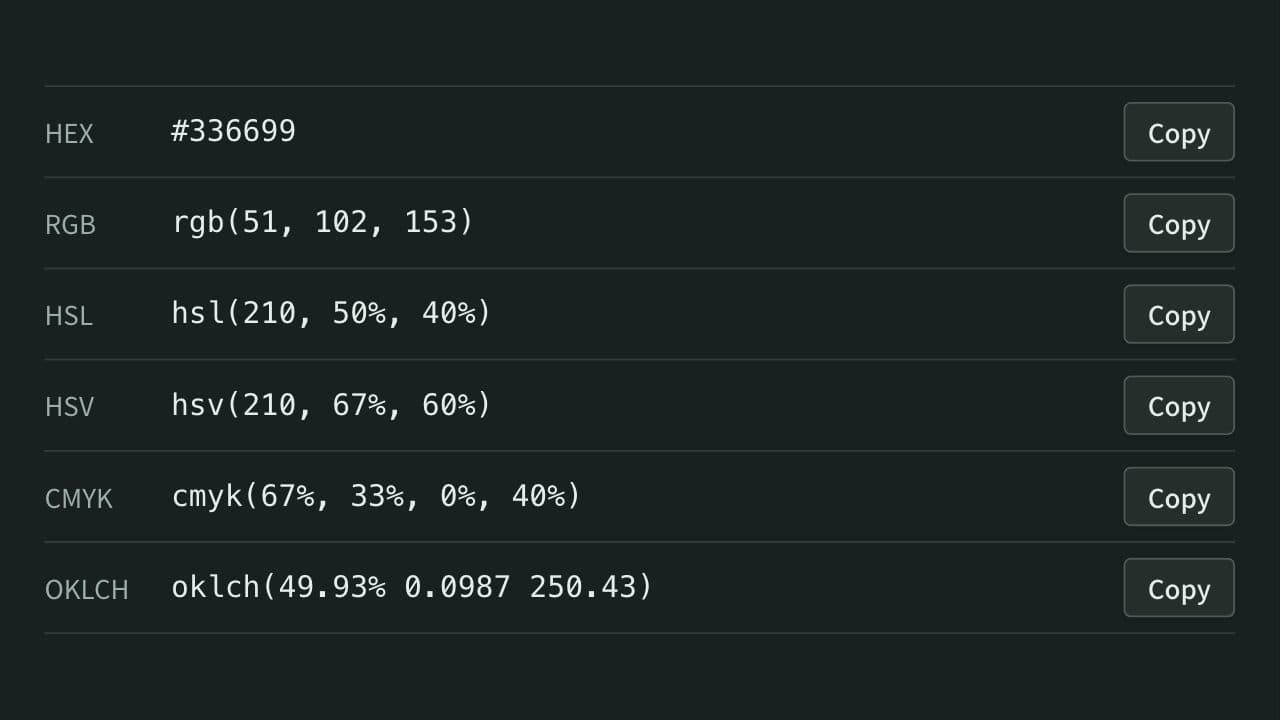
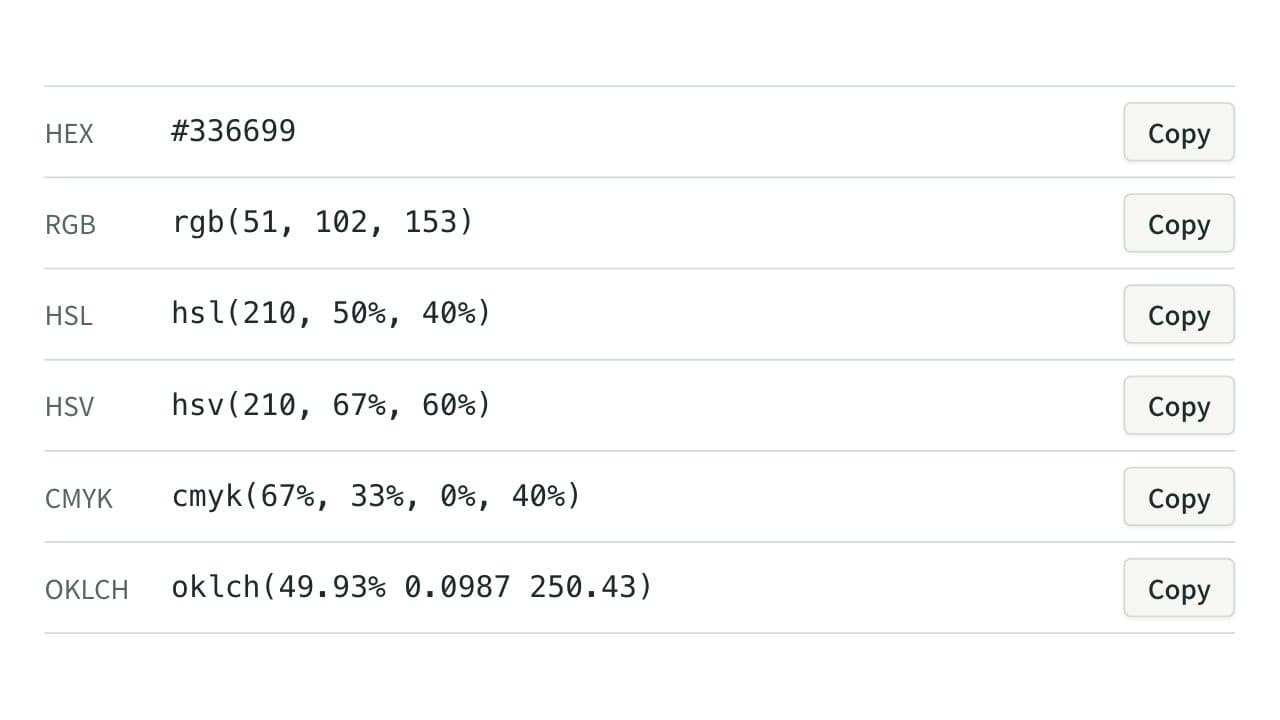
Convert colors between HEX, RGB, and HSL, and see them in HSV, CMYK, and OKLCH too, with a color picker, a live preview, and WCAG contrast ratios against white, black, or any text color you choose.
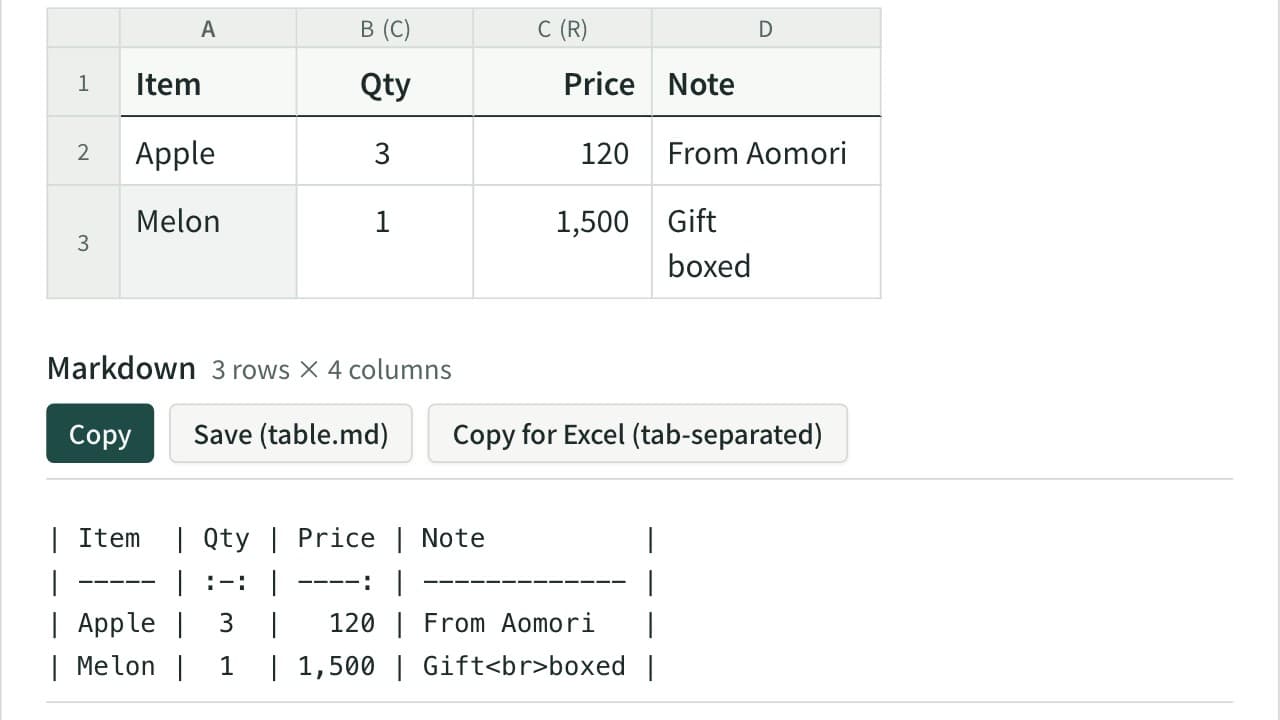
Markdown Table Generator
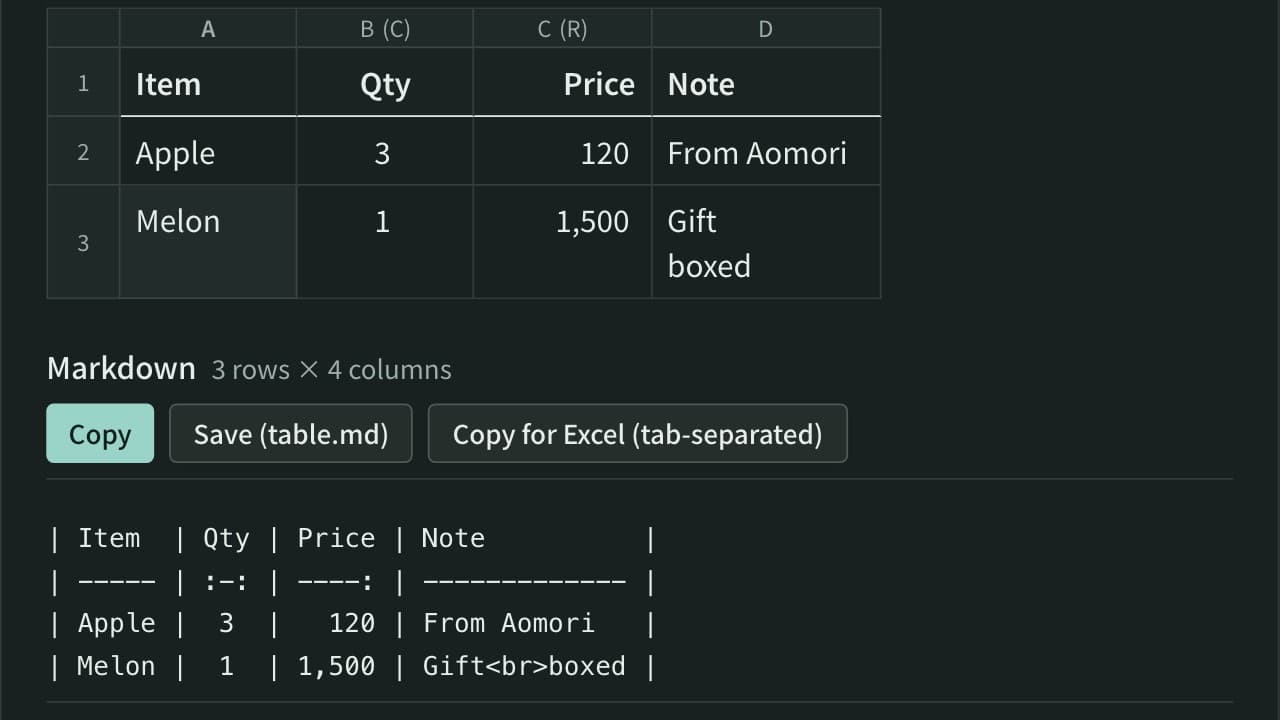
Turn cells copied from Excel or a spreadsheet into a Markdown table. Edit the cells in a grid, set each column to left, center or right alignment, and add, move, sort or swap rows and columns. The pipes line up even with Japanese and other full-width text, and you can reformat an existing Markdown table or copy it back to Excel.
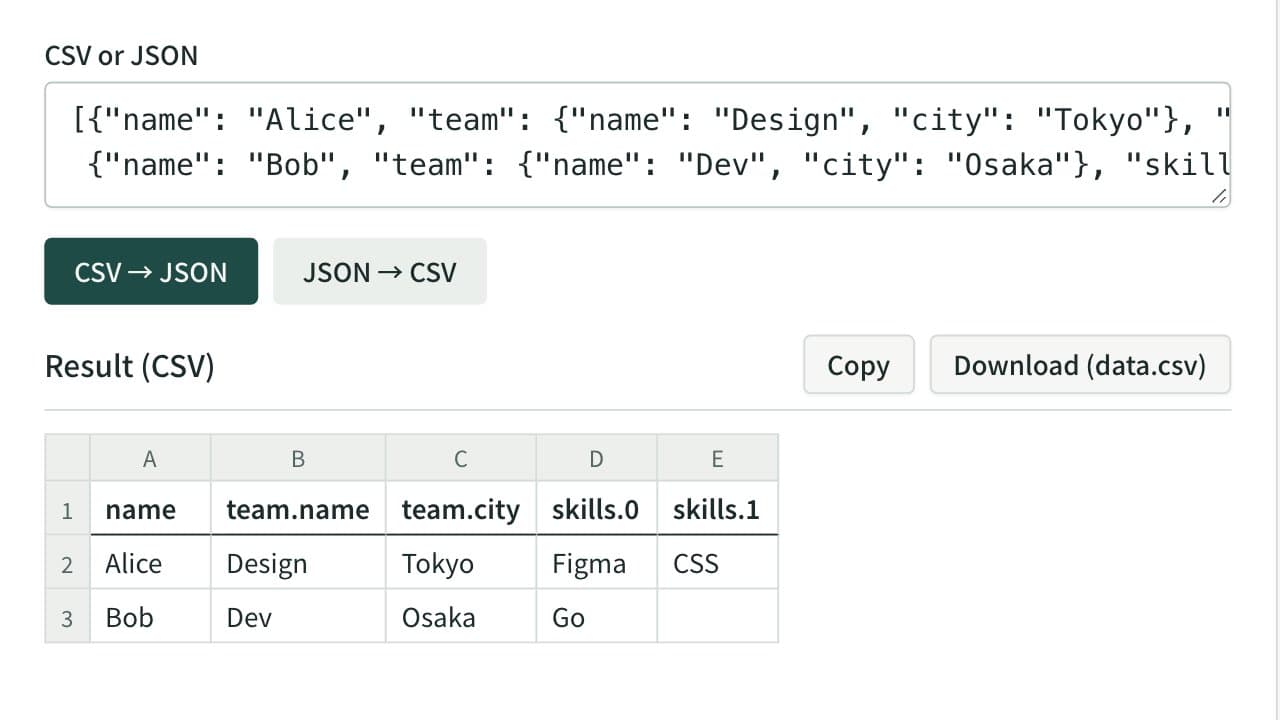
CSV ⇔ JSON Converter
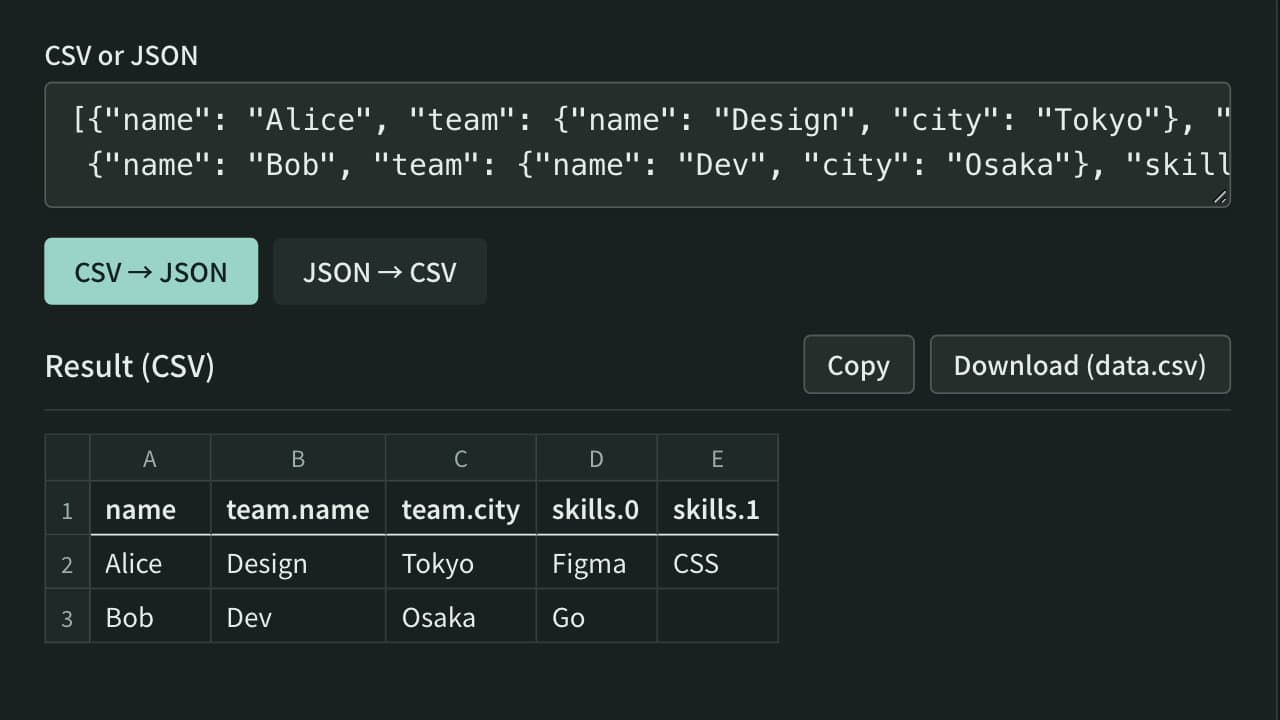
Convert between CSV or tab-separated text and JSON — turn a spreadsheet table into JSON, or a JSON array back into rows and columns. Nested JSON is expanded into columns such as address.city. Download the result as a CSV file that Excel opens without garbled text.