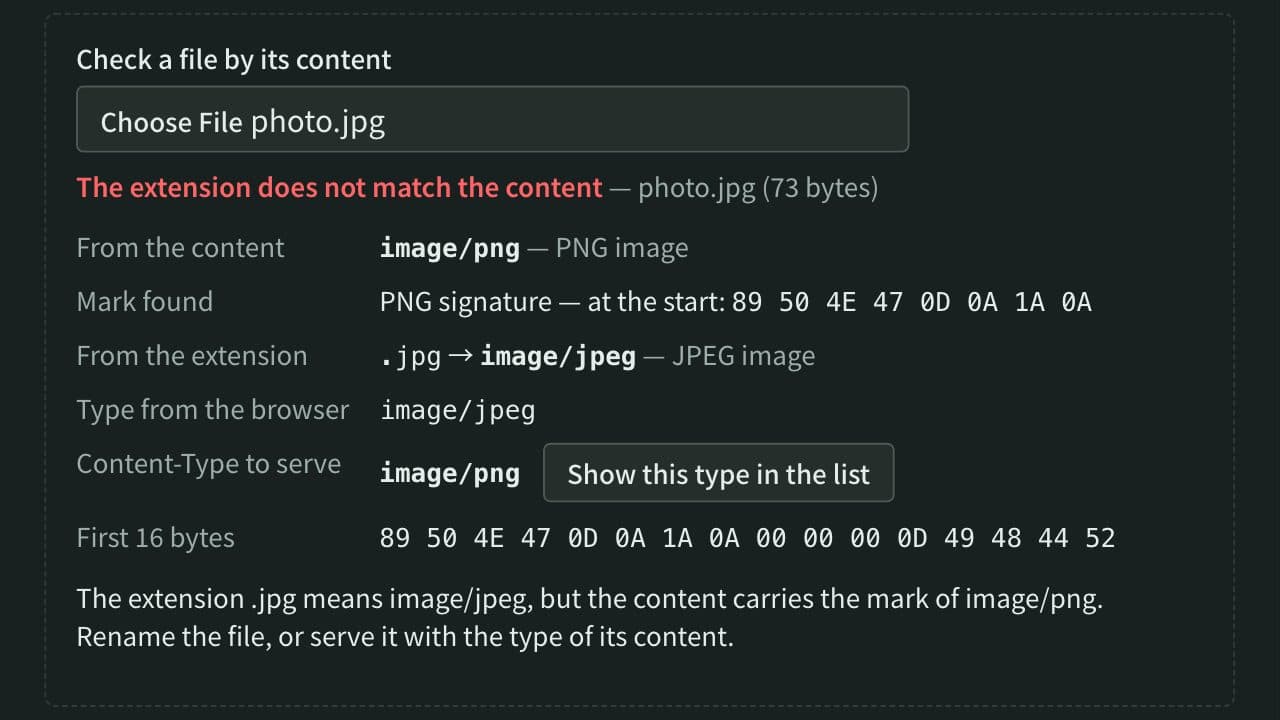
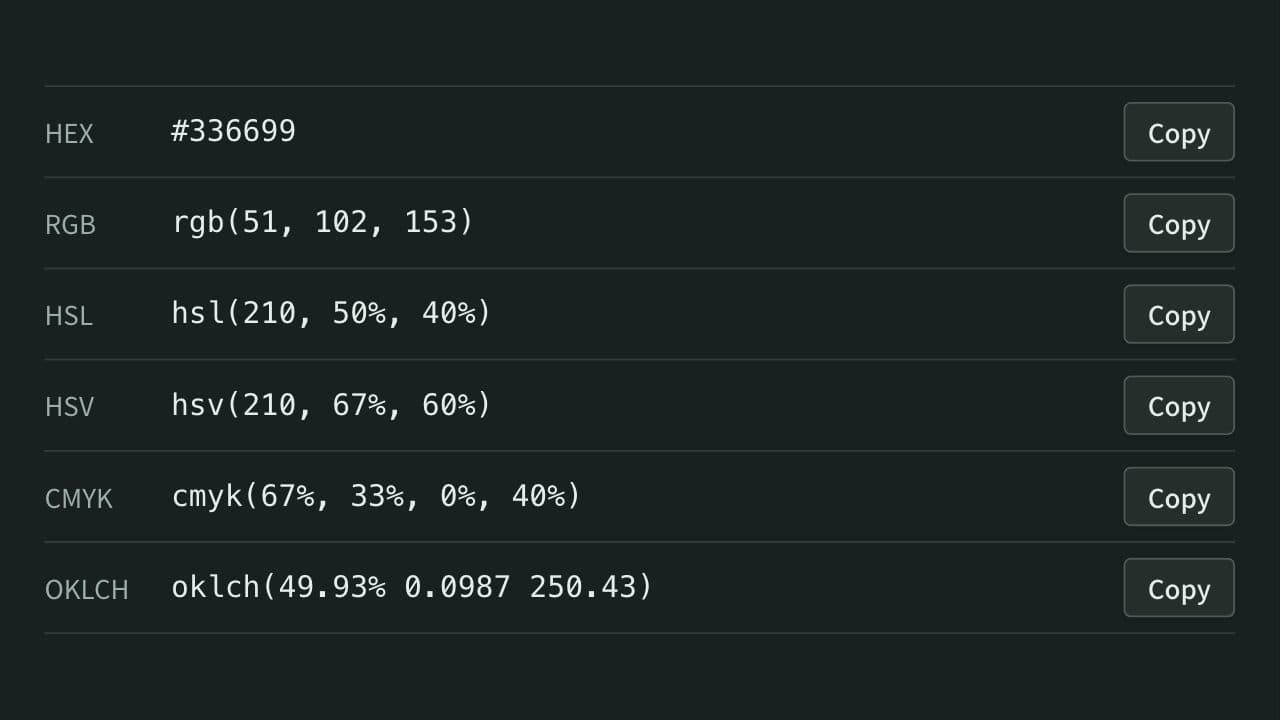
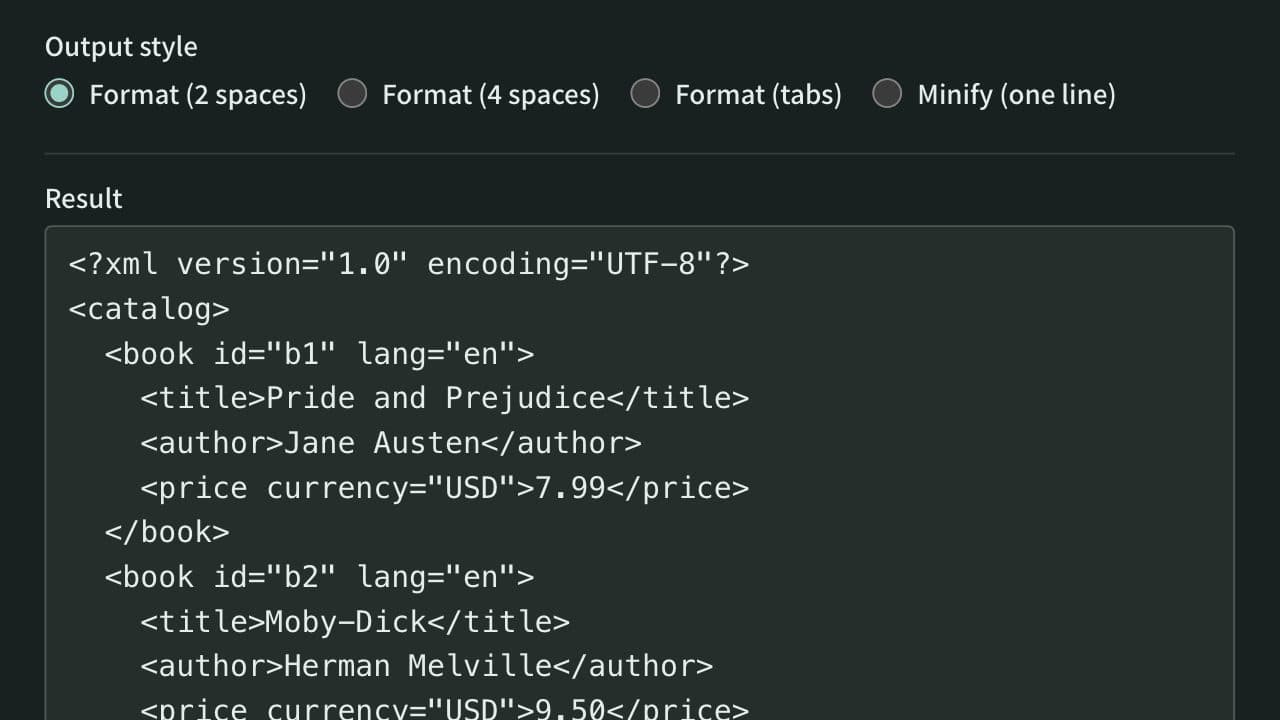
Port Number Lookup
Look up what port numbers such as 22, 443, and 3306 are used for, by number, service name, or word. Lists more than 120 common ports with an explanation and covers every number in the IANA registry. Also shows which ports browsers refuse to open and reads the ports in netstat, ss, or lsof output. Runs entirely in your browser.
Separated by spaces, any of the numbers and ranges (8000-8100) may match, and every word must.
123 common ports
- 20
System port (0–1023)
FTP (data)TCP
The data channel of FTP in active mode. In passive mode, the data goes over another port that the server announces.
Browsers refuse to connect to this port for http:// and https:// URLs (the Fetch Standard blocks it; Chrome reports ERR_UNSAFE_PORT). Do not choose it for a web server.
- 21
System port (0–1023)
FTPTCP
The control channel of file transfer (FTP). The password also travels unencrypted, so SFTP (port 22) or FTPS is recommended instead.
Browsers refuse to connect to this port for http:// and https:// URLs (the Fetch Standard blocks it; Chrome reports ERR_UNSAFE_PORT). Do not choose it for a web server.
- 22
System port (0–1023)
SSHTCP
Encrypted remote login (SSH). SFTP, scp, and Git over SSH use this port too.
Browsers refuse to connect to this port for http:// and https:// URLs (the Fetch Standard blocks it; Chrome reports ERR_UNSAFE_PORT). Do not choose it for a web server.
- 23
System port (0–1023)
TelnetTCP
Unencrypted remote login. The password travels as plain text, so SSH (port 22) is used today.
Browsers refuse to connect to this port for http:// and https:// URLs (the Fetch Standard blocks it; Chrome reports ERR_UNSAFE_PORT). Do not choose it for a web server.
- 25
System port (0–1023)
SMTPTCP
The port mail servers use to hand mail to each other (SMTP). To fight spam, many home connections block outgoing connections to port 25 (Outbound Port 25 Blocking). Mail apps send through port 587 or 465.
Browsers refuse to connect to this port for http:// and https:// URLs (the Fetch Standard blocks it; Chrome reports ERR_UNSAFE_PORT). Do not choose it for a web server.
- 49
System port (0–1023)
TACACS+TCP
A server that authenticates and logs logins to network devices in one place (TACACS+).
- 53
System port (0–1023)
DNSTCP/UDP
Name resolution (DNS). Queries normally go over UDP, and large responses and zone transfers use TCP.
Browsers refuse to connect to this port for http:// and https:// URLs (the Fetch Standard blocks it; Chrome reports ERR_UNSAFE_PORT). Do not choose it for a web server.
- 67
System port (0–1023)
DHCP (server)UDP
The port a DHCP server listens on to hand out IP addresses. The registered name comes from BOOTP, its predecessor.
- 68
System port (0–1023)
DHCP (client)UDP
The port on the device that receives the reply from the DHCP server.
- 69
System port (0–1023)
TFTPUDP
Simple file transfer with no authentication. It is used to move configuration files to network devices and to boot over the network (PXE).
Browsers refuse to connect to this port for http:// and https:// URLs (the Fetch Standard blocks it; Chrome reports ERR_UNSAFE_PORT). Do not choose it for a web server.
- 80
System port (0–1023)
HTTPTCP
Unencrypted web traffic (HTTP). An http:// URL without a port connects here.
- 88
System port (0–1023)
KerberosTCP/UDP
Kerberos authentication, also used to sign in to Windows Active Directory.
- 110
System port (0–1023)
POP3TCP
The port mail apps use to download mail from the server (POP3). The encrypted version uses port 995.
Browsers refuse to connect to this port for http:// and https:// URLs (the Fetch Standard blocks it; Chrome reports ERR_UNSAFE_PORT). Do not choose it for a web server.
- 111
System port (0–1023)
rpcbindTCP/UDP
The RPC port mapper (rpcbind). It tells clients which ports services such as NFS are using.
Browsers refuse to connect to this port for http:// and https:// URLs (the Fetch Standard blocks it; Chrome reports ERR_UNSAFE_PORT). Do not choose it for a web server.
- 123
System port (0–1023)
NTPUDP
Time synchronization (NTP). Computers and servers get the exact time from a time server.
Browsers refuse to connect to this port for http:// and https:// URLs (the Fetch Standard blocks it; Chrome reports ERR_UNSAFE_PORT). Do not choose it for a web server.
- 135
System port (0–1023)
Microsoft RPCTCP
The Windows RPC endpoint mapper. Active Directory and other services use it to agree on another, dynamic port for the rest of the conversation.
Browsers refuse to connect to this port for http:// and https:// URLs (the Fetch Standard blocks it; Chrome reports ERR_UNSAFE_PORT). Do not choose it for a web server.
- 137
System port (0–1023)
NetBIOS name serviceUDP
Computer name resolution for older Windows file sharing (NetBIOS).
Browsers refuse to connect to this port for http:// and https:// URLs (the Fetch Standard blocks it; Chrome reports ERR_UNSAFE_PORT). Do not choose it for a web server.
- 138
System port (0–1023)
NetBIOS datagram serviceUDP
Messages such as the list of computers on the network, for older Windows file sharing (NetBIOS).
- 139
System port (0–1023)
NetBIOS session serviceTCP
Windows file sharing (SMB) over NetBIOS. Today it mostly runs directly on port 445.
Browsers refuse to connect to this port for http:// and https:// URLs (the Fetch Standard blocks it; Chrome reports ERR_UNSAFE_PORT). Do not choose it for a web server.
- 143
System port (0–1023)
IMAPTCP
The port for reading mail while it stays on the server (IMAP). The encrypted version uses port 993.
Browsers refuse to connect to this port for http:// and https:// URLs (the Fetch Standard blocks it; Chrome reports ERR_UNSAFE_PORT). Do not choose it for a web server.
- 161
System port (0–1023)
SNMPUDP
Monitoring and managing network devices (SNMP). Devices wait for queries on this port.
Browsers refuse to connect to this port for http:// and https:// URLs (the Fetch Standard blocks it; Chrome reports ERR_UNSAFE_PORT). Do not choose it for a web server.
- 162
System port (0–1023)
SNMP trapUDP
The port network devices use to report events such as failures to the monitoring server on their own (SNMP traps).
- 179
System port (0–1023)
BGPTCP
The routing protocol networks such as ISPs use to exchange routes across the internet (BGP).
Browsers refuse to connect to this port for http:// and https:// URLs (the Fetch Standard blocks it; Chrome reports ERR_UNSAFE_PORT). Do not choose it for a web server.
- 389
System port (0–1023)
LDAPTCP/UDP
Directory service for looking up users and organizations (LDAP), also used by Active Directory. The encrypted version uses port 636.
Browsers refuse to connect to this port for http:// and https:// URLs (the Fetch Standard blocks it; Chrome reports ERR_UNSAFE_PORT). Do not choose it for a web server.
- 443
System port (0–1023)
HTTPSTCP/UDP
Web traffic encrypted with TLS (HTTPS). An https:// URL without a port connects here. HTTP/3 uses the same port 443 over UDP (QUIC).
- 445
System port (0–1023)
SMBTCP
Windows file sharing (SMB), also used by NAS devices and Samba. It is a frequent target of attacks, so it should not be exposed to the internet.
- 464
System port (0–1023)
Kerberos password changeTCP/UDP
Kerberos password changes, also used to change Active Directory passwords.
- 465
System port (0–1023)
SMTPS (submissions)TCP
The port mail apps use to send mail encrypted with TLS from the start. It was once reassigned to another use, and RFC 8314 registered it again for mail submission in 2018.
Browsers refuse to connect to this port for http:// and https:// URLs (the Fetch Standard blocks it; Chrome reports ERR_UNSAFE_PORT). Do not choose it for a web server.
- 500
System port (0–1023)
IKE (IPsec)UDP
The port IPsec VPNs use to agree on encryption keys (IKE). When there is NAT on the way, the traffic moves to port 4500.
- 514
System port (0–1023)
SyslogUDP
The port for sending logs to a log server (syslog). TCP port 514 is registered to rsh. Encrypted syslog uses port 6514.
Browsers refuse to connect to this port for http:// and https:// URLs (the Fetch Standard blocks it; Chrome reports ERR_UNSAFE_PORT). Do not choose it for a web server.
- 515
System port (0–1023)
LPDTCP
A long-established printing protocol (LPD/LPR).
Browsers refuse to connect to this port for http:// and https:// URLs (the Fetch Standard blocks it; Chrome reports ERR_UNSAFE_PORT). Do not choose it for a web server.
- 520
System port (0–1023)
RIPUDP
A simple routing protocol in which routers share their routes (RIP).
- 546
System port (0–1023)
DHCPv6 (client)UDP
The port on the device that receives replies in DHCP for IPv6.
- 547
System port (0–1023)
DHCPv6 (server)UDP
The port a DHCP server for IPv6 listens on.
- 548
System port (0–1023)
AFPTCP
Mac file sharing (AFP). Current macOS mostly uses SMB (port 445) instead.
Browsers refuse to connect to this port for http:// and https:// URLs (the Fetch Standard blocks it; Chrome reports ERR_UNSAFE_PORT). Do not choose it for a web server.
- 554
System port (0–1023)
RTSPTCP
Control of audio and video streaming (RTSP), commonly used to watch network cameras.
Browsers refuse to connect to this port for http:// and https:// URLs (the Fetch Standard blocks it; Chrome reports ERR_UNSAFE_PORT). Do not choose it for a web server.
- 587
System port (0–1023)
SMTP submissionTCP
The port mail apps use to send mail (the submission port). The app signs in with a user name and password and switches to encryption with STARTTLS before sending.
Browsers refuse to connect to this port for http:// and https:// URLs (the Fetch Standard blocks it; Chrome reports ERR_UNSAFE_PORT). Do not choose it for a web server.
- 631
System port (0–1023)
IPPTCP
Printing to network printers (IPP), used by CUPS and AirPrint.
- 636
System port (0–1023)
LDAPSTCP
LDAP encrypted with TLS.
Browsers refuse to connect to this port for http:// and https:// URLs (the Fetch Standard blocks it; Chrome reports ERR_UNSAFE_PORT). Do not choose it for a web server.
- 853
System port (0–1023)
DNS over TLS / QUICTCP/UDP
Encrypted DNS. TCP port 853 is DNS over TLS (DoT), and UDP port 853 is DNS over QUIC (DoQ). DNS over HTTPS (DoH) uses port 443.
- 873
System port (0–1023)
rsyncTCP
Connections to an rsync daemon (rsync:// URLs). rsync over SSH uses port 22.
- 990
System port (0–1023)
FTPSTCP
The control channel of FTP encrypted with TLS from the start (implicit FTPS). Another style connects on port 21 and then switches to encryption.
Browsers refuse to connect to this port for http:// and https:// URLs (the Fetch Standard blocks it; Chrome reports ERR_UNSAFE_PORT). Do not choose it for a web server.
- 993
System port (0–1023)
IMAPSTCP
IMAP encrypted with TLS, the usual choice for receiving mail in a mail app.
Browsers refuse to connect to this port for http:// and https:// URLs (the Fetch Standard blocks it; Chrome reports ERR_UNSAFE_PORT). Do not choose it for a web server.
- 995
System port (0–1023)
POP3STCP
POP3 encrypted with TLS.
Browsers refuse to connect to this port for http:// and https:// URLs (the Fetch Standard blocks it; Chrome reports ERR_UNSAFE_PORT). Do not choose it for a web server.
- 1080
User port (1024–49151)
SOCKSTCP
SOCKS proxies, which can relay many kinds of traffic, not only the web.
- 1194
User port (1024–49151)
OpenVPNUDP/TCP
The default port of OpenVPN. It normally runs over UDP and can also use TCP.
- 1433
User port (1024–49151)
SQL ServerTCP
The default port of Microsoft SQL Server.
- 1434
User port (1024–49151)
SQL Server BrowserUDP
SQL Server Browser, which tells clients the port a named instance is using.
- 1521
User port (1024–49151)
Oracle Database listenerTCP
The default port of the Oracle Database listener. The registry lists another service here; the ports registered to Oracle are 2483 and 2484.
A convention rather than an IANA registration.
- 1701
User port (1024–49151)
L2TPUDP
L2TP VPNs. It is usually combined with IPsec (L2TP/IPsec), which also uses ports 500 and 4500.
- 1720
User port (1024–49151)
H.323TCP
Call setup for video conferencing and IP phones (H.323).
Browsers refuse to connect to this port for http:// and https:// URLs (the Fetch Standard blocks it; Chrome reports ERR_UNSAFE_PORT). Do not choose it for a web server.
- 1723
User port (1024–49151)
PPTPTCP
PPTP VPNs. Its encryption is weak, so it is no longer recommended.
Browsers refuse to connect to this port for http:// and https:// URLs (the Fetch Standard blocks it; Chrome reports ERR_UNSAFE_PORT). Do not choose it for a web server.
- 1812
User port (1024–49151)
RADIUSUDP
Authentication servers (RADIUS), used for enterprise Wi-Fi sign-in (802.1X) and VPN logins. Older equipment may use port 1645.
- 1813
User port (1024–49151)
RADIUS accountingUDP
RADIUS accounting, the record of usage. Older equipment may use port 1646.
- 1883
User port (1024–49151)
MQTTTCP
Lightweight messaging common on IoT devices (MQTT). The encrypted version uses port 8883.
- 1900
User port (1024–49151)
SSDP (UPnP)UDP
Discovery of devices on the local network (SSDP), used by UPnP and DLNA.
- 1935
User port (1024–49151)
RTMPTCP
RTMP, widely used to send a live stream to a streaming service. The registry lists it under the name of the streaming server from Macromedia (now Adobe), which created RTMP.
- 2049
User port (1024–49151)
NFSTCP/UDP
File sharing on Unix-like systems (NFS).
Browsers refuse to connect to this port for http:// and https:// URLs (the Fetch Standard blocks it; Chrome reports ERR_UNSAFE_PORT). Do not choose it for a web server.
- 2375
User port (1024–49151)
Docker APITCP
The API for controlling the Docker daemon remotely. It has no encryption and no authentication, so exposing it lets others take over the server. For remote use, use TLS on port 2376.
- 2376
User port (1024–49151)
Docker API (TLS)TCP
The Docker daemon API protected with TLS.
- 2379
User port (1024–49151)
etcd (client)TCP
Client connections to etcd, which stores the configuration and state of Kubernetes.
- 2380
User port (1024–49151)
etcd (peer)TCP
Traffic between etcd servers.
- 3000
User port (1024–49151)
Development serversTCP
A common default for development servers (Next.js, Ruby on Rails, Express examples, and more). It is also the default port of Grafana.
A convention rather than an IANA registration.
- 3074
User port (1024–49151)
Xbox networkTCP/UDP
Used by Xbox online play.
- 3128
User port (1024–49151)
Squid proxyTCP
The default port of the Squid proxy server.
A convention rather than an IANA registration.
- 3268
User port (1024–49151)
Global CatalogTCP
LDAP queries to the Active Directory Global Catalog. The encrypted version uses port 3269.
- 3306
User port (1024–49151)
MySQLTCP
The default port of MySQL and MariaDB.
- 3389
User port (1024–49151)
Remote Desktop (RDP)TCP/UDP
Windows Remote Desktop (RDP). Newer versions also use UDP. It draws brute-force attacks, so it should not be exposed to the internet directly.
- 3478
User port (1024–49151)
STUN / TURNUDP/TCP
STUN, which helps WebRTC and similar apps connect directly through NAT, and TURN, which relays the traffic when they cannot. The encrypted versions use port 5349.
- 3690
User port (1024–49151)
SubversionTCP
Subversion servers (svnserve, svn:// URLs).
- 4173
User port (1024–49151)
Vite previewTCP
The default port of vite preview, the server for checking a Vite build.
A convention rather than an IANA registration.
- 4200
User port (1024–49151)
Angular dev serverTCP
The default port of the Angular development server (ng serve).
A convention rather than an IANA registration.
- 4222
User port (1024–49151)
NATSTCP
The default client port of the NATS messaging system.
A convention rather than an IANA registration.
- 4369
User port (1024–49151)
Erlang port mapper (epmd)TCP
epmd, which lets Erlang nodes find each other. RabbitMQ clusters use it, among others.
- 4500
User port (1024–49151)
IPsec NAT traversalUDP
The port that carries IPsec VPN traffic wrapped in UDP when there is NAT on the way (NAT traversal).
- 5000
User port (1024–49151)
Flask / AirPlay ReceiverTCP
The default port of the Flask development server. On macOS Monterey and later, AirPlay Receiver listens on ports 5000 and 7000, so Flask and other servers may fail to start or return 403 (turning off AirPlay Receiver frees the ports: it is under Sharing on Monterey and under AirDrop & Handoff on Ventura and later).
A convention rather than an IANA registration.
- 5060
User port (1024–49151)
SIPUDP/TCP
Call setup for IP phones (SIP). The voice itself flows over other ports (RTP). The encrypted version uses port 5061.
Browsers refuse to connect to this port for http:// and https:// URLs (the Fetch Standard blocks it; Chrome reports ERR_UNSAFE_PORT). Do not choose it for a web server.
- 5061
User port (1024–49151)
SIP over TLSTCP
SIP encrypted with TLS.
Browsers refuse to connect to this port for http:// and https:// URLs (the Fetch Standard blocks it; Chrome reports ERR_UNSAFE_PORT). Do not choose it for a web server.
- 5173
User port (1024–49151)
Vite dev serverTCP
The default port of the Vite development server, common in new Vue, Svelte, and React projects.
A convention rather than an IANA registration.
- 5222
User port (1024–49151)
XMPP (client)TCP
Client-to-server connections of the XMPP chat protocol.
- 5269
User port (1024–49151)
XMPP (server)TCP
Server-to-server connections of XMPP.
- 5349
User port (1024–49151)
STUN / TURN over TLSTCP/UDP
STUN and TURN encrypted with TLS (DTLS over UDP).
- 5353
User port (1024–49151)
mDNS (Bonjour)UDP
Name resolution and device discovery on the local network (mDNS). It resolves names ending in .local and is used by Bonjour and Avahi.
- 5355
User port (1024–49151)
LLMNRUDP
The way Windows asks devices on the same network for a name when DNS cannot resolve it (LLMNR).
- 5432
User port (1024–49151)
PostgreSQLTCP
The default port of PostgreSQL.
- 5555
User port (1024–49151)
adb over Wi-FiTCP
The default port when Android's adb is used over the network (adb tcpip).
A convention rather than an IANA registration.
- 5601
User port (1024–49151)
KibanaTCP
The default port of Kibana, the user interface for Elasticsearch.
A convention rather than an IANA registration.
- 5671
User port (1024–49151)
AMQPSTCP
AMQP encrypted with TLS.
- 5672
User port (1024–49151)
AMQPTCP
The AMQP message queue protocol, and the default port of RabbitMQ.
- 5900
User port (1024–49151)
VNCTCP
Screen sharing (VNC), also used by macOS Screen Sharing. Ports 5901, 5902, and so on are for display numbers :1, :2, and so on.
- 5984
User port (1024–49151)
CouchDBTCP
The default port of CouchDB.
- 5985
User port (1024–49151)
WinRM (HTTP)TCP
WinRM, used for PowerShell remoting and more. Over HTTPS it uses port 5986.
- 5986
User port (1024–49151)
WinRM (HTTPS)TCP
WinRM encrypted with TLS.
- 6000
User port (1024–49151)
X11TCP
Display :0 of the X Window System. Display :1 is port 6001, and so on up to 6063.
Browsers refuse to connect to this port for http:// and https:// URLs (the Fetch Standard blocks it; Chrome reports ERR_UNSAFE_PORT). Do not choose it for a web server.
- 6379
User port (1024–49151)
RedisTCP
The default port of Redis and Valkey. Exposing it without a password lets others read the data or take over the server.
- 6443
User port (1024–49151)
Kubernetes API serverTCP
The default port of the Kubernetes API server, which kubectl connects to.
A convention rather than an IANA registration.
- 6514
User port (1024–49151)
Syslog over TLSTCP
Syslog sent with TLS encryption.
- 6667
User port (1024–49151)
IRCTCP
IRC chat. Ports 6665 to 6669 are registered together. The encrypted version uses port 6697.
Browsers refuse to connect to this port for http:// and https:// URLs (the Fetch Standard blocks it; Chrome reports ERR_UNSAFE_PORT). Do not choose it for a web server.
- 6697
User port (1024–49151)
IRC over TLSTCP
IRC encrypted with TLS.
Browsers refuse to connect to this port for http:// and https:// URLs (the Fetch Standard blocks it; Chrome reports ERR_UNSAFE_PORT). Do not choose it for a web server.
- 7000
User port (1024–49151)
AirPlay Receiver (macOS)TCP
A port AirPlay Receiver listens on in macOS Monterey and later. Like port 5000, it can clash with development servers.
A convention rather than an IANA registration.
- 7474
User port (1024–49151)
Neo4j (HTTP)TCP
The HTTP port of the Neo4j graph database. Driver connections (Bolt) use port 7687.
- 7687
User port (1024–49151)
Neo4j BoltTCP
The Bolt protocol that Neo4j drivers connect with.
- 8000
User port (1024–49151)
Development serversTCP
Common for development web servers. It is the default of Python's python -m http.server and of Django's runserver.
A convention rather than an IANA registration.
- 8080
User port (1024–49151)
HTTP alternateTCP
An alternate port for HTTP. It is the default of Tomcat and Jenkins, and common for proxies and for web servers that cannot use port 80.
- 8086
User port (1024–49151)
InfluxDBTCP
The default port of the InfluxDB time-series database.
A convention rather than an IANA registration.
- 8443
User port (1024–49151)
HTTPS alternateTCP
Commonly used as an alternate port for HTTPS, as in Tomcat's HTTPS example. The registry lists another service here.
A convention rather than an IANA registration.
- 8883
User port (1024–49151)
MQTT over TLSTCP
MQTT encrypted with TLS.
- 8888
User port (1024–49151)
JupyterTCP
The default port of Jupyter Notebook and JupyterLab.
A convention rather than an IANA registration.
- 9000
User port (1024–49151)
PHP-FPM / SonarQube / MinIOTCP
The default port of several programs, including PHP-FPM (FastCGI), SonarQube, and the MinIO API. They clash when run on the same machine.
A convention rather than an IANA registration.
- 9042
User port (1024–49151)
Cassandra (CQL)TCP
The default port for client connections to Apache Cassandra (CQL).
A convention rather than an IANA registration.
- 9090
User port (1024–49151)
PrometheusTCP
The default port of the Prometheus monitoring system.
A convention rather than an IANA registration.
- 9092
User port (1024–49151)
KafkaTCP
The default port of an Apache Kafka broker.
A convention rather than an IANA registration.
- 9100
User port (1024–49151)
Raw printing (JetDirect)TCP
Printing by sending data straight to the printer (RAW, JetDirect). Prometheus node_exporter also uses this port by default.
- 9200
User port (1024–49151)
ElasticsearchTCP
The default port of the Elasticsearch and OpenSearch REST APIs.
A convention rather than an IANA registration.
- 9418
User port (1024–49151)
Git protocolTCP
Git traffic for git:// URLs, with no authentication and no encryption.
- 10250
User port (1024–49151)
kubelet APITCP
The API of the kubelet that runs on each Kubernetes node.
A convention rather than an IANA registration.
- 11211
User port (1024–49151)
MemcachedTCP
The Memcached cache server. Open UDP access was abused to amplify DDoS attacks, so newer versions have UDP turned off by default.
- 15672
User port (1024–49151)
RabbitMQ managementTCP
The default port of the RabbitMQ management UI (the management plugin).
A convention rather than an IANA registration.
- 19132
User port (1024–49151)
Minecraft (Bedrock Edition)UDP
The default server port of Minecraft Bedrock Edition.
A convention rather than an IANA registration.
- 25565
User port (1024–49151)
Minecraft (Java Edition)TCP
The default server port of Minecraft Java Edition.
A convention rather than an IANA registration.
- 27015
User port (1024–49151)
Steam game serversUDP/TCP
The default port of Steam game servers, such as those built on Valve's Source engine.
A convention rather than an IANA registration.
- 27017
User port (1024–49151)
MongoDBTCP
The default port of MongoDB.
- 51820
Dynamic port (49152–65535)
WireGuardUDP
The port WireGuard VPN examples and defaults commonly use.
A convention rather than an IANA registration.
Linux (32768–60999) and Windows and macOS (49152–65535) pick the source port of outgoing connections from this range, so a server listening here can find it already in use.
Paste the output of netstat, ss, lsof -i -P -n, docker ps, or similar to list the ports in it. Ports on listening (LISTEN) lines are marked. What you paste is not sent anywhere.
How to use
- In "Search by number, service name, or word", type the port number you want to look up (
3306), a service name (ssh), or a word for what it does (mail,database) - The matching ports appear in numeric order. Each shows the kind of range it falls in (system port and so on), what it is commonly used for, and its entries in the IANA registry
- Choose a category such as
Databasesunder "Category of common ports" to see only the common ports in it - To check the ports in use on a server all at once, paste the output of netstat or ss into "Look up the ports in command output" below
There is no button to press. The results change as you type. When the page opens, the common ports (more than 120) are listed in numeric order.
Searching
- Number — Typing
443shows that port alone. A number with nothing registered still shows its range and any warnings. The forms:8080and53/udpand full-width digits are read too - Range —
8000-8100lists the commonly used and IANA-registered ports in that range.8000〜8100and8000 - 8100work too - Service name —
ssh,postgresql,mqtt, and so on, including the names in the IANA registry - Words — The common ports can be found by words in their explanation (
mail,remote), by category name (databases), and by product names (Tomcat,Grafana,Minecraft). The IANA registry is in English, so it is searched with English words (database,printer) - TCP and UDP — Typing
tcporudpkeeps the ports used over that transport. Combine it with other terms, as indns udpor443 tcp - More than one — Separated by spaces, any of the numbers and ranges may match, and every word must.
8000-9000 httplists the HTTP-related ports from 8000 to 9000
A wide range can match a great many ports. Up to 50 are shown at once, lowest first, along with how many matched in all.
Looking up the ports in command output
Run one of these commands on a server or computer and paste the output as it is.
- Linux:
ss -tulpnornetstat -tulpn - macOS:
lsof -i -P -nornetstat -an - Windows:
netstat -ano - Docker:
docker ps
Port numbers in the forms 127.0.0.1:5432, [::]:22, *.5432 (macOS netstat), and 0.0.0.0:8080->80/tcp (docker ps) are read and listed in numeric order. Ports found on listening lines (LISTEN, LISTENING) are marked "Listening". Press "Look up …" next to a port to search for it in the field above.
Without -P, lsof shows service names such as http instead of numbers. Ports shown by name cannot be read, so run it with -P. Port 0, which means "any port", is left out.
Example
Typing 5000 shows the following.
5000  User port (1024–49151)
      Flask / AirPlay Receiver  TCP
      The default port of the Flask development server. On macOS Monterey and later, AirPlay Receiver listens on ports 5000 and 7000, …
      A convention rather than an IANA registration.
      IANA registry
      commplex-main (TCP/UDP)
When a development server on a Mac will not start on port 5000 or returns 403, AirPlay Receiver may be the cause.
A number inside a range registered as a block, such as 6010, shows the range entry, as in x11 (TCP/UDP, registered for 6000–6063) X Window System.
Suppose part of the output of ss -tuna (which shows both listening and connected sockets) reads as follows.
tcp   LISTEN 0  128     0.0.0.0:22     0.0.0.0:*
tcp   LISTEN 0  4096  127.0.0.1:5432   0.0.0.0:*
tcp   ESTAB  0  0     10.0.0.2:50000   1.1.1.1:443
Pasting it lists four ports: 22 (SSH, listening), 443 (HTTPS), 5432 (PostgreSQL, listening), and 50000 (dynamic port). Port 50000 is most likely the source port the operating system picked for an outgoing connection.
The three ranges of port numbers
Port numbers run from 0 to 65535, and RFC 6335 divides them into three ranges.
- System ports (0–1023) — Also called well-known ports. They are assigned to long-established services such as HTTP (80) and SSH (22). On Linux, listening on these ports needs administrator rights (root or CAP_NET_BIND_SERVICE)
- User ports (1024–49151) — Also called registered ports. Services that applied to IANA, such as MySQL (3306) and PostgreSQL (5432), use them
- Dynamic ports (49152–65535) — Also called private or ephemeral ports. IANA assigns nothing here; operating systems use them freely for connections, and organizations may use them internally
Source ports (ephemeral ports)
For an outgoing connection, the operating system picks the source port on its own. By default, Linux picks from 32768–60999, and Windows and macOS from 49152–65535. A server listening on a port in this range can fail to start because the port happens to be in use as a source port, so the results warn about it.
Ports browsers refuse to open
Browsers do not connect to certain ports for http:// and https:// URLs. This stops web pages from sending data that looks like real requests to servers for other protocols, such as mail or FTP. The ports are listed as "bad ports" in the Fetch Standard (WHATWG), which the major browsers follow.
There are 83 of them, including 22 (SSH), 25 (SMTP), 587 (mail submission), 6000 (X11), 6665–6669 (IRC), and 10080. A development server on one of these ports cannot be opened in a browser: http://localhost:6000 gives an error such as ERR_UNSAFE_PORT in Chrome. The app points this out for each such port.
What the lists contain
- Common ports — More than 120 ports, each with an explanation in Japanese and English, the transport it uses (TCP or UDP), and a category. Ports used by convention for something other than their IANA registration, such as 3000 for development servers and 1521 for Oracle Database, are marked as conventions
- IANA registry — The IANA "Service Name and Transport Protocol Port Number Registry" as retrieved on October 18, 2026, including registrations up to October 15, 2026. Registrations for TCP, UDP, SCTP, and DCCP are shown together for each port. Registrations listed without a transport, such as vrml-multi-use for 4200–4299 and reserved ports, are included. Rows that only say "Unassigned" are left out, so a port with no registration shows "Not in the IANA registry"
- Ports browsers refuse to open — The Fetch Standard list as of October 18, 2026
An IANA registration is neither permission to use the port nor a promise that whatever listens on it is the registered service. Use the commands above to check what is actually listening.
FAQ
What is a port number?
A number that tells which program on a computer a connection is for. If the IP address is the address of a building, the port number is the room number. Web servers listen on ports 80 and 443, mail servers on port 25, and so on, each service on its own number.
Is the same number over TCP and UDP the same thing?
No. TCP port 53 and UDP port 53 are separate endpoints in the operating system. IANA often assigns both to a service at once, though, so the registry frequently shows the same name for both. The common ports in this app show the transport that is actually in common use.
Can I use 3000 or 8080 for anything?
On your own machine or within your organization, any number works. If it clashes with other software, though, one of them cannot start, so it is safer to avoid busy numbers or to make the port easy to change. For a web server, pick a port that is not among the ports browsers refuse to open.
What should I do when it says the port is already in use?
Another program is already listening on that port. On Linux, ss -tulpn shows which program it is; on macOS, lsof -i -P -n | grep LISTEN; on Windows, netstat -ano. Paste the output into this app to see what each port is commonly used for.
Which ports should I open in a firewall?
Only the ones for the services you use: 80 and 443 for a web server, 22 for SSH. Databases (3306, 5432, 6379, 27017, and others), file sharing (445), Remote Desktop (3389), and the Docker API (2375) are frequent targets, so as a rule they should not be exposed to the internet directly.
Does a port missing from the registry mean nobody uses it?
It only means IANA has no registration for it; some software may still use it. Conversely, many registered ports are hardly used today.
Can I read the explanations in Japanese?
The Japanese page shows the same lists with explanations in Japanese. The IANA registry descriptions stay in English on both pages.
Is anything I type sent anywhere?
No. Both the search and the reading of pasted command output happen in your browser. The IANA registry is bundled with the app, and no outside server is contacted.
- Type
- Utility
- Category
- Developer
- Tags
- port
- tcp
- udp
- network
- firewall
- reference
- developer
Related apps
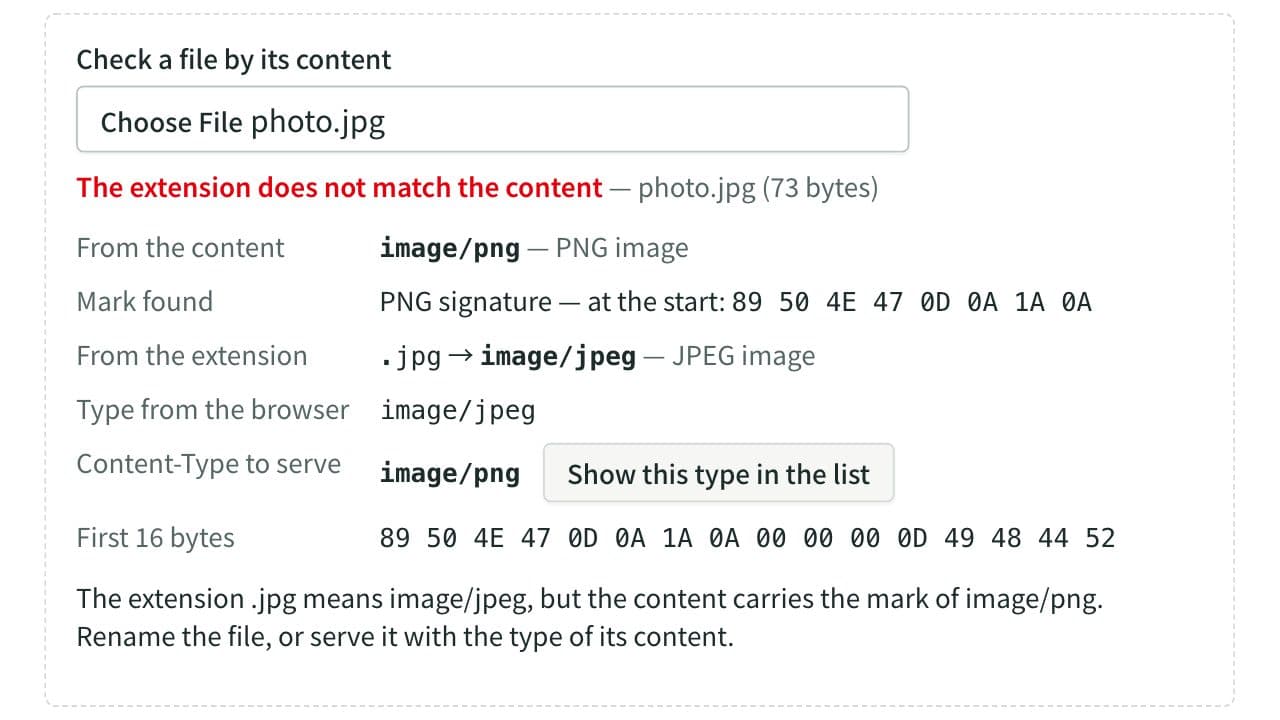
MIME Type Lookup
Look up the MIME type (Content-Type) for an extension such as .jpg or .json, or the extensions for a MIME type. Lists more than 90 types common on the web, with their other spellings and whether IANA has registered them. Choose a file to tell its format from the mark in its content and check it against the extension. Runs entirely in your browser.
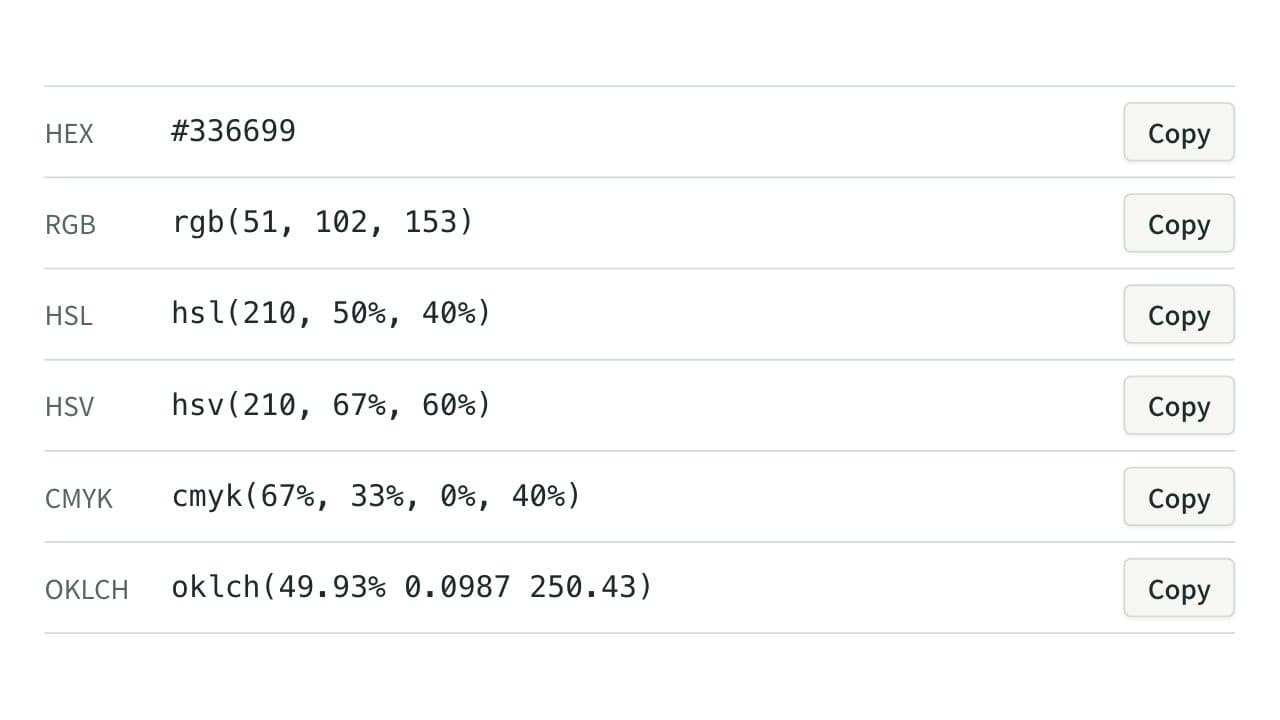
Color Code Converter
Convert colors between HEX, RGB, and HSL, and see them in HSV, CMYK, and OKLCH too, with a color picker, a live preview, and WCAG contrast ratios against white, black, or any text color you choose.
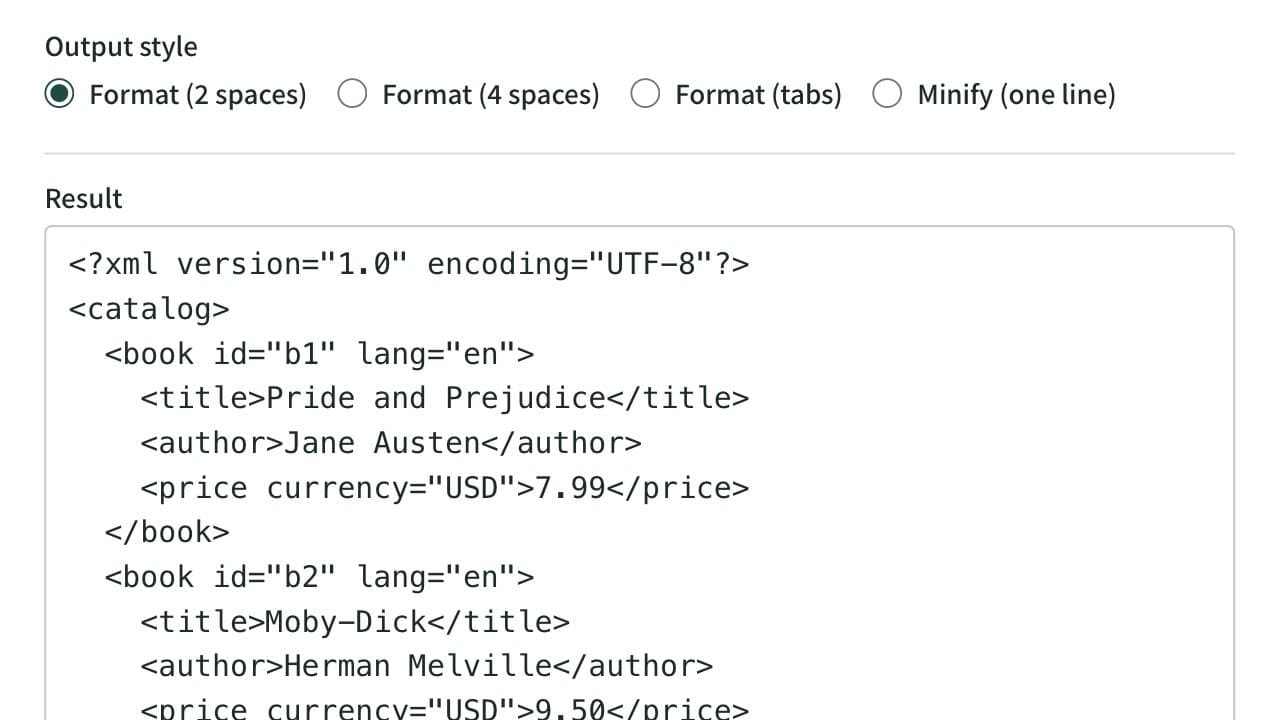
XML Formatter and Minifier
Format XML that arrives on a single line into indented, readable text. Indent with 2 spaces, 4 spaces, or tabs, or minify the XML to one line. Mistakes such as an unclosed tag are reported with their line and position, and an XPath expression extracts the elements or attributes you need. Runs entirely in your browser.