URL Parser and Query String Viewer
Split a URL into its scheme, host, port, path, query string, and fragment, and list its query parameters decoded. Also gives you the URL without tracking parameters such as utm_source, and lets you change, add, or remove parameters to rebuild the URL. Runs entirely in your browser.
You can also paste a query string on its own (?q=abc&page=2) to read its parameters
Normalized URL
Parts of the URL
- Scheme
- https
- Host name
- example.com
- Port
- 8080
- Path
- /docs/caf%C3%A9
- Path (decoded)
- /docs/café
- Query string
- ?q=search+words&page=2&utm_source=newsletter
- Fragment
- #section-1
- Origin
- https://example.com:8080
Query parameters (3)
| Name | Value |
|---|---|
| q | search words |
| page | 2 |
| utm_source | newsletter |
URL without tracking parameters
https://example.com:8080/docs/caf%C3%A9?q=search+words&page=2#section-1
Removed: utm_source
How to use
- Paste the URL you want to inspect into the "URL" field
- The normalized URL, the parts of the URL, and a list of its query parameters appear below
- When the URL has tracking parameters such as
utm_source, the URL without them also appears at the bottom - To change the parameters, press "Edit parameters". Rewrite names and values, or remove and add rows, and the rebuilt URL appears
There is no button to press. The result changes as you edit the input. The page opens with an example URL already filled in.
"Copy parameters as JSON" puts the names and values of the query parameters on the clipboard as JSON. "Copy this URL" copies the URL without tracking parameters.
Accepted input
https://example.com/path?key=value#top— a URL that starts with a schemeexample.com/path?key=valueorlocalhost:3000/api— a URL without a scheme. It is read withhttps://in front, and the result says so?q=abc&page=2orq=abc&page=2— a query string on its own. Only the list of query parameters is shownmailto:someone@example.com?subject=Hello— a URL that has no host name
Spaces and line breaks around the input are ignored.
Example
Take the URL the page opens with.
https://example.com:8080/docs/caf%C3%A9?q=search+words&page=2&utm_source=newsletter#section-1
The parts of the URL are shown like this.
Scheme           https
Host name        example.com
Port             8080
Path             /docs/caf%C3%A9
Path (decoded)   /docs/café
Query string     ?q=search+words&page=2&utm_source=newsletter
Fragment         #section-1
Origin           https://example.com:8080
The query parameters become a list of decoded names and values.
q            search words
page         2
utm_source   newsletter
This is what "Copy parameters as JSON" copies.
{
  "q": "search words",
  "page": "2",
  "utm_source": "newsletter"
}
utm_source is a tracking parameter, so the URL without it is shown as well.
https://example.com:8080/docs/caf%C3%A9?q=search+words&page=2#section-1
The parts of a URL
- Scheme — the part before the first
:, such ashttpsorhttp. It names how the resource is reached - Username and password — the part written before the host name and separated from it by
@, as inhttps://user:pass@example.com/. They are shown only when the URL has them - Host name — the name of the server to connect to, such as
example.com. It can also be an IP address - Port — the number written after the host name, as in
:8080. When it is left out, the default for the scheme is shown, as in443 (default port for https). The defaults are 80 for http and ws, 443 for https and wss, and 21 for ftp - Path — from the
/after the host name up to the?or#. It names a location on the server - Query string — from the
?up to the#. It holdsname=valuepairs joined by&, the conditions passed to the page - Fragment — everything from the
#on. It names a position within the page, among other things. It is used only inside the browser and is not sent to the server - Origin — the scheme, host name, and port together. It is the unit browsers use to decide whether two pages belong to the same site, and it is what CORS settings refer to
A part the URL does not have is shown as "None".
When the path or the fragment holds percent-encoding (such as %C3%A9) that decodes to different characters, a "Path (decoded)" or "Fragment (decoded)" row is added. %2F (/), %3F (?), and %23 (#) inside the path stay as they are in the decoded row, because decoding them would make them look like separators.
How query parameters are read
- The query is split on
&, and each piece is split into a name and a value at its first=. The value oftoken=abc==isabc== - A
+is read as a space, because form submissions and search page URLs write spaces as+. A literal+is written%2B - Percent-encoding is decoded as UTF-8.
%E6%9D%B1%E4%BA%ACbecomes東京 - When a name appears more than once, every occurrence is listed in order. In the copied JSON, the value of that name is an array (
"tag": ["a", "b"]) - A name without
=, such asdebug, or with an empty value, such asa=, has its value shown as "(empty)" - A sequence that is cut short, such as
%E3%81, or one encoded in Shift_JIS or EUC-JP (such as%93%8C%8B%9E) cannot be decoded as UTF-8. It is shown as written, with a note under the value
To encode or decode a value itself, use the URL Encoder / Decoder. The guide "How to encode special characters in URLs correctly" explains how each symbol is treated.
The URL without tracking parameters
Links in ads and newsletters often carry parameters that record where a visitor came from. When the URL has parameters with the following names, the URL without them is shown. Upper and lower case are not distinguished.
- Names that start with
utm_(utm_source,utm_medium,utm_campaign,utm_term,utm_content, and so on) gclid,gclsrc,dclid,gbraid,wbraid(Google Ads and related products)fbclid,igshid(Facebook, Instagram)msclkid(Microsoft Advertising),yclid,twclid,ttclid,li_fat_idmc_cid,mc_eid(Mailchimp),_hsenc,_hsmi(HubSpot)_ga,_gl(Google Analytics)
The parameters that stay are kept exactly as they were written in the original URL, in the same order. When no parameter is left, the ? is dropped too.
These parameters exist for measurement, and the same page normally opens without them. A site that uses one of these names for another purpose may show something different, though. Open the cleaned URL once before you share it.
Editing parameters to rebuild the URL
Press "Edit parameters" beside the "Query parameters" heading, and the list of parameters turns into fields where you can change each name and value.
- Change a name or a value, and the "Edited URL" below changes as you type
- The "×" at the end of a row removes that parameter
- "Add parameter" adds an empty row at the bottom. Once it has a name and a value, it goes at the end of the query string
- "Undo edits" brings back the parameters of the URL you entered
- "Copy edited URL" copies the rebuilt URL. While you edit, "Copy parameters as JSON" copies the parameters as edited
For a URL without parameters, the editor starts with one empty row. That also makes it a quick way to build a link with utm_source and the like for sharing.
Take the example URL the page opens with. Change the value of page to 3, remove the utm_source row, and add a row named sort with the value new & hot, and the edited URL becomes:
https://example.com:8080/docs/caf%C3%A9?q=search+words&page=3&sort=new%20%26%20hot#section-1
How the URL is put back together
- Parameters you have not changed stay exactly as they were written in the original URL, in the same order. A row you change and then set back to its original name and value goes back to how it was written too
- Changed and added rows are written as
name=value, with the name and the value percent-encoded as UTF-8. A space becomes%20, and&,=,+,#and%become%26,%3D,%2B,%23and%25, so each is read as part of the value - A changed or added row with an empty value is written with its equals sign, as in
debug=. An unchanged row written asdebugin the original staysdebug. A row with neither a name nor a value is left out of the URL, including one written as a bare=in the original - When no parameters are left, the
?is left out too - The scheme, host name, path, and fragment are those of the normalized URL. Empty pieces such as
a=1&&b=2are closed up intoa=1&b=2 - When the input is a query string on its own, the editor builds a query string starting with
?instead of a URL - If you change a row whose name or value could not be decoded (one marked "Shown as written"), the name and value of that row are encoded as the text you see in the fields. A
%becomes%25 - Enter does not add a line break in the name and value fields
Edits do not change the URL in the input or the "Parts of the URL" above. Changing the URL in the input clears the edits and starts again from the new URL's parameters. Pressing "Edit parameters" again to stop editing clears them as well, so copy the URL you want to keep first.
The normalized URL
The "Normalized URL" at the top is the URL as the browser reads it. It can differ from what you entered in these ways.
- The scheme and the host name become lower case (
HTTPS://EXAMPLE.com→https://example.com) - The default port of the scheme is dropped (
https://example.com:443/→https://example.com/) .and..in the path are resolved (/a/../b/./c→/b/c)- Non-ASCII characters and spaces are percent-encoded
- A host name with non-ASCII characters is written in the form that starts with
xn--(Punycode).日本語.jpisxn--wgv71a119e.jp. In that case the "Host name (as an internationalized domain name)" row shows it in its original characters as well
When an error is shown
"That cannot be read as a URL" appears for input such as the following.
- A space where the host name should be, as in
not a url - No host name after the scheme, as in
https:// - A port above 65535, as in
https://example.com:99999/
While the error is shown, there is no result, only a prompt to enter a URL. Fix the input and the error goes away and the result appears.
This app only reads how a URL is written. It does not check whether a page exists at that URL.
FAQ
What is a query parameter?
It is a piece of information written as name=value after the ? in a URL. Several of them are joined with &. In https://example.com/search?q=abc&page=2, q is abc and page is 2. They carry conditions for the page, such as a search term, a page number, or a sort order.
What happens when two parameters have the same name?
Both are listed, in the order they appear. ?tag=a&tag=b gives two rows for tag. Whether the first value, the last value, or both are used depends on the server or program that receives the URL.
Why does a + in a value turn into a space?
Because writing a space as + in a query string, the form submission format, is in wide use. JavaScript's URLSearchParams reads it the same way. To put a literal + in a value, write %2B.
Why is the "Normalized URL" different from what I entered?
Browsers bring a URL into a standard form when they read it. They lower-case the host name, percent-encode non-ASCII characters, and drop the default port. Both URLs point to the same place.
What is a host name that starts with xn--?
It is a domain name that contains characters outside the English alphabet (an internationalized domain name), written with only letters, digits, and hyphens. The conversion is called Punycode. This app also shows such a host name in its original characters. The xn-- form is also a clue for telling apart a domain name that uses look-alike characters from another script.
Is the fragment (everything from the #) sent to the server?
No. The browser sends the URL up to the #, and uses the fragment inside the browser after the page is shown. It is used to jump to a heading within the page, or to switch views with JavaScript.
Is it safe to enter a URL that contains a password?
The URL you enter is only read inside your browser and is not sent anywhere. Still, a URL that holds a password or an authentication token passes it along when someone sees your screen or when you copy the result and share it. Remove that part before sharing.
Can I add parameters to a URL?
Yes. Press "Edit parameters", then "Add parameter", and fill in the new row's name and value. The URL with that parameter at the end appears below. A value with & or non-ASCII characters is percent-encoded on the way in.
Does this app visit or store the URL I enter?
Neither. It only takes the text of the URL apart inside your browser and makes no request to that URL. Nothing records your input, and reloading the page brings back the example URL.
- Type
- Utility
- Category
- Developer
- Tags
- url
- query
- parameters
- parse
- decode
- builder
- developer
Related apps
HTML Escape and Unescape Tool
Replace < > & " ' with HTML character references such as <, and turn references back into characters. Non-ASCII text can become numeric references too.
Punycode Converter (IDN ⇔ xn--)
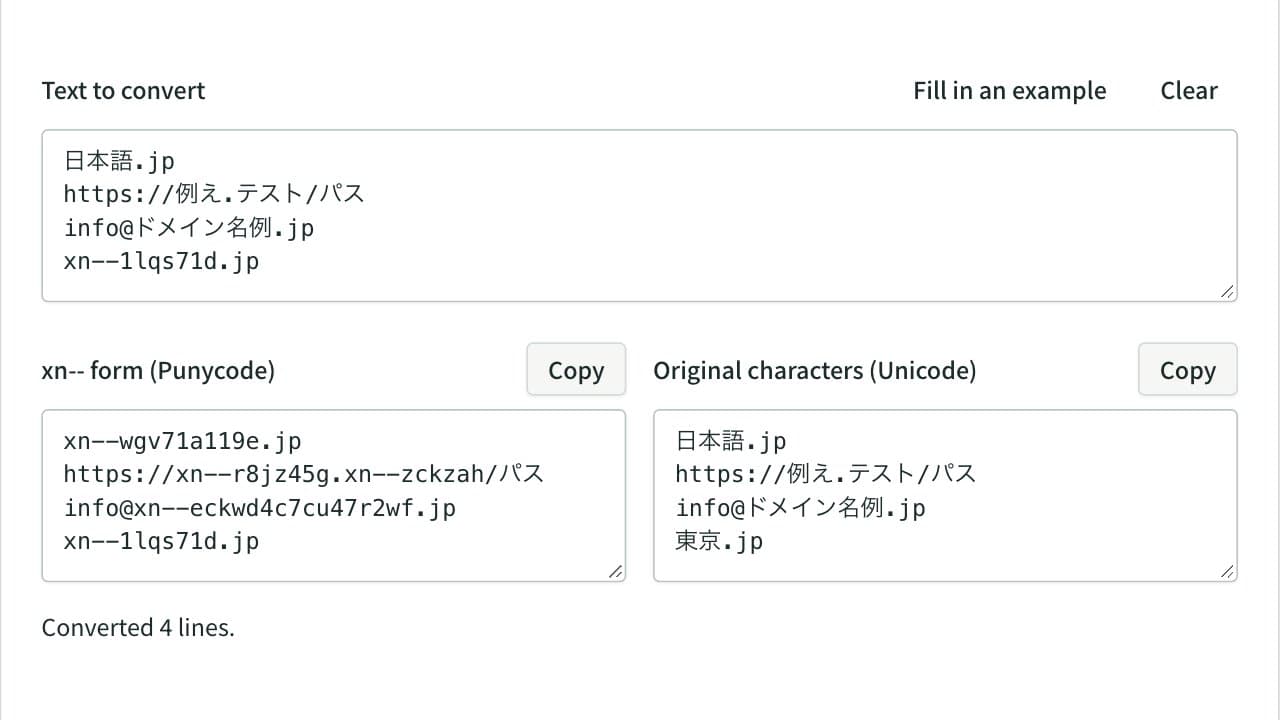
Convert internationalized domain names to their xn-- Punycode form and back, line by line. In URLs and email addresses only the domain is converted, with case and width mapping, invalid characters and mixed-script look-alikes reported.
Base64 Encoder / Decoder
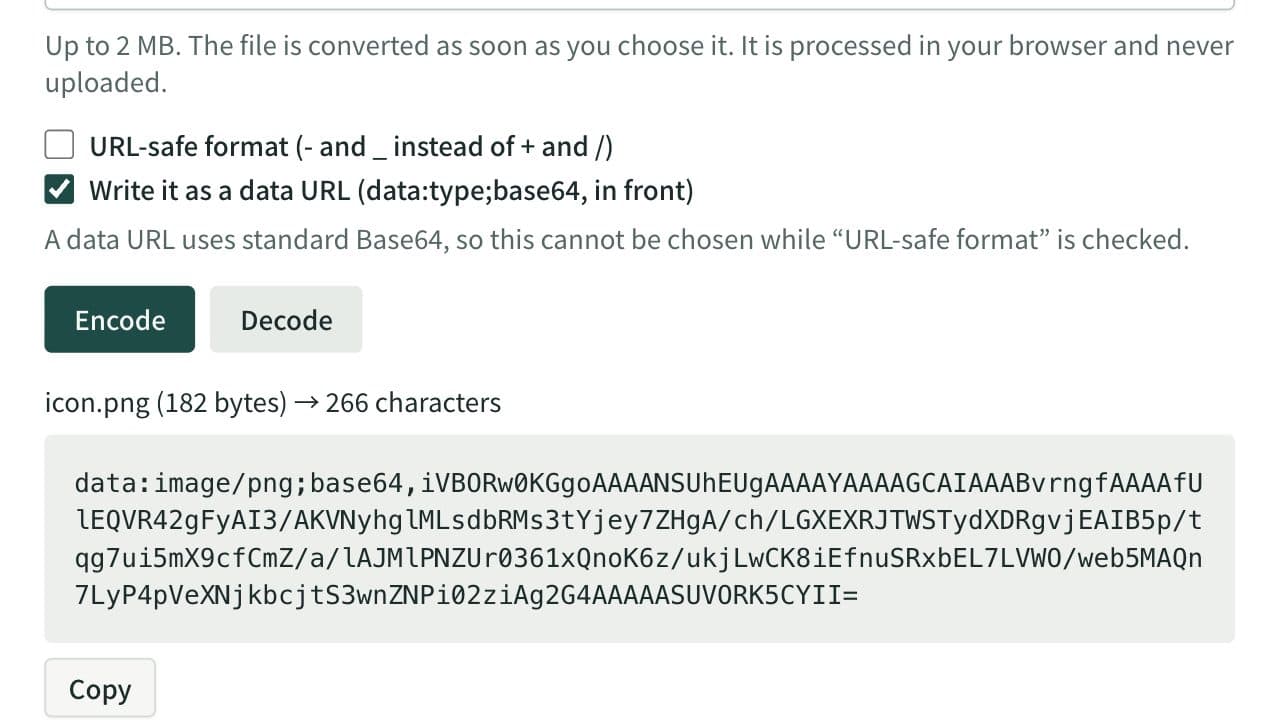
Encode text or files such as images to Base64, and decode Base64 back to text or a file. Handles data URLs and the URL-safe form (Base64URL). UTF-8 aware and runs entirely in your browser.