URL Encoder / Decoder
Percent-encode strings for URLs or decode encoded strings back, with options for a whole URL that keeps : / ? & = and for the form format that writes spaces as +. Runs entirely in your browser.
How to use
- Enter the text to convert, or an already encoded string, in the upper text area
- Select “Encode” to show the percent-encoded result
- Select “Decode” to turn notation such as
%E3%81%82back into the original characters - Use “Copy” next to the result heading to copy it to the clipboard
Under the result, “Piece by piece” cuts the input into single characters (for decoding, the %XX group of one character) and shows each one above what it became. Parts that did not change are joined and shown faintly (only the first and last 10 characters of a long one), and a space, line break or tab is written as “space”, “line break” or “tab”. For a long input, only the first 500 characters are laid out.
Before selecting a button, choose how to convert under “What to convert”.
- “Part of a URL (a query value, etc.)”: selected at first. It converts
:,/,?,&, and=as well. Use it for a query value or one path segment - “Whole URL (keeps : / ? & = and the like)”: keeps the symbols that separate the parts of a URL and converts Japanese text, spaces, and the like. Choose it to turn a URL that has not been encoded yet into a form that works as a link. It does not suit a URL that has an already encoded part or an IPv6 address (see the limits under “Converting a whole URL”)
- “Form format (spaces as +)”: converts in the format that writes a space as
+
Editing the input or choosing another option under “What to convert” clears the previous result. Select a button again afterwards.
Example
These examples leave “What to convert” on the initial “Part of a URL”.
Input:
検索 ワード
Output of “Encode”:
%E6%A4%9C%E7%B4%A2%20%E3%83%AF%E3%83%BC%E3%83%89
Entering this string and selecting “Decode” returns the original “検索 ワード”. Some examples with symbols:
a+b=c&d→a%2Bb%3Dc%26d東京 カフェ&バー→%E6%9D%B1%E4%BA%AC%20%E3%82%AB%E3%83%95%E3%82%A7%26%E3%83%90%E3%83%BC😀→%F0%9F%98%80
Which characters are encoded
While “Part of a URL” is selected, the app uses JavaScript's encodeURIComponent and decodeURIComponent directly. When encoding, only the following characters are left as they are.
- ASCII letters and digits
-,_,.,~!,*,',(,)
Every other character is turned into UTF-8 bytes, and each byte is written as % followed by two uppercase hexadecimal digits. Most hiragana and kanji take 3 bytes per character, so three %XX groups appear in a row. A space becomes %20 and a line break becomes %0A.
Characters that act as delimiters in a URL, namely :, /, ?, #, &, =, and +, are all encoded as well. For that reason, use this option on a “part” of a URL, such as a query value or one path segment. To convert an entire URL that you want to use as a link, choose “Whole URL”.
Form format
Choosing “Form format (spaces as +)” converts in the format an HTML form uses when it is submitted (application/x-www-form-urlencoded). It differs from “Part of a URL” as follows.
- Space:
%20in “Part of a URL”,+in form format +:%2Bin both!,',(,): unchanged in “Part of a URL”;%21,%27,%28,%29in form format~: unchanged in “Part of a URL”,%7Ein form format*,-,.,_: unchanged in both
Encoding 東京 cafe bar+1 in form format gives %E6%9D%B1%E4%BA%AC+cafe+bar%2B1. Only ASCII letters and digits, *, -, ., and _ are left as they are. This is the same result JavaScript's URLSearchParams produces when it writes out a value.
Decoding reads each + as a space and then turns %XX back into the original characters. %E6%9D%B1%E4%BA%AC+cafe%20bar%2B1 becomes 東京 cafe bar+1. %20 is read as a space too, so a string that mixes both notations is fine.
Input that cannot be read is handled differently from browsers and JavaScript's URLSearchParams. Those leave %ZZ as it is and replace a cut-off UTF-8 byte sequence with “�” (U+FFFD) and carry on, whereas this app shows an error, as it does with the other options. For example, 100%+off becomes 100% off with URLSearchParams and is an error in this app.
In form format as well, what you convert is a “part” such as a query name or value. If you enter a whole string like name=value&name2=value2, encoding also converts = and & into %3D and %26.
A line break becomes %0A with every option. A browser submitting a form normalizes line breaks to %0D%0A, but this app does not add characters that are not in the input.
Converting a whole URL
With “Whole URL” selected, the app uses JavaScript's encodeURI and decodeURI directly. Encoding https://example.com/?q=検索 ワード gives the following result.
https://example.com/?q=%E6%A4%9C%E7%B4%A2%20%E3%83%AF%E3%83%BC%E3%83%89
When encoding, the following symbols that separate the parts of a URL are left as they are, in addition to the characters that “Part of a URL” leaves.
;,/,?,:,@,&,=,+,$,,,#
Encoding the same URL with “Part of a URL” also converts ://, ?, and =, as shown below, and the result cannot be opened as a link.
https%3A%2F%2Fexample.com%2F%3Fq%3D%E6%A4%9C%E7%B4%A2%20%E3%83%AF%E3%83%BC%E3%83%89
When you encode a string that starts with a scheme and //, such as https://, with “Part of a URL” or “Form format”, a note below the result says that it will not open as a link. When you pass another URL as a query value, for example a redirect target, encoding the whole URL with “Part of a URL” is the correct use. In that case, use the result as it is even though the note appears.
Encoding with “Whole URL” has the following limits.
- A
&,=,+, or#inside a value cannot be told apart from a separator, so it is not converted. When a value contains symbols, as inQ&A, encode only the value with “Part of a URL” and then append it to the URL %becomes%25. A URL that already has an encoded part, such ashttps://example.com/%E6%9D%B1, is encoded twice and becomeshttps://example.com/%25E6%259D%25B1[and]become%5Band%5D. A URL that contains an IPv6 address, such ashttp://[::1]/, becomeshttp://%5B::1%5D/and no longer opens- Japanese text in a host name is percent-encoded too, and
https://日本語.jp/becomeshttps://%E6%97%A5%E6%9C%AC%E8%AA%9E.jp/. It does not become the notation that starts withxn--(Punycode). A reader that follows the URL standard (WHATWG URL) turns this notation intoxn--wgv71a119e.jp, so it still works as a link
Decoding with “Whole URL” does not turn %3B, %2F, %3F, %3A, %40, %26, %3D, %2B, %24, %2C, or %23, which stand for the separator symbols, back into the symbols; they stay as they are. The result of decoding https://example.com/search?q=%E6%9D%B1%E4%BA%AC%26%E5%A4%A7%E9%98%AA&lang=ja depends on the option as follows.
- “Whole URL”:
https://example.com/search?q=東京%26大阪&lang=ja - “Part of a URL”:
https://example.com/search?q=東京&大阪&lang=ja
In the “Part of a URL” result, the & inside the value cannot be told apart from the & that separates the fields. Choose “Whole URL” to make a URL readable. Choose “Part of a URL” to enter a single value and get its original text back.
Decoding in form format reads every + in the input as a space. If you enter a whole URL, a + in the path becomes a space too, and https://example.com/a+b?q=x+y becomes https://example.com/a b?q=x y. When decoding in form format, enter query names and values one at a time.
The guide “How to encode special characters in URLs correctly” explains how each symbol is handled.
When decoding fails
The following input cannot be decoded, and the error message returned by the browser is shown in red. This is the same with any option under “What to convert”.
- A
%that is not followed by two hexadecimal digits, as in100%or%ZZ. A literal%is written as%25 - A UTF-8 byte sequence for one character that is cut off, as in
%E3%81 - Text encoded in Shift_JIS or EUC-JP.
%93%8C%8B%9Eis “東京” in Shift_JIS, but it cannot be read as UTF-8
Lowercase hexadecimal digits, as in %e3%81%82, can be decoded.
Things to keep in mind
- Decoding with “Part of a URL” or “Whole URL” does not turn
+into a space. Decoding%E6%9D%B1%E4%BA%AC+cafe%20bar%2B1with “Part of a URL” gives東京+cafe bar+1. For strings in form-submission format where spaces are written as+, choose “Form format” and then decode - Choose after checking which format the receiving side reads. In the path of a URL,
+is not read as a space, so encode text for a path with “Part of a URL” - Encoding an already encoded string turns
%into%25with every option.%E3%81%82becomes%25E3%2581%2582, and one decode will not bring back the original character. Check that the string has not been encoded twice - Text and URLs you enter are only converted inside the browser. The app does not access an entered URL or send it anywhere
FAQ
Spaces become %20. Can I get + instead?
Yes. Choose “Form format (spaces as +)” and then encode. + is the notation used in form submissions (application/x-www-form-urlencoded); with “Part of a URL” and “Whole URL”, a space becomes %20.
+ does not turn back into a space
Decoding with “Part of a URL” or “Whole URL” leaves + as a plus sign. For a string that writes spaces as +, such as the URL of a search page, choose “Form format” and then decode.
What happens when + is encoded?
It becomes %2B with “Part of a URL” and “Form format”. With “Whole URL” it stays +. A literal + in a query value may be treated as a space by the receiving side, so encoding any + in a value is the safe choice.
Is it OK to encode an entire URL?
With “Whole URL” selected, Japanese text, spaces, and the like are converted while ://, ?, &, and = are kept. Encoding with “Part of a URL” converts these symbols too, and the link no longer opens.
Is it the same as encodeURI or encodeURIComponent?
“Part of a URL” gives the same result as encodeURIComponent, and “Whole URL” the same as encodeURI. Decoding uses decodeURIComponent and decodeURI respectively.
Why does a Japanese URL turn into %E3%81... when I copy it?
Only a limited set of characters can be used in a URL, so the browser copies the Japanese part in percent-encoded form. Choosing “Whole URL” and decoding it with this app makes it readable again.
Can it decode URLs encoded in Shift_JIS?
No. It handles UTF-8 bytes only.
Is the data I enter saved?
No. The app has no mechanism for recording the URLs or text you enter, and the input area is empty again after a reload.
- Type
- Utility
- Category
- Developer
- Tags
- url
- encode
- decode
- developer
- converter
Guides related to this app
How to encode special characters in URLs correctly
Learn to distinguish a full URL from a query value and safely encode spaces, plus signs, percent signs, and other special characters without double encoding.
Developerurlpercent-encodingquery-parameterencodedecode
Related apps
Base64 Encoder / Decoder
Encode text or files such as images to Base64, and decode Base64 back to text or a file. Handles data URLs and the URL-safe form (Base64URL). UTF-8 aware and runs entirely in your browser.
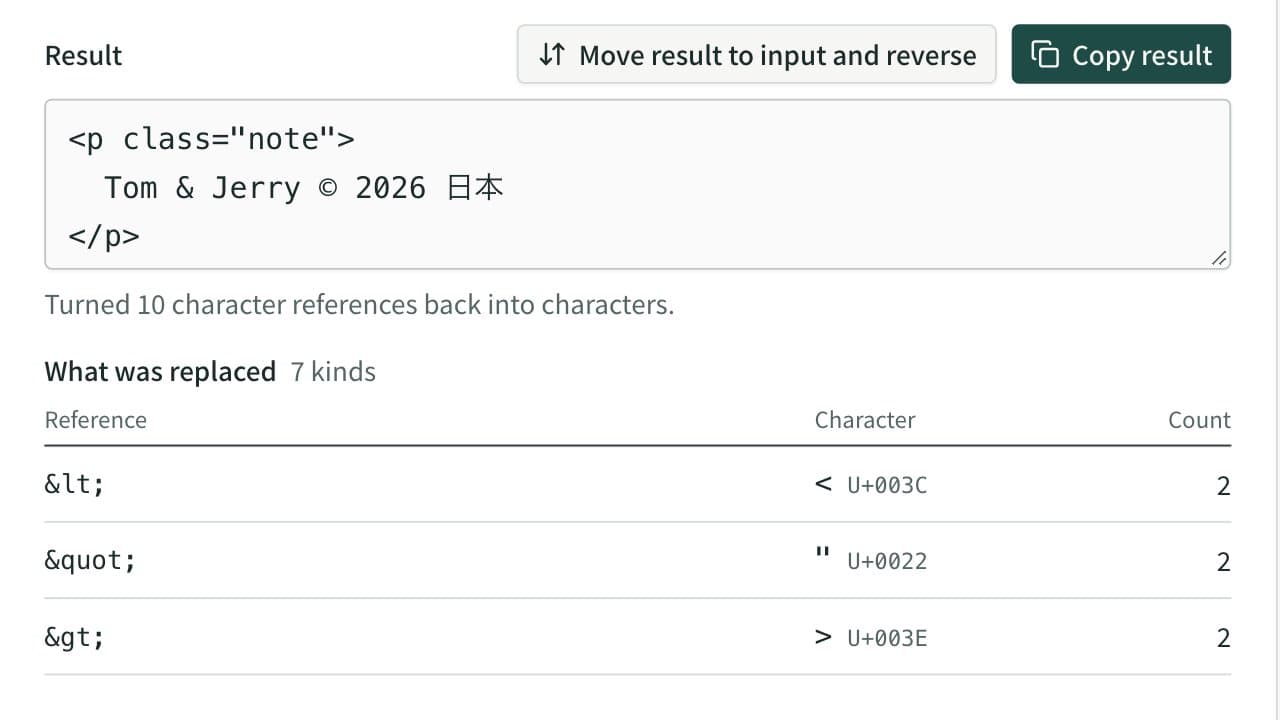
HTML Escape and Unescape Tool
Replace < > & " ' with HTML character references such as <, and turn references back into characters. Non-ASCII text can become numeric references too.
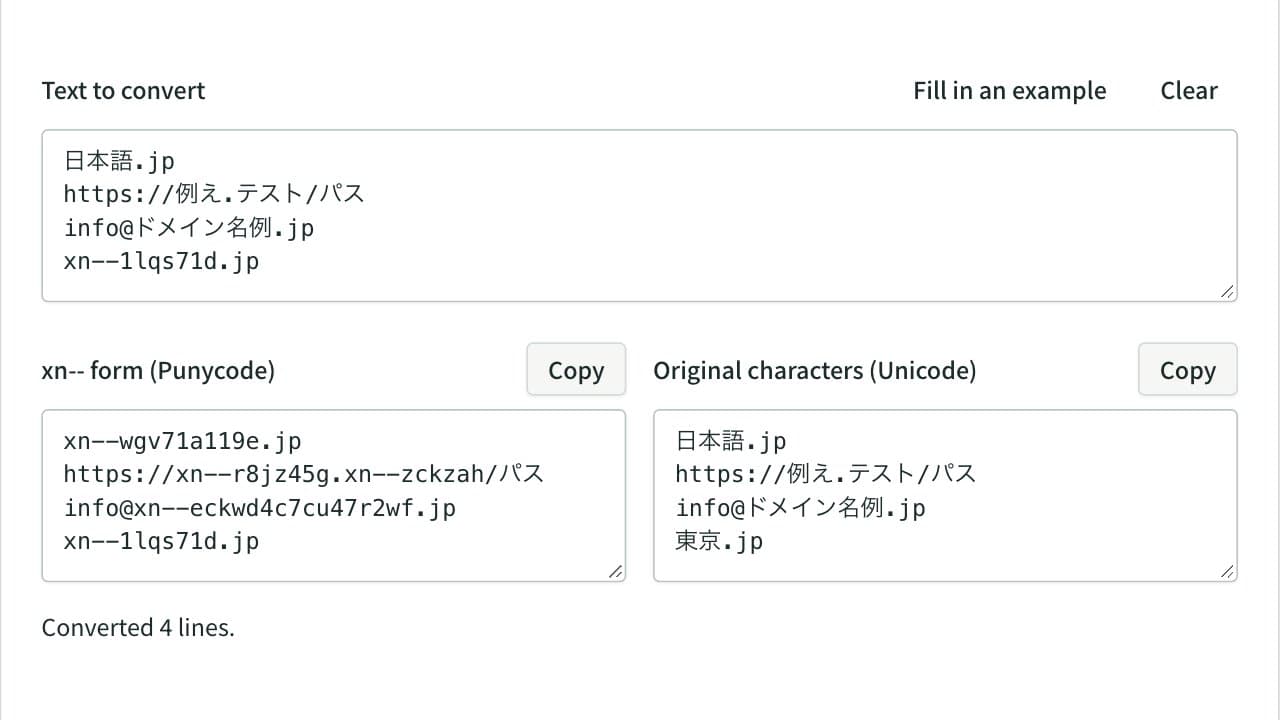
Punycode Converter (IDN ⇔ xn--)
Convert internationalized domain names to their xn-- Punycode form and back, line by line. In URLs and email addresses only the domain is converted, with case and width mapping, invalid characters and mixed-script look-alikes reported.