HTML Escape and Unescape Tool
Replace < > & " ' with HTML character references such as <, and turn references back into characters. Non-ASCII text can become numeric references too.
Enter text to see the converted result and how much was replaced.
How to use
- Choose Escape or Unescape under "Direction"
- Type or paste text into the upper field
- When escaping, change the "Escape settings" if you need to
- The converted text appears under "Result". Press "Copy result" to put it on the clipboard
There is no run button. The result changes whenever you change the input or a setting. Below the result, the app shows how many characters it replaced, or how many character references it turned back into characters. Under that, "What was replaced" lists what was replaced with what, one row per kind.
"Move result to input and reverse" moves the result into the input field and switches the direction. Use it to confirm on the spot that escaped text returns to the original.
Characters replaced when escaping
In HTML, < is read as the start of a tag and & as the start of a character reference. To show these characters as plain characters, you replace them with a notation called a character reference. That replacement is HTML escaping.
With the initial settings, only these five characters are replaced.
&becomes&<becomes<>becomes>"becomes"'becomes'
Every other character stays as it is, including Japanese text, emoji, line breaks, tabs, and spaces.
' becomes ' rather than ' because ' was not a name in HTML 4 or earlier, so some old browsers and mail clients do not turn it back into a character. ' is read as ' everywhere. When unescaping, ' is also turned back into '.
Example
Suppose you want to show the HTML of a link as code inside an article.
<a href="/search?q=1&lang=en">Search</a>
Escaped result:
<a href="/search?q=1&lang=en">Search</a>
Below it, the app shows "Replaced 7 characters with character references." Paste this result into HTML and the browser displays the original tag as text instead of making a link.
In the other direction, choose "Unescape" and paste the result above. It returns to the original line, and the app shows "Turned 7 character references back into characters."
What was replaced
"What was replaced", below the result, is a table with one row for each kind of thing that was replaced and how many times.
- When escaping, it lists each replaced character and its reference. Each character comes with its code point, such as
U+003C, so an invisible character such as the no-break space (U+00A0) can still be told apart - When unescaping, it lists the references in the input as they were written, with the character each became. References that give the same character, such as
<and<, are separate rows when they are written differently - When unescaping, references with a name this app does not know come first in the table, marked "Left as written (unknown name)". This is where you can see which names were left
Rows are sorted by count, and rows with the same count keep the order in which they first appear in the input. When unescaping, the references with an unknown name come first as a group, followed by the references that were turned back, by count. When there are more than 10 kinds, the first 10 rows of the table are shown. Press "Show all" to see the rest.
Escaping the example above gives two each of <, ", and > and one &, shown as "4 kinds".
Escape settings
Also turn characters outside ASCII into character references
When this is on, the app also replaces characters outside ASCII (the basic unaccented letters, digits, and symbols), such as Japanese text, accented letters, symbols, and emoji. The result normally contains only ASCII characters, which helps when you write into a page or email that is not saved as UTF-8, or a configuration file that accepts only ASCII.
You can choose from three ways of writing them. Compare them with 検索 (Japanese for "search") and the copyright sign ©.
- Name (decimal if none):
©becomes©and検索becomes検索. A character that has a name is written by name, and one without a name is written in decimal - Decimal:
©becomes©and検索becomes検索 - Hexadecimal:
©becomes©and検索becomes検索. Hexadecimal letters are written in upper case
Whichever you choose, the five markup characters keep the same replacements, such as &.
The number is the character's Unicode code point. An emoji with a single code point, such as 😀, becomes the single reference 😀. A character built from several code points, such as an emoji with a skin tone or a flag, is written one code point at a time. For example, 👍🏽 becomes 👍🏽 in hexadecimal, and the app counts it as 2 replaced characters.
ASCII control characters such as tabs and line breaks are not replaced. Two more kinds of character are also left as they are, because a character reference to them is not read back as the same character. If the input contains them, the result is not ASCII only.
- Control characters from U+0080 to U+009F. HTML reads numbers in this range as different characters (see "Numbers that are not characters")
- Unpaired surrogates, which appear in broken emoji and similar text
Leave an & alone when it already begins a character reference
With the initial settings, every & becomes &. So if you escape <, which is already escaped, you get &lt;. This is double escaping, and it is why a browser sometimes shows the characters < on the page.
When this setting is on, an & is not replaced if what follows it has the form of a character reference. That form is one of the following.
&, then a name of letters and digits that starts with a letter, then;(such as<or©)&#, then digits, then;(such as<)&#x, then hexadecimal digits, then;(such as<)
For example, <b> & < becomes <b> & < when this setting is on. When it is off, the result is &lt;b&gt; & <.
The app does not check whether the name exists. A string that only has the right form, such as &abc;, is also kept as a character reference. This setting is for tidying text in which escaped and unescaped parts are mixed, so leave it off when the text has not been escaped at all.
Character references that can be unescaped
Unescaping turns these three kinds of character reference back into characters.
- Named references: 253 names, such as
<,&, ,©, and… - Decimal numeric references:
<,日, and so on - Hexadecimal numeric references:
<,日, and so on. Thexand the hexadecimal letters can be upper or lower case
The names are the 252 defined in HTML 4, plus '. They cover the common symbols, accented letters, Greek letters, arrows, and mathematical signs. The current HTML specification has more than 2,000 names, and a name outside these 253, such as ↪, is not converted and is left as written. The number left is shown below the result as references "with a name this app does not know". The names that were left are listed under "What was replaced".
Keep the following in mind.
- A reference without the final
;is not converted. Browsers read some names, such as&and<, without the;, but this app treats only text ending in;as a character reference - Names are case-sensitive.
ÉisÉandéisé.&and≪are not converted - One conversion undoes one level only.
&lt;becomes<, not<. When the result still has character references that can be turned back, the app says how many below the result and offers "Unescape the result again", which moves the result into the input field and undoes one more level. It also appears when the original text itself contains strings such as<, so press it only for text that was escaped twice - An
&that is not part of a character reference, and every other character, is left unchanged
Numbers that are not characters
When the number in a numeric reference cannot be used as a character, the app reads it the way the HTML specification does.
- 0, the surrogate range (U+D800 to U+DFFF), and numbers above U+10FFFF become the replacement character
�(U+FFFD) - Numbers from 128 to 159 are read as numbers in Windows-1252, an old character encoding. For example,
€becomes€,’becomes’, and™becomes™. Old pages still contain this notation, and this turns it into the same characters a browser shows
Where escaping alone is not enough
The escaping in this app is for placing text in the content of an HTML element or in an attribute value enclosed in quotation marks. In the following places, replacing the five characters is not enough, or a different method is needed.
- Inside
<script>or<style>. Character references are not turned back into characters there, so the escaped string is used as it is - An attribute value without quotation marks. A space or similar character ends the value, so always enclose attribute values in quotation marks
- A URL placed in
hreforsrc. Percent-encode the text that goes into the URL first with the URL Encoder and Decoder. Escaping does not stop a dangerous value such as a URL that starts withjavascript: - Inside a JavaScript string or JSON. Escape by the rules of each format
When a web application shows what its users typed, use the escaping built into your language or framework instead of converting by hand. This app suits desk work such as putting code into an article or checking what an escaped string contains.
The text you enter is processed only in the browser showing this page. It is not sent anywhere or saved. Reloading the page clears the input.
FAQ
What is the difference between HTML escaping and URL encoding?
They have different purposes and notations. HTML escaping replaces characters that have a special meaning in HTML with character references such as <. URL encoding replaces characters that cannot be used in a URL with percent sequences such as %E3%81%82. To write a URL into an HTML attribute, URL-encode first, then HTML-escape the whole finished URL.
Are spaces and line breaks replaced?
No. Spaces, tabs, and line breaks stay as they are. HTML displays a run of spaces or line breaks as one space, so to show text exactly as written, wrap it in <pre> or use the CSS white-space property. With "Also turn characters outside ASCII into character references" on and the initial way of writing (Name), a no-break space (U+00A0) becomes and an ideographic (full-width) space becomes  .
Why does the page show characters like < as they are?
Because the same text was escaped twice. The first pass turns < into <, and the second turns that & into &, giving &lt;. A browser undoes one level only, so the page shows <. Unescape one level and the text is correctly escaped.
What does become when unescaped?
It becomes one character, a no-break space (U+00A0). It looks the same as an ordinary space but is a different character. If you use it in a search or comparison as it is, it does not match an ordinary space.
Do I need to turn Japanese text into character references?
Not if the page is encoded as UTF-8. Japanese text can be written as it is. Character references make the file larger for the same text and make the source harder to read. They are needed in cases such as writing a character into a page or email template saved in an encoding that does not include that character.
Why does one emoji become several character references?
Because that emoji is built from several code points. Emoji with a skin tone, family emoji, and flags are examples. A character reference is written once per code point, so there is one for each part. The browser displays them together as one emoji.
Why are some character references left unconverted?
Because the name is not among the 253 this app supports, the final ; is missing, or the upper and lower case of the name differ. A numeric reference, such as ↪, can be turned back into any character whether or not the character has a name.
- Type
- Utility
- Category
- Developer
- Tags
- html
- escape
- unescape
- entity
- encode
- decode
- developer
Related apps
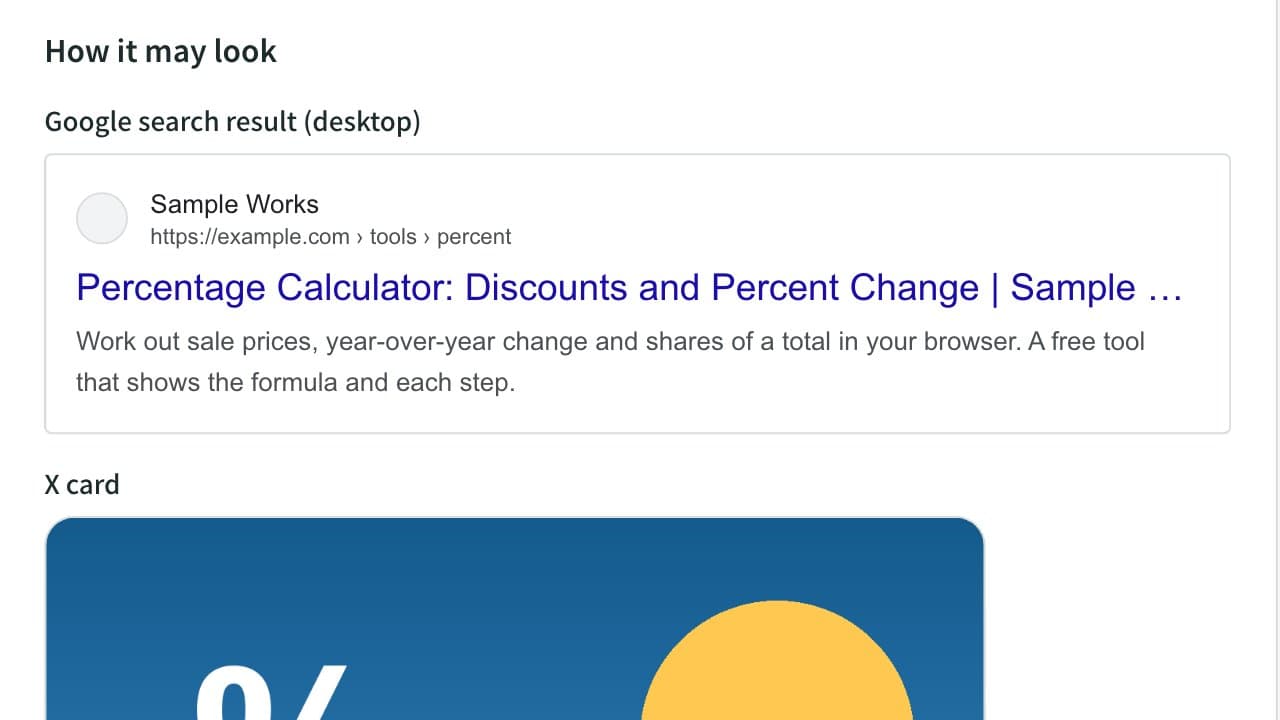
Meta Tag & OGP Generator (Title, Description, X Card)
Generate the title, description, canonical, Open Graph and X (Twitter) card tags for your page head. Preview Google results and social cards, and check text length, relative image URLs and image size.
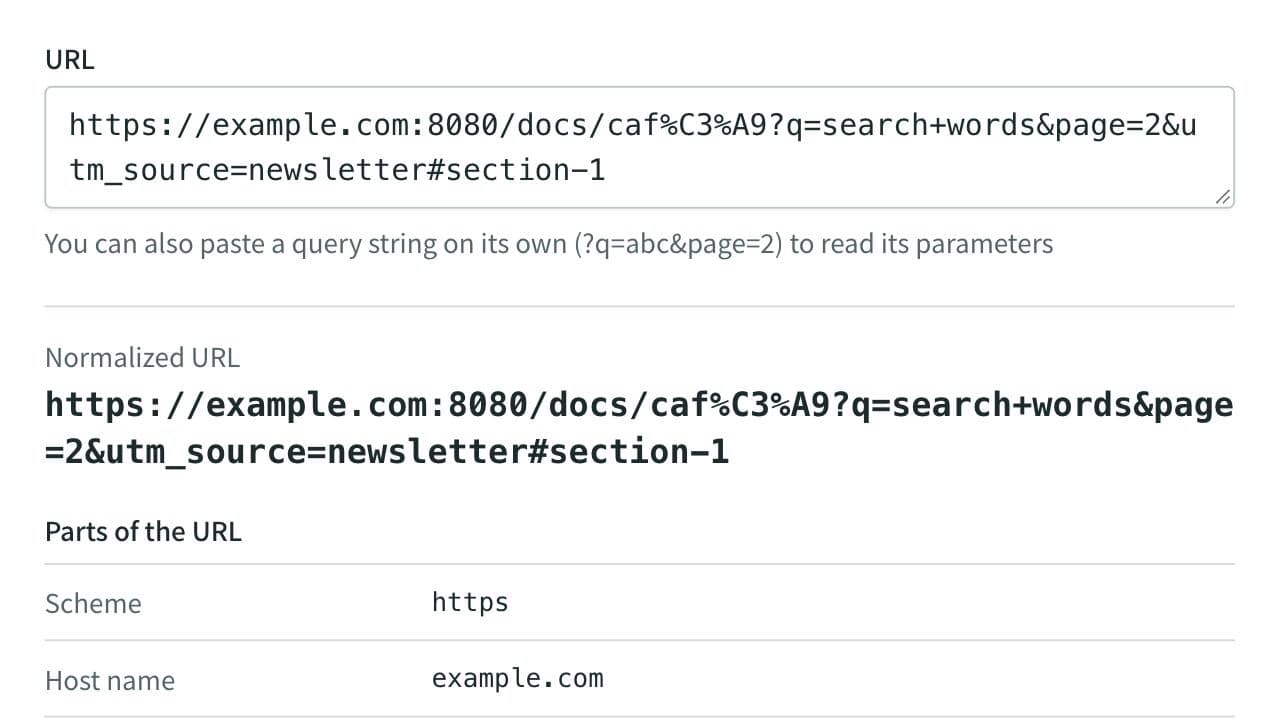
URL Parser and Query String Viewer
Split a URL into its scheme, host, port, path, query string, and fragment, and list its query parameters decoded. Also gives you the URL without tracking parameters such as utm_source, and lets you change, add, or remove parameters to rebuild the URL. Runs entirely in your browser.
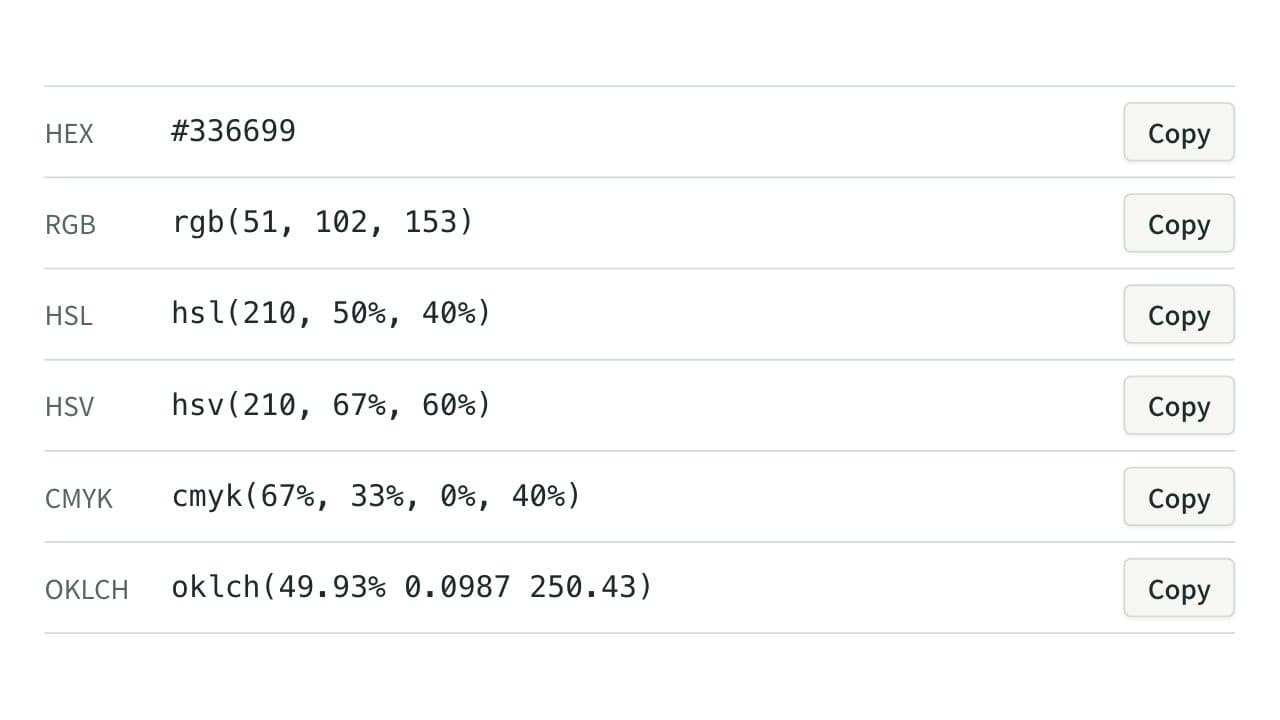
Color Code Converter
Convert colors between HEX, RGB, and HSL, and see them in HSV, CMYK, and OKLCH too, with a color picker, a live preview, and WCAG contrast ratios against white, black, or any text color you choose.