Meta Tag & OGP Generator (Title, Description, X Card)
Generate the title, description, canonical, Open Graph and X (Twitter) card tags for your page head. Preview Google results and social cards, and check text length, relative image URLs and image size.
Enter a title to generate the tags.
Checks
- Fix: Enter a title.
- Caution: No description. Search results and social sites will show text taken from the page instead.
- Note: The page URL is empty, so canonical and og:url are left out.
- Caution: No image. Shares will show no image, or another image picked from the page.
How it may look
Approximations of each service's layout; the real display may differ. The image at the image URL is not loaded. An image chosen with “Check with an image on this device” is shown instead.
example.com
https://example.com
(No title)
example.com
(No title)
example.com
(No title)
How to use
- Enter the title and the description. Under each field you see the character count and the width, counting a full-width character as 2 and any other as 1
- Enter the page URL, the site name and the image URL. Any of them may stay empty, but URLs start with
https:// - If needed, choose the page type, the language and region, the X card type, the accounts and whether to show the page in search results. With "article", you can also enter the published and updated dates
- Read "Checks" for what to fix and what to watch out for
- Use "Copy all" on "Generated tags" and paste them inside the
<head>of your HTML. Each group (basic tags, OGP, X) can also be copied on its own - "How it may look" shows the page as a Google search result, as an X card and as a link preview on Facebook or LINE
"Fill in an example" enters a made-up page. Nothing you enter leaves the browser or is saved.
Tags generated
- Basic tags:
<title>,<meta name="description">and<link rel="canonical">.<meta name="robots">is added only when "Show in search results" or "Let crawlers follow the links" is turned off, since leaving it out means index, follow. "Also output the charset and viewport tags" adds<meta charset="utf-8">and<meta name="viewport"> - OGP:
og:title,og:description,og:type,og:url,og:site_name,og:image,og:image:width,og:image:height,og:image:altandog:locale, plusarticle:published_timeandarticle:modified_timefor articles - X (Twitter):
twitter:card,twitter:site,twitter:creatorandtwitter:image:alt. X falls back to the OGP values whentwitter:title,twitter:descriptionandtwitter:imageare missing, so they are not written twice
Tags for empty fields are left out. ", &, < and > become " and the like, so symbols in a title do not break the tags. Line breaks and runs of spaces become one space.
Example
"Fill in an example" enters the following.
- Title:
Percentage Calculator: Discounts and Percent Change | Sample Works - Page URL:
https://example.com/tools/percent - Image URL:
https://example.com/images/ogp-percent.png(1200×630px) - Site account:
@example
Part of the output:
<title>Percentage Calculator: Discounts and Percent Change | Sample Works</title>
<link rel="canonical" href="https://example.com/tools/percent" />
<meta property="og:image" content="https://example.com/images/ogp-percent.png" />
<meta property="og:image:width" content="1200" />
<meta property="og:image:height" content="630" />
<meta name="twitter:card" content="summary_large_image" />
<meta name="twitter:site" content="@example" />
The title is 66 characters, long enough to be cut in desktop search results, so a caution appears. The Google preview under "How it may look" also ends it with "…".
What is checked
- Length: aim for about 60 characters in the title (30 full-width) and about 160 in the description (80–120 full-width). Search results cut text by its displayed width rather than by the number of characters, so the width counts a full-width character as 2 and any other as 1. The limits of X cards (70 characters in the title, 200 in the description) are checked too
- URLs: a relative path such as
/ogp.png, orexample.com/ogp.pngwithouthttps://, cannot be read by social sites and is marked "Fix".http://gets a caution - Image: X and Facebook do not show SVG. With the width and height entered, or an image chosen from your device, its size and aspect ratio are checked. Facebook ignores images under 200px on either side; X needs at least 300×157px for the large image card and 144×144px for the small one. On a large image card, an image outside 1.91:1 to 2:1 is cropped at the top and bottom or at the sides. 1200×630px is recommended
- Accounts:
example,@exampleandhttps://x.com/exampleall become@example. Characters that an X username cannot have are reported
Checking with an image on your device
Choose an image file with "Check with an image on this device" to fill in its width and height and show it in the previews. Images over 5 MB (too large for X) and SVG files are reported. The image is only read inside the browser and never uploaded. The image at the image URL is not loaded, so you can check an image before it is published or even on a server.
FAQ
What is OGP?
The Open Graph Protocol: <meta property="og:..."> tags that set the title, description and image shown when a page is shared on social media or in chat. Facebook started it, and LINE, Slack, Discord and others read it as well. X has its own twitter: tags but fills in missing ones from OGP.
Should I add meta keywords?
Google has stated that it does not use meta keywords for ranking, so this tool does not output them. They do no harm, but they do nothing either.
Can the OGP title differ from the page title?
This tool uses the same text for <title> and og:title. To use, say, "Page | Site name" in search results but only the page name on social media, edit the value of og:title in the output.
I added the tags but social media still shows the old image or title
Social sites keep what they read from a page for a while. Facebook's Sharing Debugger reads the page again with "Scrape Again". X and LINE also read it again after some time; you can wait, or share the URL with something like ?v=2 at the end so that it is read as a new page.
Do I need fb:app_id or <head prefix="og: ...">?
OGP is read without either. fb:app_id is for statistics in Facebook Insights; the Sharing Debugger warns when it is missing, but the preview is not affected.
Do the previews match the real display?
They imitate each service's layout as a guide. Google may also rewrite titles and descriptions to fit the page content. After publishing, check with each service's own tools or by sharing the page.
Is my data saved?
No. The tags are generated entirely in your browser, and neither what you enter nor the image you choose is sent or saved. Reloading the page clears everything.
- Type
- Utility
- Category
- Developer
- Tags
- meta
- ogp
- open-graph
- twitter-card
- seo
- html
- generator
- developer
Related apps
UUID & ULID Generator
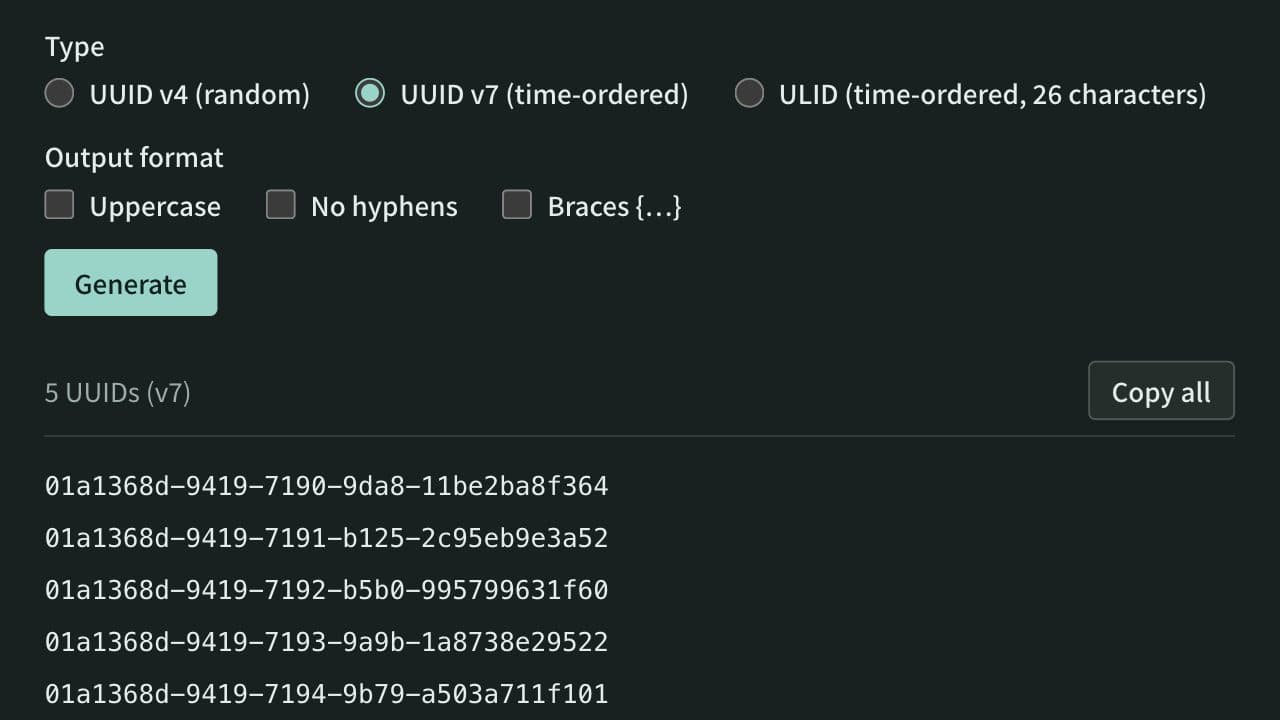
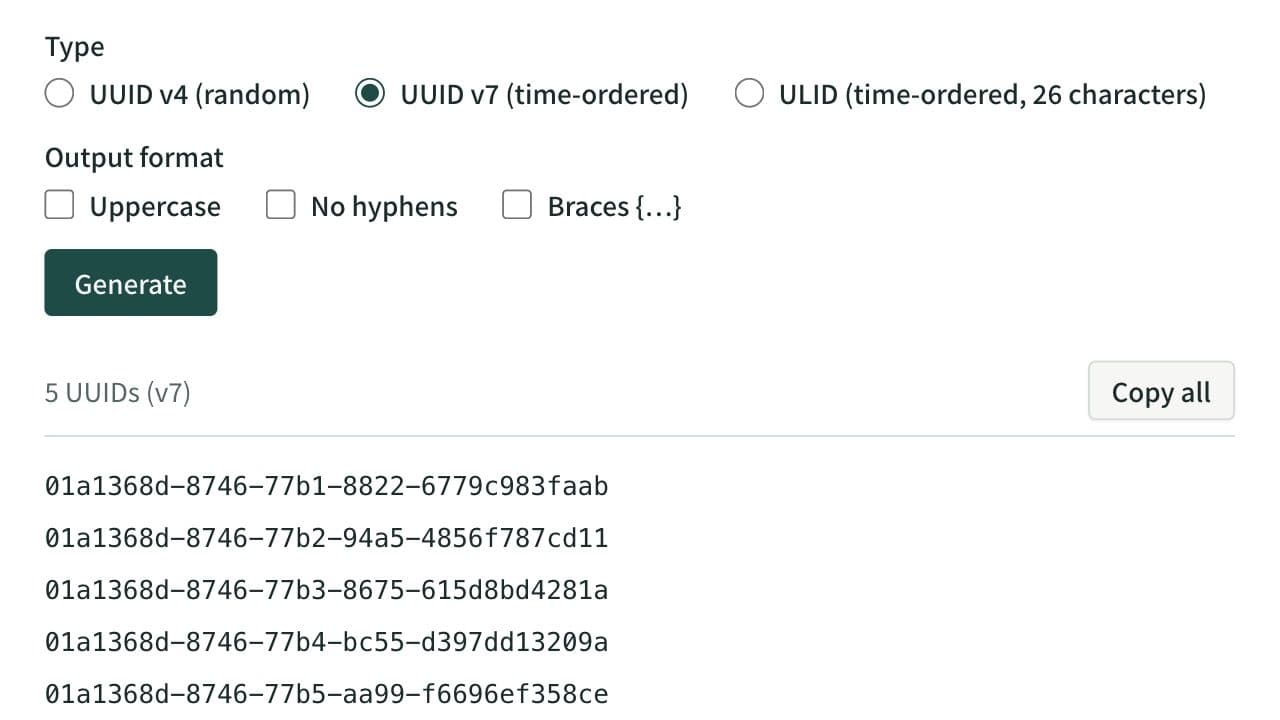
Generate UUID v4, time-ordered UUID v7, and ULIDs in bulk. Create up to 100 values with one click, switch UUIDs to uppercase, hyphen-less, or brace-wrapped output, and copy them. Paste a UUID or ULID to see its version and creation time and to rewrite it between ULID and UUID notation.
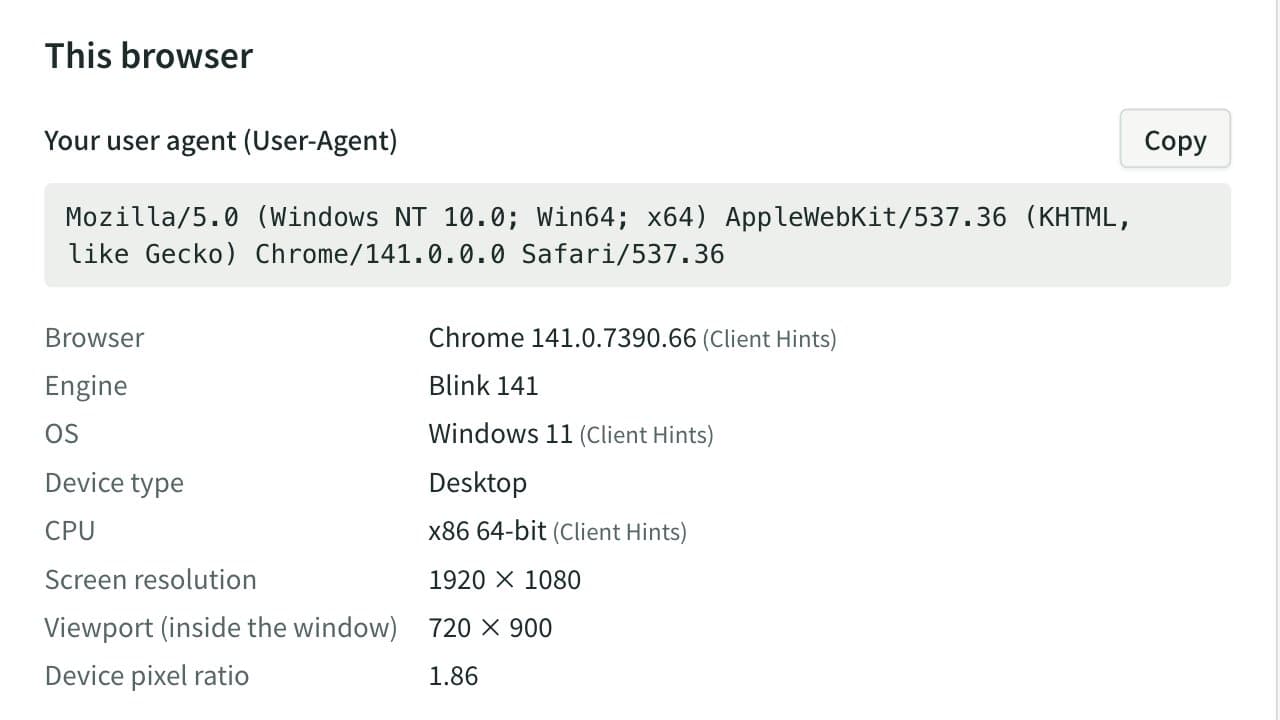
User-Agent Parser & Browser Info Checker
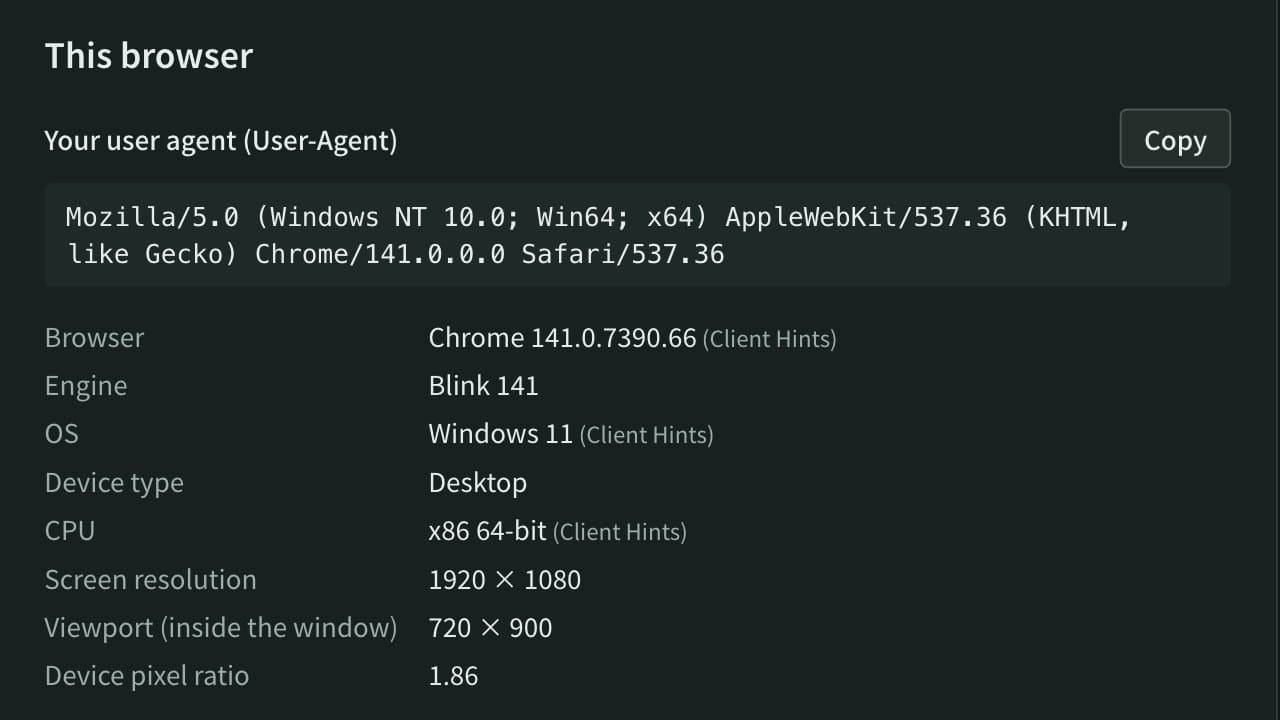
See this browser's User-Agent and environment (browser, OS, screen size and more) and copy it all at once. Paste User-Agent strings or access log lines to break them down by browser, OS, device and search or AI bot, with totals and notes on frozen version numbers.
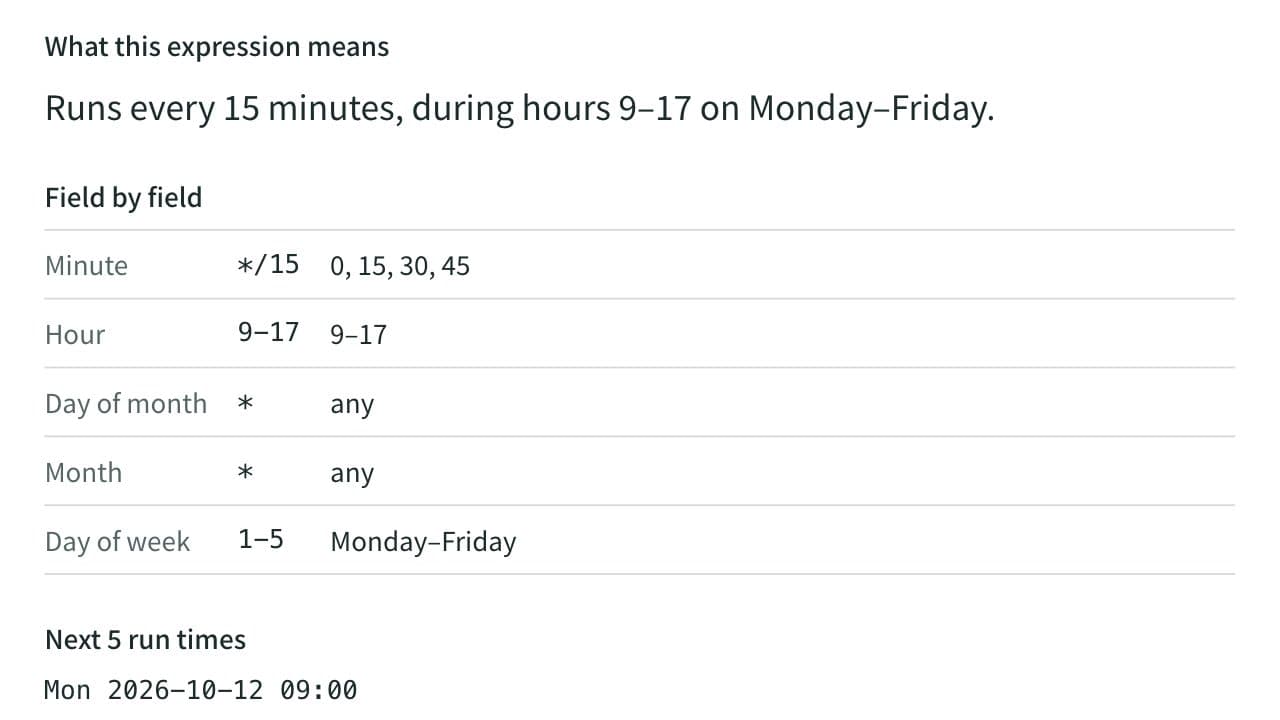
Cron Expression Parser
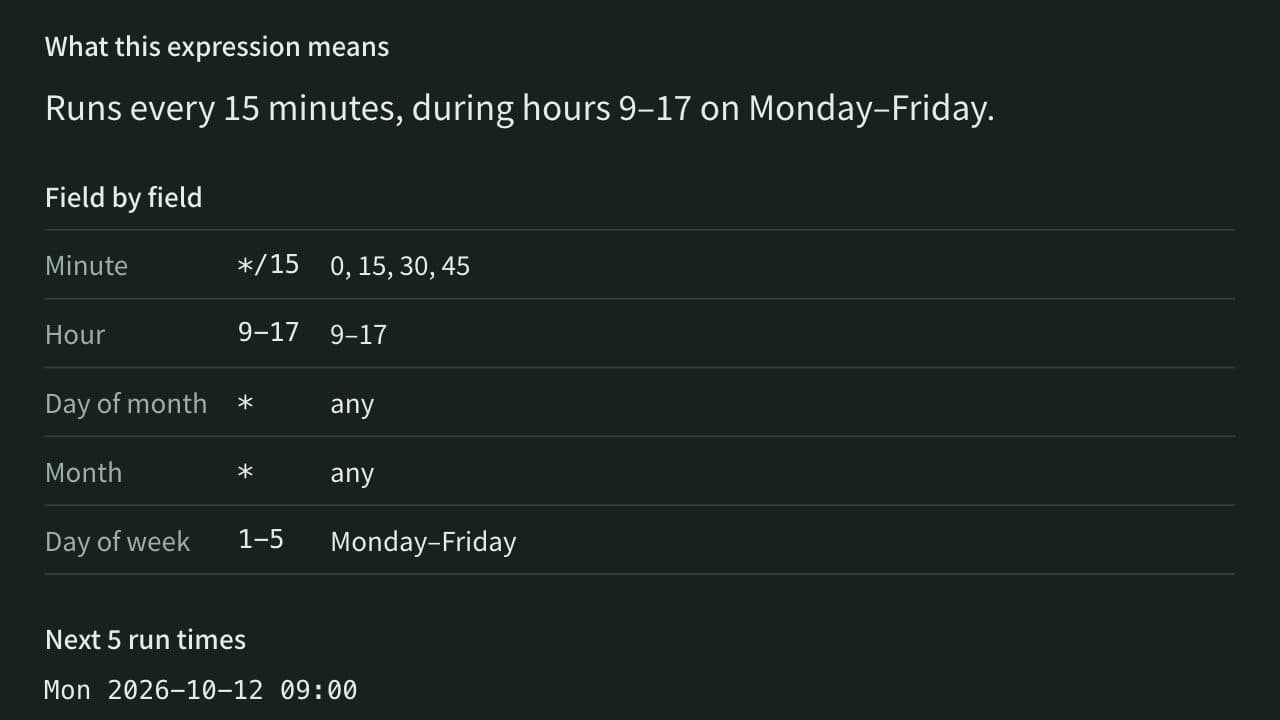
Turn a cron expression into a plain-English description and list its next run times, or build one by choosing a schedule such as every day or every week. A mistake is reported with the field that caused it.