User-Agent Parser & Browser Info Checker
See this browser's User-Agent and environment (browser, OS, screen size and more) and copy it all at once. Paste User-Agent strings or access log lines to break them down by browser, OS, device and search or AI bot, with totals and notes on frozen version numbers.
This browser
Reading this browser…
Parse a User-Agent string
One per line. Lines with a “User-Agent:” header or from an Apache or nginx access log can be pasted as they are.
How to use
- When the page opens, "This browser" shows the User-Agent of the browser you are using, along with its browser, OS, device type, screen resolution, viewport, languages, time zone and more
- "Copy" copies the User-Agent alone, and "Copy all environment details" copies every item shown together with the User-Agent. Paste it into a support request or a bug report
- To look up other User-Agents, paste them into "User-Agent to parse", one per line. "Line by line" updates as you type, showing the browser, engine, OS, device type, maker and model, or, for bots, the name and who runs it
- With two or more lines, "Totals" shows the count and share of each browser or bot, OS and device type
"Use this browser’s UA" puts the current browser’s User-Agent into the parse box. "Fill in an example" adds Chrome on Windows, Safari on iPhone, Samsung Internet on Android, the LINE in-app browser, Googlebot and curl. Neither what you enter nor the environment details leave your browser, and nothing is saved.
Example
Enter this line in "User-Agent to parse".
Mozilla/5.0 (iPhone; CPU iPhone OS 18_6 like Mac OS X) AppleWebKit/605.1.15 (KHTML, like Gecko) Version/26.0 Mobile/15E148 Safari/604.1
- Browser: Safari 26.0
- Engine: WebKit 605.1.15
- OS: iOS 18.6
- Device type: Smartphone (Apple iPhone)
- Note: since Safari 26 the iOS version is frozen at an 18.x value, so going by the Safari version this is most likely iOS 26.0
For this string from Chrome on Android, the OS reads as "Android 10" and the device type as "Smartphone", with notes that "Android 10; K" is a fixed value hiding the version and model, and that the .0.0.0 in 141.0.0.0 is a reduced version number.
Mozilla/5.0 (Linux; Android 10; K) AppleWebKit/537.36 (KHTML, like Gecko) Chrome/141.0.0.0 Mobile Safari/537.36
What it reads
- Browser: Chrome, Edge, Safari, Firefox, Opera, Samsung Internet, Vivaldi, Yandex Browser, UC Browser, DuckDuckGo, Internet Explorer and others. It also recognises in-app browsers such as LINE, Instagram, Facebook, WeChat, Yahoo! JAPAN and TikTok, WebViews embedded in Android and iOS apps, and headless Chrome
- Engine: Blink (Chrome-based), WebKit (Safari and every browser on iPhone and iPad), Gecko (Firefox), Trident (Internet Explorer) and EdgeHTML (legacy Edge)
- OS: Windows (the NT version is turned into 7, 8.1, 10/11 and so on), macOS, iOS and iPadOS, Android, ChromeOS, Linux (with the distribution when named, such as Ubuntu), HarmonyOS, PlayStation, Nintendo Switch and others
- Device type, maker and model: desktop, smartphone, tablet, TV, game console or VR headset (Meta Quest). When an Android string carries a model, the maker is shown from its prefix:
SM-is Samsung,SO-andXQ-are Sony,SH-is Sharp,Pixelis Google - Bots: search engines such as Googlebot and Bingbot, AI crawlers such as GPTBot, ClaudeBot and PerplexityBot, link previews such as facebookexternalhit, Twitterbot and Slackbot, SEO tools such as AhrefsBot, and monitoring services, each with its operator and kind. Unlisted names containing bot, crawler or spider show as "Other crawler"
- Tools and libraries: requests from programs rather than browsers, such as curl, Wget, Python Requests, Go, OkHttp, axios, Postman and PowerShell
Frozen version numbers
To protect privacy, today’s browsers send parts of the User-Agent as fixed values that differ from reality. The tool adds a note wherever a part is known to be fixed.
- Chrome version: from Chrome 101 (and Edge and others) everything after the major version is
0, as in141.0.0.0 - Android version and model: Chrome on Android sends
Android 10; Kwhatever the device - Windows 10 and 11: both send
Windows NT 10.0, so the string cannot tell them apart - macOS version: Safari, Chrome and Firefox send
10_15_7or10.15even on newer macOS - iOS version: since Safari 26 the iOS version is frozen at an 18.x value such as
18_6. Safari on iPhone is updated together with iOS, soVersion/26.0points to iOS 26.0. Some other browsers, such as Chrome on iPhone, send the real version - iPad: Safari on iPad shows desktop pages by default and sends the same string as a Mac
In "This browser", the tool also reads User-Agent Client Hints (navigator.userAgentData), which Chrome, Edge, Opera and others support, to show whether Windows is 11, the real macOS or Android version, the exact browser version, the CPU type and the Android model. Values taken from Client Hints are marked "(Client Hints)". Safari and Firefox do not support Client Hints, so for them it shows what the string reveals. Safari on iPad is told from a Mac by its touch support.
Common uses
- Support requests and bug reports: paste "Copy all environment details" to share the browser, OS, screen size and other facts needed for an investigation in one go
- Access log analysis: paste lines from an Apache or nginx access log; the third
"…"field, after the request and the referrer, is taken as the User-Agent and browsers, OS and device types are totalled - Checking bots: find out whether an unfamiliar User-Agent is a search engine or an AI crawler and who runs it, to help set up robots.txt
- Checking layouts: see the screen resolution, viewport and device pixel ratio when testing responsive design or image resolution
FAQ
What is a User-Agent?
It is the string a browser or program sends to a website to say what it is. It includes the browser name and version, the OS and the kind of device, and sites use it to adapt pages and count visits. For historical reasons every browser starts with Mozilla/5.0 and Chrome’s string contains Safari, so parts of it cannot be read at face value.
Does it show my IP address or internet provider?
No. Your IP address and provider are only known to the server that receives the request. This tool does all its work in your browser and makes no network requests, so it shows only what the browser knows about itself.
I use Windows 11 but it says "10 / 11"
The User-Agent string is the same on Windows 10 and 11, so the parse box cannot tell them apart. In "This browser", Chrome, Edge and Opera report 11 through Client Hints. Firefox does not support Client Hints, so it stays "10 / 11".
Are the results accurate?
A User-Agent is whatever the sender chooses to write, so it can be untrue. Browser extensions and developer tools can change it, and some browsers, such as Brave, send the same string as Chrome. A bot name is only a claim, so check a real bot against the IP ranges its operator publishes or with a reverse DNS lookup. The tool’s rules are its own, written for the formats of the main browsers, operating systems and bots, and it cannot identify every User-Agent.
Is my input saved?
No. Parsing User-Agents and reading the environment happen only in your browser. Nothing you enter and no result is sent to a server or stored in the browser, and everything disappears when you close or reload the page.
- Type
- Utility
- Category
- Developer
- Tags
- user-agent
- browser
- client-hints
- bot
- crawler
- access-log
- developer
- seo
Related apps
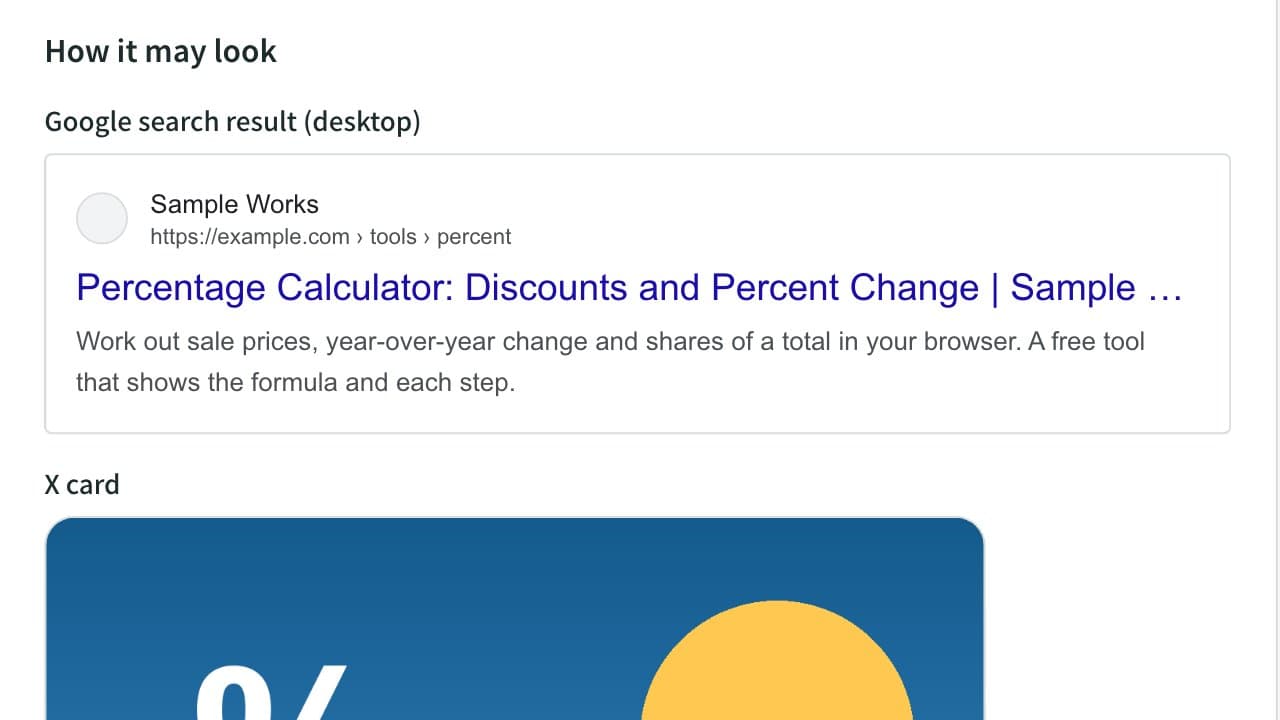
Meta Tag & OGP Generator (Title, Description, X Card)
Generate the title, description, canonical, Open Graph and X (Twitter) card tags for your page head. Preview Google results and social cards, and check text length, relative image URLs and image size.
Color Code Converter
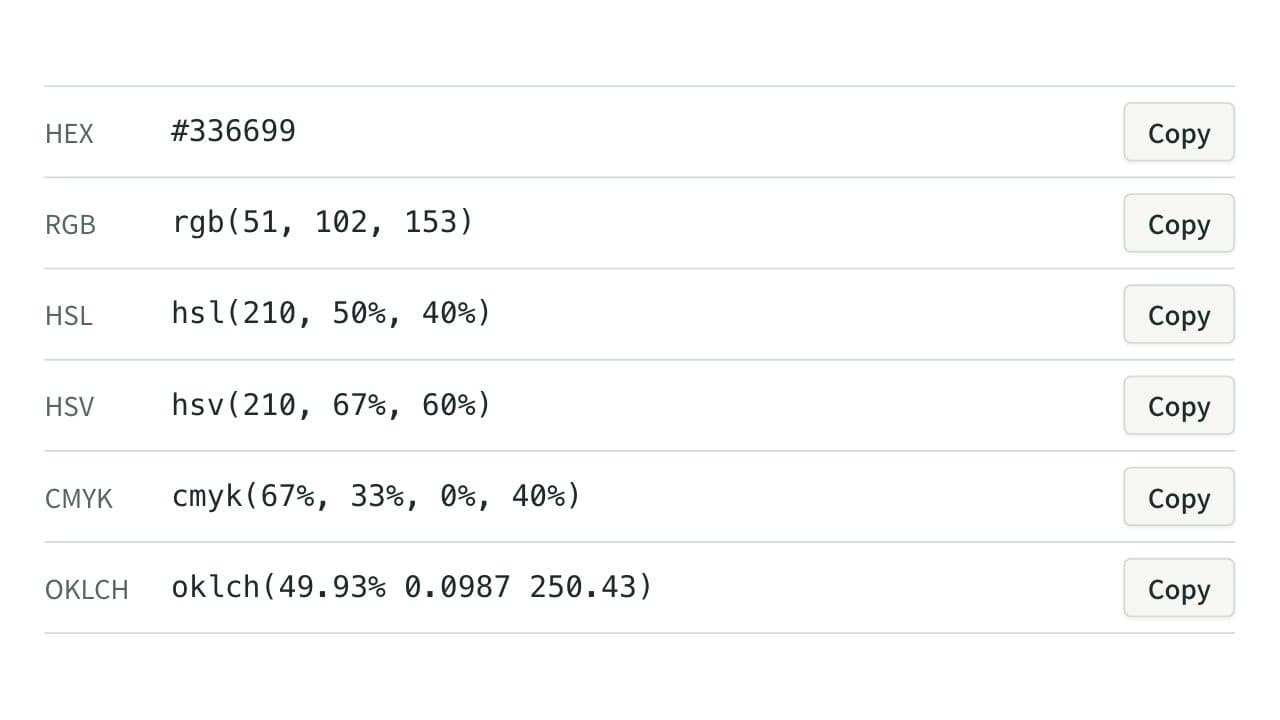
Convert colors between HEX, RGB, and HSL, and see them in HSV, CMYK, and OKLCH too, with a color picker, a live preview, and WCAG contrast ratios against white, black, or any text color you choose.
XML Formatter and Minifier
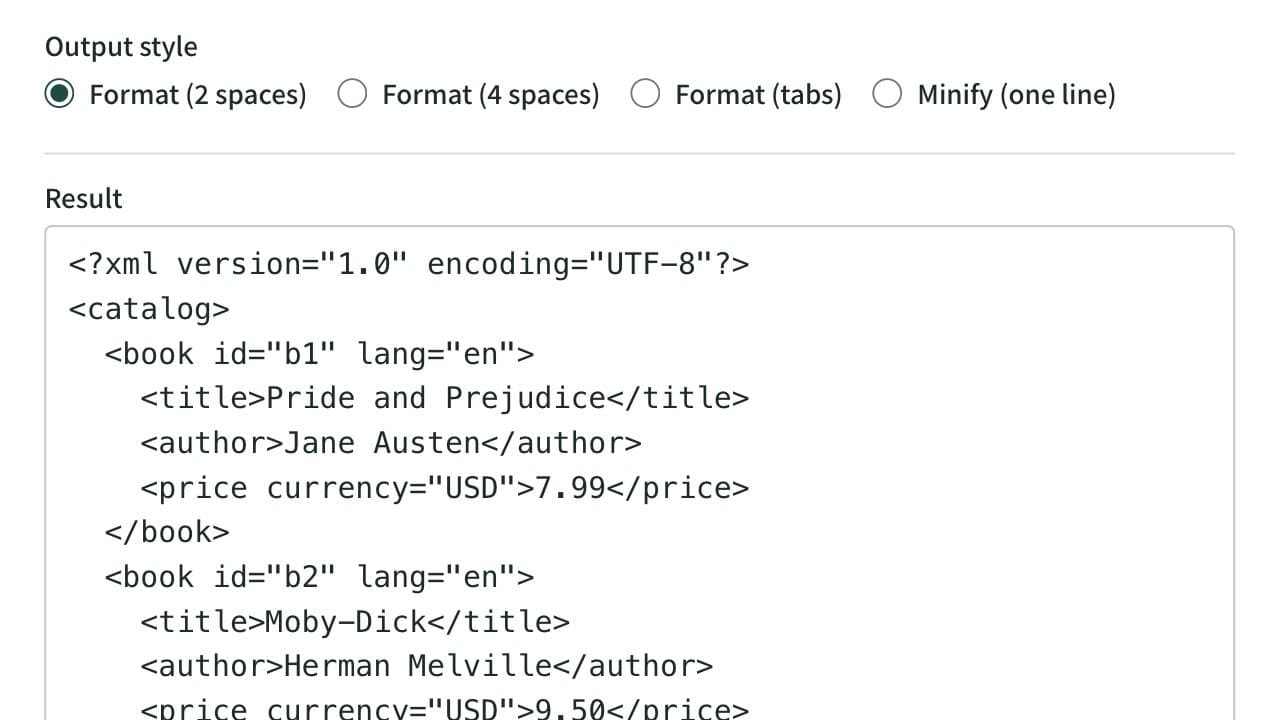
Format XML that arrives on a single line into indented, readable text. Indent with 2 spaces, 4 spaces, or tabs, or minify the XML to one line. Mistakes such as an unclosed tag are reported with their line and position, and an XPath expression extracts the elements or attributes you need. Runs entirely in your browser.