HTTP Status Code Lookup
Look up what HTTP status codes such as 404 and 503 mean, by number, name, or a word from the description. Lists every code in the IANA registry from 1xx to 5xx with a short explanation and the RFC that defines it. Runs entirely in your browser.
A number matches from its first digit (40 finds 400 to 409). Separated by spaces, any of the numbers may match, and every word must.
All 64 codes
- 100
ContinueInformational
The server has received the request headers and has not rejected them, so the client can go on to send the body. It is the interim response to a request sent with Expect: 100-continue.
RFC 9110 §15.2.1
- 101
Switching ProtocolsInformational
The server is switching to the protocol the client asked for in the Upgrade header. It is returned when a WebSocket connection opens.
RFC 9110 §15.2.2
- 102
ProcessingInformational
A WebDAV code. The server has accepted the request and is still working on it, with no final response yet.
RFC 2518
- 103
Early HintsInformational
Sends headers such as Link ahead of the final response, so the browser can start loading stylesheets and other resources while it waits.
RFC 8297
- 104
Upload Resumption SupportedInformational
Tells the client that the server supports resuming an interrupted upload. The specification is still a draft, so the registration is temporary; as of October 2026 it expires on November 13, 2026.
draft-ietf-httpbis-resumable-upload-05
- 200
OKSuccessful
The request succeeded. For GET, the body holds the requested resource.
RFC 9110 §15.3.1
- 201
CreatedSuccessful
The request succeeded and a new resource was created. It is at the URL in the Location header when there is one, and at the requested URL otherwise.
RFC 9110 §15.3.2
- 202
AcceptedSuccessful
The request was accepted, but processing has not finished. It is returned when the work is done later.
RFC 9110 §15.3.3
- 203
Non-Authoritative InformationSuccessful
The request succeeded, but a proxy on the way changed the content of the origin server's response.
RFC 9110 §15.3.4
- 204
No ContentSuccessful
The request succeeded and there is no body to return. It suits a save or a delete that leaves the page as it is.
RFC 9110 §15.3.5
- 205
Reset ContentSuccessful
The request succeeded. The client should reset the view, such as an input form, to its original state.
RFC 9110 §15.3.6
- 206
Partial ContentSuccessful
Returns only the part of the resource asked for in the Range header. It is used to seek within a video or resume a download.
RFC 9110 §15.3.7
- 207
Multi-StatusSuccessful
A WebDAV code. The XML body carries a separate result for each of several resources.
RFC 4918
- 208
Already ReportedSuccessful
A WebDAV code. Inside a 207 response, it marks members that were already listed and are not repeated.
RFC 5842
- 226
IM UsedSuccessful
A delta-encoding code. The response is the result of the instance manipulations, such as a diff from the previous version, asked for in the A-IM header.
RFC 3229
- 300
Multiple ChoicesRedirection
The resource has more than one representation, and the client picks one of them.
RFC 9110 §15.4.1
- 301
Moved PermanentlyRedirection
The resource has moved for good to the URL in the Location header, and later requests should use the new URL. A POST request may turn into GET at the new URL.
RFC 9110 §15.4.2
- 302
FoundRedirection
Also known as: Moved Temporarily
The resource is temporarily at the URL in the Location header, and later requests should keep using the original URL. A POST request may turn into GET at the new URL.
RFC 9110 §15.4.3
- 303
See OtherRedirection
Tells the client to fetch the URL in the Location header with GET (or HEAD). One use is sending the browser to a result page after a form POST.
RFC 9110 §15.4.4
- 304
Not ModifiedRedirection
Answers a request sent with If-None-Match or If-Modified-Since when the resource has not changed. There is no body, and the client uses its cached copy.
RFC 9110 §15.4.5
- 305
Use ProxyRedirection
It told the client to go through a proxy, and is now deprecated for security reasons.
RFC 9110 §15.4.6
- 306
(Unused)Redirection
Defined in an earlier specification and no longer used. The number stays reserved.
RFC 9110 §15.4.7
- 307
Temporary RedirectRedirection
The resource is temporarily at the URL in the Location header. Unlike 302, the request is repeated with the same method and body.
RFC 9110 §15.4.8
- 308
Permanent RedirectRedirection
The resource has moved for good to the URL in the Location header. Unlike 301, the request is repeated with the same method and body.
RFC 9110 §15.4.9
- 400
Bad RequestClient Error
The request is malformed or otherwise wrong, and the server cannot process it.
RFC 9110 §15.5.1
- 401
UnauthorizedClient Error
Authentication is required: the credentials are missing or wrong. The response carries a WWW-Authenticate header that names the scheme to use.
RFC 9110 §15.5.2
- 402
Payment RequiredClient Error
Reserved for future use. It has no standard meaning yet.
RFC 9110 §15.5.3
- 403
ForbiddenClient Error
The server understood the request and refuses to carry it out, for example because the user lacks permission. Sending the same credentials again does not change the result.
RFC 9110 §15.5.4
- 404
Not FoundClient Error
The resource was not found. Besides a wrong URL or a dead link, a server also returns it when it does not want to reveal that the resource exists.
RFC 9110 §15.5.5
- 405
Method Not AllowedClient Error
The method is not supported for this resource. The Allow header lists the methods that are.
RFC 9110 §15.5.6
- 406
Not AcceptableClient Error
The server cannot produce a response in a form that matches headers such as Accept and Accept-Language.
RFC 9110 §15.5.7
- 407
Proxy Authentication RequiredClient Error
The client must authenticate with the proxy. It is like 401, except that the proxy is asking.
RFC 9110 §15.5.8
- 408
Request TimeoutClient Error
The server did not receive the complete request within the time it was prepared to wait.
RFC 9110 §15.5.9
- 409
ConflictClient Error
The request conflicts with the current state of the resource, as when two people edit the same thing at once.
RFC 9110 §15.5.10
- 410
GoneClient Error
The resource is no longer available, and that is likely to be permanent. Unlike 404, it states plainly that the resource was removed.
RFC 9110 §15.5.11
- 411
Length RequiredClient Error
The server refuses a request that has no Content-Length header.
RFC 9110 §15.5.12
- 412
Precondition FailedClient Error
A precondition given in a header such as If-Match or If-Unmodified-Since did not hold.
RFC 9110 §15.5.13
- 413
Content Too LargeClient Error
Also known as: Payload Too Large, Request Entity Too Large
The request body is larger than the server accepts. It is returned when an upload goes over the size limit.
RFC 9110 §15.5.14
- 414
URI Too LongClient Error
Also known as: Request-URI Too Long
The URL is longer than the server can handle.
RFC 9110 §15.5.15
- 415
Unsupported Media TypeClient Error
The server does not support the format of the request body, given by Content-Type or Content-Encoding.
RFC 9110 §15.5.16
- 416
Range Not SatisfiableClient Error
Also known as: Requested Range Not Satisfiable
The server cannot serve the ranges asked for in the Range header. It is returned when they lie outside the size of the resource, and also when the request asks for too many small or overlapping ranges.
RFC 9110 §15.5.17
- 417
Expectation FailedClient Error
The server cannot meet what the Expect header asked for.
RFC 9110 §15.5.18
- 418
(Unused)Client Error
Also known as: I'm a teapot
Known as "I'm a teapot" from RFC 2324, which was written as an April Fools' joke. It was implemented widely enough that the number is reserved for now so that it is not given another meaning.
RFC 9110 §15.5.19
- 421
Misdirected RequestClient Error
The request reached a server that cannot answer for its target. It happens when an HTTP/2 connection is reused.
RFC 9110 §15.5.20
- 422
Unprocessable ContentClient Error
Also known as: Unprocessable Entity
The request is well formed, but the server cannot act on its content. APIs often return it when input fails validation.
RFC 9110 §15.5.21
- 423
LockedClient Error
A WebDAV code. The resource is locked.
RFC 4918
- 424
Failed DependencyClient Error
A WebDAV code. The action could not be carried out because another action it depended on failed.
RFC 4918
- 425
Too EarlyClient Error
The server refuses a request that arrived in TLS early data (0-RTT), because a third party could replay it.
RFC 8470
- 426
Upgrade RequiredClient Error
The server will not carry out the request over the current protocol. The Upgrade header names the protocol it needs.
RFC 9110 §15.5.22
- 428
Precondition RequiredClient Error
The server requires the request to carry a precondition such as If-Match, so that nobody overwrites someone else's change without noticing.
RFC 6585
- 429
Too Many RequestsClient Error
The client sent too many requests in a given time (rate limiting). A Retry-After header may say how long to wait.
RFC 6585
- 431
Request Header Fields Too LargeClient Error
The request headers are too large, for example because cookies have piled up.
RFC 6585
- 451
Unavailable For Legal ReasonsClient Error
The resource cannot be provided for legal reasons, such as an order to take it down.
RFC 7725
- 500
Internal Server ErrorServer Error
The server hit an unexpected problem and could not process the request. The cause, such as an exception or a configuration mistake, is found in the server logs.
RFC 9110 §15.6.1
- 501
Not ImplementedServer Error
The server does not implement what the request needs, for example when it receives a method it does not know.
RFC 9110 §15.6.2
- 502
Bad GatewayServer Error
A server acting as a gateway or proxy received an invalid response from the server behind it.
RFC 9110 §15.6.3
- 503
Service UnavailableServer Error
The server cannot handle the request right now because of overload or maintenance. A Retry-After header may say when to try again.
RFC 9110 §15.6.4
- 504
Gateway TimeoutServer Error
A server acting as a gateway or proxy did not get a response in time from the server behind it.
RFC 9110 §15.6.5
- 505
HTTP Version Not SupportedServer Error
The server does not support the major version of HTTP used in the request.
RFC 9110 §15.6.6
- 506
Variant Also NegotiatesServer Error
Content negotiation is misconfigured: the chosen variant is itself set up to negotiate.
RFC 2295
- 507
Insufficient StorageServer Error
A WebDAV code. The server lacks the storage space to complete the request.
RFC 4918
- 508
Loop DetectedServer Error
A WebDAV code. The server stopped because it found an infinite loop while processing the request.
RFC 5842
- 510
Not Extended (OBSOLETED)Server Error
The request does not meet the extension policy for the resource: a required extension declaration is missing, or the server does not support a mandatory extension the request declares. The extension framework it belongs to (RFC 2774) is obsolete.
RFC 2774
- 511
Network Authentication RequiredServer Error
The client must authenticate to use the network. Captive portals, such as the sign-in page of public Wi-Fi, return it.
RFC 6585
How to use
- In the "Search by number, name, or word" field, type the number you want to look up (
404), a name (not found), or a word from the description (authentication,cache) - The list below narrows to the codes that match. Each one shows its number, name, class, a short explanation, and the document (RFC) that defines it
- Choose a class such as
4xx Client Errorunder "Class" to see only the codes of that class - A code that is easy to mix up with others has a button such as "Compare with 302, 303, 307, 308". Pressing it lists just those codes and shows how to tell them apart above the list
You do not need to press a button to search. The list changes as you type. The page opens with every code listed in numeric order.
Ways to search
- Number — matches from the first digit.
40finds 400 to 409, and5finds every 5xx code. Full-width digits (404) are read the same way - Class — typing
4xxnarrows to that class as well - Name —
gatewayfinds 502 and 504. Case is ignored - Earlier names — 413 is also found by
payload too large, and 422 byunprocessable entity - Words from the description — search by words the explanations use, such as
rate limiting,WebDAV, orproxy - Defining document —
rfc 6585finds the codes that RFC defines - Several numbers — numbers separated by spaces list the codes that match any of them.
401 403finds 401 and 403. Typing one of the groups under "Telling similar codes apart" below, such as401 403or404 410, also shows how to tell them apart - Several words — words separated by spaces must all match. Next to numbers, a code must match one of the numbers and every word.
50 gatewayfinds 502 and 504
Example
Typing 40 narrows the list to these ten codes.
400 Bad Request
401 Unauthorized
402 Payment Required
403 Forbidden
404 Not Found
405 Method Not Allowed
406 Not Acceptable
407 Proxy Authentication Required
408 Request Timeout
409 Conflict
Typing timeout finds the two codes with Timeout in their names.
408 Request Timeout
504 Gateway Timeout
With that search in place, setting "Class" to 5xx Server Error leaves only 504.
Typing a number that is not in the list, such as 499, shows that the number is not registered and how a client treats it.
The five classes
A status code is a three-digit number, and its first digit gives the kind of response.
- 1xx Informational — the request was received and processing continues. These are interim responses sent before the final one
- 2xx Successful — the request was received, understood, and accepted
- 3xx Redirection — completing the request needs a further step, such as going to another URL
- 4xx Client Error — the request is wrong or cannot be carried out as sent. The cause is on the side that sent it
- 5xx Server Error — the request looks valid, but the server failed to handle it. The cause is on the server's side
Even for a number you do not know, the first digit tells you whether the request succeeded and which side has the problem.
Telling similar codes apart
The app can list each of these groups side by side. Press "Compare with" on any code in the group.
200, 201, 202, and 204 (success)
- 200 reports success. For GET, the result is in the body. It can also have no body, as in a response to HEAD
- 201 says a new resource was created. It is at the URL in the Location header, or at the request URL if there is none
- 202 says the request was accepted, but processing has not finished. It may never run to completion
- 204 says the request succeeded and there is no content to send
301, 302, 303, 307, and 308 (redirects)
- A permanent move is 301 or 308, and a temporary redirect is 302 or 307
- With 301 and 302, a POST request may turn into GET at the new URL. To have the request repeated with the same method and body, use 308 (permanent) or 307 (temporary)
- 303 has the client fetch another URL with GET (or HEAD). One use is opening a result page after a form POST
401 and 403
- 401 means "we do not know who you are." It is returned when the user is not signed in or the token is wrong
- 403 means "we understood the request, and the answer is no." Signing in again with the same account does not change the result. Another account that has permission may get through
The name is Unauthorized, but what 401 reports is a failure of authentication, the check of who the user is.
404 and 410
- 404 says only that the resource was not found. It does not say whether that is temporary or permanent
- 410 says the resource used to exist, is gone, and will probably not return
400 and 422
- 400 is for a request the server cannot read, such as broken JSON
- 422 is for a request the server could read whose content does not meet the rules: a required field is missing, a date is in the wrong format, and so on
Which one an API returns varies. Many APIs return 400 for invalid input as well.
405 and 501
- 405 is for a method this resource does not allow. The Allow header lists the methods it does
- 501 is for a method the server does not support for any resource
406 and 415
- 406 is returned when the server cannot respond in a form the client asked for with Accept or a similar header
- 415 is returned when the server cannot accept the format of the body the client sent (its Content-Type or Content-Encoding)
408 and 504
Both mean someone gave up waiting.
- 408 is returned when the server gave up waiting for the client's request to arrive in full
- 504 is returned when a gateway or proxy gave up waiting for the response of the server behind it
409, 412, and 428
- 409 is for a request that conflicts with the current state of the resource, such as two people editing the same thing at once
- 412 is for a precondition, set with If-Match or a similar header, that did not hold
- 428 is returned when the server requires the request to carry such a precondition
413, 414, and 431
What is too large is the request body for 413, the URL for 414, and the headers for 431.
429 and 503
- 429 is returned when this client has sent too many requests (rate limiting)
- 503 is returned when the server cannot handle the request right now because of overload or maintenance
Both can give the time to wait in the Retry-After header.
500, 502, 503, and 504
- 500 is a problem inside the server itself, such as an exception in the program or a configuration mistake
- 502 is returned when a proxy or load balancer received an invalid response from the server behind it
- 503 is returned when the server cannot handle requests right now because of overload or maintenance
- 504 is returned when a proxy or load balancer gave up waiting for the server behind it
502 and 504 come from a server in front of the application, such as nginx, a CDN, or a load balancer.
The codes in the list
The list holds the codes registered in the "HTTP Status Code Registry" of IANA, the organization that manages Internet numbers, as of October 12, 2026. That includes the following.
- 306 and 418 — numbers the registry marks "(Unused)". 418 is known as "I'm a teapot"
- 104 — a code whose specification is still a draft, so its registration is temporary and has an expiry date (November 13, 2026)
- 510 — a code whose defining specification is obsolete. Its name carries "(OBSOLETED)", as in the registry
Names follow the registry's current wording. 413 is Content Too Large (formerly Payload Too Large), and 422 is Unprocessable Content (formerly Unprocessable Entity). Earlier names are shown as "Also known as" and can be searched.
Numbers that are not in the list
Numbers a server or service uses on its own, such as 499 (nginx) and 520 (Cloudflare), are not registered and so are not in the list. Check the documentation of that product for their meaning.
The HTTP specification (RFC 9110) requires a client that receives a number it does not know to treat it like the first number of the same class (x00). That is 400 for 499 and 500 for 520. Typing a three-digit number from 100 to 599 that is not in the list shows this fallback.
To check which parts of a URL are sent to the server, use the URL Parser and Query String Viewer.
FAQ
What is an HTTP status code?
A three-digit number at the start of a web server's response that reports the outcome of the request. 200 means success, 404 means not found, and 500 means a problem inside the server. You can see it in the "Network" tab of the browser's developer tools or in the output of curl -I.
What should I do when I see 404?
Check the spelling of the URL. If you followed a link, the page may have moved or been deleted. On the site owner's side, redirecting the old URL to the new one with 301 whenever a URL changes prevents dead links.
How do I choose between 301 and 302?
Use 301 when a page has moved and will not move back, and 302 when another page is shown only for a while, such as during a campaign or maintenance. 301 tells the other side to use the new URL from now on, and browsers remember where it led. That makes it hard to take back later.
What is the difference between 500 and 503?
500 is a problem the server did not expect, such as an exception in a program. 503 is a state in which the server cannot handle the request "right now" because of overload or maintenance, and implies that it will recover in time. During planned maintenance, a 503 can carry a Retry-After header to say when service is expected back.
Is 418 I'm a teapot a real code?
It comes from RFC 2324, a protocol for controlling coffee pots published on April Fools' Day in 1998, and is not an official HTTP code. Because so much software implemented it as a joke, RFC 9110 keeps 418 as a reserved number so that it is not assigned another meaning.
Why are 499 and 520 not in the list?
They are not registered with IANA. nginx uses 499, and Cloudflare uses the 520s, each with a meaning of its own. This app lists registered codes only.
Can I read the explanations in Japanese?
The Japanese page shows the same list with explanations in Japanese. The names, such as Not Found, stay in English on both pages.
Is anything I type sent anywhere?
No. The list is part of the page, and the search runs in your browser. Nothing you type is recorded, and reloading the page returns it to its initial state.
- Type
- Utility
- Category
- Developer
- Tags
- http
- status-code
- reference
- api
- redirect
- developer
Related apps
MIME Type Lookup
Look up the MIME type (Content-Type) for an extension such as .jpg or .json, or the extensions for a MIME type. Lists more than 90 types common on the web, with their other spellings and whether IANA has registered them. Choose a file to tell its format from the mark in its content and check it against the extension. Runs entirely in your browser.
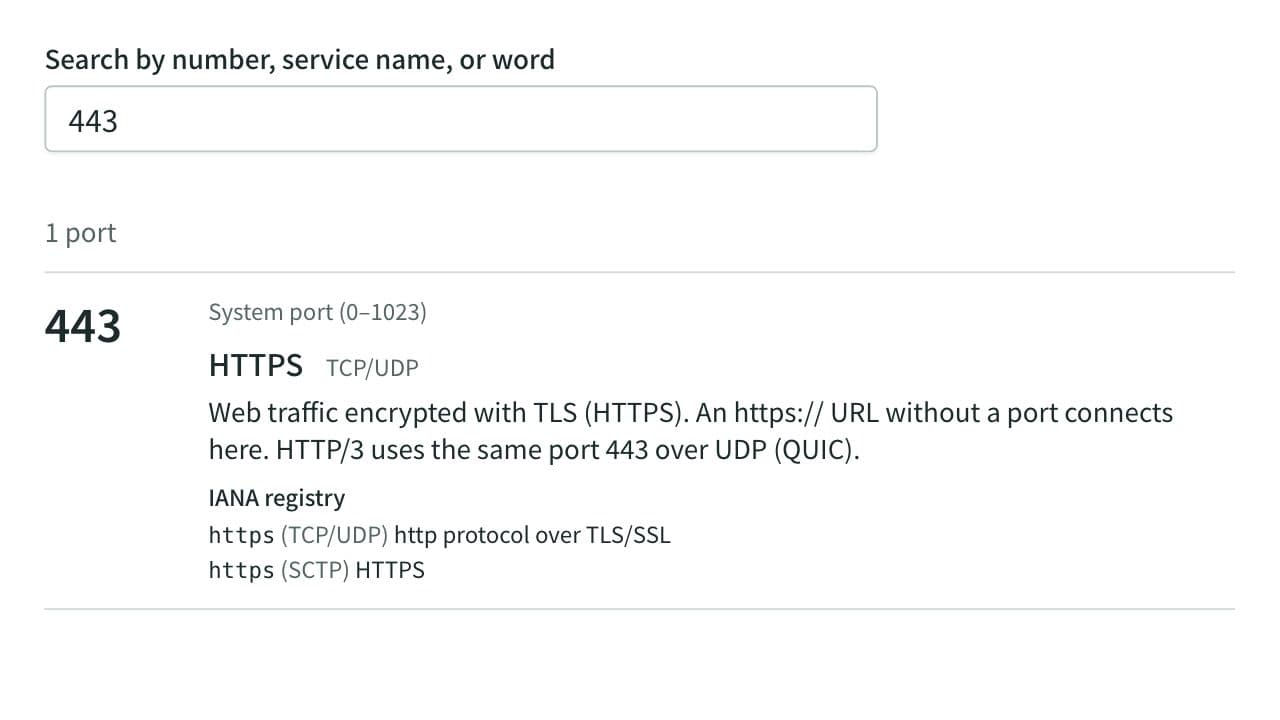
Port Number Lookup
Look up what port numbers such as 22, 443, and 3306 are used for, by number, service name, or word. Lists more than 120 common ports with an explanation and covers every number in the IANA registry. Also shows which ports browsers refuse to open and reads the ports in netstat, ss, or lsof output. Runs entirely in your browser.
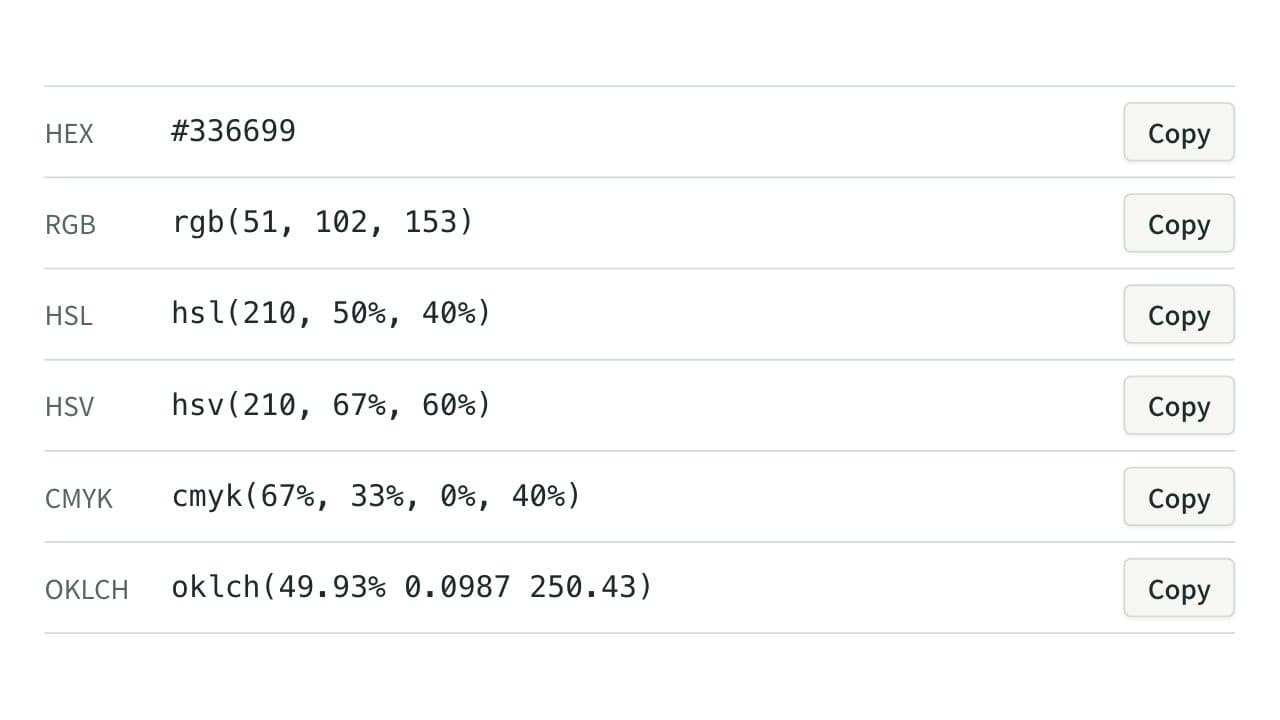
Color Code Converter
Convert colors between HEX, RGB, and HSL, and see them in HSV, CMYK, and OKLCH too, with a color picker, a live preview, and WCAG contrast ratios against white, black, or any text color you choose.