JWT Decoder
Decode a JWT (JSON Web Token) header and payload, and compare its expiration time (exp) with the current time. Enter a shared secret or public key to check whether an HS256, RS256, ES256, or similar signature matches, right in the browser.
How to use
- Paste a JWT (a string in the form
header.payload.signature) into the input area. A leadingBearercan stay attached - The header and payload are shown as indented JSON. There is no button to press
- If the payload has
exp,iat, ornbf, the values converted to date-times are listed below it, both in UTC and in your device's time zone - Below that, the result of comparing
expandnbfwith your device's clock is shown as “Expired,” “Not expired,” or “Not active yet” - Finally, the signature part is shown as the original string
- To check the signature, enter a key in the “Check the signature” area below. A token whose
algisHS256or similar takes the secret shared with the issuer; a token whosealgisRS256,PS256,ES256, or similar takes the issuer's public key. “Signature matches” or “Signature does not match” appears right away
Without a key, the app only decodes and compares the times. Even when the signature matches, all that was checked is that the signature was made with the key you entered. It does not show that the token is valid or that a server will accept it.
Example
Paste the following JWT.
eyJhbGciOiJIUzI1NiIsInR5cCI6IkpXVCJ9.eyJzdWIiOiIxMjM0NTY3ODkwIiwibmFtZSI6IkpvaG4gRG9lIiwiaWF0IjoxNTE2MjM5MDIyfQ.SflKxwRJSMeKKF2QT4fwpMeJf36POk6yJV_adQssw5c
Header:
{
  "alg": "HS256",
  "typ": "JWT"
}
Payload:
{
  "sub": "1234567890",
  "name": "John Doe",
  "iat": 1516239022
}
The time area shows 2018-01-18T01:30:22.000Z for iat, and the same time in your device's time zone below it. On a device set to Japan Standard Time, that line reads something like Local: Jan 18, 2018, 10:30:22 AM GMT+9. This token has no exp, so the line under the time area reads “There is no numeric exp, so expiry cannot be compared.” The Signature area shows the third part, SflKxwRJSMeKKF2QT4fwpMeJf36POk6yJV_adQssw5c, as is.
The alg of this token is HS256, so a “Shared secret (HS256)” field appears below. Entering your-256-bit-secret shows “Signature matches.” This secret is 19 bytes, shorter than the 32 bytes HS256 requires, so a note says it is short. A secret that differs by even one character gives “Signature does not match.”
JWT structure and what is shown
A signed JWT (the JWS form this app handles) consists of three parts separated by periods.
- Header: JSON that states the signing algorithm (
alg) and the token type (typ) - Payload: JSON that carries information (claims) such as the user identifier and the expiration time
- Signature: a value used, together with a key, to confirm that the header and payload have not been rewritten
The header and payload are just JSON written in a format called Base64URL. They are not encrypted, so anyone can read them without a key. This app turns those two parts back into readable form. Base64URL uses - and _ in place of + and / and omits the trailing =, but you do not need to replace anything in the pasted string yourself.
Claims often used in the payload are iss for the issuer, sub for the subject, aud for the intended audience, exp for the expiration time, nbf for the time the token becomes valid, iat for the time of issue, and jti for the token identifier.
Reading the time claims
exp, iat, and nbf are written as the number of seconds since 00:00 on January 1, 1970 (UTC). Only when the value is a number, the app converts it to the form 2018-01-18T01:30:22.000Z and shows the same time in your device's time zone below it.
- The trailing
Zon the first line means UTC (Coordinated Universal Time) - The “Local” line is the date-time in the time zone of the device showing this page, followed by the name of the time zone. Japan Standard Time is 9 hours ahead of UTC, so the example above is 10:30:22 on January 18, 2018 in Japan
- Values are treated as seconds. A token that stores milliseconds shows a date in the distant future
- A value written as a string, such as
"1760003600", is not converted and appears only in the payload JSON - A number above 8,640,000,000,000 seconds cannot be expressed as a date-time, so it is not converted and appears only in the payload JSON. The same applies on the negative side. The comparison described below still uses such a value as a number
- The display order is
exp,iat,nbf
To convert between seconds and date-times, you can use the Unix Timestamp Converter.
Comparing with the expiration time
Under the time area, one line shows the result of comparing exp and nbf with your device's clock. The conditions are checked in this order, and the first one that applies is used.
- When the current time is at or after
exp: “Expired: 3 d 2 h past exp” - When the current time is before
nbf: “Not active yet: 5 min until nbf” - When the current time is before
exp: “Not expired: 2 h 15 min until exp” - When there is no numeric
exp: “There is no numeric exp, so expiry cannot be compared”
- The length uses the two largest of days (d), hours (h), minutes (min), and seconds (s), and anything smaller is dropped. 3 days 2 hours 59 minutes is shown as “3 d 2 h,” 1 day 0 hours 30 minutes as “1 d,” and less than a minute as, for example, “45 s”
iatis not used in the comparison- The clock is read when the contents of the input area change. The line does not advance while the page stays open. To compare again, change the input. The clock reading that was used is shown under the result
- The comparison uses your device's clock. If that clock is off, so is the result. How much clock skew a server allows is not reflected either
“Not expired” means only that the time written in exp has not come yet. Even with a matching signature, it does not show that the token is valid or that a server will accept it.
Checking the signature
The supported values of alg are HS256, HS384, HS512, RS256, RS384, RS512, PS256, PS384, PS512, ES256, ES384, and ES512. The check runs with Web Crypto, which is built into the browser, and the key is never sent or saved.
alg starting with HS (shared secret)
- The secret you enter is used as plain text (UTF-8). Spaces around it are not removed either
- When the secret is stored in Base64 or Base64URL, select “The secret is written in Base64 or Base64URL” to turn it back into the original bytes before use. A trailing
=may be present or absent - The characters you type are masked. Select “Show the secret” to see them
- When the secret is shorter than 32 bytes for HS256, 48 bytes for HS384, or 64 bytes for HS512, a note says it may be guessed, alongside whether it matched. RFC 7518 asks that no shorter secret be used
- A value that looks like a public key is not used, and the reason is shown. The app looks for PEM, a PEM body without its armour lines, DER (SPKI and PKCS#1), and JWK, both in the text you enter and in the bytes it turns into when read as Base64. Anyone can obtain a public key, so checking with a public key as the secret would make a forged token from an attacker match as well. Not every way of writing a public key can be recognized, however, so do not put a public key in this field. A private key in PEM is not used either. For a JWK with
"kty":"oct", paste only the value ofkand select the Base64 option
alg starting with RS, PS, or ES (public key)
- Paste a PEM key starting with
-----BEGIN PUBLIC KEY-----, or a JWK as JSON - A JWKS (a list of keys in the form
{"keys":[...]}) can be pasted as well. When the header has akid, the one key with the samekidis used, and the app says which key it used. When the header has nokid, only a JWKS holding a single key can be used. When the header'skidis not a string, orkeysholds something that is not a key, no key is picked - The key type of a JWK has to fit the token's
alg:"kty":"RSA"for RS and PS,"crv":"P-256"for ES256,"crv":"P-384"for ES384, and"crv":"P-521"for ES512. When the JWK statesalg,use, orkey_ops, the app also checks that they allow checking this token's signature - A private key (such as
-----BEGIN PRIVATE KEY-----, or a JWK containingd) is not used. Checking a signature needs only the public key - A certificate (
-----BEGIN CERTIFICATE-----) and the-----BEGIN RSA PUBLIC KEY-----format (PKCS#1) cannot be read. Convert them to the-----BEGIN PUBLIC KEY-----format or to a JWK before pasting
What is not checked
- A token whose
algisnonehas no signature, so there is nothing to check. Analgmissing from the list above, such asEdDSA, is not supported either - A token whose header has
critis not checked.critmarks extensions that a recipient must reject the token over if it does not understand them, and this tool does not handle extensions - Only the key in the field is used. A key written in the header's
jwkorx5c, or found at a URL injkuorx5u, is not used, and no URL is accessed. Whoever made the token can write their own key into the header - All three parts have to be exact Base64URL, with no extra
=, spaces,+, or/. When the header or payload is not, no key field is shown; when the signature is not, the app says it cannot be read instead of saying whether it matched. A JWT written that way is not a valid token even if it was signed in that form - Claims such as
issandaud, and the times, are not checked along with the signature. See the comparison above for the times
The signature is checked again each time the token or the key changes. While you type, a result for an older token or key is not shown.
Input that causes an error
- When the string does not split into exactly three parts at the periods, the app shows “A JWT must have three segments: header.payload.signature.” Encrypted tokens with five parts (JWE) are not supported
- When characters are missing from the header or payload so that it can no longer be read as Base64URL or JSON, an error is shown. Missing characters in the signature do not cause a decoding error. Once a key is entered, the app says the signature does not match or cannot be read as Base64URL
- A leading
Bearerand the whitespace after it are removed before reading, in any letter case, so the value of anAuthorizationheader can be pasted as is. Including the header name, as inAuthorization:, causes an error - An error is also shown when the header or payload does not turn back into valid UTF-8 JSON
When the string has three parts but cannot be read, the original error returned by the browser is shown. Spaces and line breaks around the token are removed automatically.
Decoding versus signature verification
Decoding only reads the contents. A forged token with a rewritten payload is displayed by this app in exactly the same way. With a key entered, a forged token gives “Signature does not match.”
“Signature matches,” however, tells you only that the signature was made with the key you entered. It does not check that the key really belongs to an issuer you trust, or that iss, aud, and the times fit your system's policy. Whether a token can be trusted is decided on the server, by fixing the allowed algorithms and keys, checking the signature, and validating exp and aud. Do not use this app's output for authentication or authorization decisions.
The guide “The difference between JWT decoding and signature verification” explains the difference in more detail.
FAQ
Is the signature verified?
Only when you enter a key. Enter the shared secret for a token whose alg starts with HS, and the public key for a token whose alg starts with RS, PS, or ES. Without a key, the app only shows the header and payload and compares the times.
Do I need to enter a private key or secret?
Decoding and comparing the times need no input. To check the signature of an HS token, you need the secret shared with the issuer. An RS, PS, or ES token needs only the public key, never the private key. A pasted private key is not used.
Where do I find the public key?
Many issuers publish their public keys as a JWKS. For an OpenID Connect issuer, it is the URL in jwks_uri of the document found by adding /.well-known/openid-configuration to the end of the issuer's URL. This app does not access any URL, so open that URL in your browser and paste the JSON it shows as is.
Can I tell whether the token has expired?
When exp is present as a number, the app compares it with your device's clock and shows “Expired” or “Not expired” along with the difference. Even when exp is still ahead, a nbf later than the current time gives “Not active yet” and the time until nbf. Even when “Not expired” is shown and the signature matches, the token is not necessarily valid.
Are the date-times shown in Japan time?
The first line is a UTC date-time with a trailing Z. The “Local” line below it is the date-time in your device's time zone, so a device set to Japan Standard Time shows Japan time.
Is it safe to paste a production token?
A pasted token and key are used only inside the browser. They are not sent anywhere or saved. A token that has not expired is itself a credential, however, so take care that it does not appear in a shared screen or a screenshot.
An HS secret lets anyone who knows it make tokens with a correct signature. Avoid production secrets where you can, and try a secret from a test environment instead. Do not select “Show the secret” while sharing your screen. A public key is meant to be public, so pasting it is fine.
Is it OK to put secret information in a JWT payload?
No. The payload of a signed JWT is not encrypted, and anyone who obtains the token can read it the same way this app does.
- Type
- Utility
- Category
- Developer
- Tags
- jwt
- json
- token
- decoder
- expiration
- signature
- developer
Guides related to this app
The difference between JWT decoding and signature verification
Understand JWT headers, payloads, and signatures, why decoding does not establish validity, and how to inspect tokens safely.
Developerjwtjwsauthenticationsecurity
Related apps
JSON Formatter
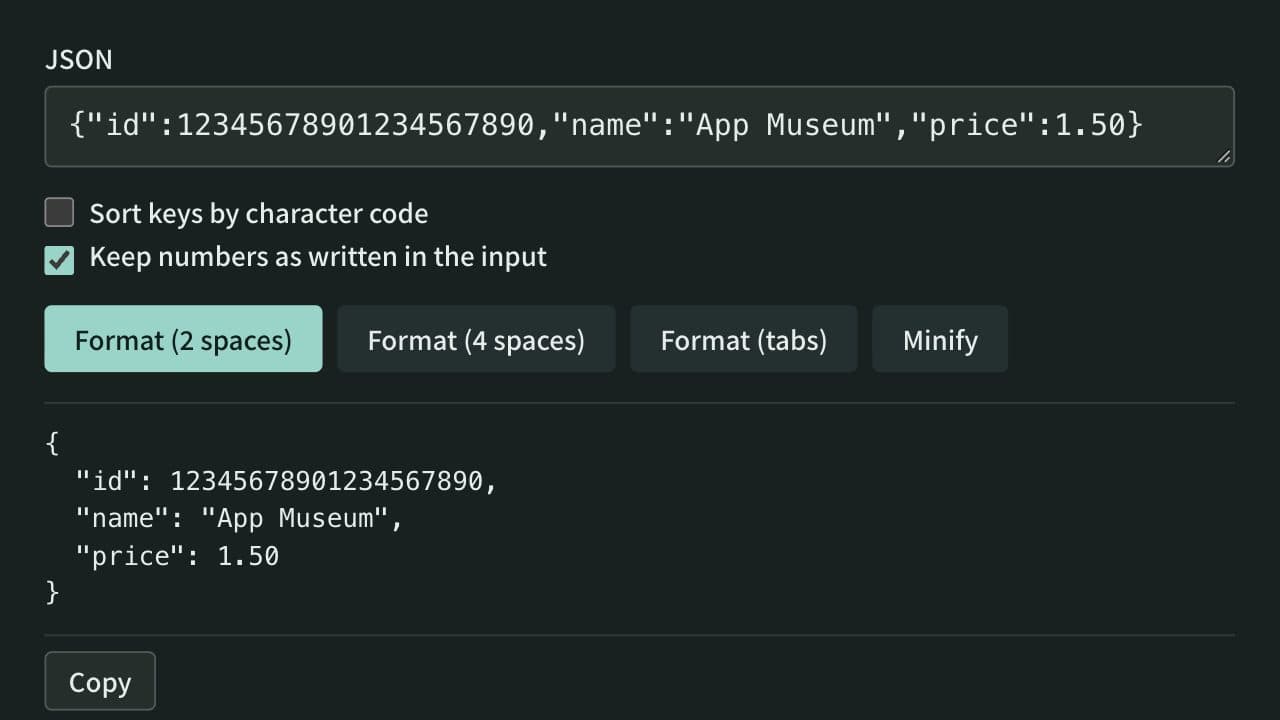
Format, minify, and sort the keys of JSON instantly, keeping large integers and other numbers as written if you choose. Syntax errors are shown with their line, column, and cause. Everything runs in your browser — no data is uploaded.
UUID & ULID Generator
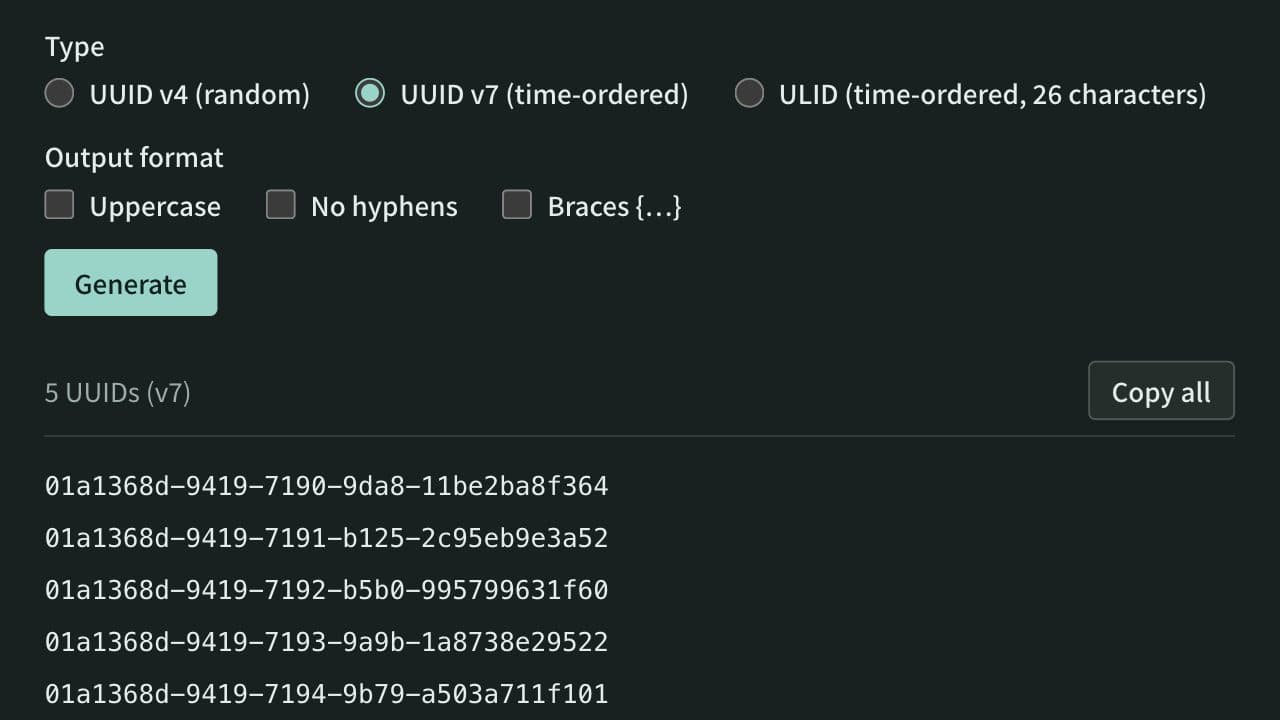
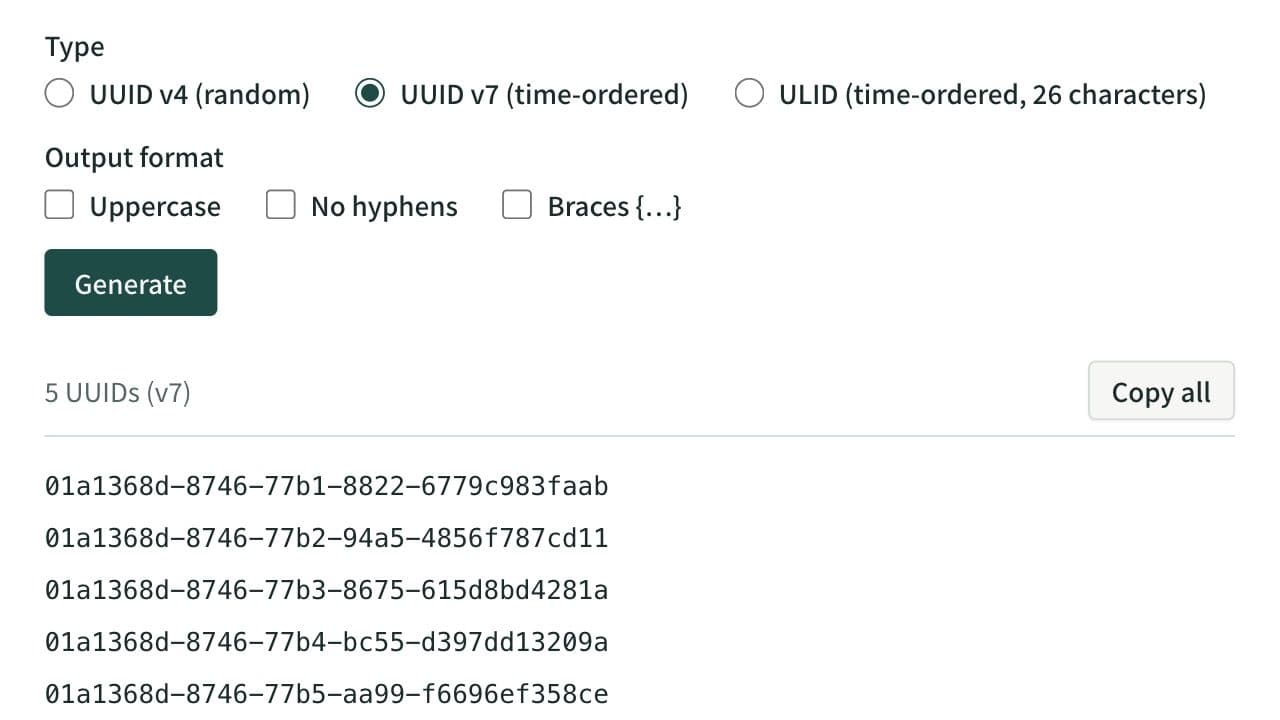
Generate UUID v4, time-ordered UUID v7, and ULIDs in bulk. Create up to 100 values with one click, switch UUIDs to uppercase, hyphen-less, or brace-wrapped output, and copy them. Paste a UUID or ULID to see its version and creation time and to rewrite it between ULID and UUID notation.
JSON ⇔ YAML Converter
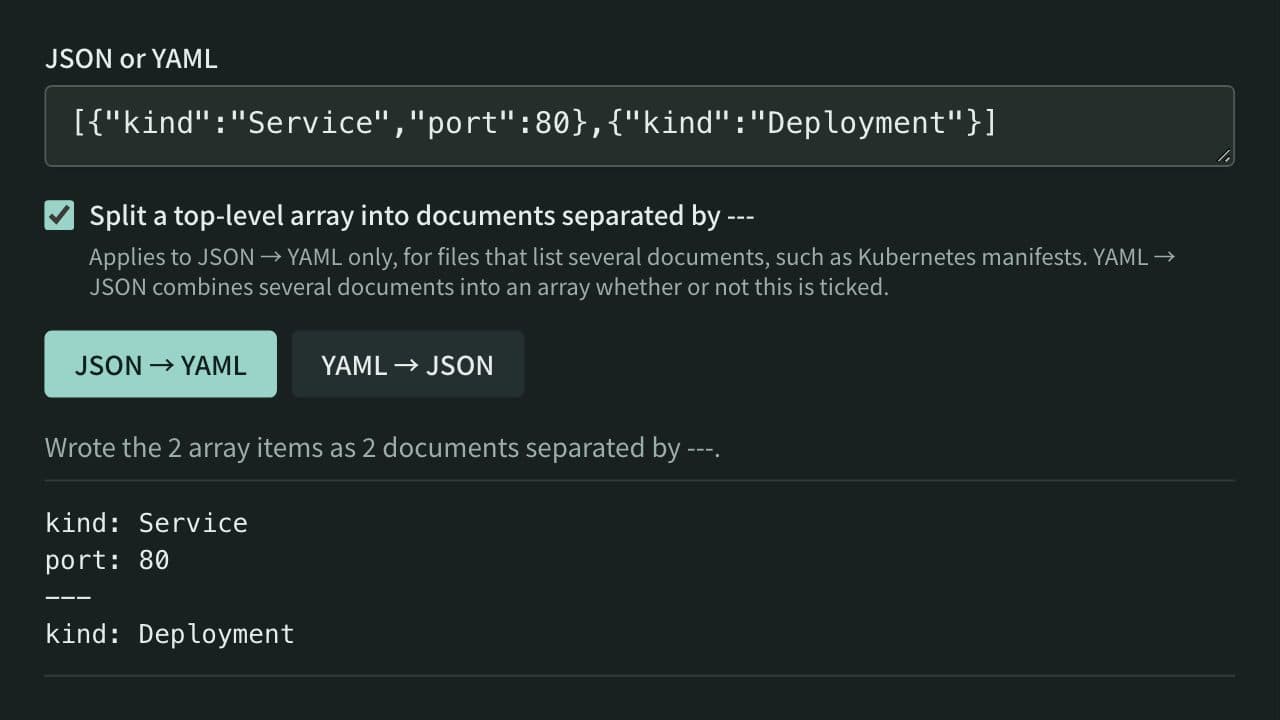
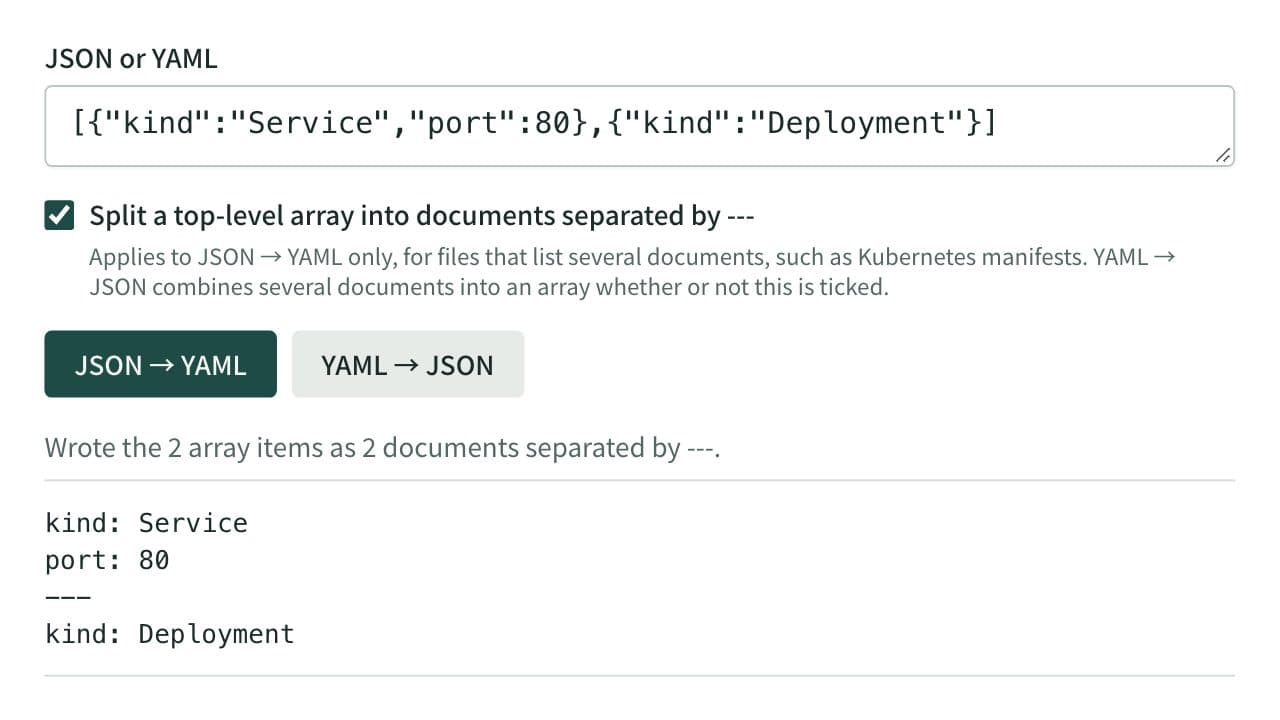
Convert between JSON and YAML, including multi-document YAML (--- separated) to and from JSON arrays — useful for config file format conversion and data inspection.