The difference between JWT decoding and signature verification
Understand JWT headers, payloads, and signatures, why decoding does not establish validity, and how to inspect tokens safely.
Published Updated
The three parts of a JWT
The JWS Compact Serialization commonly used for a signed JWT has three period-separated parts:
base64url(header).base64url(payload).base64url(signature)
- The
headercarries information such as the token type and signature algorithm. - The
payloadis JSON containing claims such assub,aud, andexp. - The
signatureis used with the appropriate key to check whether the first two parts were altered.
The header and payload are usually represented with base64url, not encrypted. Returning them to JSON does not require a secret key. This simple operation is decoding.
Decodable does not mean valid
An attacker can create a header and payload and assemble a well-formed three-part string. If decoded JSON says "role":"admin", an unverified signature gives no basis for concluding that the issuer vouched for that claim.
Signature verification requires at least a trusted issuer context, an allowed algorithm, the corresponding verification key, and a check that the signature matches the input. Authentication or authorization also requires the policy checks your system needs, such as iss, aud, and the validity period. A correct signature alone does not make a token acceptable for every purpose.
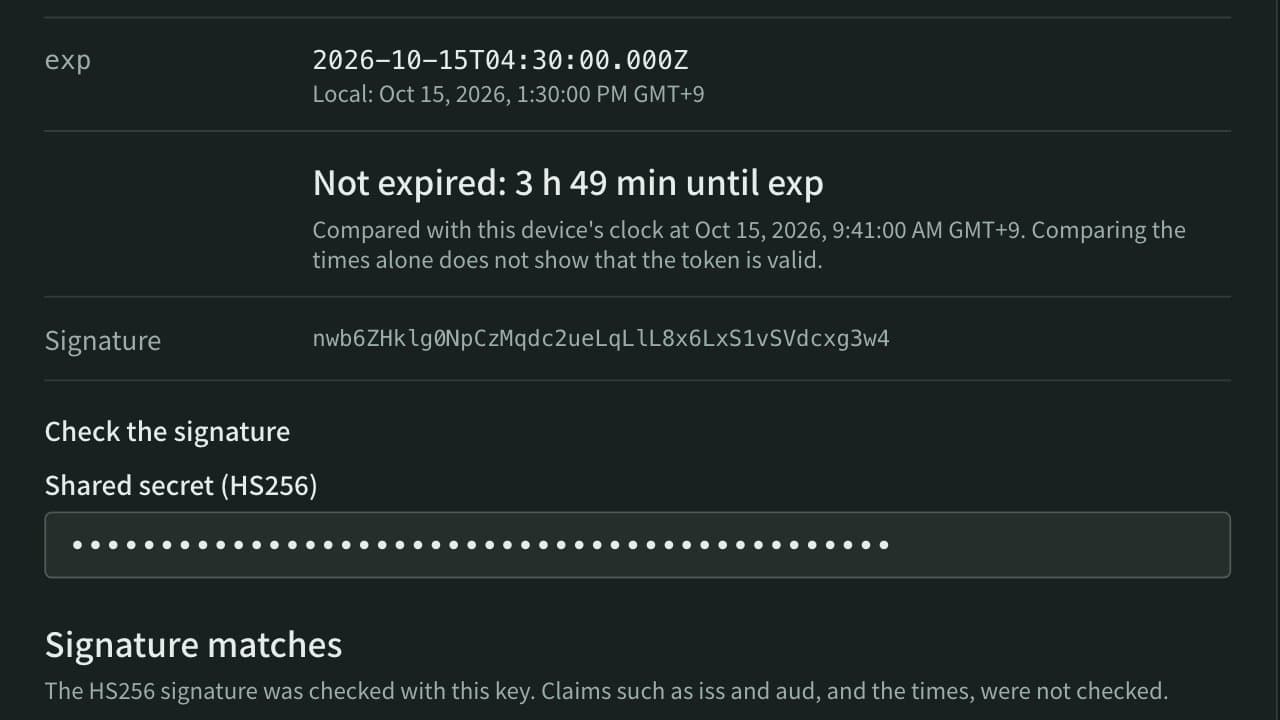
The App Museum JWT decoder shows the header and payload content. Enter a shared secret or public key and it also checks whether the signature was made with that key. It does not decide whether that key belongs to an issuer you trust, whether iss, aud, and the validity period fit your policy, or whether the token is acceptable for authentication or authorization.
Cases where the payload must not be trusted
Do not make these decisions from an unverified decoded payload:
- Whether a user is signed in
- Administrator privileges or organization access
- Billing status, identity status, or an access period
- Whether the issuer and target service are the expected ones
Reading claims can help an investigation, but it does not replace server-side access control. When using a verification library, do not accept the header's alg without restriction; configure the algorithms and keys allowed by the application.
Reading exp and iat as times
RFC 7519 NumericDate values count seconds from 1970-01-01 00:00:00 UTC. JavaScript Date accepts milliseconds, so multiply the value by 1000 for display.
const payload = {
  sub: "example-user",
  iat: 1700000000,
  exp: 1700003600,
};

new Date(payload.iat * 1000).toISOString();
// expected: "2023-11-14T22:13:20.000Z"

new Date(payload.exp * 1000).toISOString();
// expected: "2023-11-14T23:13:20.000Z"
iat records the issue time, while exp identifies the time on or after which the token must not be accepted. The claims are optional, and an unverified value may have been altered. Comparing with the current time also requires a policy for clock skew. A different display time zone does not change the instant represented.
A safe inspection workflow
- Prefer a documented sample token over real authentication material.
- If a real token is necessary, do not paste it into a shared screen, chat, Issue, or log. A JWT can contain personal or authorization information.
- Use the JWT decoder to inspect the header, payload structure, and claim names.
- Read
expandiatas seconds in the Unix timestamp converter. - To check which key made the signature, enter the issuer's public key in the JWT decoder (for HS algorithms, a secret from a test environment). Even then, make validity decisions in the server-side verification path that has the target system's trust configuration.
- After the investigation, check that the token is absent from copies, screenshots, history, and logs.
Decoding reads what the token says. Verification checks whether a trusted issuer protected that content. Keeping those tasks separate is the starting point for a safe investigation.
References
Apps for this guide
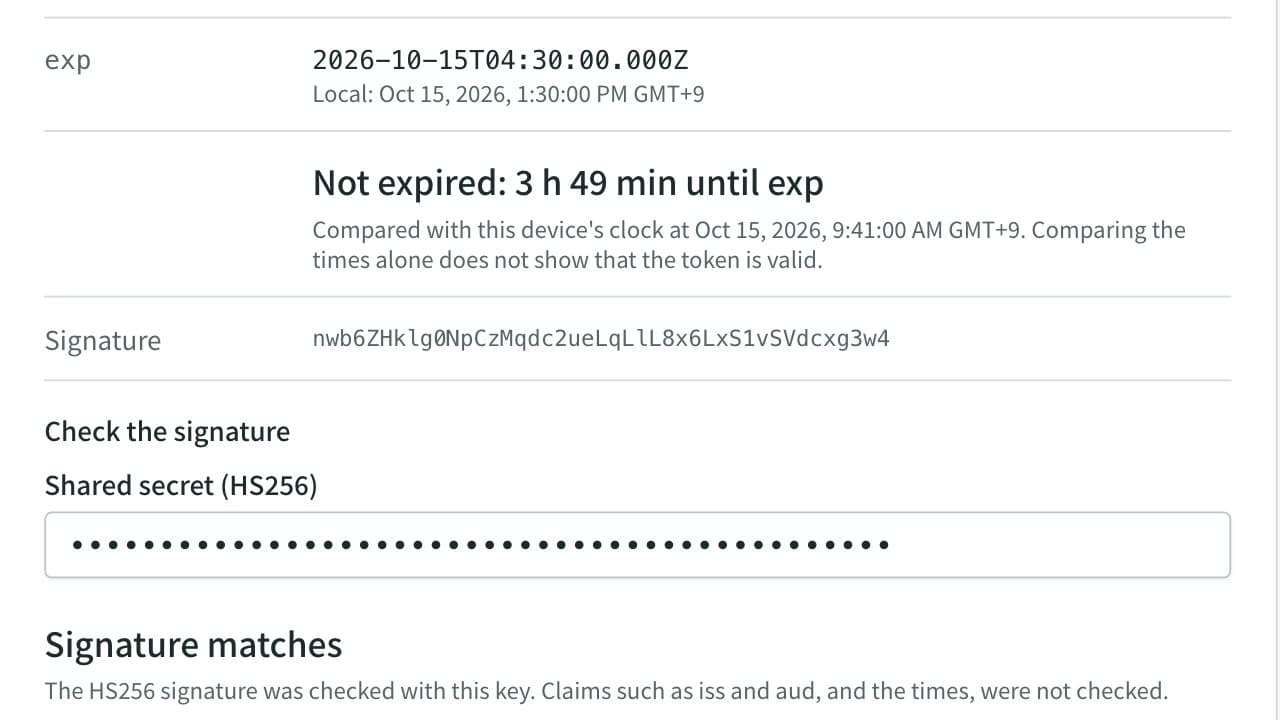
JWT Decoder
Decode a JWT (JSON Web Token) header and payload, and compare its expiration time (exp) with the current time. Enter a shared secret or public key to check whether an HS256, RS256, ES256, or similar signature matches, right in the browser.
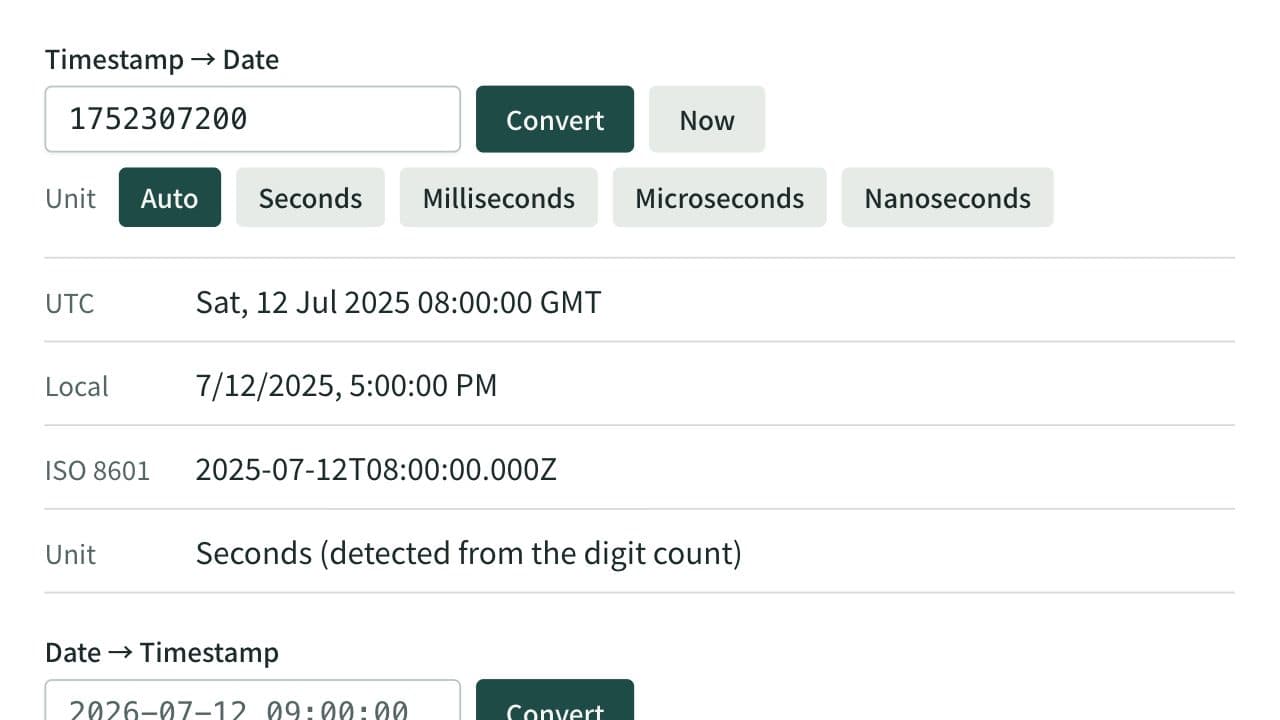
Unix Timestamp Converter
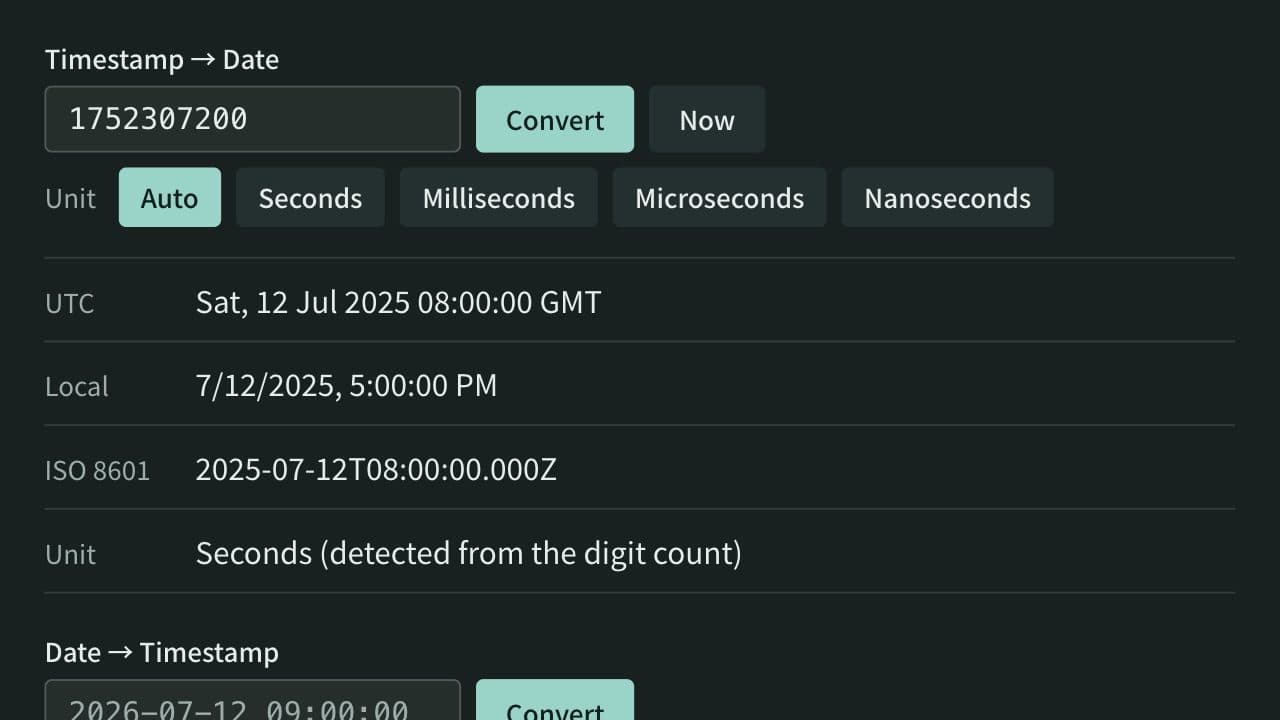
Convert between Unix timestamps and dates. Detects seconds, milliseconds, microseconds, and nanoseconds from the digit count or lets you choose the unit, and shows both UTC and local time. When converting a date, choose whether it is read as local time or UTC.
Related guides
How to distinguish Unix timestamp seconds from milliseconds
Learn how to identify Unix timestamps in seconds or milliseconds by combining digit count, source contracts, and converted results.
Convertersunix-timestampsecondsmillisecondsjavascriptHow to encode Japanese and Unicode text with Base64
Avoid mojibake in Japanese text and emoji by converting strings to UTF-8 bytes before Base64 encoding.
Developerbase64unicodeutf-8encoding