How to distinguish Unix timestamp seconds from milliseconds
Learn how to identify Unix timestamps in seconds or milliseconds by combining digit count, source contracts, and converted results.
Published Updated
How seconds and milliseconds differ
A Unix timestamp represents elapsed time from the epoch, 1970-01-01 00:00:00 UTC. The unit used for data exchange is not universal, however. In seconds, 1700000000 represents the same instant as 1700000000000 in milliseconds.
For positive values near the present, seconds are often around 10 digits and milliseconds around 13 digits, so length is a useful clue. It changes for older dates, distant future dates, negative values, fractional seconds, and strings with leading zeros. Do not determine the unit from digit count alone.
An order for determining the unit
Start with the source contract. An API specification, database column definition, variable name such as timestamp_ms, or library documentation that states the unit is stronger evidence than the value's shape.
If the contract is unclear, narrow the possibilities in this order:
- Look for a description of the source value's type and unit.
- Convert it once as seconds and once as milliseconds.
- Compare both results with the expected business period. An order date before a service launched or hundreds of years in the future is usually implausible.
- Check the interval between neighboring records. Values increasing by
1000for one-second samples may be milliseconds. - If the result is still ambiguous, ask the data provider instead of saving a guess.
A 12-digit value is not invalid merely because of its length. It can represent a distant future date as seconds or a date from the 1970s through roughly 2001 as milliseconds. Judge it against the unit contract and expected date range, not a single digit rule.
Accidental multiplication or division by 1000
JavaScript Date accepts milliseconds, so multiply a seconds value by 1000. Multiplying a value that is already milliseconds sends it far into the future or outside the supported range. Passing seconds directly as milliseconds instead places the result near January 1970.
const seconds = 1700000000;
const milliseconds = 1700000000000;

new Date(seconds * 1000).toISOString();
// expected: "2023-11-14T22:13:20.000Z"

new Date(milliseconds).toISOString();
// expected: "2023-11-14T22:13:20.000Z"

new Date(seconds).toISOString();
// wrong unit: "1970-01-20T16:13:20.000Z"
For fractional seconds, a JavaScript conversion such as 1700000000.123 * 1000 preserves millisecond detail. The App Museum converter only auto-detects integer timestamp inputs, so use this code example to inspect fractional seconds. If the destination accepts only integers, define the required rounding behavior rather than choosing it implicitly.
A checklist for an input value
- Copy the value and inspect its sign, decimal point, and leading zeros.
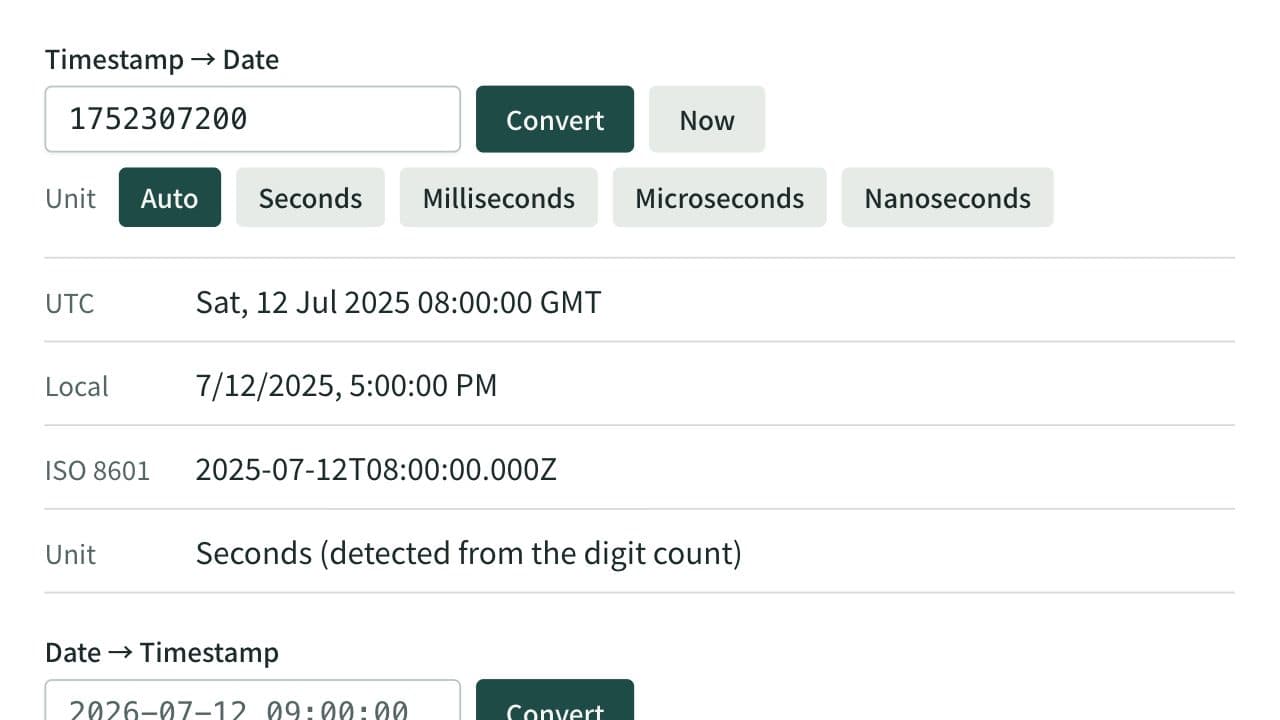
- If the input is an integer, inspect the Unix timestamp converter result. Unless you choose a unit, the app infers it from length and shows it with the result, so treat the displayed unit as a candidate rather than proof.
- For the other unit interpretation, press "Seconds" or "Milliseconds" under "Unit" in the app. For fractional seconds, use the JavaScript example above: pass the original value as milliseconds, then compare it with the value multiplied by 1000.
- Check whether the UTC result matches the expected date.
- If a local display is needed, inspect it separately without confusing it with UTC.
- Record the confirmed unit in code, a schema, or the API contract.
Unless you choose a unit, the App Museum Unix timestamp converter infers seconds or milliseconds from the length of common values (it reads 15 digits or more as microseconds and 18 or more as nanoseconds). This is a quick inspection clue, not a guarantee of the unit for boundary cases including 12-digit values. When you know the unit, choose it under "Unit" in the app and the value is read in that unit whatever its length. Compare its result with the source specification.
References
Apps for this guide
Unix Timestamp Converter
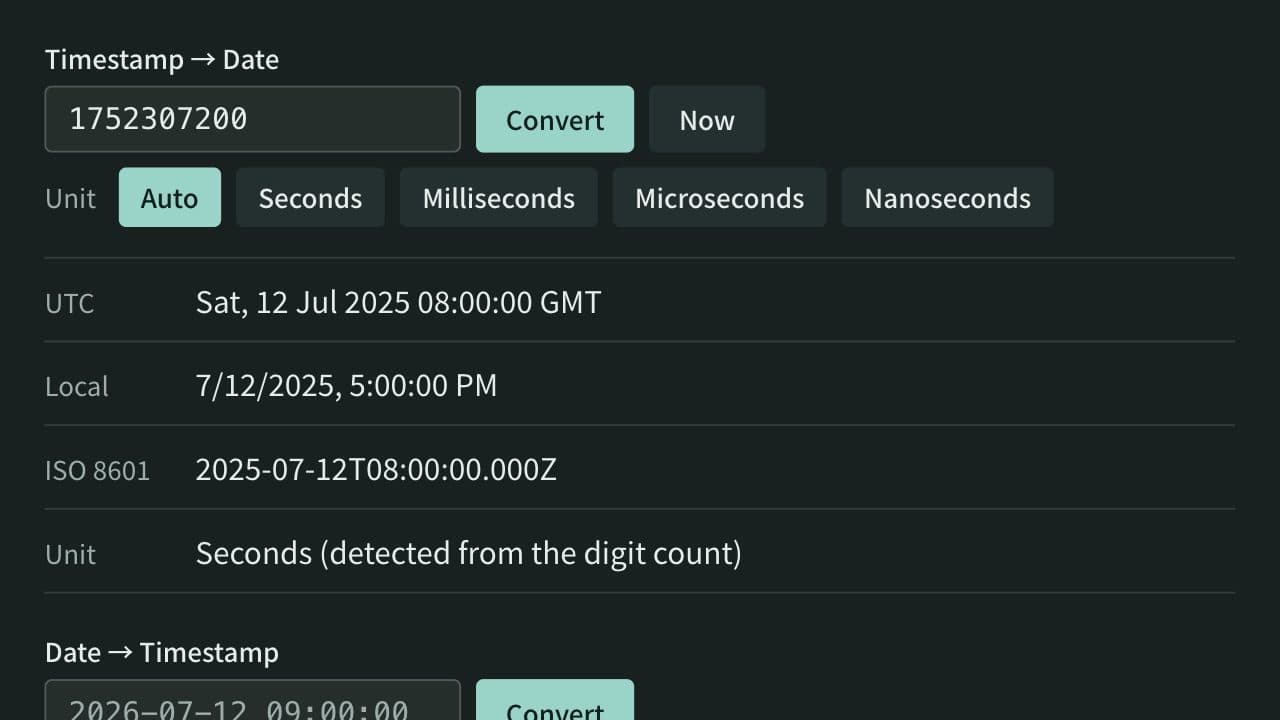
Convert between Unix timestamps and dates. Detects seconds, milliseconds, microseconds, and nanoseconds from the digit count or lets you choose the unit, and shows both UTC and local time. When converting a date, choose whether it is read as local time or UTC.
Related guides
Is a Unix timestamp UTC? Timestamps vs. time zones
A Unix timestamp counts from 1970-01-01 00:00:00 UTC and stores no time zone. See why one value shows different clock times and dates by zone and DST.
Convertersunix-timestamptimezoneutcdstThe difference between JWT decoding and signature verification
Understand JWT headers, payloads, and signatures, why decoding does not establish validity, and how to inspect tokens safely.
Developerjwtjwsauthenticationsecurity