Is a Unix timestamp UTC? Timestamps vs. time zones
A Unix timestamp counts from 1970-01-01 00:00:00 UTC and stores no time zone. See why one value shows different clock times and dates by zone and DST.
Published Updated
Separate the timestamp from its display
A Unix timestamp represents one instant as an elapsed amount from the epoch. The value itself does not contain a display time zone such as Japan time or a US time zone. Showing that value in UTC or in a device's local time zone changes the clock reading and may change the date.
For example, 1704067200 in seconds is the same instant in every line:
UTC:                  2024-01-01 00:00:00
Asia/Tokyo (+09:00):  2024-01-01 09:00:00
Los Angeles (-08:00): 2023-12-31 16:00:00
The Los Angeles display is in the previous year, but the timestamp has not changed. Only the UTC offset used for presentation is different.
Why environments show different results
APIs such as JavaScript Date provide UTC and local representations of the same internal time value. A local representation uses the host time zone selected by the browser or operating system and the time-zone data available there. Users with different device settings therefore see different displays.
When comparing logs or API values, avoid recording only a zone-free string such as 2024-01-01 09:00. Depending on the use case, include UTC Z, an offset such as +09:00, or a time-zone identifier such as Asia/Tokyo.
Date boundaries and daylight saving time
Near midnight UTC, the UTC and local dates differ in many regions. Before selecting “January 1 data,” define whether the range is a UTC date or a user's local date; otherwise the query boundaries will shift.
Regions that observe daylight saving time change their UTC offset during the year. During the 2024 spring transition in America/Los_Angeles, the clock advanced from 01:59:59 to 03:00:00, so local times in the 02 hour did not occur.
1710064799 seconds -> 2024-03-10 09:59:59 UTC
                   -> 2024-03-10 01:59:59 America/Los_Angeles

1710064800 seconds -> 2024-03-10 10:00:00 UTC
                   -> 2024-03-10 03:00:00 America/Los_Angeles
During an autumn transition, the same local clock time can occur twice. Using a fixed -08:00 offset all year does not reproduce the region's actual rules for every date. Future rules can change through political decisions, and environments with different time-zone database versions can also disagree.
A checklist for input and display results
- Confirm whether the input unit is seconds or milliseconds.
- View the UTC result first in the Unix timestamp converter.
- View the local result for the same value and record the device's time-zone setting.
- If the expected value specifies only a date, determine whether it is a UTC date or a regional date.
- Near a daylight-saving transition, convert values immediately before and after it.
- In a bug report, record the input, unit, UTC result, time-zone identifier, and local result together.
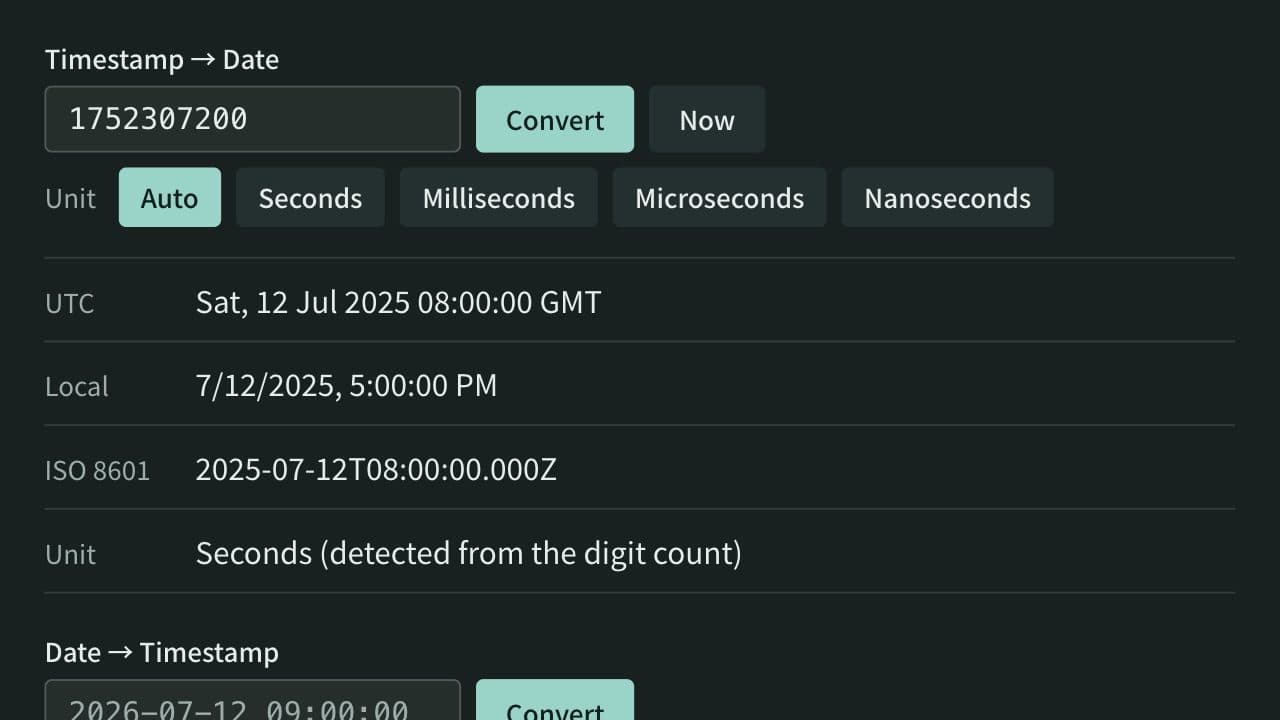
The App Museum Unix timestamp converter displays UTC and the browser's local time for the same input. Use the pair to separate an incorrect value from a time-zone display difference.
References
Apps for this guide
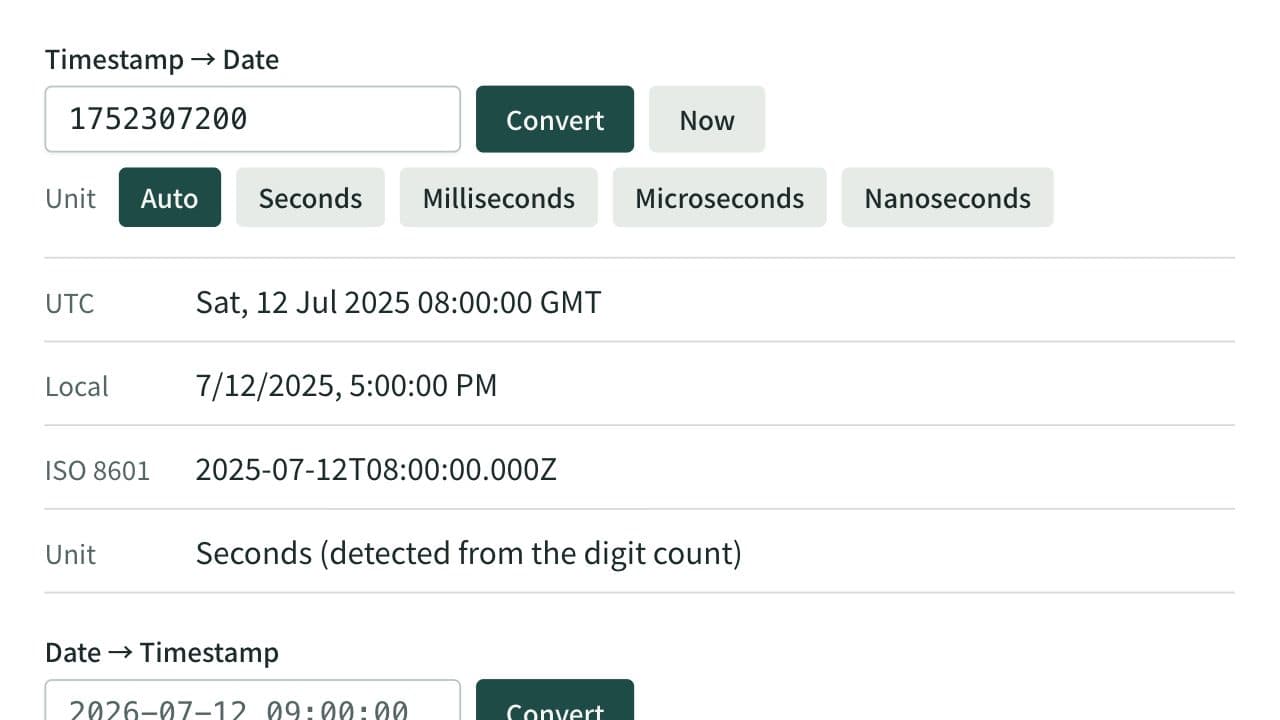
Unix Timestamp Converter
Convert between Unix timestamps and dates. Detects seconds, milliseconds, microseconds, and nanoseconds from the digit count or lets you choose the unit, and shows both UTC and local time. When converting a date, choose whether it is read as local time or UTC.
Related guides
How to distinguish Unix timestamp seconds from milliseconds
Learn how to identify Unix timestamps in seconds or milliseconds by combining digit count, source contracts, and converted results.
Convertersunix-timestampsecondsmillisecondsjavascript