MIME Type Lookup
Look up the MIME type (Content-Type) for an extension such as .jpg or .json, or the extensions for a MIME type. Lists more than 90 types common on the web, with their other spellings and whether IANA has registered them. Choose a file to tell its format from the mark in its content and check it against the extension. Runs entirely in your browser.
A leading dot searches extensions only (.ts). A file name (photo.jpg) or a value with parameters (text/html; charset=utf-8) works too. Words separated by spaces must all match.
Reads the mark of a format at the start of the file and compares it with the extension and the type the browser gave it. Only parts such as the start and the end are read, up to 64 KB each, and the file is never uploaded. You can also drop a file here.
All 94 types
application/atom+xmlAtom feed — Extensions: .atom
application/dash+xmlMPEG-DASH manifest (video streaming) — Extensions: .mpd
application/epub+zipEPUB e-book — Extensions: .epub
application/geo+jsonGeoJSON (geographic data) — Extensions: .geojson
application/gzipgzip compressed file — Extensions: .gz
Also written: application/x-gzip
application/java-archiveJava archive (JAR) — Extensions: .jar
application/jsonJSON — Extensions: .json
JSON is always UTF-8, so the type defines no charset parameter. Adding one has no effect.
application/ld+jsonJSON-LD (structured data) — Extensions: .jsonld
application/manifest+jsonWeb app manifest — Extensions: .webmanifest
application/mswordWord document (97–2003 format) — Extensions: .doc
application/octet-streamBinary data of no particular type — Extensions: .bin
The type to use for a file whose format is unknown. A browser usually downloads a URL of this type instead of displaying it when it is opened directly. To make sure of a download, add Content-Disposition: attachment.
application/oggOgg container (not only audio or video) — Extensions: .ogx
application/pdfPDF — Extensions: .pdf
application/problem+jsonProblem Details for HTTP APIs (RFC 9457) — No fixed extension
application/rss+xmlNot registered with IANARSS feed — Extensions: .rss
application/rtfRich Text Format (RTF) — Extensions: .rtf
Also written: text/rtf
application/sqlSQL — Extensions: .sql
application/tomlTOML — Extensions: .toml
application/vnd.android.package-archiveNot registered with IANAAndroid app package (APK) — Extensions: .apk
application/vnd.apple.mpegurlHLS playlist (video streaming) — Extensions: .m3u8
Also written: application/x-mpegurl
application/vnd.microsoft.portable-executableWindows executable — Extensions: .exe .dll
Also written: application/x-msdownload
application/vnd.ms-excelExcel workbook (97–2003 format) — Extensions: .xls
application/vnd.ms-fontobjectEmbedded OpenType font — Extensions: .eot
application/vnd.ms-powerpointPowerPoint presentation (97–2003 format) — Extensions: .ppt
application/vnd.oasis.opendocument.presentationOpenDocument presentation — Extensions: .odp
application/vnd.oasis.opendocument.spreadsheetOpenDocument spreadsheet — Extensions: .ods
application/vnd.oasis.opendocument.textOpenDocument text document — Extensions: .odt
application/vnd.openxmlformats-officedocument.presentationml.presentationPowerPoint presentation — Extensions: .pptx
application/vnd.openxmlformats-officedocument.spreadsheetml.sheetExcel workbook — Extensions: .xlsx
application/vnd.openxmlformats-officedocument.wordprocessingml.documentWord document — Extensions: .docx
application/vnd.rarRAR archive — Extensions: .rar
Also written: application/x-rar-compressed
application/vnd.sqlite3SQLite database — Extensions: .sqlite .sqlite3
Also written: application/x-sqlite3
application/wasmWebAssembly — Extensions: .wasm
WebAssembly.instantiateStreaming() loads a module only when it is served with this type.
application/x-7z-compressedNot registered with IANA7-Zip archive — Extensions: .7z
application/x-bzip2Not registered with IANAbzip2 compressed file — Extensions: .bz2
application/x-shNot registered with IANAShell script — Extensions: .sh
application/x-tarNot registered with IANAtar archive — Extensions: .tar
application/x-www-form-urlencodedHTML form submission (name=value pairs joined with &) — No fixed extension
The default encoding when a form without files is sent with POST.
application/xhtml+xmlXHTML — Extensions: .xhtml
application/xmlXML — Extensions: .xml
Also written: text/xml
application/yamlYAML — Extensions: .yaml .yml
Also written: text/yaml, application/x-yaml, text/x-yaml
application/zipZIP archive — Extensions: .zip
Also written: application/x-zip-compressed
application/zstdZstandard compressed file — Extensions: .zst
audio/aacAAC audio — Extensions: .aac
audio/flacFLAC audio (lossless) — Extensions: .flac
Also written: audio/x-flac
audio/midiNot registered with IANAMIDI — Extensions: .mid .midi
Also written: audio/x-midi
audio/mp4MP4 audio (M4A) — Extensions: .m4a
Also written: audio/x-m4a
audio/mpegMP3 audio — Extensions: .mp3
Also written: audio/mp3
audio/oggOgg audio (Vorbis, Opus) — Extensions: .ogg .oga .opus
audio/wavNot registered with IANAWAV audio — Extensions: .wav
Also written: audio/x-wav, audio/wave, audio/vnd.wave
audio/webmNot registered with IANAWebM audio — Extensions: .weba
font/collectionFont collection — Extensions: .ttc
font/otfOpenType font — Extensions: .otf
font/ttfTrueType font — Extensions: .ttf
font/woffWOFF font — Extensions: .woff
Also written: application/font-woff
font/woff2WOFF2 font — Extensions: .woff2
image/apngAnimated PNG — Extensions: .apng
image/avifAVIF image — Extensions: .avif
image/bmpBitmap image (BMP) — Extensions: .bmp
image/gifGIF image — Extensions: .gif
image/heicHEIC image (iPhone photos) — Extensions: .heic
image/heifHEIF image — Extensions: .heif
image/jpegJPEG image — Extensions: .jpg .jpeg
There is no image/jpg. The type is image/jpeg even when the extension is .jpg.
image/jxlJPEG XL image — Extensions: .jxl
image/pngPNG image — Extensions: .png
image/svg+xmlSVG image — Extensions: .svg
A browser does not display it as an image when the type is only image/svg. Write the +xml.
image/tiffTIFF image — Extensions: .tif .tiff
image/vnd.adobe.photoshopPhotoshop document — Extensions: .psd
image/vnd.microsoft.iconIcon (favicon.ico) — Extensions: .ico
Also written: image/x-icon
image/webpWebP image — Extensions: .webp
multipart/alternativeThe same content in several formats (an email with both text and HTML) — No fixed extension
multipart/byterangesA 206 Partial Content response that returns several ranges — No fixed extension
multipart/form-dataHTML form submission that includes files — No fixed extension
It needs a boundary parameter that marks where each part ends. The browser adds it when you pass FormData to fetch, so do not set Content-Type yourself.
multipart/mixedSeveral parts of different types (an email with attachments) — No fixed extension
text/calendariCalendar (calendar events) — Extensions: .ics
text/cssCSS stylesheet — Extensions: .css
With X-Content-Type-Options: nosniff, a browser refuses a stylesheet served with any other type.
text/csvCSV (comma-separated values) — Extensions: .csv
On Windows with Excel installed, a browser may report a CSV file as application/vnd.ms-excel. Keep that in mind when checking uploads by type.
text/event-streamNot registered with IANAServer-Sent Events stream — No fixed extension
The HTML Standard (WHATWG) defines this type.
text/htmlHTML — Extensions: .html .htm
text/javascriptJavaScript — Extensions: .js .mjs
Also written: application/javascript, application/x-javascript
RFC 9239 (2022) made text/javascript the official type and obsoleted application/javascript.
text/markdownMarkdown — Extensions: .md .markdown
Also written: text/x-markdown
text/plainPlain text — Extensions: .txt
text/tab-separated-valuesTSV (tab-separated values) — Extensions: .tsv
text/vcardvCard (contacts) — Extensions: .vcf
text/vttWebVTT (subtitles) — Extensions: .vtt
video/3gpp3GPP video — Extensions: .3gp
video/matroskaMatroska video (MKV) — Extensions: .mkv
Also written: video/x-matroska
video/mp2tMPEG transport stream — Extensions: .ts
The .ts extension belongs to this video format. TypeScript source has no registered type; what a browser receives is the compiled JavaScript.
video/mp4MP4 video — Extensions: .mp4
video/mpegMPEG video — Extensions: .mpeg .mpg
video/oggOgg video — Extensions: .ogv
video/quicktimeQuickTime video — Extensions: .mov
video/webmNot registered with IANAWebM video — Extensions: .webm
video/x-msvideoNot registered with IANAAVI video — Extensions: .avi
How to use
- In the "Search by extension, MIME type, or word" field, type the extension you want to look up (
.jpg), a MIME type (application/json), or the name of a format (font) - The list below narrows to the entries that match. Each one shows its MIME type, the name of the format, its extensions, other spellings, and anything to watch for
- Choose a kind such as
imageunder "Kind" to see only the types of that kind
There is no button to press. The list changes as you type. The page opens with every type listed in alphabetical order.
Checking a file by its content
Choose a file under "Check a file by its content", or drop one on that box, and the mark of its format at the start of the file (its magic number) is read. The result lists:
- From the content — the type the mark shows. When the file can be served as more than one type, as an animated PNG can (
image/apngandimage/png), all of them are listed - Mark found — the name of the mark and the bytes found at which position. For ZIP and MP4 it also says which entry or brand decided the type
- From the extension — the type the list gives for the extension of the file name
- Type from the browser — the type the browser gave the file when you chose it. An older spelling comes with the type from the list
- Content-Type to serve — the type both agree on, or the content's type when they disagree. A text type gets a
charsetwhen the encoding is known - First 16 bytes — the first 16 bytes of the file in hexadecimal
Above them comes a verdict such as "The content matches the extension" or "The extension does not match the content". "Show this type in the list" shows the type to serve in the list below.
Only the parts used to tell the format, such as the start and the end of the file, are read, up to 64 KB each, and the file is never uploaded. The content cannot tell:
- Text formats — CSV, JSON, Markdown, and others have no fixed mark. When the content is text, the extension's type is used. HTML, SVG, XML, RTF, shell scripts, WebVTT, iCalendar, vCard, and HLS playlists are guessed from how they start. A file that starts with an XML declaration and whose first element is not
<svgis taken asapplication/xml; whether it is RSS, Atom, or another XML format is not checked - Word, Excel, and PowerPoint 97–2003 — they share a container (a Compound File), so the list of streams inside is read to tell them apart. When the list cannot be read in full, and for a password-protected
.docx,.xlsx, or.pptx(which goes in the same container), the format is left open - Formats not in the list, and formats with no mark — a format this check does not know, such as an
.eotfont, gives "The content does not show the format"
Ways to search
- Extension — with a leading
., as in.png, only extensions are searched, from their first character..wofffinds both.woffand.woff2 - File name — type
photo.jpgorarchive.tar.gzand the last extension is used - MIME type — a whole type such as
application/jsonworks, and so does a part such assvg+xmlorvnd.ms-excel.font/finds every type that starts with font - Header value — paste
text/html; charset=utf-8orContent-Type: application/jsonwith its parameters or header name, and only the type is searched - Other spellings — an older or unregistered spelling such as
application/javascriptorimage/x-iconfinds the current type - Name of the format — search by a word from the name or the note, such as
subtitles,Excel, orfont - Several words — words separated by spaces must all match.
excel 2003findsapplication/vnd.ms-excel
Without the dot, js also finds entries that have js in the type or the name, such as application/json. text/javascript, whose extension is exactly js, comes first. Case is ignored, and full-width characters (.png) are read the same way.
Example
Type .jpg and the list narrows to one entry.
image/jpeg
JPEG image — Extensions: .jpg .jpeg
Type .woff and two entries appear.
font/woff     WOFF font — Extensions: .woff
font/woff2    WOFF2 font — Extensions: .woff2
Type application/javascript and the current type, text/javascript, appears, with application/javascript under "Also written".
Type .ts and you get video/mp2t (MPEG transport stream) and text/tab-separated-values (.tsv). The note explains why a TypeScript file is treated as video.
Rename a PNG image to photo.jpg and choose it under "Check a file by its content", and the result reads:
The extension does not match the content — photo.jpg (20,512 bytes)
From the content         image/png — PNG image
Mark found               PNG signature — at the start: 89 50 4E 47 0D 0A 1A 0A
From the extension       .jpg → image/jpeg — JPEG image
Type from the browser    image/jpeg
Content-Type to serve    image/png
The browser's type comes from the extension; the content is still a PNG. Choose a Word .docx file and it is found to be a Word document from the ZIP signature and the word/document.xml inside.
What a MIME type is
A MIME type names the format of some data in a short string such as image/png. Its formal name is "media type". A web server writes it in the Content-Type header of a response to tell the browser what the body is.
Content-Type: text/html; charset=utf-8
A browser decides what to do from this header, not from the extension in the URL. Even when a URL ends in .html, a Content-Type of text/plain makes the browser show the HTML source as plain text.
How it is written
The part before the / is the broad category (the top-level type) and the part after it is the specific format (the subtype).
- text — text a person can read.
text/html,text/css,text/csv - image — images.
image/png,image/jpeg,image/svg+xml - audio — audio.
audio/mpeg,audio/ogg - video — video.
video/mp4,video/webm - font — fonts.
font/woff2,font/ttf - application — data and documents that fit no other category.
application/json,application/pdf,application/zip - multipart — several parts in one body.
multipart/form-data
Subtypes follow a few conventions.
+json,+xml,+zip— the format underneath.image/svg+xmlis an image written in XML, andapplication/ld+jsonis data written in JSONvnd.— a format that belongs to a company or product.application/vnd.ms-excelis Microsoft Excelx-— the mark once used for unregistered types. Some, such asapplication/x-tar, are still in wide use
Parameters can follow a ;. For text types, charset=utf-8 gives the character encoding.
Types that are easy to get wrong
JavaScript is text/javascript
application/javascript used to be the official type. RFC 9239 in 2022 made text/javascript official and obsoleted application/javascript. Browsers run either, but use text/javascript in new configuration. .mjs has the same type.
A file loaded with <script type="module"> does not run unless it is served with a JavaScript type. Serving it as text/plain or application/octet-stream produces an error in the console.
.jpg is image/jpeg
There is no image/jpg. The type is image/jpeg whether the extension is .jpg or .jpeg. In the same way, .svg is image/svg+xml and not image/svg, .ico is image/vnd.microsoft.icon (often written image/x-icon), and .mp3 is audio/mpeg and not audio/mp3.
.ts is not TypeScript
The .ts extension belongs to a video format, the MPEG transport stream (video/mp2t). TypeScript source has no registered type. What a browser receives is the compiled JavaScript, so this rarely matters.
CSS and nosniff
When a response carries X-Content-Type-Options: nosniff, a browser refuses a stylesheet served with any type other than text/css and a script served with any type other than a JavaScript one. When styles do not apply, check Content-Type in the Network tab of the developer tools.
Form submissions
An HTML form sent with POST has a body of application/x-www-form-urlencoded by default. The enctype attribute decides the format. To send files, the form must set enctype="multipart/form-data" so that the body is multipart/form-data. Without it, only the names of the files are sent. To send JSON to an API, set application/json yourself.
Which types are listed
The list holds the types that come up most in web development. It is not every type. The full set of registered types is in the "Media Types" registry of IANA (the body that manages internet numbers and names), which has more than 2,000 entries.
Types not registered with IANA
A type marked "Not registered with IANA" was not in the IANA registry as of October 12, 2026. There are twelve.
application/rss+xml,application/vnd.android.package-archiveapplication/x-7z-compressed,application/x-bzip2,application/x-sh,application/x-taraudio/midi,audio/wav,audio/webmtext/event-streamvideo/webm,video/x-msvideo
They work even so, because browsers and servers support them widely. Browsers play video/webm and audio/wav, and the HTML Standard defines text/event-stream. Registration says whether a type is on the official list, not whether it can be used.
Other spellings
"Also written" lists older types for the same format, and unregistered ones that are in use anyway, such as application/x-zip-compressed (what browsers on Windows send for a ZIP file) and image/x-icon. Use the heading type when you configure something yourself, and accept the other spellings as well when you build the receiving side.
To look up what the status code of a response means, use the HTTP Status Code Lookup.
FAQ
What is a MIME type?
A string such as text/html or image/png that names the format of some data. It began as a way for email to say what an attachment is (MIME: Multipurpose Internet Mail Extensions) and is now used by HTTP as well. Its formal name is "media type".
Is Content-Type different from a MIME type?
Content-Type is the name of a header in HTTP and email, and a MIME type is the string written as its value. In Content-Type: application/json, Content-Type is the header and application/json is the MIME type.
What happens when the extension and the MIME type disagree?
The browser follows Content-Type. An image that downloads instead of displaying, CSS that does not apply, and a script that does not run can all come from a wrong type. A server chooses Content-Type from a table that maps extensions to types, such as mime.types in nginx.
Which type should I use for an extension that is not listed?
When the format is unknown or has no type of its own, use application/octet-stream. A browser usually saves a URL of this type as a file instead of displaying it when it is opened directly. To make sure of a download, add a Content-Disposition: attachment header. For the format of a particular product, check that product's documentation or the IANA registry.
Is it all right to use a type that starts with x-?
Where no registered type exists and the x- type is the de facto standard, as with application/x-tar, use it as it is. The habit of adding x- to new types was dropped by RFC 6648 in 2012. Where a registered type exists, such as application/gzip, use that one.
Can I trust the type of an uploaded file?
No. The type a browser sends is usually chosen from the file's extension, not from its contents. Rename the file and the type changes. When the format matters for safety, inspect the contents of the file on the server. To see whether a file you have matches its extension, use "Check a file by its content".
Is the check by content certain?
A mark is a clue to the format. It does not show that the file is intact or safe, and a file that merely starts with the bytes of a mark is taken for that format. Text formats are only guessed from how they start, so treat "The content looks like another text format" as a hint.
Can I read the descriptions in Japanese?
The Japanese page shows the same list with Japanese names and notes. The MIME types and extensions are the same on both pages.
Is anything I type or any file I choose sent anywhere?
No. The list is part of the page and the search runs in your browser. A file you choose is only read in your browser, in parts such as its start and end, up to 64 KB each. Nothing you type or choose is recorded, and reloading the page returns it to its first state.
- Type
- Utility
- Category
- Developer
- Tags
- mime
- content-type
- media-type
- extension
- magic-number
- file-signature
- reference
- http
- developer
Related apps
Port Number Lookup
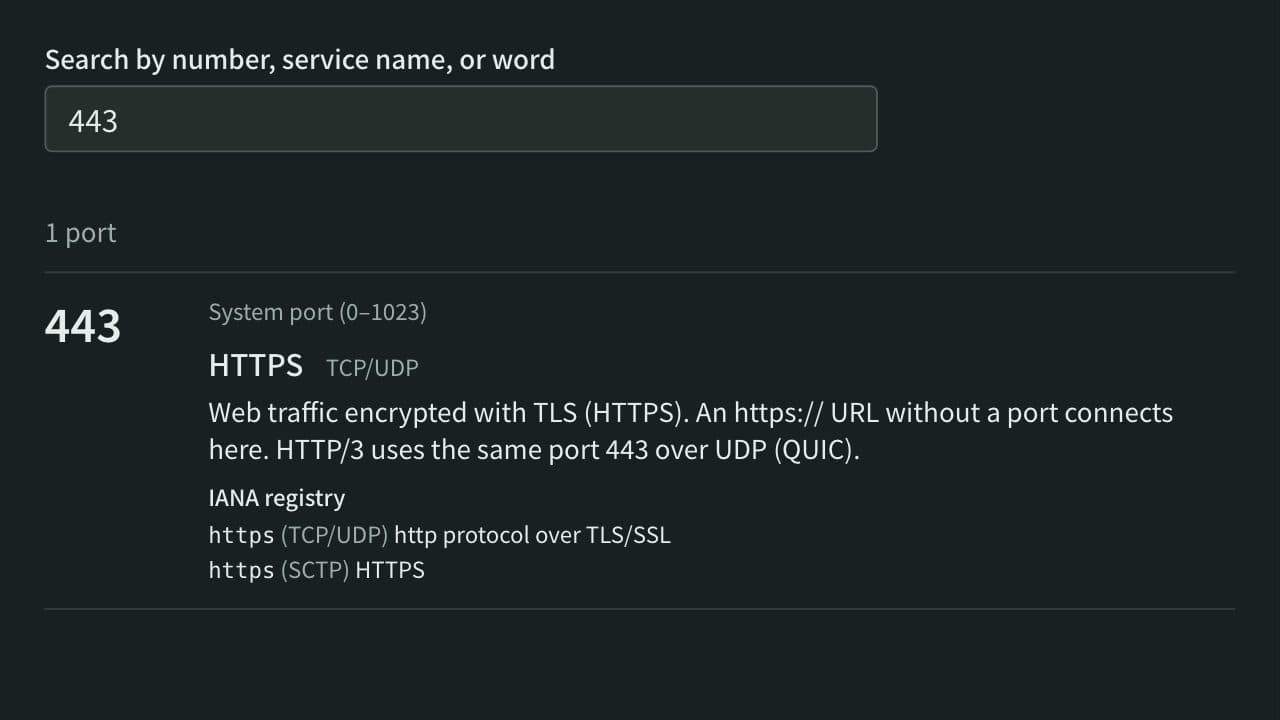
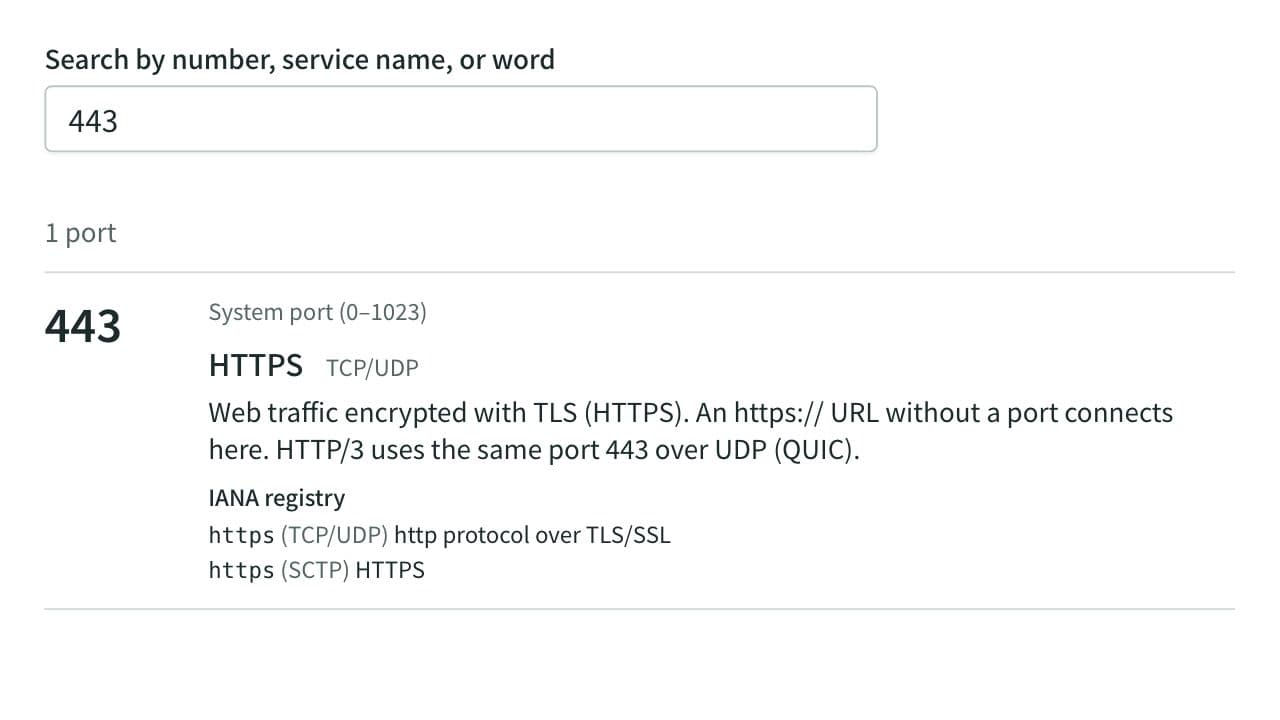
Look up what port numbers such as 22, 443, and 3306 are used for, by number, service name, or word. Lists more than 120 common ports with an explanation and covers every number in the IANA registry. Also shows which ports browsers refuse to open and reads the ports in netstat, ss, or lsof output. Runs entirely in your browser.
Color Code Converter
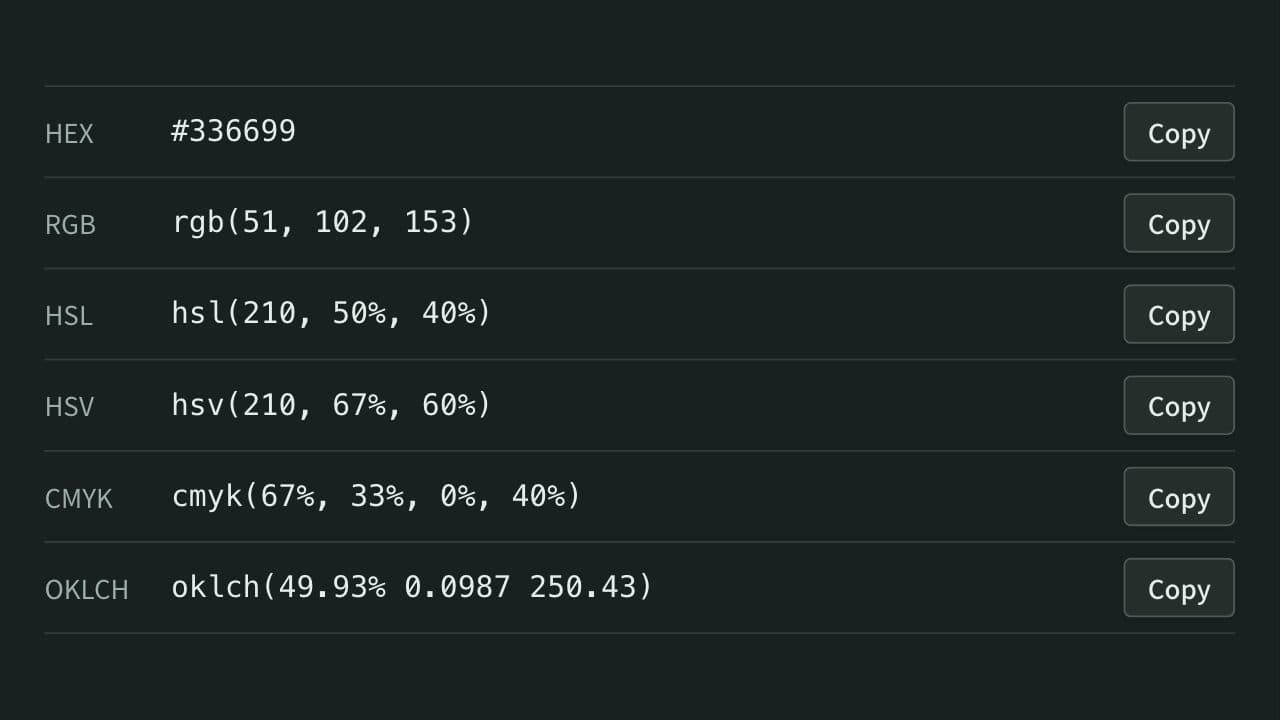
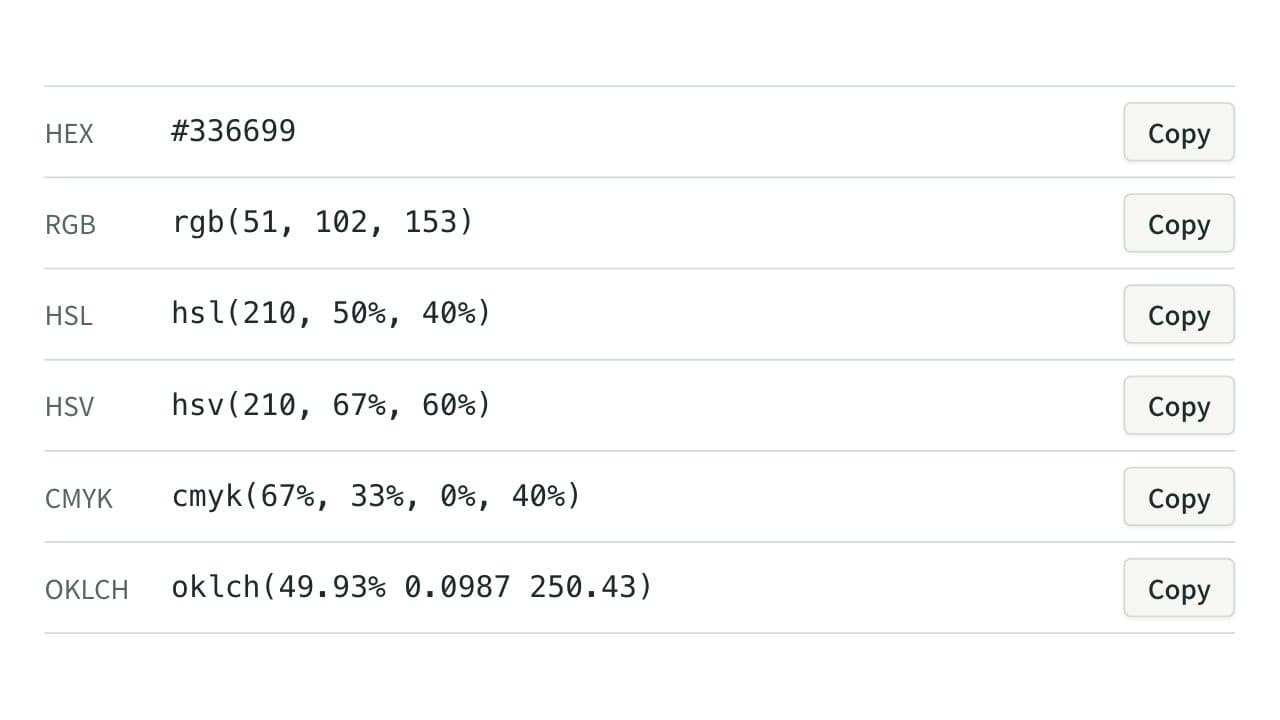
Convert colors between HEX, RGB, and HSL, and see them in HSV, CMYK, and OKLCH too, with a color picker, a live preview, and WCAG contrast ratios against white, black, or any text color you choose.
XML Formatter and Minifier
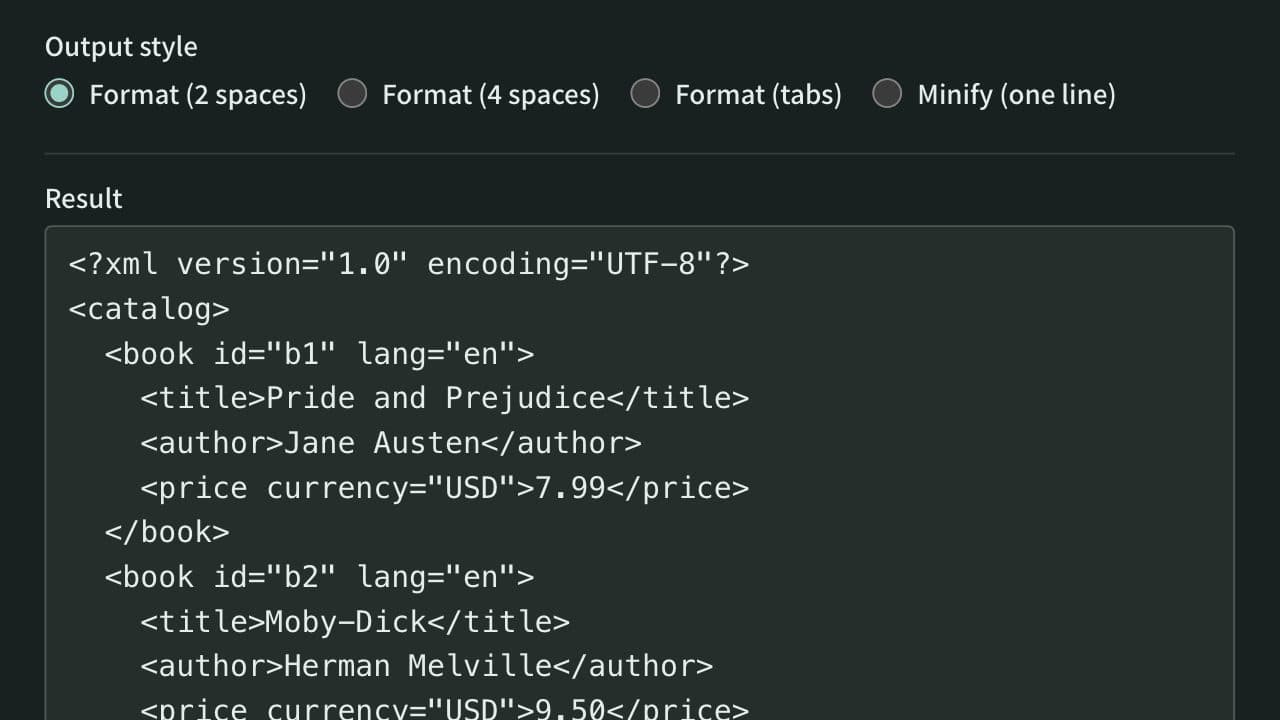
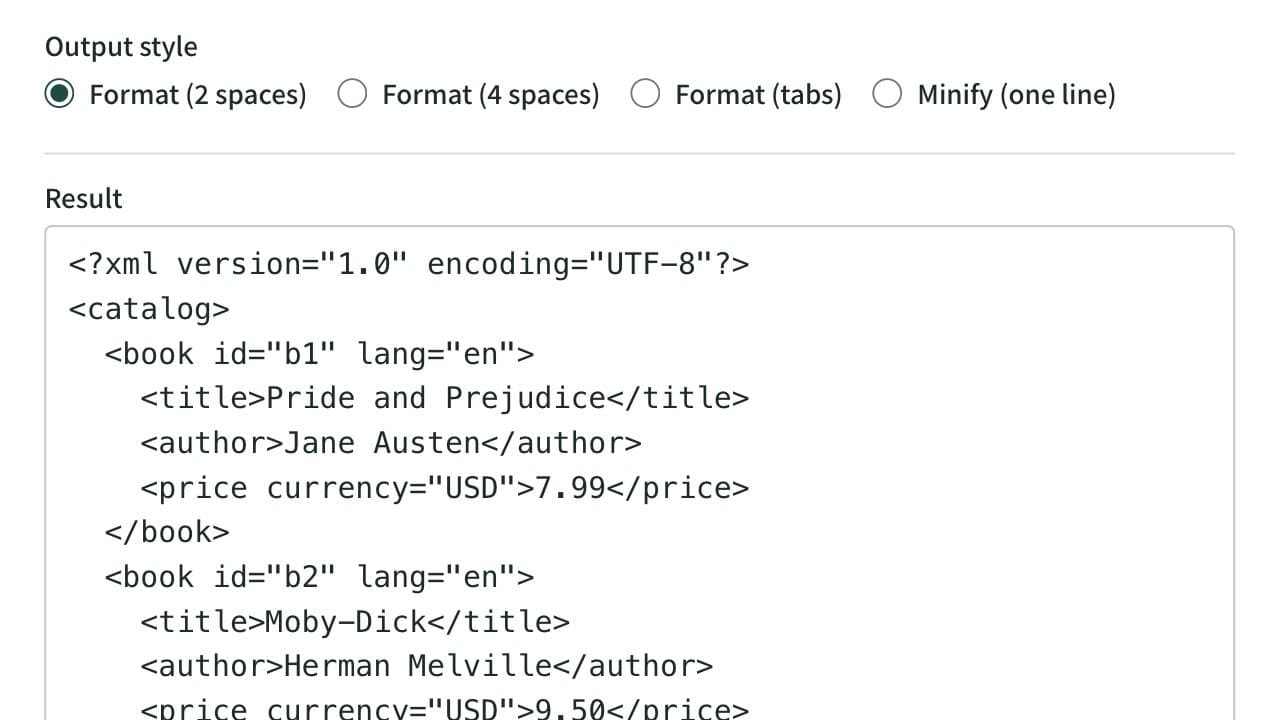
Format XML that arrives on a single line into indented, readable text. Indent with 2 spaces, 4 spaces, or tabs, or minify the XML to one line. Mistakes such as an unclosed tag are reported with their line and position, and an XPath expression extracts the elements or attributes you need. Runs entirely in your browser.