IPv4 Subnet Calculator (CIDR)
Enter an IPv4 address with a prefix length such as /24 or a subnet mask to get the network address, broadcast address, usable host range and count, and wildcard mask. It can also pick the prefix length from the number of hosts you need, and list the network split into subnets of equal size. Also shows the binary form and whether the address is private.
You can add a prefix length or a subnet mask after a slash, as in 192.168.1.10/24
Enter how many devices you will connect to see the smallest network that holds them. You can leave this empty
Network that 192.168.1.10 belongs to
- Entered address
- 192.168.1.10
- In binary 11000000 10101000 00000001 00001010
- Subnet mask
- 255.255.255.0
- In binary 11111111 11111111 11111111 00000000
- Wildcard mask
- 0.0.0.255
- In binary 00000000 00000000 00000000 11111111
- Network address
- 192.168.1.0
- In binary 11000000 10101000 00000001 00000000
- Broadcast address
- 192.168.1.255
- In binary 11000000 10101000 00000001 11111111
- Usable host range
- 192.168.1.1 – 192.168.1.254
- Usable host addresses
- 254
- Total addresses
- 256
- Address type
- Private address
- Class
- Class C
The first 24 bits, in bold, are the network part. The remaining 8 bits are the host part
Cuts this network into subnets of equal size. Choose the prefix length the subnets should have
How to use
- Enter the IPv4 address you want to look up in "IP address". You can add a prefix length after a slash, as in
192.168.1.10/24 - If you enter an address alone, choose a value such as
/24 (255.255.255.0)under "Prefix length (subnet mask)" - The network that the address belongs to appears below, along with the following
- Subnet mask and wildcard mask
- Network address and broadcast address
- Usable host range and the number of addresses in it
- Total number of addresses
- Address type (private, public, and so on) and class
- The entered address, the subnet mask, the wildcard mask, the network address and the broadcast address in binary, to the right of the decimal form on a wide screen and under it on a narrow one. The network part is in bold and the host part is in a lighter color. When the broadcast address is "None", it has no binary form either. On a wide screen, a vertical line marks where the network part ends, with the prefix length, such as
/24, above it. A/0or a/32has no such point within the 32 bits, so it gets no line
There is no button to press. The result changes as soon as you change the input or the selection. When the page opens, 192.168.1.10/24 is filled in as an example.
To pick the prefix length from the number of devices you will connect, enter that number in "Pick the prefix length from the number of hosts you need". See "Picking the prefix length from the number of hosts" below.
To cut the network into subnets of equal size, choose the prefix length they should have under "Split into subnets", below the result. See "Splitting into subnets" below.
"Copy result" puts the network at the top and each item from the subnet mask to the class on the clipboard as text, one per line. The entered address row, the binary form and the notes under the result are not included.
Accepted formats
192.168.1.10/24— an address and a prefix length (CIDR notation)192.168.1.10/255.255.255.0— an address and a subnet mask192.168.1.10 255.255.255.0— an address and a subnet mask separated by a space192.168.1.10— an address alone. The prefix length comes from the selector below
A prefix length or subnet mask written in the input field takes priority, and the selector changes to match it. If you then change the selector, the /24 part of the input is rewritten to the value you chose.
Full-width digits and dots (192.168.1.10/24) are read as their half-width forms.
Picking the prefix length from the number of hosts
Enter the number of devices you will connect in "Pick the prefix length from the number of hosts you need". The prefix length, subnet mask and usable host addresses of the smallest network that holds them appear under the field.
- Enter the number. For
100, the line reads "The smallest network that holds 100 hosts is a /25 (255.255.255.128). It has 126 usable host addresses" - Press "Use /25" under it. The prefix length changes to
/25and the result changes to that network. If the address field holds a prefix length, as in192.168.1.10/24, that part is rewritten to/25too
Entering a number does not change the result on its own. The prefix length changes only when you press the button. When the prefix length shown is the one already selected, "That is the prefix length already selected" appears in place of the button.
- The number counts addresses other than the network address and the broadcast address.
254gives/24, and255gives/23(510 addresses) - One host and two hosts both give
/30(2 addresses)./31and/32are never shown here, because they are special sizes that set no network or broadcast address aside - Count the router (the default gateway) as a host. For 30 computers and one router, enter
31. The result is/26(62 addresses). Entering30gives/27(30 addresses), which leaves no address for the router - Thousands separators, as in
1,000, and full-width digits are read as well - The number must be a whole number from 1 to 4,294,967,294. That upper limit is the number of usable host addresses in a
/0
You can leave this field empty. Nothing is shown while it is empty, and it has no effect on the result.
Splitting into subnets
Choose the prefix length the subnets should have under "Split into subnets", below the result, to list the network cut into subnets of equal size. Each choice, such as /26 × 4 (62 hosts each), gives the new prefix length, the number of subnets and the usable host addresses in each one. It starts at "Do not split".
Splitting 192.168.1.10/24 into /26s shows the line "Splitting 192.168.1.0/24 into /26s gives 4 subnets with 62 usable host addresses each. The address you entered is in subnet 1, 192.168.1.0/26" and the following table.
No.  Network            Usable host range                Broadcast address
1    192.168.1.0/26     192.168.1.1 – 192.168.1.62       192.168.1.63
2    192.168.1.64/26    192.168.1.65 – 192.168.1.126     192.168.1.127
3    192.168.1.128/26   192.168.1.129 – 192.168.1.190    192.168.1.191
4    192.168.1.192/26   192.168.1.193 – 192.168.1.254    192.168.1.255
- The row of the subnet that holds the entered address says "Holds the entered address" and has a shaded background. This also tells you whether two addresses fall in the same subnet
- The subnets can be 1 to 16 bits longer than the current prefix length, which makes at most 65,536 subnets (a
/8cut into/24s, for example). A/32cannot be split any further, so a note takes the place of the choices - Subnets of
/31and/32have no broadcast address ("None") and count every address as usable, as in the result above - The table lists the first 256 subnets. When there are more, a note above the table says so. When the subnet holding the entered address is the 257th or later, it is added at the end of the table, after a row such as "50,944 subnets skipped here" when there is a gap. When more subnets follow the last one listed, a closing row such as "14,335 more subnets skipped after this" says how many
- "Copy list" puts every subnet on the clipboard as tab-separated text in four columns: network, first host, last host and broadcast address, under a header line. Pasted into a spreadsheet, it falls into columns. Subnets the table leaves out are included
- The number of subnets is kept when the prefix length changes. With
/26(4 subnets) chosen, changing/24to/25gives/27(4 subnets). When the subnets would be longer than/32, the number is cut down to what fits
Example
The result for 192.168.1.10/24:
Network                 192.168.1.0/24
Subnet mask             255.255.255.0
Wildcard mask           0.0.0.255
Network address         192.168.1.0
Broadcast address       192.168.1.255
Usable host range       192.168.1.1 – 192.168.1.254
Usable host addresses   254
Total addresses         256
Address type            Private address
Class                   Class C
A boundary that does not fall between octets (groups of 8 bits) is calculated the same way.
172.16.5.130/26→ the network is172.16.5.128/26, the broadcast address is172.16.5.191, and the usable host range is172.16.5.129–172.16.5.190(62 addresses)10.1.2.3/20→ the network is10.1.0.0/20, the subnet mask is255.255.240.0, the broadcast address is10.1.15.255, and there are 4,094 usable host addresses192.168.1.10/30→ the network is192.168.1.8/30, and the usable host range is192.168.1.9–192.168.1.10(2 addresses)
How it is calculated
An IPv4 address is a 32-bit number. The prefix length says how many of its leading bits identify the network (the network part). The remaining bits are the host part, which identifies a device inside that network.
- Subnet mask: the value with every network bit set to 1 and every host bit set to 0. For
/24it is11111111.11111111.11111111.00000000, which is255.255.255.0 - Network address: the address with every host bit set to 0
- Broadcast address: the address with every host bit set to 1
- Usable host range: from the address after the network address to the address before the broadcast address
- Total addresses: 2 multiplied by itself "32 − prefix length" times. For
/24that is 2 to the power of 8, or 256 - Usable host addresses: the total minus two, for the network address and the broadcast address. For
/24that is 254 - Wildcard mask: the subnet mask with its 0s and 1s swapped. It is used in settings such as router access lists
/31 and /32
- A
/31is a network of just two addresses. RFC 3021 defines its use on a link that connects two devices directly, and both addresses are assigned to devices. This app shows the broadcast address as "None" and the number of usable host addresses as 2 - A
/32stands for one address. It is how a firewall rule or a route names a single device. The number of usable host addresses is shown as 1
Prefix lengths and subnet masks
/8    255.0.0.0          16,777,214
/12   255.240.0.0         1,048,574
/16   255.255.0.0            65,534
/20   255.255.240.0           4,094
/21   255.255.248.0           2,046
/22   255.255.252.0           1,022
/23   255.255.254.0             510
/24   255.255.255.0             254
/25   255.255.255.128           126
/26   255.255.255.192            62
/27   255.255.255.224            30
/28   255.255.255.240            14
/29   255.255.255.248             6
/30   255.255.255.252             2
The number on the right is the count of usable host addresses. Each step up in prefix length halves the size of the network.
Address types and classes
"Address type" tells you whether the address you entered falls in one of the following ranges, each set aside for a purpose. An address in none of them is shown as "Public address".
- Private addresses:
10.0.0.0/8,172.16.0.0/12(172.16.0.0–172.31.255.255), and192.168.0.0/16. Anyone may use these inside a home or office network - Shared address space:
100.64.0.0/10. Internet providers use it on the network between themselves and their customers (carrier-grade NAT) - Loopback addresses:
127.0.0.0/8. They refer to the device itself - Link-local addresses:
169.254.0.0/16. A device gives itself one of these when, for example, it could not get an address over DHCP - Documentation addresses:
192.0.2.0/24,198.51.100.0/24, and203.0.113.0/24. They are for examples in manuals and articles - Multicast addresses:
224.0.0.0/4 - Reserved:
240.0.0.0/4. Within it,255.255.255.255is shown as "Limited broadcast address" - Also
0.0.0.0/8,192.0.0.0/24(IETF protocol assignments),198.18.0.0/15(benchmarking),192.88.99.0/24(relays used in the move to IPv6; its use for 6to4 relays is deprecated), and the service ranges192.31.196.0/24and192.175.48.0/24(AS112) and192.52.193.0/24(AMT)
The type describes the address you entered, not the whole network. If you enter a network wider than the private ranges, such as 10.0.0.0/7, it is still shown as "Private address" as long as the address itself is inside 10.0.0.0/8.
"Class" is an older way of sorting addresses by their first number: 0–127 is class A, 128–191 is class B, 192–223 is class C, 224–239 is class D, and 240–255 is class E. Networks today are divided by prefix length regardless of class (CIDR). The class is shown as a reference for exam questions and older documents.
You can check how the binary form relates to decimal with the Number Base Converter.
When an error appears
- Enter an IPv4 address as four numbers separated by dots… — the text does not have four parts separated by dots, or it contains something other than digits. IPv6 addresses such as
2001:db8::1are not supported - Each part between the dots must be a number from 0 to 255 — a part is over 255, as in
192.168.1.256 - Enter each part without a leading zero… — the address is written like
192.168.001.010. Some software reads a leading zero as a sign of an octal number, so the same text can mean a different address, and it is not accepted here - Enter the prefix length as a whole number from 0 to 32 — the input has
/33or/abc, or it ends with/ - That is not a usable subnet mask — the value, written in binary, does not have its 1s in one unbroken run from the start, as in
255.255.0.255or255.255.255.100. Entering a wildcard mask (0.0.0.255) also gives this error
While an error is shown, no result is calculated and the result area holds only a prompt to enter an address. Fix the input and the error goes away and the result appears.
FAQ
Why are there two fewer usable host addresses than total addresses?
The first address of a network (the network address) stands for the network itself, and the last one (the broadcast address) is used to reach every device on the network, so neither is assigned to a device. In a /24, 254 of the 256 addresses can go to devices.
Can I really assign that many devices?
The number shown is how many addresses the IPv4 rules leave for devices. A real network also spends one on the router (the default gateway). Cloud services may keep more for themselves. In an AWS VPC, for example, the first four addresses and the last one of every subnet are reserved, five in all. Check the documentation of the service you use.
How do I pick a prefix length for a number of devices?
Enter the number in "Pick the prefix length from the number of hosts you need". The prefix length of the smallest network that holds it is shown, and a button such as "Use /25" puts it to use. For 50 devices that is /26 (62 addresses), for 100 it is /25 (126), and for 500 it is /23 (510). The list above shows the same numbers.
Why does a host count of 2 not give a /31?
Picking from a host count only considers ordinary subnets, which set a network address and a broadcast address aside. The one that holds exactly two hosts is a /30. To use a /31 on a link between two devices, choose /31 under "Prefix length (subnet mask)".
How do I check whether two addresses are on the same network?
Enter each address with the same prefix length and compare the networks shown. 192.168.1.10/26 gives 192.168.1.0/26 and 192.168.1.100/26 gives 192.168.1.64/26, so these two are on different networks.
How do I get the prefix length from a subnet mask?
Enter the address with the mask, as in 192.168.1.10/255.255.255.192. The top of the result shows CIDR notation such as 192.168.1.0/26, and the selector changes to /26.
What is a wildcard mask for?
It specifies a range of addresses in router and switch access lists, OSPF settings, and similar places. It is the subnet mask with its 0s and 1s swapped: the wildcard mask for 255.255.255.0 is 0.0.0.255.
Does it support IPv6?
No. It calculates IPv4 only.
Can it split a network into several subnets?
Yes. Choose the prefix length the subnets should have under "Split into subnets", below the result, to list subnets of equal size. See "Splitting into subnets" above. It does not work out splits that mix subnets of different sizes (VLSM).
Is the IP address I enter saved?
No. Everything is calculated inside your browser. The address and the host count you enter, and the split you choose, are not sent anywhere or stored. Reloading the page clears the input, brings back the example 192.168.1.10/24, and sets the split back to "Do not split".
- Type
- Utility
- Category
- Developer
- Tags
- ip
- ipv4
- subnet
- cidr
- netmask
- subnetting
- network
- calculator
- developer
Related apps
Chmod Calculator (File Permissions)
Convert Linux and macOS file permissions between numbers such as 755 and symbols such as rwxr-xr-x. Switch read, write and execute on and off to build the chmod command as you go. Handles setuid, setgid and the sticky bit, and shows the permissions a umask gives new files and directories.
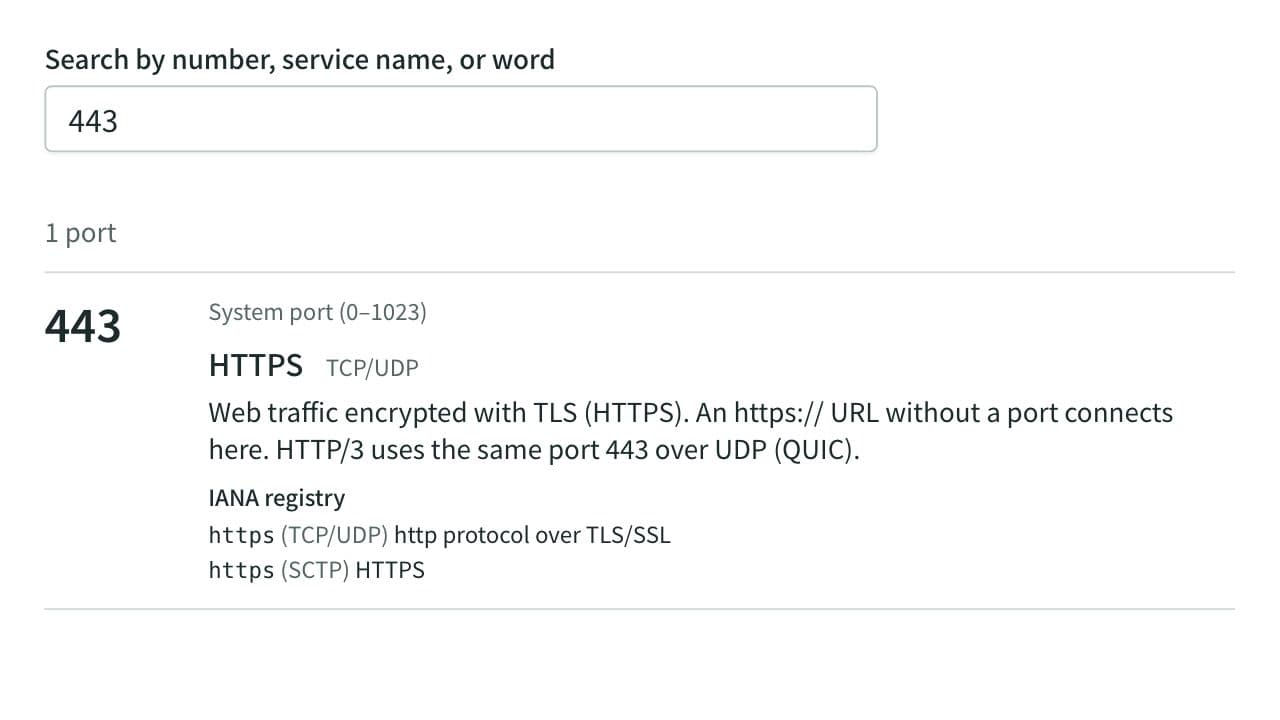
Port Number Lookup
Look up what port numbers such as 22, 443, and 3306 are used for, by number, service name, or word. Lists more than 120 common ports with an explanation and covers every number in the IANA registry. Also shows which ports browsers refuse to open and reads the ports in netstat, ss, or lsof output. Runs entirely in your browser.
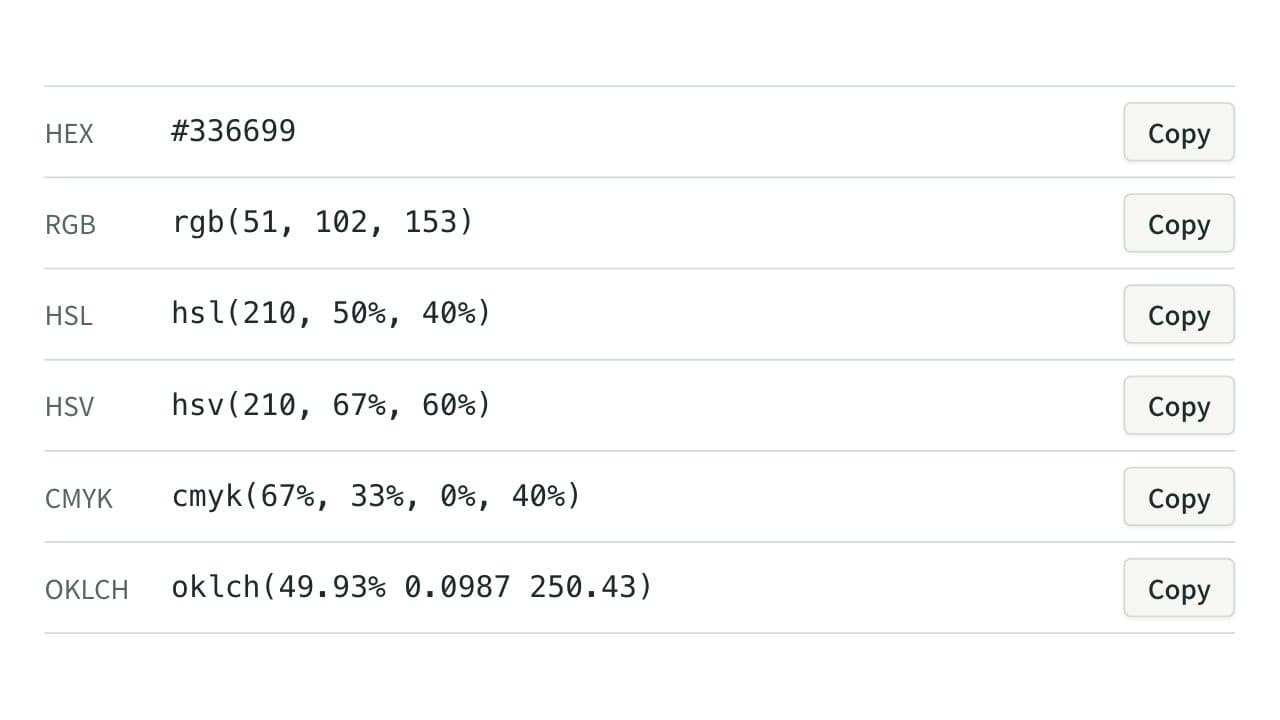
Color Code Converter
Convert colors between HEX, RGB, and HSL, and see them in HSV, CMYK, and OKLCH too, with a color picker, a live preview, and WCAG contrast ratios against white, black, or any text color you choose.