Number Base Converter
Convert between binary, octal, decimal, and hexadecimal — edit any field and the others update automatically, with optional 8- to 64-bit two's complement.
8 digits
3 digits
3 digits
2 digits
- f
- 1111
- f
- 1111
Each hex digit stands for four binary digits.
How to use
- Enter a value in the "Binary", "Octal", "Decimal", or "Hex" field
- The other fields are converted to the same value on every keystroke. There is no convert button
- You can type into any field. Edit the hex field and the binary, octal, and decimal fields follow
- To see a fixed-width two's complement such as 8 or 32 bits, choose
8,16,32, or64under "Bit width (two's complement)" above the fields. Choose "None" to go back to converting without a width
When the page opens, the decimal value 255 is filled in as an example. Clear the field and replace it with the value you want to convert.
Beside the fields (below them on a narrow screen), a digit map sets each hex digit over the four binary digits it stands for. For ff, that is f over 1111, twice. The binary digits in the map are padded with leading 0s to four places. A negative value is shown as − followed by the digits of its absolute value. The map is drawn for values of up to 32 hex digits.
Example
This is what each field shows when you enter 255 in the decimal field.
Binary   11111111
Octal    377
Decimal  255
Hex      ff
Entering 10 in the hex field gives 10000 in binary, 20 in octal, and 16 in decimal. Entering 11111 in the binary field gives 31 in decimal and 1f in hex.
Large values such as the maximum 64-bit unsigned integer convert as they are.
Hex      ffffffffffffffff
Decimal  18446744073709551615
Two's complement with a bit width
With a bit width chosen, the binary, octal, and hex fields hold a bit pattern of that width and are shown in full, padded with leading zeros. The decimal field splits into "signed" and "unsigned", which read the same bits two ways. The signed value is read as two's complement, so it is negative when the top bit is 1.
This is what each field shows at 8 bits when you enter -1 in the "Decimal signed" field.
Binary            11111111
Octal             377
Decimal signed    -1
Decimal unsigned  255
Hex               ff
At 16 bits, entering ffff in the hex field gives -1 signed and 65535 unsigned. At 32 bits, 80000000 is -2147483648 signed and 2147483648 unsigned.
- The field you are typing in is not padded, so zeros do not pile up in front of the cursor. Once you type in another field, it is shown in full as well
- At 8 bits, the signed field holds
-128to127, the unsigned field0to255, and the hex field up toff. At 64 bits, signed is-9223372036854775808to9223372036854775807and unsigned is0to18446744073709551615 - Only the "Decimal signed" field takes a minus sign. The binary, octal, hex, and "Decimal unsigned" fields take a bit pattern or a value of 0 or more
- The digit map beside the fields also shows every hex digit of the width over its four bits. A negative value gets no
−; the bit pattern is shown as it is
When you switch the width, the text of the field you typed in last is read again, as it is, with the new width. For example, fe in the hex field at 8 bits is -2 signed, but switching to 16 bits reads it as 00fe, which is 254. The sign is not extended to fffe.
A value in the decimal field under "None" is read again as if typed into "Decimal unsigned" when it has no minus sign, and into "Decimal signed" when it has one. Choosing 8 bits with the starting 255 reads it as unsigned 255, and the signed field shows -1. Going back to "None" puts the value of either decimal field into the single decimal field.
Accepted characters and display rules
- Each field accepts only the digits of its base:
0and1for binary,0–7for octal,0–9for decimal, and0–9plusa–ffor hex - Hex letters can be typed in upper or lower case. Once a value converts, the display is normalized to lowercase, so a field where you typed
FFchanges toff - Extra leading zeros are removed after conversion.
007is shown as7. With a bit width chosen, the binary, octal, and hex fields other than the one you are typing in are padded with zeros to the full width - Surrounding whitespace is ignored. A space, comma, or underscore in the middle of the digits makes the value invalid
- Do not add a prefix such as
0x,0b, or0o. The field itself tells the app which base to use, so in0xffthexis treated as an invalid character. Enter only the digits,ff - A decimal point is not accepted. The app handles integers only
How negative values are handled
A leading - converts the value as a negative integer. The result is shown as a sign followed by the magnitude: decimal -255 is -11111111 in binary and -ff in hex.
This is how values are shown under "None", and it is different from a two's complement representation with a fixed width such as 8 or 32 bits. In 8-bit two's complement, -1 is 11111111. For a fixed-width representation, choose a width under "Bit width (two's complement)" above the fields.
Positional notation and the steps for converting by hand are explained in the guide to converting binary, decimal, and hex.
When an error appears
- Invalid value for this base — shown when the input contains a character the base does not use (
2in the binary field,8in the octal field,gin the hex field), when the field is empty, or when it contains only-. The other fields keep the last value that converted. If you switch the bit width while the value is invalid, the other fields are emptied. The error clears once you correct the input - Too many digits — shown when a single field holds more than 10,000 digits. The other fields are emptied. Once the input is back within the limit, every field is converted again
- 8-bit signed integers range from -128 to 127. — shown with a bit width chosen when the value in "Decimal signed" is outside the range of that width. For "Decimal unsigned" the message is "8-bit unsigned integers range from 0 to 255.", and for the binary, octal, and hex fields it names the largest value the field can hold, as in "Doesn't fit in 8 bits. The largest 8-bit value in hex is ff." The other fields are emptied. Bring the value within the range or choose a wider width to convert it
- With a bit width selected, this field takes no minus sign — shown when you put
-in the binary, octal, hex, or "Decimal unsigned" field. The other fields keep the last value that converted. Enter a negative value in the "Decimal signed" field
FAQ
Are decimal (fractional) numbers supported?
No, only integers are supported. A value with a decimal point, such as 0.5, is treated as invalid.
Can hex letters be entered in either upper or lower case?
Yes, both are recognized as the same value. The display is always lowercase, so if you need uppercase, convert it after copying.
Can I enter values with 0x or 0b?
No. Prefixes are not recognized. x is not a digit in binary, octal, decimal or hexadecimal, so 0x produces the "Invalid value for this base" error. b is a valid hexadecimal digit, so entering 0b10 in the hexadecimal field is not an error: it is converted as hexadecimal 0B10 (2832 in decimal), not as binary 2. When pasting a value from source code, remove the 0x or 0b first.
Is there a limit on the number of digits?
Each field accepts up to 10,000 digits (surrounding whitespace and a leading minus sign are not counted). Conversion slows down as the number of digits grows, so the limit keeps the page from becoming sluggish on every keystroke.
A converted field can show a value longer than the limit. A 10,000-digit hex value is about 40,000 binary digits. Editing that field directly requires bringing it within 10,000 digits.
Are large numbers converted exactly?
Yes. The app calculates with JavaScript's BigInt, so values up to the digit limit convert exactly without rounding. Integers above 2 to the 53rd power, which the ordinary number type cannot represent exactly, give the same correct result.
Can negative values be shown in two's complement?
Yes. Choose 8, 16, 32, or 64 under "Bit width (two's complement)" and enter a negative value in the "Decimal signed" field. The binary, octal, and hex fields show its two's complement bit pattern at that width. The other way round, to find what hex ffffffff is as a 32-bit signed integer, choose 32 bits and enter it in the hex field: "Decimal signed" shows -1. Under "None", a negative value is shown as the converted magnitude with a leading -.
Is my data stored anywhere?
No. Conversion runs entirely in your browser and the values you enter are not sent to a server. Reloading the page clears your input and restores the initial value 255.
- Type
- Utility
- Category
- Converters
- Tags
- binary
- hex
- octal
- decimal
- twos-complement
- converter
- developer
Guides related to this app
How to convert binary, decimal, and hexadecimal numbers
Understand positional notation and manual conversion, then verify results while handling prefixes, invalid digits, negative values, and large integers.
Convertersbinarydecimalhexadecimalradixnumber-conversion
Related apps
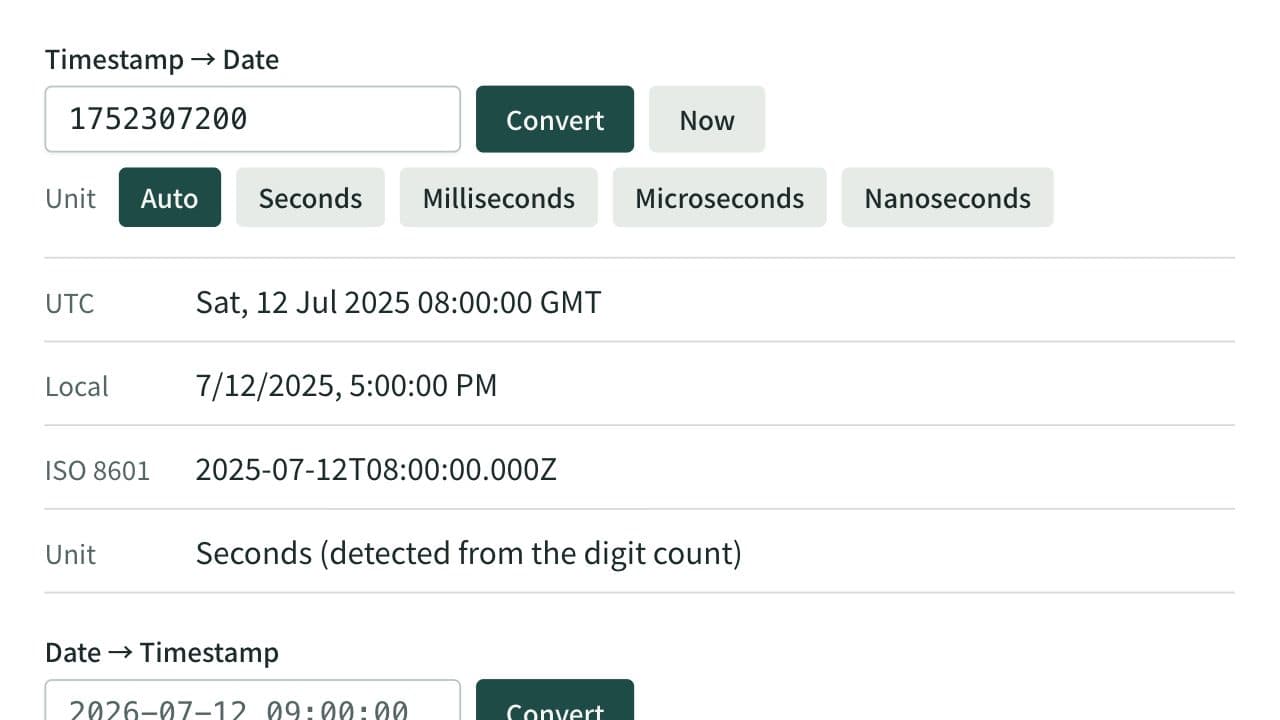
Unix Timestamp Converter
Convert between Unix timestamps and dates. Detects seconds, milliseconds, microseconds, and nanoseconds from the digit count or lets you choose the unit, and shows both UTC and local time. When converting a date, choose whether it is read as local time or UTC.
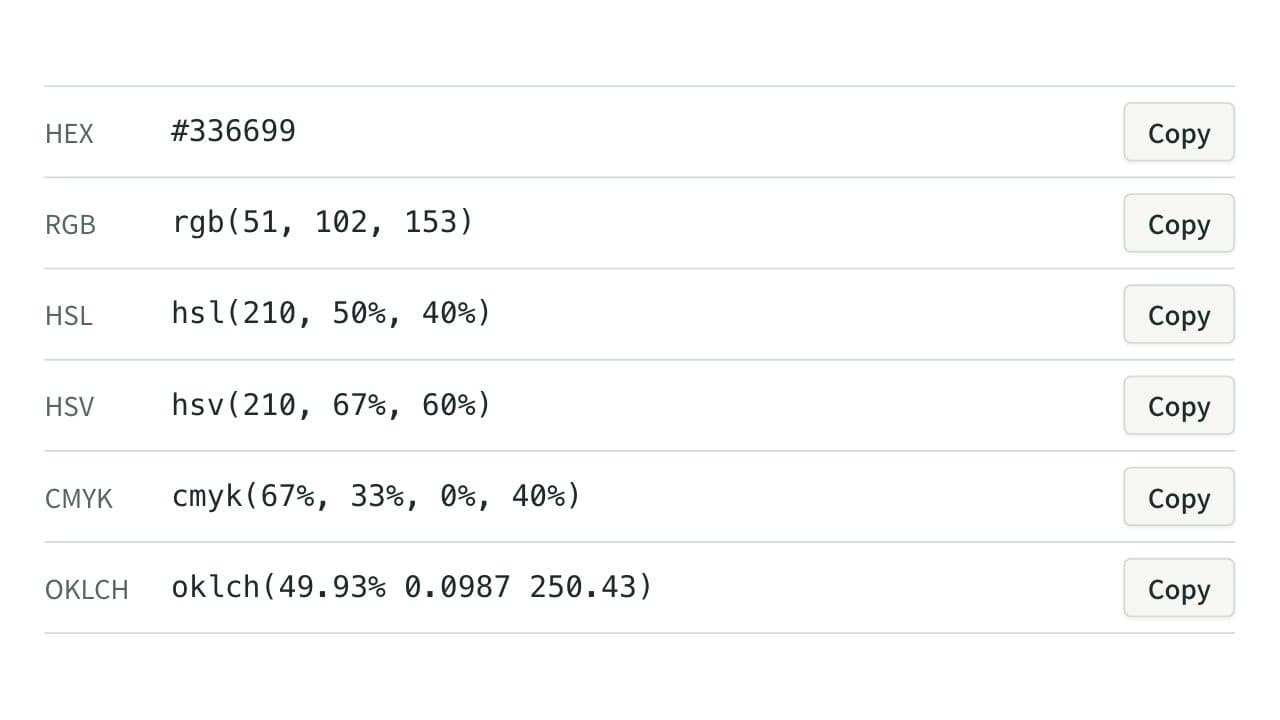
Color Code Converter
Convert colors between HEX, RGB, and HSL, and see them in HSV, CMYK, and OKLCH too, with a color picker, a live preview, and WCAG contrast ratios against white, black, or any text color you choose.
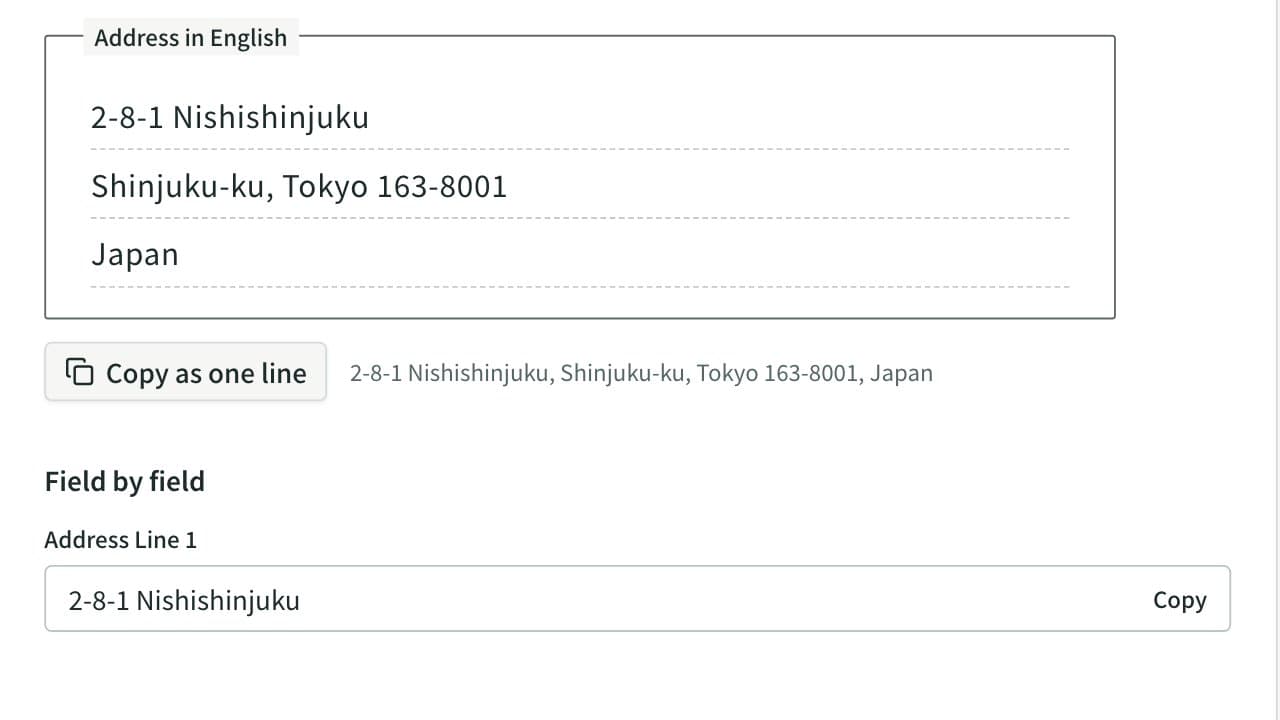
Japanese Address to English Converter
Convert a Japanese address to English. Prefectures and municipalities are romanized automatically, and the block, building and room are put in English order, with a field-by-field view for overseas forms and the phone number written from +81.