Roman Numeral Converter
Convert numbers from 1 to 3999 into Roman numerals (I, V, X, L, C, D, M) and Roman numerals back into numbers, with a breakdown of what each group of symbols stands for. Dates can be written field by field, and numerals can be output in lower case.
Enter a number from 1 to 3999, or a Roman numeral written with I, V, X, L, C, D, and M. Lower case is read too.
Number → Roman numeral
MMXXVI
Breakdown
- MM
- 2000
- XX
- 20
- VI
- 6
Date to Roman numerals
Choose a date to see its year, month, and day each written in Roman numerals.
The seven Roman numeral symbols
- I
- 1
- V
- 5
- X
- 10
- L
- 50
- C
- 100
- D
- 500
- M
- 1000
How to use
- Type either a number (such as
2026) or a Roman numeral (such asMMXXVI) into the field - A number is converted to a Roman numeral, and a Roman numeral is converted to a number. There is no button for the direction; it follows from what you type
- A breakdown appears under the result: each group of symbols sits over the amount it stands for
- Press "Copy result" to put just the converted result on the clipboard
- To get lower-case numerals such as
mmxxvi, choose "Lower case xiv" under "Roman numeral letters". The setting applies to the result, the breakdown, and the date below, and what is copied is written the same way
When the page opens, the field holds 2026 as an example. Clear it and type the value you want to convert.
Whole numbers from 1 to 3999 can be converted. A list of the seven symbols and their values stays beside the field (below it on a narrow screen).
Writing a date in Roman numerals
Under the converter, "Date to Roman numerals" writes a date such as an anniversary or a birthday in Roman numerals.
- Choose a date in the "Date" field. "Today" fills in today's date
- Choose the order: "Month day year", "Day month year", or "Year month day"
- Choose the separator between the fields: dot
., middle dot·, slash/, hyphen-, or a space - Press "Copy date" to put the date on the clipboard
The year, the month, and the day are each converted on their own. 14 October 2026 is written like this.
Month day year, dot      X.XIV.MMXXVI
Day month year, dot      XIV.X.MMXXVI
Year month day, slash    MMXXVI/X/XIV
A month or day is written without its leading zero: January is I and the 4th is IV. Roman numerals have no zero, so there is no way to write 01 or 04. Under the date, the numeral for each field is set over the field and its number.
The year must be between 1 and 3999. A date in 4000 or later shows an error, because its year cannot be written in standard notation. While the year, month, or day is only partly filled in, "This date cannot be read" is shown.
When the page opens, the order is "Month day year" and the separator is the dot. On the Japanese page, the order starts as "Year month day". Each order is in use, so choose the one the people who will read the date expect.
Example
This is what is shown for 1994.
Number → Roman numeral
MCMXCIV

Breakdown
M     CM    XC   IV
1000  900   90   4
The thousands, hundreds, tens, and ones are each written as Roman symbols and set side by side from the left. 1994 is 1000 + 900 + 90 + 4, so M, CM, XC, and IV join into MCMXCIV.
In the other direction, MMXXVI gives 2026, with the breakdown MM = 2000, XX = 20, and VI = 6.
More examples:
4→IV,9→IX,14→XIV40→XL,90→XC,400→CD,900→CM3888→MMMDCCCLXXXVIII(the longest numeral from 1 to 3999, at 15 symbols)3999→MMMCMXCIX(the largest value that can be converted)
The symbols and the rules
Roman numerals are written with these seven symbols.
I= 1V= 5X= 10L= 50C= 100D= 500M= 1000
The basic rule is addition. The symbols run from the largest on the left, and the number is their sum. VIII is 5 + 1 + 1 + 1, or 8, and MDCLXVI is 1000 + 500 + 100 + 50 + 10 + 5 + 1, or 1666.
Rather than writing the same symbol four times in a row, a smaller symbol is put before a larger one to subtract it. Standard notation allows only these six subtractions.
IV= 4,IX= 9XL= 40,XC= 90CD= 400,CM= 900
I, X, C, and M may be repeated up to three times in a row, and V, L, and D are used at most once in a number. What this app writes follows these rules.
What the field accepts
- Lower case —
mmxxviis read asMMXXVI - Full-width characters — full-width digits (
2026) and letters (XIV) are read as their ordinary forms - Dedicated Roman numeral characters — single characters that stand for a Roman numeral, such as
ⅣandⅫ, are read asIVandXII. The result is always written with ordinary letters, in capitals or in lower case as chosen - Spaces — spaces before, after, and inside the input are removed.
MM XXVIis the same asMMXXVI - Leading zeros — leading zeros in a number are ignored.
0012is converted as12
Numerals written by addition only
Clock faces often show 4 as IIII rather than IV. A numeral like this, which uses no subtraction and simply runs from the largest symbol to the smallest, has only one possible value, so it is read. IIII is 4, VIIII is 9, and MCCCC is 1400.
The standard form (IV for IIII) is shown under the result. For a value above 3999, such as MMMM (4000), only the value is shown, with a note that it has no standard form.
When an error is shown
- Only whole numbers from 1 to 3999 can be converted — the number is
0, or4000or more - Without a sign, decimal point, or comma — the input is something like
-5,1.5, or1,999. Remove the comma and enter1999 - This looks like a date — the input is three numbers joined by the same
/,-, or., such as2026/10/14. Use "Date to Roman numerals" below the converter, which writes the year, month, and day separately - Digits and Roman symbols are mixed — the input is something like
12X - Not a Roman numeral symbol — the input has a character other than the seven symbols and digits
- Not in standard form, so its value cannot be decided — the input has a subtraction that the rules do not allow, such as
IIX,VX,IC, orIL. Readers disagree on whetherIIXis 8 or 10, so this app gives no value. 99 is writtenXCIX, notIC, and 49 is writtenXLIX, notIL - The input is too long — it has more than 30 characters once spaces are removed and full-width and dedicated characters are turned into ordinary letters and digits.
Ⅻcounts as the three characters ofXII
FAQ
Why does it stop at 3999?
In standard notation the largest symbol is M (1000), and a symbol may be repeated only three times. MMM for 3000 plus CMXCIX for 999 gives 3999 as the limit.
There are ways to write 4000 and above, such as a bar over a symbol to multiply it by 1000, but they cannot be typed with ordinary characters and are not written the same way everywhere, so this app does not handle them.
Can zero, negative numbers, or fractions be written in Roman numerals?
No. Roman numerals have no symbol for zero and no rule for writing a negative number or a fraction. Only whole numbers from 1 up can be converted.
Is IIII on a clock face a mistake?
Not really. IIII is a form that has been in use for a very long time, and clock faces still use it widely. The standard form in running text and in years, though, is IV. This app reads IIII as 4 and shows that the standard form is IV.
Can it write single-character Roman numerals such as Ⅳ?
No. The result is written with ordinary letters such as I, V, and X. Only a limited set of dedicated characters exists (Ⅰ to Ⅻ, plus Ⅼ, Ⅽ, Ⅾ, Ⅿ, and a few others), and numerals written with letters display and search the same way everywhere. As input, the dedicated characters are read.
Can it write lower-case Roman numerals (iv, xii)?
Yes. Choose "Lower case xiv" under "Roman numeral letters", and the result, the breakdown, and the date are written in lower case, such as xiv and mmxxvi. "Copy result" and "Copy date" copy them in lower case as well. Lower-case Roman numerals are often used for page numbers in a preface and for list numbering. The input is read in either case.
How is a year written in Roman numerals?
A year converts like any other number. 2026 is MMXXVI, 2000 is MM, and 1999 is MCMXCIX. Years are sometimes written in Roman numerals in the copyright notices of films and television programs and on the cornerstones of buildings. If you come across a year you cannot read, type it in as it is to get the number. To write a whole date, with its month and day, use "Date to Roman numerals".
Is my input saved anywhere?
No. The conversion runs entirely in your browser, and nothing you type is sent to a server. Reloading the page clears the input and the date, puts the example 2026 back, and returns the letters, order, and separator to their starting settings.
- Type
- Utility
- Category
- Converters
- Tags
- roman-numerals
- number
- converter
- year
- date
- notation
Related apps
Kanji Numeral Converter
Convert numbers into kanji numerals (一万二千三百四十五), digit-by-digit kanji (二〇二六), and daiji (壱万弐千参百四拾五), and read kanji numerals and daiji back into numbers, with the receipt amount form and the 1万2345 style shown together, and a list with one number per line converted at once.
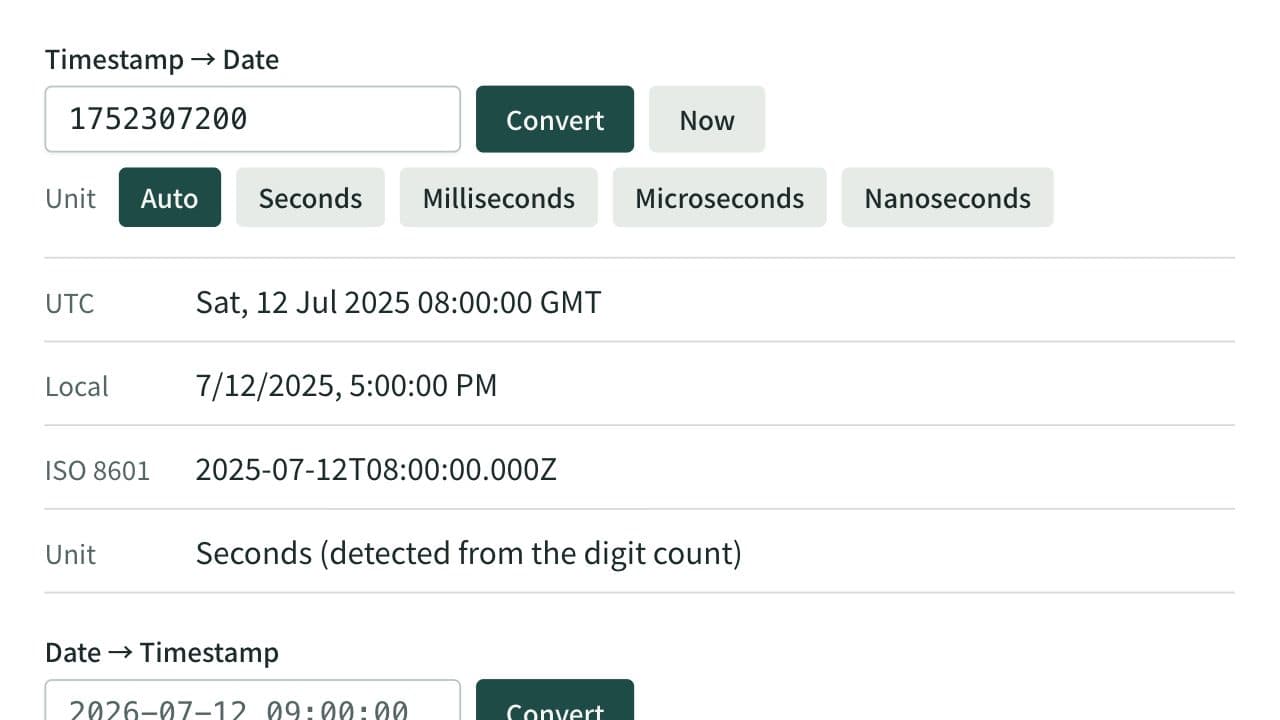
Unix Timestamp Converter
Convert between Unix timestamps and dates. Detects seconds, milliseconds, microseconds, and nanoseconds from the digit count or lets you choose the unit, and shows both UTC and local time. When converting a date, choose whether it is read as local time or UTC.
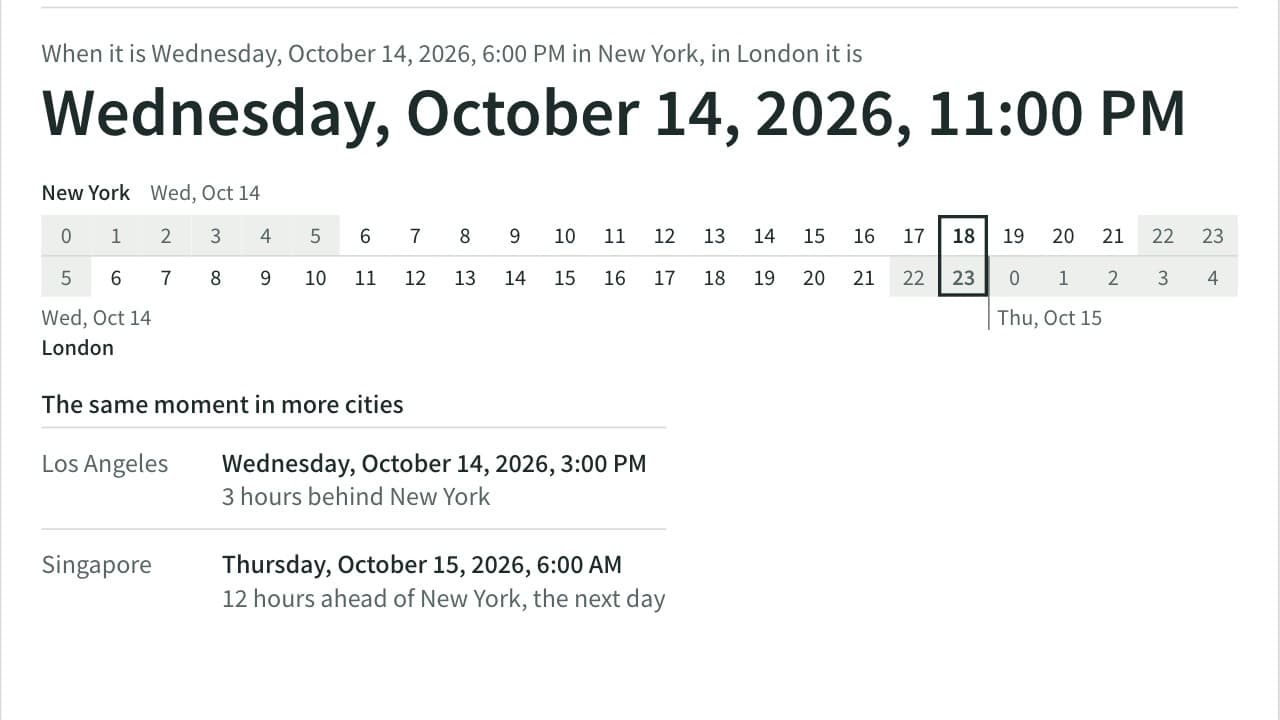
Time Zone Converter
Convert a date and time between cities and see the time difference. Covers 36 cities plus UTC, applies daylight saving time for the date you enter, and tells you when the result falls on the previous or next day. Add up to four more cities to compare the same moment side by side.