Time Zone Converter
Convert a date and time between cities and see the time difference. Covers 36 cities plus UTC, applies daylight saving time for the date you enter, and tells you when the result falls on the previous or next day. Add up to four more cities to compare the same moment side by side.
Enter a date and time to see the converted time and the time difference here
How to use
- In "Date and time to convert", enter the date and time as it reads in the city you are converting from. Press "Now" to fill in the current date and time in that city
- In "From", choose the city the date and time belongs to. The English page starts with "New York (US Eastern)"
- In "To", choose the city whose time you want to know
Once these are filled in, the date, weekday, and time in the "To" city appear below. When that date is not the same as the "From" date, a line under it says "The next day" or "The previous day". Below that you will find:
- Time difference: how many hours the "To" city is ahead of or behind the "From" city
- For each of the two cities, its offset from UTC (such as
UTC-04:00) and the name of its time zone on that date (such as "Eastern Daylight Time" or "Japan Standard Time") - Coordinated Universal Time (UTC): the same moment in UTC
- ISO 8601: the converted time with its UTC offset attached, such as
2026-10-12T08:00:00-04:00
On a wide screen, two rows of hours appear right under the converted time: the "From" date from midnight to 11 PM, one hour per column, and under each hour the time in the "To" city at that same moment, on a 24-hour clock. The hour that contains the time you entered is framed across both rows, and where the "To" city's date changes, a vertical line and the new date mark the spot. Hours from 22 to 5 are shaded, so you can see at a glance whether it is the middle of the night there. When the "From" city's hours do not fall on the hour in the "To" city (a city whose offset from UTC has an extra half hour, such as India, paired with one that does not), the minutes (30) appear in small type beside each "To" hour. On the day daylight saving time starts or ends, the "From" row has 23 or 25 hours: a skipped hour is left out and a repeated hour appears twice. The rows are not shown on narrow screens.
The button between the two cities swaps "From" and "To". The date and time you entered stays as it is, so you can check the reverse direction right away.
"Copy result" puts the two dates and times on the clipboard as one line of text. When you have added cities, each one follows on a line of its own.
There is no button to press. The result changes each time you change the date, the time, or a city.
Lining up three or more cities
Under "More cities", press "Add a city" to add up to four cities besides "To". Each new row starts on a city not yet on screen, taken in turn from London, Los Angeles, Singapore, Sydney, and a few more, so choose the city you need from its list. The result then shows "The same moment in more cities": the date, weekday, and time in each city, and how far it is from the "From" city, such as "5 hours ahead of New York". When the date differs from the "From" date, ", the next day" or ", the previous day" is added.
The × button next to a city removes it. Swapping "From" and "To" keeps the added cities, and their differences are worked out again from the new "From" city. This helps when a meeting has to suit people in three or more places, such as New York, London, and Tokyo.
Example
- Monday, October 12, 2026, 9:00 PM in Tokyo → New York: Monday, October 12, 2026, 8:00 AM. New York is 13 hours behind Tokyo (daylight saving time)
- Tuesday, December 1, 2026, 9:00 AM in Tokyo → New York: Monday, November 30, 2026, 7:00 PM. Daylight saving time has ended, so New York is 14 hours behind, and the date is the previous day
- Monday, October 12, 2026, 8:00 PM in New York → Tokyo: Tuesday, October 13, 2026, 9:00 AM. The date is the next day
- Monday, October 12, 2026, 5:00 PM in Tokyo → London: Monday, October 12, 2026, 9:00 AM. 8 hours behind (summer time)
- Monday, October 12, 2026, 9:00 AM in Tokyo → Delhi / Mumbai: Monday, October 12, 2026, 5:30 AM. 3 hours 30 minutes behind
- Monday, October 12, 2026, 10:00 AM in Tokyo → Sydney: Monday, October 12, 2026, 12:00 PM. 2 hours ahead (daylight saving time)
- Monday, October 12, 2026, 9:00 AM in Tokyo → Los Angeles: Sunday, October 11, 2026, 5:00 PM. 16 hours behind, and the date is the previous day
Typical differences from Japan
Japan has no daylight saving time, so the difference shifts by one hour depending on whether the other city is observing it.
- Seoul: no difference
- Beijing / Shanghai, Hong Kong, Taipei, Manila, Singapore: 1 hour behind Japan
- Bangkok, Ho Chi Minh City / Hanoi, Jakarta: 2 hours behind
- Delhi / Mumbai: 3 hours 30 minutes behind
- Dubai: 5 hours behind
- Paris, Berlin, Rome, Madrid, Amsterdam: 8 hours behind (7 during summer time)
- London: 9 hours behind (8 during summer time)
- New York: 14 hours behind (13 during daylight saving time)
- Los Angeles: 17 hours behind (16 during daylight saving time)
- Honolulu: 19 hours behind
- Sydney: 1 hour ahead (2 during daylight saving time)
The real difference depends on the date, so enter the date itself when you are setting the time of a meeting or a call.
Daylight saving time
Daylight saving time is applied automatically for the date you enter. There is no setting to switch it on or off. The change dates for each city are read from the time zone data in the browser showing this page.
The main change dates in 2026 are:
- United States and Canada (where daylight saving time is used): starts on Sunday, March 8 and ends on Sunday, November 1
- Europe: starts on Sunday, March 29 and ends on Sunday, October 25
- Eastern Australia (Sydney): ends on Sunday, April 5 and starts again on Sunday, October 4. It is in the southern hemisphere, so daylight saving time falls in the northern winter
Some places have stopped changing their clocks, and some never did. British Columbia in Canada, where Vancouver is, moved its clocks forward on March 8, 2026 for the last time and does not set them back on November 1. From November 2026, Vancouver is therefore 1 hour ahead of Los Angeles through the winter. Honolulu (Hawaii) does not use daylight saving time.
The United States and Europe change on different dates, so in March and in October to November there are periods when London and New York are 4 hours apart instead of the usual 5.
Times that do not exist, and times that happen twice
On the day daylight saving time starts, clocks jump forward one hour, so that hour never happens. In New York this is 2:00 AM to 2:59 AM on March 8, 2026. If you enter such a time as the "From" time, the result uses the time one hour later, 3:00 AM to 3:59 AM, and a line under the result says so.
On the day daylight saving time ends, clocks are set back one hour, so the same hour happens twice. In New York this is 1:00 AM to 1:59 AM on November 1, 2026. If you enter such a time as the "From" time, the result uses the first of the two, the one still on daylight saving time, and a line under the result says so.
Notes
- You can choose from 36 cities plus UTC. For a city that is not listed, choose a nearby city on the same time zone. Osaka, Sapporo, and Fukuoka share their time with "Tokyo (Japan)", Washington, D.C. and Boston with "New York (US Eastern)", and San Francisco and Seattle with "Los Angeles (US Pacific)"
- You can enter dates from 1970 to 2099
- Future dates use the daylight saving rules as they stand today. If a country or region changes its rules, the result changes too. An old browser or operating system may not have recent rule changes
- "Now" relies on the clock of the device showing this page. If that clock is off, the result is off by the same amount
- Seconds are not handled. Results are to the minute
- Check which city a time on a ticket or a meeting invitation refers to before converting it. Departure and arrival times on airline tickets are normally given in the local time of each airport
- The date, time, and cities you choose are processed only in the browser showing this page. They are not sent anywhere or saved, and they are gone when you reload the page
FAQ
How do I convert Japan time to a time overseas?
Set "From" to "Tokyo (Japan)", enter the Japan time in "Date and time to convert", and choose the other city in "To". To go the other way, set "From" to the overseas city and "To" to "Tokyo (Japan)", then enter the local date and time there.
How do I see the time in three or more cities at once?
Press "Add a city" under "More cities". Up to four cities besides "To" are listed with the date and time at the same moment and their difference from the "From" city. For example, 9:00 PM on Monday, October 12, 2026 in New York is 2:00 AM the next day in London, 6:00 PM the same day in Los Angeles, and 10:00 AM the next day in Tokyo.
What if I only want the time difference?
Press "Now" and choose the two cities. The "Time difference" row shows a line such as "London is 5 hours ahead of New York". The difference changes with daylight saving time, so when you have a date in mind, enter that date.
Do I need to switch daylight saving time on myself?
No. The app works out, city by city, whether the date you entered falls within daylight saving time, and applies it. You can tell whether it is in effect from the time zone name in the result, such as "Eastern Daylight Time" or "British Summer Time".
The city I need is not in the list
Choose a city in the same country or region that is on the same time zone. Countries with several time zones, such as the United States, Canada, and Australia, have different times in the east and the west, so check which zone your city belongs to before choosing.
What are UTC and GMT?
UTC (Coordinated Universal Time) is the reference for clocks around the world. Japan is 9 hours ahead of UTC, written UTC+09:00. GMT (Greenwich Mean Time) is London's winter time, and for everyday purposes it can be treated as the same time as UTC. Choose "UTC (Coordinated Universal Time)" in "To" to see a date and time in UTC.
Why is the date in the result one day off?
With a large time difference, the date may already be different in the other city. Monday 9:00 AM in Tokyo is still Sunday 5:00 PM in Los Angeles. When the dates differ, a line under the result says "The previous day" or "The next day".
How do I turn a Unix timestamp into a date and time?
Use the Unix Timestamp Converter. It converts between a number of seconds or milliseconds and a date and time.
How do I find how many hours lie between two dates and times?
This app finds what time the same moment is in another city. To measure the length from a start to an end, use the Elapsed Time Calculator.
- Type
- Utility
- Category
- Converters
- Tags
- time
- timezone
- time-difference
- world-clock
- utc
- date
- converter
Related apps
Roman Numeral Converter
Convert numbers from 1 to 3999 into Roman numerals (I, V, X, L, C, D, M) and Roman numerals back into numbers, with a breakdown of what each group of symbols stands for. Dates can be written field by field, and numerals can be output in lower case.
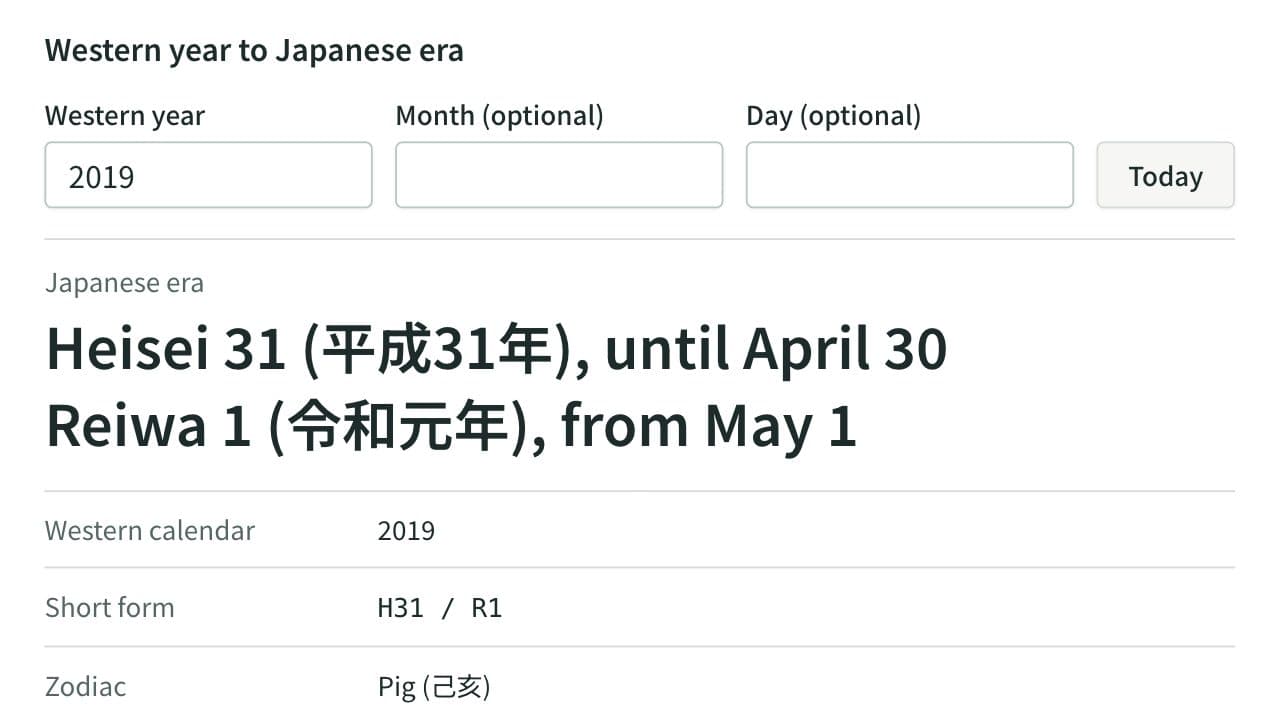
Japanese Era Converter
Convert between Western years and Japanese era years (Meiji, Taisho, Showa, Heisei, Reiwa), with both eras shown for a changeover year, plus the weekday, zodiac and nearby years. A pasted list of dates converts in one go.
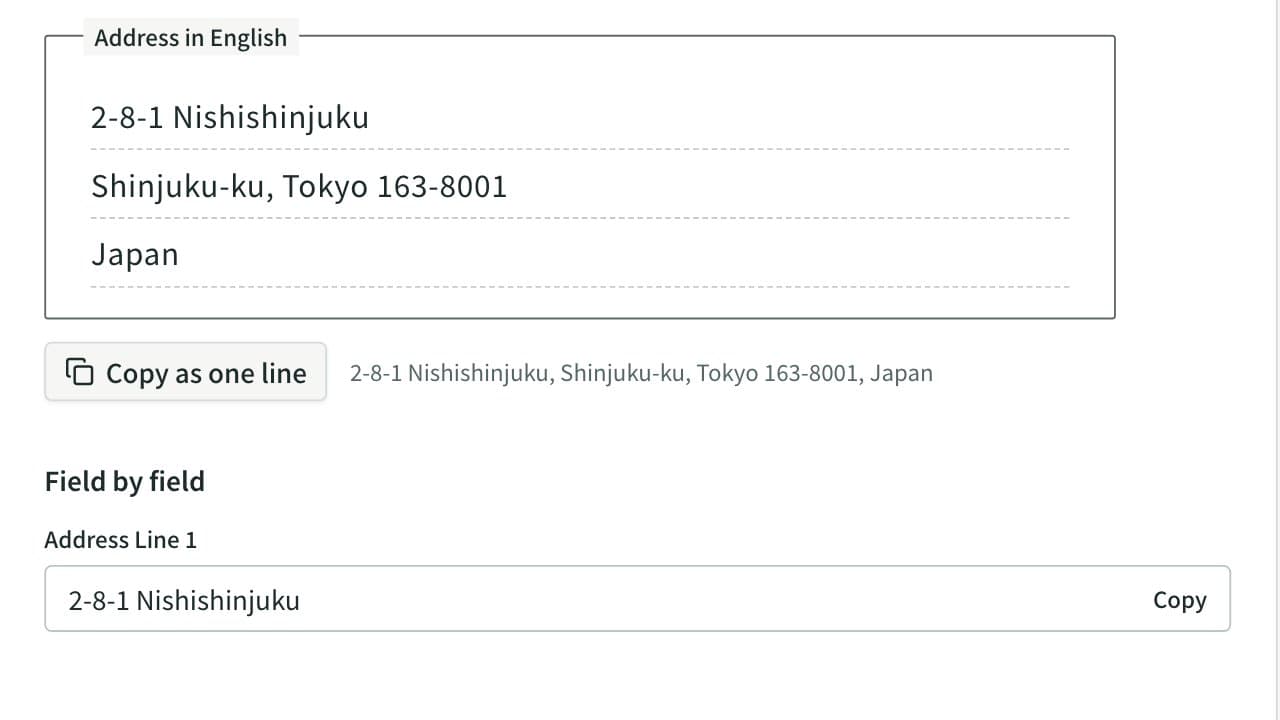
Japanese Address to English Converter
Convert a Japanese address to English. Prefectures and municipalities are romanized automatically, and the block, building and room are put in English order, with a field-by-field view for overseas forms and the phone number written from +81.