Date Calculator: Add or Subtract Days
Find the date and weekday a number of days before or after a start date. Add or subtract years, months, weeks, and days together, count the start date as day 1, and see how many days apart the two dates are.
Choose a start date and enter a period to see the date and weekday here
How to use
- Enter the date to count from in "Start date". "Today" fills in today's date
- Under "Period to add or subtract", type a number into the Years, Months, Weeks, or Days fields you need. Leave the others blank. For the date 30 days away, type 30 into Days
- Choose "After" or "Before" under "Direction". It starts on "After"
- Tick "Count the start date as day 1" when the start date itself is the first day of the count
Once the inputs are in, the date and its weekday appear below in large type, with the ISO 8601 (year-month-day) form, such as 2026-11-11, right under it.
Under that, "Order of calculation" writes out the way from the start date to the result one line at a time, as you would on paper.
- The first line is the start date
- Each following line gives a move, marked "+" (after) or "−" (before), with the date it reaches on the right. Years and months come first, then weeks and days, and only the units you used get a line. When you enter weeks, the number of days they make is given in parentheses
- With "Count the start date as day 1" ticked, a last line "1 day (start date as day 1)" follows
- "Days", under the rule, is how many days after or before the start date the result is. From 7 days up, the same distance in weeks and days follows in parentheses
For example, 1 year, 2 months, 3 weeks, 4 days after Monday, October 12, 2026 reads "+ 1 year, 2 months" to Sun, Dec 12, 2027, then "+ 3 weeks, 4 days (25 days)" to Thu, Jan 6, 2028, and the days are "451 days after (64 weeks and 3 days)".
"Copy result" puts the conditions and the result on the clipboard as one line of text.
There is no button to press. The result changes as soon as you change an input or a setting. Before you enter a period, the result shows the start date itself and its weekday.
Examples
These are the results for a start date of Monday, October 12, 2026.
- 30 days after: Wednesday, November 11, 2026
- 100 days after: Wednesday, January 20, 2027, which is 14 weeks and 2 days
- 45 days before: Friday, August 28, 2026
- 6 months after: Monday, April 12, 2027, which is 182 days after the start date
- 1 year, 2 months, 3 weeks, 4 days after: Thursday, January 6, 2028, which is 451 days after the start date
- 10,000 days after: Friday, February 27, 2054
Counting the start date as day 1
Tick the box for a count such as "14 days starting today", where the start date is one of the days. With a start date of Monday, October 12, 2026 and 14 days, the result changes like this.
- Not ticked: Monday, October 26, 2026. The day after the start date is day 1, and this is day 14
- Ticked: Sunday, October 25, 2026. The start date is day 1, and this is day 14
Ticking the box moves the result one day closer to the start date. The same holds for "Before": the result is one day closer to the start date.
How it is calculated
Order of the steps
- Years and months move the start date by the calendar. A year counts as 12 months
- Weeks and days are counted from that date. A week is 7 days
- If "Count the start date as day 1" is ticked, the result moves one day back toward the start date
For 1 year, 2 months, 3 weeks, 4 days after October 12, 2026, the first step gives December 12, 2027, and 3 weeks and 4 days (25 days) after that is January 6, 2028.
Ends of months
Moving by months or years keeps the day of the month and changes the month. When the month it lands in does not have that day, the last day of that month is used.
- 1 month after January 31, 2027: February 28, 2027 (February has no 31st)
- 1 month before March 31, 2026: February 28, 2026
- 1 year after February 29, 2028: February 28, 2029 (2029 is not a leap year)
- 4 years before February 29, 2028: February 29, 2024
When this happens, a line right under the years and months line of "Order of calculation" says so, such as "February 2027 has no day 31, so the count continues from its last day, the 28th".
Months move in one step. 2 months after January 30 is March 30. That differs from taking 1 month after (February 28) and then 1 month after again (March 28).
Days and months are not the same
"30 days after" and "1 month after" do not always give the same date. 30 days after October 12, 2026 is November 11, and 1 month after is November 12. Check whether the period in your contract or procedure is set in days or in months, and enter it in the same unit.
Notes
- Business days are not supported. Every day counts as one day, including weekends and public holidays. To count business days, use the Business Day Calculator
- A deadline that falls on a day off is not moved to the next day. The weekday is shown with the result, so adjust it yourself where needed
- For deadlines set by law or by contract, whether the start date counts and how the last day is treated differ from one procedure to another. This app only calculates dates and does not decide a deadline. Confirm important deadlines with the instructions or the office for that procedure
- The start date can be from year 1 to 9999. A result outside that range is reported as an error
- Each field takes a whole number from 0 to 99,999. Thousands separators such as
1,000and full-width digits are read as well. Decimals and negative numbers are not accepted: choose "Before" for an earlier date - Dates follow today's Gregorian calendar, applied to the past as well. Dates before 1582, or before a country adopted the Gregorian calendar, do not match the dates used at the time
- The date and period are processed only in the browser showing this page. They are not sent anywhere or saved, and they are gone when you reload the page
FAQ
How do I find the number of days between two dates?
This app works out a date from a start date and a period. To get the number of days from two dates, use the Age & Date Difference Calculator.
Does "N days after" count the start date?
Not with the initial setting. The day after the start date is 1 day after. Tick "Count the start date as day 1" to make the start date the first day.
How do I find the date of day N?
Type the number into Days and tick "Count the start date as day 1". For a baby's 100th day, enter the date of birth as the start date and 100 in Days. The result is day 100, with the date of birth as day 1.
Can it count business days, skipping weekends and holidays?
Not in this app, which counts every day as one day. The Business Day Calculator finds the date some business days away and counts the business days in a period, skipping weekends and Japanese holidays. It also takes New Year closures and other days off.
Why is "1 month after" sometimes 28 days away and sometimes 31?
Because months differ in length. Months move by the calendar, so 1 month after January 12 is February 12 (31 days), and 1 month after February 12 is March 12 (28 days in a common year). To keep the number of days fixed, use the Days field.
How do I see the result as a Japanese era year?
Enter the year of the result in the Japanese Era Converter to get the Reiwa or Heisei year.
Can it calculate with times of day?
No. This app handles dates only. For the time between two clock times or the time remaining, use the Elapsed Time Calculator.
- Type
- Utility
- Category
- Calculators
- Tags
- date
- days
- calendar
- weekday
- deadline
- calculator
Related apps
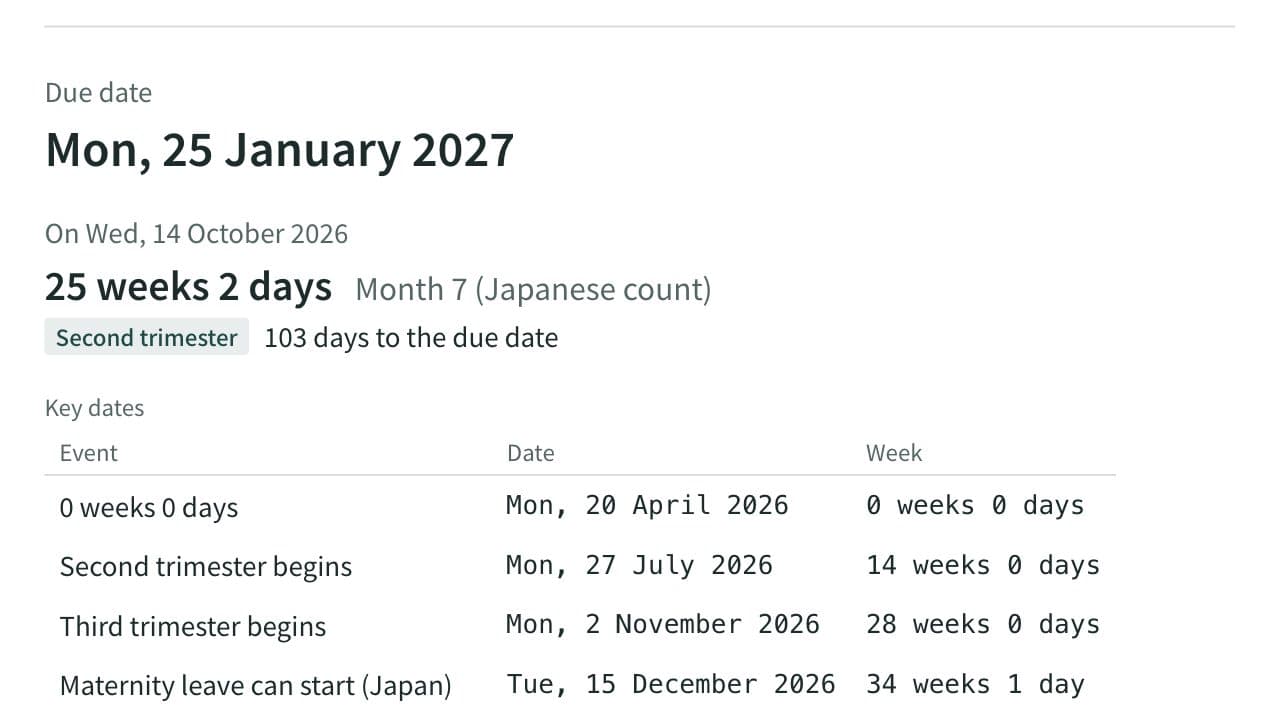
Due Date and Pregnancy Week Calculator (Japan)
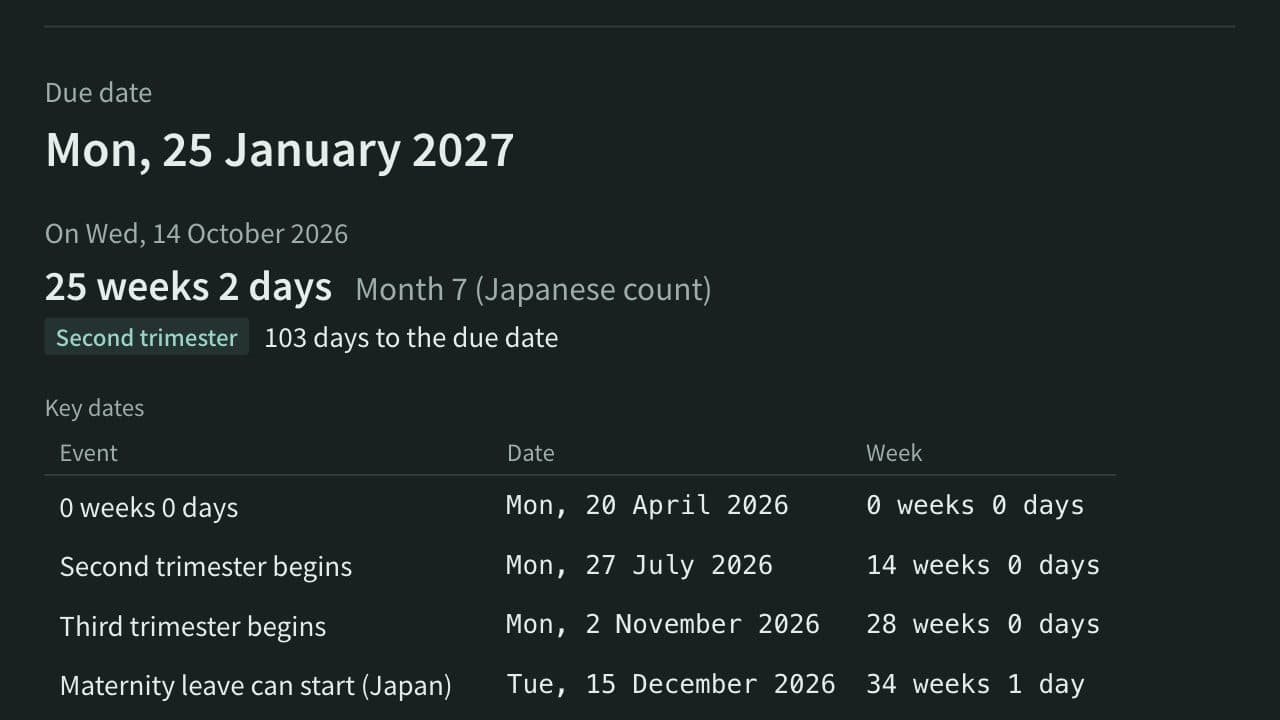
Work out the due date, today's week of pregnancy, the Japanese pregnancy month and the trimester from the last period, a known due date, ovulation or an embryo transfer, with cycle length, term dates, Japanese maternity leave dates and the standard schedule of prenatal checkups.
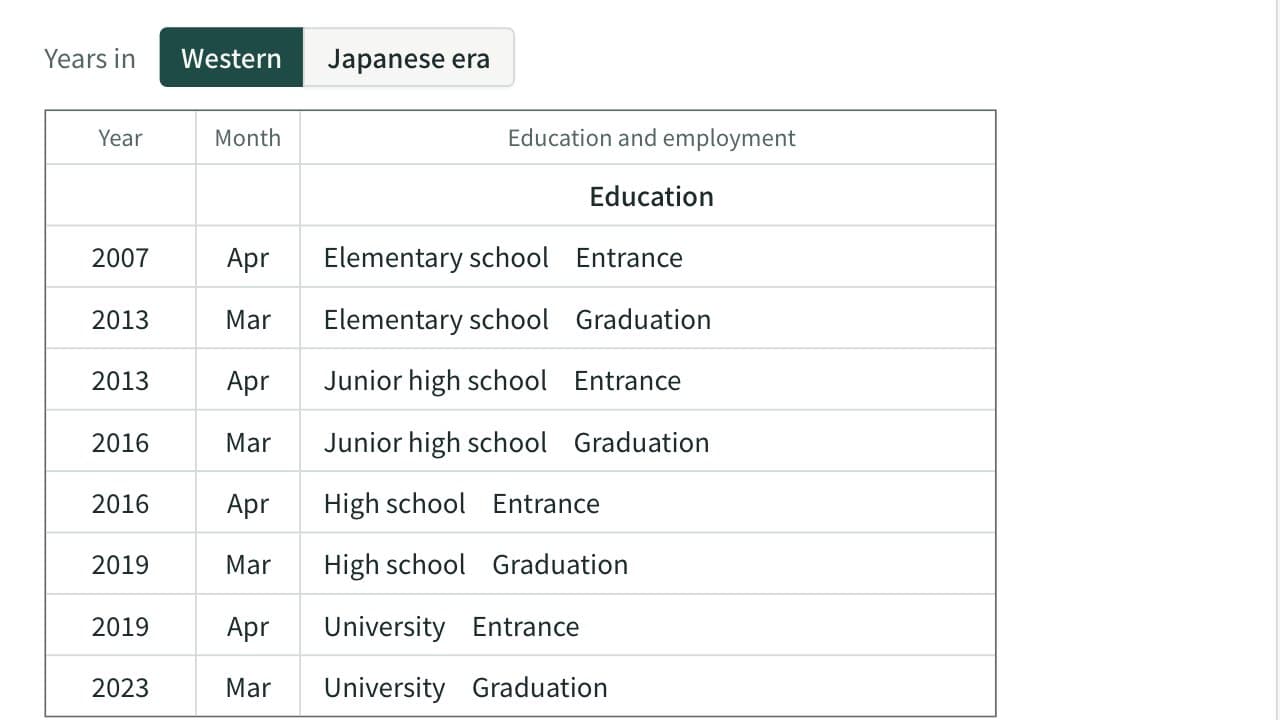
School Entrance and Graduation Year Calculator (Japan)
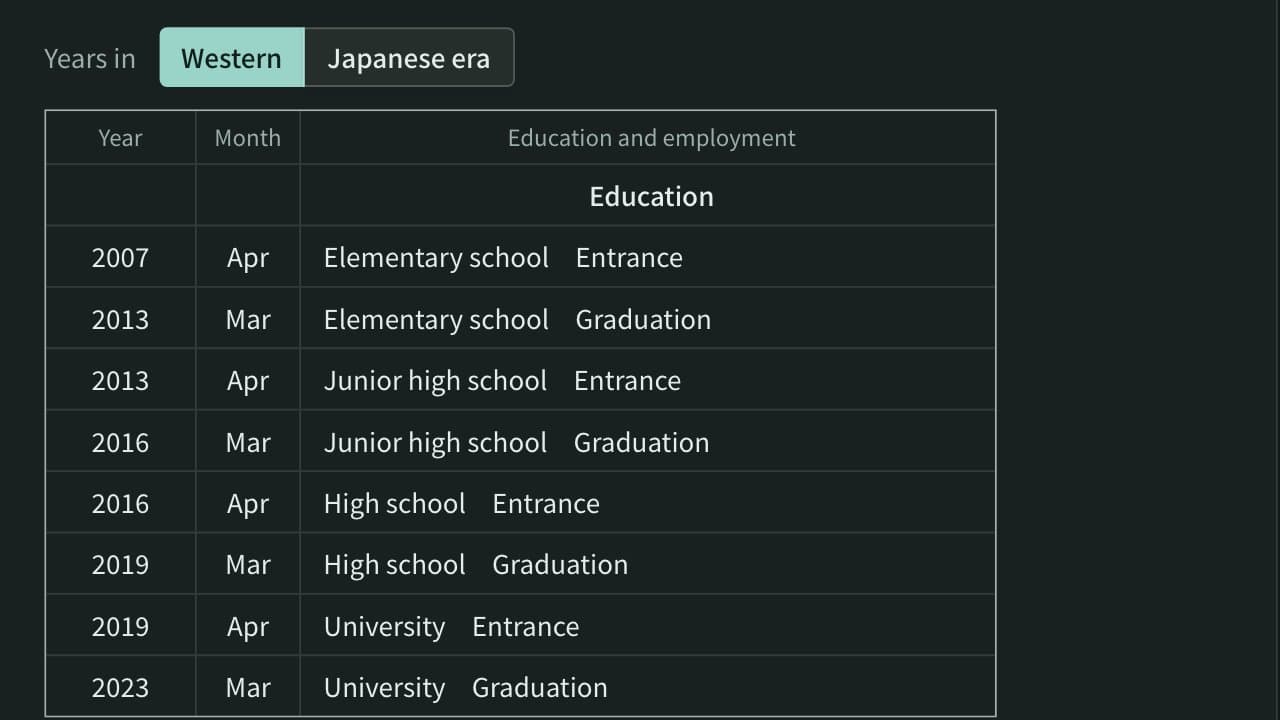
List the years a person entered and left elementary, junior high, high school and university in Japan from a date of birth, in Western years and Japanese eras, with early-born dates, course length and gap years handled.
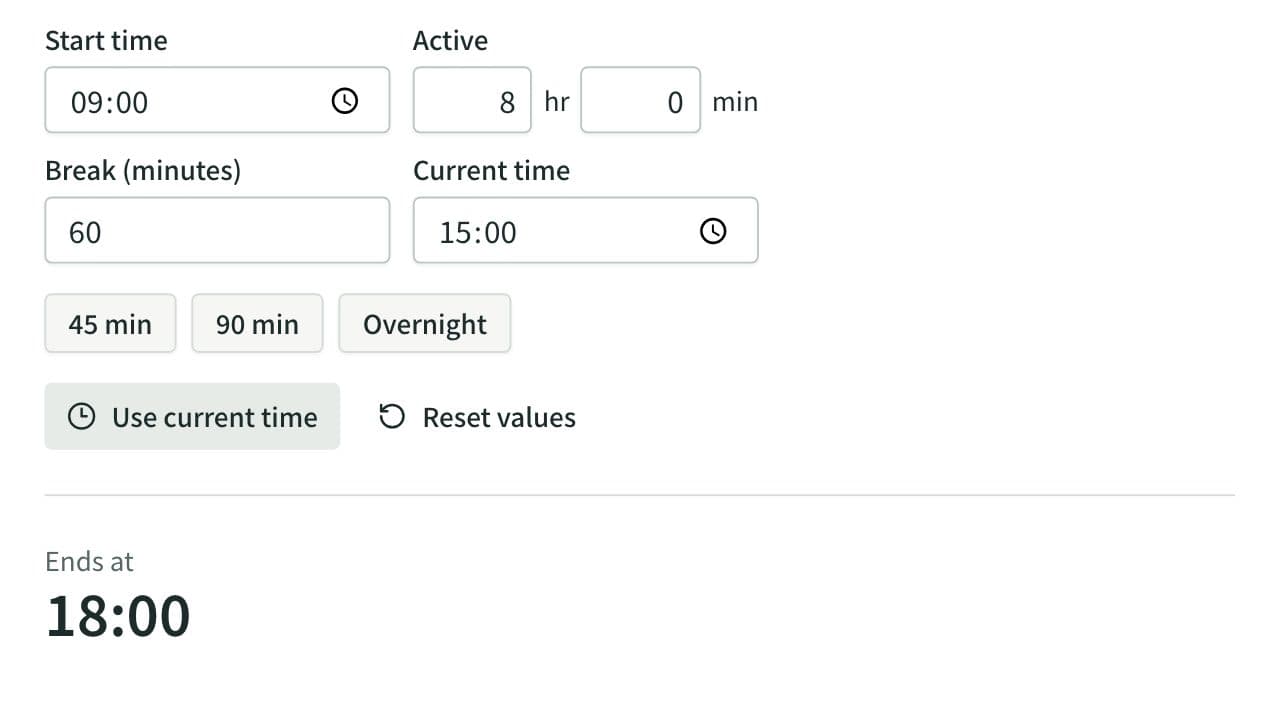
Elapsed Time Calculator
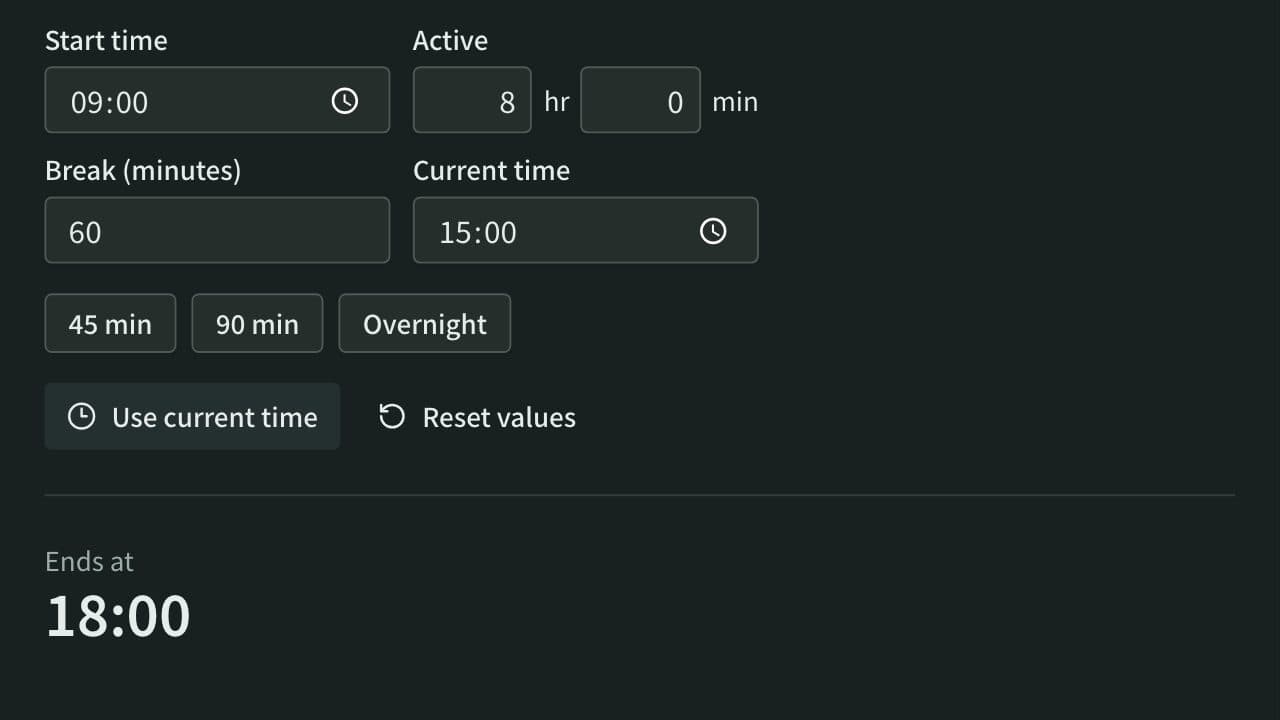
Calculate elapsed, remaining, and active time from start, end, current time, and breaks, or work out the end time from the active time. Also adds and subtracts durations such as 1:30 or 2h 15m and converts them to decimal hours.