Business Day Calculator with Japanese Holidays
Find the date a number of business days after or before a start date, or count the business days between two dates, skipping weekends and Japanese national holidays. List each month's business days with its first, Nth, and last business day. Add New Year closures, extra days off, and your own weekly days off.
Enter a start date and a number of business days to see the date here
How to use
First choose the kind of calculation.
Find the date some business days away
- Choose "Date N business days away" (it is selected at first)
- Enter the date to count from in "Start date". "Today" fills in today's date
- Enter how many business days away in "Business days". For "reply within 5 business days", enter 5
- Choose "After" or "Before" under "Direction"
The result shows the date and weekday, how many calendar days it is from the start date, and how many days off were passed, with a breakdown. When the start date and the date found are at most 62 days apart, a calendar of the days between is shown too. Days off are in red, each business day counted carries its number in small type, the start date is circled with a dashed line, and the date found with a solid one. When the two are the same day, only the solid circle is drawn.
Count the business days between two dates
- Choose "Business days in a period"
- Enter the "From" and "To" dates. At first, both dates are included in the count
- To leave the first date out, clear "Include the first date in the count"
The result shows the number of business days, the calendar days in the period, and the days off left out, with a breakdown. When the From and To dates are at most 62 days apart, the same calendar is shown, with both dates circled with a dashed line.
List the business days of each month
- Choose "Business days by month"
- Enter a four-digit year such as 2026 in "Year". "This year" fills in the current year
- To see a day such as the 5th business day of each month too, enter 5 in "Nth business day (optional)"
The result shows the total business days of the year and a table of January to December. Each row gives the month's business days and the weekday and date of its first business day, the Nth business day you entered, and its last business day. A month with fewer business days than that shows "—". "Copy table" right under the table copies it as tab-separated text. The year's days off are broken down under the table, with a list of the holidays and days off left out.
Choose the days off
"Days off" sets which days are not business days. At first, Saturdays, Sundays, and national holidays are off.
- Weekly days off: press a day from Mon to Sun to switch it between "Off" and "Open". Sat and Sun start as "Off". To close on Sundays only, press "Sat" so it reads "Open"
- Japanese national holidays: include substitute holidays and citizens' holidays. Clear the box to count holidays as business days
- New Year: choose "Dec 31 – Jan 3 (banks)" or "Dec 29 – Jan 3 (government offices)" to take that period off
- Extra days off: enter any other days off, such as a summer break or a company anniversary, one per line. A range such as
2026/8/13~2026/8/16also works
Holidays, New Year days, and extra days off that were left out are listed under the result with their dates and names. "Copy result" puts the conditions and result on the clipboard as one sentence. For business days by month, the button reads "Copy table" and copies the table as tab-separated text. Dates are written like 2026-05-12, so a spreadsheet reads them as dates when pasted.
There is no button to press. The result changes as soon as an input or setting changes.
Example
These results use the first settings, with weekends and national holidays off.
- 5 business days after Wednesday, October 14, 2026: Wednesday, October 21, 2026. Two weekend days lie in between
- 5 business days before Wednesday, October 14, 2026: Tuesday, October 6, 2026. Sports Day on Monday, October 12 is skipped
- 5 business days after Tuesday, April 28, 2026: Monday, May 11, 2026. Showa Day, Greenery Day, Children's Day, the substitute holiday on May 6, and four weekend days are skipped, eight days in all
- 3 business days after Friday, September 18, 2026: Monday, September 28, 2026. The five-day break of Respect for the Aged Day, the citizens' holiday on September 22, and Autumnal Equinox Day lies in between
- Business days in October 2026: 21 (31 days less 9 weekend days and Sports Day)
- Business days in November 2026: 19 (Culture Day and Labor Thanksgiving Day are off)
- The whole of 2026: 244 business days. 2027 has 245
Business days by month (2026)
Part of the table for the year 2026 with 5 as the Nth business day:
- January: 20 business days. The first is Friday, January 2, the 5th is Thursday, January 8, and the last is Friday, January 30
- May: 18 business days. The first is Friday, May 1, but Golden Week pushes the 5th to Tuesday, May 12
- December: 23 business days, the last on Thursday, December 31. With New Year set to "Dec 29 – Jan 3 (government offices)", December has 20 and its last is Monday, December 28. January also loses Friday the 2nd and has 19, so the whole year has 240
Across New Year
5 business days after Friday, December 25, 2026 depends on the New Year setting.
- Not off: Monday, January 4, 2027. December 28 to 31 count as four business days, and New Year's Day and the weekend are skipped
- Dec 31 – Jan 3 (banks): Tuesday, January 5, 2027. December 31 is off, so the date moves one day later
- Dec 29 – Jan 3 (government offices): Thursday, January 7, 2027. December 29 to 31 are three more days off
How it is calculated
Counting business days
- A count of business days after a date starts the day after it. If the day after the start date is a business day, it is 1 business day after
- A start date that is a day off is counted the same way. 1 business day after Saturday, October 17, 2026 is Monday, October 19
- With "Count the start date as day 1 when it is a business day" checked, a start date that is a business day is business day 1. The result moves one business day closer to the start date
- A count of 0 gives the start date if it is a business day, and otherwise the next business day (the previous one with "Before"). Use it to find the next business day when a payment date falls on a day off
- A period is counted by checking every day from the From date to the To date
- Business days by month check every day from the 1st to the end of each month the same way. The Nth business day counts the month's first business day as the 1st. The count does not carry over from the month before
Overlapping days off
A day with more than one reason is counted under the first of: weekly day off, national holiday, New Year, extra day off. Labor Thanksgiving Day on Sunday, November 23, 2025 counts as a weekly day off, not as a holiday. No day is counted twice.
How the holidays are worked out
The holidays are calculated from the rules of Japan's National Holidays Act.
- Holidays on fixed dates (New Year's Day, National Foundation Day, Showa Day, and others) and holidays on a set Monday (Coming of Age Day, Marine Day, Respect for the Aged Day, Sports Day)
- Vernal and Autumnal Equinox Days come from the formula behind the National Astronomical Observatory's announcements
- Substitute holidays: when a holiday falls on a Sunday, the next day that is not a holiday is off
- Citizens' holidays: a day between two holidays is off (such as September 22, 2026)
- Past changes to the law (the Happy Monday system, the new Mountain Day, the moves of the Emperor's Birthday), the 2020 and 2021 moves for the Tokyo Olympics, and one-off holidays for imperial ceremonies are all applied for the years they happened
Tests confirm that every holiday from 1955 to 2027 matches the Cabinet Office list of national holidays.
Notes
- Holidays from 2028 on are worked out from the current law and formula. The equinox days are officially announced in February of the year before. Changes to the law and one-off holidays are not included
- Dates from 1955 to 2099 can be calculated. A result outside that range shows an error
- Company or industry days off (summer breaks, company anniversaries, and so on) are not added automatically. Enter them in "Extra days off"
- Deadlines set by law or contract differ in how they treat days off and count the start date. The result is only a date calculation, not a ruling on a deadline. Check important deadlines with the procedure's guidance or the office in charge
- Business days accept whole numbers from 0 to 99,999. Commas and full-width digits are read as well
- For business days by month, "Year" takes a four-digit year from 1955 to 2099 and "Nth business day" a whole number from 1 to 31. Full-width digits are read as well
- Dates and settings are processed only in the browser showing this page. Nothing is sent or saved, and reloading the page clears them
FAQ
When is "within 3 business days"?
Usually the day of receipt is not counted, and the deadline is the third business day after it. Enter the day of receipt as the start date and 3 as the business days to see the deadline date. If the day of receipt counts as day 1, check "Count the start date as day 1 when it is a business day".
What if my company works on Saturdays?
Press "Sat" under the weekly days off so it reads "Open". Only Sundays and holidays are then days off. For a shop closed on Wednesdays, press "Wed" so it reads "Off".
How do I find the 5th business day or the last business day of each month?
Choose "Business days by month" and enter a year to list the first and last business days of January to December. Enter 5 in "Nth business day (optional)" to add a column with the 5th business day of each month. It helps check a year of paydays or monthly closing dates at once.
How do I count bank business days?
Keep weekends and national holidays off and choose "Dec 31 – Jan 3 (banks)" for New Year. Japanese banks close on weekends, national holidays, and December 31 to January 3.
Are substitute holidays and citizens' holidays included?
Yes. With "Japanese national holidays" checked, both are days off. The list under the result names them "Substitute holiday" and "Citizens' holiday".
Are next year's holidays right?
Through 2027 they match the holidays the Cabinet Office has published. From 2028 they are what the current law gives if it stays unchanged. The equinox days come from a formula and are officially announced in February of the year before. A change to the law or a one-off holiday such as an enthronement ceremony would make the actual days off differ.
What if I want plain calendar days, not business days?
Use the Date Calculator. It counts weekends and holidays as days and finds the date a number of days before or after. The Age & Date Difference Calculator also counts the calendar days between two dates.
How do I get the result in the Japanese era calendar?
Enter the year of the result in the Japanese Era Converter to see the Reiwa year.
- Type
- Utility
- Category
- Calculators
- Tags
- business-days
- holiday
- date
- calendar
- deadline
- weekday
- calculator
Related apps
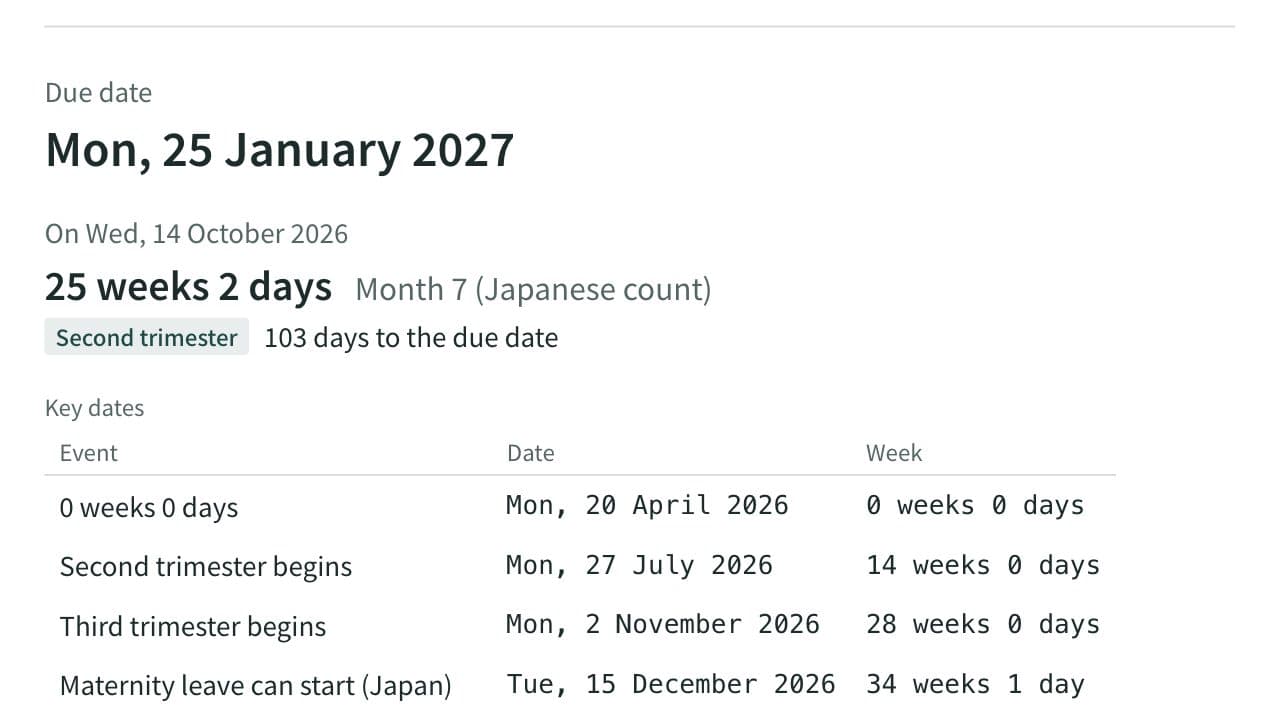
Due Date and Pregnancy Week Calculator (Japan)
Work out the due date, today's week of pregnancy, the Japanese pregnancy month and the trimester from the last period, a known due date, ovulation or an embryo transfer, with cycle length, term dates, Japanese maternity leave dates and the standard schedule of prenatal checkups.
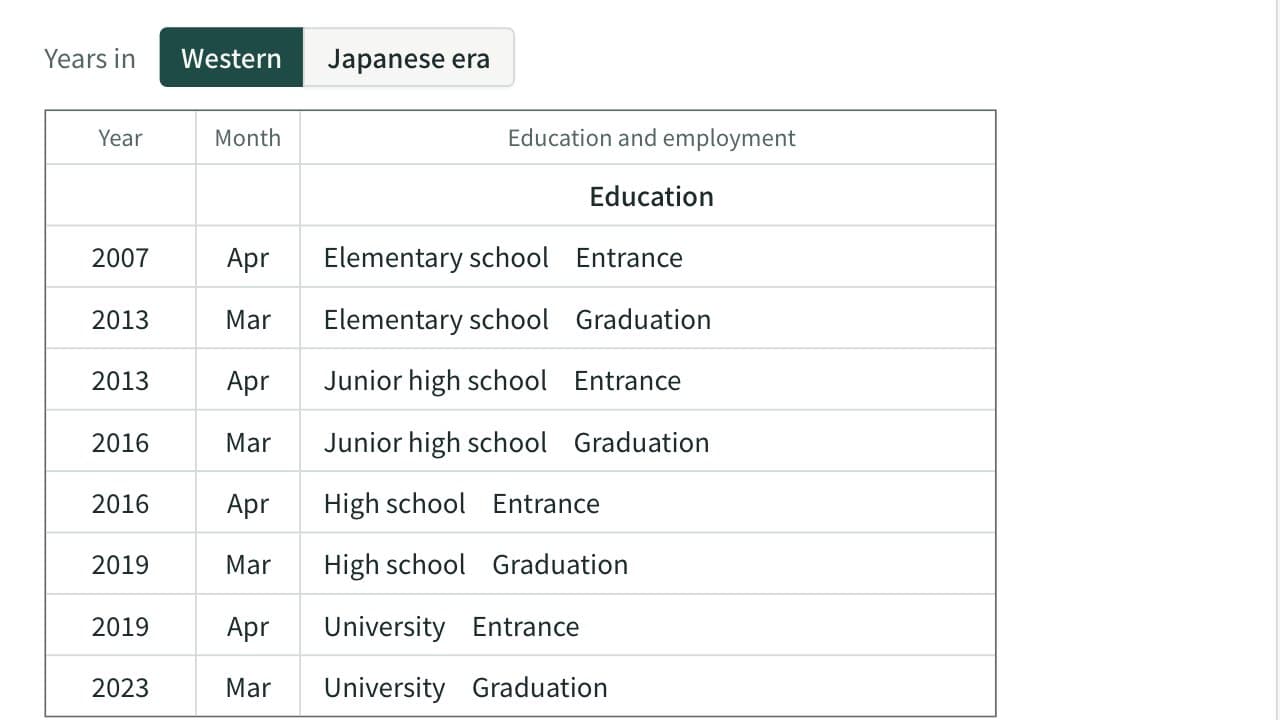
School Entrance and Graduation Year Calculator (Japan)
List the years a person entered and left elementary, junior high, high school and university in Japan from a date of birth, in Western years and Japanese eras, with early-born dates, course length and gap years handled.
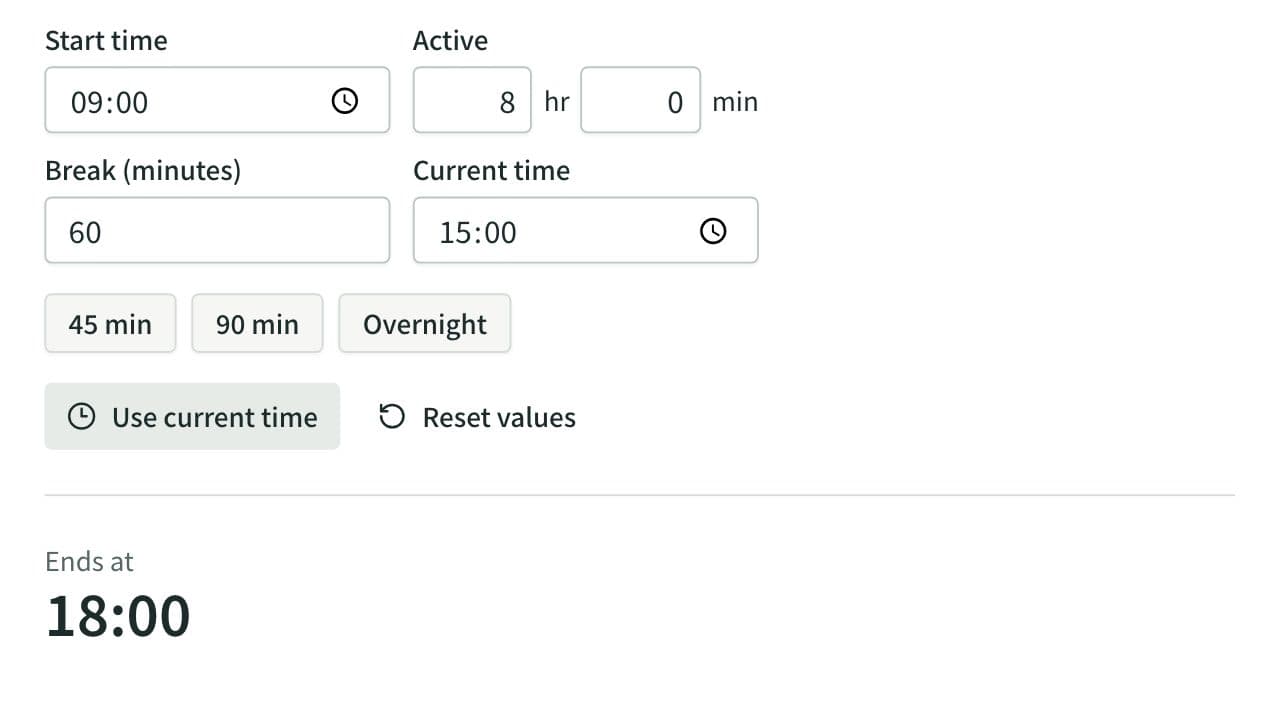
Elapsed Time Calculator
Calculate elapsed, remaining, and active time from start, end, current time, and breaks, or work out the end time from the active time. Also adds and subtracts durations such as 1:30 or 2h 15m and converts them to decimal hours.