Chmod Calculator (File Permissions)
Convert Linux and macOS file permissions between numbers such as 755 and symbols such as rwxr-xr-x. Switch read, write and execute on and off to build the chmod command as you go. Handles setuid, setgid and the sticky bit, and shows the permissions a umask gives new files and directories.
Any of 755, 0644, rwxr-xr-x or -rw-r--r-- works
Common settings
Number (octal)
Symbols
rwxr-xr-x
- Owner
- read, write, execute
- Group
- read, execute
- Others
- read, execute
- Shown by ls -l (file)
- -rwxr-xr-x
- Shown by ls -l (directory)
- drwxr-xr-x
chmod commands
chmod 755 filechmod u=rwx,g=rx,o=rx fileOn some systems these commands leave a setuid, setgid or sticky bit that is already set. To remove one, use chmod u-s, chmod g-s or chmod -t
New file permissions from a umask
Enter a number such as 022, 0027 or 002. Run umask in a terminal to see the current one
New file
644
-rw-r--r--
666 with the umask taken off
New directory
755
drwxr-xr-x
777 with the umask taken off
- Shown by umask -S
- u=rwx,g=rx,o=rx
- Files made by touch or an editor start from 666, and directories made by mkdir from 777. A file copied with cp, or made by a program that sets its own permissions such as ssh-keygen, can differ
How to use
- In "Permissions (number or symbols)", enter a number such as
755or symbols such asrwxr-xr-x. You can also paste-rw-r--r--straight from the output ofls -l - Or, in the permissions table, press the
r(read),w(write) andx(execute) boxes in the "Owner", "Group" and "Others" rows. The "Common settings" buttons work too - The following appears below
- The number (octal) and the symbols
- What the owner, the group and the others are each allowed to do
- How
ls -lshows it, for a file and for a directory - The
chmodcommand, once with the number and once with symbols, as inu=rwx,g=rx,o=rx
A box that is on shows its letter and one that is off shows -, so each row of the table reads like rwx or r-x, just as in ls -l. The digit at the end of a row is that row's number: 4 for r, 2 for w and 1 for x, added up. The "Special" row at the bottom holds setuid, setgid and the sticky bit, and its digit is the first of a four-digit number.
There is no button to press. The result changes as soon as you change the input or a box in the table. When the page opens, 755 is filled in as an example.
Using a box in the table or a "Common settings" button rewrites the input as a number, even if you had typed symbols.
The button beside each command copies it up to the file name, as in chmod 755 with one trailing space. Paste it and type the file name after it.
Accepted formats
755,644— a three-digit number0755,4755,1777— a four-digit number. The first digit holds the special permissionsrwxr-xr-x— nine symbols-rwxr-xr-x,drwxr-xr-x— thels -lform with the file type in front. The first character (-dlbcps) is skipped-rw-r--r--@,drwxr-xr-x+,-rw-r--r--.— the@,+or.thatls -ladds at the end is skipped as well
Full-width digits and letters (755) are read as their ordinary forms.
While a number has one or two digits, or the symbols are fewer than nine, the input is treated as unfinished: no result is shown, and no error either.
Reading the number and the symbols
Permissions say who (owner, group, others) may do what (read, write, execute).
- Read (
r) = 4 - Write (
w) = 2 - Execute (
x) = 1
The number adds up the allowed actions, and gives the three sums in the order owner, group, others. For 755:
- Owner: 7 = 4 + 2 + 1 →
rwx(read, write, execute) - Group: 5 = 4 + 1 →
r-x(read, execute) - Others: 5 = 4 + 1 →
r-x(read, execute)
One digit matches three symbols in these eight ways.
0  ---
1  --x
2  -w-
3  -wx
4  r--
5  r-x
6  rw-
7  rwx
Each digit is octal, from 0 to 7. The Number Base Converter shows how octal relates to binary and decimal.
What they mean for files and for directories
The same r, w and x mean different things for a file and for a directory.
- Read (
r): for a file, reading its contents. For a directory, listing the names of the files in it - Write (
w): for a file, changing its contents. For a directory, creating, deleting and renaming files in it, which needs execute (x) as well - Execute (
x): for a file, running it as a program or a script. For a directory, entering it (cd) and reaching the files in it
Whether a file can be deleted depends on write (and execute) permission for the directory that holds it, not on the file's own permissions.
Common settings
644   rw-r--r--   An ordinary file. Only the owner changes it; everyone else reads
755   rwxr-xr-x   Directories, and programs or scripts that are run
600   rw-------   A file only you read and write (an SSH private key, for example)
700   rwx------   A directory only you use (~/.ssh, for example)
664   rw-rw-r--   A file that group members change too
775   rwxrwxr-x   A directory that group members write to too
400   r--------   A file that even its owner only reads
777   rwxrwxrwx   Anyone can read, write and execute. Usually best avoided
1777  rwxrwxrwt   A shared directory anyone can write to, such as /tmp
777 lets every user on the computer change the file. Whenever the others have write (w), a note appears under the result. The sticky bit does not stop a file's contents from being changed, so the note appears with it too. Rather than reaching for 777 when something does not work, check the owner and the group and allow only what is needed.
Special permissions (the fourth digit)
One more digit in front of the number sets three special permissions.
- setuid (4): on an executable, the program runs with the privileges of the file's owner, whoever starts it. The
passwdcommand uses it - setgid (2): an executable runs with the privileges of the file's group. In a directory, new files take the directory's group instead of the group of whoever created them
- Sticky bit (1): in a directory, a file can be deleted or renamed only by its own owner, the directory's owner, or root
In symbols, a special permission is shown in the execute (x) position.
- setuid is an
sin the owner's execute position, setgid ansin the group's, and the sticky bit atin the others' - When execute is not set in that position, the letter is a capital
SorT
4755  rwsr-xr-x
4644  rwSr--r--
2775  rwxrwsr-x
1777  rwxrwxrwt
1776  rwxrwxrwT
About the chmod commands
The result gives two ways of writing the same permissions.
chmod 755 file— with a numberchmod u=rwx,g=rx,o=rx file— with symbols.uis the owner,gthe group andothe others
In the symbolic form, setuid adds an s as in u=rwxs, setgid as in g=rxs, and the sticky bit adds ,+t at the end. Writing the sticky bit as o=rwxt works with chmod on Linux (GNU) but not with chmod on macOS, so the tool uses +t, which works with both.
Removing a special permission that is already set behaves differently between systems, which is why a note under the commands always says one may stay. To be sure it is removed, say so, as in chmod u-s, chmod g-s or chmod -t.
chmodon Linux (GNU) leaves a directory's setuid and setgid in place with bothchmod 755andchmod u=rwx,g=rx,o=rxchmodon macOS leaves the sticky bit in place withchmod u=rwx,g=rx,o=rx(chmod 755does remove it)
Only the file's owner or root can run chmod on a file.
New file permissions from a umask
A umask decides which permissions are left off newly created files and directories. Enter a value such as 022 in the "umask" field at the bottom of the page to see the permissions that new files and directories get under it. When the page opens, 022 is filled in as an example.
Run umask with no arguments in a terminal to see the current one. bash prints it as 0022 and zsh as 022; either form can be entered. A shorter value such as 22 or 2 is padded with zeros in front, as the umask command does, and read as 022 or 002.
New files start from 666 (rw-rw-rw-) and new directories from 777 (rwxrwxrwx), and every bit set in the umask is taken off.
umask  file  directory
022    644   755
002    664   775
027    640   750
077    600   700
022— the default on most Linux systems and on macOS. The group and the others can read but not change002— the group's members can change files too. On Linux systems that give every user a group of the same name, this can be the default for ordinary users027— the group can only read, and the others get nothing077— nobody but you gets anything
Press "Show in the table" under a result to put those permissions into the "Permissions" field at the top, where the table, the ls -l form and the chmod commands show them. "Shown by umask -S" below the results is what umask -S prints: the permissions left on, written with symbols.
The umask field takes only the digits 0 to 7, up to 777. A value above 777, such as 1022, is an error in bash's umask as well.
To change the umask, run it with a value, as in umask 027. It applies only to what is created in that terminal from then on. To keep it, put it in ~/.zshrc for zsh. bash reads ~/.bash_profile when it starts as a login shell and ~/.bashrc when it does not, so use the one that matches how you start it (~/.bashrc alone is enough if ~/.bash_profile reads it in).
A umask is not subtracted
A umask takes its set bits off the base permissions. When every digit of the umask is even, that matches subtracting digit by digit, but an odd digit breaks it. With a umask of 033, for example, a new file gets 644, not 666 − 033 = 633. The base for files, 666, never had execute (x), so the umask's execute bits have nothing to take off. A new directory gets 744. A note under the results points this out for such a umask.
When the permissions differ from what is shown
The bases 666 and 777 are what many programs, such as touch, editors and mkdir, ask for when they create something. The permissions differ from what is shown in cases like these.
- An executable built by a compiler starts from
777, so with a umask of022it gets755 - A new copy made by
cpgets the source's permissions with the umask's bits taken off - Some programs ask for narrower permissions themselves, such as the
600of a private key made byssh-keygen - On Linux, when a directory has a default ACL (set with
setfacl -d), files created in it follow the ACL instead of the umask
When an error is shown
- Use only the digits 0 to 7… — the number contains an 8 or a 9, as in
789. Each digit is octal, so 7 is the largest - Enter a number with three digits, such as 755, or four, such as 4755 — the number has five digits or more, as in
100644. The100644thatstator Git prints has the file type in front. Enter the last three or four digits (644) - That could not be read — too many characters, as in
rwxrwxrwxrwx; the wrong order, as inrxw; or a change from the current setting, such asu+x. Symbols are nine characters in the orderr,w,x, with-wherever a permission is not set
No result is shown during an error. The table stays on the last permissions that could be read.
FAQ
When do I use 755 and when 644?
Use 755 when the file has to be run or the directory entered, and 644 when it does not. Ordinary text, images and HTML files are usually 644; directories, and scripts or programs that are run, are usually 755.
What happens with two digits, as in chmod 75?
chmod pads the missing digits with zeros in front and treats it as 075 (---rwxr-x). The owner is then allowed nothing, which is rarely what was meant. This tool treats a one- or two-digit number as unfinished and shows no result.
Can it convert u+x or go-w?
No. u+x (add execute for the owner) and go-w (remove write from the group and the others) describe a change from the current permissions, so the outcome depends on what they were. This tool works with the complete, final permissions.
Can it calculate a umask?
Yes. Enter it in the "umask" field at the bottom of the page to see the permissions of new files and directories. With a umask of 022, new files get 644 and new directories 755. See "New file permissions from a umask" for details.
What if the group or the others have more than the owner?
That is a setting such as 077 or 057. Only the owner column applies to the owner; the group and others columns are not consulted. So the owner cannot do what group members can. The tool shows a note for such settings.
Does it handle ACLs or extended attributes?
No. A trailing + (an ACL) or @ (extended attributes on macOS) in ls -l output is only skipped. For a file with an ACL, the nine symbols shown here do not settle what is actually allowed. Check with getfacl (Linux) or ls -le (macOS).
Does it apply to Windows?
The tool covers permissions on Unix-like systems such as Linux and macOS. File access on Windows works differently. This page does apply to files inside WSL and to files you send to a Linux server over FTP or SFTP.
Is what I enter stored?
No. The conversion happens entirely in your browser. Nothing you enter is sent anywhere or stored. Reloading the page returns it to the examples, 755 and a umask of 022.
- Type
- Utility
- Category
- Developer
- Tags
- chmod
- permission
- linux
- unix
- octal
- umask
- calculator
- developer
Related apps
IPv4 Subnet Calculator (CIDR)
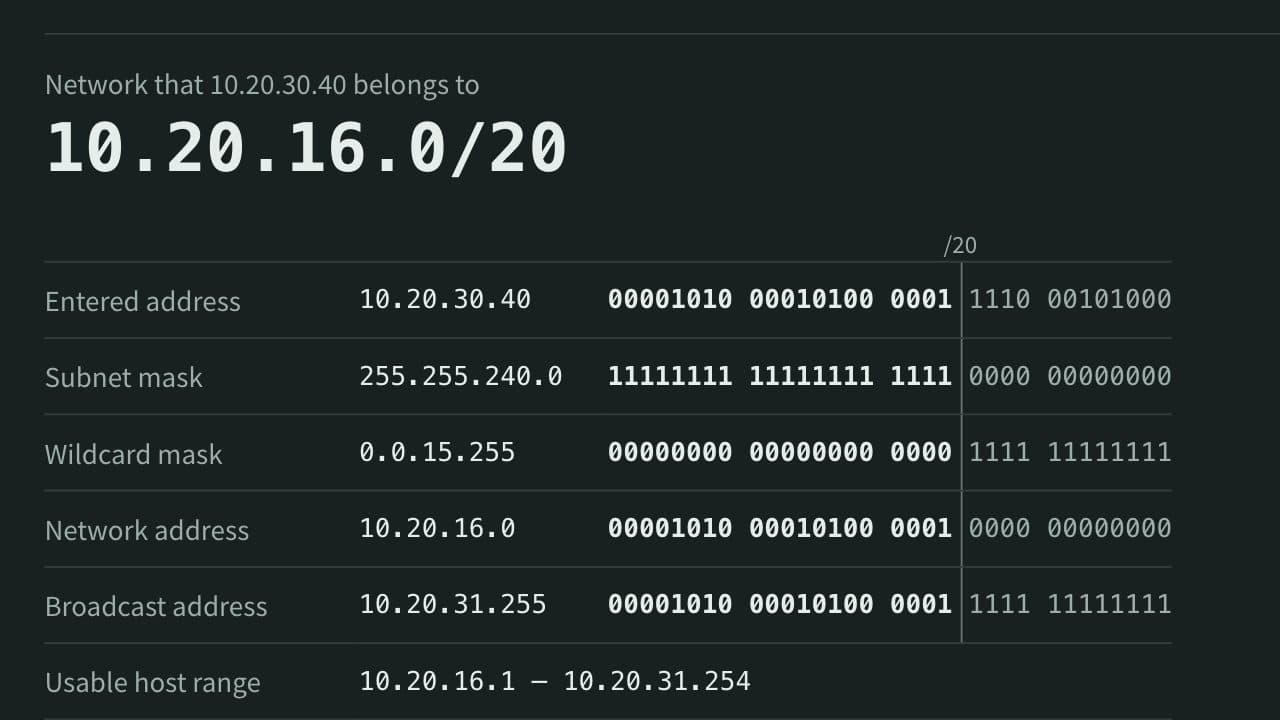
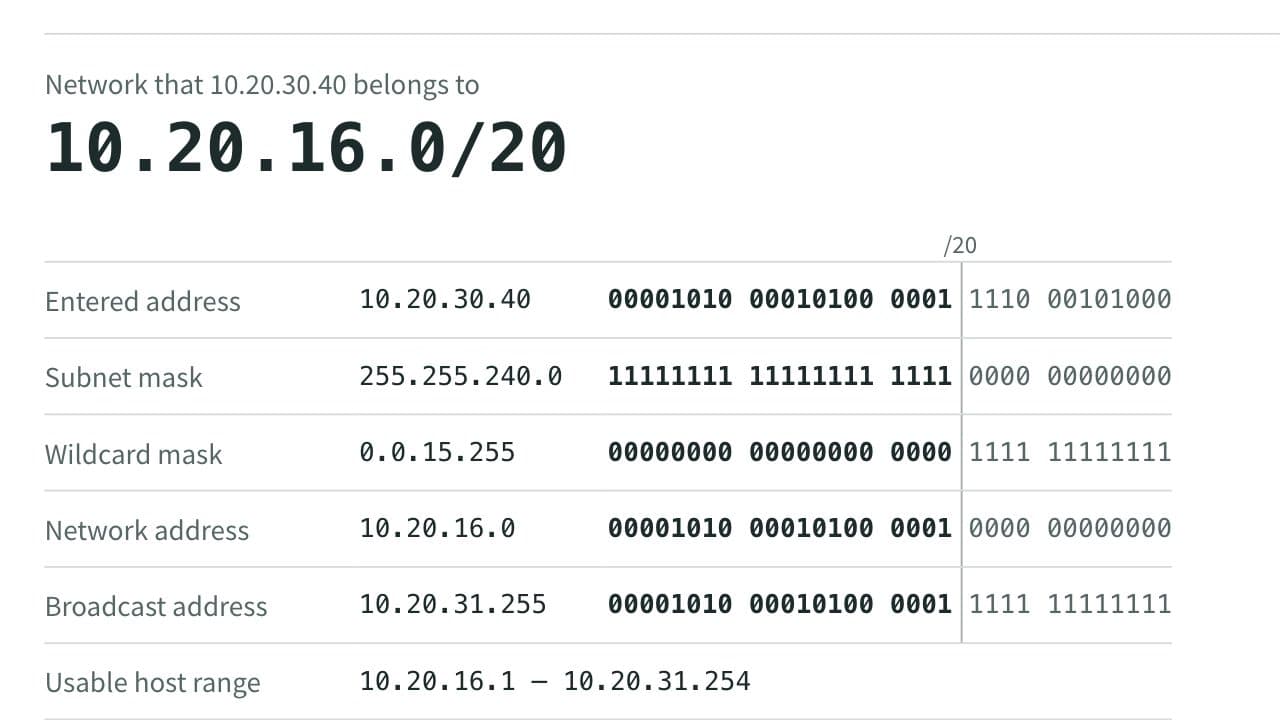
Enter an IPv4 address with a prefix length such as /24 or a subnet mask to get the network address, broadcast address, usable host range and count, and wildcard mask. It can also pick the prefix length from the number of hosts you need, and list the network split into subnets of equal size. Also shows the binary form and whether the address is private.
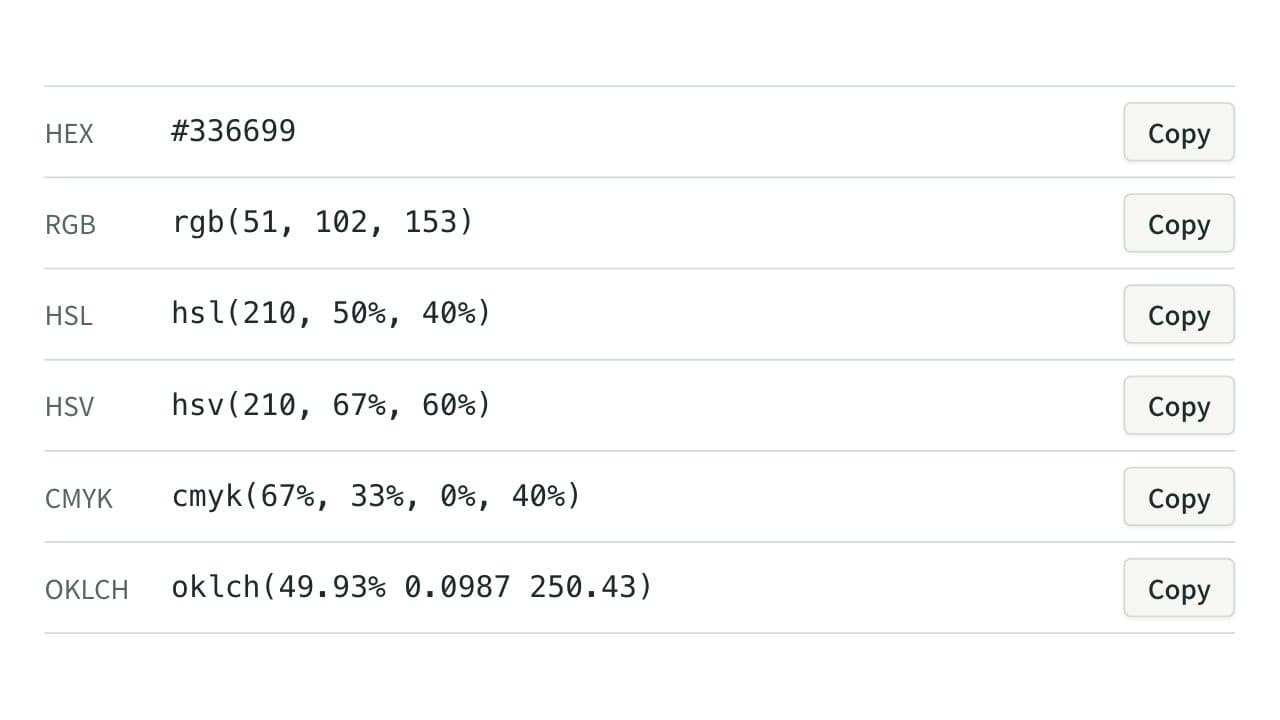
Color Code Converter
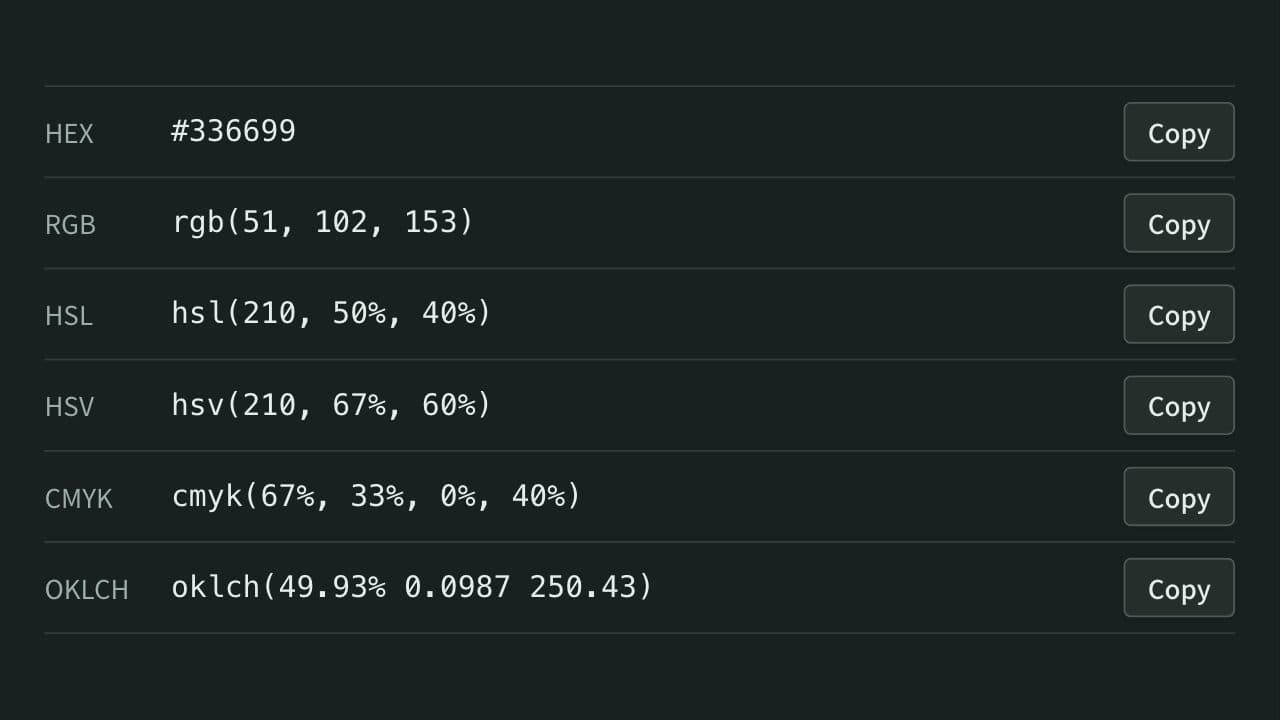
Convert colors between HEX, RGB, and HSL, and see them in HSV, CMYK, and OKLCH too, with a color picker, a live preview, and WCAG contrast ratios against white, black, or any text color you choose.
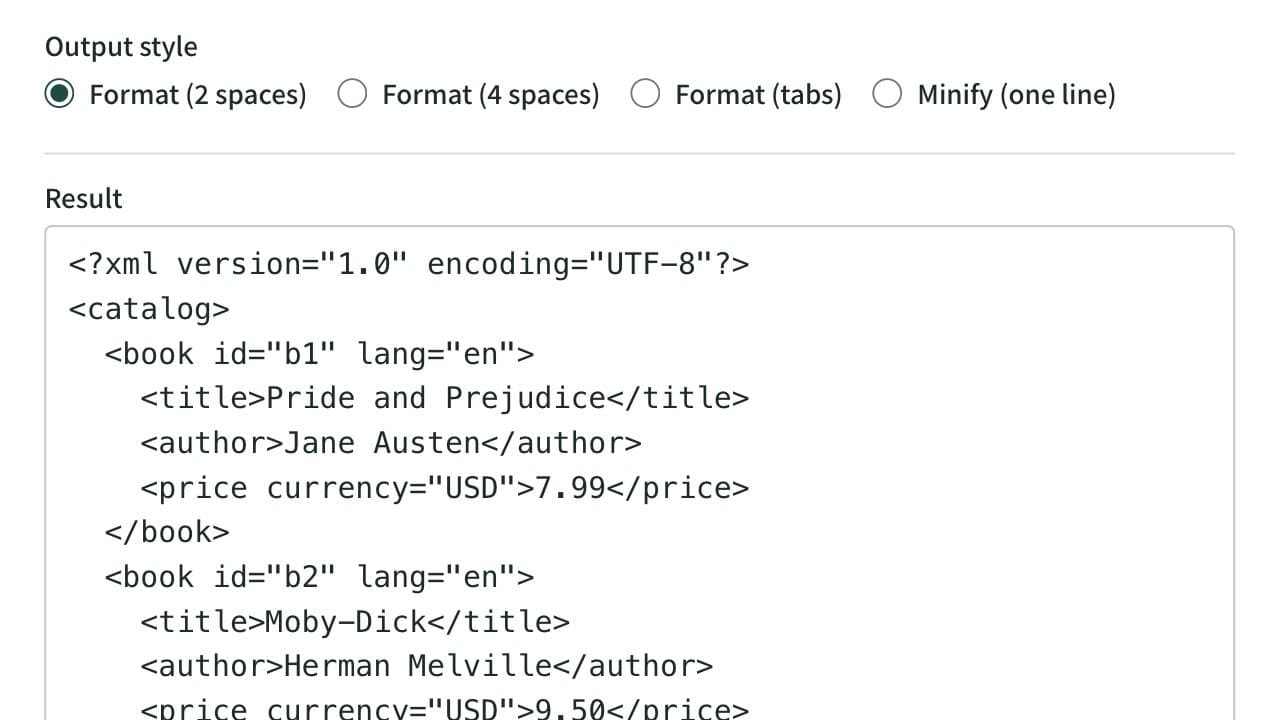
XML Formatter and Minifier
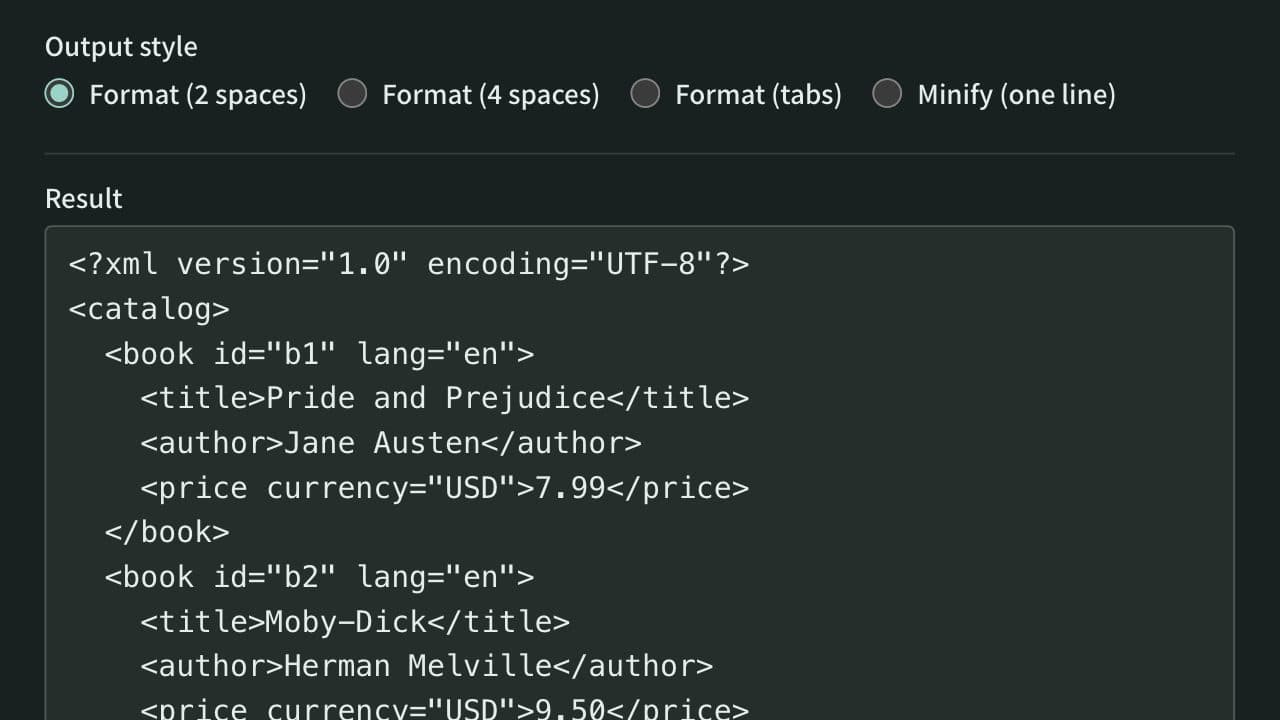
Format XML that arrives on a single line into indented, readable text. Indent with 2 spaces, 4 spaces, or tabs, or minify the XML to one line. Mistakes such as an unclosed tag are reported with their line and position, and an XPath expression extracts the elements or attributes you need. Runs entirely in your browser.