How to test zero-width regular expression matches safely
Understand match positions and repeated execution for lookaheads, anchors, word boundaries, and other zero-width patterns.
Published
What is a zero-width match?
Some regular expression patterns match a condition without consuming characters. Common examples include the start anchor ^, end anchor $, word boundary \b, and lookaheads such as (?=...) and (?!...). Their match start and end positions are the same.
For example, (?=b) against ab matches the position immediately before b, not the character b itself. The matched string is empty, but a match still exists.
Why display and iteration are difficult
A normal match can be highlighted as a range of characters. A zero-width match has no visible width, so a tester needs to represent it with a cursor or position marker. Displaying only the empty matched string can make a valid result look like no result.
In JavaScript, a regular expression with the g or y flag stores the next search position in lastIndex. After a zero-width match, the end position may not advance. A simple loop around exec() can therefore remain at the same position indefinitely.
What to check when testing
- Inspect the pattern and flags separately.
- Check the start and end indices, not only the matched text.
- Check whether the code that will use the pattern has the
goryflag. The App Museum tester scans the full input to list matches, so also verify the method used by production code. - Include cases that match at the beginning, middle, and end of the input.
- Check behavior against an empty input.
These examples match different positions:
pattern: ^       input: ab   position: 0
pattern: (?=b)   input: ab   position: 1
pattern: $       input: ab   position: 2
In a regex tester, look for position information in addition to an empty result. During replacement, a zero-width match may insert text at that position.
Avoiding infinite loops in an implementation
Code that repeatedly calls exec() needs to detect an empty match at the same position and advance to the next character position with Unicode handling in mind. Incrementing by one code unit can move into the middle of a surrogate pair.
Where appropriate, consider a standard method such as matchAll(). Different methods have different requirements for the global flag and different interactions with lastIndex, so verify the behavior needed by your target browsers.
Useful cases for zero-width matches
- Find a position before or after a delimiter without including the delimiter
- Insert text at the beginning or end of a line
- Require a word boundary without consuming it
- Check following characters without adding them to the match
A zero-width match is easier to reason about when treated as a regular expression that selects a position rather than a span of text.
References
Apps for this guide
Regex Tester
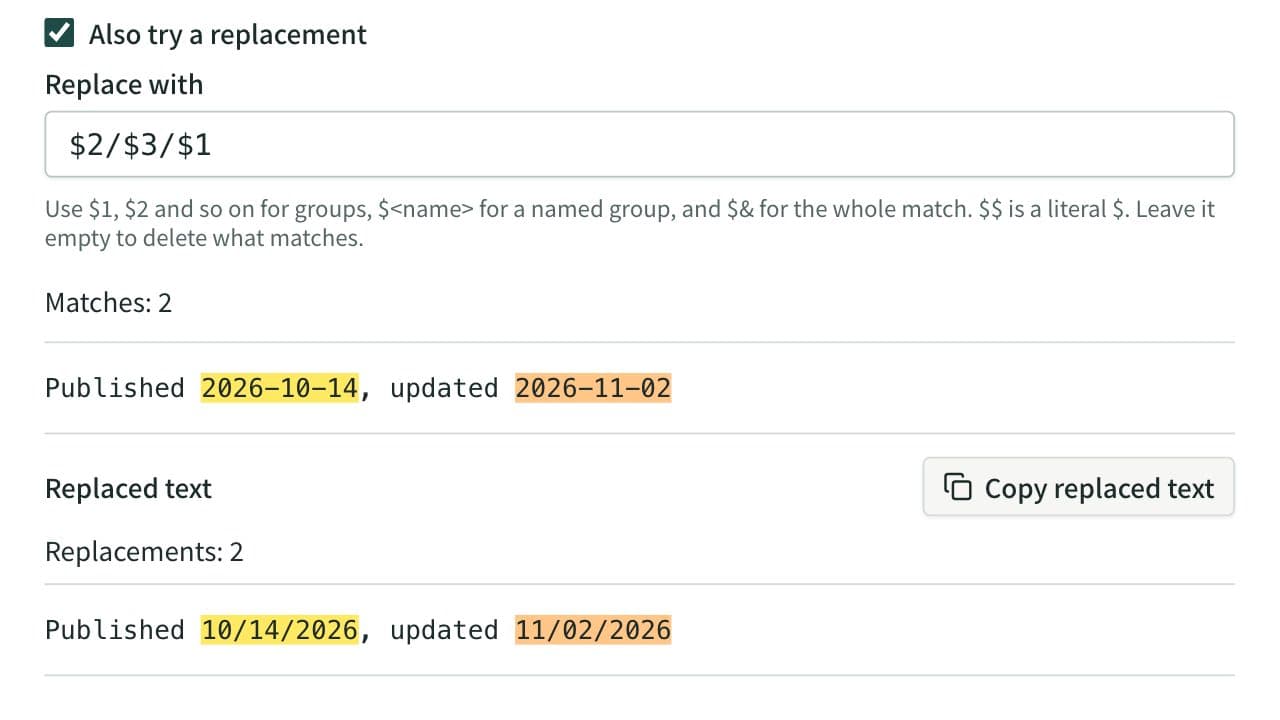
Test a regular expression against text, highlight matches, and inspect capture groups. Named groups are listed by name, and you can preview a replacement that uses $1 or $<name>.