Regex Tester
Test a regular expression against text, highlight matches, and inspect capture groups. Named groups are listed by name, and you can preview a replacement that uses $1 or $<name>.
Matches: 0
How to use
- Enter a regular expression in “Pattern.” Do not add the surrounding
/or quotation marks - Enter flags such as
g,i,m,s, andutogether in “Flags.” The field starts withg - Paste the text you want to match against into “Test string”
- Matches are highlighted in yellow, and the match count and a list appear below
- To check a replacement, select “Also try a replacement” and fill in “Replace with.” The text after replacement appears under “Replaced text”
There is no run button. The result updates whenever you change any of the fields, and the previous result is dimmed while an update is pending. When the pattern is empty, the test string is shown without highlights and the match count is 0.
Example
Enter \d+ as the pattern, g as the flags, and the following as the test string.
注文番号は12件、合計450円です
12 and 450 are highlighted, the match count is 2, and the list looks like this.
#1 @5: "12"
#2 @11: "450"
The number after # is the position of the match in the list, and the number after @ is where the match starts, counting from 0. A character that takes two units inside JavaScript, such as an emoji, advances the position by two.
When you create groups with parentheses, the contents of each group are shown too. This is the result of trying the pattern (\d{4})-(\d{2})-(\d{2}) on 開始 2026-10-11、終了 2026-12-01.
#1 @3: "2026-10-11" groups: ["2026","10","11"]
#2 @17: "2026-12-01" groups: ["2026","12","01"]
With named groups, (?<name>…), the contents are also shown by name, after the list in parenthesis order. This is the result of trying the pattern (?<year>\d{4})-(?<month>\d{2})-(\d{2}) on the same text. The third group has no name, so it appears only under “groups.”
#1 @3: "2026-10-11" groups: ["2026","10","11"] named: {year: "2026", month: "10"}
#2 @17: "2026-12-01" groups: ["2026","12","01"] named: {year: "2026", month: "12"}
Trying a replacement
When you select “Also try a replacement,” the text with each match replaced by “Replace with” appears under “Replaced text.” The replaced parts are highlighted, and the number of replacements is shown. “Copy replaced text” copies the text after replacement.
With the pattern (\d{4})-(\d{2})-(\d{2}) and the test string from 2026-10-11 to 2026-12-01, entering $2/$3/$1 in “Replace with” gives the following replaced text, with 2 replacements.
from 10/11/2026 to 12/01/2026
You can put parts of each match into “Replace with” as follows.
$1to$99: the content of a group, counted in parenthesis order. A group that took no part in the match becomes an empty string$<name>: the content of a named group. When the pattern has no named groups,$<stays as literal characters$&: the whole matched string$`: everything before the match$': everything after the match$$: a single$character
Leaving “Replace with” empty deletes what matches. With the pattern \s+, for example, the result is the text with all whitespace removed.
The replaced text is the same as what JavaScript gives for testString.replace(new RegExp(pattern, flags), replaceWith). So unlike the match list, only the first match is replaced when the flags have no g, and a note above the replaced text says so. To replace throughout a long text with settings such as ignoring case, you can also use the “Find and Replace Text Tool.”
What the flags change
You can use any flag that JavaScript in your browser supports. The same pattern gives different results depending on the flags.
i(ignore case):appletried onApple apple APPLEgives 1 match withgalone and 3 withgim(evaluate^and$per line):^\w+tried on the two linesone twoandthree fourgives the 1 matchonewithg, and the 2 matchesoneandthreewithgms(let.match line breaks):a.bdoes not match a string with a line break betweenaandbunderg, and matches it undergsu(work in Unicode characters):.tried on the emoji😀gives 2 matches withgand 1 withgu. Notation such as\p{Script=Hiragana}+also needsu; withguit extractsのそらfrom東京のそらy(search only from where the previous match ended):\dtried on12a3stops after the 2 matches1and2
To list every match, the app adds g internally even when the flags do not include it. The match list cannot reproduce the “first match only” behavior (the replaced text, however, has only the first match replaced when there is no g). The guide “How to choose JavaScript regular expression flags” covers how to choose flags.
Common stumbling blocks
.+matches as much as it can.<.+>tried on<b>太字</b>gives the whole string as 1 match. To take the tags one at a time, add?for the shortest match, as in<.+?>- If you wrap the pattern in slashes, as in
/\d+/, the slashes are searched for as characters too. Enter\d+without them - Writing
\p{L}withoutudoes not select a Unicode category. It searches for the character sequencep{L} - A pattern that matches with zero length, such as
\borx*, is counted and listed as"", but no characters are highlighted. See the guide “How to test zero-width regular expression matches safely” - A group that took no part in a match is shown as
null. Trying(a)|(b)onabgives["a",null]as the groups of the first match - Named groups are counted in parenthesis order too, so they appear under both “groups” and “named.” A named group that took no part in a match keeps its name and is shown as
null. Trying(?<letter>[a-z])|(?<digit>\d)ona1gives{letter: "a", digit: null}for the first match
Limits and behavior
- The regular expression dialect is JavaScript. Syntax specific to PCRE, Python, Java, and others either causes an error or is interpreted differently. The syntax available also depends on your browser version
- At most 1000 matches are shown. When there are more, the match count reads
1000+and matches after the 1000th are not highlighted - Matching runs 0.15 seconds after you stop typing, in a background process separate from the page display (a Web Worker). If it does not finish within 1 second, it is stopped and no result is shown. In a browser where a Web Worker is unavailable, matching runs on the page itself and this cutoff does not apply
- Replacement works on the matches shown, up to 1000. When there are more, matches after the 1000th stay as they were, and a note above the replaced text says so
- When the replaced text would be over 1,000,000 characters, it is not shown. Using
$`or$'with many matches makes the result grow quickly - The replaced text is also not shown when “Replace with” has a great many references such as
$1and there are many matches (when the references times the matches exceed roughly 5,000,000), so that typing does not slow down - You cannot try passing a function as the second argument of
replace. “Replace with” is treated as a string that may contain the$forms above - The pattern and the test string are only processed by
RegExpin the browser and are not sent anywhere, so you can also try it with excerpts of logs or customer data
FAQ
What happens when I enter an invalid regular expression?
When the pattern is invalid, for example because of an unclosed parenthesis, or when you specify a flag that does not exist or the same flag twice, the error message returned by the browser is shown. Specifying u and v together is also an error.
Can I use backreferences and named capture groups?
Yes. Trying (\w)\1 on aabbcd matches aa and bb. A named group can also be referred back to by name with \k<name>. Trying (?<q>["'])\w+\k<q> on "a" 'b' "c' gives the 2 matches "a" and 'b', which close with the quotation mark they opened with, and the list shows {q: "\""} and {q: "'"} under “named.” Any syntax supported by JavaScript's RegExp can be used.
What happens when the flags field is empty?
Every match is shown, the same as with g, because the app adds g internally. The replaced text, however, has only the first match replaced, as JavaScript's replace does.
Why does $1 stay as it is in the replaced text?
Because the pattern has no first group. A number after $ is replaced only when a group with that number exists. With a pattern without parentheses, such as \d+, $1 stays as literal characters. Use $& to insert the whole match. Also, when there are 9 groups or fewer, $10 is read as $1 followed by 0.
Is there a limit on the number of matches?
Up to 1000 are shown per run. When the limit cuts the run short, a + is added after the match count.
Why do I see “Matching was stopped because it did not finish within 1 second”?
A pattern with nested repetition, such as (a+)+$, can make the number of combinations to try explode on a string that does not match (catastrophic backtracking). A long run of a followed by ! is such a string. Where a Web Worker is available, the app stops matching that takes longer than 1 second, so the fields stay usable. Revise the pattern by removing the nested repetition, as in a+$, or shorten the test string.
Can I test regular expressions for Python or PHP?
For the basic syntax they share, you can use it to check behavior. What runs here is JavaScript's regular expression engine, however. Languages differ, so make the final check in the language you will actually use.
- Type
- Utility
- Category
- Developer
- Tags
- regex
- regexp
- pattern
- test
- replace
- developer
Guides related to this app
How to choose JavaScript regular expression flags
Compare g, i, m, s, u, and y with concrete examples, then verify multiple matches, state, line handling, and Unicode behavior.
Developerregexjavascriptflagsunicodepattern-testingHow to test zero-width regular expression matches safely
Understand match positions and repeated execution for lookaheads, anchors, word boundaries, and other zero-width patterns.
Developerregexzero-widthjavascript
Related apps
Color Code Converter
Convert colors between HEX, RGB, and HSL, and see them in HSV, CMYK, and OKLCH too, with a color picker, a live preview, and WCAG contrast ratios against white, black, or any text color you choose.
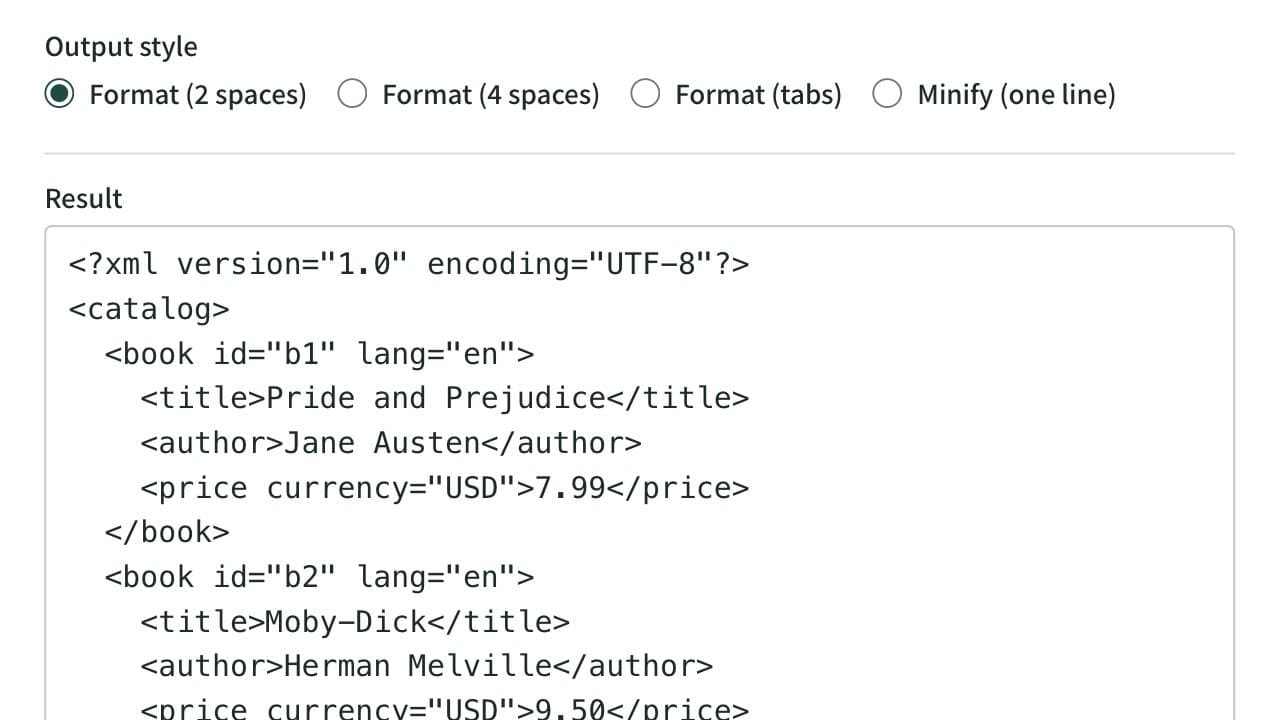
XML Formatter and Minifier
Format XML that arrives on a single line into indented, readable text. Indent with 2 spaces, 4 spaces, or tabs, or minify the XML to one line. Mistakes such as an unclosed tag are reported with their line and position, and an XPath expression extracts the elements or attributes you need. Runs entirely in your browser.
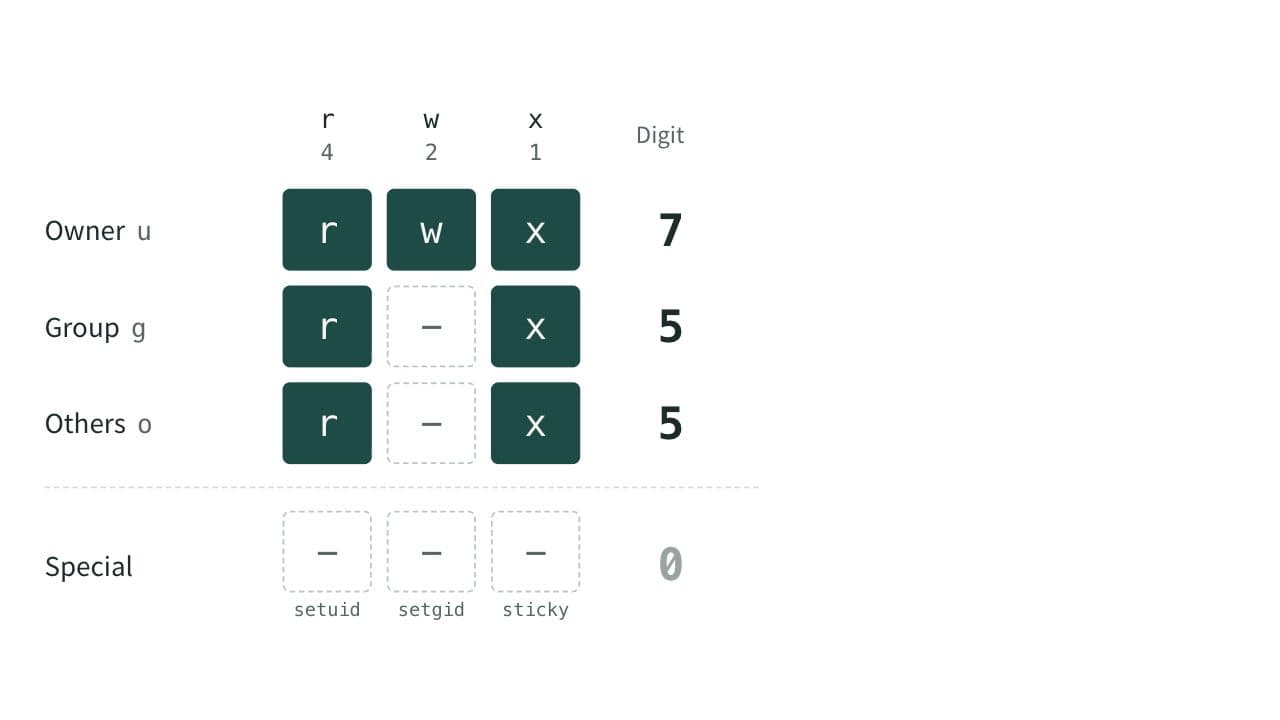
Chmod Calculator (File Permissions)
Convert Linux and macOS file permissions between numbers such as 755 and symbols such as rwxr-xr-x. Switch read, write and execute on and off to build the chmod command as you go. Handles setuid, setgid and the sticky bit, and shows the permissions a umask gives new files and directories.