How to choose JavaScript regular expression flags
Compare g, i, m, s, u, and y with concrete examples, then verify multiple matches, state, line handling, and Unicode behavior.
Published
What the main flags do
JavaScript regular expression flags change how the same pattern is searched.
g(global) looks for later matches instead of stopping after the first.i(ignore case) performs case-insensitive matching.m(multiline) lets^and$match the start and end of each line, not only the whole string.s(dotAll) lets.match line terminators.u(Unicode) interprets the pattern and input with Unicode code points in mind.y(sticky) permits a match only when it begins at the position inlastIndex.
Flags are separate from the pattern. In App Museum's regex tester, for example, enter error in the pattern field and gi in the flags field.
Multiple matches and state with g
For input ID-12 ID-34 and pattern \d+, an ordinary search without g returns only the first 12, while a global search returns 12 and 34. The tester scans globally to build its match list, so separately verify the method and flags used in the actual code.
When exec() or test() repeatedly uses a RegExp object with g or y, the next start position is stored in lastIndex. Reusing the same object for another input or operation can therefore start somewhere other than the beginning. For an unexpected result, inspect lastIndex, RegExp object reuse, and the method being called.
A pattern that matches an empty string may also fail to advance. When using lookaheads or boundaries, consult the related guide “How to test zero-width regular expression matches safely” to verify positions and iteration.
m and s change different things
m changes anchors, while s changes the meaning of the dot. Treating both as a generic “multiline mode” leads to mistakes.
input:
first
error

pattern: ^error$
flags: m
expected: error on the second line
By contrast, pattern first.*error fails without flags because . does not match the line break. Adding s allows the match to cross the line break. Adding m does not change what . can consume.
Check Unicode characters and emoji
In JavaScript strings, an emoji outside the Basic Multilingual Plane can occupy two UTF-16 code units. With input containing only 😀 and pattern ^.$, one dot does not represent the whole emoji without u; with u, it matches as one code point.
Adding i does not guarantee every human-expected equivalence in every language. Unicode case conversion, combining characters, and normalized representations are separate concerns. Test real examples containing accented text, combining marks, or emoji, and define a normalization policy when needed.
Compare combinations of flags
Try pattern ^error:.*timeout$ against this input:
INFO: ready
Error:
timeout
ERROR: timeout
gmfinds nothing because case differs and.cannot cross the line break.gimmatchesERROR: timeouton the fourth line.gimscan match fromError:on the second line throughERROR: timeouton the fourth. Because the greedy.*now spans more text, check that it does not match farther than intended.
y fits tokenization tasks that must read the next token at the current position. Its failure condition differs from g, which searches ahead for a candidate, so verify it with a small example that sets lastIndex explicitly.
Common failures and a verification workflow
- Record the pattern, flags, and input separately.
- Add one flag at a time and compare the match count, start indices, and matched strings.
- Test boundaries involving the start, end, line breaks, case differences, and emoji.
- With
gory, call the same RegExp object repeatedly and inspect changes tolastIndex. - Perform the final check with the same JavaScript method used in production.
For a complex pattern with deeply nested or ambiguous repetition, measure its behavior against long non-matching input when work can grow rapidly with input size. This does not make every regular expression dangerous, but externally supplied input may warrant a length limit or splitting the task into simpler patterns.
References
Apps for this guide
Regex Tester
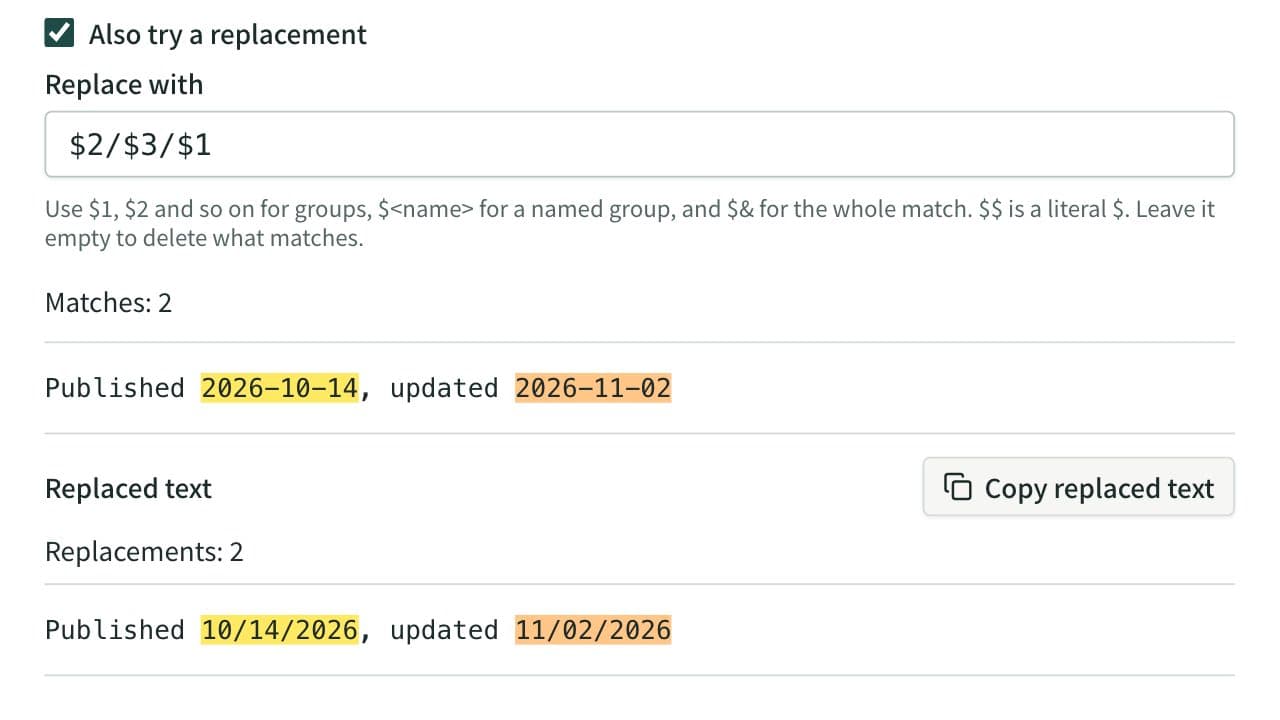
Test a regular expression against text, highlight matches, and inspect capture groups. Named groups are listed by name, and you can preview a replacement that uses $1 or $<name>.
Related guides
How to test zero-width regular expression matches safely
Understand match positions and repeated execution for lookaheads, anchors, word boundaries, and other zero-width patterns.
Developerregexzero-widthjavascript