How to format and minify valid JSON safely
Reformat only insignificant whitespace in valid JSON, then verify strings, numbers, Unicode, escapes, and property-order assumptions.
Published Updated
The difference between formatting and minifying
Formatting adds line breaks and indentation around JSON structural characters to make the structure readable. Minifying removes whitespace and line breaks that are unnecessary to represent the same data. Both operations require valid JSON and should not change values or array elements.
{
  "name": "App Museum",
  "tags": ["web tool", "JSON"]
}
The expected result with two-space indentation is:
{
"name": "App Museum",
"tags": ["web tool", "JSON"]
}
Minifying this result returns it to the first single line. App Museum's JSON formatter parses the input and serializes it again with two spaces, four spaces, tabs, or no indentation.
Whitespace inside a string is data
JSON distinguishes whitespace allowed around object and array structural characters from characters inside a double-quoted string. The space in "display name" and the two consecutive spaces in "a b" are part of the value and must not be removed or collapsed during minification.
input:    { "message": "red  blue", "line": "a\nb" }
minified: {"message":"red  blue","line":"a\nb"}
Removing spaces or line breaks as plain text can damage string values or misread a boundary containing an escaped quotation mark. Parse the JSON structure before serializing it.
What to check after parsing and serializing again
Parsing and serializing is a common way to produce an equivalent JSON value, but it does not preserve the original textual representation.
- Do not treat JSON object property order as data semantics. If a consumer depends on that order, reconsider the contract itself.
- Escape forms that represent the same string, such as
éand\u00e9or/and\/, may be emitted with a different appearance. - Confirm that required escapes for line breaks, quotation marks, and backslashes survive, and that the parsed string value remains equal.
- Very large numbers, very small numbers, and long fractions may change precision or notation in a parser's numeric type. Design identifiers and digit-exact values as strings. In the JSON formatter, checking “Keep numbers as written in the input” writes each number with the characters of the input, though the parser that receives the JSON can still lose the same digits.
- For Unicode text, check that the code point sequence after parsing meets the requirement, not only that the rendered output looks similar.
Do not unconditionally replace the source with reserialized output when it is a byte sequence covered by a signature, a configuration file where minimal diffs matter, or a document whose original escape notation must be retained.
Resolve syntax errors first
Input with a trailing comma, single quotes, or a missing closing bracket is not valid JSON and cannot be safely formatted or minified. When the formatter reports an error, first repair a working copy by following the related guide “How to find and fix JSON syntax errors.”
Do not work around a syntax error by using a regular expression or broad replacement to remove whitespace. Such a transformation cannot reliably distinguish invalid structure from spaces inside a string. This guide applies only after syntax repair has produced valid JSON.
Validate again after formatting or minifying
- Save the original JSON without modifying it.
- Confirm that the JSON formatter reports no parse error.
- Format with two or four spaces for reading, or minify when reducing transfer size.
- Enter the output into the tool again and confirm it can be parsed and formatted successfully.
- Compare the object key sets, array order and length, and the type and content of every value with the original data.
- Pay particular attention to large numbers, Unicode, and strings containing line breaks or backslashes.
When possible, compare the parsed value of the source with the parsed value of the output as structures. Exact string equality is not an appropriate test because indentation and escape notation may change. Finally, validate the result against the real consumer's schema and required fields. Valid JSON alone does not guarantee that application contract.
References
Apps for this guide
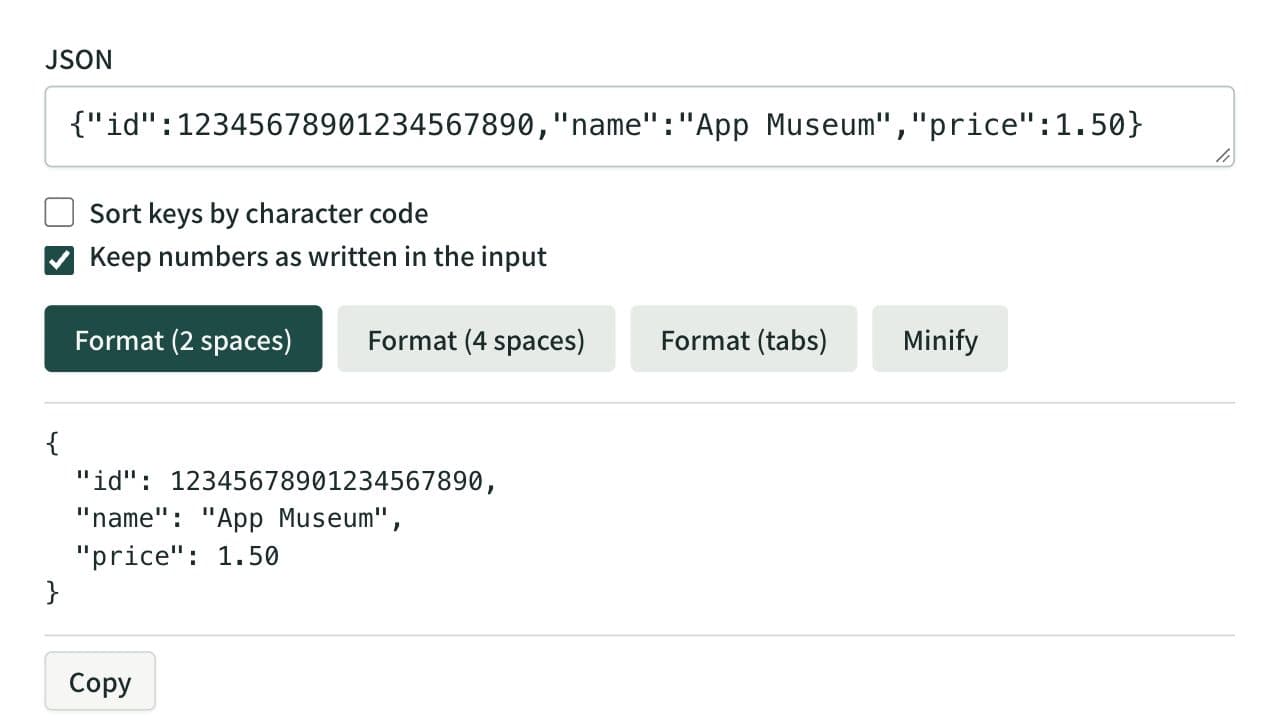
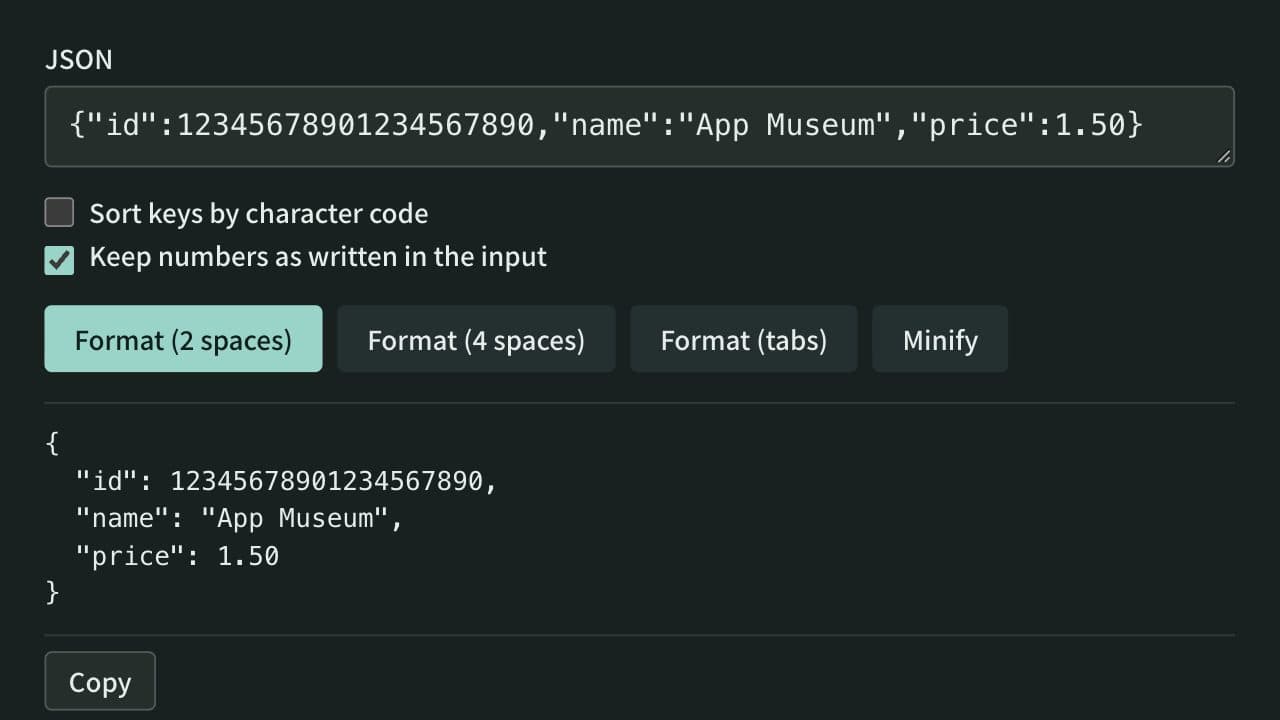
JSON Formatter
Format, minify, and sort the keys of JSON instantly, keeping large integers and other numbers as written if you choose. Syntax errors are shown with their line, column, and cause. Everything runs in your browser — no data is uploaded.
Related guides
How to find and fix JSON syntax errors
Learn how to isolate and safely fix common JSON errors involving quotes, commas, keys, and numbers.
Developerjsonsyntax-errordebugging