How to find and fix JSON syntax errors
Learn how to isolate and safely fix common JSON errors involving quotes, commas, keys, and numbers.
Published
Before fixing a JSON error
JSON resembles a JavaScript object, but its syntax is more limited. A value can be an object, array, string, number, true, false, or null. Keys and strings use double quotes, and commas appear only between items.
Keep an untouched copy of the input before editing it. This prevents a syntax repair from accidentally changing the meaning of the data.
Common syntax errors
Trailing commas
A comma cannot follow the final item.
{
  "name": "App Museum",
  "public": true,
}
Remove the comma after true. The same rule applies to the final value in an array.
Single quotes and unquoted keys
This notation may be accepted as JavaScript, but it is not valid JSON:
{ name: 'App Museum' }
Valid JSON is {"name":"App Museum"}. Both the key and string value use double quotes.
Missing brackets, quotes, or commas
An error position usually marks where parsing became impossible, not necessarily where the mistake began. Check the preceding line for a missing comma, an unclosed string, or a mismatched } and ].
Invalid number notation
JSON numbers cannot use a leading +, NaN, Infinity, or unnecessary leading zeros. Values such as identifiers and postal codes are safer as strings when they are not used in calculations.
A safe repair workflow
- Save a copy of the original data.
- Paste the working copy into the JSON formatter and inspect the first error position.
- Check quotes, commas, and brackets immediately before that position.
- Change one location, then validate again.
- After formatting succeeds, compare the values with the original.
When several errors exist, later positions may be unreliable until the first error is fixed. Repairing from the beginning is safer than applying a broad replacement.
Checks after the syntax is valid
Some parsers accept an object containing the same key more than once, but implementations may disagree about which value survives. Keep each object key unique.
Formatting also confirms syntax, not an API's required field names, value types, or business rules. Compare the formatted result with the specification of the system that will consume it.
References
Apps for this guide
JSON Formatter
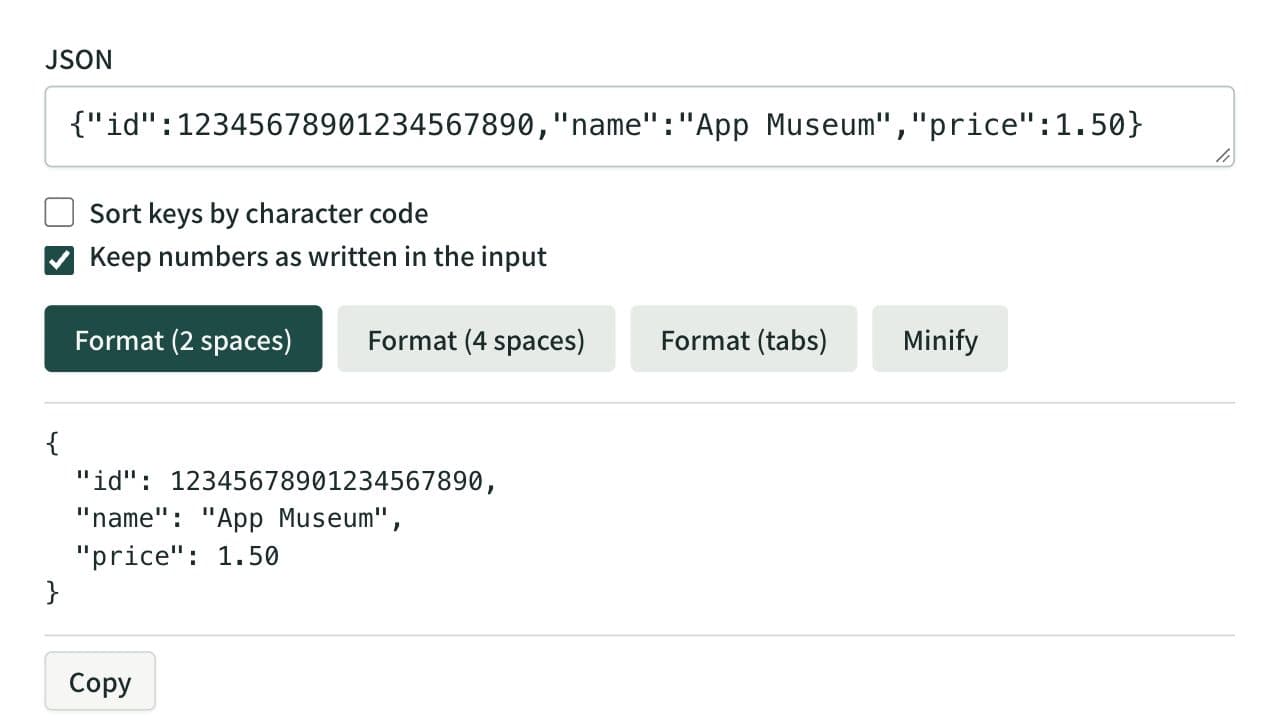
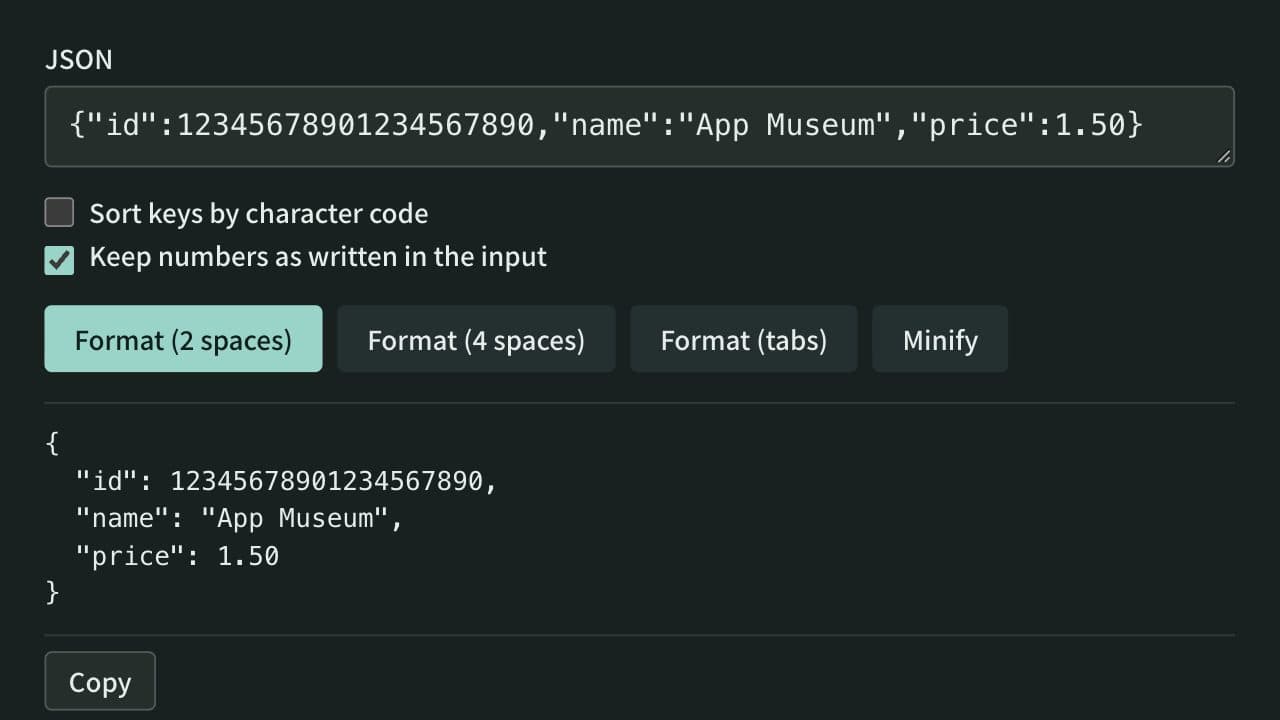
Format, minify, and sort the keys of JSON instantly, keeping large integers and other numbers as written if you choose. Syntax errors are shown with their line, column, and cause. Everything runs in your browser — no data is uploaded.
Related guides
What to check when converting between YAML and JSON
Understand how comments, types, anchors, and keys can be lost or change meaning during YAML and JSON conversion.
Convertersyamljsonconversion