What to check when converting between YAML and JSON
Understand how comments, types, anchors, and keys can be lost or change meaning during YAML and JSON conversion.
Published
How YAML and JSON differ
YAML 1.2 was designed with JSON compatibility in mind, but the formats do not have identical expressive power. JSON represents objects, arrays, strings, numbers, booleans, and null. YAML also has comments, multiline scalar styles, anchors and aliases, and explicit tags that have no direct JSON representation.
A successful conversion therefore does not guarantee that the original document can be reconstructed.
What may be lost when converting YAML to JSON
Comments and formatting
The JSON data model has no comments. Explanatory comments, quote choices, line styles, and blank lines in YAML are normally lost. Keep the original YAML when its comments contain operational instructions.
Anchors and aliases
YAML anchors can reuse the same value. When converting to JSON, many implementations expand that value at each location. The original shared structure cannot be recovered from the resulting JSON.
Automatic type resolution
Depending on the loader schema, an unquoted scalar may become a number, boolean, date, or string. An identifier such as 0012, or the text true, may receive a type you did not intend. Quote values that must remain strings.
Keys that do not map cleanly to JSON
JSON object keys are strings. A YAML mapping that uses a number or complex value as a key may be stringified or rejected during conversion.
A conversion checklist
- Keep the original file.
- Check the YAML for comments, anchors, tags, and multiple-document separators.
- Convert the YAML to JSON.
- Inspect identifiers, date-like values, and boolean-like strings for type changes.
- If needed, use the JSON formatter to validate the syntax and overall structure.
- Validate the result in the consuming application before replacing the source.
In this YAML, enabled should be a boolean while code should remain a string:
enabled: true
code: "0012"
items:
  - red
  - blue
The intended JSON is:
{
  "enabled": true,
  "code": "0012",
  "items": ["red", "blue"]
}
Converting JSON to YAML
JSON-to-YAML conversion is usually more direct, but generated YAML does not automatically gain comments or operational context. You can adjust formatting for readability, but take care not to change value types. If the original JSON repeated an object key, a value may already have been lost when the JSON was loaded.
References
Apps for this guide
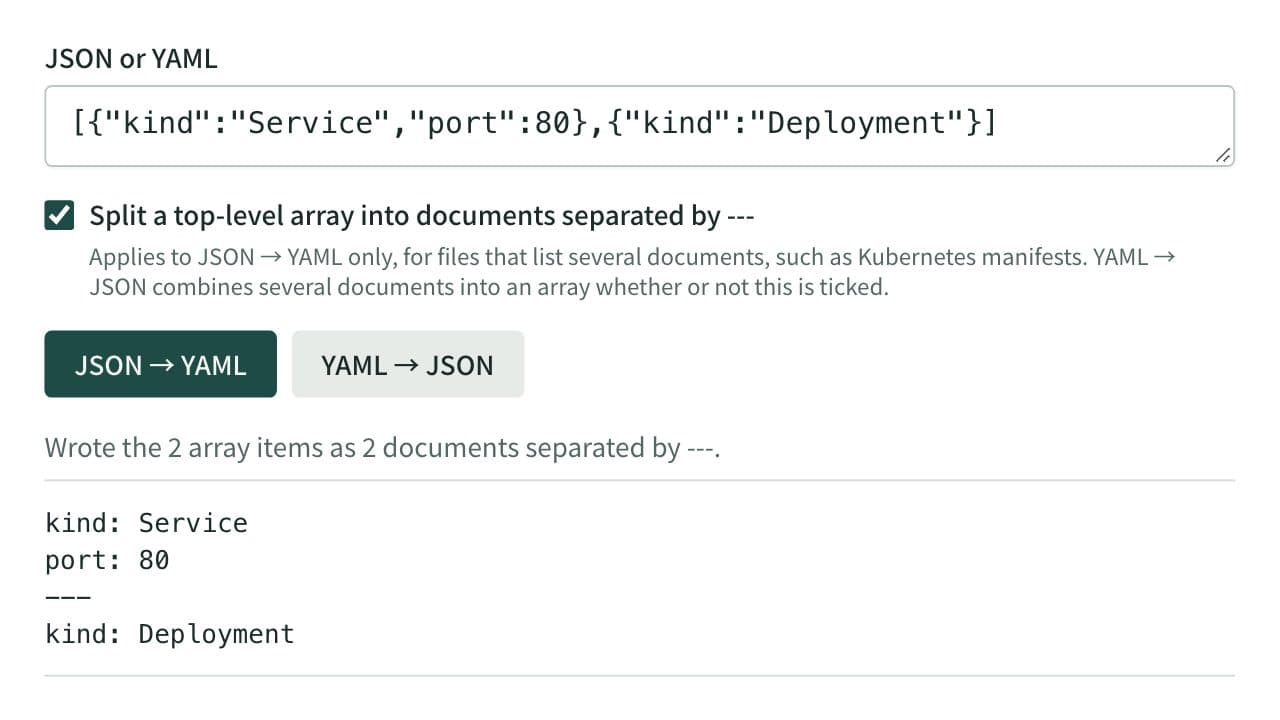
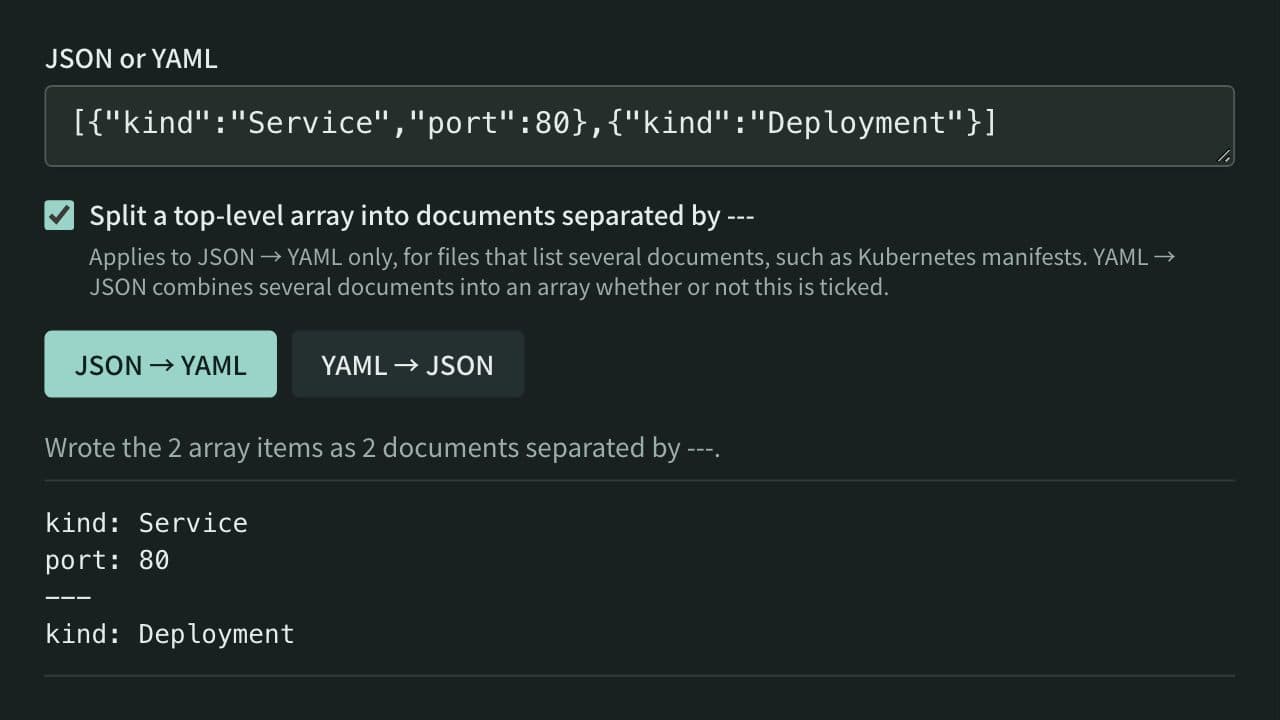
JSON ⇔ YAML Converter
Convert between JSON and YAML, including multi-document YAML (--- separated) to and from JSON arrays — useful for config file format conversion and data inspection.
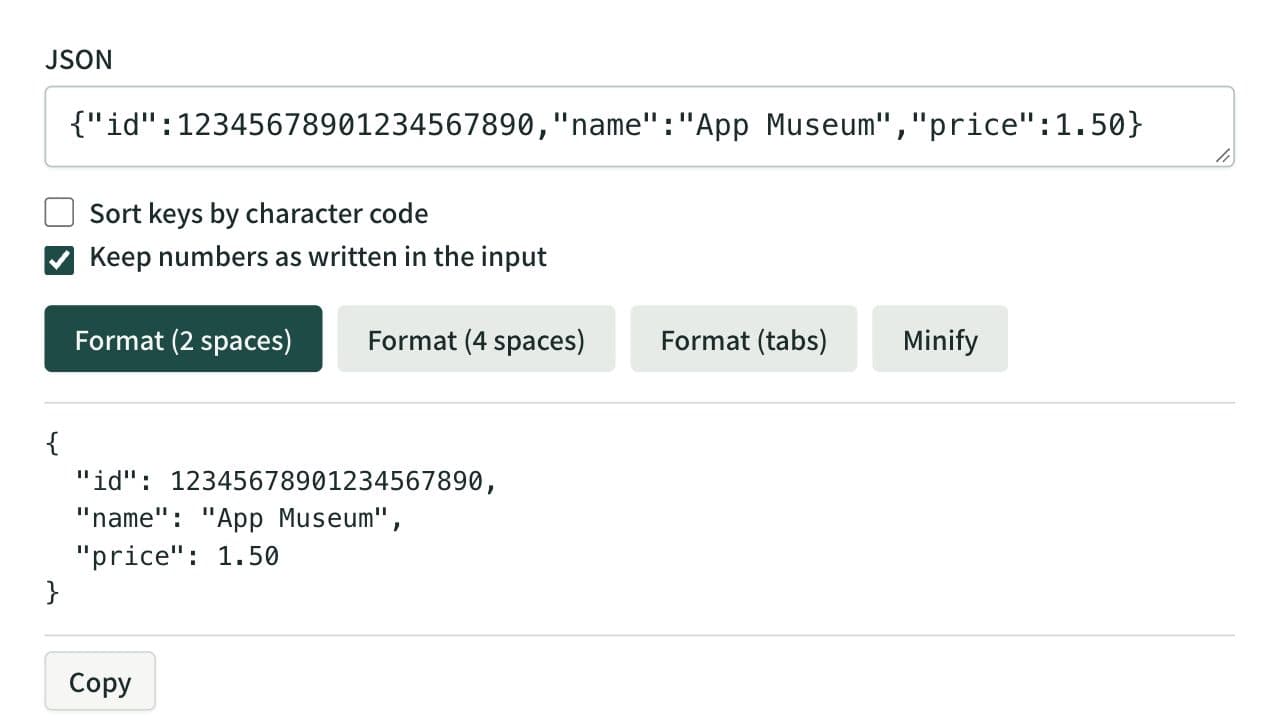
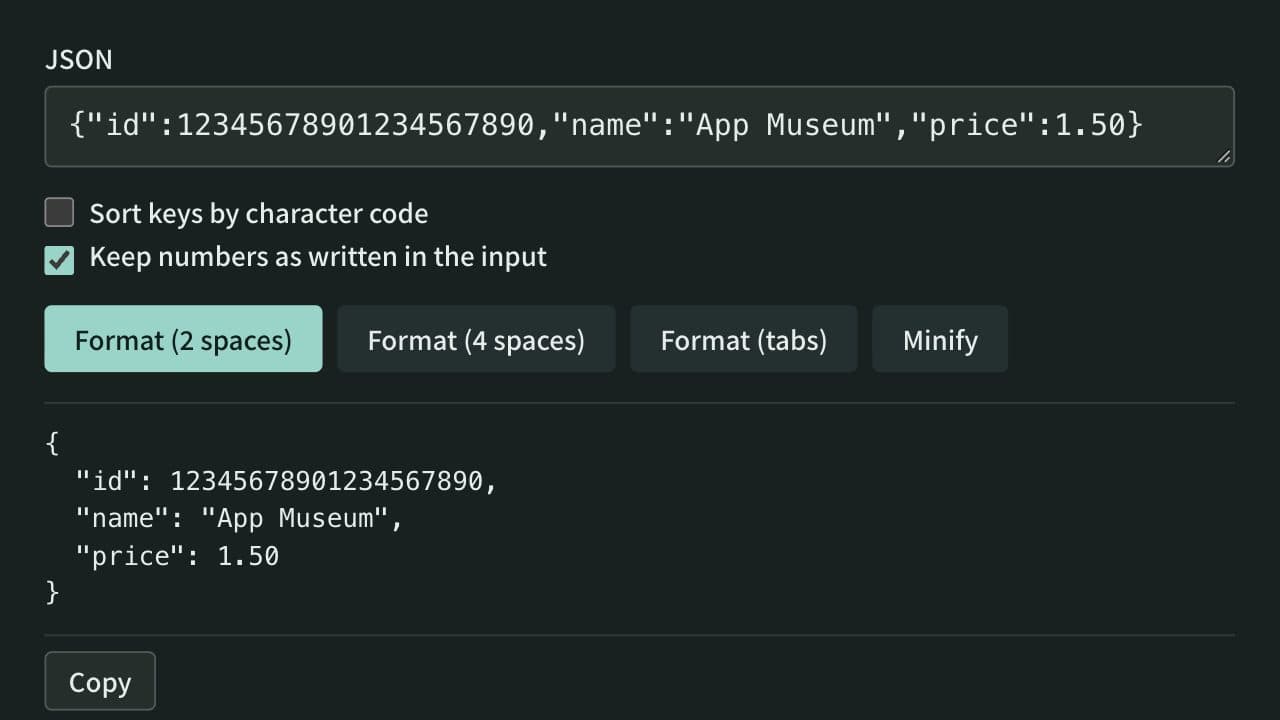
JSON Formatter
Format, minify, and sort the keys of JSON instantly, keeping large integers and other numbers as written if you choose. Syntax errors are shown with their line, column, and cause. Everything runs in your browser — no data is uploaded.
Related guides
How to find and fix JSON syntax errors
Learn how to isolate and safely fix common JSON errors involving quotes, commas, keys, and numbers.
Developerjsonsyntax-errordebugging