Hash Generator
Calculate MD5, SHA-1, SHA-256, SHA-384 and SHA-512 hashes of text or a file at once in hex or Base64, or HMACs with a secret key, and check them against a published checksum or webhook signature.
When a key is entered, HMACs made with it are calculated instead of plain hashes. A Text key is used exactly as typed, including any spaces around it; a Hex or Base64 key is decoded back into bytes, ignoring spaces.
How to use
- Choose "Text" or "File" under "Input type"
- Enter the text, or choose a file (up to 100 MB)
- Press "Calculate hashes" to list the MD5, SHA-1, SHA-256, SHA-384 and SHA-512 hashes in hexadecimal
- Press "Copy" on a row to copy that hash
- To compare with a hash published by the distributor, paste it into "Hash to compare". The row of the matching algorithm shows "✓ Match"
- To calculate an HMAC (a hash made with a secret key), enter the key under "HMAC secret key" and press "Calculate HMACs"
- To see the results in Base64, choose "Base64" under "Display format". The display switches without recalculating
Everything is calculated in your browser. The text or file is never sent to a server.
Example
Enter abc as the text and press "Calculate hashes" to get these values.
- MD5:
900150983cd24fb0d6963f7d28e17f72 - SHA-1:
a9993e364706816aba3e25717850c26c9cd0d89d - SHA-256:
ba7816bf8f01cfea414140de5dae2223b00361a396177a9cb410ff61f20015ad
SHA-384 gives 96 digits and SHA-512 gives 128 digits. The input size is shown as "3 bytes".
Checking a file's checksum
To confirm that a downloaded file is the one the distributor published:
- Choose "File" and select the downloaded file
- Paste the hash (checksum) from the download page into "Hash to compare"
- Press "Calculate hashes"
A hex value is compared ignoring letter case, spaces and line breaks. A value written in Base64 can be pasted as it is too (Base64 is compared with its letter case, because case changes the value). You do not need to say which algorithm it is, or whether it is hex or Base64: when it equals any of the five hashes, the name of that algorithm is shown. When it is hex while Base64 is on screen, or the other way round, the match line adds a note such as "(the pasted value is Base64)". "Does not match any of the hashes" means the file may be corrupted or may be a different file.
Calculating an HMAC
An HMAC is a value calculated from both the data and a secret key. Only someone who knows the key can produce the same value, so it is used to confirm that a webhook or API request came from the right sender and was not altered on the way.
When you enter a key under "HMAC secret key", the button changes to "Calculate HMACs" and the list shows HMAC-MD5, HMAC-SHA-1, HMAC-SHA-256, HMAC-SHA-384 and HMAC-SHA-512 instead of the plain hashes. Clear the key to go back to plain hashes.
For example, the key key and the text The quick brown fox jumps over the lazy dog give these values.
- HMAC-MD5:
80070713463e7749b90c2dc24911e275 - HMAC-SHA-1:
de7c9b85b8b78aa6bc8a7a36f70a90701c9db4d9 - HMAC-SHA-256:
f7bc83f430538424b13298e6aa6fb143ef4d59a14946175997479dbc2d1a3cd8
Written in Base64, the same HMAC-SHA-256 is 97yD9DBThCSxMpjmqm+xQ+9NWaFJRhdZl0edvC0aPNg=. Choose "Base64" under "Display format" to show all five values this way; "Copy" then copies the Base64 value.
To check a webhook signature, paste the request body exactly as received into the text, enter the key, and paste the signature from the header into "Hash to compare". A signature that starts with the algorithm name, such as sha256=f7bc… (GitHub's X-Hub-Signature-256, for example), can be pasted as it is. It is then compared with the value of the named algorithm only. A signature written in Base64, such as Shopify's X-Shopify-Hmac-Sha256, can also be pasted as it is. URL-safe Base64 (with - and _ instead of + and /) and values without the trailing = are read too.
"Secret key format" chooses how the characters typed as the key are read.
- Text (UTF-8): the UTF-8 bytes of the characters you type. Spaces around it are part of the key
- Hex: a value such as
6b6579, decoded into bytes two characters at a time. A leading0x, letter case, spaces and line breaks are ignored - Base64: a value written in Base64, decoded into bytes. The URL-safe form and values without the trailing
=are read too. Spaces and line breaks are ignored
For example, the hex 6b6579 and the Base64 a2V5 are both the same 3 bytes as the text key, so they give the values above. After an HMAC is calculated, the number of key bytes is shown as "Secret key size", so you can check that the decoded key has the length the provider describes. When a key cannot be read in the chosen format, nothing is calculated; a message says so instead.
A body that differs by a single byte gives a different value. Use the body as it arrived, not JSON that has been reformatted.
How the algorithms differ
- MD5 (128 bits, 32 digits): for matching older checksums. Not for detecting tampering
- SHA-1 (160 bits, 40 digits): for matching older checksums. Not for detecting tampering
- SHA-256 (256 bits, 64 digits): the current standard for file verification and signatures
- SHA-384 (384 bits, 96 digits): used by Subresource Integrity (SRI), among others. A single
sha384-…value from anintegrityattribute can be pasted into "Hash to compare" as it is - SHA-512 (512 bits, 128 digits): for when a longer hash is required
FAQ
Is it OK to use MD5 or SHA-1?
It is known how to deliberately build different data with the same MD5 or SHA-1 hash. They still work for checking that a transfer was not corrupted, but use SHA-256 or longer to confirm that data was not tampered with, or for signatures.
Can I use this to store passwords?
No. These hashes are fast to calculate, which makes them unsuitable for storing passwords. Use a dedicated scheme such as bcrypt, scrypt or Argon2.
How is an HMAC different from a plain hash?
A plain hash is the same for the same data, whoever calculates it. An HMAC also uses a secret key, so someone who does not know the key cannot produce the right value. Use an HMAC when you need to stop someone who alters the data from replacing the hash as well.
Is it safe to enter a production secret key?
The key and the text are processed only in your browser, and are neither sent nor stored. Even so, do not enter a production key where your screen can be seen or on a shared computer. A test key is the safe choice for checking how things work.
How is non-ASCII text handled?
Text is converted to UTF-8 bytes before hashing. For example, こんにちは is hashed as 15 bytes and its SHA-256 is 125aeadf27b0459b8760c13a3d80912dfa8a81a68261906f60d87f4a0268646c. A value calculated from another encoding such as Shift_JIS will not match.
The value differs from another tool
Check for a trailing line break or space. The content of the text field is hashed exactly as entered, including line breaks and spaces. For example, the command echo abc | sha256sum appends a line break, so it gives a different value from entering only abc.
What happens if I calculate with nothing entered?
You get the hash of zero bytes of data. For example, the MD5 is d41d8cd98f00b204e9800998ecf8427e. This is the same as the hash of an empty file.
How large a file can it handle?
Up to 100 MB. The limit exists because the whole file is read into the browser's memory to calculate the hashes.
Is my input stored?
No. Everything is processed in your browser and disappears when you reload the page.
- Type
- Utility
- Category
- Developer
- Tags
- hash
- md5
- sha256
- hmac
- checksum
- security
Related apps
TOTP Generator (One-Time Passwords)
Calculate the 6-digit one-time passwords (TOTP) used for two-factor authentication from a Base32 secret, in your browser. Check a code against the ones around it, switch to SHA-256 or 8 digits, read or build otpauth:// URIs, and show a QR code for authenticator apps to scan.
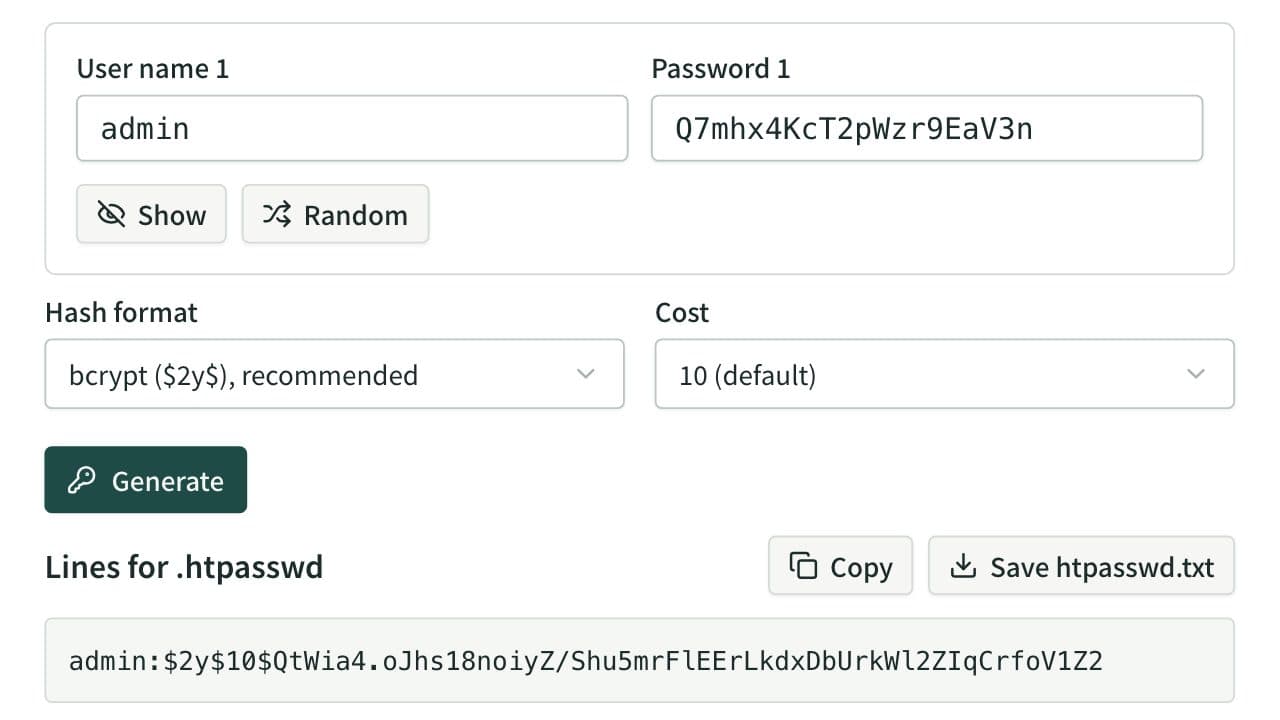
Basic Auth .htpasswd Generator
Make the user:hash lines of a .htpasswd file for Basic authentication with bcrypt, MD5 ($apr1$), SHA-512 ($6$), SHA-256 ($5$) or SHA-1, hashed only in your browser. Also writes the .htaccess and nginx settings and curl test commands, checks a password against an existing .htpasswd, and reads an Authorization header.
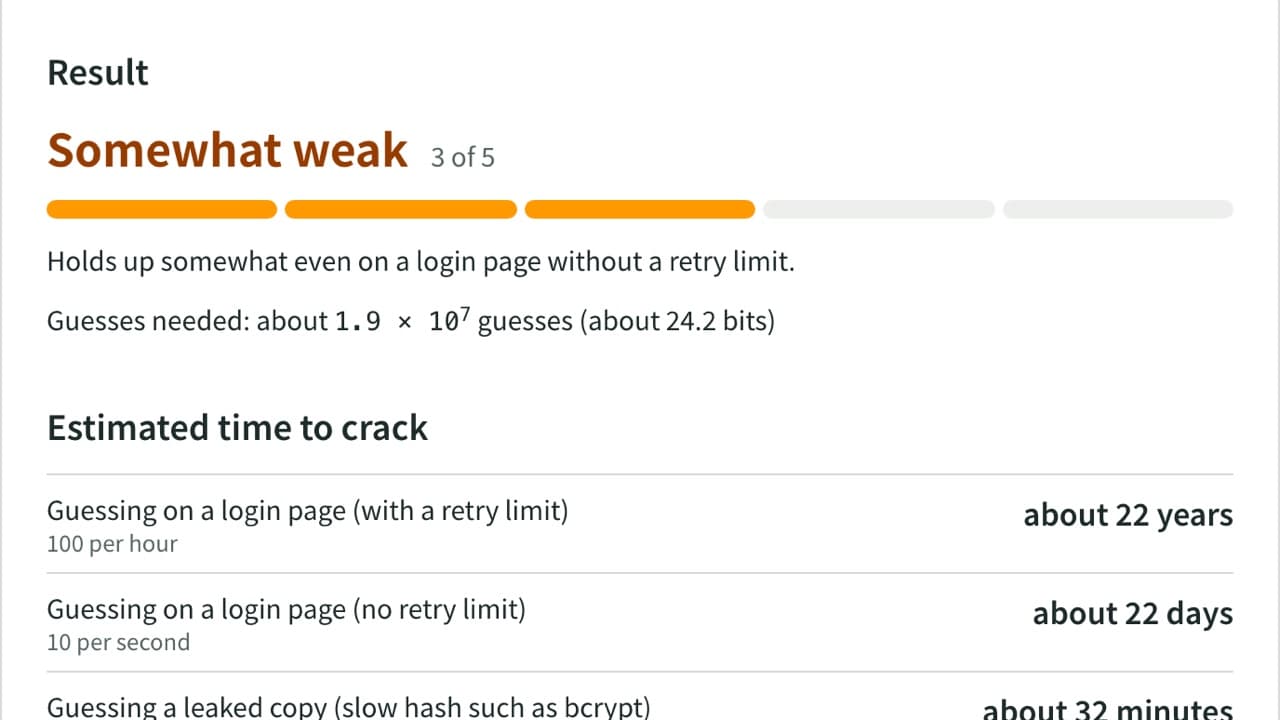
Password Strength Checker
Check how strong a password is by finding common passwords, words, keyboard patterns, dates and more. See crack-time estimates, the weak parts and NIST guideline checks, with Japanese names, era dates and JIS keyboards covered. Nothing is sent.