Password Strength Checker
Check how strong a password is by finding common passwords, words, keyboard patterns, dates and more. See crack-time estimates, the weak parts and NIST guideline checks, with Japanese names, era dates and JIS keyboards covered. Nothing is sent.
What you type is checked only inside this browser and is never sent or saved. If you try a real password, make sure no one is looking at your screen.
Enter names, birthdays, IDs or the site's name, separated by commas or new lines. A password that contains them is rated weaker (only words of three or more characters are used).
Enter a password to see the result here.
How to use
- Type a password in "Password to check". The result updates as you type
- Press "Show password" to see the characters you typed and to get the characters and details in "Patterns found". Press it again to hide them
- Put your name, birthday, ID, the site's name and so on in "Easy-to-guess words (optional)", and a password that contains them is rated weaker. Separate them with commas (
,or、) or new lines. Parts separated by spaces or symbols are matched as words too. Words of two characters or fewer are not used, since almost any password contains them - "Clear" empties the password field
What you type is checked only inside this browser. It is never sent to a server or saved, so it is gone when you close or reload the page. Still, before you show a real password on screen, make sure no one is looking.
The "estimated strength" in the Password Generator is calculated from the length and kinds of characters chosen in that tool, for the passwords it generates. This tool checks the password you came up with and looks for common words and patterns in it.
What is shown
- Result: one of five levels (very weak, weak, somewhat weak, strong, very strong) and the estimated number of guesses needed
- Estimated time to crack: the time in four attack scenarios
- Warnings and suggestions: the most obvious weakness and how to fix it
- Patterns found: which kind each part of the password matched. While the password is hidden, only the character positions and the kind are shown
- Characters used: counts of uppercase, lowercase, digits, symbols, spaces, full-width characters and so on
- Against common guidelines: whether it meets the guidance of NIST (the US National Institute of Standards and Technology) and of Japan's Ministry of Internal Affairs and Communications
Screen readers hear only the level, once typing pauses. The password itself is never read out.
Examples
passwordis number 2 on the common-password list. It takes about 3 guesses: "Very weak"P@ssw0rdreads aspasswordwithareplaced by@andoby0: about 17 guesses, "Very weak"satou1990splits into Sato (佐藤), the most common surname in Japan, and a year: about 15,000 guesses, "Weak"h070615reads as the Japanese era date Heisei 7 (1995), June 15: about 57,000 guesses (when checked in 2026), "Weak"Tr0ub4dour&3splits intotroubadour, from the list of words common in English TV and film, with substitutions, and&3: about 1.9×10^7 guesses, "Somewhat weak". Many symbols and digits do not help once the original word is foundcorrecthorsebatterystapleis a combination of four English words: about 2.7×10^14 guesses, "Very strong"
How the result is worked out
The estimate uses the same approach and formulas as zxcvbn, published by Dropbox under the MIT license. It is ported to run in the browser, with checks for Japanese passwords added.
- Find every part of the password that matches a known pattern
- For each part, estimate how many guesses an attacker trying that kind of pattern needs
- Of all the ways to split the password into matched parts and characters with no pattern, pick the one that needs the fewest guesses
A split takes "the factorial of the number of parts × the product of each part's guesses + 10000 to the power of (number of parts − 1)" guesses. The factorial counts the orders the parts could come in, and the last term reflects that an attacker tries splits with fewer parts first.
Patterns and their guess estimates
- Common passwords, words and names: the rank on the list. Multiplied by the ways to mix in capitals, by substitutions such as
@or0, and by 2 when reversed. Capitalising only the first letter or every letter counts as 2 - Keyboard patterns (
qwerty,1qaz,asdfand so on): paths through neighbouring keys on the US, Dvorak and Japanese (JIS) layouts and on number pads. Estimated from the length, the number of turns and how many characters use Shift - Repeats (
aaa,abcabc): the guesses for the repeated part × the number of repeats - Sequences (
abcd,9753,zyx): character codes going up or down by a fixed step. Those starting ata,1and the like take especially few guesses - Years (
1990,2024): the number of years from this year, at least 20 - Dates (
19900401,04/01/90,0401): the years from this year (at least 20) × 365, × 4 more with a separator - Japanese era dates (
H070615,s601231,R050101): an era initial (M, T, S, H or R), a two-digit year, the month and the day. The same as a date, × 5 for the initial. Only dates from the first to the last day of each era count (for Heisei, 1989-01-08 to 2019-04-30), and Reiwa only up to this year. Meiji 1 starts on January 1, 1868 - Japanese mobile numbers (
090-1234-5678,08074921563): 3 prefixes (070, 080, 090) × 100 million for the last eight digits, × 2 with hyphens. By guesses alone that is "Strong", but people who know the owner can guess it, so a warning is shown whatever the level. When the number contains a run such as08012345678, counting it as a sequence takes fewer guesses - Characters with no pattern: 10 choices per character
A part found within the password counts as at least 50 guesses (10 for a one-character part), even when the calculation above gives less. There is no such floor when the whole password is one pattern. This is the same rule as zxcvbn.
While the password is hidden, the result, the times and the kind of each part are still shown. The matched characters, the ranks and which of your easy-to-guess words were found appear only after pressing "Show password". Even so, the guesses needed or the warning can hint at which common password it is.
Lists checked
- 30,000 common passwords, 30,000 common words from English Wikipedia, 19,160 words common in English TV and film, 10,000 US surnames and 4,695 given names, all taken as they are from the lists in zxcvbn
- Japanese surnames: the top 200 in the national ranking of 名字由来net, in romaji (the rank is the guess count). Surnames with two common readings (河野, 東, 菅野 and others) have both
- Japanese given names: 239 readings of the names in each year's top 10 of Meiji Yasuda Life's name ranking by birth year, 1912 to 2025
- Japanese words: 89 romaji words often used in passwords, such as
sakura,doraemon,arigatouandneko, picked for this tool
The Japanese lists also match other romaji spellings: satou is found as sato, satoh and satoo, shimizu as the kunrei-shiki simizu, and honma as homma. The given names and words have no ranking, so each counts as the size of its list (239 and 89 guesses).
Time to crack
The guesses needed divided by these speeds:
- Guessing on a login page with a retry limit: 100 per hour, for sites that make you wait after a few wrong tries
- Guessing on a login page with no retry limit: 10 per second
- Guessing a leaked copy with a slow hash: 10,000 per second, when stored with bcrypt, scrypt, Argon2 and the like
- Guessing a leaked copy with a fast hash: 10 billion per second, when stored with MD5 or SHA-1 and attacked on GPUs
Times are rounded to the largest whole unit, such as "about 3 years". Anything over 100 years shows as "100 years or more", and under a second as "less than a second". Attack hardware gets faster every year and some sites store passwords with fast hashes, so treat these as rough estimates.
The five levels
- Very weak: under 1,005 guesses
- Weak: under 1,000,005. Holds up somewhat on a login page with a retry limit
- Somewhat weak: under 100,000,005. Holds up somewhat even on a login page without a retry limit
- Strong: under 10,000,000,005. Safe from guessing on a login page, but a leaked copy may be cracked, depending on how it was stored
- Very strong: more than that. Even if leaked, not cracked quickly when stored with a slow hash
The boundaries are the same as zxcvbn's.
Against common guidelines
- NIST SP 800-63B-4 (revision 4) requires at least 15 characters when the password alone signs you in, and at least 8 when combined with multi-factor authentication. It does not impose rules for mixing kinds of characters, does not require periodic changes, and requires checking passwords against a list of commonly used or compromised ones
- The Japanese Ministry of Internal Affairs and Communications' cybersecurity site for citizens says that ideally a password has 10 characters or more and mixes digits, symbols, uppercase and lowercase letters. It warns against names, phone numbers and birthdays, a single dictionary word, repeated characters and the same string as the ID, and against reusing passwords
- The check against the common-password list (30,000 entries) compares the whole password, in lowercase, with every entry
A note is shown when the password contains full-width, Japanese or emoji characters, starts or ends with a space, contains control characters such as line breaks, or is longer than 64 characters. NIST asks sites to accept at least 64 characters, but some sites allow fewer.
Things to keep in mind
- The result estimates how guessable the password is from lists and patterns everyone knows. Guesses by someone who knows your name or birthday are covered only for the words you put in "Easy-to-guess words"
- It does not check whether the password has appeared in a breach, because that needs a connection to an outside service. To check, use something like Pwned Passwords on Have I Been Pwned (haveibeenpwned.com)
- Even a strong password, reused across sites, lets a leak at one site open the others. Use a different password for each site, a password manager and multi-factor authentication
- The lists are mostly English. Japanese words are found only when they are in the surname, given-name and word lists above. A password typed in hiragana or kanji usually counts as 10 choices per character (a run such as
あいうえおcounts as a sequence) - Characters are counted one by one, and an emoji or a kanji is one character. Only the first 128 characters of a long password are checked; the rest is left out of the result
FAQ
Is my password sent anywhere?
No. Everything runs inside this browser, and nothing you type is sent to a server or saved. The lists used for matching are loaded from this site along with the page.
Why is it "weak" even though I added symbols and digits?
Writing a common word with symbols or digits in place of letters, or adding a symbol or digit at the end, as in P@ssw0rd!, is one of the first things attackers try. Several unrelated words that make the password longer help more than extra symbols.
How is this different from the Password Generator's estimated strength?
The Password Generator estimates the strength of a random password from the kinds of characters and the length you choose, without looking at the generated password. This tool looks inside the password you type for words, patterns, dates and so on. A randomly generated password checked here comes out strong, because no pattern is found.
Is "very strong" safe?
It only means hard to guess. It does not protect against reuse, typing it into a fake site, or malware on your device reading it. Use a different password for each site and turn on multi-factor authentication.
Are Japanese passwords strong?
This tool usually counts each hiragana or kanji as 10 choices. Some sites reject them, though, and they can be hard to type on a phone or another computer, so a note is shown.
Why does the result differ from other strength checkers?
Each site checks in its own way. Sites that calculate from the kinds of characters and the length alone can rate a password strong even when it contains a word. This tool finds words and patterns the same way zxcvbn does, so it usually rates lower than those. Against sites that use zxcvbn, the result can differ only by what is added here: Japanese surnames, given names and words, era dates, the JIS keyboard, mobile numbers, years in the 2020s (zxcvbn treats years up to 2019 as recent) and how emoji and the like are counted (zxcvbn counts an emoji as two characters).
- Type
- Utility
- Category
- Developer
- Tags
- password
- security
- strength
- checker
- zxcvbn
Related apps
Basic Auth .htpasswd Generator
Make the user:hash lines of a .htpasswd file for Basic authentication with bcrypt, MD5 ($apr1$), SHA-512 ($6$), SHA-256 ($5$) or SHA-1, hashed only in your browser. Also writes the .htaccess and nginx settings and curl test commands, checks a password against an existing .htpasswd, and reads an Authorization header.
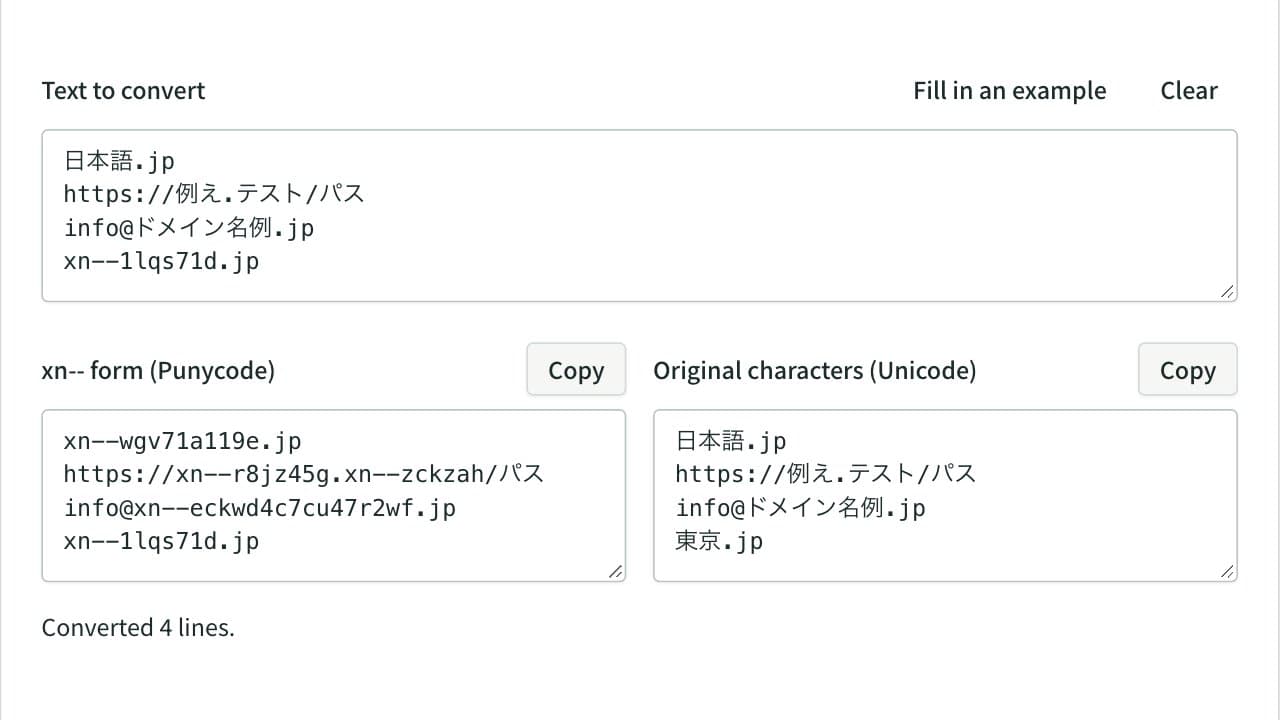
Punycode Converter (IDN ⇔ xn--)
Convert internationalized domain names to their xn-- Punycode form and back, line by line. In URLs and email addresses only the domain is converted, with case and width mapping, invalid characters and mixed-script look-alikes reported.
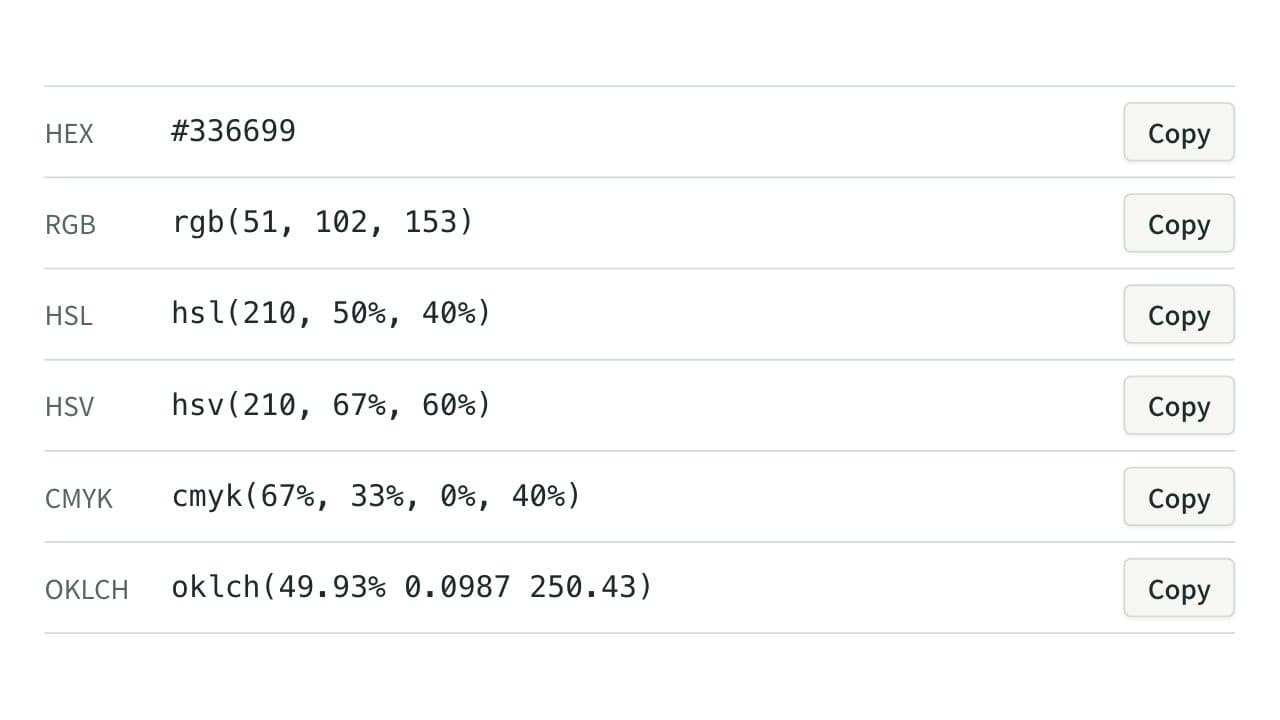
Color Code Converter
Convert colors between HEX, RGB, and HSL, and see them in HSV, CMYK, and OKLCH too, with a color picker, a live preview, and WCAG contrast ratios against white, black, or any text color you choose.