Basic Auth .htpasswd Generator
Make the user:hash lines of a .htpasswd file for Basic authentication with bcrypt, MD5 ($apr1$), SHA-512 ($6$), SHA-256 ($5$) or SHA-1, hashed only in your browser. Also writes the .htaccess and nginx settings and curl test commands, checks a password against an existing .htpasswd, and reads an Authorization header.
Users and passwords
Enter the user names and passwords for the login and press Generate to get the lines for a .htpasswd file. Passwords are hashed in this page and sent nowhere.
Up to 20 users at a time.
Works with Apache 2.4. nginx leaves the check to the operating system's crypt(), so whether bcrypt works depends on the OS. If it does not, pick $6$ or $apr1$.
Each step up roughly doubles the time. htpasswd defaults to 5 and many guides suggest 10–12. Basic authentication checks the password on every request, so a high cost slows the server down.
Server configuration
Settings that turn on Basic authentication. Change them to match where the .htpasswd file is.
A name for the protected area. Within the same realm on the same site, browsers may reuse the user name and password already entered. Some browsers do not show it in the dialog.
It is safer outside the public folder (such as public_html). On shared hosting, use the full path given in the control panel or manual.
For example wp-login.php. It is wrapped in <Files> so only that file name is protected.
One per line or separated by spaces: 203.0.113.5, 198.51.100.0/24, or IPv6. Anyone else is asked for the password.
Settings for .htaccess
AuthType Basic
AuthName "Restricted Area"
AuthUserFile /home/example/.htpasswd
Require valid-user
With AllowOverride None the .htaccess file is not read at all, and without AuthConfig (or All) these lines cause a server error (500). Behind a proxy or CDN, Require ip sees the proxy's address.
Check a password
Paste a .htpasswd file to list its users and formats. Enter a password to check whether it logs in.
Read an Authorization header
Paste the value of “Authorization: Basic …” to see the user name and password inside. Base64 is not encryption: without HTTPS anyone on the way can read it.
How to use
- Under "Users and passwords", enter the user name and password for the login. "Random" fills in a 20-character password of letters and digits, leaving out the look-alikes
IOl01, and shows it. "Add a user" adds rows, up to 20 - Choose the "Hash format". It starts at bcrypt (
$2y$) with cost 10 - Press "Generate" and the
user:hashlines appear under "Lines for .htpasswd". Take them with "Copy" or "Save htpasswd.txt", and name the file.htpasswdon the server - Under "Server configuration", choose Apache (
.htaccess) or nginx and enter where.htpasswdis, to get the settings that turn on Basic authentication - Once the file is on the server, the curl commands under "Testing" below the result let you try it
The hashing happens only inside this page, and nothing you enter or get is sent or stored anywhere. It is gone when you close the page.
The salt (a random string mixed into the hash) is made afresh each time, so the same password gives a different line on every press of "Generate". Each of those lines accepts the same password.
Example
With the user name alice and the password secret, you get a line like this (the salt part changes every time):
alice:$2y$10$7bz9yktCxPZex0cfR5gape2BAtykIt3Qkn9nqLzWPaQm7TOhhTja.
$2y$means bcrypt,10is the cost, the next 22 characters are the salt and the remaining 31 are the hash- Put one user per line. To add users to an existing
.htpasswd, append the lines at the end
On Apache, with .htpasswd at /home/example/.htpasswd, protecting only wp-login.php and letting the office IP 203.0.113.5 in without a password, the .htaccess looks like this:
<Files "wp-login.php">
  AuthType Basic
  AuthName "Restricted Area"
  AuthUserFile /home/example/.htpasswd
  <RequireAny>
    Require ip 203.0.113.5
    Require valid-user
  </RequireAny>
</Files>
To protect /admin/ on nginx:
location /admin/ {
    auth_basic "Restricted Area";
    auth_basic_user_file "/etc/nginx/.htpasswd";
}
Choosing a format
- bcrypt (
$2y$): The one to use for new files. Works with Apache 2.4. nginx leaves the check to the operating system'scrypt(), so whether bcrypt works depends on the OS. If it does not work with your nginx, make the line again with SHA-512 or MD5 - MD5 (
$apr1$): Apache's own format and the default of thehtpasswdcommand. Apache reads it on any OS, and so does nginx. It only repeats MD5 1,000 times, though, so it can be brute-forced in far less time than bcrypt - SHA-512 (
$6$) and SHA-256 ($5$): Formats read by thecrypt()of Linux and similar systems, usable with Apache and nginx there. Not with Apache on Windows.htpasswdmakes them with-5and-2from Apache 2.4.59. The default is 5,000 rounds, and then the line has norounds= - SHA-1 (
{SHA}): A single unsalted SHA-1. The same password always gives the same value, and precomputed tables break it. Use it only to check a migration from an old server
Each step up in the bcrypt cost roughly doubles the time. htpasswd -B defaults to 5, and the htpasswd documentation gives -C a range of 4 to 17. This page also goes up to 17. Basic authentication checks the password each time a page or image loads, so too high a cost slows the server down.
Things to know about Basic authentication
- A Basic authentication password is only Base64-encoded and sent with every request; it is not encrypted. Use it on HTTPS sites
- Keep
.htpasswdoutside the public folder (such aspublic_html). Apache's default configuration refuses URLs for files starting with.ht, but that depends on the server's settings AuthUserFilein.htaccessshould be an absolute path starting with/. On shared hosting, use the full path given in the control panel or manual. If the control panel has a Basic authentication feature, you can also set it up there- A user name cannot contain
:, and lines that start with#are skipped as comments - bcrypt uses only the first 72 bytes (UTF-8) of a password. Beyond that, a password still logs in even if the rest differs
- Browsers differ in how they encode characters other than ASCII, such as Japanese, so the login may fail. ASCII letters, digits and symbols are the safe choice for user names and passwords
- On a server behind a proxy or CDN, the IP that the allow settings see is the proxy's
Checking and reading headers
Paste your current .htpasswd into "Check a password" to list each user's format with notes (weak formats, a second line for the same user, and so on). Enter a password and press "Check" to see whether it logs in. It can check bcrypt ($2y$ $2b$ $2a$), MD5 ($apr1$ $1$), SHA-256 and SHA-512 ($5$ $6$), SHA-1 ({SHA} {SSHA}) and plain text ({PLAIN}). For 13-character DES crypt and yescrypt ($y$) it only shows the format. As a server does, it checks only the first line whose user name matches.
Paste an Authorization: Basic … header, as seen in your browser's developer tools, into "Read an Authorization header". It decodes the Base64 and shows the user name and password.
FAQ
Is my password sent to a server?
No. Hashing and checking are done by this page's JavaScript in your browser. Nothing you enter is stored, and it is gone when you close the page.
Why is my line different from the one the htpasswd command made?
Because the salt is random. The same password gives a different hash every time. Both lines accept the same password; paste one into "Check a password" to confirm.
Why can't I log in with a bcrypt line on nginx?
nginx reads $apr1$ and a few {scheme} formats such as {SHA} itself and hands everything else to the operating system's crypt(). If that crypt() does not support bcrypt, the line cannot be read. Make it again with SHA-512 ($6$) or MD5 ($apr1$).
How do I change a password?
Replace that user's line with a newly made one. If two lines have the same user name, the server uses only the first.
Can users log out?
Basic authentication has no standard way to log out. The browser keeps sending the entered user name and password until it is closed or its saved credentials are cleared.
- Type
- Utility
- Category
- Developer
- Tags
- htpasswd
- basic-auth
- bcrypt
- htaccess
- apache
- nginx
- password
- hash
Related apps
Password Strength Checker
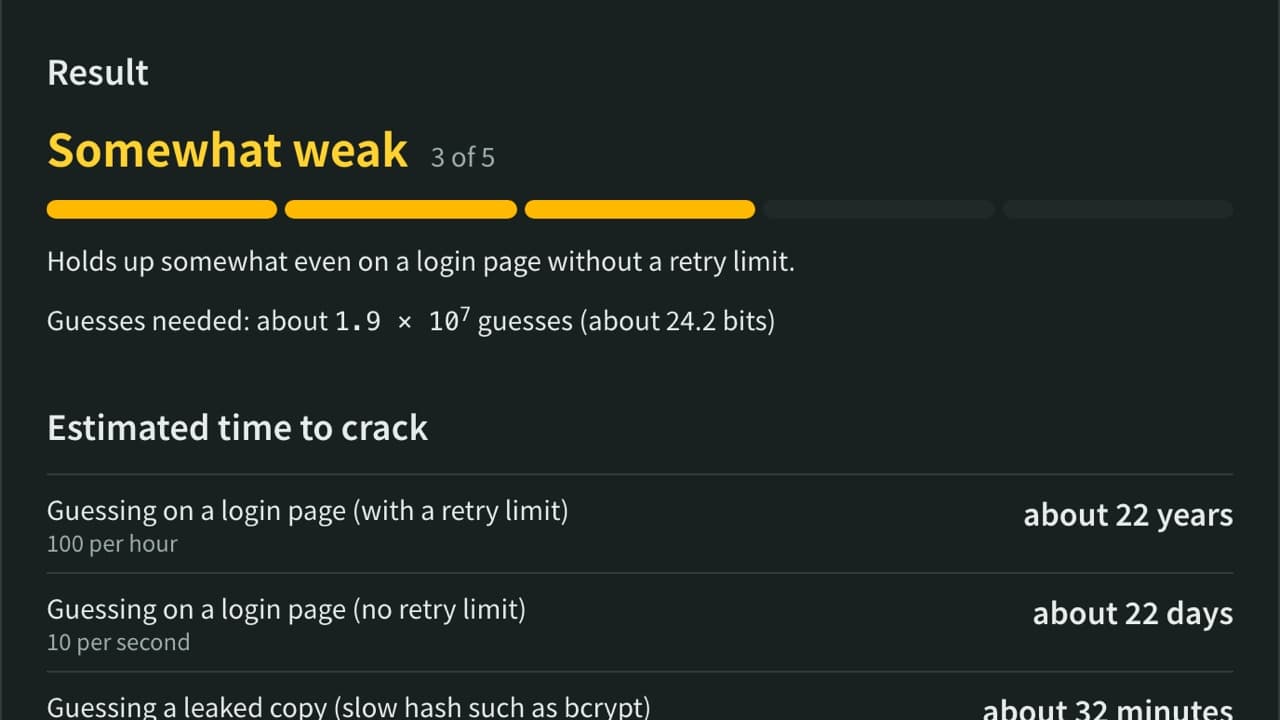
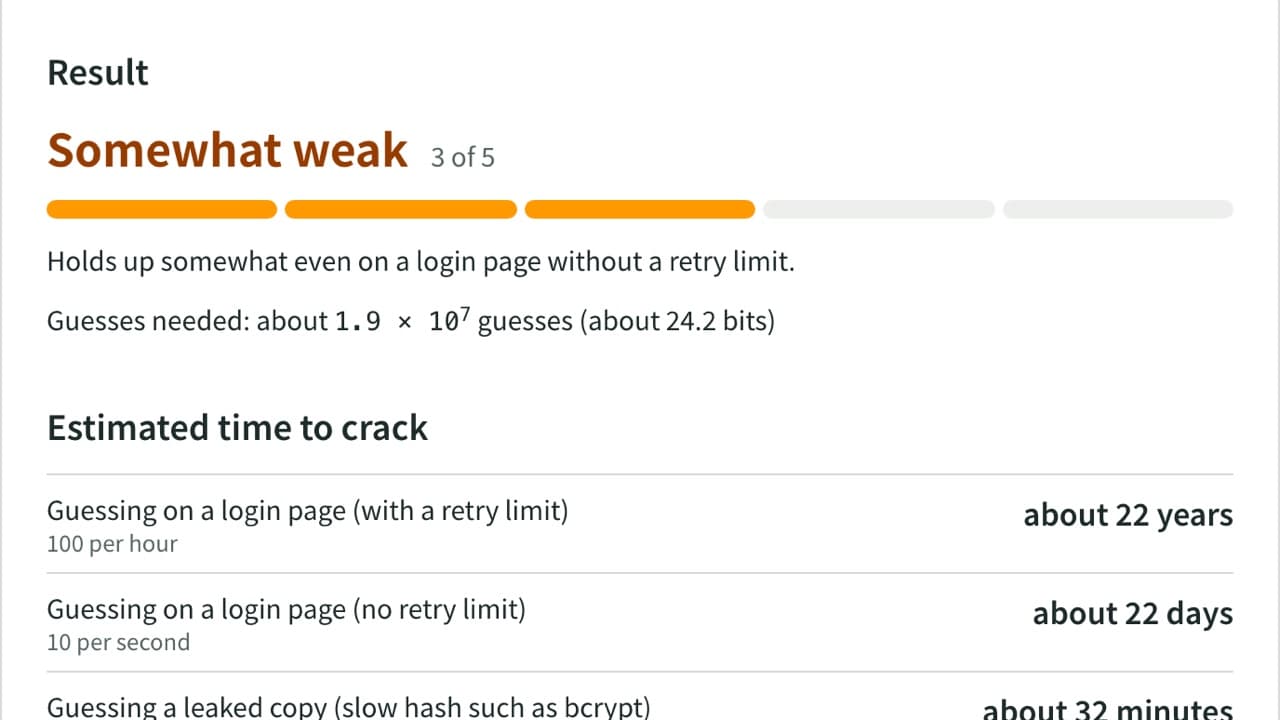
Check how strong a password is by finding common passwords, words, keyboard patterns, dates and more. See crack-time estimates, the weak parts and NIST guideline checks, with Japanese names, era dates and JIS keyboards covered. Nothing is sent.
Color Code Converter
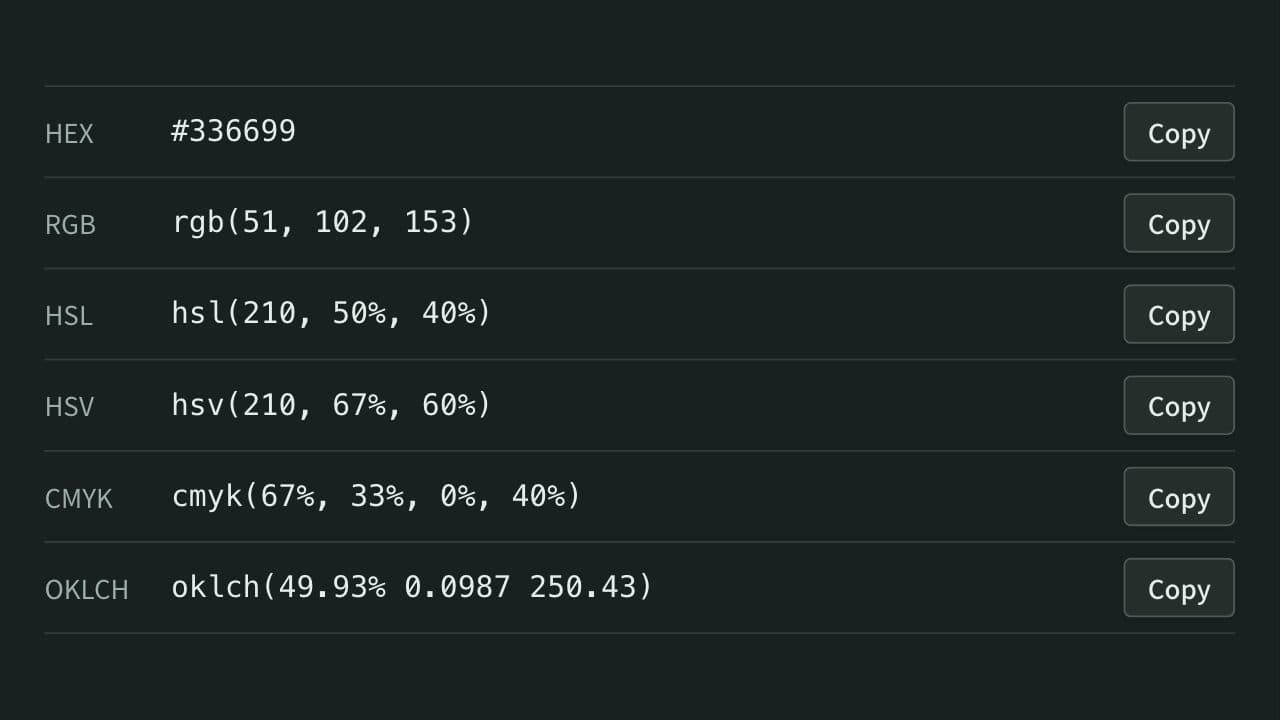
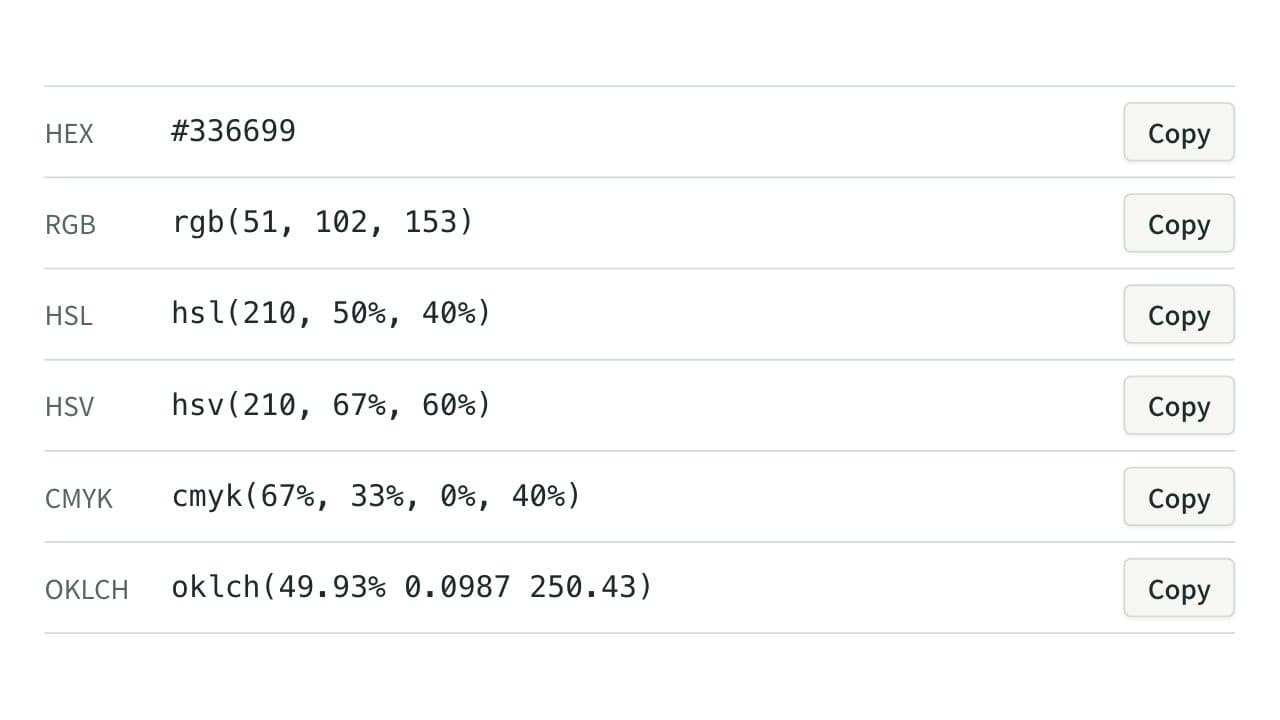
Convert colors between HEX, RGB, and HSL, and see them in HSV, CMYK, and OKLCH too, with a color picker, a live preview, and WCAG contrast ratios against white, black, or any text color you choose.
TOTP Generator (One-Time Passwords)
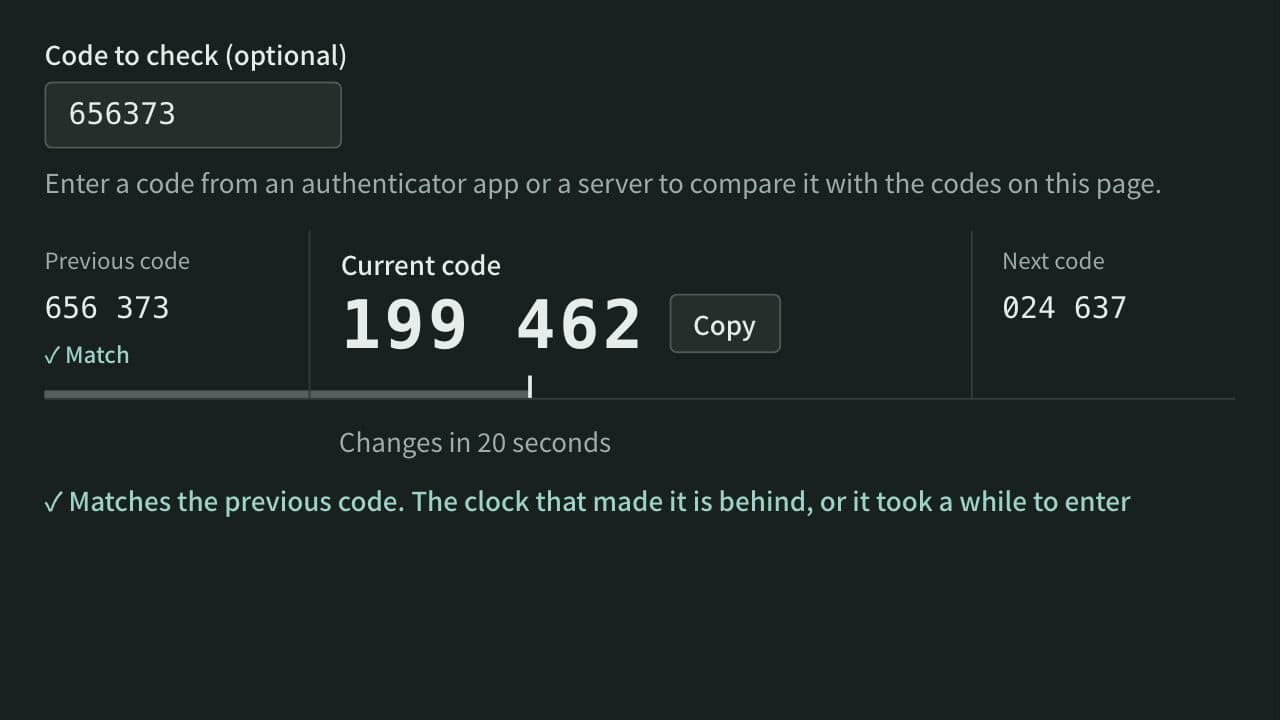
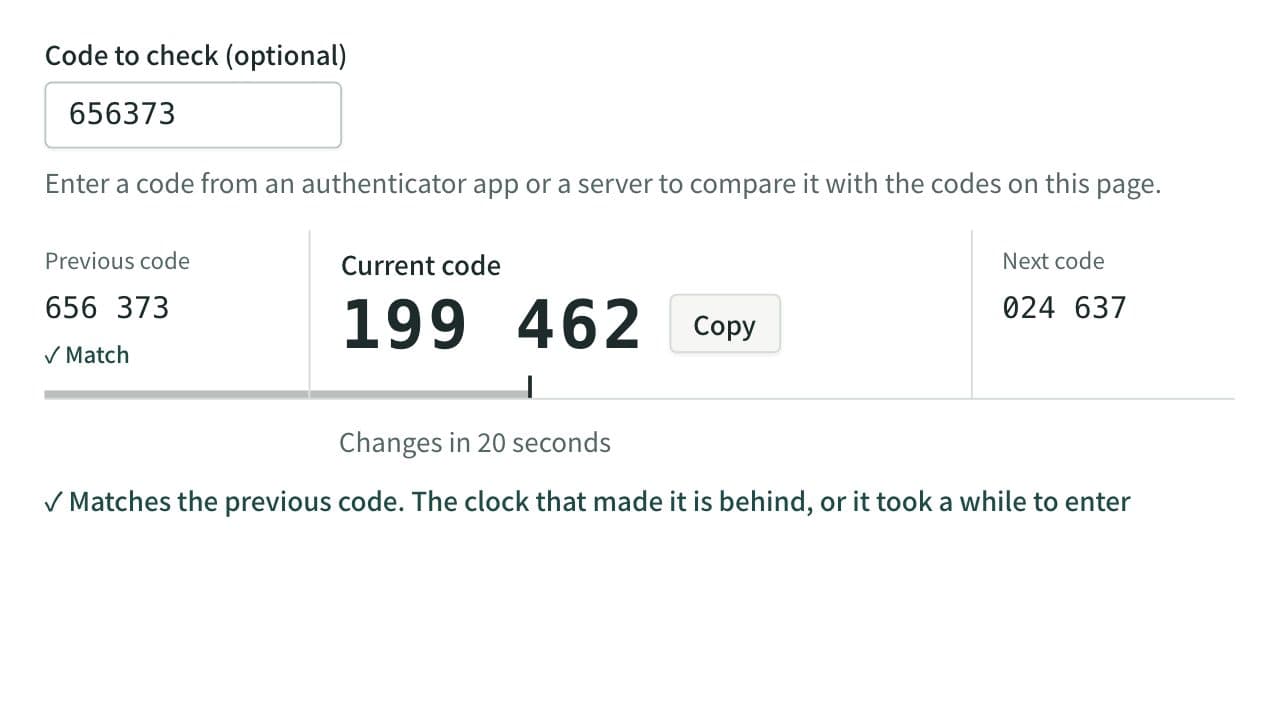
Calculate the 6-digit one-time passwords (TOTP) used for two-factor authentication from a Base32 secret, in your browser. Check a code against the ones around it, switch to SHA-256 or 8 digits, read or build otpauth:// URIs, and show a QR code for authenticator apps to scan.