BMI Calculator
Calculate BMI, the corresponding weight category, standard weight, and the normal weight range with the change needed to reach it from height and weight.
- BMI
- —
- Standard weight (BMI 22)
- —
- Normal weight range
- —
How to use
- Enter your height in centimeters in "Height (cm)"
- Enter your weight in kilograms in "Weight (kg)"
- BMI, category, standard weight, the normal weight range, and the change to reach it appear automatically
There is no calculate button. The result appears as soon as both fields hold a number greater than 0. Decimals are accepted (for example 170.5 or 65.2). While either field is empty, 0, or negative, BMI, standard weight, and the normal weight range stay at "—", and the change to reach normal is not shown.
Below the result, a scale marks the category boundaries (18.5, 25, 30, 35, and 40), and a vertical line stands where your BMI falls. The scale is drawn from 14 to 44; for a value beyond that, the line stops at the end.
How it is calculated
BMI is worked out from weight and height with the formula below. Height is converted to meters and then squared.
BMI = weight (kg) ÷ height (m) ÷ height (m)
Standard weight (kg) = 22 × height (m) × height (m)
For a height of 170 cm and a weight of 65 kg:
BMI = 65 ÷ 1.7 ÷ 1.7 = 22.49… → 22.5
Standard weight = 22 × 1.7 × 1.7 = 63.58 → 63.6 kg
BMI and standard weight are both rounded to one decimal place for display. Standard weight depends only on height, so changing the weight field does not change it.
Normal weight range and the change to reach it
"Normal weight range" gives, in 0.1 kg steps, the weights that put BMI at 18.5 or more and under 25 at your height.
Lower end = 18.5 × height (m) × height (m), rounded up to 0.1 kg
Upper end = the largest 0.1 kg step below 25 × height (m) × height (m)
At 170 cm, 18.5 × 1.7 × 1.7 = 53.465, so the lower end is 53.5. 25 × 1.7 × 1.7 = 72.25 is a BMI of exactly 25, which is "Obese (Class 1)", so the upper end is 72.2. The range reads 53.5–72.2 kg, and both ends are themselves in the normal category.
"Change to reach normal" shows the smallest amount, in 0.1 kg steps, to gain (+) or lose (−) from your current weight to be classified as normal. Because it counts from your current weight, the weight you reach can fall just outside the 0.1 kg ends shown for the range. For example, at 170 cm and 53.38 kg the change is +0.1 kg, and 53.48 kg has a BMI of about 18.51, which is normal. When you are already in the normal category, it reads "Within range". It shows "—" when the height is so small that every change in 0.1 kg steps jumps over the normal category, or the weight is so large that the change cannot be counted in 0.1 kg steps.
- Height
170, weight50→+3.5 kg(normal at 53.5 kg) - Height
170, weight80→−7.8 kg(normal at 72.2 kg) - Height
170, weight72.25→−0.1 kg(BMI is exactly 25, "Obese (Class 1)")
The range depends only on height, so changing the weight does not change it. The change is the distance to a category boundary, not a health goal.
Categories
The category follows the classification of the Japan Society for the Study of Obesity and has six levels.
- Below 18.5: Underweight
- 18.5 to under 25: Normal
- 25 to under 30: Obese (Class 1)
- 30 to under 35: Obese (Class 2)
- 35 to under 40: Obese (Class 3)
- 40 and above: Obese (Class 4)
A value exactly on a boundary belongs to the higher category. A BMI of exactly 25 is "Obese (Class 1)".
Examples
- Height
170, weight65→ BMI22.5, Normal, standard weight63.6 kg - Height
160, weight50→ BMI19.5, Normal, standard weight56.3 kg - Height
175, weight80→ BMI26.1, Obese (Class 1), standard weight67.4 kg - Height
165, weight90→ BMI33.1, Obese (Class 2), standard weight59.9 kg
Display near a boundary
The category is decided from the BMI before rounding. Because of that, the displayed number and the category can look inconsistent.
- Height
170, weight72.2→ shown as25.0, but the actual value is about 24.98, so the category is "Normal" - Height
160, weight47.3→ shown as18.5, but the actual value is about 18.48, so the category is "Underweight"
When the displayed number is exactly a boundary value, take it as an effect of rounding.
FAQ
What criteria does the classification use?
The classification of the Japan Society for the Study of Obesity (JASSO). Underweight: below 18.5; Normal: 18.5 to under 25; Obese (Class 1–4): 25 and above in steps of 5.
Why does the result differ from the WHO classification?
In the WHO (World Health Organization) classification, 25 to under 30 is "overweight", and "obese" starts at 30. This app uses the JASSO classification, so it shows 25 and above as "Obese (Class 1)". The BMI number itself is the same under either standard.
What is standard weight?
The weight at which BMI is exactly 22. It is shown as a rough guide; a suitable weight varies with build and muscle mass.
Can I enter height in meters or feet?
No. Enter height in centimeters and weight in kilograms. For a height of 1.7 m, enter 170.
Why is the top of the normal weight range a little below 25 × height²?
Normal means a BMI under 25, and a weight that gives exactly 25 is "Obese (Class 1)". So that both ends shown are classified as normal, the upper end is the last 0.1 kg step below that weight. A weight between the shown upper end and 25 × height² (72.21 to 72.24 kg at 170 cm) is also classified as normal.
Can children or pregnant people use this?
The calculation works, but the categories are meant for adults. They do not apply as they are to growing children or during pregnancy.
Why do I see “The result is outside the supported numeric range”?
This appears when extremely large or small inputs produce a BMI or standard weight that the browser cannot represent as a number. Check the height and weight values you entered.
Is my data saved?
No. The calculation runs entirely in the browser, and your height and weight are never sent to a server. The inputs disappear when you reload the page.
- Type
- Utility
- Category
- Calculators
- Tags
- bmi
- health
- weight
- calculator
Related apps
BMR Calculator
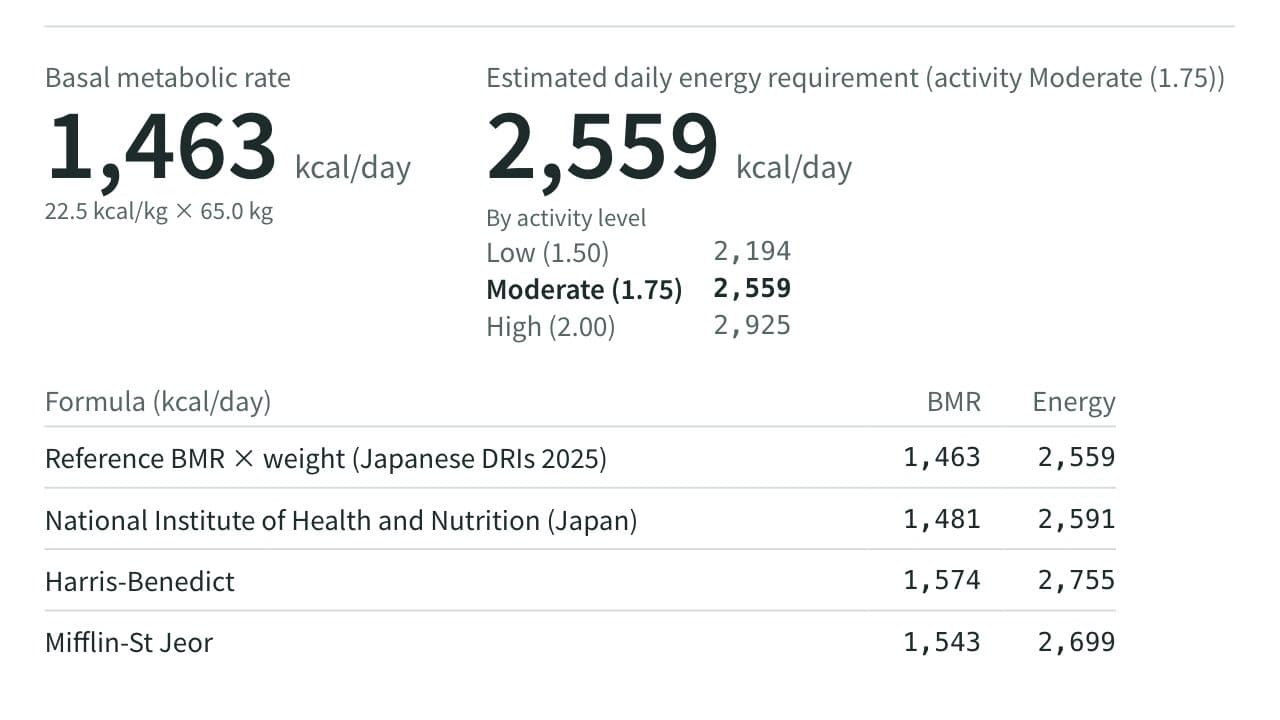
Calculate your basal metabolic rate from sex, age, height, and weight, with the estimated daily energy requirement at low, moderate, and high activity levels and at a target weight. Compare the Japanese DRIs 2025 reference values, the National Institute of Health and Nutrition (Japan) equation, Harris-Benedict, Mifflin-St Jeor, and Katch-McArdle from body fat.
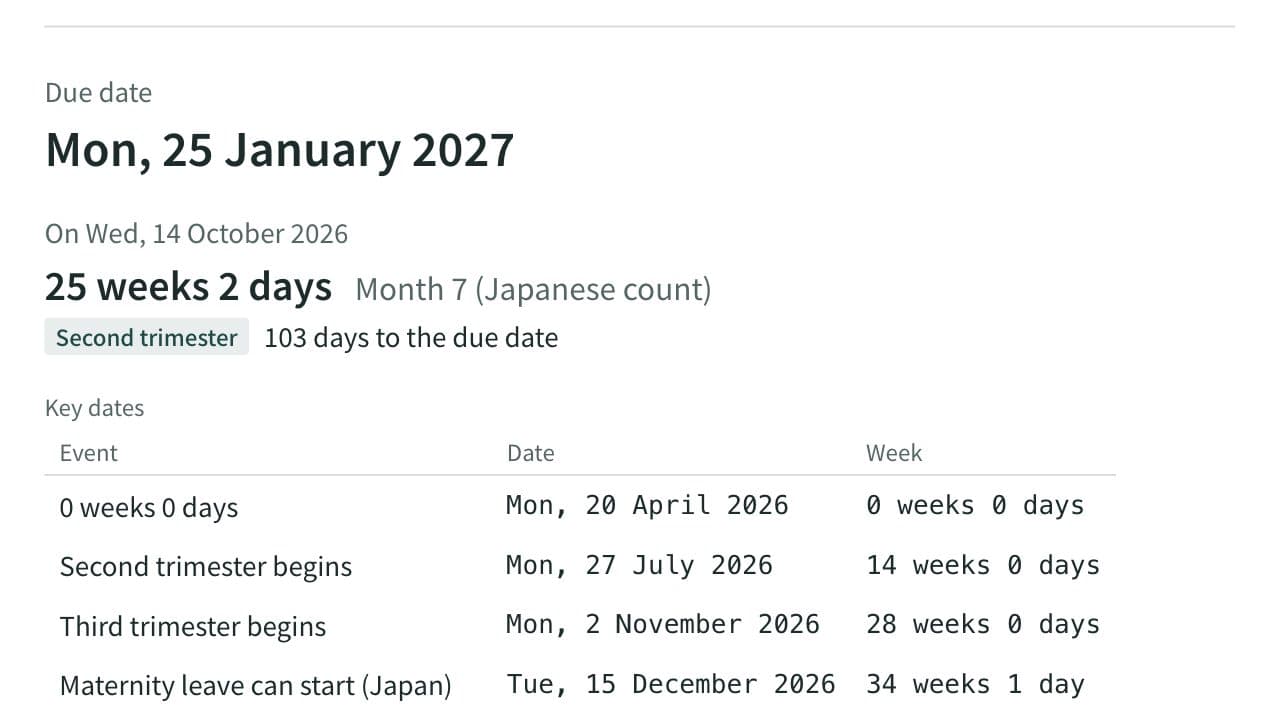
Due Date and Pregnancy Week Calculator (Japan)
Work out the due date, today's week of pregnancy, the Japanese pregnancy month and the trimester from the last period, a known due date, ovulation or an embryo transfer, with cycle length, term dates, Japanese maternity leave dates and the standard schedule of prenatal checkups.
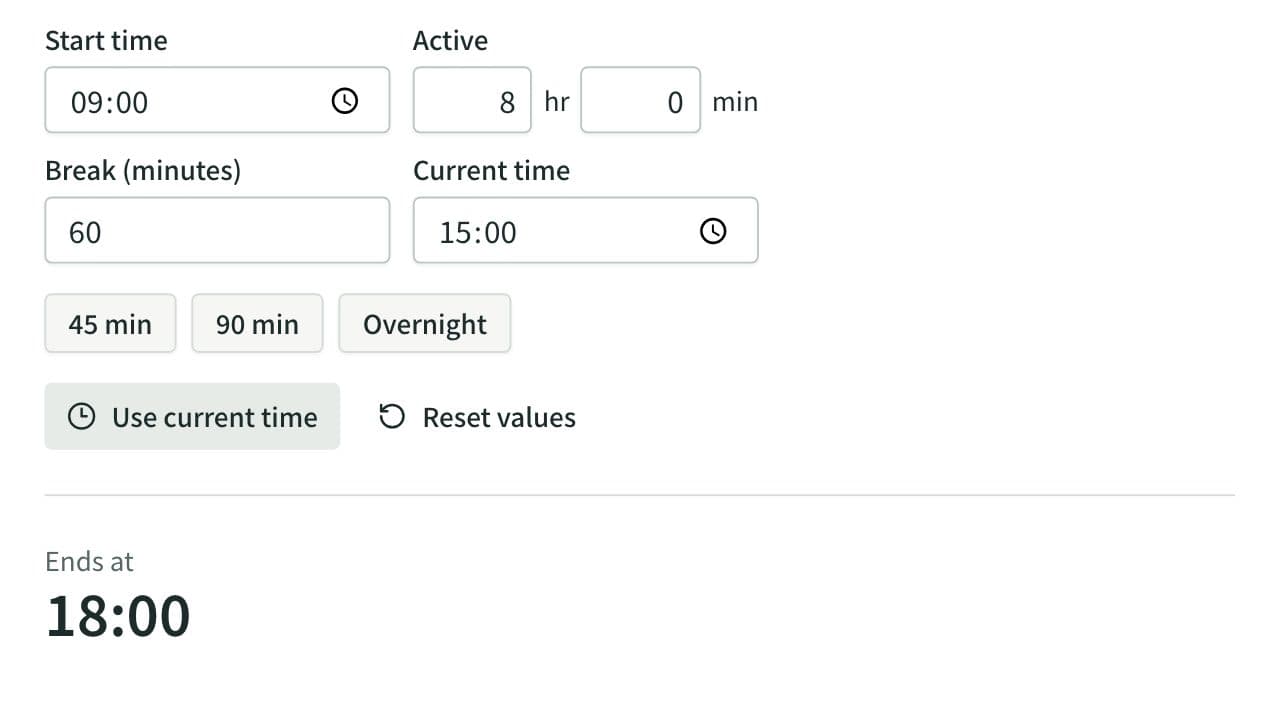
Elapsed Time Calculator
Calculate elapsed, remaining, and active time from start, end, current time, and breaks, or work out the end time from the active time. Also adds and subtracts durations such as 1:30 or 2h 15m and converts them to decimal hours.