Case Converter
Convert text to UPPER, lower, Title, camelCase, PascalCase, snake_case, CONSTANT_CASE and kebab-case in real time. All nine results are listed in one table to compare at a glance, several lines are converted line by line, and each row has its own copy button.
Examples (hello world example)
| Style | Result | Copy |
|---|---|---|
| UPPER CASE | HELLO WORLD EXAMPLE | |
| lower case | hello world example | |
| Title Case | Hello World Example | |
| Sentence case | Hello world example | |
| camelCase | helloWorldExample | |
| PascalCase | HelloWorldExample | |
| snake_case | hello_world_example | |
| CONSTANT_CASE | HELLO_WORLD_EXAMPLE | |
| kebab-case | hello-world-example |
How to use
- Enter the text you want to convert in the upper text area
- The "Results" table below lists the result of each of the nine modes on its own row. The left column names the mode, and every row updates whenever the input changes
- Press "Copy" at the right end of a mode's row to put that row's result on the clipboard
While the input is empty, the table shows hello world example converted as examples in faint text. The examples cannot be copied.
When a mode's result is longer than six lines, scroll inside that row to see the rest. "Scroll for the rest" appears under the box.
If you enter variable or column names one per line, each line is converted separately and the results come out in the same order.
The nine modes
These are the results for the input hello world example.
UPPER CASE:HELLO WORLD EXAMPLE(all uppercase)lower case:hello world example(all lowercase)Title Case:Hello World Example(first letter of each word uppercase, the rest lowercase)Sentence case:Hello world example(only the start of each sentence uppercase)camelCase:helloWorldExample(words joined, with the second and later words capitalized)PascalCase:HelloWorldExample(words joined, with every word capitalized, including the first)snake_case:hello_world_example(lowercase, joined with_)CONSTANT_CASE:HELLO_WORLD_EXAMPLE(uppercase, joined with_)kebab-case:hello-world-example(lowercase, joined with-)
UPPER CASE and lower case keep the shape of the input, including spaces and line breaks. Sentence case also leaves spaces and line breaks alone. Title Case, camelCase, PascalCase, snake_case, CONSTANT_CASE, and kebab-case split the input into words one line at a time and then put them back together. As long as at least one line holds a word, the line breaks and the number of lines stay as they are in the input.
How words are split
The six word-based modes treat the following as word boundaries within a line.
- Spaces and tabs (including full-width spaces)
- The hyphen
-and the underscore_ - The position where an uppercase English letter follows a lowercase English letter or a digit (
helloWorldsplits intohelloandWorld)
Repeated separators count as one, and the separator characters do not appear in the result. This makes it possible to convert between naming conventions for identifiers.
userProfileImage URL→ snake_case:user_profile_image_urluser_id-list name→ camelCase:userIdListNameversion2Beta item10Count→ kebab-case:version2-beta-item10-countuser_profile_image→ PascalCase:UserProfileImagemaxRetryCount→ CONSTANT_CASE:MAX_RETRY_COUNT
A period is not a separator. user.name first in snake_case is user.name_first.
Converting several lines
The six word-based modes convert each line separately. Suppose you enter these four lines (the third one is blank).
user name
createdAt

is-active
- snake_case: the four lines
user_name,created_at, a blank line, andis_active - camelCase: the four lines
userName,createdAt, a blank line, andisActive - CONSTANT_CASE: the four lines
USER_NAME,CREATED_AT, a blank line, andIS_ACTIVE
camelCase starts the first word of every line in lowercase. Blank lines, and lines that hold only spaces or separator characters, stay as blank lines. Spaces at the start and end of a line do not appear in the result. If no line holds a word, the result is empty.
UPPER CASE and lower case never change line breaks. Sentence case splits sentences at ., !, and ? rather than at line breaks, so it does not capitalize a letter just because it starts a line.
Things to keep in mind
- Acronyms written in consecutive capitals are not split inside.
XMLHttpRequestbecomes the two wordsXMLHttpandRequest, so snake_case givesxmlhttp_request, CONSTANT_CASE givesXMLHTTP_REQUEST, PascalCase givesXmlhttpRequest, and Title Case givesXmlhttp Request.getHTTPResponsebecomesget_httpresponse. To getxml_http_request, type the input with spaces asXML Http Request - The six word-based modes do not join several lines into one name. To build
first_line_second_linefrom the two linesfirst lineandsecond line, replace the line break with a space so the input is one line - Sentence case does not capitalize the start of a line. In input with one sentence per line, such as a bulleted list, the second and later lines keep a lowercase first letter (unless the line before ends with
.,!, or?) - Title Case capitalizes every word, including short ones such as
a,the, andof. Hyphens are replaced with spaces, sorock-and-rollbecomesRock And Roll - Sentence case lowercases everything, then capitalizes the first letter of the text and any letter that follows
.,!, or?and a space.HELLO WORLD. this is a TEST! is it ok?becomesHello world. This is a test! Is it ok?. Proper nouns and the pronounIare lowercased too, so review the result - The first word in camelCase is lowercase. Use PascalCase to capitalize the first word as well. Both lowercase everything after the first letter of a word, so
userIDbecomesuserIdin camelCase andUserIdin PascalCase - "Copy" copies only the result of the mode on its row. It cannot be pressed while that mode's result is empty (the row shows "—"). After a successful copy that row's button reads "Copied", and it goes back after about 1.5 seconds, when that row's result becomes different from the copied text, or when another row's "Copy" is pressed. If the browser does not allow writing to the clipboard, the button does not change, so select the text in the table and copy it
- The text you enter is only converted inside the browser and is not sent anywhere
FAQ
How are camelCase and snake_case word boundaries detected?
Spaces, hyphens, and underscores are boundaries, and so is a change from a lowercase English letter or a digit to an uppercase English letter (for example helloWorld). A line break separates lines rather than words, and each line is converted on its own.
What happens to text that contains Japanese?
Characters without case, such as hiragana and kanji, are not changed. In the six word-based modes, however, spaces are still treated as separators. 東京 Tower は tall in snake_case becomes 東京_tower_は_tall.
Are full-width letters converted?
Yes. UPPER CASE turns the full-width full into FULL. The app does not convert full-width letters to half-width ones. Use the Fullwidth and Halfwidth Converter for that.
Can I convert several lines to snake_case at once?
Yes. Title Case, camelCase, PascalCase, snake_case, CONSTANT_CASE, and kebab-case convert each line separately. When you enter the two lines first line and second line, the snake_case row shows the two lines first_line and second_line. Blank lines stay blank, so a column pasted from a spreadsheet keeps its rows aligned.
Can it convert to PascalCase or CONSTANT_CASE?
Yes. PascalCase is camelCase with the first word capitalized too, so user profile becomes UserProfile. CONSTANT_CASE splits the input into words, uppercases each word, and joins them with underscores, so max retry count becomes MAX_RETRY_COUNT.
How do I copy the result?
Press "Copy" at the right end of the mode's row. It copies that row's result only. To get the result of another mode as well, press "Copy" on that row.
Is the text I enter saved?
No. Nothing is stored, and both the input and the result disappear when you reload the page.
- Type
- Utility
- Category
- Text
- Tags
- text
- case
- writing
- converter
Related apps
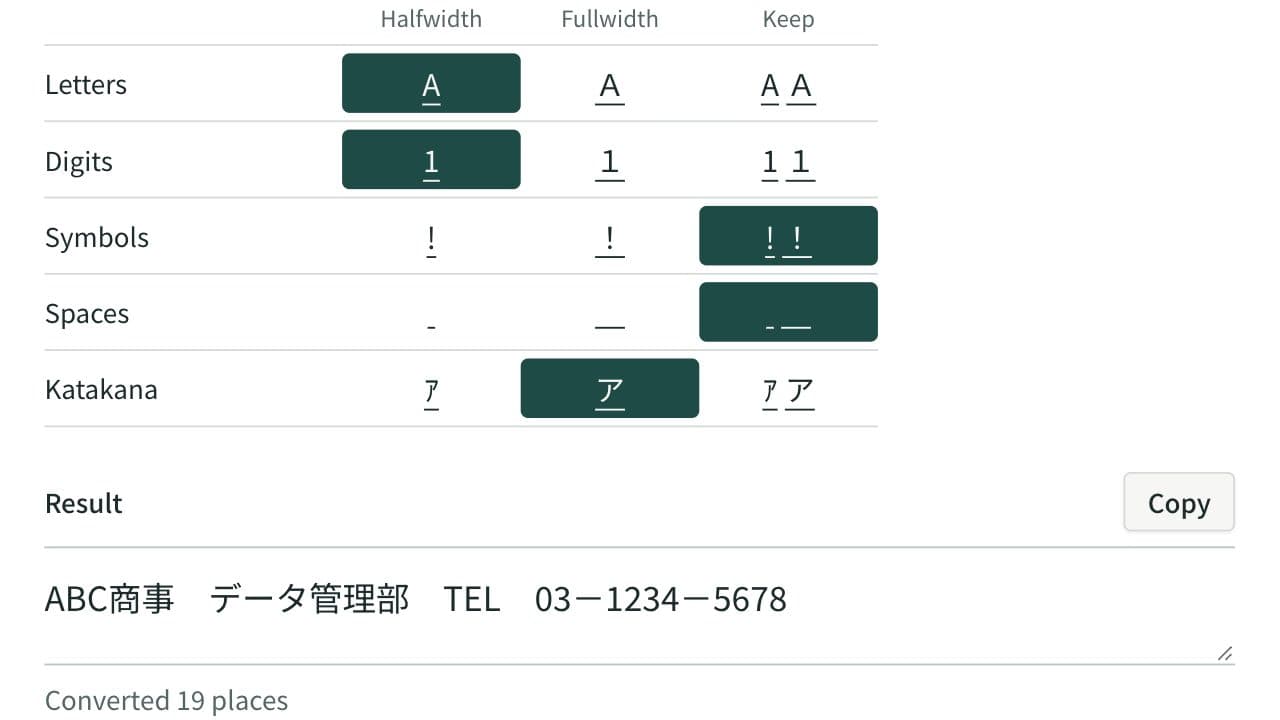
Fullwidth and Halfwidth Converter
Convert letters, digits, symbols, spaces and katakana between fullwidth and halfwidth, choosing the width for each kind so mixed Japanese text is tidied in one pass.
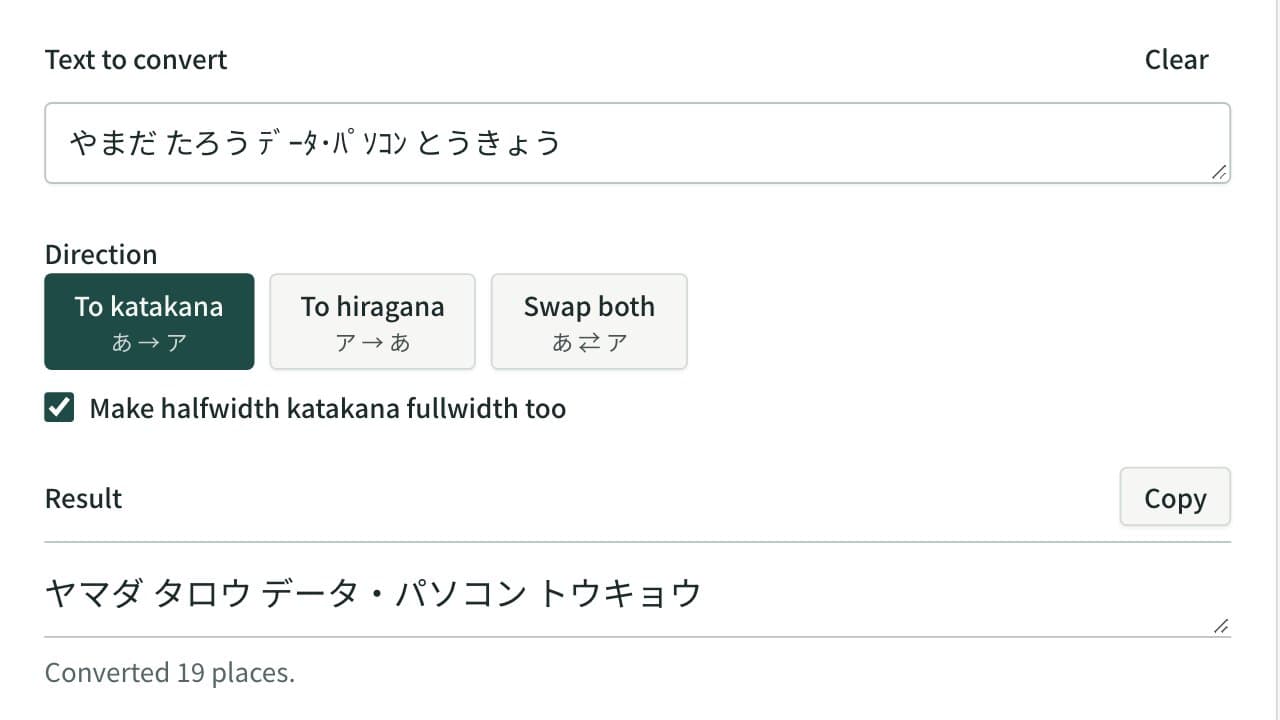
Hiragana and Katakana Converter
Convert hiragana to katakana, katakana to hiragana, or swap both in one pass. Halfwidth katakana can become fullwidth katakana or hiragana, and kana with a separate voiced mark are joined.
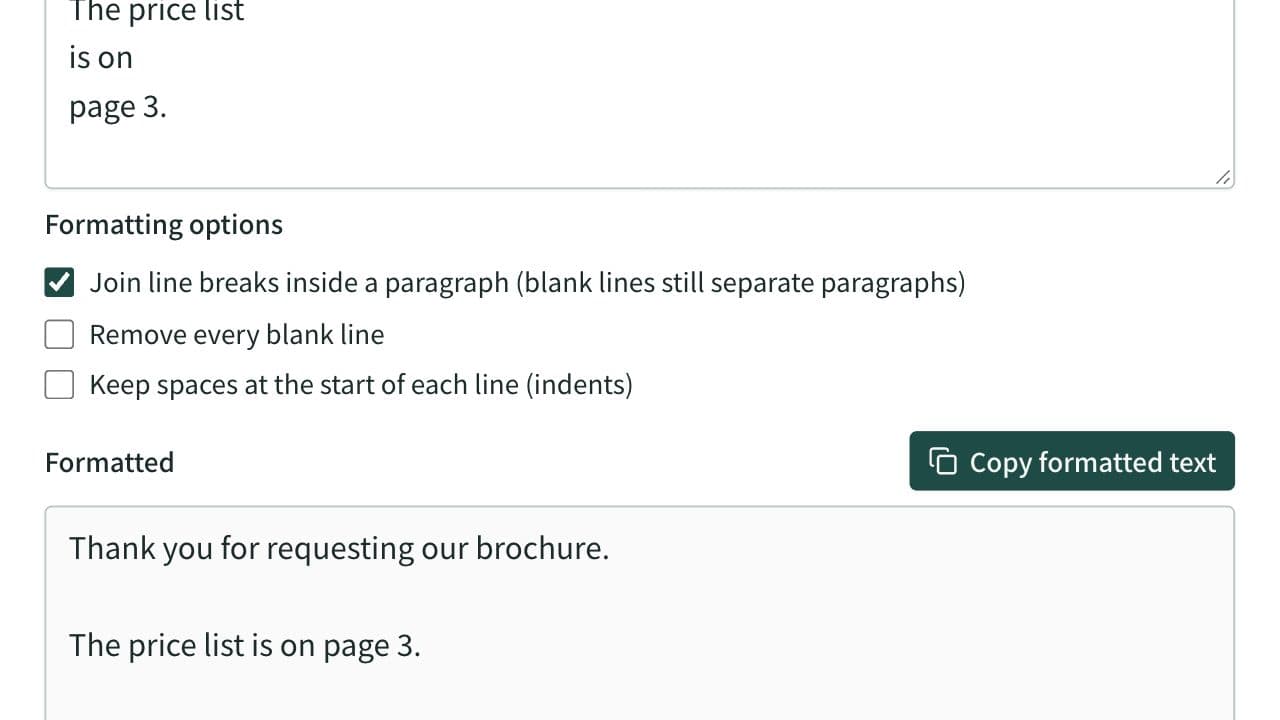
Text Formatter
Clean up extra spaces and blank lines, optionally join the line breaks of text pasted from a PDF and remove spaces between Japanese characters, check text counts, and copy the result.