Fullwidth and Halfwidth Converter
Convert letters, digits, symbols, spaces and katakana between fullwidth and halfwidth, choosing the width for each kind so mixed Japanese text is tidied in one pass.
How to use
- Type or paste your text into "Text to convert"
- Pick a preset. "Halfwidth letters and digits, fullwidth katakana" is selected at first
- For finer control, choose "Halfwidth", "Fullwidth" or "Keep" for each of letters, digits, symbols, spaces and katakana
- The result updates whenever the text or a setting changes, along with the number of places converted for each kind
- Check which characters became what in the "Converted characters" table below the result
- Press "Copy" to copy the result
Your text is never sent outside your browser and is not stored.
Example
Enter the following text.
ABC商事 データ管理部 TEL:03-1234-5678
- Halfwidth letters and digits, fullwidth katakana:
ABC商事 データ管理部 TEL:03-1234-5678 - All halfwidth:
ABC商事 データ管理部 TEL:03-1234-5678 - All fullwidth:
ABC商事 データ管理部 TEL:03-1234-5678
The first preset leaves symbols (: and -) and spaces alone. To make the hyphens in the phone number halfwidth too, set "Symbols" to "Halfwidth".
Checking what was converted
Below the result, the number of places converted is shown for each kind, such as "Converted 19 places (letters 6, digits 10, katakana 3)". That is what the example above shows with "Halfwidth letters and digits, fullwidth katakana".
The "Converted characters" table under it lists each character before and after, one row per character. However many times a character appears, it gets one row, and "Count" shows how many times. The example above gives 18 rows, such as A → A, 0 → 0 and デ → デ. 3 appears twice, so it is one row with a count of 2.
- Rows follow the order letters, digits, symbols, spaces, katakana, and within a kind, characters that appear earlier in the text come first
- Each character is underlined across its own width, so you can compare fullwidth and halfwidth
- A space is shown by its underline alone. Screen readers read it as "fullwidth space" or "halfwidth space"
- A katakana whose sound mark is a separate character (as in macOS file names) is marked "separate sound mark". It looks the same as
ガbut was typed as two characters,カand the mark - With 9 or more rows, the table scrolls inside its box
- Characters that were not converted (hiragana, kanji, and kinds set to "Keep") are not listed
Characters that are converted
Each kind covers the characters below. Anything not listed stays as it is under every setting.
- Letters:
AtoZ,atoz, and fullwidthAtoZ,atoz - Digits:
0to9and fullwidth0to9 - Symbols: the halfwidth symbols from
!to~(! " # $ % & ' ( ) * + , - . / : ; < = > ? @ [ \ ] ^ _ { | } ~and`) and their fullwidth forms, plus the yen signs¥and¥ - Spaces: the halfwidth space and the fullwidth (ideographic) space. Tabs and line breaks are left alone
- Katakana: halfwidth katakana (
アtoン, smallァ,ッand so on) and fullwidth katakana. The long vowel marksーandー, and Japanese punctuation and brackets (。、「」・and。、「」・), belong here too
When halfwidth katakana becomes fullwidth, a voiced or semi-voiced sound mark is joined to the character before it (ガ → ガ, パ → パ, ヴ → ヴ). Going to halfwidth splits it into two characters (ガ → ガ). A sound mark that follows a katakana as a separate character (a halfwidth ゙ after a fullwidth カ, or the detached marks in macOS file names) is treated as part of that katakana in the same way.
Common uses
- Making an address book or customer list consistent: the first preset evens out text typed by different people in one pass
- Matching a form's rules: set each kind separately for rules such as "name reading in fullwidth katakana" or "phone number in halfwidth digits"
- Writing a bank transfer name in halfwidth katakana: set "Katakana" to "Halfwidth". Hiragana is not converted, so type the name in katakana first
- Removing fullwidth spaces before pasting into code or a CSV file: set "Spaces" to "Halfwidth" and everything else to "Keep"
FAQ
Are hiragana and kanji converted?
No. Neither has a halfwidth form. Turning hiragana into katakana is not supported either.
Do characters such as ①, ㈱ or ㎡ change?
No. Only characters that come as a fullwidth and halfwidth pair are converted. Circled numbers and combined characters are never replaced with something else.
How are the wave dash 〜 and the fullwidth tilde ~ handled?
Setting "Symbols" to "Halfwidth" turns both into ~. They look almost the same but are different characters, and which one you get depends on the keyboard and operating system. Going to fullwidth turns ~ into the fullwidth tilde ~.
How are the yen sign and the backslash handled?
As separate characters: ¥ pairs with ¥, and \ pairs with \. Japanese fonts sometimes draw \ in the shape of a yen sign, but the character is still a backslash.
Why do ” and ’ stay as they are?
“, ”, ‘ and ’ are curly quotation marks, which are different characters and not a fullwidth and halfwidth pair. The fullwidth " and ' do become " and '.
What happens to ヷ and ヮ?
ヷ and ヺ become ヷ and ヺ in halfwidth. ヮ, ヰ, ヱ, ヵ and ヶ have no halfwidth form, so they stay as they are.
Is my data stored anywhere?
No. Everything runs in your browser and disappears when you reload the page.
- Type
- Utility
- Category
- Text
- Tags
- text
- zenkaku
- hankaku
- fullwidth
- halfwidth
- katakana
- converter
- writing
Related apps
Hiragana and Katakana Converter
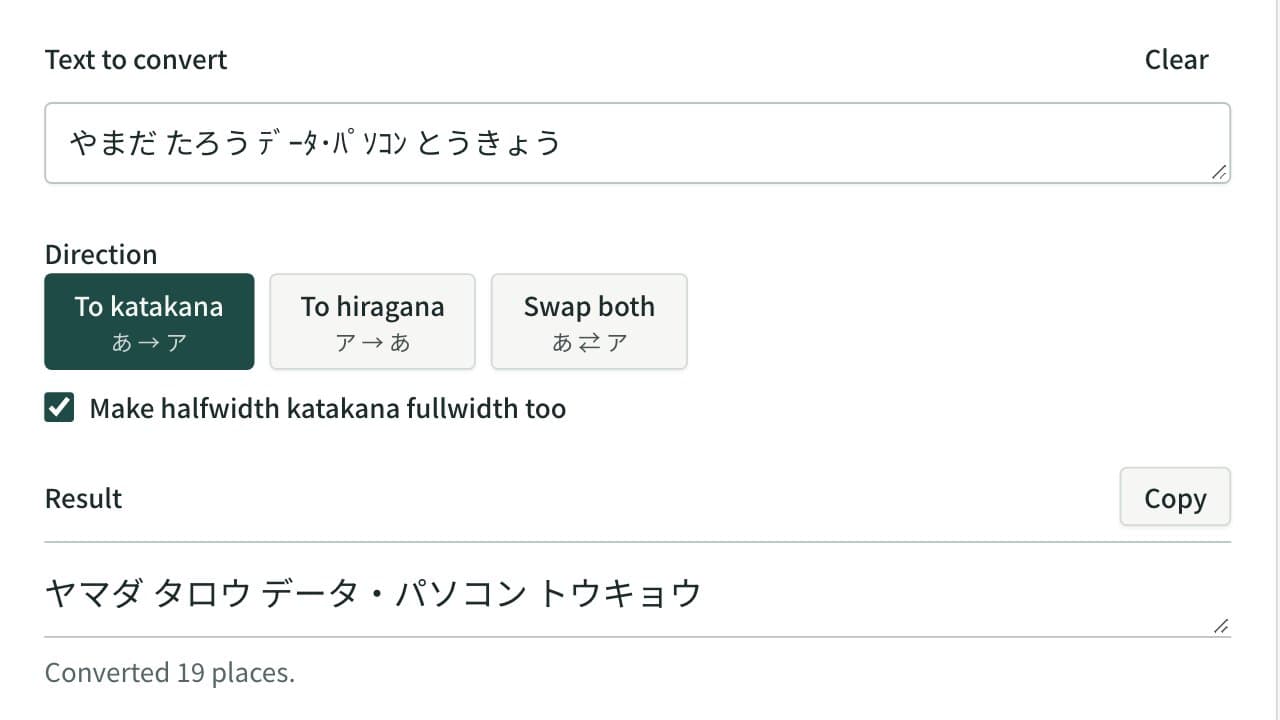
Convert hiragana to katakana, katakana to hiragana, or swap both in one pass. Halfwidth katakana can become fullwidth katakana or hiragana, and kana with a separate voiced mark are joined.
Line Sorter and Duplicate Remover
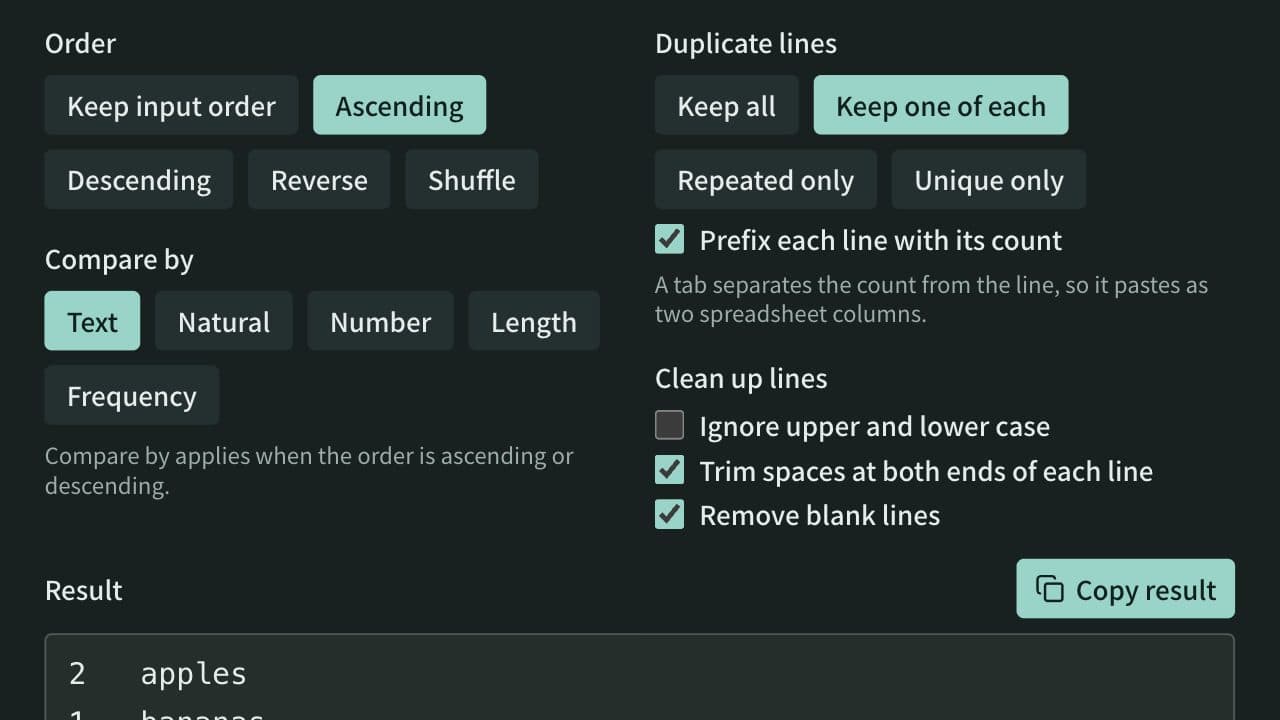
Sort a one-item-per-line list ascending, descending, reversed, or shuffled, and remove duplicate and blank lines. Spreadsheet tables and CSV can be sorted by a chosen column with the header line kept on top. Can also list only repeated or only unique lines and count how often each line appears.