Calendar Event Creator (ICS File & Add-to-Google-Calendar Link)
Create an .ics file for Apple Calendar, Outlook and Google Calendar, plus add-to-calendar links for Google and Outlook. Supports all-day events, repeats (weekdays, nth weekday, count, end date), reminders and time zones.
Advanced (UID)
Enter a UID
Importing an .ics file with the same UID again makes Apple Calendar, Outlook and others update the event instead of adding a copy. To send out a corrected event, paste the value of the earlier file's “UID:” line here before saving.
Your event
Getting ready…
How to use
- Enter a title. Location, URL and notes are optional. A URL is also added to the end of the notes, because Google Calendar ignores the URL field of an .ics file.
- Under "Date and time", pick the start and end. Moving the start moves the end with it, keeping the length. The "30 min", "1 h" and other buttons set the end that long after the start. For a whole day, or a holiday or trip over several days, tick "All-day event". The end date of an all-day event is its last day (for example, through November 4).
- "Time zone" is the clock the event's time belongs to. It starts as this browser's time zone. For an online meeting across countries, choose the organizer's zone; people elsewhere see it at their own local time. "None" keeps the same clock time wherever the event is opened (for example, medicine at 7 a.m.).
- For a repeating event, choose daily, weekly, monthly or yearly under "Repeat", then the interval (every 2 weeks and so on), the days of the week, how a monthly event is placed (day 20, the third Tuesday, the last Friday, or the last day of the month), and when it ends (after a number of times or on a date). The result lists the first five dates and the total number of times, so you can check the rule does what you meant.
- "Reminders" alert you a number of minutes, hours or days before the start. For an all-day event, a reminder is a number of days before at a time of day, such as 1 day before at 9:00. You can add up to five.
- Save the file with "Save ….ics", or open the "Google Calendar" or "Outlook" link to add the event there.
Everything you enter is processed in your browser and sent nowhere; it is gone when you close the page. The calendar links only open each calendar's site in a new tab when you press them.
Importing an .ics file
An .ics (iCalendar) file is the common format for exchanging events (RFC 5545), and almost every calendar can read it. An imported event becomes an ordinary event in your calendar, no longer tied to the file.
- iPhone and iPad: open the .ics attached to a mail or message, or open the saved file from the Files app, then tap "Add".
- Mac: double-click the .ics to open Calendar and choose the calendar to add it to.
- Google Calendar: in a computer browser, go to Settings, then "Import & export", and choose the file. The phone apps cannot import files, so use the "Google Calendar" link on a phone. Google Calendar ignores the reminders in an imported .ics and adds your default reminders instead.
- Outlook for Windows or Mac: open the .ics, or drag it onto the calendar.
- Outlook.com and Microsoft 365 on the web: choose "Add calendar", then "Upload from file".
To send an event to others, attach the .ics to a mail or chat message, or paste the Google Calendar link. Links cannot carry reminders, and Outlook links cannot carry the repeat rule either (a limit of each service's links). Apple Calendar has no add-event link, so attach the .ics for Apple users.
Example
A "Team meeting" in Room A every Monday from 10:00 to 11:00, from November 2, 2026 through March 29, 2027, with a reminder 10 minutes before. The saved .ics file looks like this (the UID and DTSTAMP change each time).
BEGIN:VCALENDAR
VERSION:2.0
PRODID:-//App Museum//ICS Event Generator//EN
CALSCALE:GREGORIAN
METHOD:PUBLISH
BEGIN:VTIMEZONE
TZID:Asia/Tokyo
BEGIN:STANDARD
DTSTART:19700101T000000
TZOFFSETFROM:+0900
TZOFFSETTO:+0900
END:STANDARD
END:VTIMEZONE
BEGIN:VEVENT
UID:8f1c2b9e-1d2a-4c7e-9a43-6b1f0e5d3c21@app-museum
DTSTAMP:20261017T030000Z
DTSTART;TZID=Asia/Tokyo:20261102T100000
DTEND;TZID=Asia/Tokyo:20261102T110000
RRULE:FREQ=WEEKLY;UNTIL=20270329T145959Z;BYDAY=MO
SUMMARY:Team meeting
LOCATION:Room A
TRANSP:OPAQUE
BEGIN:VALARM
ACTION:DISPLAY
DESCRIPTION:Team meeting
TRIGGER:-PT10M
END:VALARM
END:VEVENT
END:VCALENDAR
What the main lines mean:
DTSTART/DTEND: the start and end.TZID=Asia/Tokyosays the times are on Tokyo's clock, andVTIMEZONEdefines that zone. For a zone with daylight saving time, the rules for when it starts and ends are written intoVTIMEZONEtoo, so a repeating event keeps its local time across the change.RRULE: the repeat rule.FREQ=WEEKLY;BYDAY=MOis every Monday, andUNTILis the end of the last day (23:59:59 in Tokyo, written in UTC).VALARM: a reminder.TRIGGER:-PT10Mis 10 minutes before the start. "1 day before at 9:00" for an all-day event is 15 hours before midnight of the start date, so it becomes-PT15H.- An all-day event is written with dates only, such as
DTSTART;VALUE=DATE:20261102, and itsDTENDis the day after the last day (an iCalendar rule). - A
,,;,\or line break in the title and other text is written with a\in front, such as\,, and lines longer than 75 bytes are folded, never inside a multi-byte character.
FAQ
Why is my event on the 31st missing in some months?
iCalendar skips months that do not have that day (30-day months and February), and calendar apps do the same. For the last day of every month, start on a month's last day (for example, November 30) and choose "The last day of the month". Likewise, a yearly event starting on February 29 only occurs in leap years.
Why must the weekly days include the start date's day of the week?
iCalendar counts the start date itself as the first occurrence, but calendars disagree about a start date that does not fit the rule: some show it and some do not. To avoid the mismatch, start on one of the chosen days.
Will a meeting in a zone with daylight saving time shift?
No. The start and end are written on that zone's clock, with its daylight saving rules in VTIMEZONE, so later meetings stay at the same local time after the change. Seen from a zone without daylight saving, such as Japan, the time moves by an hour around the change. A time skipped when daylight saving starts (2:00 to 2:59 on the second Sunday of March in the US, for example) does not exist, and choosing it shows a warning.
Can I send out a corrected event without it being added twice?
Import a file saved again with the same UID as the earlier one, and Apple Calendar and Outlook update the existing event. A new UID is made each time the page opens, so correct the event with the page still open, or open the earlier file in a text editor and paste the value of its UID: line into "Advanced (UID)" before saving. Each edit gives the file a newer timestamp (DTSTAMP). Google Calendar's import may not update an event even with the same UID.
Can it make invitations that collect replies?
No. This tool makes an event for people to add to their own calendar (METHOD:PUBLISH). To invite people and collect replies, create the event in Google Calendar or Outlook and add guests there.
Is the event I enter sent anywhere?
No. The file and links are made in your browser. Only when you press a "Google Calendar" or "Outlook" link does that site open, with the event in its URL.
- Type
- Utility
- Category
- Developer
- Tags
- ics
- icalendar
- calendar
- google-calendar
- outlook
- event
- generator
- schedule
Related apps
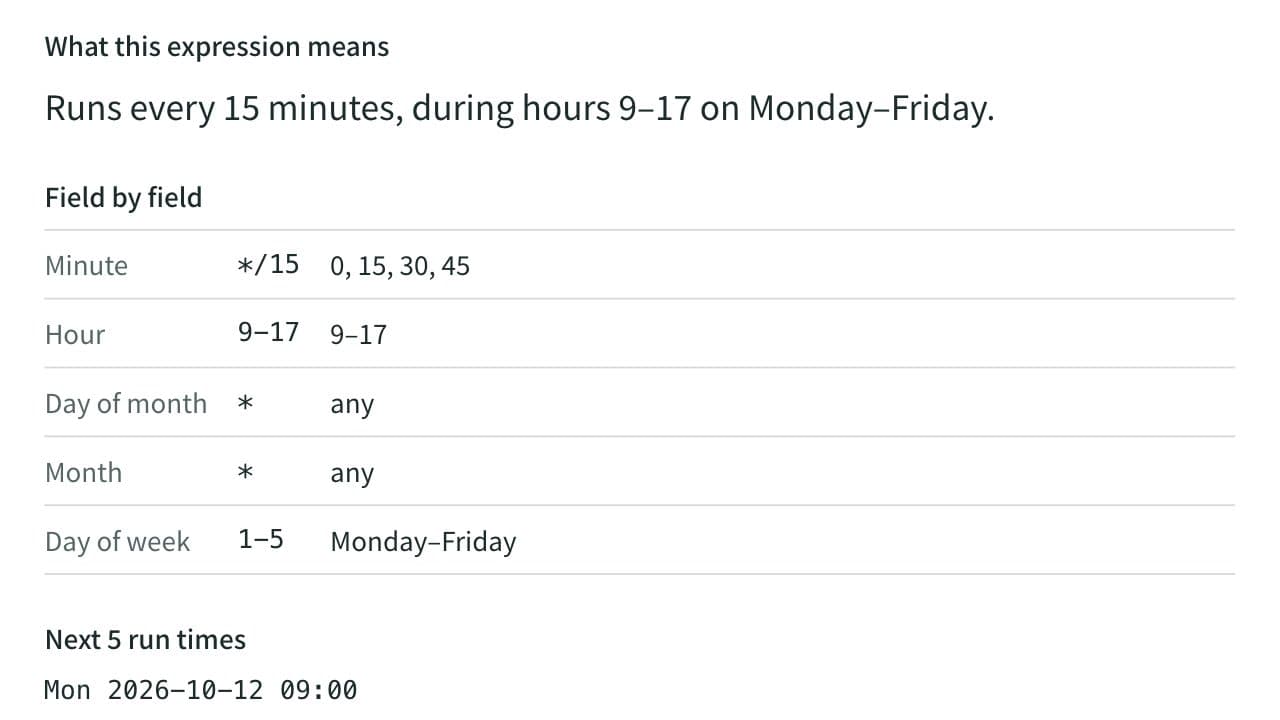
Cron Expression Parser
Turn a cron expression into a plain-English description and list its next run times, or build one by choosing a schedule such as every day or every week. A mistake is reported with the field that caused it.
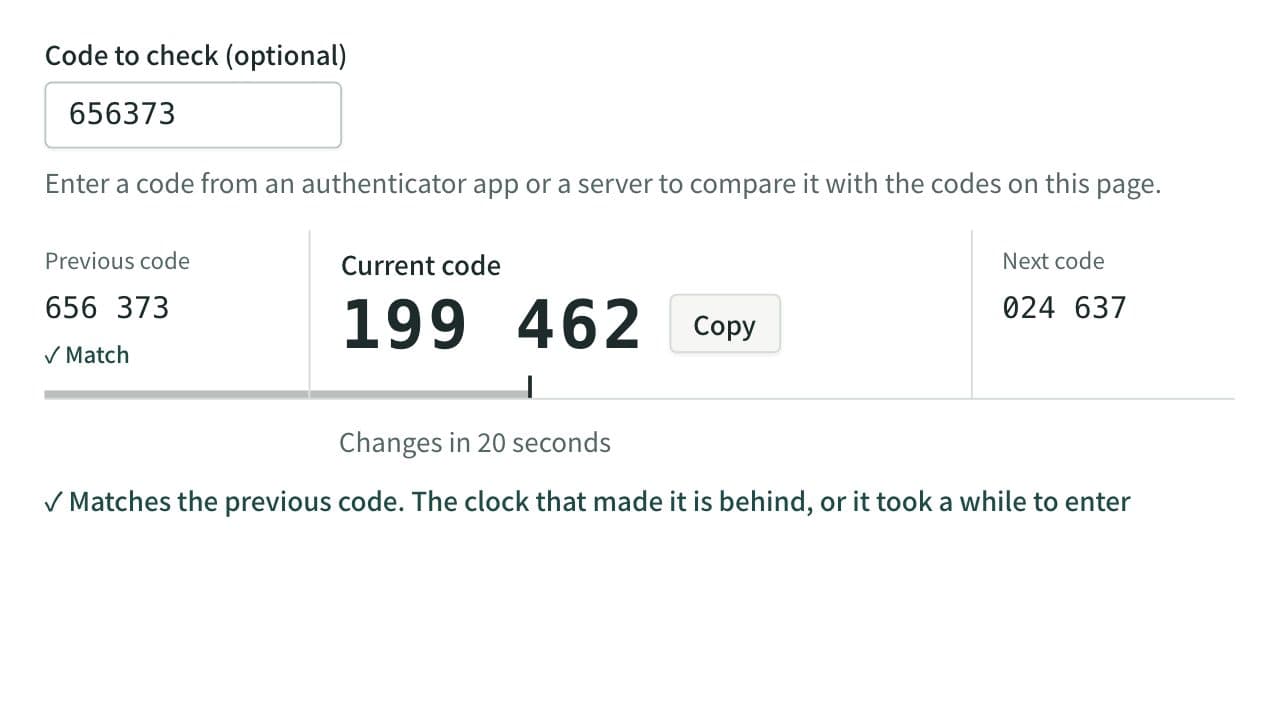
TOTP Generator (One-Time Passwords)
Calculate the 6-digit one-time passwords (TOTP) used for two-factor authentication from a Base32 secret, in your browser. Check a code against the ones around it, switch to SHA-256 or 8 digits, read or build otpauth:// URIs, and show a QR code for authenticator apps to scan.
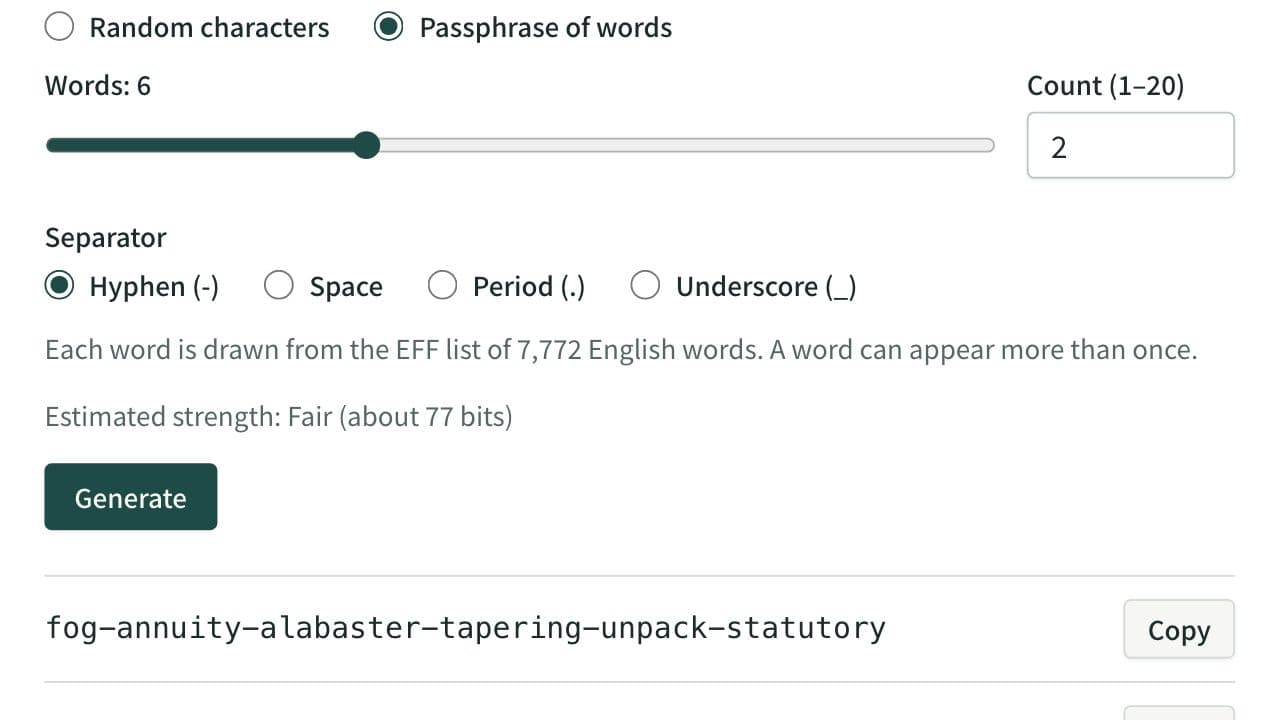
Password Generator
Generate secure random passwords or word passphrases in bulk. Choose the length, character types and allowed symbols, exclude look-alikes and see a strength estimate.