Phonetic Alphabet Converter
Spell letters, digits, and Japanese kana one by one with phonetic alphabet code words such as Alfa, Bravo, and 朝日のア, so they are not misheard over the phone or radio. You can also turn code words back into text.
Enter letters, digits, kana, or symbols to spell them one by one with code words such as Alfa and Bravo.
Phonetic alphabets
Letters (ICAO/ITU)
| Letter | Word | Pronunciation |
|---|---|---|
| A | Alfa | AL FAH |
| B | Bravo | BRAH VOH |
| C | Charlie | CHAR LEE / SHAR LEE |
| D | Delta | DELL TAH |
| E | Echo | ECK OH |
| F | Foxtrot | FOKS TROT |
| G | Golf | GOLF |
| H | Hotel | HOH TELL |
| I | India | IN DEE AH |
| J | Juliett | JEW LEE ETT |
| K | Kilo | KEY LOH |
| L | Lima | LEE MAH |
| M | Mike | MIKE |
| N | November | NO VEM BER |
| O | Oscar | OSS CAH |
| P | Papa | PAH PAH |
| Q | Quebec | KEH BECK |
| R | Romeo | ROW ME OH |
| S | Sierra | SEE AIR RAH |
| T | Tango | TANG GO |
| U | Uniform | YOU NEE FORM / OO NEE FORM |
| V | Victor | VIK TAH |
| W | Whiskey | WISS KEY |
| X | X-ray | ECKS RAY |
| Y | Yankee | YANG KEY |
| Z | Zulu | ZOO LOO |
Digits
| Digit | English (aviation) | Japanese (maritime domestic) | Maritime international |
|---|---|---|---|
| 0 | ZeroZE-RO | 数字のまる | NadazeroNAH-DAH-ZAY-ROH |
| 1 | OneWUN | 数字のひと | UnaoneOO-NAH-WUN |
| 2 | TwoTOO | 数字のに | BissotwoBEES-SOH-TOO |
| 3 | ThreeTREE | 数字のさん | TerrathreeTAY-RAH-TREE |
| 4 | FourFOW-er | 数字のよん | KartefourKAR-TAY-FOWER |
| 5 | FiveFIFE | 数字のご | PantafivePAN-TAH-FIVE |
| 6 | SixSIX | 数字のろく | SoxisixSOK-SEE-SIX |
| 7 | SevenSEV-en | 数字のなな | SettesevenSAY-TAY-SEVEN |
| 8 | EightAIT | 数字のはち | OktoeightOK-TOH-AIT |
| 9 | NineNIN-er | 数字のきゅう | NovenineNO-VAY-NINER |
Japanese kana (和文通話表)
A voiced kana is sent as the kana followed by 「に濁点」 or 「に半濁点」, as in 「はがきのハに濁点」 for バ. Small kana such as ッ and ャ are not in the table, so this tool puts 「小さい」 (small) in front, as in 「小さいつるかめのツ」.
- ア
- 朝日のア
- イ
- いろはのイ
- ウ
- 上野のウ
- エ
- 英語のエ
- オ
- 大阪のオ
- カ
- 為替のカ
- キ
- 切手のキ
- ク
- クラブのク
- ケ
- 景色のケ
- コ
- 子供のコ
- サ
- 桜のサ
- シ
- 新聞のシ
- ス
- すずめのス
- セ
- 世界のセ
- ソ
- そろばんのソ
- タ
- 煙草のタ
- チ
- ちどりのチ
- ツ
- つるかめのツ
- テ
- 手紙のテ
- ト
- 東京のト
- ナ
- 名古屋のナ
- ニ
- 日本のニ
- ヌ
- 沼津のヌ
- ネ
- ねずみのネ
- ノ
- 野原のノ
- ハ
- はがきのハ
- ヒ
- 飛行機のヒ
- フ
- 富士山のフ
- ヘ
- 平和のヘ
- ホ
- 保険のホ
- マ
- マッチのマ
- ミ
- 三笠のミ
- ム
- 無線のム
- メ
- 明治のメ
- モ
- もみじのモ
- ヤ
- 大和のヤ
- ユ
- 弓矢のユ
- ヨ
- 吉野のヨ
- ラ
- ラジオのラ
- リ
- りんごのリ
- ル
- るすいのル
- レ
- れんげのレ
- ロ
- ローマのロ
- ワ
- わらびのワ
- ヰ
- ゐどのヰ
- ヱ
- かぎのあるヱ
- ヲ
- 尾張のヲ
- ン
- おしまいのン
- ゛
- 濁点
- ゜
- 半濁点
Symbols
The words for 長音, 区切点, 段落, the parentheses, and the slash come from the Japanese table. The other symbols have no code word, so their common names are used.
- ー
- 長音
- 、
- 区切点
- └
- 段落
- (
- 右向括弧 (Open parenthesis)
- )
- 左向括弧 (Close parenthesis)
- /
- 斜線 (Slash)
- @
- At sign
- .
- Dot
- -
- Hyphen
- _
- Underscore
- :
- Colon
- ;
- Semicolon
- ,
- Comma
- !
- Exclamation mark
- ?
- Question mark
- #
- Hash
- $
- Dollar sign
- %
- Percent sign
- &
- Ampersand
- *
- Asterisk
- +
- Plus sign
- =
- Equals sign
- ~
- Tilde
- ^
- Caret
- |
- Vertical bar
- \
- Backslash
- '
- Apostrophe
- "
- Double quote
- `
- Backtick
- [
- Open bracket
- ]
- Close bracket
- {
- Open brace
- }
- Close brace
- <
- Less-than sign
- >
- Greater-than sign
- 。
- 句点
- ・
- 中黒
How to use
- Under “Direction”, choose “Text → Phonetic alphabet” or “Phonetic alphabet → Text”
- Type the email address, booking number, or name you need to spell out. The result updates as you type
- Choose how to say digits and whether to say uppercase and lowercase
- The result appears on one line. “Copy result” puts it on the clipboard. Below it, “Character by character” lists each character with the words to say and a pronunciation guide
- “Move result to input and reverse” moves the result into the input and flips the direction. Use it to check what you heard by turning the words back into text
Everything runs in your browser and nothing you type is sent anywhere. The input is gone when you close the page.
What a phonetic alphabet is
A phonetic alphabet replaces letters that are easy to mishear over the phone or radio (B and D, M and N) with code words. Latin letters are spelled as “Alfa, Bravo, Charlie”, and Japanese kana as 「朝日のア、いろはのイ」.
The words in this tool follow the phonetic alphabets of Japan's Radio Station Operation Rules (無線局運用規則, Appended Table 5). The words for Latin letters are the same as the ICAO and ITU alphabet, also known as the NATO phonetic alphabet, spelled Alfa and Juliett (not Alpha and Juliet).
Examples
Entering AB-1234 with English digits gives:
Alfa, Bravo, Hyphen, One, Two, Three, Four
With the Japanese digit words, it gives:
Alfa, Bravo, Hyphen, 数字のひと, 数字のに, 数字のさん, 数字のよん
An email address such as taro.yamada@example.jp reads . as “Dot” and @ as “At sign”.
Letters
- The 26 letters A to Z have code words. Fullwidth letters are treated the same as ASCII letters
- “Character by character” shows the pronunciation from the table, such as
AL FAH.CandUhave two pronunciations in the table, and both are shown - The table marks the stressed syllables with underlines; this tool does not show them
- Case is not said by default. When it matters, as in passwords and booking codes, choose “Say uppercase only” or “Say both” to add words such as “Uppercase Alfa” and “Lowercase Bravo”. When the text mixes cases and case is not said, a note appears below the result
Digits
Choose one of four ways to say digits. Each digit is said on its own.
- English:
Zero,One,Two… pronounced in the clear formsWUN,TREE,FIFE, andNIN-er. This is the reading for aeronautical radio - Maritime international:
Nadazero,Unaone,Bissotwo… the reading for international maritime radio - Japanese: 「数字のひと」「数字のに」… with 4 as よん, 7 as なな, 9 as きゅう, and 0 as まる. These are the digits of the Japanese table, also used for domestic maritime radio
- Japanese without 数字の: 「ひと」「に」「さん」… The table allows dropping 数字の when there is no risk of confusion
A . between digits is a decimal point, said as Decimal in English and maritime readings and 「小数点」 in Japanese. Any other . is “Dot”. The aeronautical Hundred and Thousand are not used.
Kana
- Hiragana, katakana, and halfwidth katakana can all be entered, including ゐ, ゑ, and を
- A voiced kana is the base kana followed by 「に濁点」 or 「に半濁点」: バ is 「はがきのハに濁点」, パ is 「はがきのハに半濁点」, and ヴ is 「上野のウに濁点」
- Small kana such as ァ, ッ, ャ, ュ, ョ, ヮ, ヵ, and ヶ are not in the table. This tool puts 「小さい」 (small) in front, as in 「小さいつるかめのツ」
- ヱ is 「かぎのあるヱ」 and ン is 「おしまいのン」
- The legal table writes small kana full size (きつて, マツチ), so readings are shown in today's spelling (きって, マッチ)
- Characters with no code word, such as kanji and emoji, are skipped and listed below the result. Enter kanji as their kana reading
Symbols
- The Japanese table has words for the long vowel mark ー (長音), the comma 、 (区切点), and the paragraph mark └ (段落)
- The table's words for domestic maritime radio are used for parentheses and the slash:
(is 右向括弧,)is 左向括弧, and/is 斜線. In English they are “Open parenthesis”, “Close parenthesis”, and “Slash” - Symbols such as
@,-,_, and:have no code word, so their common names are used, such as “At sign”, “Hyphen”, “Underscore”, and “Colon”. Open “Symbols” to see them all - A space is said as “Space”. A line break stays a line break in the result
Turning code words back into text
For “Phonetic alphabet → Text”, separate the words with spaces, commas, 「、」, or /. Japanese words written one after another, such as 「朝日のアいろはのイ」, are read too.
- Latin code words are matched without regard to case. Other spellings such as
Alpha,Juliet,Xray, andWhisky, and pronunciation spellings such asNiner,Fife, andTree, are read too - A letter after “Uppercase”, “Lowercase”, 「大文字の」, or 「小文字の」 takes that case. When no Latin code word follows right after, the case word is kept in
[ ], as is 「小さい」 when no kana word follows it. Letters without one follow the “Letters without Uppercase or Lowercase” setting. When you reverse a result made with “Say uppercase only”, that setting changes to “Make lowercase” automatically - Kana words can be written 「朝日のア」, 「あさひのア」, or 「朝日のあ」. 「に濁点」 and 「に半濁点」 after them make バ and パ, and 「小さい」 in front makes a small kana. The result can be in katakana or hiragana
- 「数字のひと」 becomes a digit. Words without 数字の, such as ひと and さん, become digits only as a separate word
- Words that are not in the alphabets are kept in
[ ]and listed below the result - Text to spell can be up to 1,000 characters, and code words up to 25,000 characters. A spelling of 1,000 characters can always be reversed. When decoded text is longer than 1,000 characters, the reverse button is unavailable
FAQ
Can I type “アルファ” in katakana and turn it back into a letter?
No. Type Latin code words in Latin letters, such as Alfa. The katakana is only a guide to saying the words.
Can I use phrases like “A as in Apple”?
Phrases that vary by company or country have no fixed table, so this tool uses only the alphabets of the Radio Station Operation Rules. If you and the listener have agreed on other words, use those.
Is it the same as the NATO phonetic alphabet?
Yes. NATO, ICAO, and ITU share one alphabet, and the Japanese rules use the same words for Latin letters.
Why does the Japanese table say ひと instead of いち for 1?
The table sets 1 as ひと, 4 as よん, and 7 as なな. These readings keep numbers with similar sounds, such as いち and しち, or し and しち, from being misheard.
Is what I type saved?
No. The conversion runs entirely in your browser, and nothing you type is sent to a server.
- Type
- Utility
- Category
- Converters
- Tags
- phonetic-alphabet
- nato-alphabet
- wabun
- spelling
- phone
- radio
- japanese
- converter
- text
Related apps
Japanese Address to English Converter
Convert a Japanese address to English. Prefectures and municipalities are romanized automatically, and the block, building and room are put in English order, with a field-by-field view for overseas forms and the phone number written from +81.
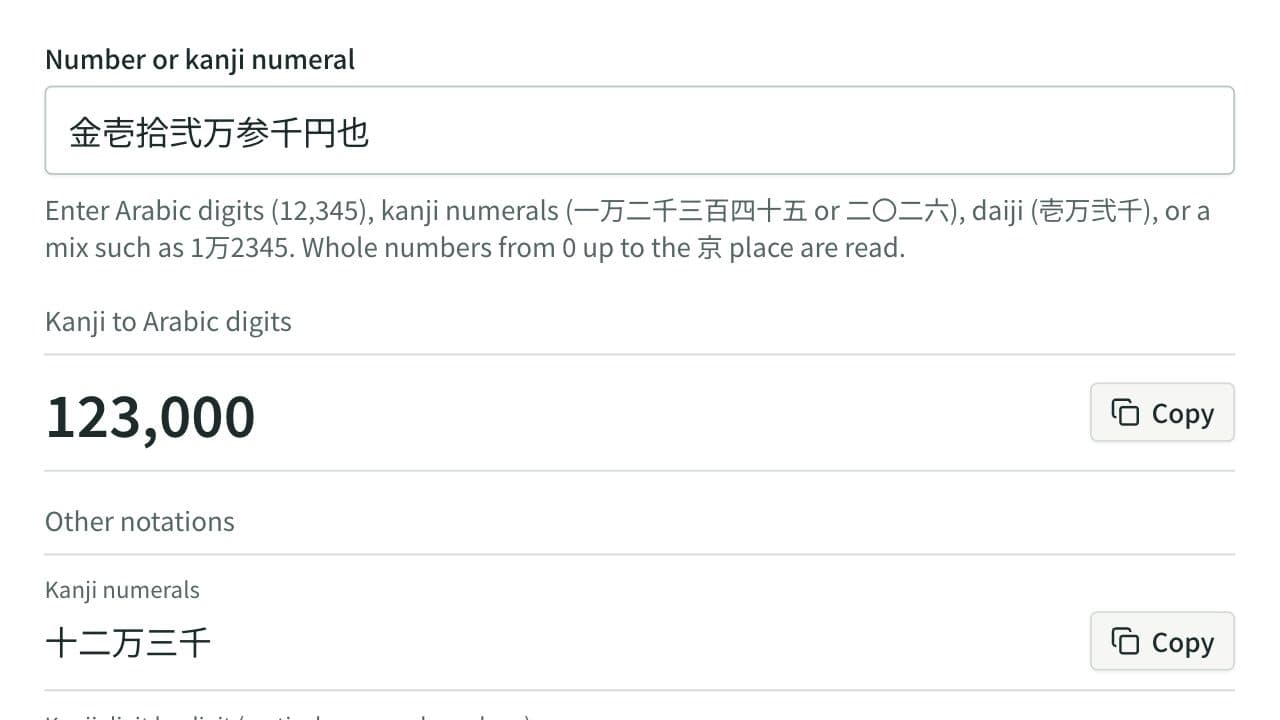
Kanji Numeral Converter
Convert numbers into kanji numerals (一万二千三百四十五), digit-by-digit kanji (二〇二六), and daiji (壱万弐千参百四拾五), and read kanji numerals and daiji back into numbers, with the receipt amount form and the 1万2345 style shown together, and a list with one number per line converted at once.
QR Code Generator
Generate a QR code image from text or a URL and download it as a PNG or as an SVG that stays sharp at any size. Enter a network name and password to make a QR code that joins Wi-Fi when scanned, or a name, phone number, and email address to make one that adds a contact (vCard).