Random Number Generator
Generate random whole numbers between a minimum and a maximum. Draw 1 to 1,000 at once, with or without repeats, leave out chosen numbers, and sort or keep the drawn order, with the sum shown.
For example: 3, 7, 10-15. Separate with commas, spaces, or new lines
Press "Generate" to see the result here
How to use
- Enter whole numbers in "Minimum" and "Maximum". They start at 1 and 100. The "Common ranges" buttons fill in a die (1–6), 1–10, or 1–100
- In "How many", enter how many numbers to draw at once, from 1 to 1000
- Check "No repeated numbers" when the same number must not come up twice
- If some numbers must not come up, enter them in "Numbers to leave out", such as
3, 7, 10-15. Leave it empty to draw from every number in the range - Press "Generate". The result appears below. Press it again to replace the result with new numbers
- Press "Copy result" to put the numbers on the clipboard, one per line, in the order shown
The minimum and the maximum are both part of the range. With 1 and 6, the result is one of 1, 2, 3, 4, 5, or 6.
A line above the result, such as "Draw 3: 5 from the whole numbers 1 to 100 (no repeats)", says which draw this is and what range and count it used. When numbers are left out, it also says how many numbers of the range were left out, as in "(no repeats, leaving out 2)". When the same number happens to come up twice in a row, the draw number still goes up, so you can see that a new draw was made. When you draw two or more numbers, their sum is shown as well.
When the range has 100 whole numbers or fewer and both the minimum and the maximum are at most three characters long (0 to 999, or -99, for example), a number board below the result lists every number of the range, ten to a row. The numbers drawn this time are in filled circles, and the numbers left out are struck through. When repeats are allowed and a number comes up more than once, it still gets one circle on the board; the numbers above the board show how many times it came up. For a wider range, or one with numbers of four or more characters such as 1000 or -100, there is no board, only the numbers.
Examples
Roll two dice
Press "Die (1–6)", set "How many" to 2, and press "Generate". You might get 4 and 6, with "Sum 10" shown. Leave "No repeated numbers" unchecked. With it checked, doubles can never come up.
Decide the speaking order for 30 people
Set the minimum to 1, the maximum to 30, and "How many" to 30, then check "No repeated numbers". Every number from 1 to 30 comes up exactly once, in a mixed order. Keep the order on "As drawn" and use the drawn order as the speaking order.
Pick numbers
To pick 6 numbers out of 1 to 43 (the format of Japan's Loto 6), set the minimum to 1, the maximum to 43, and "How many" to 6, then check "No repeated numbers". With the order set to "Smallest first", the result looks like this:
3 11 19 27 34 41
Picking 7 out of 1 to 37, or 5 out of 1 to 31, works the same way with a different maximum and count. For four digits from 0 to 9, set the minimum to 0, the maximum to 9, and "How many" to 4, and leave "No repeated numbers" unchecked.
Pick someone while leaving out who is absent
In a class numbered 1 to 35 where numbers 12 and 28 are absent, set the minimum to 1 and the maximum to 35, and enter 12, 28 in "Numbers to leave out". The line below the field reads "Drawing from 33 of the 35 whole numbers 1 to 35, leaving out 2", and 12 and 28 never come up.
Call bingo numbers one at a time
Set the minimum to 1, the maximum to 75, and "How many" to 1, then check "After each draw, add the drawn numbers to the numbers to leave out". Each press of "Generate" draws one number and writes it at the end of the "Numbers to leave out" field, so the same number never comes up again. The field lists the numbers called so far, in the order they came up. On the board below the result, the number just called is circled and the other numbers in the "Numbers to leave out" field (the ones called before) are struck through, so you can see at a glance which numbers have come up. Once all 75 have come up, "Every whole number in the range is left out" appears and no more numbers are drawn.
To start over, empty the "Numbers to leave out" field.
How each setting works
Range
- Only whole numbers are accepted. Negative numbers such as
-10work. Decimals do not - Full-width digits (
100) are read as ordinary digits - If the larger number is in "Minimum" and the smaller one in "Maximum", the range is treated as the same range. When you press "Generate", the two fields swap into smaller-then-larger order
- When the minimum and the maximum are the same number, that number always comes up
- Numbers can go from −9007199254740991 to 9007199254740991, and the maximum can be at most 9007199254740990 above the minimum. Past that, the browser can no longer tell neighboring whole numbers apart, so larger values are not accepted
How many
- From 1 to 1000. If you press "Generate" with the field empty or at 0 or below, one number is drawn. Above 1000, 1000 numbers are drawn. The field changes to the count that was used
No repeated numbers
- Unchecked: every number is picked from the whole range again, so the same number can come up more than once. This is like rolling a die several times
- Checked: a number that has come up cannot come up again in the same draw. This is like pulling numbered tickets out of a box without putting them back
- When checked, the count cannot be larger than the number of whole numbers in the range. You cannot pick 7 numbers from 1 to 6, so a message appears and "Generate" cannot be pressed
- Repeats are prevented only within one draw. When you press "Generate" again, numbers from the previous draw can come up again. To keep earlier numbers from coming up in later draws, use "After each draw, add the drawn numbers to the numbers to leave out" below
Numbers to leave out
- Enter the numbers that must not come up. Write them one by one, as in
3, 7, 12, or as ranges, as in10-15. A range includes both ends - Separate entries with commas (
,or、), spaces, new lines, or semicolons. Besides-, a range can use~,〜, or.. - Write a negative number as
-5and a range of negative numbers as-5~-3or-5--3. With spaces on both sides, as in10 - 15, or only after it, as in10- 15, the-makes a range. With a space only before it, as in10 -15, the entry is read as the two numbers 10 and -15 - Full-width digits and signs (
10-15) are read as ordinary ones. Characters such as10²or①are not read as numbers, and a message quotes the part that could not be read, as you typed it - Numbers outside the minimum to maximum are ignored. The line below the field says how many numbers of the range are left out and how many remain, so it shows when the numbers you entered are outside the range
- A number written twice, or ranges that overlap, count only once
- Up to 10000 entries can be entered at once (a range such as
10-15counts as one entry) - When every whole number in the range is left out, a message appears and "Generate" cannot be pressed. With "No repeated numbers" checked, the numbers that remain after leaving some out must be at least as many as the count
After each draw, add the drawn numbers
- When checked, each press of "Generate" writes the drawn numbers at the end of the "Numbers to leave out" field. From the next draw on, the numbers drawn so far no longer come up
- Only numbers not already in the field are added. Consecutive numbers from the same draw are combined into a range such as
3-5; they are not combined with numbers added by earlier draws. A range that includes negative numbers is written in the form-5~-3 - What you typed in the field is not rewritten, except when it has too many entries (see below). Only trailing spaces and new lines are removed, and the new numbers are added at the end, separated by commas. When the field already ends with a comma or another separator, no second comma is added
- When adding would take the field past 10000 entries, the whole field is rewritten as the fewest entries that stand for the same numbers (sorted from smallest)
- When even that could pass 10000 entries (when the entries in the field, counting overlapping ranges and consecutive numbers as one, plus the count are more than 10000), a message appears and "Generate" cannot be pressed. Draw fewer, leave out fewer, or uncheck the option
- Unchecking it keeps the numbers already written in the field. To draw from every number again, empty the field
Order
- As drawn: the numbers stay in the order they were drawn
- Smallest first, Largest first: the numbers are shown sorted by size
- You can switch the order after generating. The numbers are not drawn again; only the order shown changes. Switching back to "As drawn" restores the drawn order
How the numbers are made
The numbers come from the browser's cryptographic random source (crypto.getRandomValues), the one used for generating passwords and encryption keys. The next number cannot be predicted from earlier results.
Fitting a random value into a range by taking a simple remainder makes some numbers slightly more likely for some range sizes. This app throws away the values that would cause that bias and draws again, so every whole number in the range is equally likely. When numbers are left out, they never come up, and every remaining whole number is equally likely. With "No repeated numbers" checked, the method gives the same result as shuffling all the remaining numbers and taking as many as you asked for from the front.
Things to know
- There is no way for someone else to verify a result. The app is meant for things like speaking orders, seating, and games. It is not suited to prize draws or other cases where fairness has to be proven
- A result cannot be produced again later. There is no seed setting, so copy any result you need to keep
- The app does not predict lottery numbers. Every combination is equally likely to be picked
- Changing a setting does not change the result on screen until you press "Generate". The line above the result states the range and count that result was drawn with
- The range, the numbers to leave out, and the results are processed only in the browser tab showing this page. They are not sent anywhere or saved, and they are gone when you reload the page
FAQ
The same number came up twice in a row. Is something broken?
No. When "No repeated numbers" is unchecked, every number is picked from the whole range again. With 1 to 6, the chance of getting the previous number again is 1 in 6 every time. A number does not become less likely because it has just come up.
What happens if I draw every number in the range without repeats?
Every number in the range comes up exactly once, in a mixed order. Drawing 30 from 1 to 30 gives the numbers 1 to 30 rearranged. To rearrange names or other items themselves, use the shuffle in the Line Sorter and Duplicate Remover.
Can it generate random decimals?
No. It only draws whole numbers. For a value from 0.00 to 1.00 with two decimal places, you can draw a whole number from 0 to 100 and divide it by 100.
How do I include 0?
Set the minimum to 0. The minimum and the maximum are both part of the range, so 0 and 9 give the ten values 0 to 9.
Can I draw more than 1000 numbers?
One draw gives at most 1000. With repeats allowed, pressing "Generate" several times and joining the results is the same as drawing them all at once. Without repeats, check both "No repeated numbers" and "After each draw, add the drawn numbers to the numbers to leave out" before pressing "Generate" several times. Numbers from earlier draws then cannot come up in later ones, so the joined results have no repeats. Up to 10000 entries (a range counts as one) can be left out.
Can I draw only even numbers, or only multiples of 5?
There is no setting for conditions. For even numbers, you can draw from half the range and double the result. For the even numbers from 2 to 100, draw from 1 to 50 and double it.
What if I need a random string or ID?
For strings of letters, digits, and symbols, use the Password Generator. For identifiers that do not collide, use the UUID & ULID Generator.
- Type
- Utility
- Category
- Developer
- Tags
- random
- number
- generator
- dice
- lottery
- bingo
Related apps
TOTP Generator (One-Time Passwords)
Calculate the 6-digit one-time passwords (TOTP) used for two-factor authentication from a Base32 secret, in your browser. Check a code against the ones around it, switch to SHA-256 or 8 digits, read or build otpauth:// URIs, and show a QR code for authenticator apps to scan.
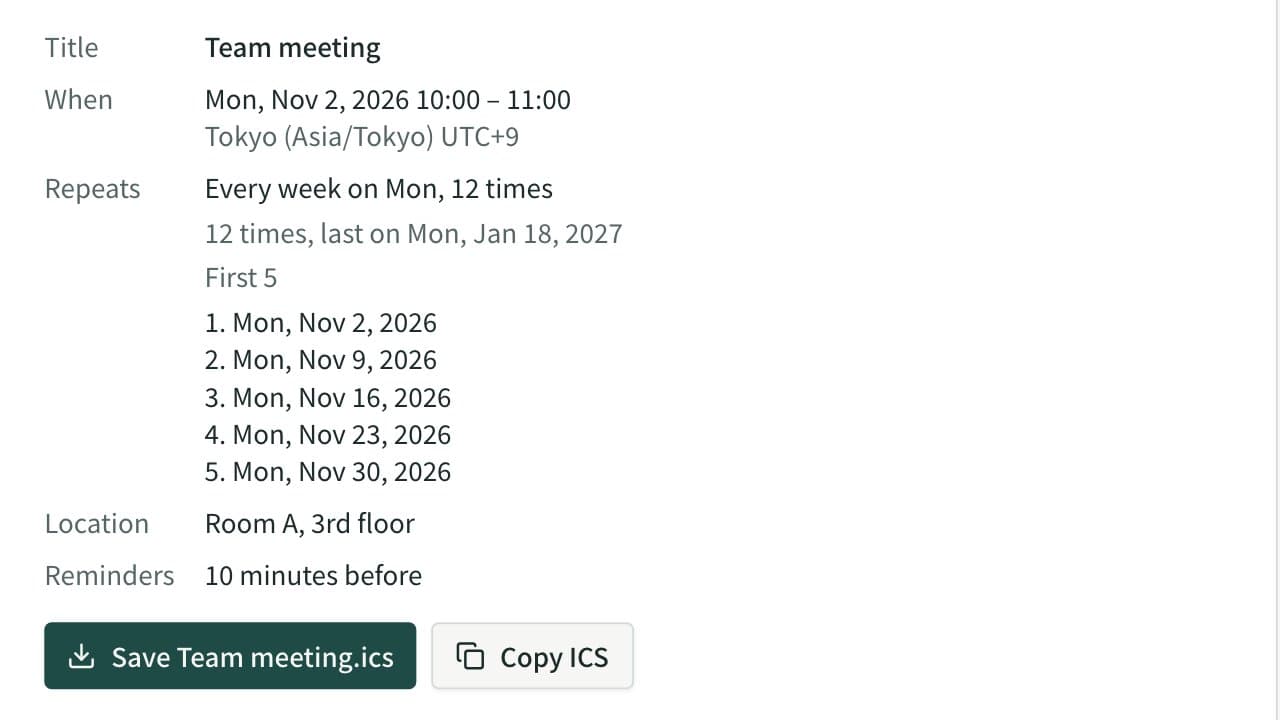
Calendar Event Creator (ICS File & Add-to-Google-Calendar Link)
Create an .ics file for Apple Calendar, Outlook and Google Calendar, plus add-to-calendar links for Google and Outlook. Supports all-day events, repeats (weekdays, nth weekday, count, end date), reminders and time zones.
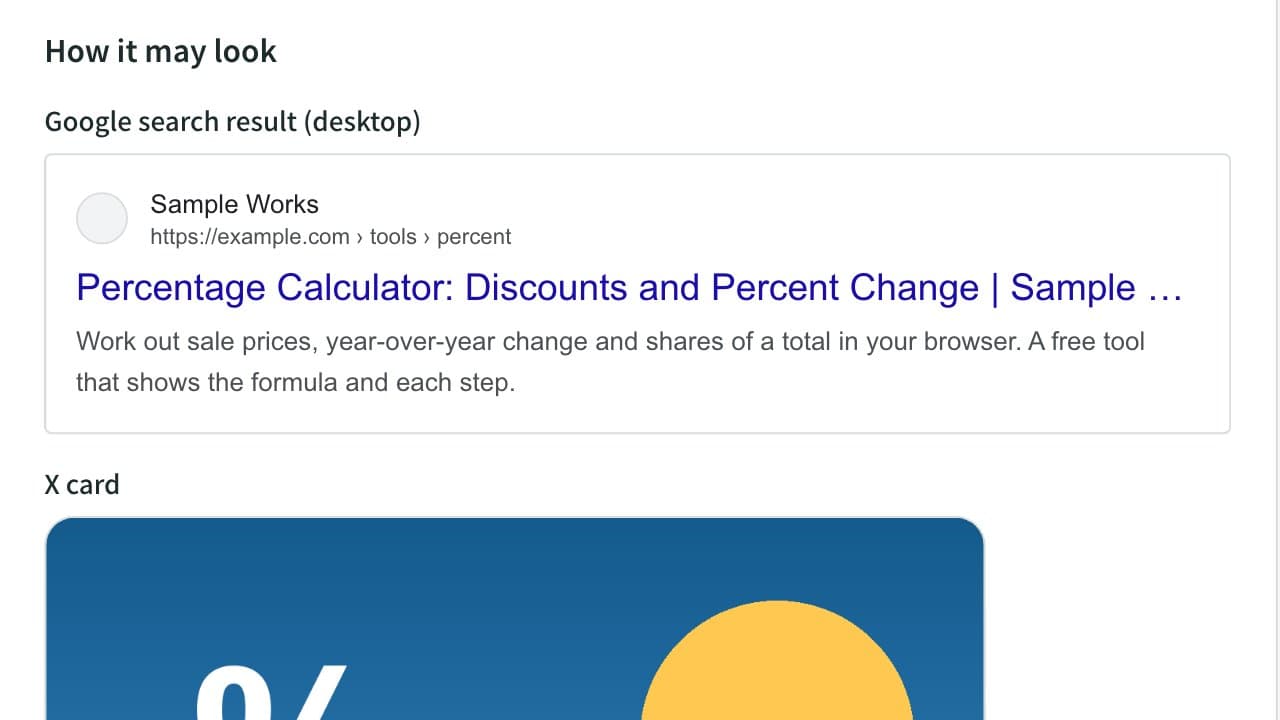
Meta Tag & OGP Generator (Title, Description, X Card)
Generate the title, description, canonical, Open Graph and X (Twitter) card tags for your page head. Preview Google results and social cards, and check text length, relative image URLs and image size.