Typing Game
A browser-only 30-second typing game that shows CPM, positional accuracy, where you mistyped, and your best round this visit.
Passage
Time remaining: 30 seconds
Practice a little every day.
Start a focused 30-second round.
How to use
Choose “Start” to begin a 30-second round and move focus to the typing field. Type the passage shown above the field. If you enter the full passage exactly, the round ends without waiting for the timer.
While you type, each character of the passage is compared with the input at the same position: matching characters turn darker, and mismatched ones get a red tint and a wavy underline. Characters you have not reached stay light. Anything typed past the end of the passage appears in red after it. When a round ends, screen readers also announce how many characters did not match the passage along with the result. The remaining time is shown in seconds and as a bar; when it reaches 0, the result is calculated from what you have typed so far. There is no button to stop a round partway.
After reviewing the result, choose “Retry” to begin a new round with the next passage. Focus moves to “Retry” when a round ends, so you can also continue with the Enter or Space key.
Round records and the best
When your first round ends, a “Rounds this visit” table appears below the result. The newest round is at the top, and each row shows the round number, CPM, accuracy, and time. The time is the seconds from the start (rounded down to 0.1 s) when you finished the passage, or “Time up” when the 30 seconds ran out.
Among the rounds where you finished the passage, the one with the highest CPM is marked “Best”. On a tie the earlier round stays the best. A round that ran out of time never becomes the best, however high its CPM, because CPM also counts wrong characters and would reward fast random typing. From the second round on, when a round beats the best, its mark in the table reads “New best”, and screen readers announce “New best for this visit” with the result.
The passages
The English page uses these four passages in order.
- Practice a little every day.
- Accuracy comes before speed.
- Keep a steady rhythm as you type.
- Small sessions build strong habits.
They are 28 to 35 characters long. After the fourth, the first comes back. The Japanese page uses four Japanese passages. You cannot choose a passage or add your own text.
How results are calculated
CPM (characters per minute) is the number of Unicode code points in the NFKC-normalized input divided by the elapsed time in minutes, rounded to a whole number. The elapsed time runs from the start until you finish the passage or until the 30 seconds run out. Only the characters in the field when the round ends are counted, not keystrokes or characters you deleted and retyped.
Accuracy compares the NFKC-normalized passage and input by Unicode code-point position. The number of matching positions is divided by the longer code-point length of the passage and input, then rounded to a whole percent. Extra input and code points in the wrong position therefore affect accuracy.
Examples
These are results for the first passage (28 characters).
- Typed exactly in 14 seconds: 28 ÷ (14/60) minutes = 120 CPM, 100% accuracy
- Time ran out after the 14 characters of “Practice a lit”: 14 ÷ 0.5 minutes = 28 CPM, and 14 ÷ 28 gives 50% accuracy
- Typed to the end with “littlw” instead of “little” and time ran out: 56 CPM, and 27 ÷ 28 gives 96% accuracy
- Skipped the second character and typed “Pactice a little every day.” until time ran out: 54 CPM, 7% accuracy
In the last example every character after the skipped one is shifted by one position, so only two positions still match. When you notice a mistake, fixing it on the spot gives a higher accuracy than typing on.
How input is treated
- Japanese conversion: while an IME is converting, nothing from the point where the conversion started is judged, and those characters stay light. If you go back and convert in the middle, the characters already typed after that point stay light too. Once you confirm the conversion, they are compared and colored again. If time runs out during a conversion, the input at that moment is compared as it is, including the unconfirmed characters. Japanese passages must be typed with the kanji and kana shown. Typing the first Japanese passage entirely in hiragana gives 14% accuracy. CPM counts the characters after conversion, so it does not equal the number of keystrokes.
- Full-width and half-width: input is compared after NFKC normalization, so full-width and half-width letters and digits, and half-width and full-width katakana, count as the same characters.
- Punctuation: the period at the end is part of the passage. In Japanese passages the ASCII period
.does not match “。”. - Uppercase and lowercase: English passages are case-sensitive. Typing “practice” for “Practice” in the first passage leaves accuracy at 96%. The spaces between words must be typed too.
Privacy
Passage comparison and result calculation happen entirely in this browser and are not sent to an external service. “Rounds this visit” is kept only in the browser's memory while the page is open. Typed text, CPM, accuracy, and the best round are not saved anywhere, including cookies or localStorage, and disappear when you reload or close the page.
FAQ
Can a round finish before 30 seconds?
Yes. Entering the current passage exactly shows the result immediately.
Can I repeat the same passage?
“Retry” advances through the built-in passages in a fixed order. The first passage follows the fourth, so the same passage returns after four rounds. Reloading the page returns to the first passage.
Why does skipping one character lower accuracy so much?
Accuracy compares the passage and your input position by position. If you skip a character in the middle, every character after it is shifted by one and no longer matches, and the passage shows most of them in red. Going back and fixing the gap makes the later characters match again.
What is the difference between CPM and WPM?
CPM is characters per minute and WPM is words per minute. This app shows only CPM. For English text, a widely used conversion treats five characters as one word and divides CPM by 5 to get WPM.
Why does the round not end after I typed to the end?
The round continues until time runs out if the input differs from the passage by even one character. Characters with a red tint and a wavy underline in the passage are where they differ. Red characters after the passage mean you typed extra input, and light characters left at the end mean your input is too short. Check the converted kanji, punctuation, capitalization, and spaces.
Are past results or a best score kept?
While the page is open, “Rounds this visit” keeps every round that has ended and marks the best one. Nothing is saved, so they disappear when you reload or close the page. The Japanese and English pages keep separate rounds.
- Type
- Game
- Category
- Text
- Tags
- typing
- keyboard
- practice
Related apps
Line Sorter and Duplicate Remover
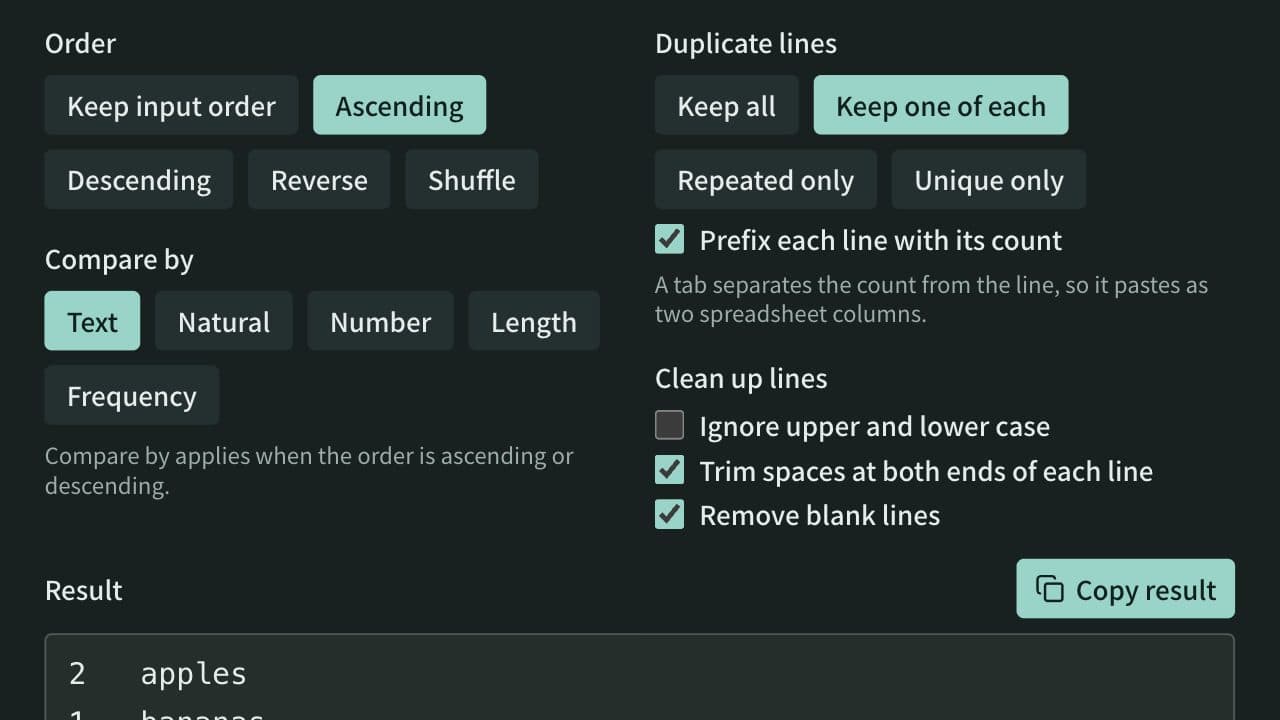
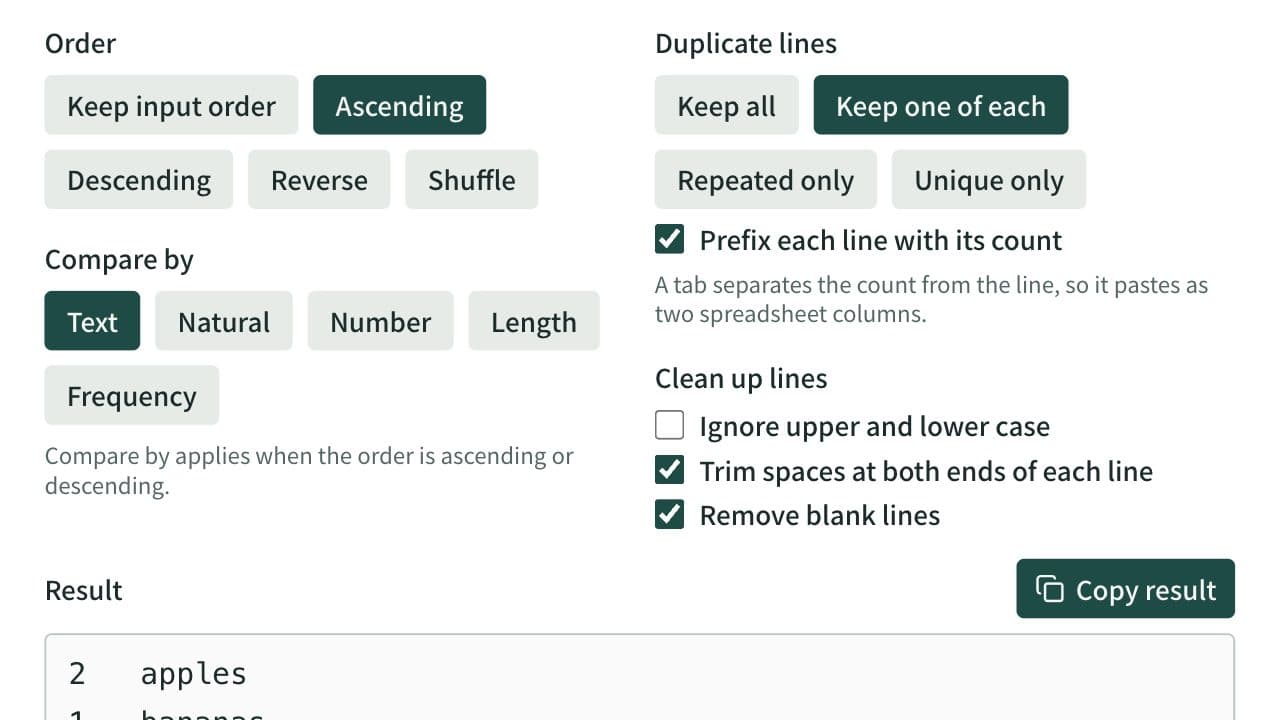
Sort a one-item-per-line list ascending, descending, reversed, or shuffled, and remove duplicate and blank lines. Spreadsheet tables and CSV can be sorted by a chosen column with the header line kept on top. Can also list only repeated or only unique lines and count how often each line appears.
Random Team Generator
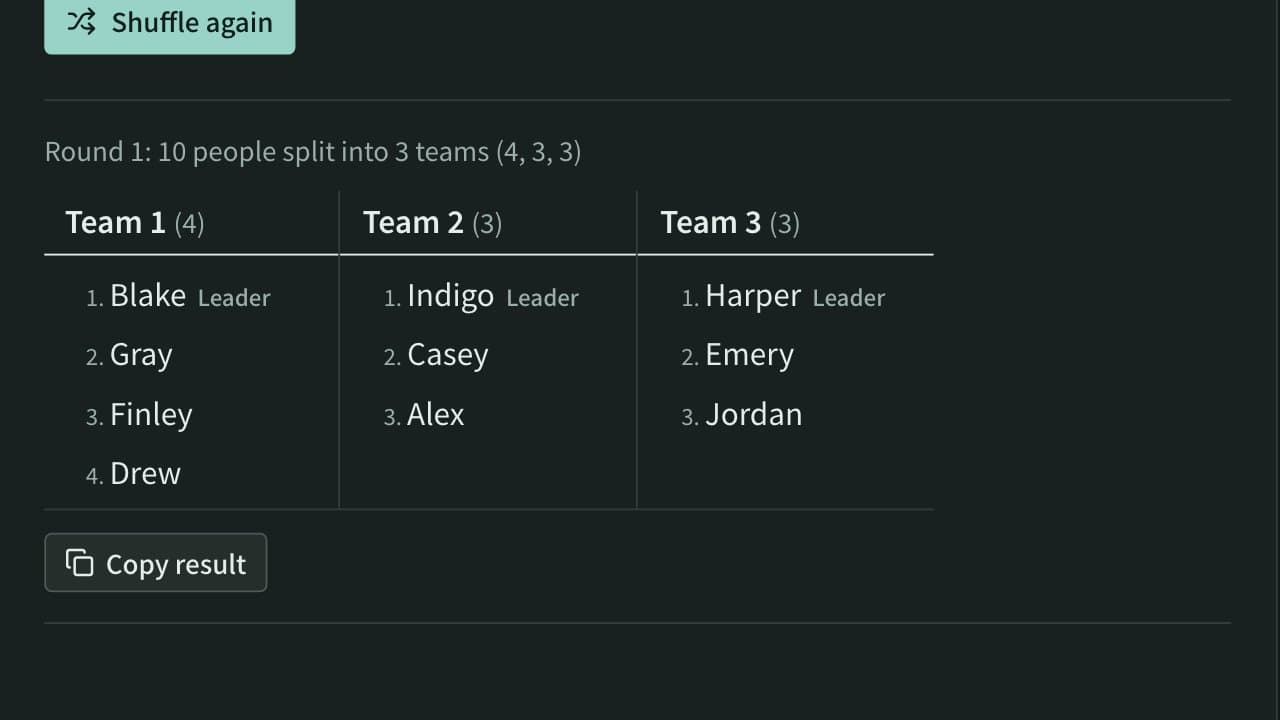
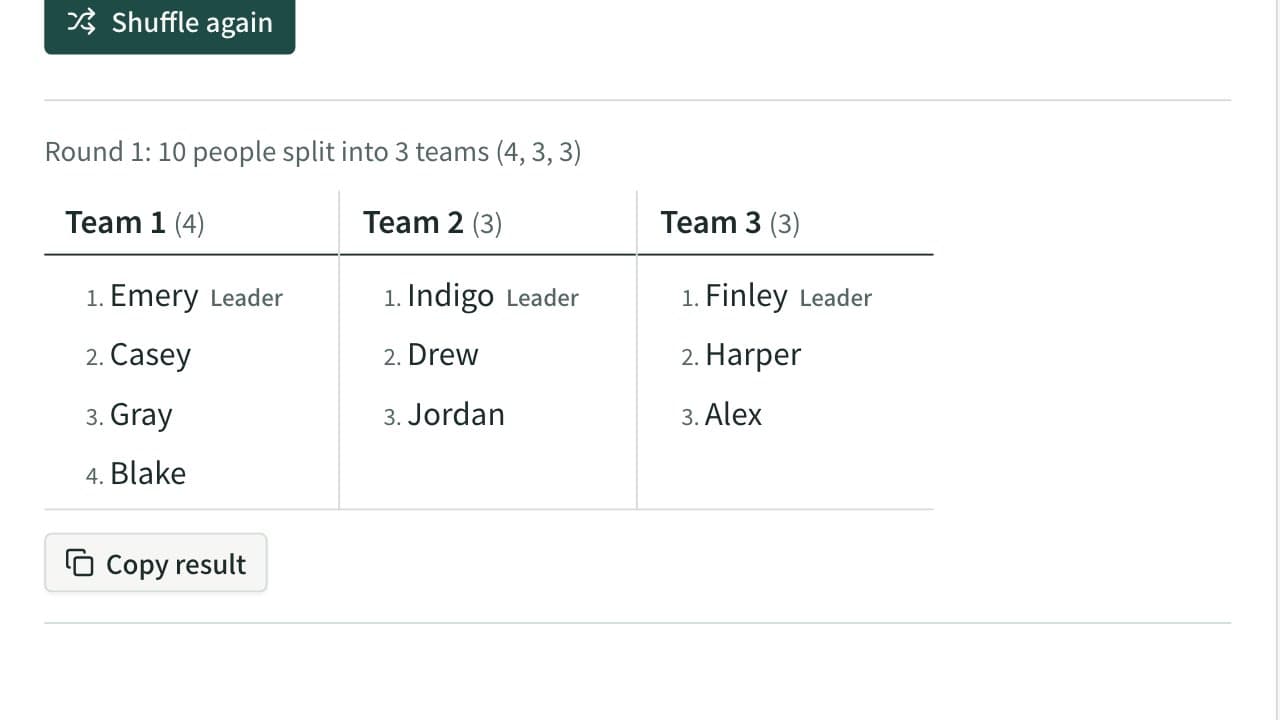
Split a list of names into random teams by the number of teams or the people per team. Team sizes differ by at most one, groups such as experienced and new members can be spread evenly, and a leader can be picked for each team.
Text Formatter
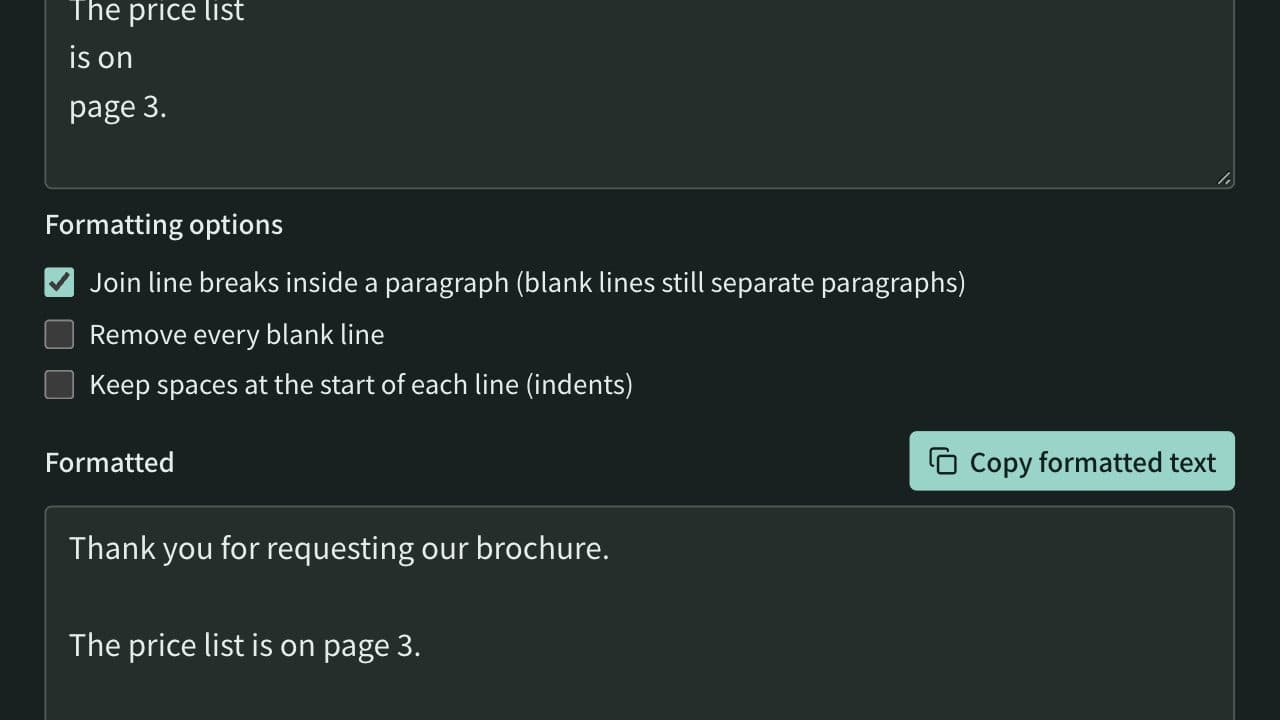
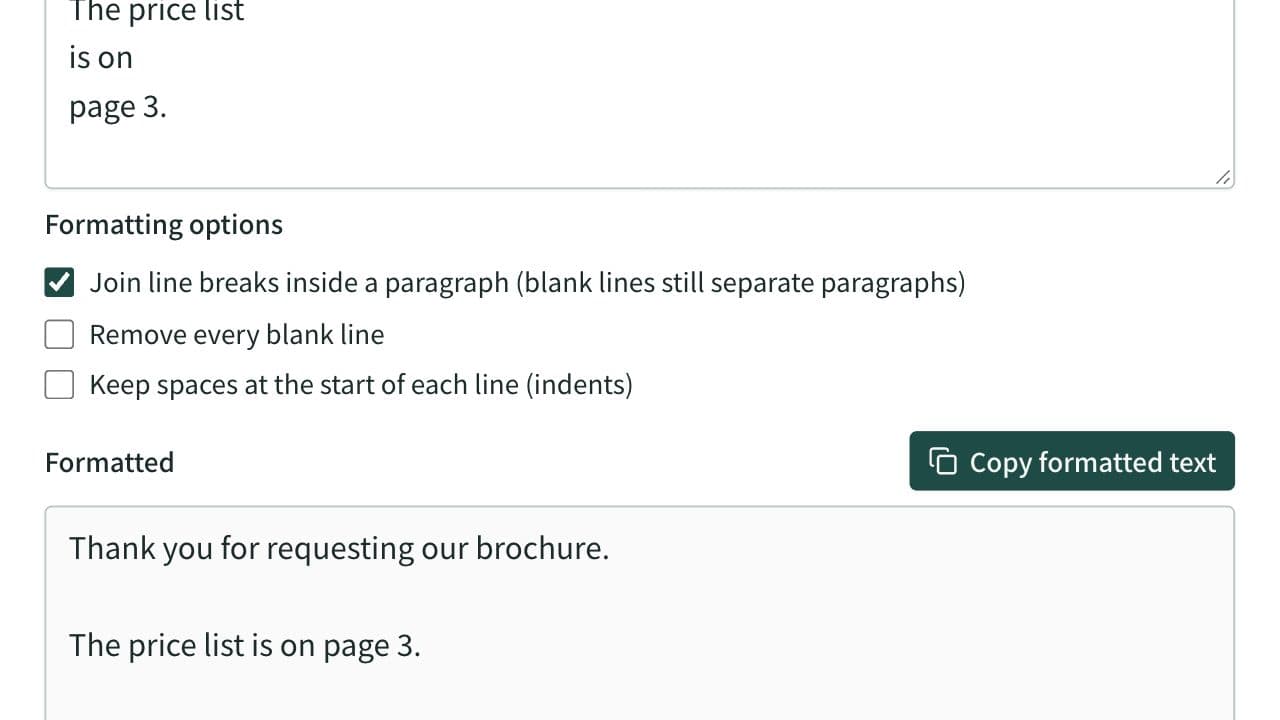
Clean up extra spaces and blank lines, optionally join the line breaks of text pasted from a PDF and remove spaces between Japanese characters, check text counts, and copy the result.