Random Team Generator
Split a list of names into random teams by the number of teams or the people per team. Team sizes differ by at most one, groups such as experienced and new members can be spread evenly, and a leader can be picked for each team.
0 people
Write, say, experienced and new members as groups separated by a blank line, and each team gets about the same number from every group. When this is off, blank lines are ignored.
When empty, the teams are shown as Team 1, Team 2, and so on
Enter the members' names, one per line
Press "Make teams" to see the result here
How to use
- In "Members", enter the names of the people to split, one per line. You can also paste a spreadsheet column or a roster. The number of people appears below the box
- Under "Split by", choose "Number of teams" or "People per team" and enter the number
- With "People per team", choose what happens when the people do not divide evenly: "At most N per team" or "At least N per team"
- To put, say, experienced and new members evenly into every team, write each group separated by a blank line and turn on "Spread each blank-line group evenly across the teams"
- To name the teams, write the names in "Team names", one per line. When it is empty, the teams are shown as Team 1, Team 2, and so on
- Press "Make teams" to see the members of each team. Press "Shuffle again" to split again with the same settings
- Press "Copy result" to copy each team as a line with its name and size, followed by its members one per line
Changing the members or any split setting clears the result on screen, so the result always matches the settings above it. Changing the team names or turning the leader marks on or off keeps the result and does not change the teams.
Example
10 people into 3 teams
With 3 as the number of teams, you get teams of 4, 3 and 3. Sizes differ by at most one, and which team gets 4 is random too.
10 people, 4 per team
With 4 people per team, 10 does not divide evenly by 4, so the result depends on the rule for the leftover people.
- At most 4 per team: 3 teams of 4, 3 and 3. No team has more than 4
- At least 4 per team: 2 teams of 5 and 5. No team has fewer than 4
One experienced member in every team
To split 3 experienced members and 9 new members into 3 teams, write them with one blank line between the two groups, and turn on "Spread each blank-line group evenly across the teams".
Alex
Blake
Casey

Drew
Emery
Finley
Gray
Harper
Indy
Jordan
Kai
Logan
Every team gets 1 experienced and 3 new members, 4 people in all. The same works for genders, school years, departments and so on.
How the split works
Reading the names
- Each line is one person. Spaces around a name are removed
- The same name on two lines is two different people. If two people share a name, writing them as "Sam A" and "Sam B" makes the result easier to read
- Commas do not separate names. "Smith, Jo" is one name
- You can split 2 to 1,000 people at once
Number of teams
The number of teams must be at least 2 and no more than the number of people. When the people do not divide evenly, the leftover people go one each to teams picked at random. Team sizes differ by at most one.
People per team
The number of teams comes from the people per team, and the split then works as with "Number of teams". Team sizes differ by at most one.
- At most N per team: adds teams so that no team has more than N. The number of teams is the number of people divided by N, rounded up
- At least N per team: puts the leftover people into the other teams so that no team has fewer than N. The number of teams is the number of people divided by N, rounded down
If the size you enter would leave everyone in one team, the app shows the largest size that still makes two teams.
Spreading groups evenly
When this is on, each group separated by a blank line is dealt out with the same number of its members to every team, with the groups taken in a random order. Leftover members of a group go to the teams that are smallest at that point. So within every group, the counts per team differ by at most one, and the team sizes overall also differ by at most one. Any number of blank lines in a row counts as one break. When this is off, blank lines are ignored and everyone is split as a single group.
Team names
The names in "Team names" go to Team 1, Team 2, and so on, starting from the first line.
- Spaces around a name are removed and blank lines are skipped. The same name on two lines gives two teams the same name
- With fewer names than teams, the teams without a name keep their number, such as Team 3
- With more names than teams, the extra names are not used. The note below the box says how many are used
Which members land in which team is random, and no team number is favored. So naming the teams from the top down does not tilt who joins the team with a given name, or how large that team is. Renaming the teams after a split does not change who is in which team; only the headings and the copied text change.
Leader
With "Make the first member of each team the leader" on, the first person in each team is marked "Leader". The order within a team is random, so the leader is a random member of the team. Turning it on or off does not change who is in which team.
How the randomness works
The app uses the browser's cryptographic random numbers (crypto.getRandomValues) and shuffles the names with the Fisher–Yates method. Values that would favor some outcomes at the edge of the range are thrown away and drawn again, so every order of a shuffle is equally likely.
Without groups, every split whose team sizes differ by at most one is equally likely. With groups, the order in which the groups are dealt out is also random each time. But because every group is dealt so its counts per team differ by at most one, not every split that meets that condition is equally likely.
The order in which you write the names and groups does not affect the result. Each split is drawn afresh, so it can turn out the same as the one before.
Notes
- The names and the result are not saved and disappear when you close or reload the page. Nothing is sent to a server
- Rules such as "not with the same people as last time" or "keep these two apart" are not available. To keep people apart, put them in the same group and keep that group no larger than the number of teams
- Results are not saved, and splitting again replaces the one on screen. Copy and keep the result you want to use
FAQ
Why do the teams have different sizes?
When the people do not divide evenly by the number of teams, the leftover people go one each to some of the teams. The difference is at most one person, and which teams get them is random.
Should I choose "At most" or "At least"?
Choose "At most N per team" when a team has a maximum size, such as the seats in a car or at a table. Choose "At least N per team" when a team needs a minimum number of people, such as the players needed for a match. When the people divide evenly, both give the same result.
Two people have the same name
They are split as two different people. They also appear with the same name in the result, so it helps to tell them apart with a surname or a letter after the name.
Can I keep two particular people in different teams?
Put them in the same group and turn on "Spread each blank-line group evenly across the teams". If the group has no more people than there are teams, its members always end up in different teams. For example, when making 3 teams, putting 3 would-be leaders in one group gives each team one of them.
Can I name the teams?
Yes. Write names such as "Red" and "Blue" in "Team names", one per line, and they are used, from Team 1 on, in the result headings and in the copied text. You can write them after splitting too; the teams do not change. What happens when the number of names does not match the number of teams is under "Team names" in "How the split works".
What if I only want to shuffle the names or pick one person?
To shuffle names, use the shuffle in the Line Sorter and Duplicate Remover. To draw numbers, use the Random Number Generator.
Are the names I enter saved?
No. Everything runs in your browser and the names are never sent anywhere. When you close the page, the names and the result are gone.
- Type
- Utility
- Category
- Text
- Tags
- random
- team
- group
- list
- lottery
Related apps
Bullet List Formatter
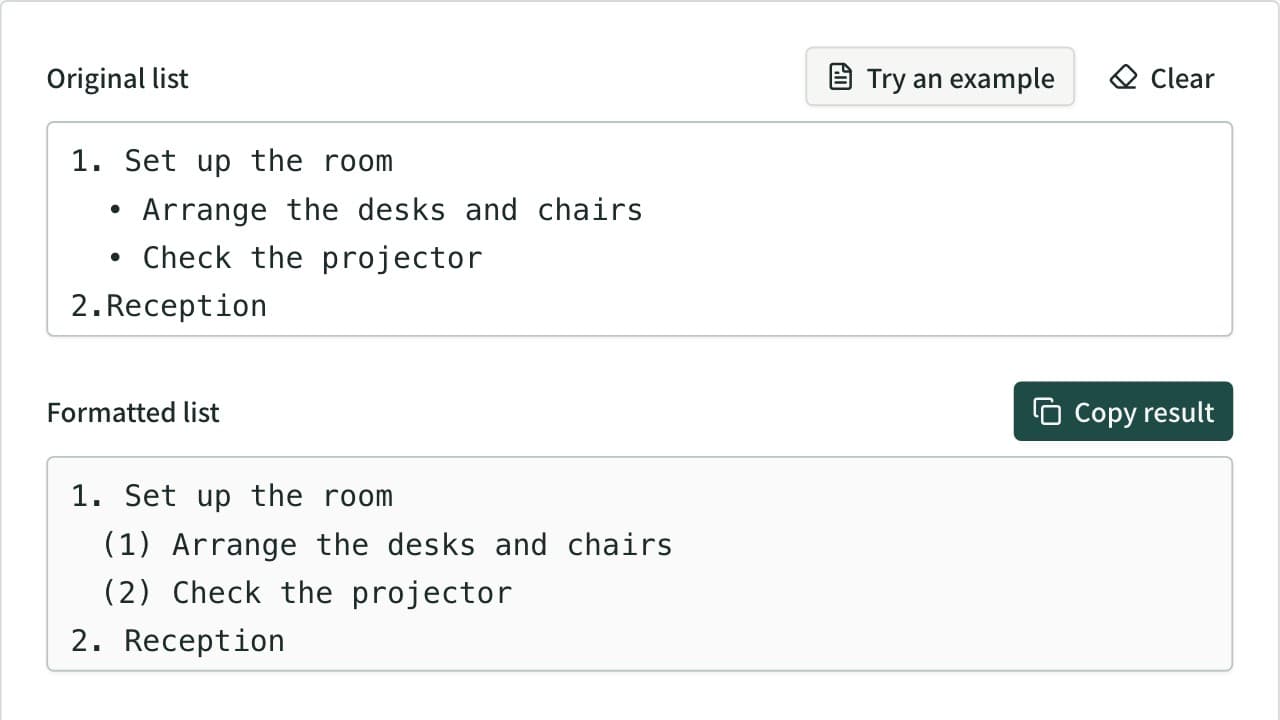
Unify mixed list markers into -, •, 1., (1), a) and more, and renumber the items. Levels are read from the indentation and each level gets its own marker. Also converts to Markdown or HTML lists, removes markers, and joins wrapped lines.
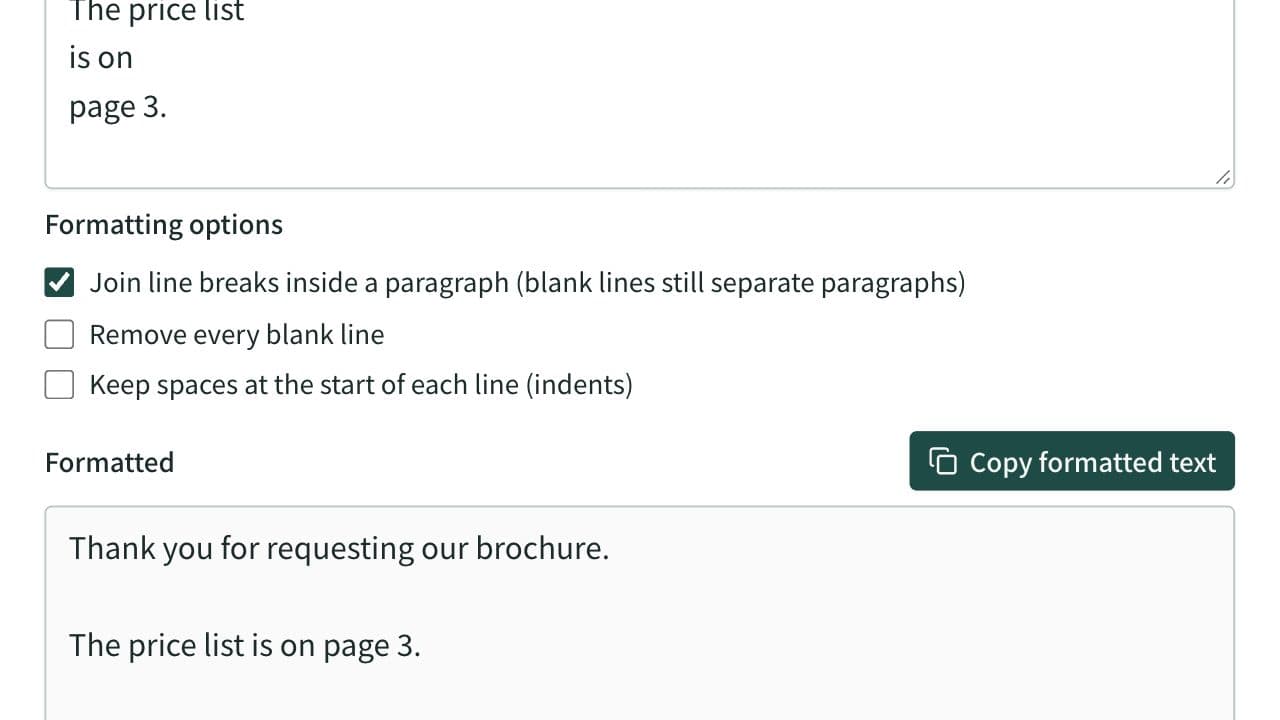
Text Formatter
Clean up extra spaces and blank lines, optionally join the line breaks of text pasted from a PDF and remove spaces between Japanese characters, check text counts, and copy the result.
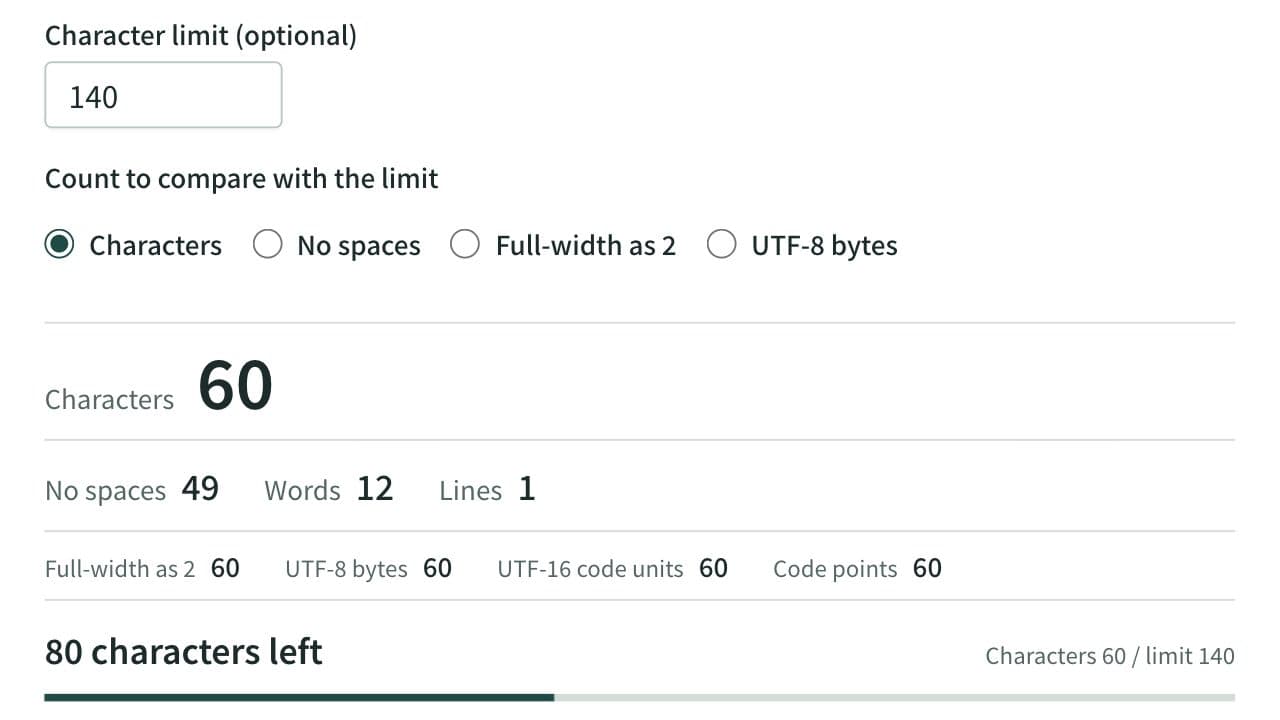
Character Counter
Count characters, words and lines in real time. Also shows the count with full-width characters as 2, UTF-8 bytes, and UTF-16 code units, with the amount left before a limit and where the text goes over it. For social posts, manuscripts, and form fields.