Split Bill Calculator
Work out what each person pays from the total and the head count. Round payments to 10, 100, 500, or 1,000, let some groups pay a larger share or a set amount, and see how much is collected and left over. When several people paid, it also works out who pays whom to settle up.
Enter the total and the number of people to see what each person pays here
How to use
The switch at the top chooses what to work out. It starts on "Split a total", which divides a set total between people. When several people paid for things on a trip or an outing and you want to even it out afterwards, choose "Settle up who paid" (see "Settling up who paid" below).
- Enter the amount to be paid in "Total". Thousands separators, as in
12,000, and full-width digits are read as well - Enter how many people are paying in "People". What each person pays now appears below
- In "Round each payment to", choose the step that each payment is rounded to: 1, 10, 100, 500, or 1,000
- In "Rounding", choose how an amount that does not divide evenly is rounded. It starts on "Up"
- Press "Copy result" to put the total, each person's payment, and the amount collected on the clipboard as text, ready to paste into a message
The result is written out the way you would check it on the back of the receipt. Each line gives the amount each × the people and its subtotal. Under a rule comes "Collected", the sum when everyone pays their amount, then "Total" taken away from it, and under a second rule "Against the total", the difference: "2 left over", "100 short", or "Exact".
The strip above the figures is the bill cut into one piece per person. Each piece is as long as that person's payment, and a shortfall is left as an empty dashed piece at the right end. With groups, the groups take turns between two colours, matching the square beside each group's name in the figures. When one person's piece in a group would be shorter than 1/40 of the strip, that group is drawn as one length without the cuts between people.
There is no button to press. The result changes as soon as an input or a setting changes.
Amounts are plain whole numbers with no currency symbol. The examples on this page use Japanese yen, which has no smaller unit.
Letting some people pay more or less
When people should pay different amounts, such as managers and their team or workers and students, press "Add a group that pays a different amount". Each group has three fields.
- Name (optional): for example "Managers" or "Students". An empty name is shown as "Group 1", "Group 2"
- People: how many people are in the group
- Ratio: how much one person in this group pays compared with the others. It starts at 1. Choose "Amount" instead of "Ratio" to enter the amount each person pays (see the next section)
The ratio is a weight per person. A person with ratio 2 pays twice as much as a person with ratio 1. Ratio 1.5 means one and a half times, and 0.5 means half. A group with ratio 0 pays nothing.
These proportions hold for the amounts before rounding. Each group's payment is rounded on its own, so the amounts shown may not be exactly double or half.
You can have up to five groups. The × at the end of a row removes that group. With one group left, the total is split evenly again.
Setting some people's amount and splitting the rest
When some people have already agreed on what they pay, such as "the manager pays 10,000" or "the organizer pays 5,000", choose "Amount" instead of "Ratio" for their group and enter "Amount each".
The groups with a set amount (amount each × people) are taken off the total first, and the rest is split between the other groups by their ratios. In the result, a group with a set amount has "set amount" beside its name.
- The amount each is exactly what those people pay. "Round each payment to" and "Rounding" apply only to the groups that pay by ratio
- If the set amounts add up to more than the total, an error is shown. If they add up to exactly the total, the groups that pay by ratio pay 0
- If every group has a set amount, or every other group has ratio 0, nobody pays the rest. It is shown as "short" in "Against the total". If the set amounts are all 0 as well, so that nobody pays anything, an error is shown instead
- Switching back to "Ratio" uses the ratio you entered before, and switching to "Amount" again keeps the amount you entered
Settling up who paid
Use this when several people each paid for everyone, such as one person paying for the hotel and another for the fuel. Choose "Settle up who paid", and each person gets a row with two fields.
- Name (optional): an empty name is shown as "Person 1", "Person 2". When two people have the same name, their place in the list is added to tell them apart, as in "Sam (person 2)"
- Paid: the total this person paid for everyone. Leave it blank for anyone who paid nothing (it counts as 0)
There are rows for three people at first. "Add a person" adds rows up to 20 people, and the × at the end of a row removes it (two rows always stay).
What everyone paid, added up, is the cost to share. It is split evenly into each person's "Share", and "Paid − Share" is their "Balance". A person whose balance is above 0 gets money back; one whose balance is below 0 pays.
"Payments to settle up" lists who pays whom, such as "Sam → Alex 6,000", so that every balance comes to 0. When everyone paid exactly their share, it says that nobody needs to pay anyone. The table below gives each person's paid amount, share, and balance. "Copy result" copies the total, each person's share, and the payments as text.
Giving people different shares
Check "Give people different shares" to give each person a "Ratio" field. A ratio means the same as in "Split a total": a person with ratio 2 bears twice the share of a person with ratio 1. A person with ratio 0 has a share of 0 and gets back everything they paid. Unchecking the box returns everyone to an equal share and keeps the ratios you entered.
Amounts that do not divide evenly
Shares are whole amounts, cut down when they do not divide evenly. The few units left by cutting them down are added 1 each to the shares of the people who paid the most, in that order (never to anyone with ratio 0). The shares then add up to exactly what was paid, and no share is more than 1 above its exact part. Who bore them is shown under the result, as in "The 1 that does not divide evenly is in the share of Alex".
"Round each payment to" and "Rounding" in "Split a total" are not used for settling up.
How the payments are chosen
The person who owes the most pays the person who is owed the most, and this is repeated until every balance is 0. Between people with the same amount, the one higher in the list comes first. There is always at least one payment fewer than there are people. It usually takes few payments, but not always the fewest possible.
Examples
Settling up a trip between 3 people
Alex paid 30,000 for the hotel and Sam paid 6,000 for fuel. Kim paid nothing.
- Person 1: name "Alex", paid 30000
- Person 2: name "Sam", paid 6000
- Person 3: name "Kim", paid left blank
The cost is 36,000, so each share is 12,000. The balances are: Alex gets 18,000, Sam pays 6,000, and Kim pays 12,000. It is settled with two payments: "Sam → Alex 6,000" and "Kim → Alex 12,000".
12,000 between 4 people
Enter 12000 as the total and 4 as the number of people. Each person pays 3,000, 12,000 is collected, and the difference reads "Exact".
10,000 between 3 people
10,000 ÷ 3 = 3,333.33… does not divide evenly. The result depends on the rounding settings.
- Round to 1, up: 3,334 each. 10,002 is collected, 2 left over
- Round to 1, down: 3,333 each. 9,999 is collected, 1 short
- Round to 100, up: 3,400 each. 10,200 is collected, 200 left over
- Round to 100, down: 3,300 each. 9,900 is collected, 100 short
- Round to 500, nearest: 3,500 each. 10,500 is collected, 500 left over
Managers pay more
Two managers and four team members pay 30,000. Each manager pays one and a half times what a team member pays.
- Group 1: name "Managers", 2 people, ratio 1.5
- Group 2: name "Team", 4 people, ratio 1
- Round each payment to 100, rounding up
Each manager pays 6,500 and each team member pays 4,300. The amount collected is 6,500 × 2 + 4,300 × 4 = 30,200, which is 200 left over.
The manager's amount is set and the rest is split
A welcome party costs 30,000 for a manager and five others. The manager has agreed to pay 10,000.
- Group 1: name "Others", 5 people, ratio 1
- Group 2: name "Manager", 1 person, "Amount" chosen with 10000 as the amount each
The remaining 30,000 − 10,000 = 20,000 is split between five people, so each of the others pays 4,000. The manager's row is marked "set amount".
The others pay for the guest of honor
A farewell party costs 24,000 for the guest of honor and six others. The guest pays nothing.
- Group 1: name "Guest", 1 person, ratio 0
- Group 2: name "Others", 6 people, ratio 1
The guest pays 0 and each of the others pays 4,000.
The organizer covers the remainder
Splitting 10,000 between 3 people, rounded down to 100, gives 3,300 each and "100 short". If the organizer pays 3,300 + 100 = 3,400 and the other two pay 3,300 each, the payments add up to 10,000.
How it is calculated
An even split
Each person's payment = total ÷ people, rounded to the chosen step.
With ratios
First add up everyone's weight. Total weight = the sum of (people × ratio) over the groups.
Each person's payment = total × that person's ratio ÷ total weight
With two managers (ratio 1.5) and four team members (ratio 1), the total weight is 2 × 1.5 + 4 × 1 = 7. Out of 30,000, a manager's share is 30,000 × 1.5 ÷ 7 = 6,428.57… and a team member's is 30,000 × 1 ÷ 7 = 4,285.71…. Each group's amount is then rounded.
Only the proportion between the ratios matters. "2 and 1", "1 and 0.5", and "60 and 30" all give the same result.
With set amounts
Remaining amount = total − the sum of (amount each × people) over the groups with a set amount
Each person's payment in a group that pays by ratio = remaining amount × that person's ratio ÷ total weight
The total weight counts only the groups that pay by ratio. Set amounts are not rounded; they are added to the amount collected as they are.
Rounding
- Up: a payment that falls between two steps goes to the higher one. As long as a group has a ratio above 0, the amount collected is never less than the total. Decide what to do with the money left over: keep it for the organizer's trouble, put it toward the next event, or give it back
- Down: a payment that falls between two steps goes to the lower one. The amount collected is never more than the total. Someone has to add what is missing
- Nearest: half a step or more goes up, less than half goes down. Money can be left over or missing
The rounding applies to each person's payment. The amount collected is the sum of the rounded payments × the people who pay them.
Notes
- The total is a whole number from 1 to 999,999,999,999. Decimals are not accepted
- Each group holds 1 to 9999 people. A ratio is a number from 0 to 100 with up to two decimals
- An amount each is a whole number from 0 to 999,999,999,999
- When settling up, each amount paid is a whole number from 0 to 999,999,999,999, for 2 to 20 people
- The total is divided as entered. Tax, service charges, and tips are not added. Enter the full amount to be paid
- The amounts, head counts, and names are processed only in the browser where this page is open. They are not sent anywhere or saved, and they are gone when you reload the page
FAQ
How do I set one person's amount and split the rest?
Put that person in a separate group and choose "Amount". If one person is paying 5,000 of a 20,000 bill, give that group 1 person and 5000 as the amount each, and enter the number of remaining people in the other group. The remaining 15,000 is split between them.
What should happen to the money left over?
This app does not decide that. To avoid having money left over, choose "Down" and let one person add what is missing. "Against the total" shows the missing amount.
For an even split, put the person who adds the difference in a separate group of 1, choose "Amount", and enter the rounded-down amount plus what is missing. For 10,000 between 3 people rounded down to 100, set that group's amount each to 3400 and give the other group 2 people: they still pay 3,300 each, and the difference reads "Exact".
Is a ratio the same as a percentage?
No. A ratio is a weight per person, not the part of the bill that a group pays. With two managers at ratio 2 and four team members at ratio 1, one manager pays twice what one team member pays, but the two managers together pay 50% of the total (weight 4 out of a total weight of 8). Both figures are for the amounts before rounding, and rounding can shift them slightly.
How do I charge less to people who came late or did not drink?
Put them in a separate group and give it a ratio below 1. Ratio 0.5 is half of what the others pay, and 0.7 is 70%, comparing the amounts before rounding.
What if I only know the amount before tax?
Work out the total with tax in the Sales Tax Calculator first and enter that amount. For the amount after a discount, use the Percentage Calculator.
Can I use amounts with decimals, such as dollars or euros?
Not directly. Convert the amount to the smaller unit, such as cents. For 45.60 dollars between three people, enter 4560 as the total and 3 as the number of people, and read the result, 1520, as 15.20 dollars.
How do we settle up when several people paid?
Choose "Settle up who paid" and enter what each person paid. It shows who pays whom and how much. If one person paid several times, enter the sum in their row.
What if some costs were shared by only some of the people?
"Settle up who paid" has everyone bear every cost by the same ratios. When different costs were shared by different people, such as someone who only came on the first day, work out each set of costs shared by the same people separately and add up the payments.
How do I draw lots for who pays more?
Number the people and pick one number with the Random Number Generator.
- Type
- Utility
- Category
- Calculators
- Tags
- calculator
- money
- split
- bill
- warikan
- settle-up
Related apps
Compound Interest and Savings Calculator
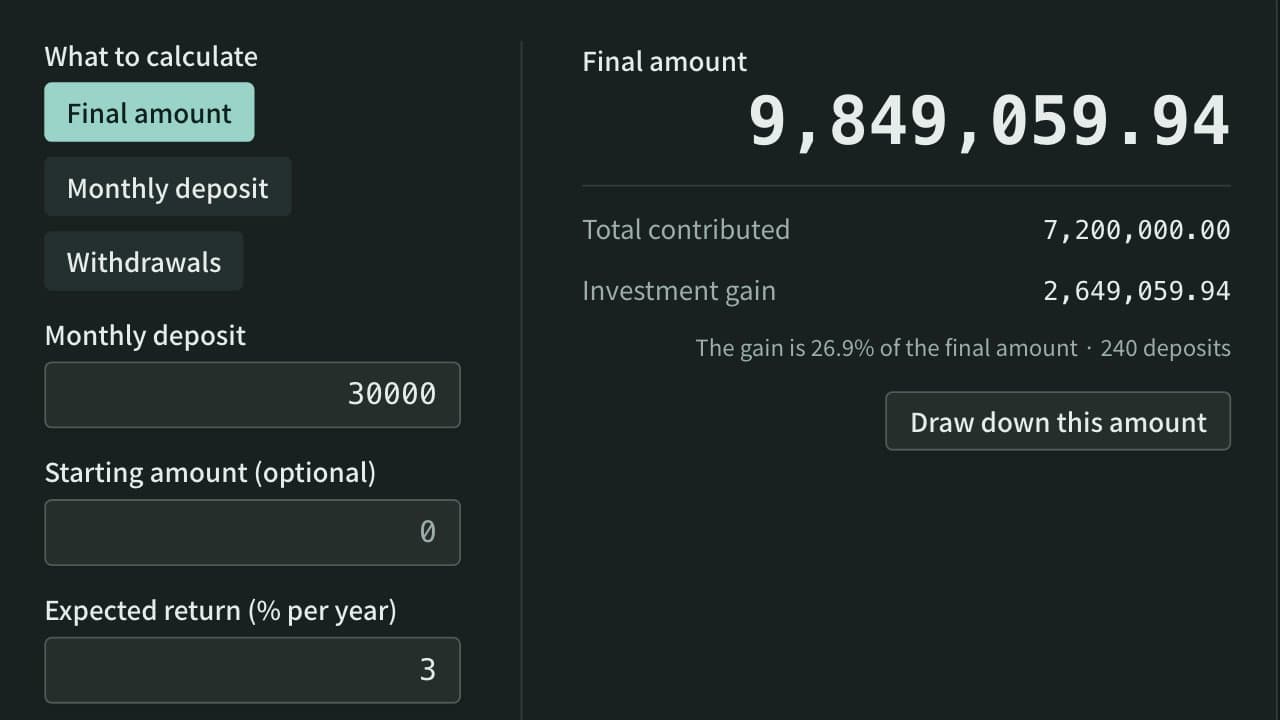
Work out what monthly deposits and a starting amount grow to with compound interest, split into contributions and gain, or find the monthly deposit needed to reach a target, with a year-by-year table. You can also see how long a balance lasts when you take out the same amount every month.
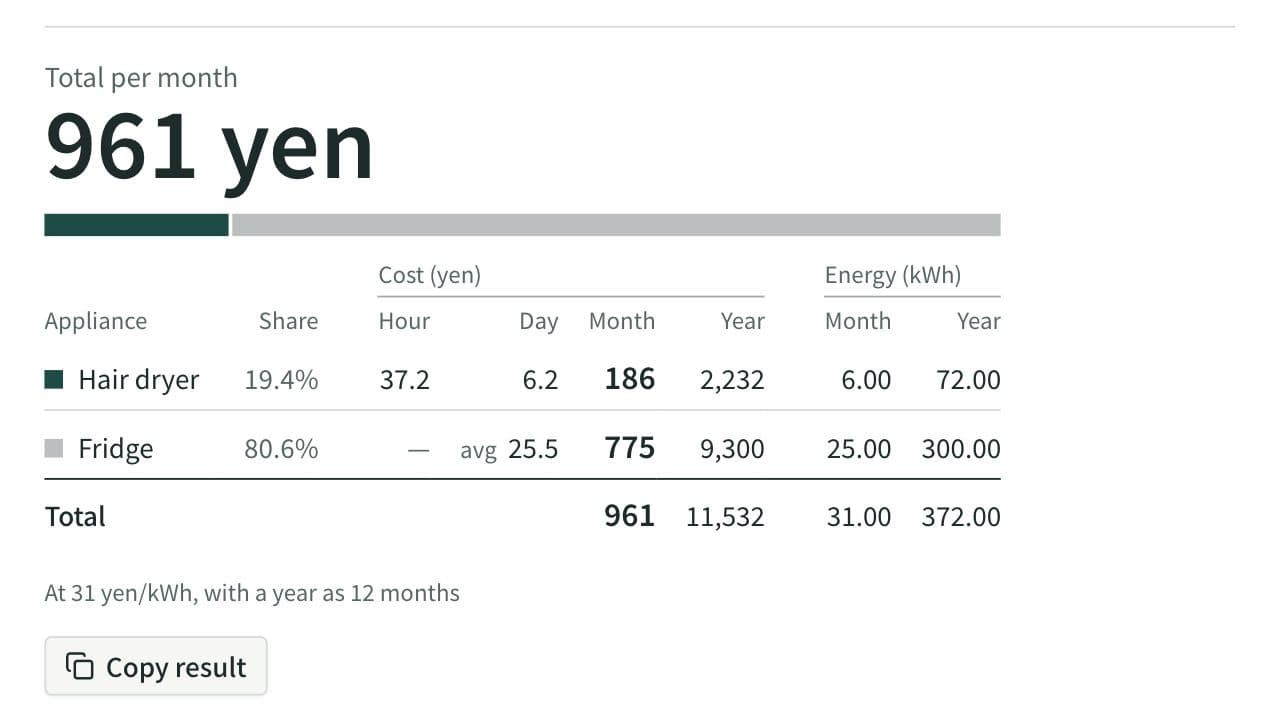
Electricity Cost Calculator
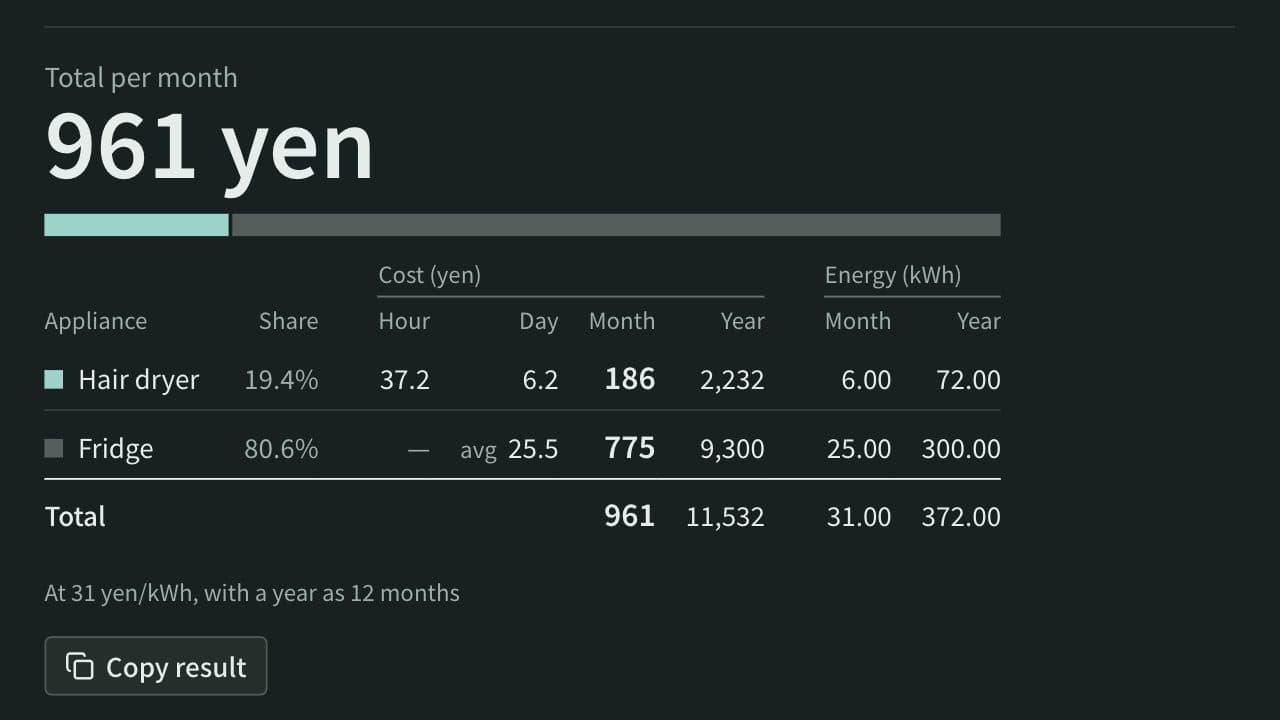
Work out the electricity cost of appliances per hour, day, month, and year from their power in watts and how long they run, or from the yearly kWh on a fridge or air conditioner label. Add several appliances to see the total and each one's share, or compare an appliance with its replacement to see the yearly saving and how long it takes to pay back.
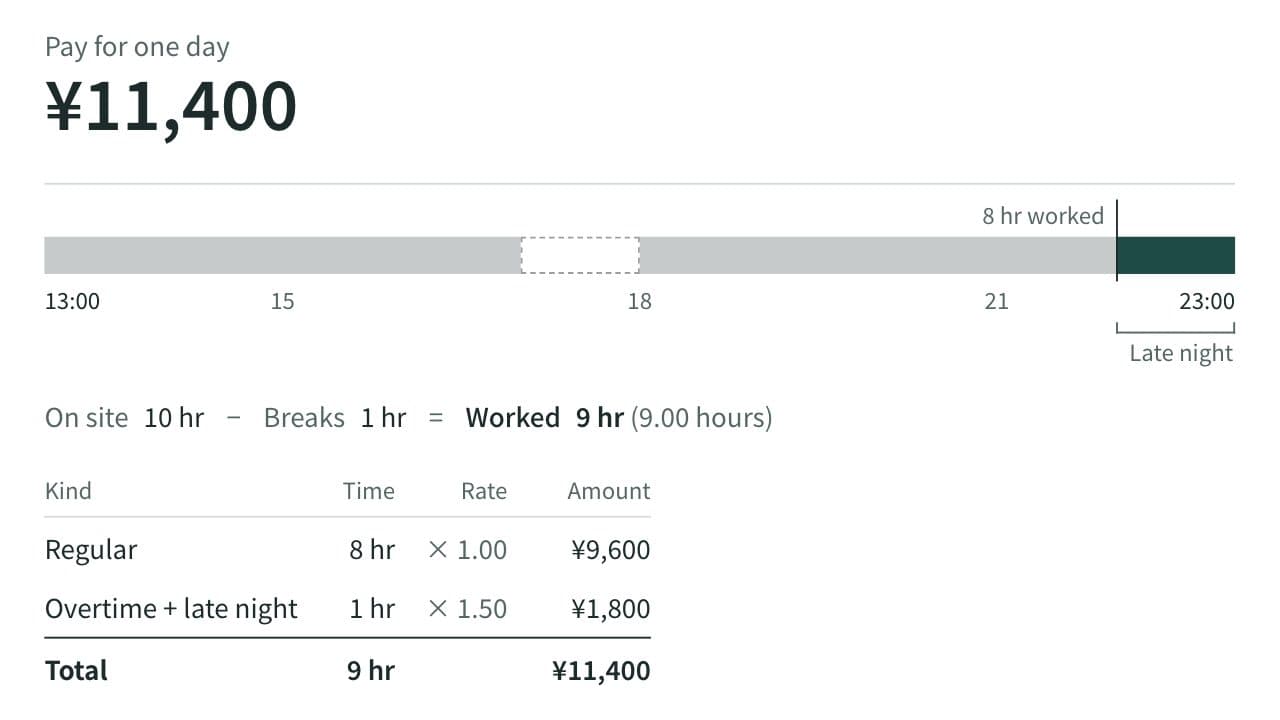
Hourly Pay Calculator
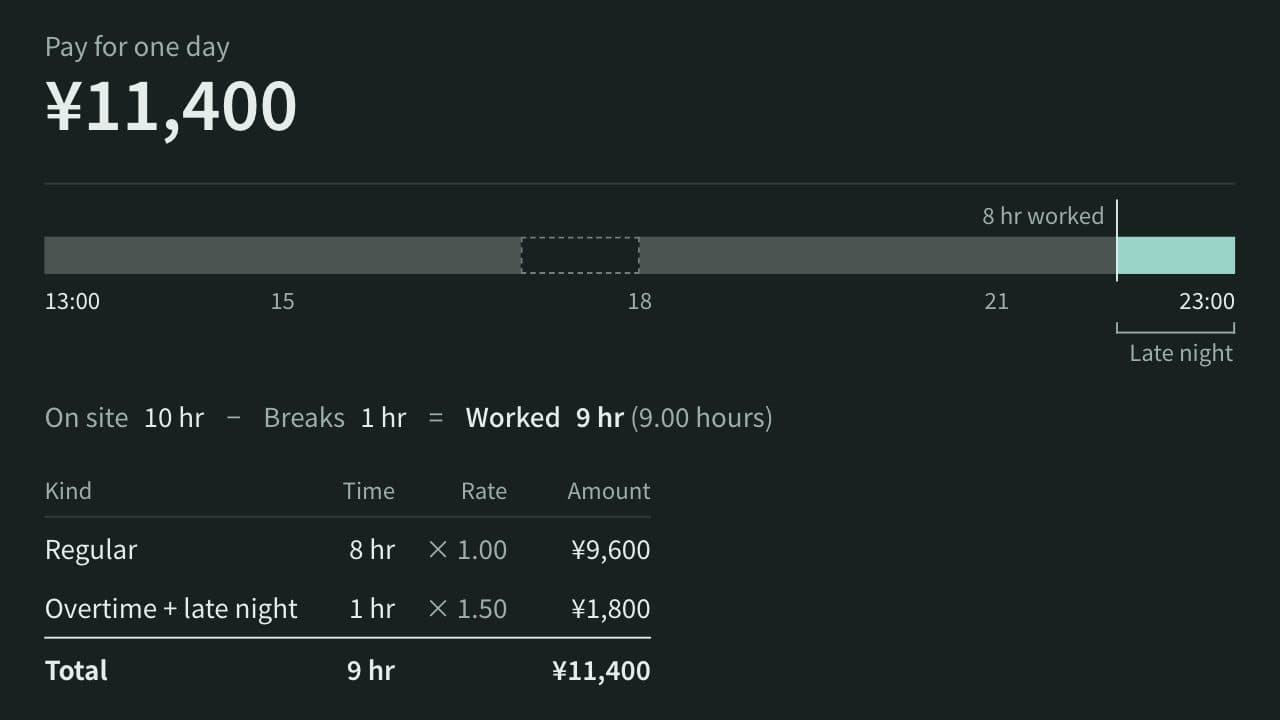
Calculate worked hours and a day's pay from an hourly wage, clock-in, clock-out, and breaks, with overtime past 8 hours, late-night work (22:00–05:00), and work on the statutory day off shown separately at premium rates.