Percentage Calculator
Calculate 'B% of A', 'A is what % of B', percent change, a value plus or minus B%, and the whole from a part and its percent. Stacked discounts such as 20% off then another 10% off show the final price and the combined percent. Handy for discounted prices and price increases.
How to use
Seven kinds of percentage calculation are laid out one per row. Fill in the fields of a row (three in the seventh row, two in the others) and its result appears at the end of that sentence. There is no calculate button.
- B% of A — as in "20 % of 5000 is", this finds a given percentage of a number. Use it for discount amounts and fees
- A is what % of B — as in "37 is what % of 100 ?", this finds a share of a whole. Use it for completion rates and test scores
- Percent change from A to B — as in "Percent change from 1200 to 1500 is", this expresses the change from an earlier value to a later one. Use it for year-over-year figures and price increases
- A plus B% — as in "1200 plus 25 % is", this finds a number raised by B%. Use it for a price after an increase, or an amount with a fee added
- A minus B% — as in "3980 minus 15 % is", this finds a number with B% taken off. Use it for a price after a discount
- A is B% of what? — as in "30 is 15 % of what?", this finds the whole from a part and its share. Use it to get a list price from a discount amount and rate, or the number of people asked from a response count and rate
- A minus B1%, then minus B2% — as in "2000 minus 20 %, then minus 10 % is", this takes a second percent off what is left after the first. Use it when discounts stack, such as an extra 10% off at the register on an item already 20% off. As soon as both percents are in, the combined percent appears under the row, as in "28% off in total (72% of the starting value)". It appears even while the starting value is empty
The seven rows are independent. You can use one row alone or several at once. While any field in a row is empty, a dash (—) is shown where the result goes.
Examples
- "20 % of 5000 is" → 1,000
- "15 % of 3980 is" → 597 (the amount taken off by a 15% discount; you pay 3980 − 597 = 3,383)
- "37 is what % of 100 ?" → 37%
- "45 is what % of 60 ?" → 75%
- "1 is what % of 3 ?" → 33.3333%
- "Percent change from 1200 to 1500 is" → 25%
- "Percent change from 1500 to 1200 is" → -20%
- "1200 plus 25 % is" → 1,500
- "3980 minus 15 % is" → 3,383 (what you pay after a 15% discount)
- "30 is 15 % of what?" → 200
- "597 is 15 % of what?" → 3,980 (the list price when a discount of 597 is 15% of it)
- "2000 minus 20 %, then minus 10 % is" → 1,440 (28% off in total; not 1,400, which would be 30% off)
- "100 minus -50 %, then minus 50 % is" → 75 (50% more, then 50% off: 25% off in total)
An increase is shown without a plus sign. When the starting value is positive, a number with no sign is an increase, and a number with a minus sign is a decrease.
Formulas
Each row uses the following formula.
B% of A                     = A × B ÷ 100
A is what % of B            = A ÷ B × 100
Percent change from A to B  = (B − A) ÷ A × 100
A plus B%                   = A + A × B ÷ 100
A minus B%                  = A − A × B ÷ 100
The whole A is B% of        = A ÷ B × 100
A minus B1%, then minus B2% = A × (1 − B1 ÷ 100) × (1 − B2 ÷ 100)
Combined percent off        = 100 − (100 − B1) × (100 − B2) ÷ 100
Percent change is measured against the value before the change (A). That is why swapping the two numbers gives a different result: 1200 to 1500 is a 25% increase, but 1500 to 1200 is -20%.
"A plus B%" and "A minus B%" both add or take off B% of the original value (A). The "of what?" row reverses "B% of A": B% of the whole it gives is A.
In "then minus B2%", the second step takes B2% of the value left after the first step, not of the original value. That is why 20% off followed by 10% off is 28% off in total, not 30%. Swapping the two percents gives the same result.
Result display and accepted values
- Results are rounded to at most four decimal places. "2 is what % of 3 ?" gives 66.6667%
- A value so small that it only has digits beyond the fourth decimal place may be rounded and shown as 0
- Digit grouping (such as the comma in 1,000) follows your browser's language setting
- Decimals and negative numbers are accepted
- Shares above 100% are calculated as they are. "150 is what % of 120 ?" gives 125%
- When the original value is positive and the percent in "A minus B%" is above 100, the result is negative. "500 minus 150 % is" gives -250
- A negative percent in "A plus B%" or "A minus B%" reverses the direction. "200 plus -10 % is" gives 180
- When B is 0 in "A is what % of B", A is 0 in the percent change row, or the percent is 0 in the "of what?" row, the division is not possible and the result stays as a dash
- The "then minus B2%" row does not round the value after the first step. If a shop rounds the price after each discount, its price can differ from the one shown
- A negative percent in the "then minus B2%" row makes that step an increase: "-10" adds 10%. When the two steps add up to an increase, the combined percent reads like "21% more in total", and when they cancel out it reads "No change in total". When a difference too small to show at four decimal places is left, it reads "Almost no change in total"
- When the result is too large for the numeric range the calculator can handle, "Out of range" is shown
Common mistakes
- Percent change does not reverse: 100 to 50 is -50%, but 50 to 100 is 100%. A 50% drop followed by a 50% rise does not bring you back to the original value
- You can get the discounted price directly: for the price after a 15% discount, enter "3980 minus 15 % is" to get 3,383. There is no need to find the discount amount and subtract it
- Adding a percent and taking the same percent off does not bring you back: "100 plus 50 % is" gives 150, but "150 minus 50 % is" gives 75. The second step measures against the raised value. Entering "100 minus -50 %, then minus 50 % is" in the seventh row gives 75 and "25% off in total" in one go
- Stacked discounts do not add up: 20% off followed by 10% off is 28% off, not 30% off. The second 10% applies to the price that is already lower
- Use the "of what?" row to get back from a discounted price to the list price: the list price of an item that cost 3,383 after 15% off is not "3383 plus 15 % is" (3,890.45). What you paid is 85% of the list price, so "3383 is 85 % of what?" gives 3,980
- Check which number is the whole: in "A is what % of B", the second field (B) is the whole. Entering the numbers the other way round gives a different result
FAQ
Can I use decimals?
Yes. Decimals work in both the inputs and the results. Results are rounded to at most four decimal places. "0.5 % of 1500 is" gives 7.5.
How do I read a negative percent change?
When the starting value is positive, a negative value means a decrease. "-20%" is a 20% decrease. An increase is shown without a sign, as in "25%".
When the starting value is negative, the sign alone does not tell you the direction. The difference is divided by the starting value itself, so "from -100 to -50" shows "-50%" although the value went up, and "from -50 to -100" shows "100%" although the value went down.
The percent change stays as a dash
Check whether the starting value (A) is 0. A percent change from 0 would divide by 0, so it cannot be calculated. For the same reason, "A is what % of B" gives no result when the total (B) is 0.
Can I calculate a price after a discount?
Yes. Enter the original price and the discount rate in the "A minus B%" row. For 30% off, "12800 minus 30 % is" gives 8,960. If you only want the discount amount, "30 % of 12800 is" gives 3,840.
Can I get the list price from a discounted price and the discount rate?
Yes. Subtract the discount rate from 100 and use that as the percent in the "A is B% of what?" row. For 8,960 after 30% off, "8960 is 70 % of what?" gives 12,800.
What is 20% off followed by another 10% off?
28% off. Enter 20 as the first percent and 10 as the second in the seventh row, and "28% off in total (72% of the starting value)" appears under it. Enter a price as the starting value to also get the price after both discounts: 2,000 becomes 1,440.
Can I use it for sales tax?
Yes. "10 % of 1000 is" gives the tax amount, 100, and "1000 plus 10 % is" gives the tax-inclusive price, 1,100. Fractions of the smallest currency unit are not rounded; they are shown as decimals. To round them down, or to work back from a tax-inclusive price to the tax-exclusive price, the Sales Tax Calculator takes fewer steps.
What is the difference between percent and percentage points?
A percentage point is the plain difference between two percentages, while percent expresses how much the percentage changed as a ratio. If 5% becomes 8%, the difference is 3 points. Entering "from 5 to 8" in the percent change row, however, shows 60%. This calculator computes the latter.
Are the numbers I enter saved?
No. The calculation runs entirely in your browser, and the numbers you enter are neither sent to a server nor stored. Reloading the page clears them.
- Type
- Utility
- Category
- Calculators
- Tags
- calculator
- percent
- math
Related apps
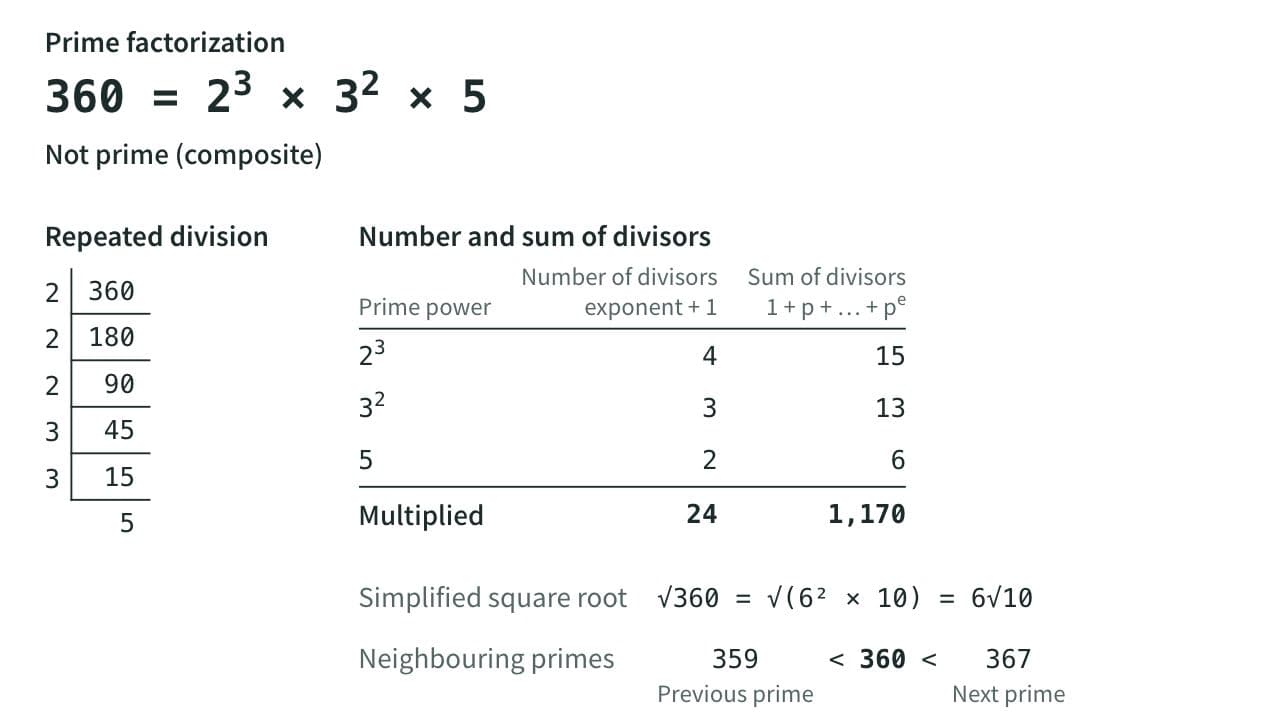
Prime Factorization, GCD and LCM Calculator
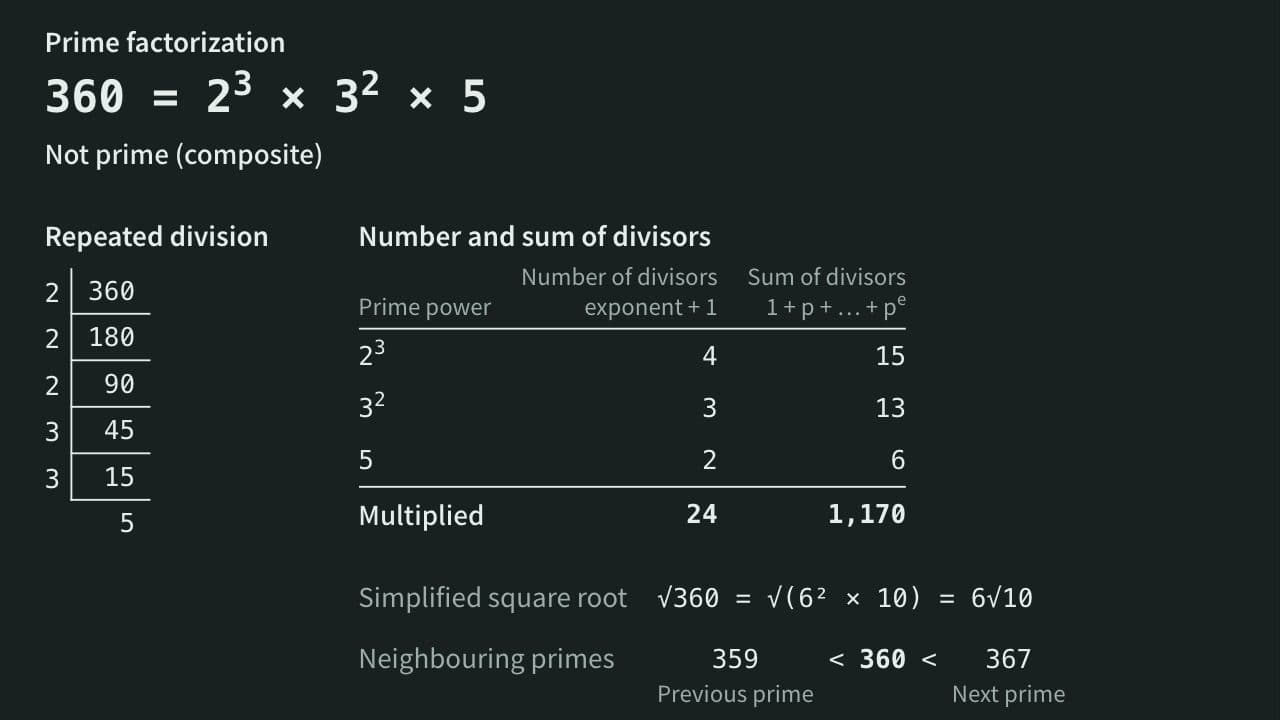
Factor a whole number into primes and see whether it is prime, its divisors, their count and sum, and its simplified square root. With two or more numbers, get the GCD and LCM, the common divisors and the steps of the Euclidean algorithm.
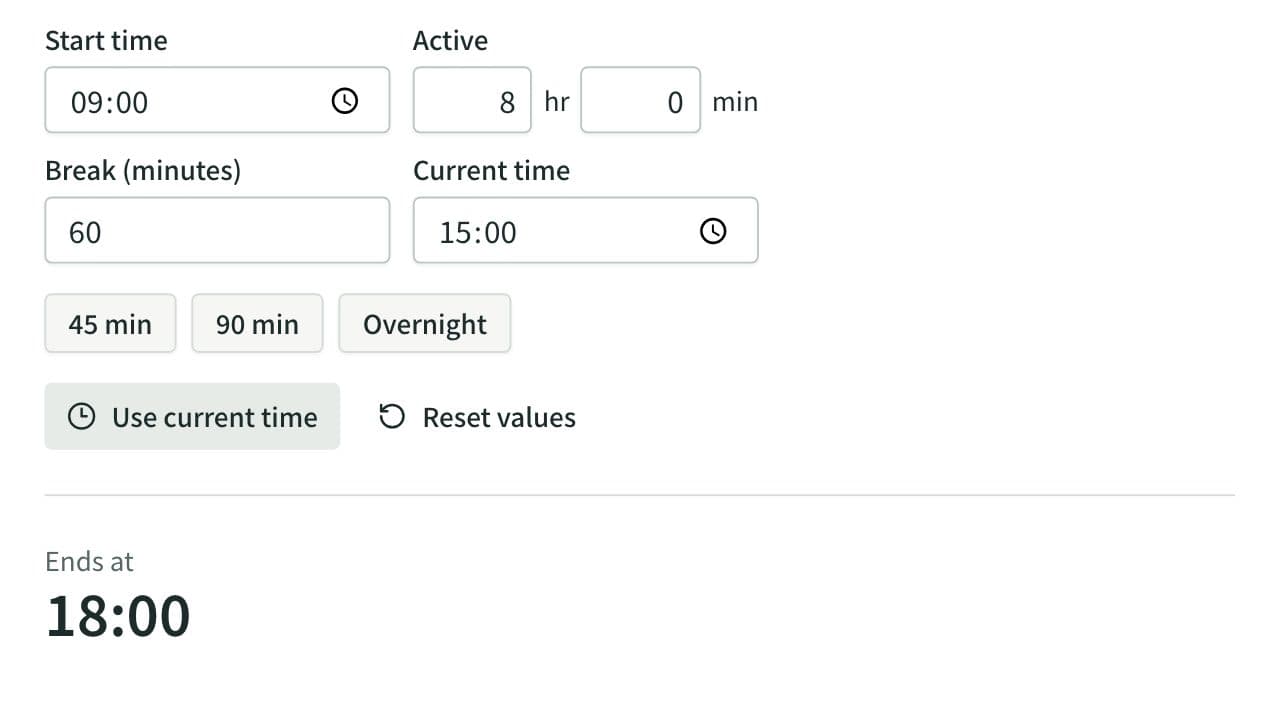
Elapsed Time Calculator
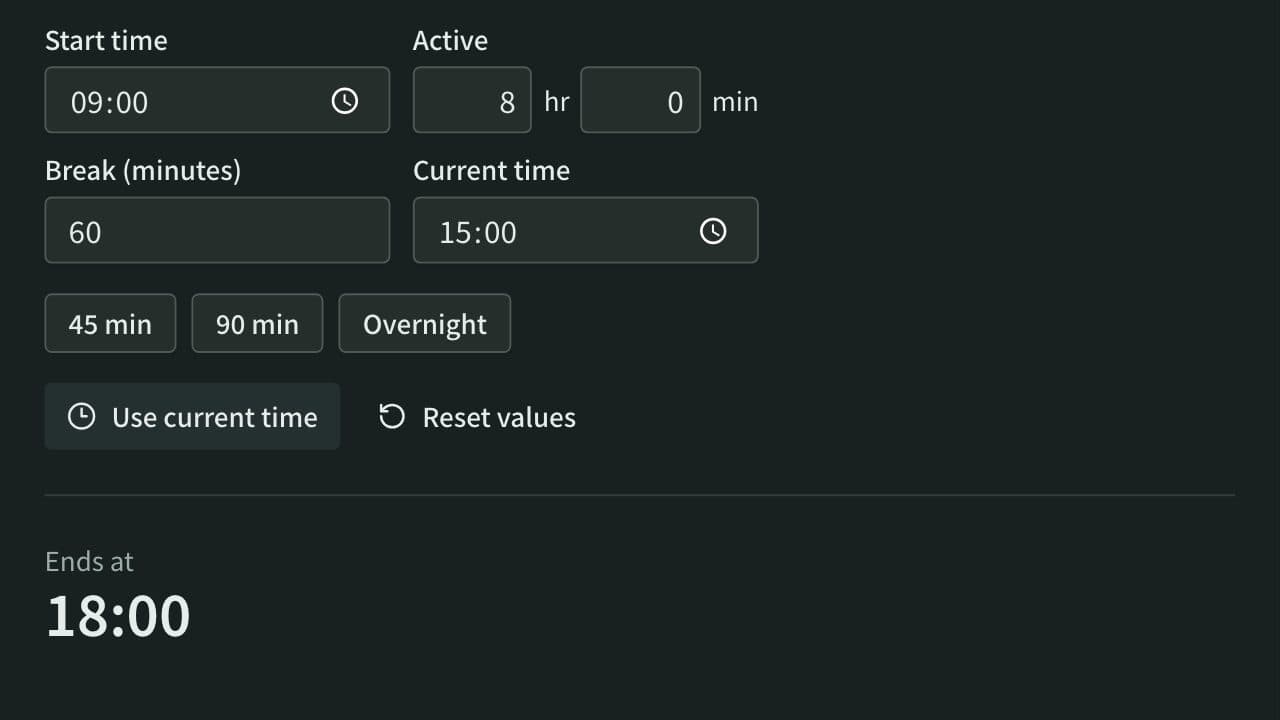
Calculate elapsed, remaining, and active time from start, end, current time, and breaks, or work out the end time from the active time. Also adds and subtracts durations such as 1:30 or 2h 15m and converts them to decimal hours.
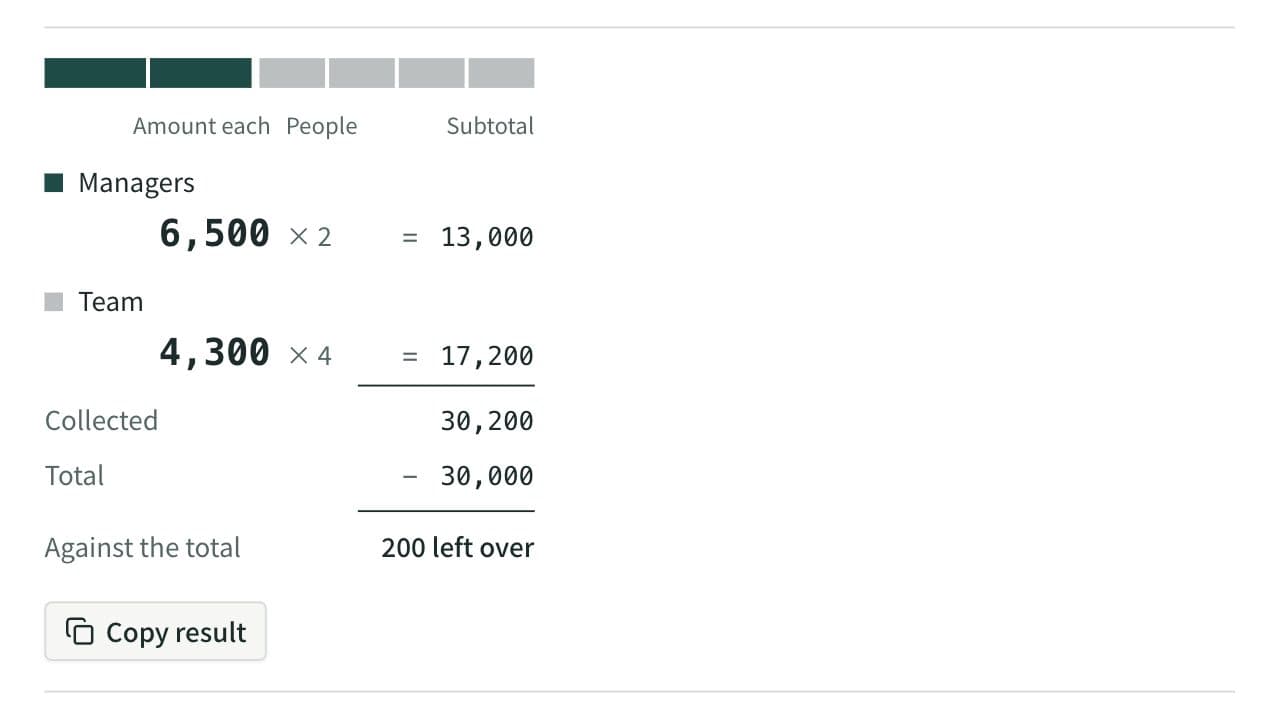
Split Bill Calculator
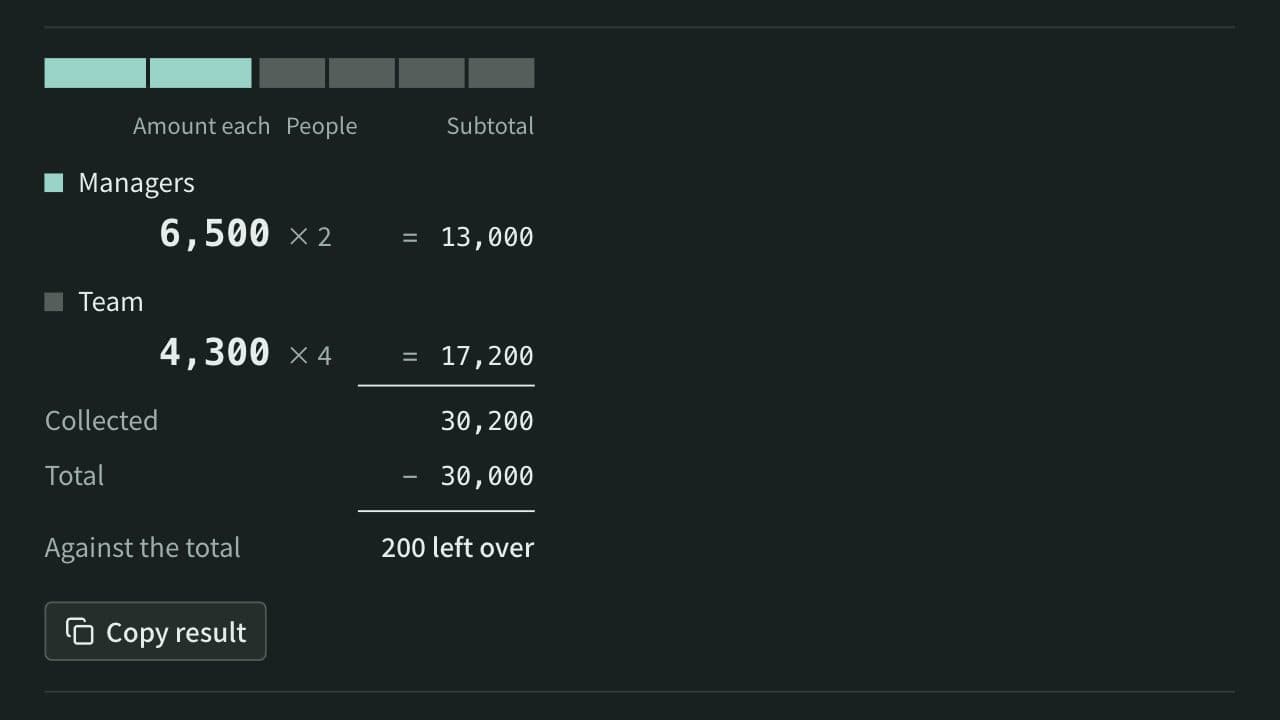
Work out what each person pays from the total and the head count. Round payments to 10, 100, 500, or 1,000, let some groups pay a larger share or a set amount, and see how much is collected and left over. When several people paid, it also works out who pays whom to settle up.