Calculator (Expressions and Functions)
A calculator that takes a whole expression, parentheses included. Handles arithmetic, powers, percentages, square roots, trigonometry, and logarithms, and keeps a history of confirmed calculations. Runs entirely in your browser.
Type with the keyboard or the buttons below. The buttons add at the cursor position in the input. Press Enter or = to replace the expression with its result and keep it in the history.
Enter an expression to see its result here.
Functions
Angle unit
History
Calculations you confirm with Enter or = are listed here, newest first, up to 10.
How to use
- Enter an expression in the input. You can type it with the keyboard or press the buttons below
- The result appears under the expression as you type. There is no calculate button to press
- Press Enter or "=" to replace the expression with its result and keep that calculation in the history. Carry on with
× 2, for example, to use the result in the next calculation - Press "Copy result" to put just the number on the clipboard
"C" clears the whole expression, and the delete button (⌫) removes the character before the cursor. When deleting an operator leaves two values side by side, a space stays between them: deleting the + of 1 + 2 gives 1 2, not 12, and a missing operator is reported.
Unlike a simple pocket calculator, an expression such as 1 + 2 × 3 is not worked out from left to right: multiplication and division come first, so the answer is 7. Use parentheses to change the order, as in (1 + 2) × 3.
Where the buttons add
The buttons add at the cursor position in the input. Click (or tap) partway through the expression, then press a button to add there. When a range is selected, the button adds at its end instead of replacing it.
The buttons add at the end of the expression:
- before the cursor has been placed in the input
- after confirming with Enter or "=", clearing with "C", or putting an expression back from the history
- after the focus has moved outside the calculator, such as to another button or link on the page
History
Press a line in the history to put that expression back in the input. A calculation whose answer depends on the angle unit, such as sin(30), is listed with its unit, and pressing the line sets the unit back as well.
"Insert answer" at the right of a line puts only that calculation's answer at the cursor position. For example, after confirming 1000 + 10%, pressing it after 200 × gives 200 × 1100.
- A negative answer goes in parentheses, as
(-4).-4^2is-(4^2), which is -16, but(-4)^2is 16 - Next to a number or name, a space goes in between. Inserting
1100right after3gives3 1100, not31100, and a missing operator is reported. A negative answer gives3 (-4), which is -12, as multiplication can be left out before parentheses - The answer goes in as shown: rounded to 12 significant digits, or in exponent notation such as
1.26765060023e+30
Example
This is what (1200 + 800) × 1.1 shows.
= 2200
With separators: 2,200
More examples:
7 ÷ 2→3.51,234 × 2→2468(commas between groups of three digits are ignored)2^10→1024√(2)orsqrt(2)→1.414213562372πor2 × pi→6.283185307181000 + 10%→1100,1000 - 20%→800200 × 15%→30sin(30)→0.5(with the angle unit set to degrees)log(1000)→3,ln(e)→110!→36288000.1 + 0.2→0.31 ÷ 3→0.333333333333
Symbols and functions
Operators
+-— addition and subtraction×*— multiplication. It can be left out before a parenthesis or a name, as in2π,2(3 + 4), and(1 + 2)(3 + 4)÷/— division^— power.2^10is 2 to the 10th power.**and the superscripts²and³are read the same way%— percent. Divides the value before it by 100 (50%is 0.5)!— factorial.5!is 5 × 4 × 3 × 2 × 1, which is 120. It works on whole numbers from 0 to 170()— whatever is inside parentheses is calculated first
Order of operations
From the highest priority down:
- Parentheses and functions
%and!^(power). A chain is worked out from the right:2^3^2is2^(3^2), which is 512- A leading sign.
-2^2is-(2^2), which is -4. Write(-2)^2to square -2 ×and÷, from left to right+and-, from left to right
How percent works
When the right side of + or - is nothing but "N%", it is taken as a share of the left side. This is how most pocket calculators and phone calculator apps behave.
1000 + 10%→ 1000 plus 10% of 1000 (100), which is11001000 - 20%→ 1000 minus 20% of 1000 (200), which is800
A note under the result says so whenever this happens. To add the plain number 0.1 instead, wrap the percent in parentheses: 1000 + (10%) is 1000.1.
In multiplication and division, % only divides by 100. 200 × 15% is 200 × 0.15, which is 30.
Functions and constants
Write a function as its name followed by a value in parentheses.
sqrt(x)— square root.√(x)works toocbrt(x)— cube rootabs(x)— absolute valueround(x)— rounds to the nearest whole number, halves away from zero.round(2.5)is 3 andround(-2.5)is -3floor(x)— rounds down (the largest whole number that is not above x).floor(-2.5)is -3ceil(x)— rounds up (the smallest whole number that is not below x)sin(x)cos(x)tan(x)— trigonometric functionsasin(x)acos(x)atan(x)— inverse trigonometric functionslog(x)— common logarithm (base 10)log2(x)— logarithm to base 2ln(x)— natural logarithm (base e)exp(x)— e to the power xpiorπ— the circle constant (3.14159265359…)e— Euler's number (2.71828182846…)
"Angle unit" sets whether the angles given to the trigonometric functions, and returned by the inverse ones, are in degrees or radians. It starts on degrees.
At a whole number of right angles (90°, π/2), sin(180) and cos(pi / 2) are exactly 0 and tan(90) has no answer. In radians pi is itself a rounded value, so an angle that matches a whole number of right angles to within rounding error is treated as one.
How the input is read
- Full-width characters — full-width digits and symbols (
1+2) are read as their half-width forms - Spaces — spaces inside the expression are ignored
- Commas — commas that split the whole part of a number into groups of three digits, as in
1,234,567, are ignored as thousands separators. A comma anywhere else (1,23,1.234,567, or1e1,000) is an error - Exponent notation —
1.5e3is 1.5 × 10 to the 3rd power, which is 1500 - A trailing "=" —
1 + 2 =is calculated as1 + 2 - Capital letters —
SIN(30)andPIare the same as their lowercase forms
When an error is shown
- Cannot be used in an expression — the expression has a character that is not a digit, an operator, a parenthesis, or part of a function name. Kanji numerals (
二) and currency signs (¥) are not read - There is no function or constant named … — the name is not in the list. Check the spelling. The
xin2x3is not read as multiplication, sox3is taken as a name; use×or*to multiply - Must be followed by a value in parentheses — a function has no parentheses after it, as in
sqrt 2or√2. Writesqrt(2)or√(2) - There is no operator between two numbers — an input such as
2 3or(1 + 2)3 - The expression stops partway — an operator has no value after it yet, as in
2 +. This also shows while you are still typing - A closing parenthesis is missing / There is one too many — the opening and closing parentheses do not pair up
- Division by zero is not possible — an expression such as
1 ÷ 0 - This has no real-number answer —
sqrt(-1),log(0),asin(2),tan(90)in degrees, and so on. Complex numbers are not handled - The result is too large to show — the result is beyond about 1.8 × 10 to the 308th power
FAQ
Why is 0.1 + 0.2 not 0.30000000000000004?
Because results are rounded to 12 significant digits for display. Computers hold decimals in binary, which cannot represent 0.1 or 0.2 exactly, so adding them leaves a small error in the last places. Rounding to 12 digits hides that error, and the result reads 0.3.
In exchange, 1 ÷ 3 is shown as 0.333333333333, with twelve 3s. This calculator is not suited to work that needs the 13th digit and beyond.
How exact are large numbers?
Whole numbers are shown exactly, down to the ones place, up to 9,007,199,254,740,991 (about 9 × 10 to the 15th power). Results with a fractional part are rounded to 12 significant digits, or to 15 from one trillion (10 to the 12th power) up so that the whole part is not cut short. Results beyond that, and very small results, are shown in exponent notation with 12 significant digits. For example, 2^100 is 1.26765060023e+30 (1.26765060023 × 10 to the 30th power) and 20! is 2.43290200818e+18.
When you need every digit of a long whole number, such as an amount of money, check that the result is not in exponent notation.
Why is 1000 + 10% equal to 1100 and not 1000.1?
Because an "N%" on the right of + or - is taken as a share of the left side. This lets you write "1000 plus 10%" and "1000 less 20%" directly as 1000 + 10% and 1000 - 20%. To add 0.1 as it is, write 1000 + (10%) or 1000 + 0.1.
To check a discount or a percent change item by item, the Percentage Calculator is a better fit.
sin(30) does not give 0.5
Check that "Angle unit" is not set to radians. In radians, sin(30) is the sine of 30 radians, which is -0.988031624093. Choose "Degrees (°)" to calculate in degrees.
Can it work out sales tax or convert units?
It can if you write the expression (a tax-inclusive price is 1980 × 1.1, or 1980 + 10%). For rounding down fractions or working back to a pre-tax price, though, the Sales Tax Calculator takes less effort, as does the Unit Converter for lengths and weights and the Number Base Converter for binary and hexadecimal.
Can I use variables, my own functions, complex numbers, or matrices?
No. Only expressions over real numbers are handled; assignments such as x = 5, solving equations, and plotting graphs are not supported. To reuse the previous result, press Enter or "=" to replace the expression with it, then keep typing. For an earlier answer, use "Insert answer" in the history.
Are my expressions or the history saved?
No. Everything is calculated in your browser, and the expressions you enter are never sent to a server. The history lasts only while the page is open; reloading clears it together with the expression.
- Type
- Utility
- Category
- Calculators
- Tags
- calculator
- math
- expression
- scientific
- arithmetic
- percent
Related apps
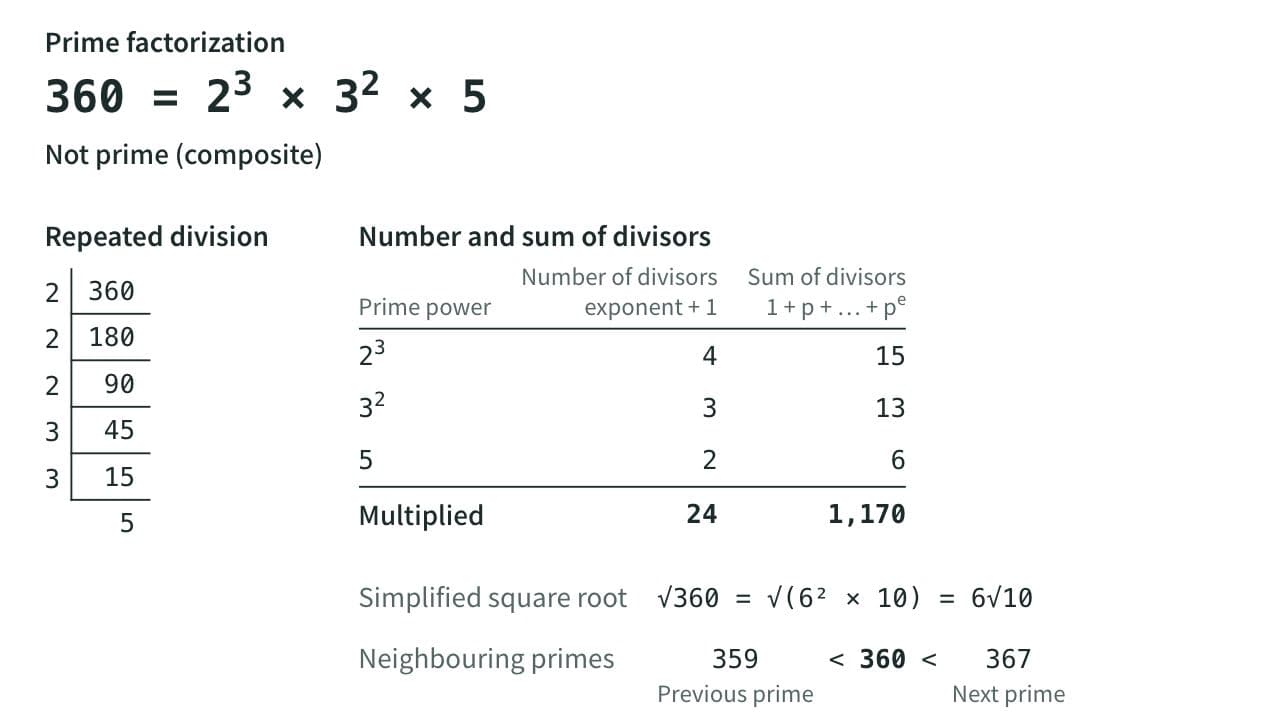
Prime Factorization, GCD and LCM Calculator
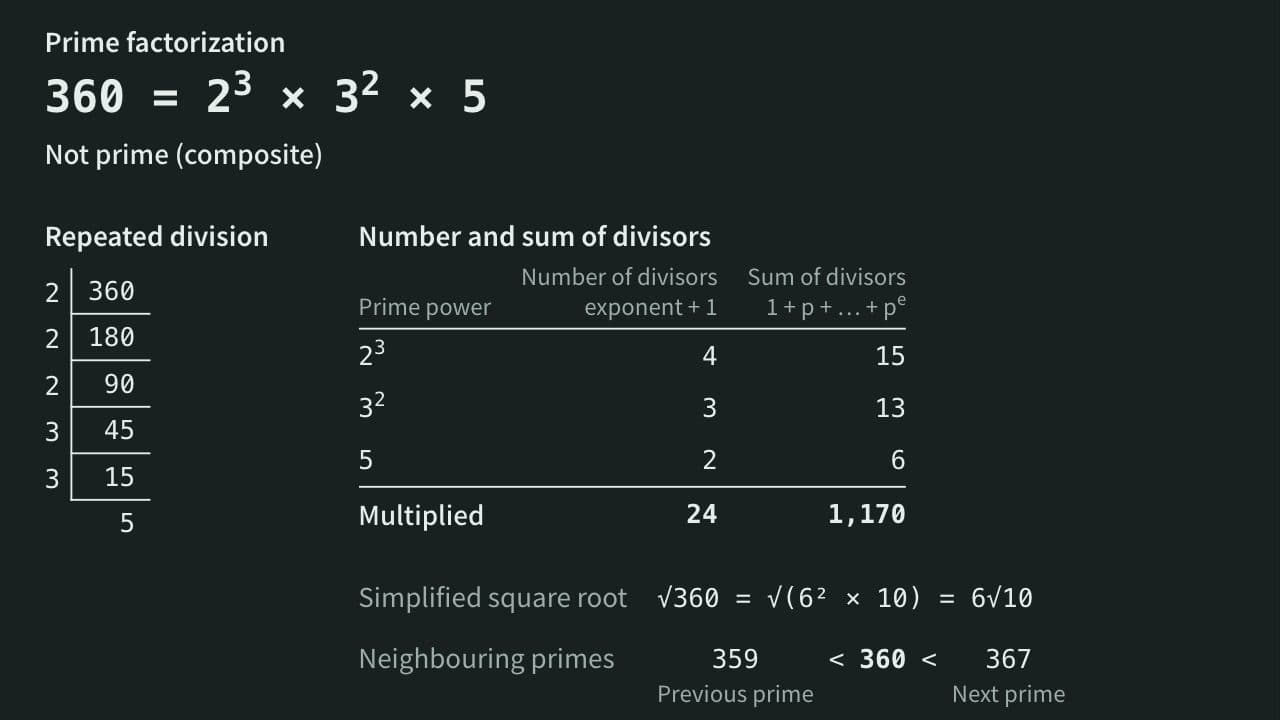
Factor a whole number into primes and see whether it is prime, its divisors, their count and sum, and its simplified square root. With two or more numbers, get the GCD and LCM, the common divisors and the steps of the Euclidean algorithm.
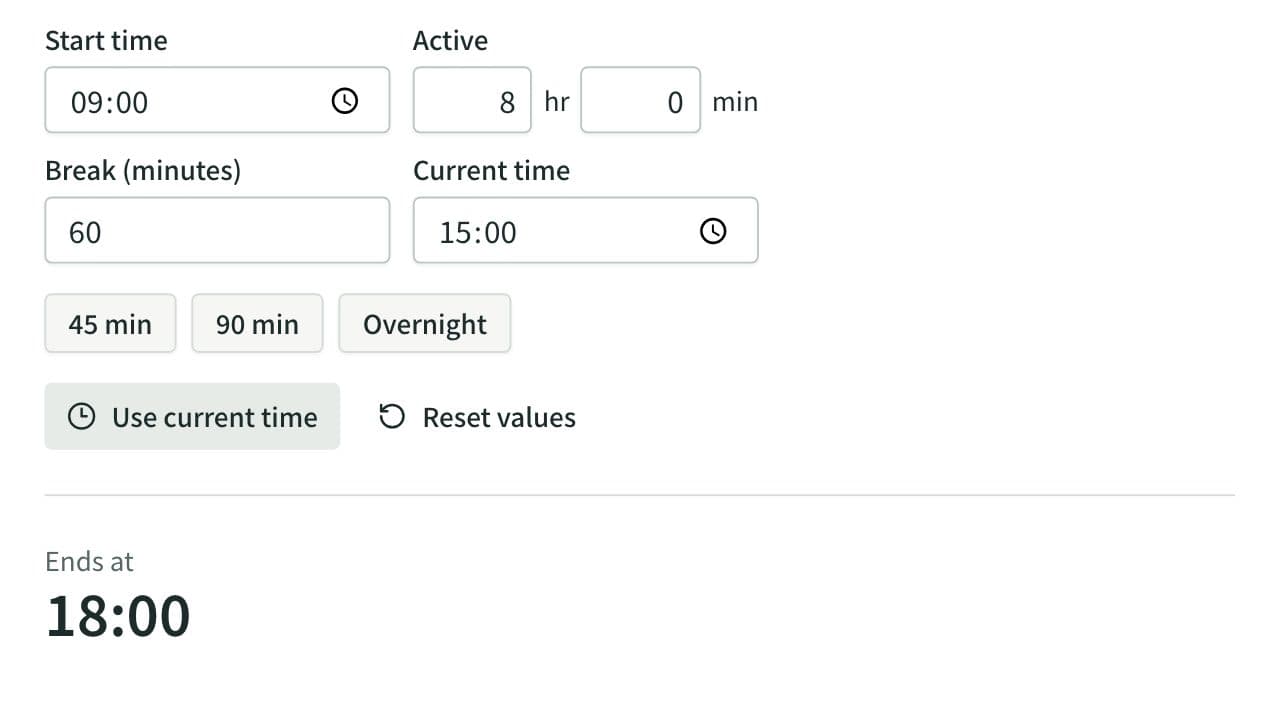
Elapsed Time Calculator
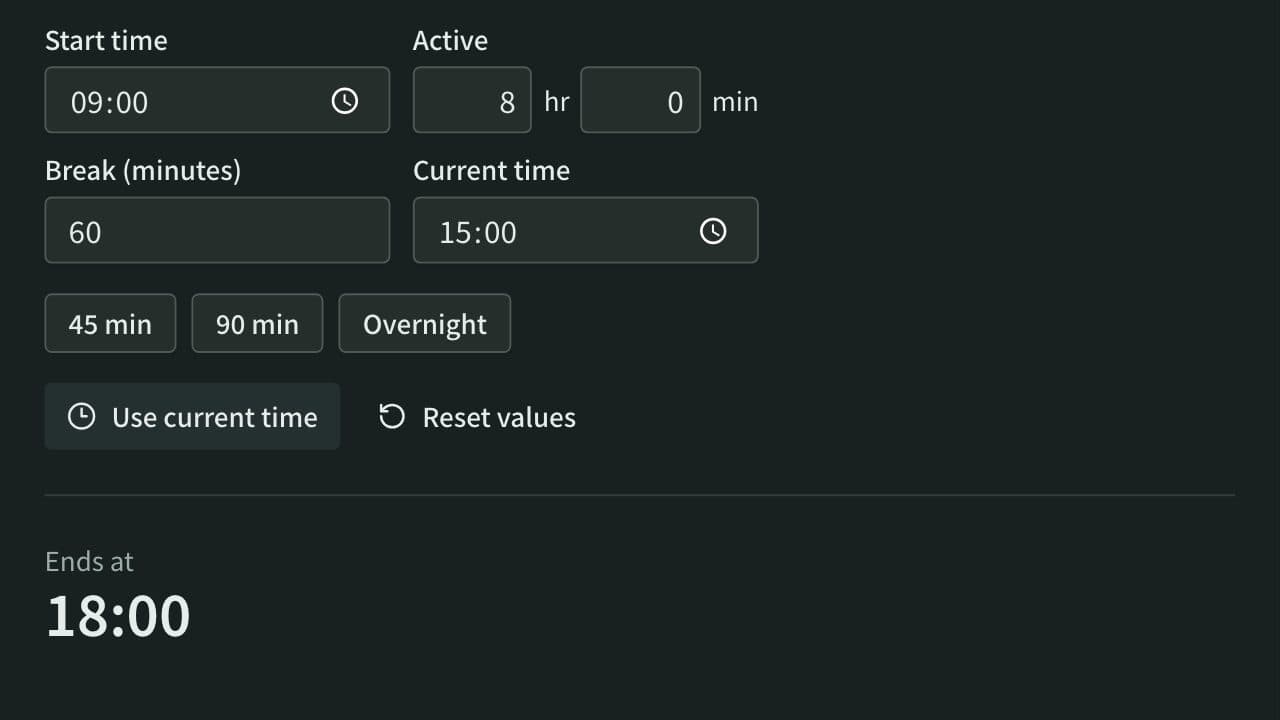
Calculate elapsed, remaining, and active time from start, end, current time, and breaks, or work out the end time from the active time. Also adds and subtracts durations such as 1:30 or 2h 15m and converts them to decimal hours.
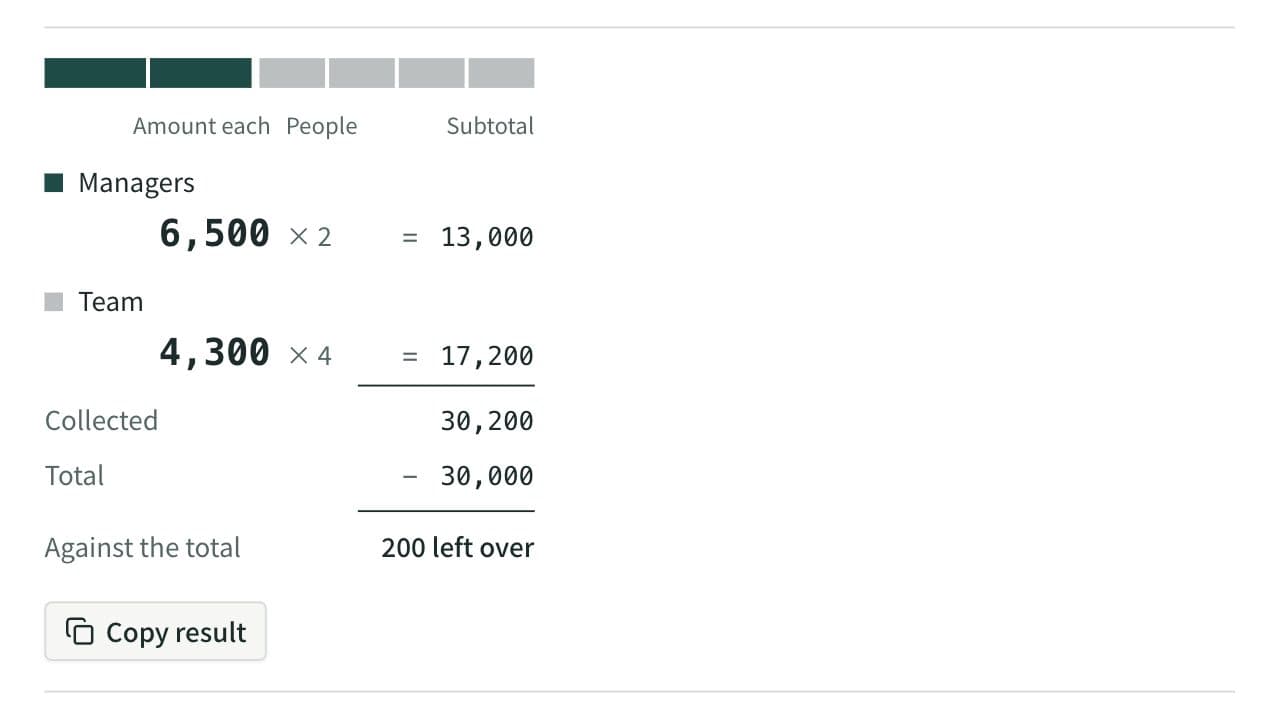
Split Bill Calculator
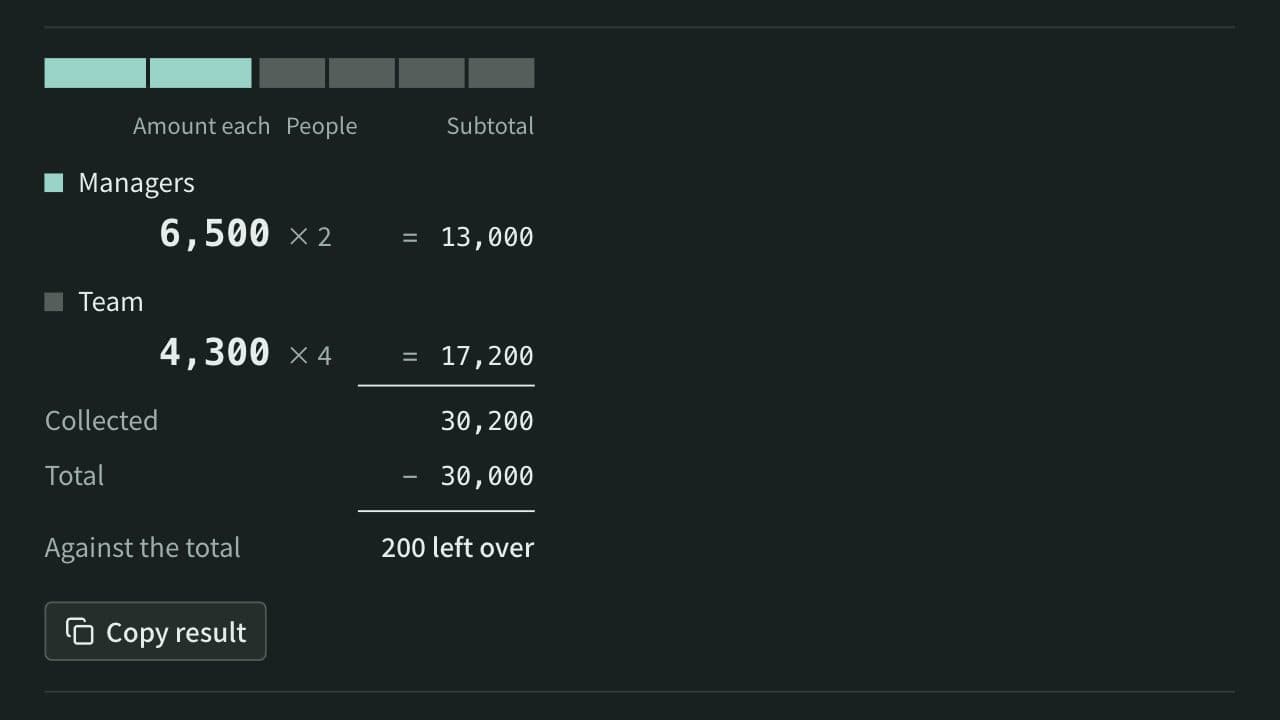
Work out what each person pays from the total and the head count. Round payments to 10, 100, 500, or 1,000, let some groups pay a larger share or a set amount, and see how much is collected and left over. When several people paid, it also works out who pays whom to settle up.