Hourly Pay Calculator
Calculate worked hours and a day's pay from an hourly wage, clock-in, clock-out, and breaks, with overtime past 8 hours, late-night work (22:00–05:00), and work on the statutory day off shown separately at premium rates.
Example shifts
- Pay for one day
- ¥9,600
- On site
- 9 hr
- Breaks
- 1 hr
- Worked
- 8 hr (8.00 hours)
| Kind | Time | Rate | Amount |
|---|---|---|---|
| Regular | 8 hr | × 1.00 | ¥9,600 |
| Total | 8 hr | ¥9,600 |
Overtime is worked time past 8 hours; late night is 22:00 to 05:00. Each line is rounded to the nearest yen.
How to use
- Enter the pay for one hour in "Hourly wage (yen)". Values such as
1,200and full-width digits are accepted. - Enter the "Clock in" and "Clock out" times. If clock-out is earlier than clock-in, it is treated as the next morning.
- Under "Breaks", enter the time range of each break. "Add a break" allows up to three, and the × button removes one.
- The right side shows the pay for one day, a time card of the shift, the sum on site − breaks = worked, and a table of the time and pay for each kind of work.
The time card draws the shift from clock-in to clock-out as one strip. Breaks are left hollow with a dashed outline. On a day with more than 8 hours of work, a line marked "8 hr worked" shows where the eighth worked hour ends, and the overtime after it is filled in a darker color (if a break follows the line, the fill starts after the break). The "Late night" bracket under the clock marks the part between 22:00 and 05:00. The table lists only the kinds among regular, overtime, late night, and overtime + late night that occur that day, with the total on the last line. If the breaks cover the whole shift and no time is worked, the regular line is shown at ¥0.
Both premiums start at 25%, the minimum under Japan's Labor Standards Act. Change them if your employer pays more, such as 30%. Enter the number of days with the same shift in "Days" to also see the total for those days. The "Day 9–18", "Overtime 9–21", and "Night 22–7" buttons fill in a sample shift and its breaks.
For work on the statutory day off, choose "The clock-in day is the day off" under "Statutory day off". If a night shift runs past midnight into the day off, choose "The next day (from 00:00) is the day off". Either choice shows a "Day-off premium (%)" field, which starts at 35%. The time card puts a "Day off" bracket under the part of the shift that falls on the day off.
How it is calculated
The shift is checked one minute at a time and each minute is sorted into one of four kinds. Minutes in a break are not counted.
- Regular: time within the first 8 worked hours and outside 22:00–05:00. Paid at wage × 1.00.
- Overtime: time after 8 hours of work. Paid at wage × (1 + overtime premium).
- Late night: time between 22:00 and 05:00. Paid at wage × (1 + late-night premium).
- Overtime + late night: time that is both past 8 hours and between 22:00 and 05:00. The two premiums are added, so the default is wage × 1.50.
When a day off is chosen, time worked from 00:00 to 24:00 on that day is sorted into two more kinds:
- Day off: time on the statutory day off outside 22:00–05:00. Paid at wage × (1 + day-off premium), × 1.35 by default.
- Day off + late night: time on the statutory day off between 22:00 and 05:00. The day-off and late-night premiums are added, so the default is × 1.60.
Work on the statutory day off is counted apart from overtime, so it keeps the day-off premium (or day off + late night) past 8 hours, and the overtime premium is not added. The "8 hr worked" line and overtime count only time outside the day off. For example, working from 17:00 on the day off to 04:00 the next morning, the time until 00:00 is day-off work, and from 00:00 the count toward 8 hours starts again as an ordinary day.
Each kind is rounded to the nearest yen, and all the lines add up to the day's pay. Worked time is shown both as "7 hr 45 min" and as decimal hours (7.75), as timesheets often record it.
Breaks are entered as time ranges because whether a break falls in late-night hours changes the late-night pay. On a 22:00–07:00 night shift with a break from 02:00 to 03:00, late-night work is 6 hours, not 7.
Example
An hourly wage of 1,200 yen, working 9:00–21:00 with breaks 12:00–13:00 and 18:00–18:30:
On site 12 hr − Breaks 1 hr 30 min = Worked 10 hr 30 min (10.50 hours)
Regular    8 hr        × 1.00   ¥9,600
Overtime   2 hr 30 min × 1.25   ¥3,750
Pay for one day ¥13,350
An hourly wage of 1,200 yen on a 22:00–07:00 night shift with a break from 02:00 to 03:00. Time from 05:00 to 07:00 is outside late-night hours, so it is regular time:
On site 9 hr − Breaks 1 hr = Worked 8 hr (8.00 hours)
Regular      2 hr × 1.00   ¥2,400
Late night   6 hr × 1.25   ¥9,000
Pay for one day ¥11,400
An hourly wage of 1,200 yen, working 17:00–04:00 with a break from 21:00 to 22:00. Work reaches 8 hours at 02:00, so 02:00–04:00 is both overtime and late night at × 1.50:
Regular                   4 hr × 1.00   ¥4,800
Late night                4 hr × 1.25   ¥6,000
Overtime + late night     2 hr × 1.50   ¥3,600
Pay for one day ¥14,400
An hourly wage of 1,200 yen, working 9:00–21:00 on the statutory day off with breaks 12:00–13:00 and 18:00–18:30. The 10 hr 30 min worked are all day-off time, so no overtime premium is added:
Day off   10 hr 30 min × 1.35   ¥17,010
Pay for one day ¥17,010
An hourly wage of 1,200 yen on a 22:00–07:00 night shift with a break from 02:00 to 03:00, where the next day is the statutory day off. Until 00:00 it is late night on an ordinary day; from 00:00 it is the day off:
Late night                2 hr × 1.25   ¥3,000
Day off                   2 hr × 1.35   ¥3,240
Day off + late night      4 hr × 1.60   ¥7,680
Pay for one day ¥13,920
Minimum breaks
Article 34 of the Labor Standards Act requires a break of at least 45 minutes during work of more than 6 hours, and at least 60 minutes during work of more than 8 hours. If the breaks entered are shorter, a note appears under the result. A break placed right at clock-in or clock-out is deducted from pay but is not counted as a break during work. The pay is still calculated as entered.
Notes
- Each calculation covers one shift. Overtime past 40 hours a week and the 50% premium for overtime past 60 hours a month are not included.
- The statutory day off is the one day a week (or four days in four weeks) that the law requires. Work on the other day off of a two-day weekend is not statutory day-off work and does not earn its premium, so leave "Not a statutory day off" selected for it (time past 40 hours a week becomes overtime, which this tool does not count). Check your work rules for which day is the statutory day off.
- Where a continuous 24-hour rest, rather than a calendar day, is accepted as the day off, as in some continuous three-shift operations, the day off does not break at 00:00, so such shifts are outside what this tool calculates.
- If a day off was swapped with a workday in advance, that day is an ordinary workday. If you work on a day off and take a different day off afterwards instead, the day-off premium is still owed for the day worked.
- Whether overtime beyond a contract shorter than 8 hours, but within 8 hours, earns a premium depends on the employer. This tool pays the first 8 hours without a premium.
- Transportation, allowances, tax, and social insurance deductions are not included. The result is gross pay, not take-home pay.
- The wage and times are calculated only in your browser and are never sent or stored.
FAQ
How do I enter a night shift that runs past midnight?
Enter the times as they are, such as 22:00 for clock-in and 07:00 for clock-out. A clock-out earlier than clock-in is treated as the next day. Breaks entered by clock time, such as 02:00 to 03:00, are placed on the next-day side.
I only know the length of my break, such as 60 minutes.
Enter roughly when you took it. For a daytime shift, moving the break does not change the pay. Only when the shift includes late-night hours, 22:00 to 05:00 (a night shift, or an early shift starting before 05:00), does it matter whether the break falls in them. When a shift past midnight has a statutory day off chosen, it also matters whether the break comes before or after 00:00. For example, at 1,200 yen an hour, 22:00–07:00 with the next day as the day off pays ¥13,920 with a break from 02:00 to 03:00, and ¥14,340 with a break from 23:00 to 00:00, because the hour taken off is day off + late-night time in one case and ordinary late-night time in the other.
Why can't the premiums go below 25%?
The Labor Standards Act sets both the overtime and late-night premiums at 25% or more. Whole numbers from 25% to 200% are accepted. The premium for the statutory day off is set at 35% or more, so whole numbers from 35% to 200% are accepted for it.
I worked more than 8 hours on the statutory day off, but no overtime appears.
Work on the statutory day off is counted apart from overtime, so however long it runs, it is paid at the day-off premium (day off + late night for late-night hours). Material from Japan's regional Labor Bureaus lists the rates separately as 25% for overtime, 35% for the day off, and 60% for day off + late night. If your employer adds a further premium past 8 hours on a day off, changing the "Day-off premium (%)" cannot show it, so compare with your payslip.
What if a night shift runs into the statutory day off?
The statutory day off as a rule runs from 00:00 to 24:00 of that day, and this tool calculates it that way. Working from 22:00 Saturday to 07:00 Sunday with Sunday as the day off, choose "The next day (from 00:00) is the day off": 22:00–00:00 is Saturday late night, and 00:00–07:00 is the day off. If instead you work from the evening of the day off into the next morning, choose "The clock-in day is the day off", and the time from 00:00 becomes an ordinary day.
What happens if clock-in and clock-out are the same time?
The length of the shift is unclear, so a message appears instead of a result. 24-hour shifts are not supported.
Will the result match my payslip?
Allowances, rounding of fractions of a yen, and rounding when overtime is totaled for the month can make the payslip differ slightly. However, rounding each day's working time down, for example to 15-minute units, so that time worked goes unpaid is considered a problem under the Labor Standards Act. If your payslip is clearly lower than this result, check it with your employer or a Labor Standards Inspection Office, together with your attendance records.
- Type
- Utility
- Category
- Calculators
- Tags
- salary
- wage
- overtime
- night-shift
- money
- time
- calculator
Related apps
Split Bill Calculator
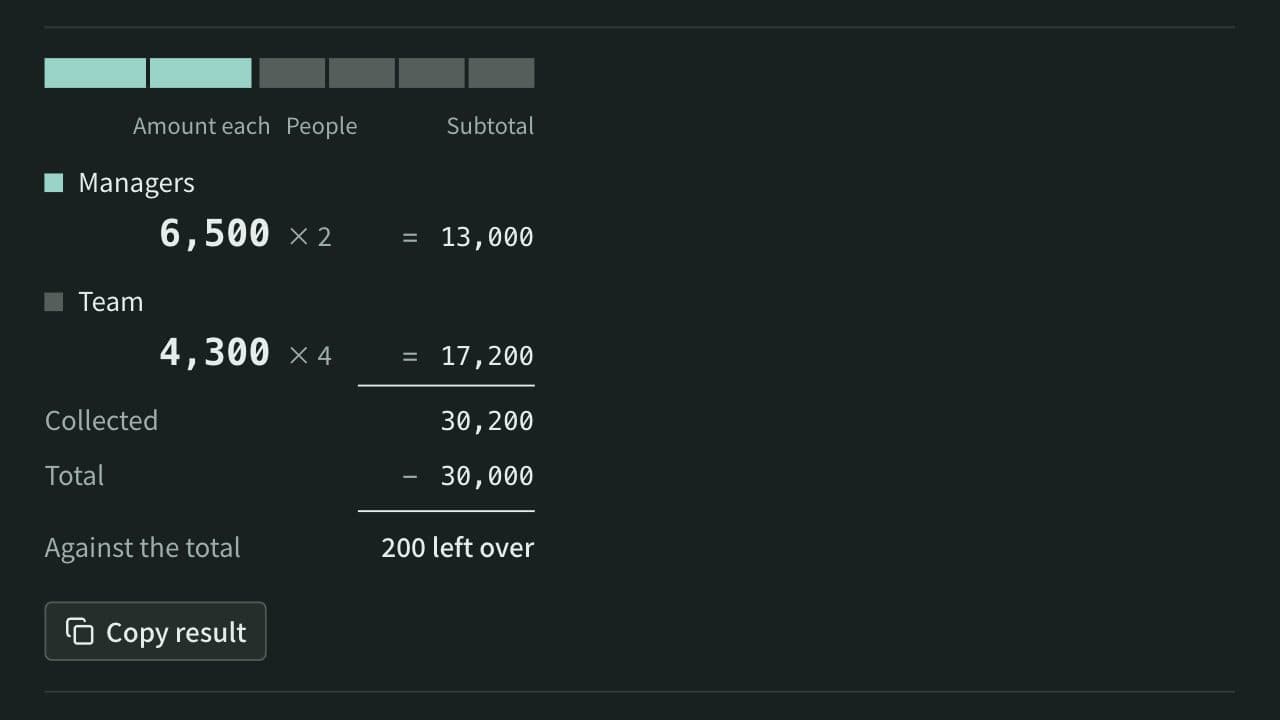
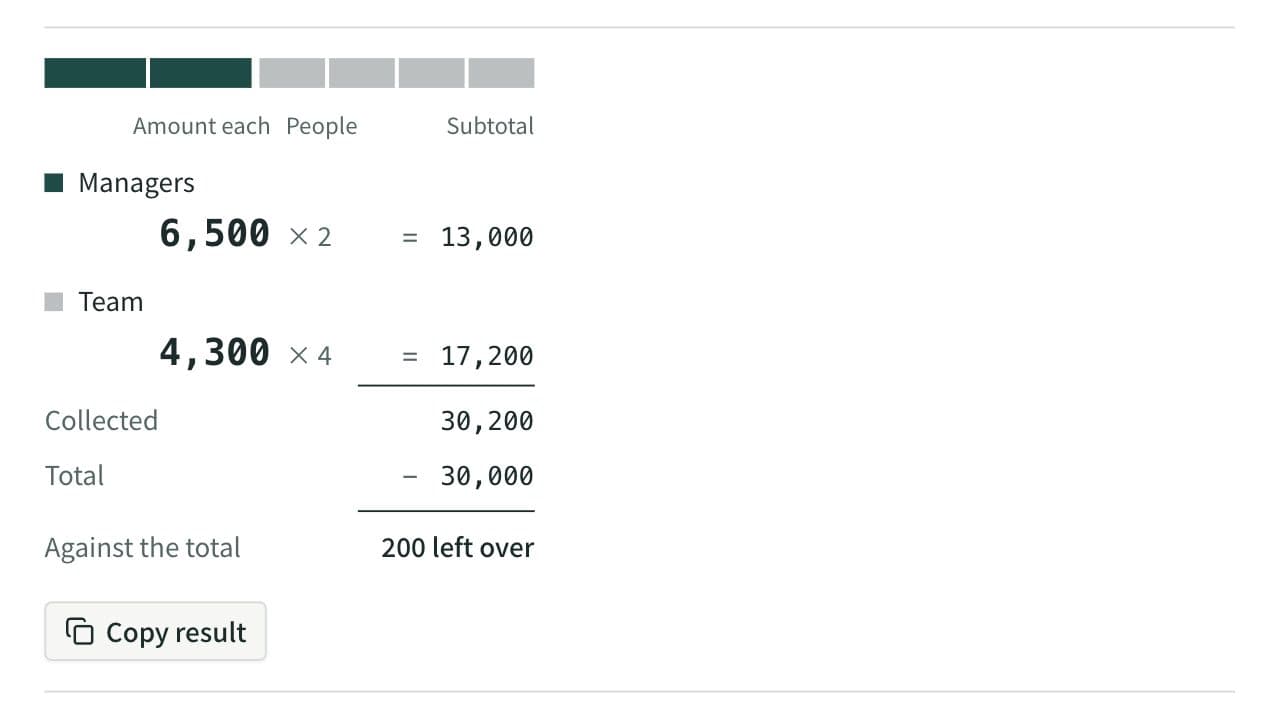
Work out what each person pays from the total and the head count. Round payments to 10, 100, 500, or 1,000, let some groups pay a larger share or a set amount, and see how much is collected and left over. When several people paid, it also works out who pays whom to settle up.
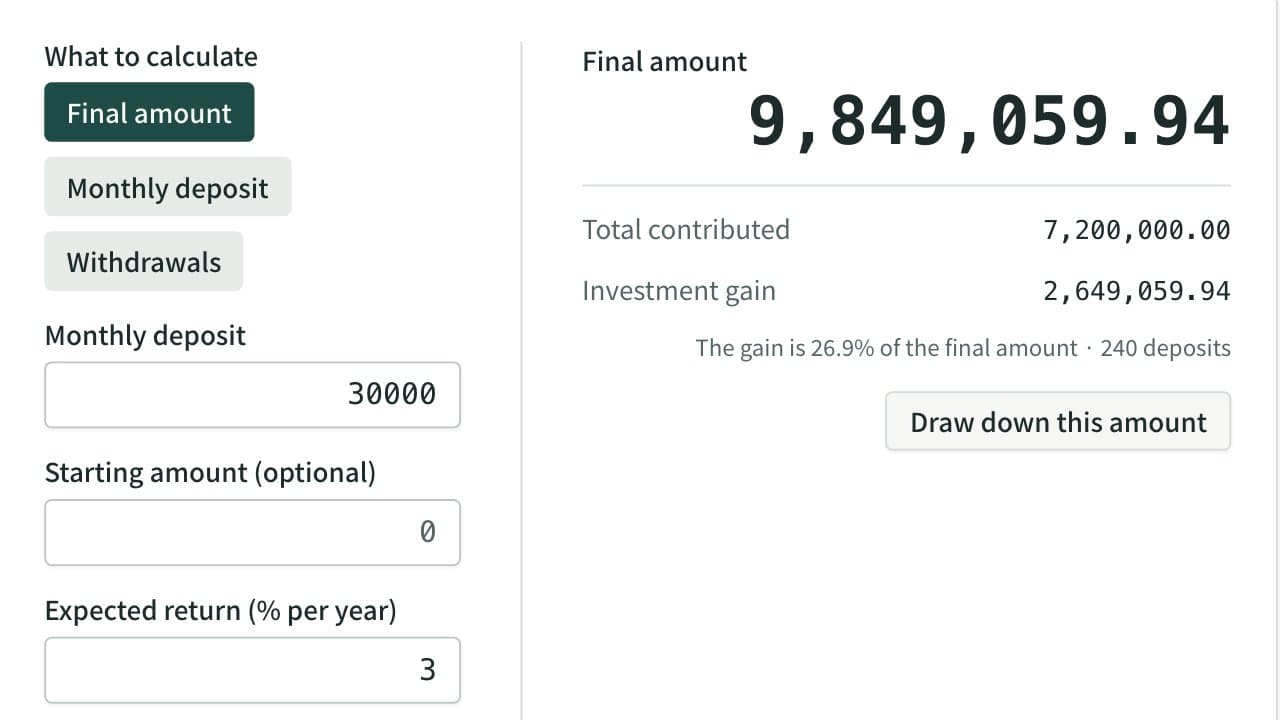
Compound Interest and Savings Calculator
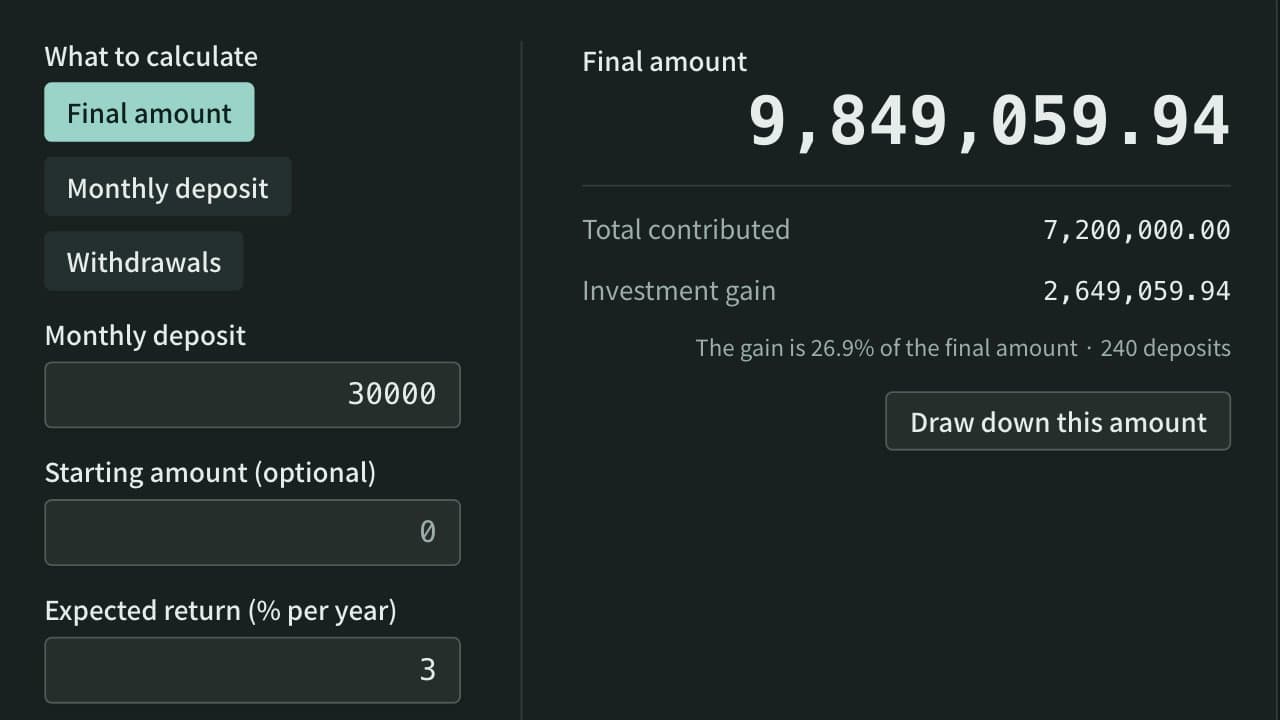
Work out what monthly deposits and a starting amount grow to with compound interest, split into contributions and gain, or find the monthly deposit needed to reach a target, with a year-by-year table. You can also see how long a balance lasts when you take out the same amount every month.
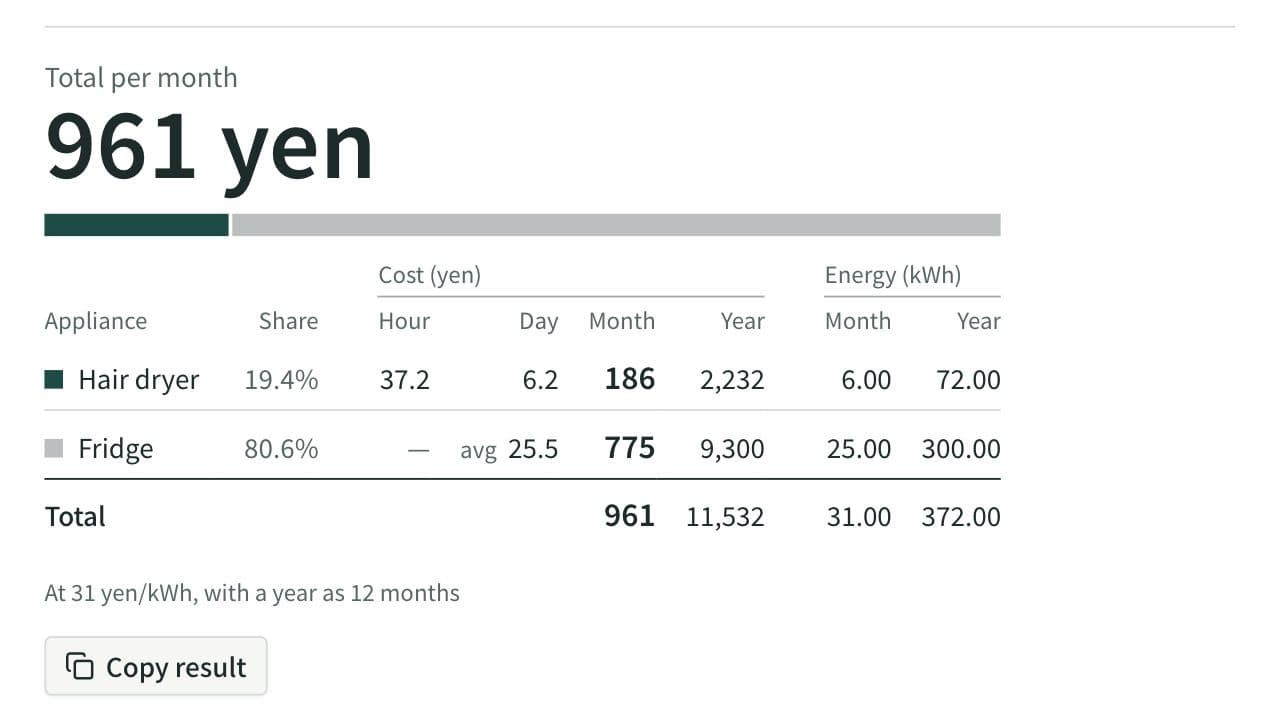
Electricity Cost Calculator
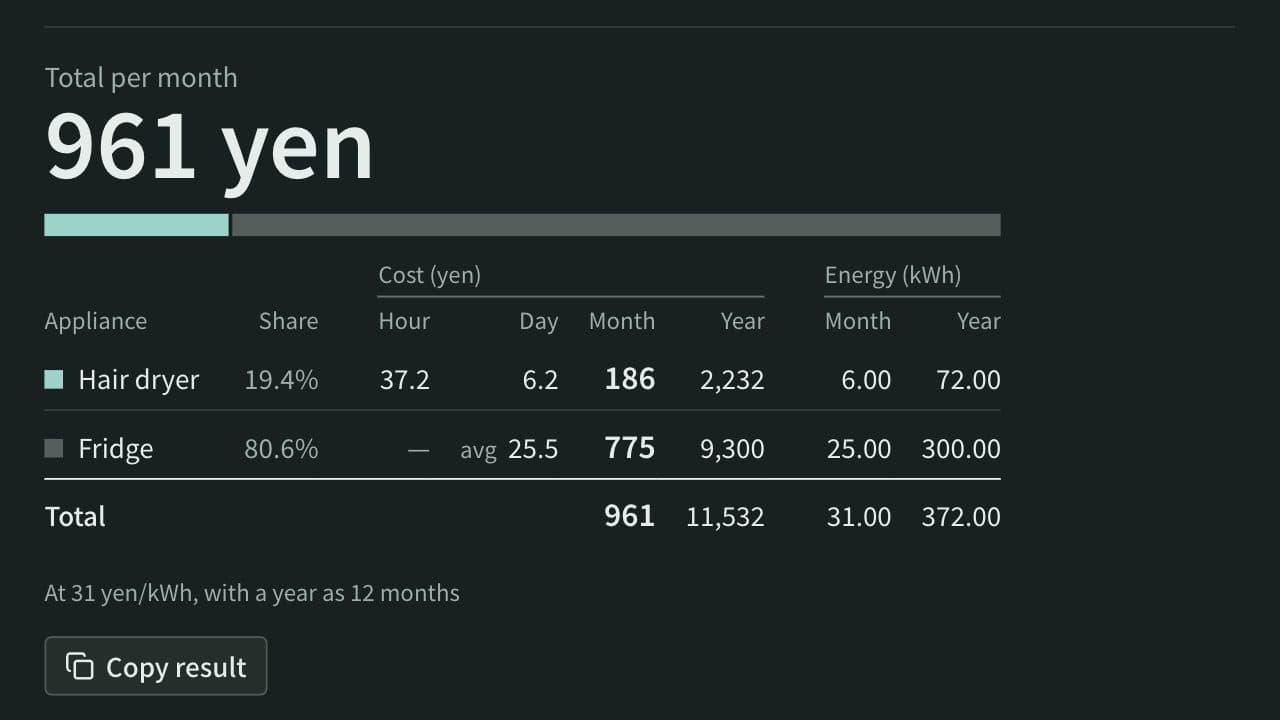
Work out the electricity cost of appliances per hour, day, month, and year from their power in watts and how long they run, or from the yearly kWh on a fridge or air conditioner label. Add several appliances to see the total and each one's share, or compare an appliance with its replacement to see the yearly saving and how long it takes to pay back.