Color Blindness Simulator
See how an image or a set of colors looks with protanopia, deuteranopia, tritanopia, or achromatopsia, side by side. Lower the severity to approximate color weakness, and find pairs of HEX colors that become hard to tell apart. Everything runs in your browser.
100% is dichromacy (and, for achromatopsia, no color at all). Below 100%, the result is mixed with the original color as an approximation of anomalous trichromacy.
You can also paste a copied image with Ctrl+V (⌘+V on a Mac).
The simulation is an approximation. People with the same type see differently, and it is not a diagnosis.
Images and colors are processed on your device and are never uploaded.
How to use
- Under "What to check", choose "Check an image" or "Check a set of colors"
- For an image, drop it on the box or click to choose a file. You can also paste a copied image with Ctrl+V (⌘+V on a Mac). With no image at hand, "Try a sample image" draws a chart and a hue band to try it on
- As soon as the image loads, the original and four simulations (protan, deutan, tritan, and achromatopsia) appear in an overview
- "Compare one" shows the chosen simulation large, next to the original. With "Overlay with a divider", one picture shows the original on the left and the simulation on the right, and a slider moves the divider
- "Save" saves that simulation at the image's full size. JPEG stays JPEG, WebP stays WebP in browsers that can encode it, and everything else is saved as PNG
- For a set of colors, write one color per line as a HEX value (
#e60012) orrgb(230, 0, 18). A name after the color appears in the table. You get a table of how each color looks and a list of pairs that become hard to tell apart - The "Severity" slider sets the strength of the simulation from 10 to 100%. It applies to both images and colors
Types of color vision
The eye has three kinds of cones (L, M, and S) that respond mainly to red, green, and blue light. Which cone is missing, or responds differently, changes how colors look. The app uses the Japanese Ophthalmological Society's terms in Japanese and the usual English names here.
- Protan — differences in the L (red) cones. Reds look darker, and red vs. green or brown, blue vs. purple, and pink vs. grey look alike
- Deutan — differences in the M (green) cones. Red vs. green, orange vs. yellow-green, and blue vs. purple look alike
- Tritan — differences in the S (blue) cones. Blue vs. green and yellow vs. white or pink look alike. It is rare
- Achromatopsia — no hue at all; colors are told apart only by lightness. It is very rare
Protan, deutan, and tritan each have a dichromatic form, where the cone does not work (protanopia, deuteranopia, tritanopia), and an anomalous trichromatic form, where it works but responds differently (protanomaly, deuteranomaly, tritanomaly), often called color weakness. A severity of 100% is dichromacy; below 100% approximates anomalous trichromacy. In Japan, about 5% of men and 0.2% of women have protan or deutan color vision (congenital red-green color vision deficiency), roughly 1 man in 20.
How it is calculated
- Protan, deutan, and tritan use the method of Brettel, Viénot, and Mollon (1997). Colors are converted to cone responses (LMS), and the missing cone's response is filled in by projecting onto the planes containing colors known to look the same to dichromats as to people with common color vision (greys plus blue and yellow, or greys plus red and blue-green). The coefficients come from the sRGB standard and the Smith & Pokorny (1975) cone fundamentals, the same values as the public-domain libDaltonLens
- The math runs on light intensity (linear RGB). The image's sRGB values are converted to linear light, simulated, and converted back to sRGB
- Below 100%, the simulated color is mixed with the original in linear light (at 60%, 60% simulation and 40% original). This is a simple approximation of anomalous trichromacy, not a model of shifted cone sensitivity. Mixing in the original makes differences larger, so to check that colors also work for people with color weakness, check at 100% as well
- Achromatopsia turns each color grey using the sRGB luminance formula 0.2126R + 0.7152G + 0.0722B. It uses the daylight lightness of common color vision as an approximation; most people with achromatopsia see reds as darker than this
- The on-screen views use a scaled copy (720 px on the long side, 1600 px when comparing one). Saving recalculates the whole image at full size
- Transparent areas stay transparent. Only when saving as JPEG are they filled with white
How hard-to-tell pairs are found
When you check a set of colors, the app calculates the color difference of every pair under each simulation with CIEDE2000, a formula that follows how people perceive differences.
- Pairs that differ by 10 or more with common color vision but by less than 10 in a simulation are listed as hard to tell apart, closest first
- Pairs that already differ by less than 10 with common vision are hard to tell apart for everyone, so they are listed separately as "Close even with common color vision"
- The threshold of 10 assumes colors are the only cue, as in chart legends or map areas. Thin lines and small text can be hard to tell apart even with a larger difference
For example, the "Typical chart legend" (red #e60012, green #2ca02c, orange #ff7f0e, brown #8c564b, blue #1f77b4, purple #9467bd) at 100% severity gives:
- Protan: green and orange (1.8), blue and purple (2.7)
- Deutan: red and green (4.8), blue and purple (5.9)
- Tritan: green and blue (9.5)
- Achromatopsia: 10 pairs, starting with red and blue (0.0)
The Okabe–Ito palette, known for being friendly to color vision differences, has no hard-to-tell pairs for protan or deutan vision. With achromatopsia, colors of equal lightness such as orange and sky blue still come out close.
Making colors easier to tell apart
- Do not rely on color alone: add text labels, line styles (solid, dashed), marker shapes, or patterns
- Avoid placing pairs that tend to look alike, such as red and green or blue and purple, next to each other, and vary their lightness too
- A red leaning toward vermilion or orange stays brighter for protan vision
- Keep labels next to the lines or bars instead of in a distant legend
FAQ
Is this exactly how people see?
No, it is an approximation. People with the same type see differently, and how far their cones' response shifts varies from person to person. There is also no way to look through someone else's eyes directly; the models are based on reports such as those from people with dichromacy in one eye only. It cannot be used to test or diagnose color vision.
Why do other simulators give slightly different results?
There are several methods. Besides the Brettel method used here, there are methods by Viénot et al. (1999) and Machado et al. (2009), and results differ slightly, and noticeably for some colors. Tools also differ in how they represent severities below 100%.
Is my image uploaded?
No. Loading, calculating, and saving all happen in your browser, and neither images nor the colors you enter are stored. They are gone when you close the page.
Will my photo's orientation change?
The orientation recorded by phones (EXIF orientation) is applied when showing and saving. Saved images contain no EXIF or other camera information.
Can I use large images?
JPEG, PNG, WebP, GIF, SVG, and other images up to 50 MB and 50 megapixels can be loaded. Only the first frame of an animated GIF is used. An SVG without a set width and height may not load. Saving calculates at full size, so images with many pixels take a few seconds, and the progress is shown. Saving may fail if the device runs out of memory.
- Type
- Utility
- Category
- Images
- Tags
- color
- accessibility
- color-blindness
- color-vision
- color-universal-design
- simulator
- image
- design
- palette
Related apps
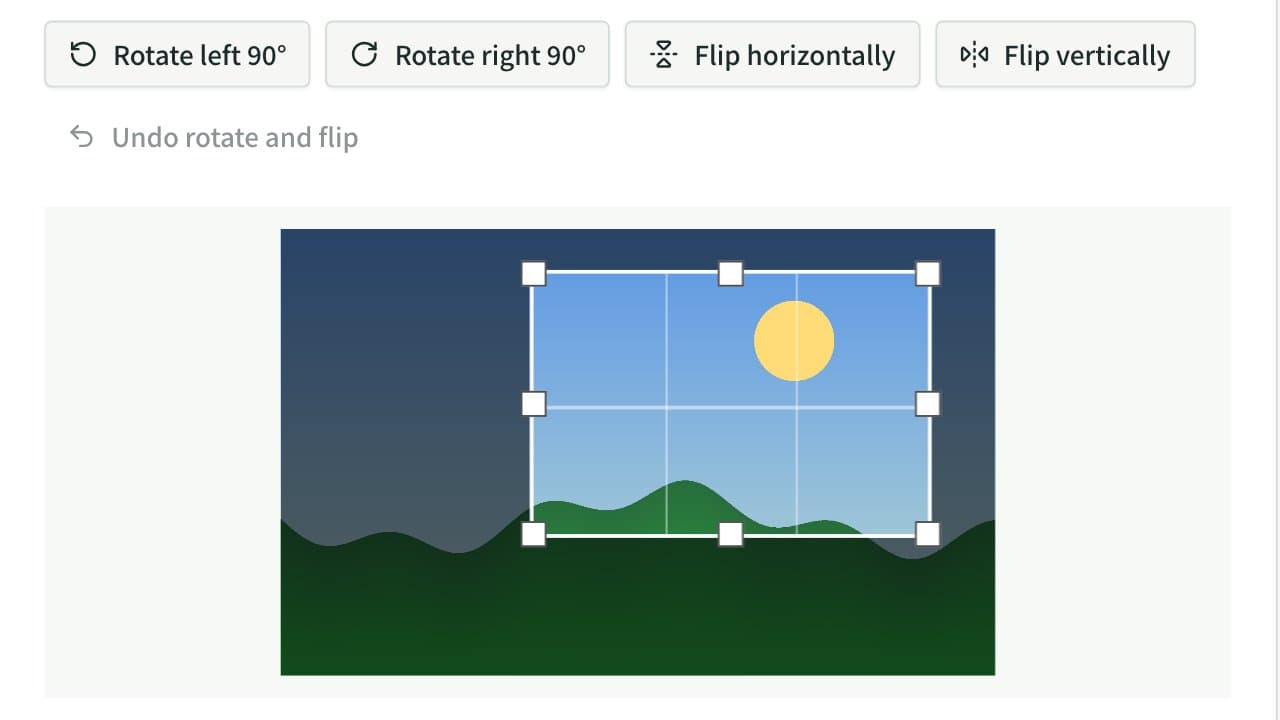
Image Crop & Rotate
Crop an image to any area, rotate it 90°, flip it horizontally or vertically, straighten a tilted photo or scan by up to ±45° (or trace a line to level it), and save it as JPEG, PNG, or WebP. Choose aspect ratios such as 1:1 and 16:9, or sizes for OGP images (1200×630), YouTube thumbnails, icons, and ID photos. Everything runs in your browser.
Image to PDF Converter
Combine JPG, PNG, WebP, and other images or photos into one PDF. Set the page order and rotation, the page size (A4, Letter, and more), orientation, margins, and how each image sits on its page, or make one PDF per image. JPEGs go in without re-encoding, and Exif data such as the location stays out of the PDF. Everything runs in your browser.
Image Resizer & Compressor
Resize and compress images in your browser, then save them as JPEG, PNG, or WebP. Small images can also be enlarged beyond their original width.