Dummy Text Generator
Generate Lorem ipsum or Japanese placeholder text by paragraph count, list items, or exact character count, ready to copy into a design or layout.
1,029 characters, 3 paragraphs
How to use
- Choose the kind of text: "Japanese" or "Lorem ipsum"
- Choose whether to set the length by "Paragraphs", "List items" or "Characters", then enter the number (1–20 paragraphs or list items, or 1–10000 characters)
- Check "Wrap paragraphs in
<p>tags" if you are pasting into HTML. With "List items" selected, the option reads "Wrap the list in<ul>and<li>tags" - The generated text updates whenever you change a setting. Press "Copy" to copy it as shown
- Press "Shuffle the text" for different text of the same length
The text is assembled in your browser; there is no server communication.
Example
With "Japanese" and a length of 40 characters, you get text that is exactly 40 characters long (shown here in the order used right after the page opens):
これはレイアウトを確認するためのダミーテキストです。ボタンやカードの中に収まるか
When the length is set in characters, the text is cut where the count is reached, so it can end in the middle of a sentence.
With "Lorem ipsum", 1 paragraph, and the <p> option checked, the output looks like this (the sentences after the first change each time you shuffle):
<p>Lorem ipsum dolor sit amet, consectetur adipiscing elit, sed do eiusmod tempor incididunt ut labore et dolore magna aliqua. Temporibus autem quibusdam et aut officiis debitis aut rerum necessitatibus saepe eveniet. Ut enim ad minim veniam, quis nostrud exercitation ullamco laboris nisi ut aliquip ex ea commodo consequat.</p>
With "Lorem ipsum" and 3 list items, you get one item per line (shown here in the order used right after the page opens):
Lorem ipsum dolor sit amet, consectetur adipiscing elit, sed do eiusmod tempor incididunt ut labore et dolore magna aliqua.
Temporibus autem quibusdam et aut officiis debitis aut rerum necessitatibus saepe eveniet.
Ut enim ad minim veniam, quis nostrud exercitation ullamco laboris nisi ut aliquip ex ea commodo consequat.
No bullet such as "•" or "-" is added at the start of a line; let the list formatting where you paste add the bullets. With the <ul> and <li> option checked, the output looks like this:
<ul>
  <li>Lorem ipsum dolor sit amet, consectetur adipiscing elit, sed do eiusmod tempor incididunt ut labore et dolore magna aliqua.</li>
  <li>Temporibus autem quibusdam et aut officiis debitis aut rerum necessitatibus saepe eveniet.</li>
  <li>Ut enim ad minim veniam, quis nostrud exercitation ullamco laboris nisi ut aliquip ex ea commodo consequat.</li>
</ul>
How the text is assembled
- Sentences are picked from a set of 20 for Japanese and 16 for Lorem ipsum
- The opening is always the same. Japanese starts with "これはレイアウトを確認するためのダミーテキストです。" and Lorem ipsum starts with "Lorem ipsum dolor sit amet, …"
- The sentences after the first are shuffled. No sentence comes back until every sentence has been used once, and the same sentence never appears twice in a row
- When the length is set in paragraphs, each paragraph has 3 to 5 sentences
- When the length is set in list items, each item is one sentence. Sentences are picked and ordered the same way as for paragraphs, and the first item is always the opening sentence. Lorem ipsum has 16 sentences, so with 17 or more items, sentences come back after every one has been used
- When the length is set in characters, the output is a single block without paragraph breaks
How characters are counted
- Every character counts as one, whether it is fullwidth or halfwidth. Spaces and punctuation count too
- The count shown under the result leaves out the line breaks between paragraphs or items, the
<p>,<ul>and<li>tags, and the spaces that indent each<li> - A length set in characters gives exactly that many characters. Wrapping it in
<p>tags does not change how many characters are inside the tags - If cutting Lorem ipsum would leave a space as the last character, that one character is replaced with a period so the text does not end in a space (
LorembecomesLorem.). If the cut falls on the space right after a finished sentence, that sentence drops its period and the first letter of the next sentence is added, so two periods never sit side by side (… magna aliqua U)
FAQ
What is Lorem ipsum?
It is Latin-like placeholder text that has long been used in design and typesetting samples. It shows how text looks and how much room it takes without inviting anyone to read it. This app starts with the familiar opening, "Lorem ipsum dolor sit amet, …", and continues with other Latin-like sentences commonly used in samples.
What does the Japanese placeholder text say?
Plain sentences stating that the text is there to check a layout. Besides hiragana, katakana and kanji, some sentences include digits and Latin letters, so you can also check how Japanese and Latin typefaces look together.
Can I use the generated text freely?
Yes. The Japanese sentences were written for this app, and Lorem ipsum is text that has been in wide use for a long time. Use it freely in design comps, mockups and test data. Remember to replace it with the real copy before a page goes live.
What is the maximum length?
Up to 20 paragraphs, 20 list items, or 10000 characters. If you enter a number outside the range, leave the field empty, or enter a decimal, a note appears under the field and no text is generated.
Why do I get the same text every time?
Right after the page opens, the text always appears in the same order. Pressing "Shuffle the text" changes the order of the sentences after the first. The opening sentence stays the same.
For that reason, when a length set in characters fits inside the opening sentence (26 characters or fewer for Japanese, 123 or fewer for Lorem ipsum), or the list has a single item, shuffling would not change anything, so the button is disabled.
Is my input saved?
No. Everything runs in your browser, and reloading the page returns it to its initial state.
- Type
- Utility
- Category
- Text
- Tags
- dummy-text
- lorem-ipsum
- generator
- text
Related apps
Line Sorter and Duplicate Remover
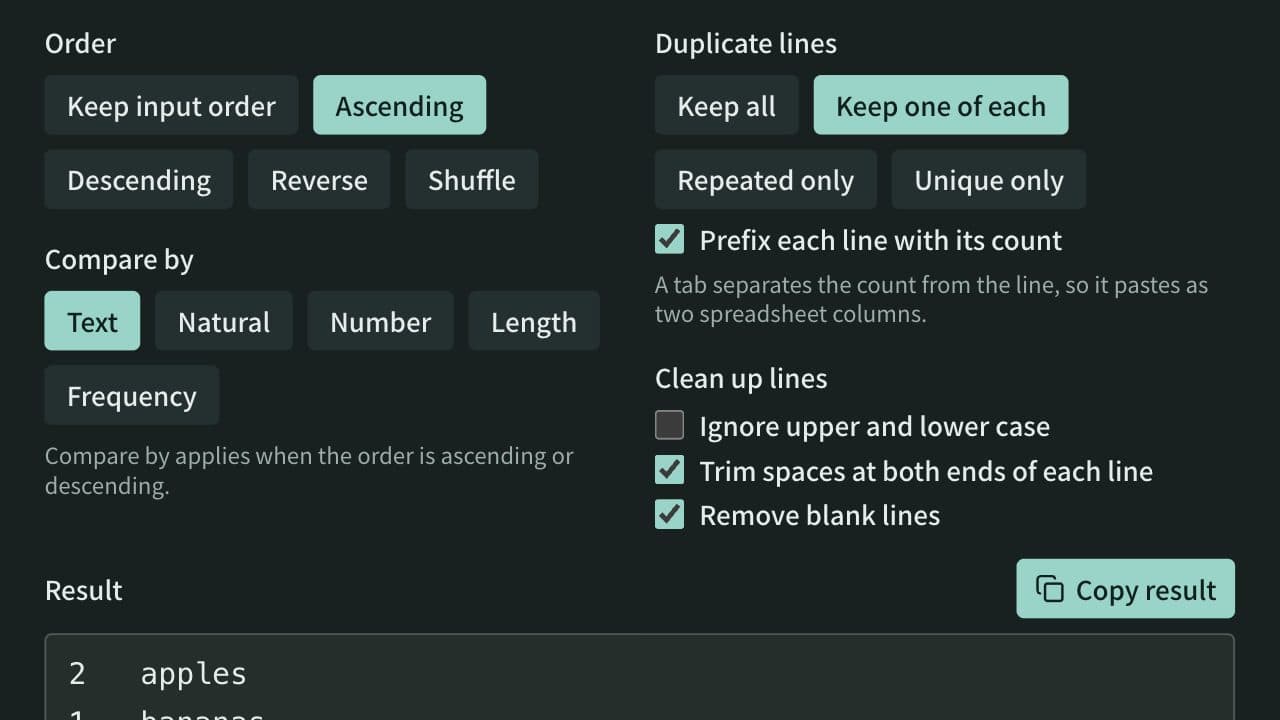
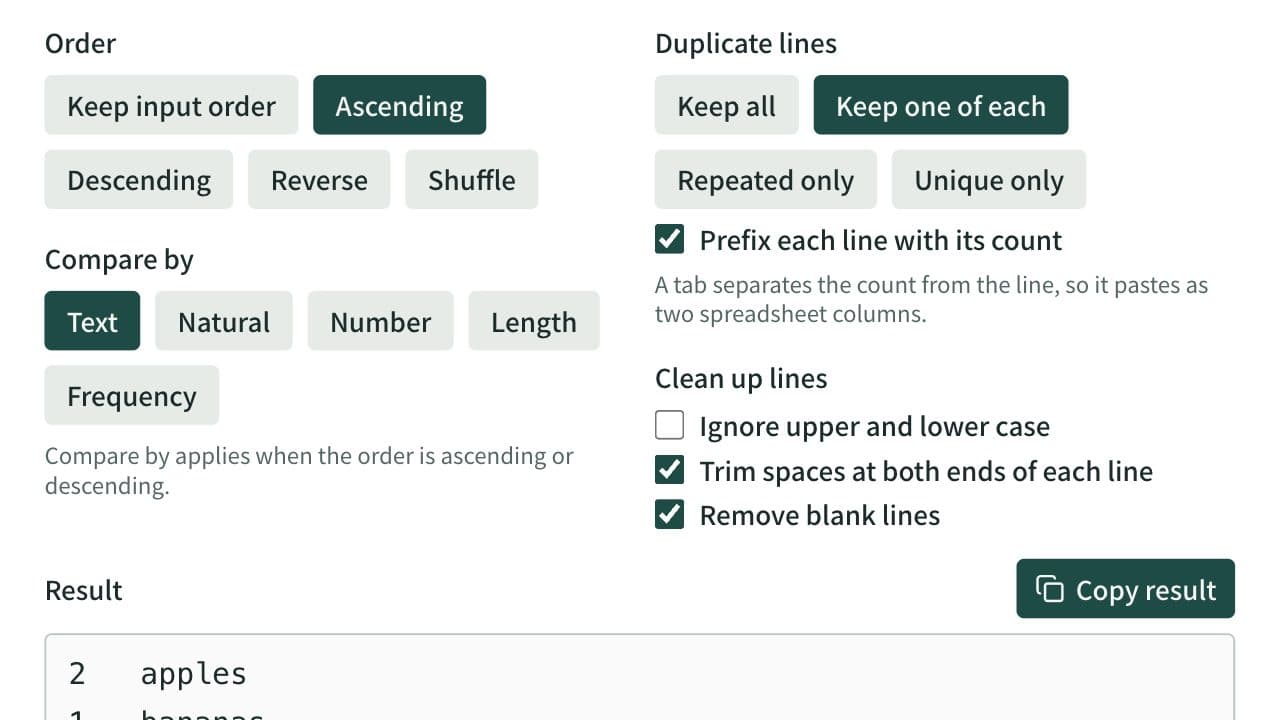
Sort a one-item-per-line list ascending, descending, reversed, or shuffled, and remove duplicate and blank lines. Spreadsheet tables and CSV can be sorted by a chosen column with the header line kept on top. Can also list only repeated or only unique lines and count how often each line appears.
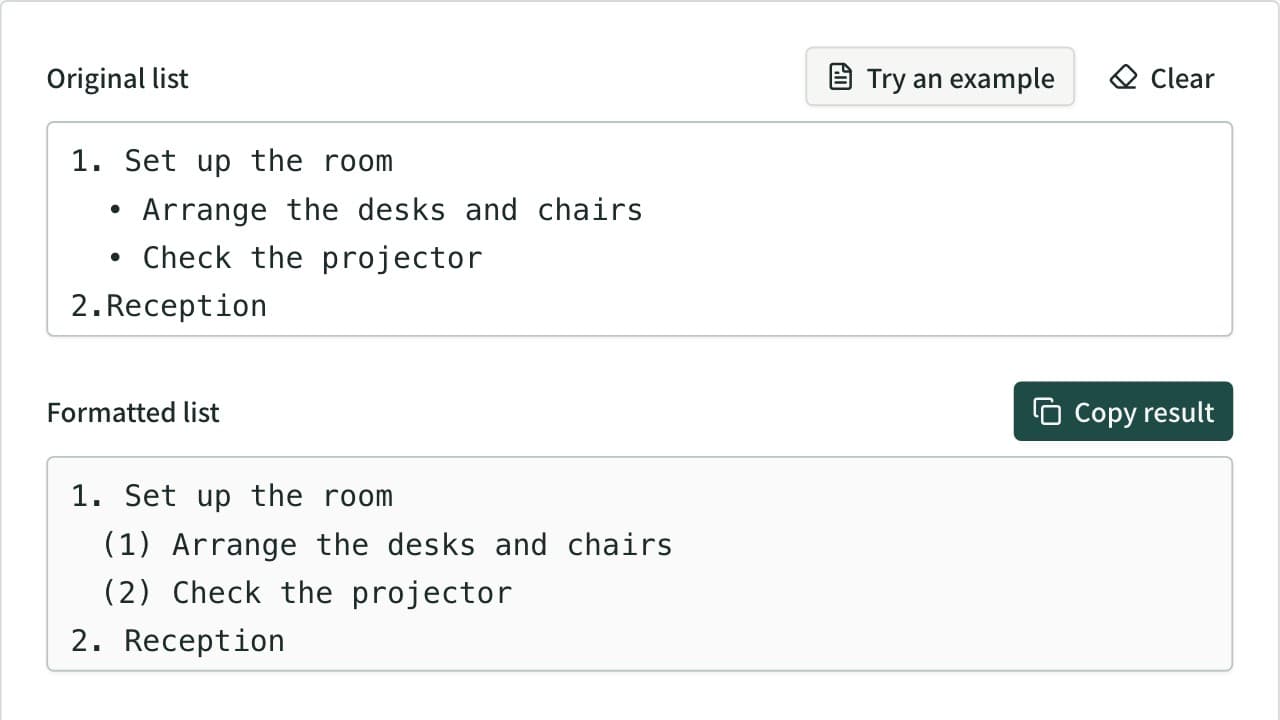
Bullet List Formatter
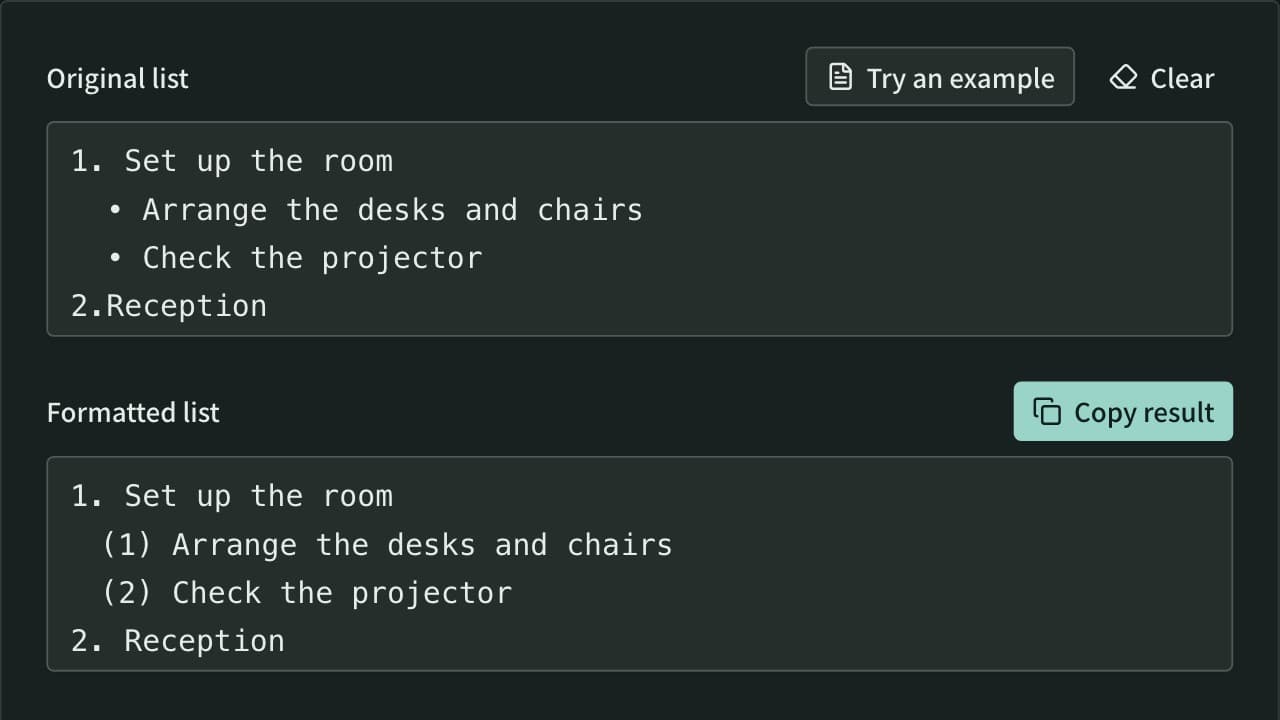
Unify mixed list markers into -, •, 1., (1), a) and more, and renumber the items. Levels are read from the indentation and each level gets its own marker. Also converts to Markdown or HTML lists, removes markers, and joins wrapped lines.
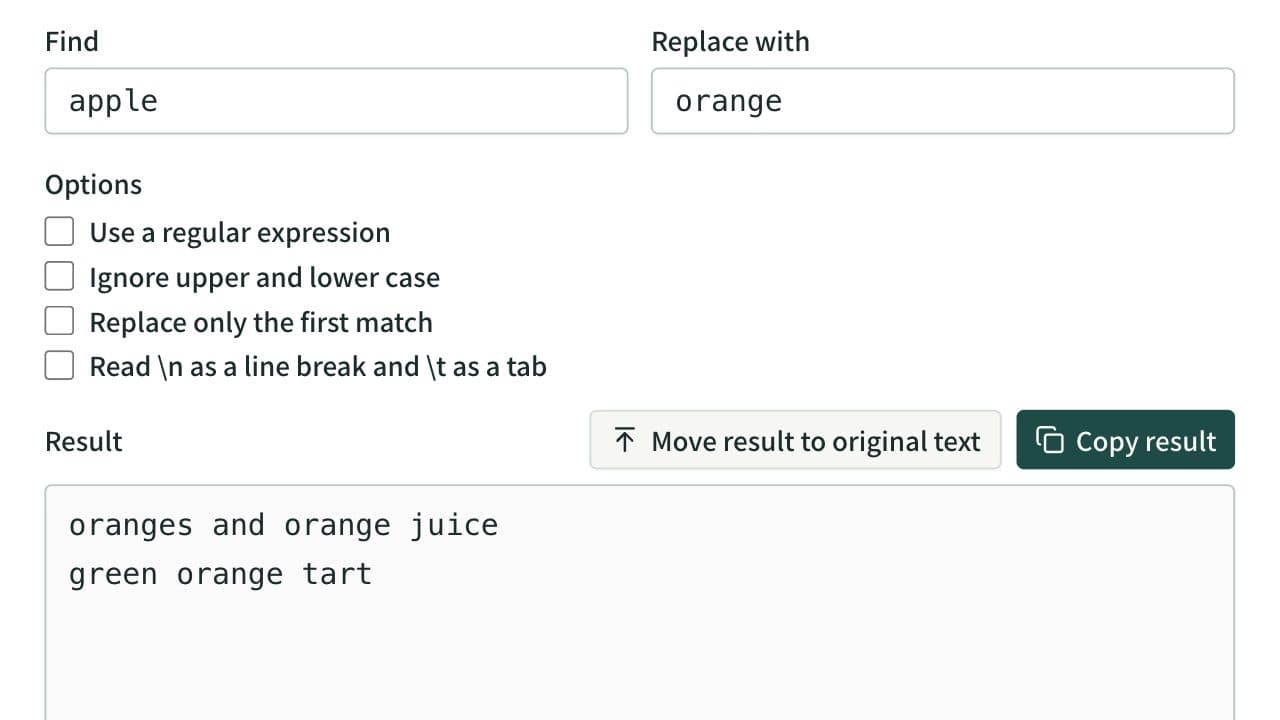
Find and Replace Text Tool
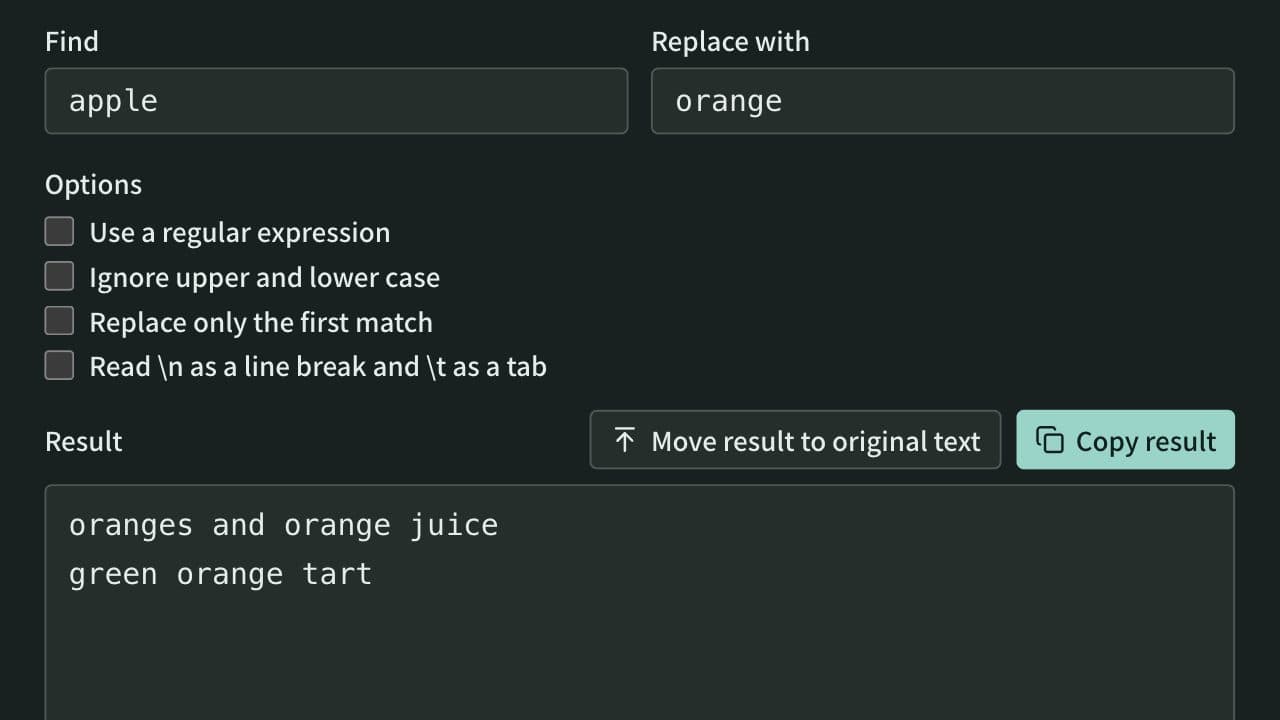
Replace every occurrence of a string in pasted text and see how many were replaced. Apply several rules in order, and replace only the first match, ignore case, use line breaks and tabs, or use regular expressions with $1 references.