Keycode Checker (JavaScript key, code and keyCode)
Press a key to see its event.key, event.code, keyCode, modifiers and location. Get code to match the shortcut, an event history, held-key checks, and values for IME composition (keyCode 229, isComposing) and Japanese keyboard keys.
While this area has focus, keys other than Tab do not scroll, reload and so on, so their values can be shown. Some keys, such as Ctrl + W, cannot be held back by a page.
To see what an IME (such as Japanese input) or a phone's on-screen keyboard sends, type here. Composition and input events are added to the history too.
Last key pressed (keydown)
No key has been pressed yet.
Keys held down: none
Most keys held at once: 0
Different keys pressed: 0
Event history
Newest first, up to 40. A held key's auto-repeats are kept on one row with a count.
No events yet.
Key value list
keyCode values are what Chrome, Edge and Safari give on a US layout. code names the key's position on a US layout whatever the layout is; key is the character it types.
118 keys
| Key | key | code | keyCode |
|---|---|---|---|
| Enter | "Enter" | Enter | 13 |
| Tab | "Tab" | Tab | 9 |
| Esc | "Escape" | Escape | 27 |
| Space | " " | Space | 32 |
| Backspace | "Backspace" | Backspace | 8 |
| Delete | "Delete" | Delete | 46 |
| Insert | "Insert" | Insert | 45 |
| Print Screen | "PrintScreen" | PrintScreen | 44 |
| Pause | "Pause" | Pause | 19 |
| Context menu | "ContextMenu" | ContextMenu | 93 |
| Left arrow | "ArrowLeft" | ArrowLeft | 37 |
| Up arrow | "ArrowUp" | ArrowUp | 38 |
| Right arrow | "ArrowRight" | ArrowRight | 39 |
| Down arrow | "ArrowDown" | ArrowDown | 40 |
| Home | "Home" | Home | 36 |
| End | "End" | End | 35 |
| Page Up | "PageUp" | PageUp | 33 |
| Page Down | "PageDown" | PageDown | 34 |
| Left Shift | "Shift" | ShiftLeft | 16 |
| Right Shift | "Shift" | ShiftRight | 16 |
| Left Ctrl | "Control" | ControlLeft | 17 |
| Right Ctrl | "Control" | ControlRight | 17 |
| Left Alt / Option | "Alt" | AltLeft | 18 |
| Right Alt / Option | "Alt" | AltRight | 18 |
| Left Windows / ⌘ | "Meta" | MetaLeft | 91224 or others in some setups |
| Right Windows / ⌘ | "Meta" | MetaRight | —92, 93, 224 or others by setup |
| Caps Lock | "CapsLock" | CapsLock | 20 |
| Num Lock | "NumLock" | NumLock | 144 |
| Scroll Lock | "ScrollLock" | ScrollLock | 145 |
| Hankaku/Zenkaku (JIS) | — | Backquote | —Depends on browser, OS and IME state |
| Muhenkan (JIS) | "NonConvert" | NonConvert | —Depends on browser, OS and IME state |
| Henkan (JIS) | "Convert" | Convert | —Depends on browser, OS and IME state |
| Katakana/Hiragana (JIS) | — | KanaMode | —Depends on browser, OS and IME state |
| Eisu (Mac) | — | Lang2 | —Depends on browser, OS and IME state |
| Kana (Mac) | — | Lang1 | —Depends on browser, OS and IME state |
| Eisu (Windows JIS) | — | CapsLock | —Depends on browser, OS and IME state |
| ¥ (JIS) | "¥" | IntlYen | —Depends on browser, OS and IME state |
| \ ro (JIS) | "\\" | IntlRo | —Depends on browser, OS and IME state |
| ^ he (JIS) | "^" | Equal | —Depends on browser, OS and IME state |
| @ dakuten (JIS) | "@" | BracketLeft | —Depends on browser, OS and IME state |
| [ handakuten (JIS) | "[" | BracketRight | —Depends on browser, OS and IME state |
| : ke (JIS) | ":" | Quote | —Depends on browser, OS and IME state |
| ] mu (JIS) | "]" | Backslash | —Depends on browser, OS and IME state |
| - (US layout) | "-" | Minus | 189173 in Firefox |
| = (US layout) | "=" | Equal | 18761 in Firefox |
| ; (US layout) | ";" | Semicolon | 18659 in Firefox |
| ' (US layout) | "'" | Quote | 222 |
| , (US layout) | "," | Comma | 188 |
| . (US layout) | "." | Period | 190 |
| / (US layout) | "/" | Slash | 191 |
| ` (US layout) | "`" | Backquote | 192 |
| [ (US layout) | "[" | BracketLeft | 219 |
| ] (US layout) | "]" | BracketRight | 221 |
| \ (US layout) | "\\" | Backslash | 220 |
| A | "a" | KeyA | 65 |
| B | "b" | KeyB | 66 |
| C | "c" | KeyC | 67 |
| D | "d" | KeyD | 68 |
| E | "e" | KeyE | 69 |
| F | "f" | KeyF | 70 |
| G | "g" | KeyG | 71 |
| H | "h" | KeyH | 72 |
| I | "i" | KeyI | 73 |
| J | "j" | KeyJ | 74 |
| K | "k" | KeyK | 75 |
| L | "l" | KeyL | 76 |
| M | "m" | KeyM | 77 |
| N | "n" | KeyN | 78 |
| O | "o" | KeyO | 79 |
| P | "p" | KeyP | 80 |
| Q | "q" | KeyQ | 81 |
| R | "r" | KeyR | 82 |
| S | "s" | KeyS | 83 |
| T | "t" | KeyT | 84 |
| U | "u" | KeyU | 85 |
| V | "v" | KeyV | 86 |
| W | "w" | KeyW | 87 |
| X | "x" | KeyX | 88 |
| Y | "y" | KeyY | 89 |
| Z | "z" | KeyZ | 90 |
| 0 | "0" | Digit0 | 48 |
| 1 | "1" | Digit1 | 49 |
| 2 | "2" | Digit2 | 50 |
| 3 | "3" | Digit3 | 51 |
| 4 | "4" | Digit4 | 52 |
| 5 | "5" | Digit5 | 53 |
| 6 | "6" | Digit6 | 54 |
| 7 | "7" | Digit7 | 55 |
| 8 | "8" | Digit8 | 56 |
| 9 | "9" | Digit9 | 57 |
| F1 | "F1" | F1 | 112 |
| F2 | "F2" | F2 | 113 |
| F3 | "F3" | F3 | 114 |
| F4 | "F4" | F4 | 115 |
| F5 | "F5" | F5 | 116 |
| F6 | "F6" | F6 | 117 |
| F7 | "F7" | F7 | 118 |
| F8 | "F8" | F8 | 119 |
| F9 | "F9" | F9 | 120 |
| F10 | "F10" | F10 | 121 |
| F11 | "F11" | F11 | 122 |
| F12 | "F12" | F12 | 123 |
| Numpad 0 | "0" | Numpad0 | 96 |
| Numpad 1 | "1" | Numpad1 | 97 |
| Numpad 2 | "2" | Numpad2 | 98 |
| Numpad 3 | "3" | Numpad3 | 99 |
| Numpad 4 | "4" | Numpad4 | 100 |
| Numpad 5 | "5" | Numpad5 | 101 |
| Numpad 6 | "6" | Numpad6 | 102 |
| Numpad 7 | "7" | Numpad7 | 103 |
| Numpad 8 | "8" | Numpad8 | 104 |
| Numpad 9 | "9" | Numpad9 | 105 |
| Numpad * | "*" | NumpadMultiply | 106 |
| Numpad + | "+" | NumpadAdd | 107 |
| Numpad - | "-" | NumpadSubtract | 109 |
| Numpad . | "." | NumpadDecimal | 110 |
| Numpad / | "/" | NumpadDivide | 111 |
| Numpad Enter | "Enter" | NumpadEnter | 13 |
How to use
- Click the "Key press area" or move to it with Tab
- Press the key you want to check. Its
event.key,event.code,keyCodeand other values appear at once, along with a shortcut label such asCtrl + Shift + Z - Under "Code to match it", choose whether to match by
event.key(the character typed) orevent.code(the key's position), then copy the code - To see what an IME (such as Japanese input) or a phone's on-screen keyboard sends, type in the "Field for IME and on-screen keyboards"
- Every event is kept in the "Event history", which you can copy as TSV and paste into a spreadsheet
The drawing in the area shows each key at the position its event.code names. A key is filled in while held, the last key pressed gets a heavy outline, and keys pressed before stay shaded, so you can also press keys one by one to check that each responds. event.code names positions on a US layout, so pressing @ on a Japanese (JIS) keyboard marks the BracketLeft position. Switch between JIS and US with "Layout" below it (the English page starts with US, the Japanese page with JIS). "Clear the marks" removes the shading and the heavy outline, and sets "Different keys pressed" (counted by event.code, including keys not on the drawing) back to 0. The numpad, keys missing from the chosen layout (such as ¥ on the US drawing), the Eisu and Kana keys of a Japanese Mac keyboard (Lang2 and Lang1) and keys with an empty event.code cannot be shown, and a line under the drawing says so. On a Mac, Caps Lock may send keydown when it turns on and keyup when it turns off; while the area has focus, it may then stay marked as held for as long as the lock is on.
While the area has focus, keys other than Tab do not do their usual browser action (Space scrolling, F5 reloading and so on), so only their values are shown. Tab moves on to the next item. The keys you press and the text you type never leave your browser and are not saved.
The values shown
- event.key: the character typed, or the key's name.
aand Shift +Aare different values, and the value changes with the keyboard layout. Space is" "(a single space) - event.code: the name of the key's position on the keyboard. The key in the A position is always
KeyA, whatever the layout or Shift. The names follow the US layout, so the @ key of a Japanese keyboard isBracketLeft - event.keyCode / event.which: the old numeric codes. They are deprecated and can differ by browser and layout, but are shown for reading older code
- event.location: tells apart keys that appear twice. 0 is standard, 1 left, 2 right and 3 the numpad
- Modifier keys: whether
ctrlKey,shiftKey,altKeyandmetaKey(the Windows key or Mac ⌘) were down - Lock keys: Caps Lock and Num Lock as read with
getModifierState() - isComposing: whether an IME was in the middle of composing text
Example of the code to match a key
Press Z while holding Ctrl and Shift, choose "event.key (the character typed)", and the tool shows:
document.addEventListener("keydown", (event) => {
  // Ignore keys that an IME is still composing
  if (event.isComposing || event.keyCode === 229) return;
  if (event.key === "Z" && event.ctrlKey && !event.altKey && event.shiftKey && !event.metaKey) {
    event.preventDefault();
    // Handle the key here
  }
});
The code checks all four modifiers, so a Z handler does not fire on Ctrl + Z, and a Ctrl + Z handler does not also fire on Ctrl + Shift + Z. A modifier pressed on its own is matched by its name only. Note that with Shift held, event.key is the capital "Z".
- Match by event.key when the character matters, such as "? opens help". Any layout that types the same character matches. The generated code also checks the modifiers you held, though, and layouts reach the same character with different ones (
@is AltGr + Q on a German layout), so remove the modifier checks to match on the character alone - Match by event.code when the position matters, such as WASD movement in a game. It works with the key in the same place on any layout
IME input and Japanese keyboard keys
- Keys during composition (keyCode 229): the Enter that confirms a Japanese conversion arrives with
keyCode229, and in most browsers withisComposingset totrue. Some browsers leaveisComposingasfalse, so to stop a form that submits on Enter from submitting when a conversion is confirmed, skip the event when either one is true. Typing in the field also shows the order of events fromcompositionstarttocompositionendin the history - Henkan, Muhenkan and Katakana/Hiragana: their
event.codevalues areConvert,NonConvertandKanaMode - Hankaku/Zenkaku: its
event.codeisBackquote, the key in the same place on a US layout. Itsevent.keydepends on the browser and IME - ¥ and \ ro: keys a US layout does not have, with
event.codeIntlYenandIntlRo - Eisu and Kana on a Mac: per the specification,
event.codeisLang2(Eisu) andLang1(Kana) - Eisu on Windows: on a Japanese keyboard this key sits where Caps Lock is, and its
event.codeisCapsLock
The keyCode of these keys differs by browser, OS and IME state, so the list shows "—" for them. Press them to see what your setup sends.
FAQ
Should I stop using keyCode?
Yes. keyCode and which are deprecated, and for punctuation keys they differ between browsers (; is 186 in Chrome and 59 in Firefox, for example). Use event.key or event.code in new code. The exception is keyCode === 229 for spotting IME composition: some browsers send isComposing as false in that case, so checking both is recommended.
Some keys show nothing when pressed
The browser or OS handles keys such as Ctrl + W (close tab) and Ctrl + Tab before the page, so no event reaches it. On a Mac, the Fn key usually does not send an event of its own either.
On my phone key is Unidentified
On-screen keyboards, especially on Android, often send key as Unidentified and keyCode as 229 until a character is settled. The character typed can be read from the data of the input event. Type in the "Field for IME and on-screen keyboards" and it appears on the input rows of the history.
Can I use this to check whether my keyboard works?
Yes. If a value appears when you press a key, its signal is reaching the browser. Keys you have pressed stay shaded on the drawing, so the ones not yet tried stand out. "Keys held down" and the filled keys on the drawing show which keys are down at once, and "Most keys held at once" shows how many your keyboard can register together. Keys that the OS or browser handles first are not shown.
Does it show keypress events?
No. keypress is deprecated and browsers differ a lot, for example in not firing it for keys that do not type a character. The current way to handle typed text is the input event (and beforeinput).
- Type
- Utility
- Category
- Developer
- Tags
- keyboard
- keycode
- javascript
- keyboard-event
- shortcut
- ime
- developer
Related apps
Color Code Converter
Convert colors between HEX, RGB, and HSL, and see them in HSV, CMYK, and OKLCH too, with a color picker, a live preview, and WCAG contrast ratios against white, black, or any text color you choose.
XML Formatter and Minifier
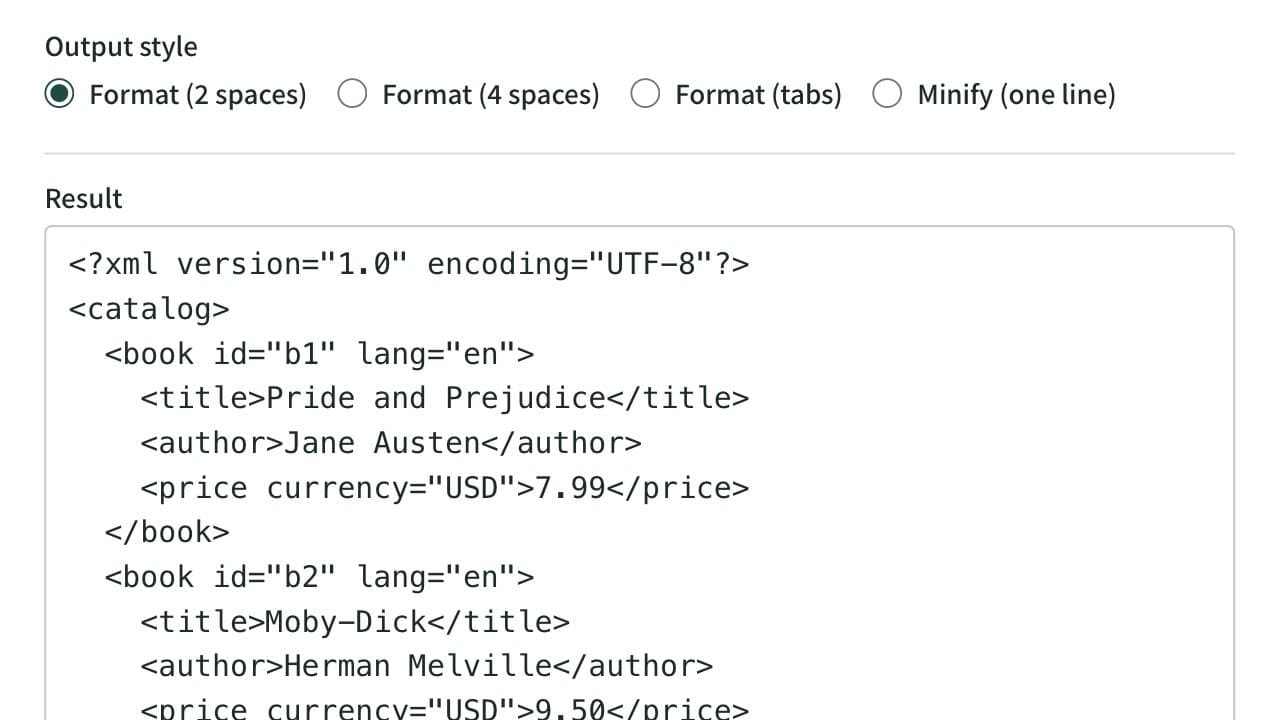
Format XML that arrives on a single line into indented, readable text. Indent with 2 spaces, 4 spaces, or tabs, or minify the XML to one line. Mistakes such as an unclosed tag are reported with their line and position, and an XPath expression extracts the elements or attributes you need. Runs entirely in your browser.
Chmod Calculator (File Permissions)
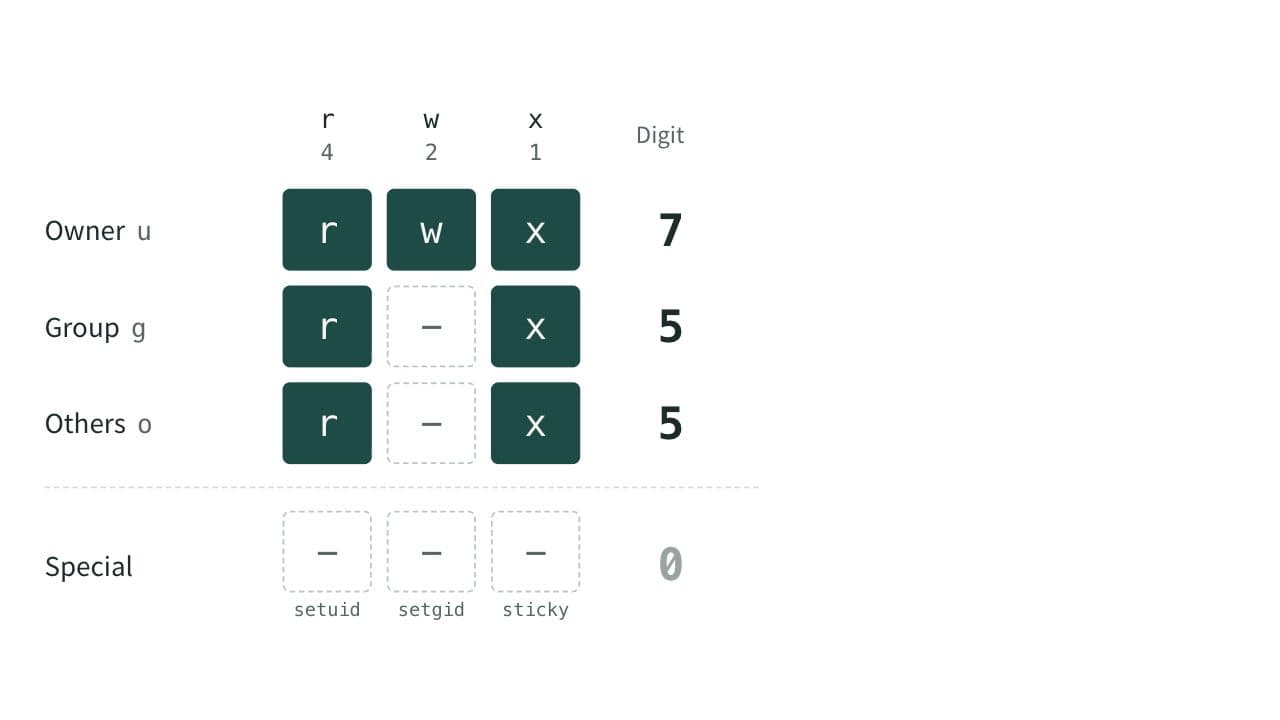
Convert Linux and macOS file permissions between numbers such as 755 and symbols such as rwxr-xr-x. Switch read, write and execute on and off to build the chmod command as you go. Handles setuid, setgid and the sticky bit, and shows the permissions a umask gives new files and directories.