Loan Repayment Calculator
Work out the monthly payment, total repaid and total interest from a loan amount, rate and term, with equal-payment and equal-principal repayment compared side by side, a yearly balance table, and the interest a prepayment saves by shortening the term or lowering the payment.
- Monthly payment
- —
- Amount borrowed
- —
- Total interest
- —
- Total repaid
- —
How to use
- Enter the amount you borrow in "Loan amount", as a plain number without separators:
30000000for 30 million - Enter the yearly rate in "Interest rate (% per year)". Decimals such as
1.5are fine - Enter the term as years, plus months if it does not end on a full year. A 35-year term is
35in the years field; five and a half years is5and6. You can also fill in the months alone - Pick "Equal payments" or "Equal principal" under "Repayment method". Equal payments is the default
- To try a prepayment, enter when and how much under "Prepayment (optional)", and pick "Shorter term" or "Lower payment". Leave these fields blank if you do not need them
Once the three values are in, the monthly payment appears in large type on the right. Below it, the total repaid is set out as a sum, the amount borrowed plus the total interest, followed by a table that puts the payment and total interest of the two repayment methods side by side. The breakdown by year comes last. There is no calculate button: the result updates whenever you change a value or the repayment method.
Examples
A loan of 30,000,000 (30000000) at 1.5% over 35 years:
- Equal payments: monthly payment 91,855.33, total repaid 38,579,239.40, total interest 8,579,239.40 (22.2% of the total repaid)
- Equal principal: first payment 108,928.57, last payment 71,517.86, total repaid 37,893,750.00, total interest 7,893,750.00 (20.8% of the total repaid)
On the same terms, equal principal costs about 690,000 less in interest. In exchange, the first payment is about 17,000 higher.
Changing one condition at a time, with equal payments:
- Rate raised to 2%: monthly payment 99,378.83, total interest 11,739,108.98
- Term shortened to 25 years: monthly payment 119,980.90, total interest 5,994,269.36
A loan of 2,000,000 (2000000) at 5% over 5 years with equal payments has a monthly payment of 37,742.47, a total repaid of 2,264,548.04 and total interest of 264,548.04.
The two repayment methods
- Equal payments: the monthly payment (principal plus interest) is the same from start to finish. Interest takes its largest share of the payment at the start, so the principal goes down slowly at first. Because the outgoing amount never changes, it is the easier one to budget for. This is the usual amortized loan
- Equal principal: you repay the same amount of principal every month and add the interest on what is still owed. The payment is highest at the start and falls with every payment. The principal goes down faster, so at the same rate and term the total interest is lower than with equal payments. At a rate of 0%, or with a single payment, the two methods give the same amounts
This is why the result switches to two figures, "First payment" and "Last payment", when you choose equal principal.
Comparing the two methods
The "Repayment methods compared" table under the result works out the same loan amount, rate and term with both methods and sets them side by side, so you can read the other method's amounts without switching. Equal payments is the left column and equal principal the right, in that order whichever you pick. The column of the method you picked has a heavier rule under its heading and its amounts in bold.
- "First payment": the amount of the first payment. With equal payments every payment is the same, so this is the monthly payment
- "Total interest": the interest paid over the whole term
Under each amount of the method you did not pick is how it compares with the method you picked, as "… more" or "… less". With equal payments selected for the 30,000,000 loan at 1.5% over 35 years above, the equal principal column reads:
- First payment 108,928.57 (17,073.24 more)
- Total interest 7,893,750.00 (685,489.40 less)
Each difference is taken between the amounts as shown on the page. When the two amounts are shown as equal, as at a rate of 0% or with a single payment, it reads "the same".
Trying a prepayment
The "Prepayment (optional)" fields work out the effect of repaying part of the balance in one lump, on top of the monthly payments.
- "When (from the start)": how many years and months after the start of the loan you make it. Ten years in is
10in the years field. It is counted as paid right after that month's regular payment, and the line under the fields says which payment that is, as in "Right after payment 120". It can be anywhere from 1 month in to a time that leaves at least one regular payment - "Amount prepaid": the lump sum. An amount equal to or more than the balance at that time repays the whole balance and ends the loan. Entering the balance as the page shows it, rounded to the cent, counts as paying it off too
- "Shorter term": the loan ends sooner. With equal payments the monthly payment stays the same over fewer payments, and only the last one is smaller. With equal principal the principal repaid each month stays the same over fewer payments, so the payment falls only by the interest on the smaller balance
- "Lower payment": the loan ends when it would have, and the balance is spread over the payments left, so each payment is lower
Once the time and the amount are in, "Effect of the prepayment" in the result shows the "Interest saved" in large type, followed by a table setting the loan without the prepayment beside the loan with it. "Next payment after the prepayment" in the table is the payment due right after the prepayment. "Total repaid" includes the prepayment.
The monthly payment, the sum and the comparison of repayment methods in the result stay those of the loan without the prepayment. Only the breakdown by year changes to the schedule with the prepayment, and its heading says "(with the prepayment)".
In the 30,000,000, 1.5%, 35-year example above, with 1,000,000 (1000000) prepaid 10 years in, right after payment 120, when the balance is 22,967,489.04 with equal payments and 21,428,571.43 with equal principal:
- Equal payments, shorter term: the term goes from 35 years to 33 years 9 months (1 year 3 months shorter), and the interest saved is 441,328.10
- Equal payments, lower payment: the next payment goes from 91,855.33 to 87,855.97 (3,999.36 less), and the interest saved is 199,808.98
- Equal principal, shorter term: the term becomes 33 years 10 months, and the interest saved is 366,875.00
- Equal principal, lower payment: the interest saved is 188,125.00
For the same time and amount, a shorter term saves more interest. A lower payment saves less, in exchange for a lighter monthly payment.
With a shorter term, the payments left are found as follows, where B is the balance after the prepayment and A the monthly payment. A fraction is rounded up, and the last payment repays what is left.
equal payments:  payments left = −log(1 − B × r ÷ A) ÷ log(1 + r)
equal principal: payments left = B ÷ principal per month
Formulas
The monthly rate is the yearly rate divided by 12. Call the monthly rate r, the loan amount P and the number of payments n.
The monthly payment with equal payments is:
monthly payment = P × r × (1 + r)^n ÷ ((1 + r)^n − 1)
Each payment with equal principal is:
principal per month = P ÷ n
interest that month = balance before the payment × r
payment that month  = principal per month + interest that month
In both methods, a month's interest is the balance before the payment times the monthly rate. At a rate of 0%, the monthly payment is P ÷ n in both methods.
Reading the breakdown by year
Each row of the table covers one year, or 12 payments. "Principal" and "Interest" are the amounts paid during that year, "Paid" is the two added together, and "Balance" is what is still owed after the last payment of that year. On a narrow screen such as a phone, the "Paid" column is left out.
On a wide screen such as a computer, each year's payment is also drawn as a bar to the right of the table: principal in the darker colour on the left, interest in the lighter colour on the right. The small squares before the "Principal" and "Interest" headings are the key. The bars are drawn to the scale of the year with the largest payment. With equal payments the bars stay the same length while the interest part shrinks; with equal principal the principal part keeps its length and the bars get shorter as the interest falls. When the term ends part way through a year, the last bar is shorter, as that year has fewer payments.
In the 30,000,000, 1.5%, 35-year example with equal payments, year 1 shows 656,767.04 of principal, 445,496.95 of interest, 1,102,263.98 paid and a balance of 29,343,232.96. Year 35 shows 1,093,360.09 of principal and 8,903.90 of interest: the yearly amount stays the same while its contents trade places.
When the term does not end on a full year, the last row carries its number of months, as in "Year 2 (6 mo)", and sums only those months.
With a prepayment, the table shows the schedule with it. In the year of the prepayment, "Principal" and "Paid" include it, and a line under the principal gives the part prepaid, as in "incl. 1,000,000.00 prepaid". The bars show only the regular payments and leave the prepayment out.
Rounding, and how real payments differ
This tool does not round anything while it calculates. Amounts are rounded only for display, to two decimal places on this page.
As a result, the displayed monthly payment times the number of payments does not exactly equal the total repaid. In the example above, 91,855.33 × 420 payments = 38,579,238.60, while the total repaid is 38,579,239.40, because the unrounded monthly payment is 91,855.3319….
The sum of the amount borrowed and the total interest is rounded the same way, each of the three amounts on its own. With a loan amount in whole cents it adds up as shown, but an amount with a fraction of a cent, such as 1.004, can leave it a cent out. When that happens, a note says so under the sum.
A real lender rounds the monthly payment or the interest to its own rules and settles the difference in the last payment. The following are also left out of the calculation:
- Extra payments made alongside the monthly ones, such as the twice-yearly bonus payments common in Japan
- More than one prepayment, and prepayment fees
- Variable rates, and fixed-period rates that are reset during the term
- Fees and insurance, such as guarantee fees, handling fees and loan insurance premiums
- Interest charged per day between the day you borrow and the first payment
Lenders also differ in how they handle a prepayment. Some reset the monthly payment after shortening the term so that no partial payment is left, and some set a minimum amount or fixed times for prepaying.
Treat the figures as an estimate. For the exact amounts, use the repayment schedule issued by your lender.
Accepted values
- The loan amount is a number above 0 and up to 1 trillion. Enter digits only, without commas
- The total repaid and the total interest come straight from the formulas. The breakdown by year adds up monthly amounts, so for amounts with many digits its sum can differ from the totals in the last digit
- The interest rate is a number from 0 to 100. A rate of 0 is calculated with no interest
- The term runs from 1 month to 50 years. Years are a whole number, and months a whole number from 0 to 11
- A value outside these ranges replaces the result with a message that names the field to correct
- While the loan amount, the rate or the term is blank, the result shows a dash
- A prepayment can be made from 1 month in to a time that leaves at least one regular payment. Years are a whole number, and months a whole number from 0 to 11
- A prepayment is a number above 0 and up to 1 trillion. A time or amount outside these ranges shows the field to correct under "Effect of the prepayment", while the result without the prepayment stays in place. When the loan amount, rate or term needs correcting as well, every field to correct is listed together in place of the result
- While the time or the amount of the prepayment is blank, "Interest saved" shows a dash
FAQ
Can I enter the amount in thousands or millions?
No. Enter the full amount: 30000000 for 30 million, 2500000 for 2.5 million. The Japanese page additionally restates the amount in Japanese units (万 and 億) under the field so that the number of zeros can be checked; the English page has no such line.
Should I choose equal payments or equal principal?
This tool does not rank them. Equal payments suits you if you want the monthly amount to stay fixed; equal principal suits you if you want to pay less interest and can afford higher payments at the start. The other method's payment and total interest are listed under the result with their differences, so you can compare both. Not every lender offers equal principal.
The monthly payment times the number of payments does not match the total repaid
The total is added up from unrounded amounts. The monthly payment is calculated with its full fraction and rounded only when displayed. See "Rounding, and how real payments differ" above.
Why is my bank's figure slightly different?
Lenders round differently. Some round the monthly payment down, some round the interest down, and the difference is settled in the last payment; these small steps add up. A first payment that includes interest counted by the day also changes the figures.
Can it include extra payments or early repayment?
It can work out one prepayment, either shortening the term or lowering the payment; see "Trying a prepayment" above. It cannot handle more than one prepayment, or regular extra payments such as twice-yearly bonus payments.
Should I shorten the term or lower the payment?
This tool does not rank them. For the same time and amount, shortening the term saves more interest. Lowering the payment suits you if you want a lighter monthly payment. Switch between the two type buttons to see the interest saved and the term or payment for each.
Can I use it for loans other than a mortgage?
Yes. Car loans, student loans, personal loans and any other fixed-rate loan repaid once a month follow the same formulas. Change the rate and the term to match.
Which currency does it use?
None in particular; the calculation does not depend on a currency. This page shows amounts with two decimal places. The Japanese page shows whole numbers, because yen has no smaller unit.
Are the amounts I enter saved?
No. Everything is calculated in your browser, and the loan amount and rate are neither sent to a server nor stored. Reloading the page clears every field.
- Type
- Utility
- Category
- Calculators
- Tags
- loan
- mortgage
- interest
- repayment
- prepayment
- money
- calculator
Related apps
Split Bill Calculator
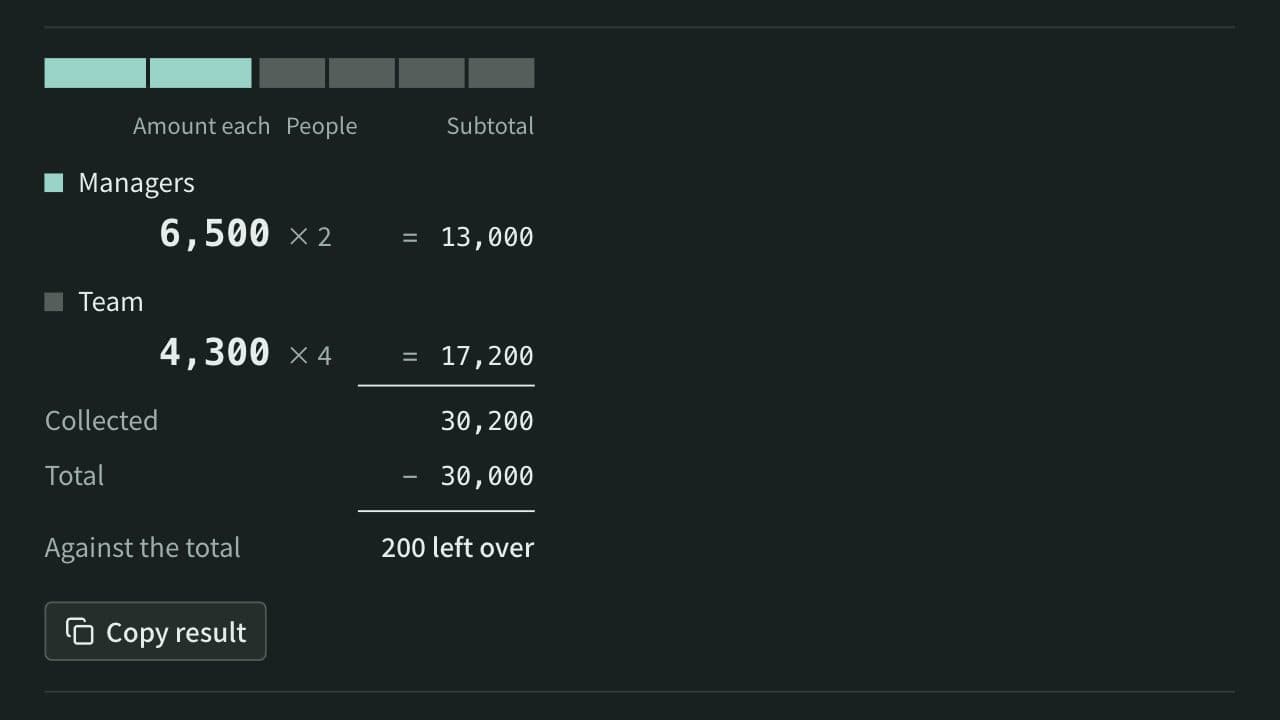
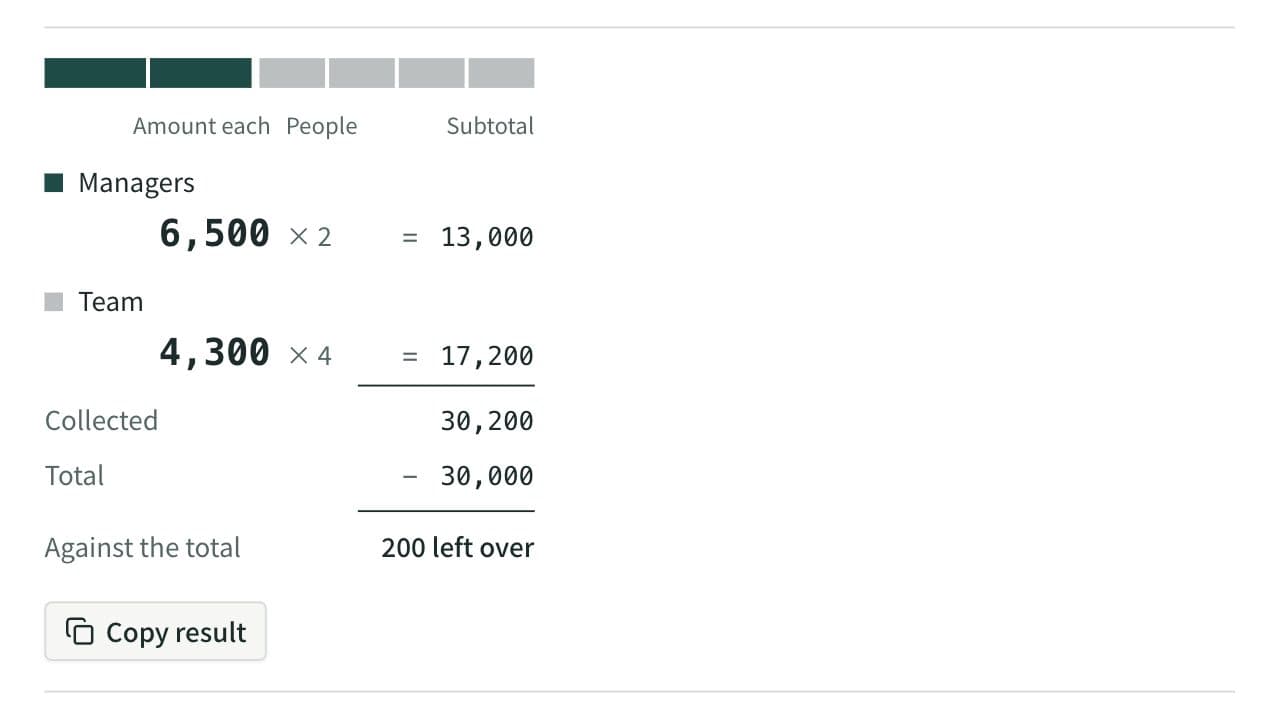
Work out what each person pays from the total and the head count. Round payments to 10, 100, 500, or 1,000, let some groups pay a larger share or a set amount, and see how much is collected and left over. When several people paid, it also works out who pays whom to settle up.
Electricity Cost Calculator
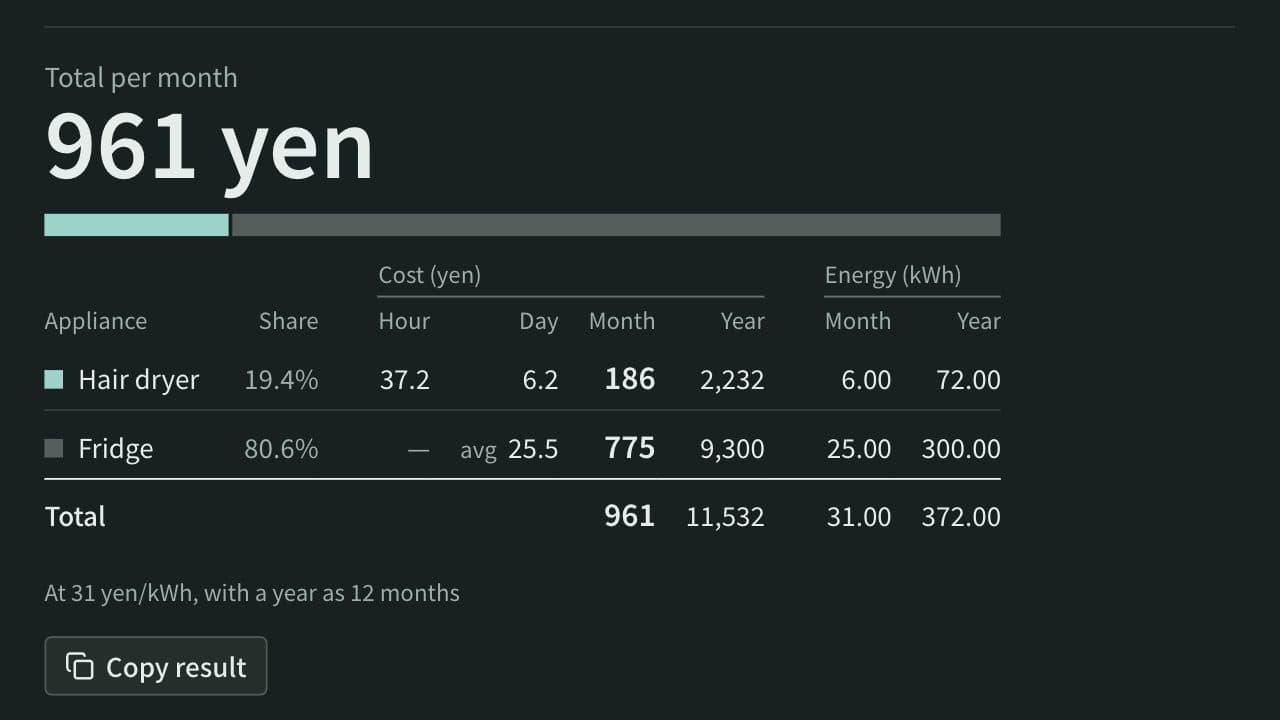
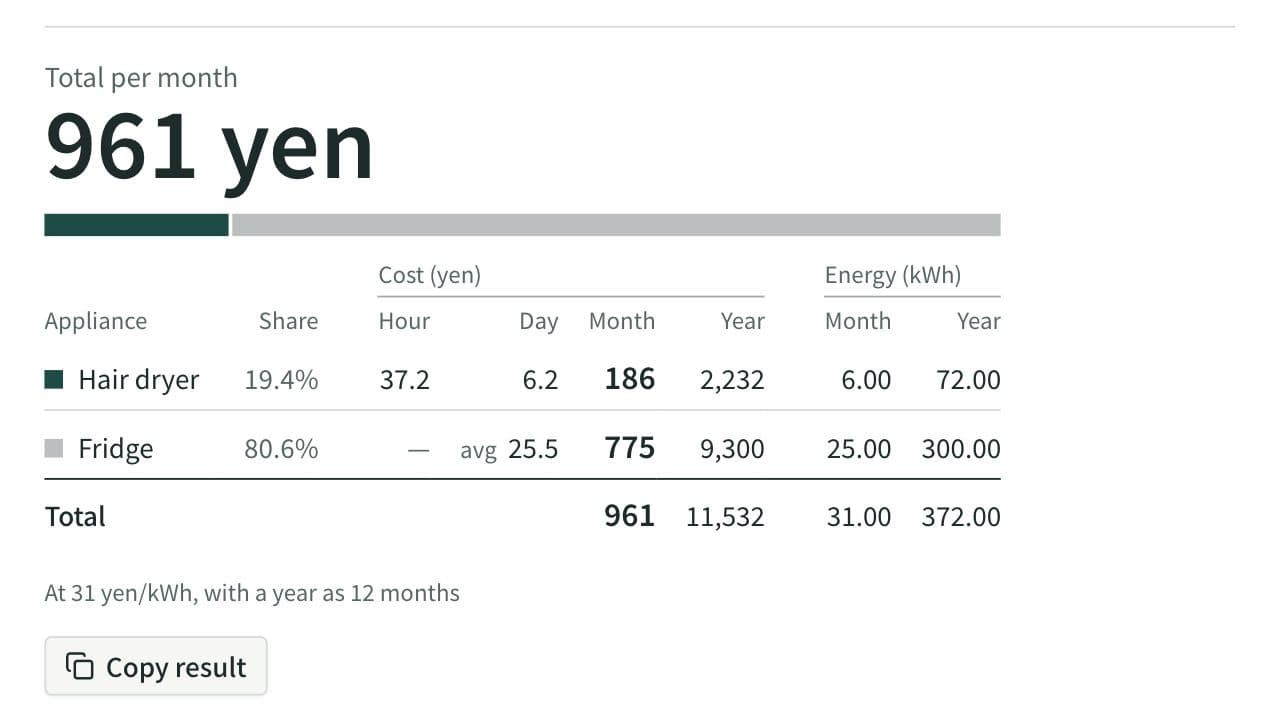
Work out the electricity cost of appliances per hour, day, month, and year from their power in watts and how long they run, or from the yearly kWh on a fridge or air conditioner label. Add several appliances to see the total and each one's share, or compare an appliance with its replacement to see the yearly saving and how long it takes to pay back.
Hourly Pay Calculator
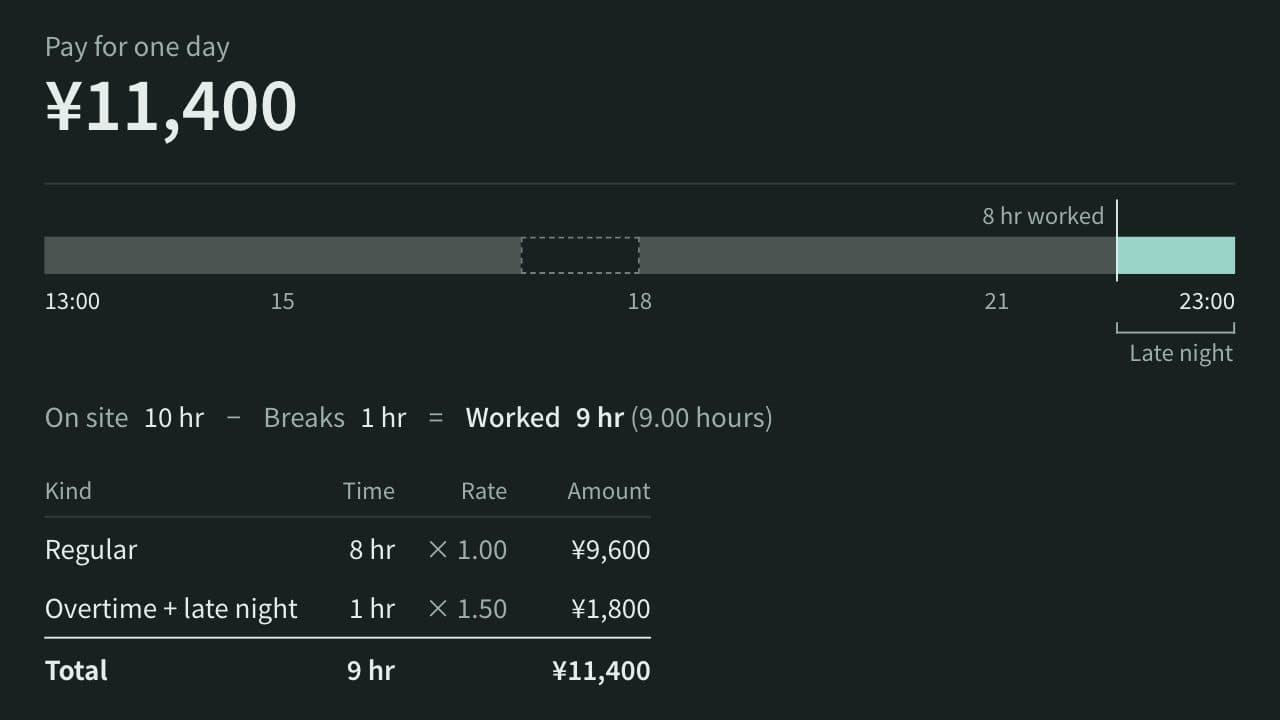
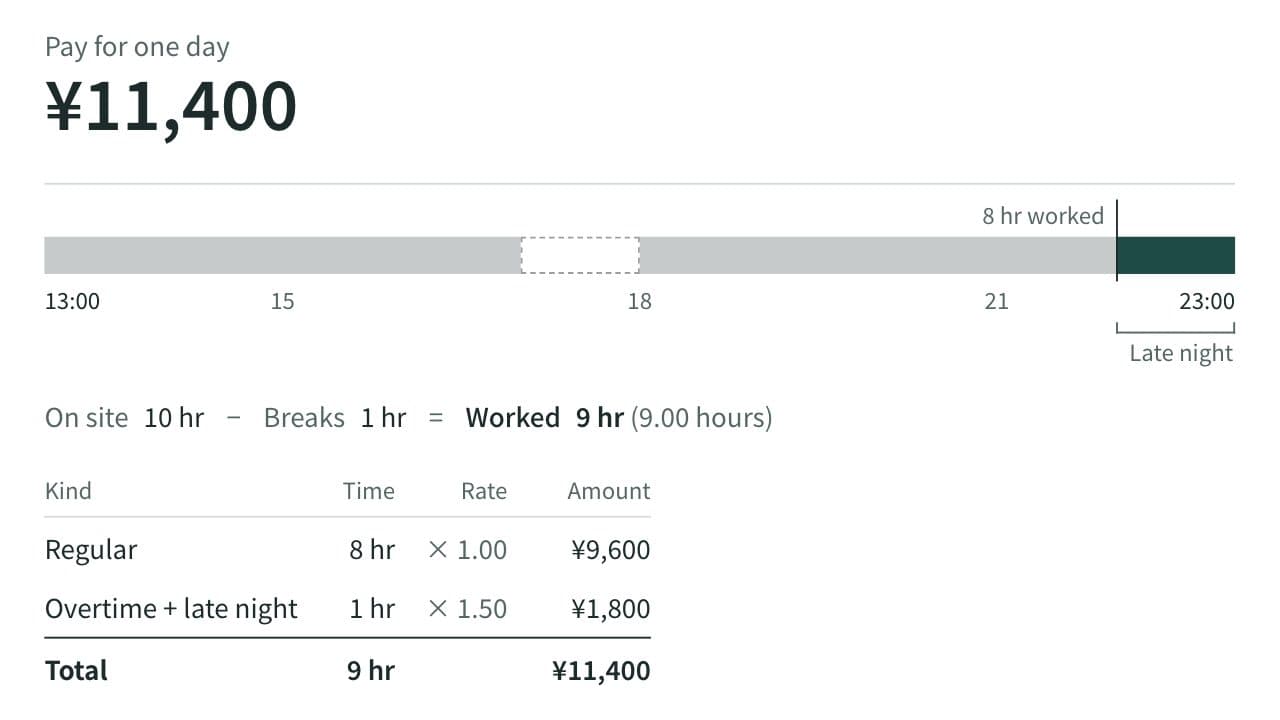
Calculate worked hours and a day's pay from an hourly wage, clock-in, clock-out, and breaks, with overtime past 8 hours, late-night work (22:00–05:00), and work on the statutory day off shown separately at premium rates.