Personal Information Masking Tool
Find names, addresses, phone numbers, email addresses, My Numbers, card numbers, and more in text, and replace them with [NAME_1] or ●●●. Use it before pasting text into an AI or sharing a log. Everything runs in your browser.
The text is processed only in this browser. It is never sent or saved.
Company names, project names, nicknames, or anything else that cannot be told by its form. Only exactly what you write is masked, and nothing is saved.
Enter text to see it here with the personal information found masked.
How to use
Paste the text you want to mask into the top box. It can be anything: an email or chat history, an inquiry, an app log. As soon as you type, the text appears under "Masked text" with the personal information found replaced. Press "Insert example" to try it with made-up details.
- Choose how to mask. If you are pasting into an AI and want to use its reply, the default "Numbered names" works best.
- Under "What to find", choose the kinds to mask. Write anything that cannot be told by its form, such as company names or nicknames, one per line under "Words to always mask".
- In the "What was found" list, uncheck anything taken by mistake. The same string comes back in every place at once.
- Read the masked text again, then take it out with "Copy masked text" or "Save as .txt".
The text is processed only in your browser and is never sent anywhere. Neither the input nor the settings are saved, so they are gone when you close or reload the page.
What is found, and how
Kinds found by their form are masked only when they are written in a known way and any check digits match. Full-width digits and letters, and full-width or long-vowel-mark hyphens, are read the same as their ASCII forms.
- Email addresses: the form
name@domain, ending in at least 2 letters. - Phone numbers: Japanese numbers starting with 0 that have the right number of digits (11 for 050, 070, 080, 090, and 0800, and 10 otherwise), written like
090-1234-5678,0312345678,03 1234 5678,(03)1234-5678, or03(1234)5678. Numbers with a country code such as+81 90-1234-5678, and other numbers starting with+(8 to 15 digits), are masked too. - Japanese postcodes: the form
123-4567. Seven digits without a hyphen count only right after 〒 or 郵便番号. Other numbers in the same form, such as product codes, may be masked too. - My Numbers: 12 digits written in a row or as 3 groups of 4, whose last digit matches the check digit formula set by law. Twelve digits whose check digit does not match are not masked.
- Credit card numbers: 13 to 19 digits whose leading range and length match a major brand (Visa, Mastercard, JCB, American Express, Diners Club, Discover, UnionPay) and that pass the Luhn check.
- Passport numbers: 2 capital letters and 7 digits, as on Japanese passports (such as
TK1234567). - US Social Security numbers: the form
123-45-6789, except numbers never issued (000, 666, the 900s, and so on). - IP addresses: IPv4 (
192.0.2.10) and IPv6 (2001:db8::1). A time such as12:30:45or a version such asv1.2.3.4is not masked. - URLs: starting with
http://orhttps://. Off by default. - Values after labels: the value after a label and a colon (or a tab, or brackets as in 【氏名】), for labels such as
Name:,Address:,Date of birth:,Phone:,Email:, and Japanese labels such as 氏名, フリガナ, 住所, 生年月日, 口座番号, and 担当者. A value ends at the end of the line, a tab, two spaces in a row, or the next label. Name and phone values also end at a comma or a slash.
Kinds guessed from context cannot be decided by form alone, so some will be missed and some taken by mistake. They are marked "Guess" in the list; check that they are right.
- Addresses: Japanese addresses that start with a prefecture and go on through a municipality to a street number (
1-2-3,3丁目,5番地, and so on). A building name right after the street number, and a part after a space such as サンプルビル3階 or 101号室, are included. Addresses without a prefecture are masked only after a label such asAddress:. - Names: kanji or katakana right before 様, さま, さん, 殿, 先生, くん, 君, or ちゃん (for 田中部長さん, just 田中), and the name after
Mr.,Ms.,Dr., orDear. Words that are not names, such as お客様, 皆様, 担当者様, and 社長さん, are left out. Names in hiragana, and names without an honorific, are not found.
Once a name is found, the same string is masked everywhere else, even without an honorific. For "Taro Yamada" found after a label, places that say only "Taro" or "Yamada" are masked too.
Ways to mask
- Numbered names: replaces with
[NAME_1],[PHONE_2], and so on. The same string gets the same number, so it stays clear whether two mentions are about the same person. - Type names: keeps only the type, as in
[NAME]or[EMAIL]. - All masked: replaces characters with ● or *. The length and separators such as
-,@,., and spaces are kept. - Keep a part: keeps the last 4 digits of phone and card numbers (
●●●-●●●●-5678), the first character and the domain of an email address (t●●●@example.com), the first 3 digits of a postcode, an address up to the municipality, the first character of a name, and a 4-digit year of a birth date. My Numbers and account numbers are masked in full, since a part of them would help match them.
Turning masked text back
When you mask with "Numbered names", "Turn masked text back" is available below. Give the masked text to an AI to draft a reply or a summary, paste its answer, and [NAME_1] and the rest go back to the original strings. The mapping between replacements and originals lives only on this page; "Copy mapping (TSV)" copies it in a form a spreadsheet can take.
Only replacements written exactly as [NAME_1] are turned back. Places an AI rewrote as NAME_1 or [NAME 1] stay as they are.
If the original text already contains something like [NAME_1], that number is skipped, so turning text back leaves it as it was. Unchecking a row in "What was found" does not renumber the others. If you change the text or the settings after copying or saving the masked text, though, a number may come to stand for a different string; a warning then appears below the turned-back text. The warning compares against the mapping at the time a reply was pasted into the empty box, so empty the box before pasting a different reply.
Example
This text:
Dear Taro Yamada,
Address: 1-1 Chiyoda, Chiyoda-ku, Tokyo 100-0001
Phone: +81 90-1234-5678
Ms. Suzuki asked about My Number 1234 5678 9018.
becomes this with "Numbered names":
Dear [NAME_1],
Address: [ADDRESS_1] [POSTCODE_1]
Phone: [PHONE_1]
Ms. [NAME_2] asked about My Number [MY_NUMBER_1].
"Taro Yamada" and "Suzuki" come after Dear and Ms., so they are guesses. 1234 5678 9018 is masked as a My Number because its check digit matches. With the last digit changed to 1234 5678 9017, the check digit no longer matches, so it is not masked.
FAQ
Is the text I enter sent anywhere?
No. Finding, replacing, and turning back all happen in your browser. The input, the words to always mask, and the mapping are not saved, so they are gone when you close the page.
Does it find all personal information?
No. Even kinds decided by form (email addresses, phone numbers, My Numbers, and so on) are missed when written in a way other than those above, and names and addresses are written in so many ways that some will be missed and some taken by mistake. Always read the masked text before sending it. Names or company names that were not found are masked reliably once you write them under "Words to always mask".
Why is a 12-digit number not masked as a My Number?
The last digit of a My Number is a check digit calculated from the other 11. A number that fails this check is treated as some other number, such as an order number, and is not masked. To mask a mistyped My Number, write it under "Words to always mask".
Are corporate numbers (13 digits) masked?
No. Corporate numbers are published by the National Tax Agency and are not personal information. To mask one, write it under "Words to always mask".
Which way of masking is best for pasting into an AI?
"Numbered names". The AI can tell that [NAME_1] and [NAME_2] are different people, so summaries and draft replies stay useful. You can then put the names back with "Turn masked text back".
Are my settings and words kept for next time?
No. This site does not save what you enter, so the page starts with the default settings each time you open it.
- Type
- Utility
- Category
- Text
- Tags
- privacy
- mask
- redact
- anonymize
- personal-information
- my-number
- ai
- text
Related apps
Line Sorter and Duplicate Remover
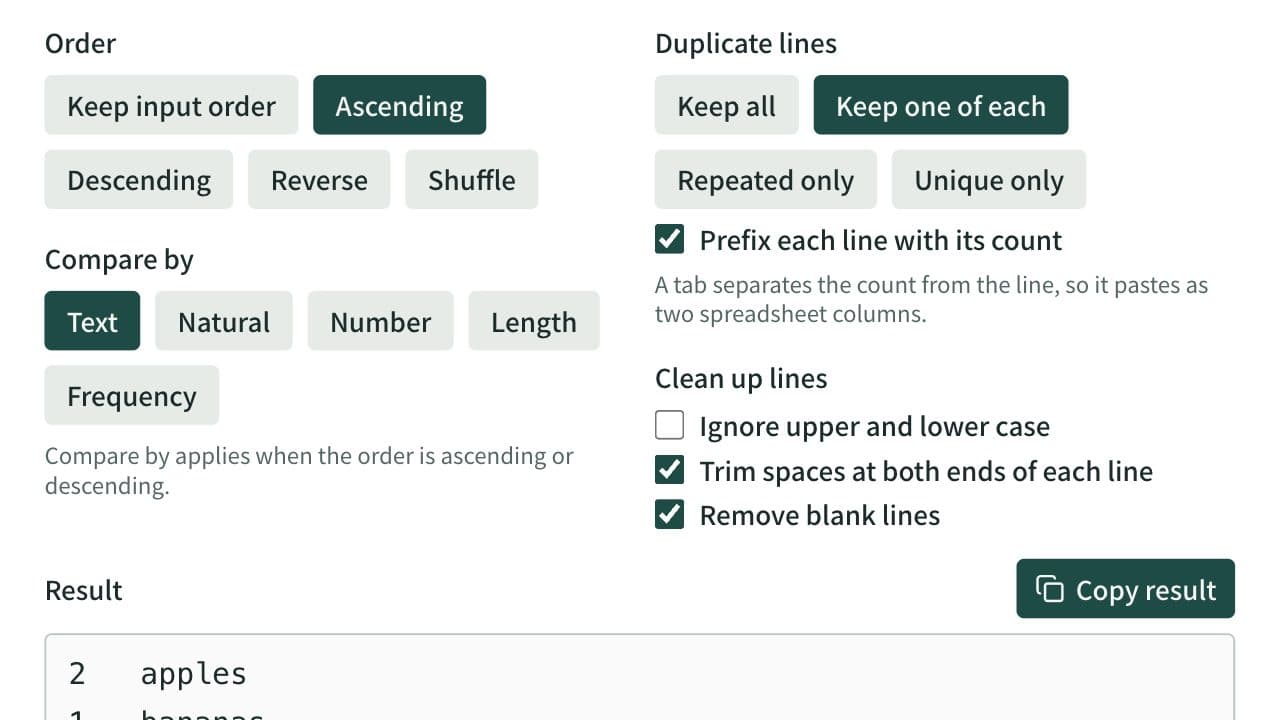
Sort a one-item-per-line list ascending, descending, reversed, or shuffled, and remove duplicate and blank lines. Spreadsheet tables and CSV can be sorted by a chosen column with the header line kept on top. Can also list only repeated or only unique lines and count how often each line appears.
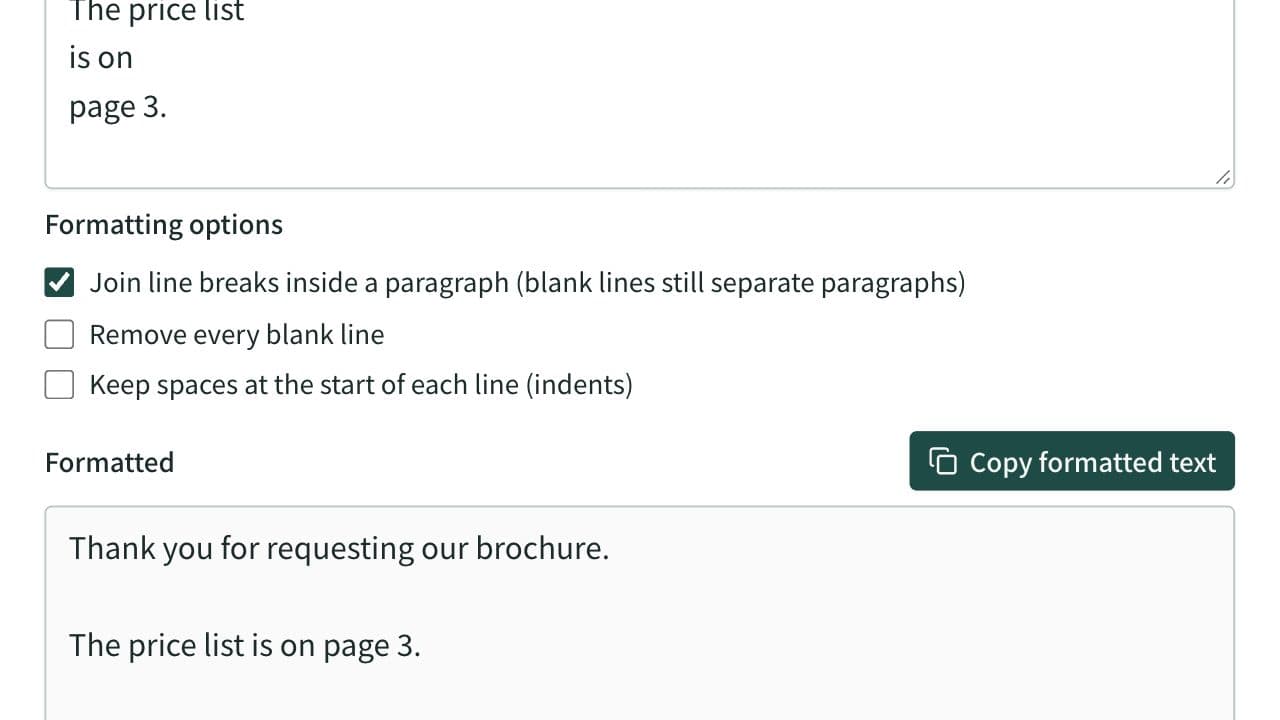
Text Formatter
Clean up extra spaces and blank lines, optionally join the line breaks of text pasted from a PDF and remove spaces between Japanese characters, check text counts, and copy the result.
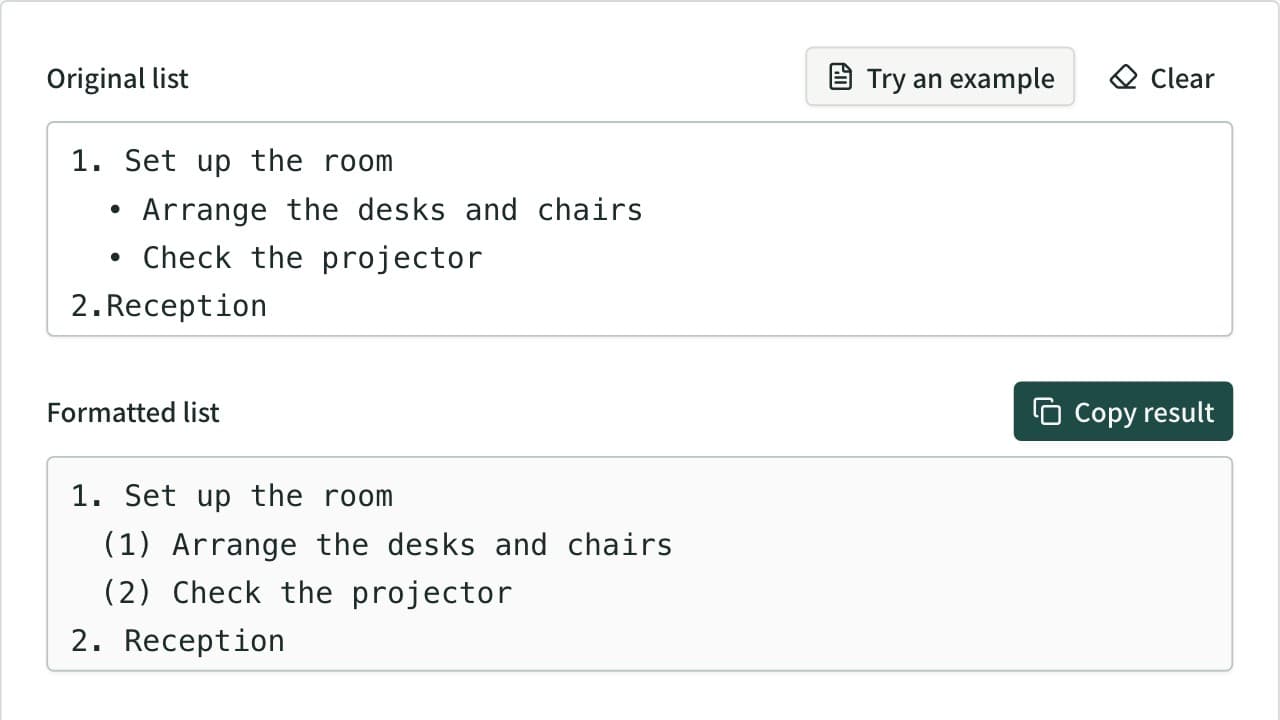
Bullet List Formatter
Unify mixed list markers into -, •, 1., (1), a) and more, and renumber the items. Levels are read from the indentation and each level gets its own marker. Also converts to Markdown or HTML lists, removes markers, and joins wrapped lines.